Indledning
This manual provides essential information for the safe and effective use of your Lucyd Armor Smart Safety Glasses. Please read this manual thoroughly before operating the device and retain it for future reference. These smart safety glasses combine eye protection with integrated audio and smart features, designed for demanding environments.

Figure 1: Lucyd Armor Smart Safety Glasses
The Lucyd Armor Smart Safety Glasses are designed to offer both visual protection and advanced audio capabilities. They feature a durable TR90 frame, light-adaptive lenses, open-ear speakers, and a microphone for hands-free communication and interaction with AI assistants.
Produktegenskaber
- ANSI Z87.1 Certified Protection: Equipped with impact-resistant, anti-fog, and anti-scratch lenses for enhanced safety.
- Premium Open-Ear Audio: Features an upgraded HiFi Acoustic System for clear audio without blocking ambient sounds, ensuring situational awareness.
- Integreret mikrofon: Enables hands-free calls and voice commands.
- All-Day Performance: Offers up to 8 hours of battery life on a single charge, with lightweight TR90 temples for comfort.
- AI & Bluetooth 5.2 Connectivity: Compatible with various AI models (ChatGPT, Claude, Gemini, Deepseek) via the Lucyd AI app and connects seamlessly via Bluetooth 5.2.
- Tactile Touch Controls: Allows for easy management of audio and calls.
- Prescription Ready: Can accommodate prescription lenses.

Figure 2: Safety Certifications for Lucyd Armor Smart Safety Glasses
Hvad er der i æsken
Your Lucyd Armor Smart Safety Glasses package includes the following items:
- Lucyd Armor Smart Safety Glasses
- Lynlåsetui
- Hurtig startvejledning
- USB Charger (Magnetic)
- Rengøringsklud
Opsætning
1. Opladning af brillerne
Before initial use, fully charge your Lucyd Armor Smart Safety Glasses. Connect the magnetic USB charger to the charging port on the glasses and to a compatible USB power source. The LED indicator on the glasses will show charging status.
2. Tænd/sluk
- Tænd: Press and hold the power button located on the temple of the glasses until you hear an audible confirmation or see the LED indicator light up.
- Sluk: Press and hold the power button until you hear an audible confirmation of power off or the LED indicator turns off.
3. Bluetooth-parring
To connect your Lucyd Armor Smart Safety Glasses to your smartphone or other Bluetooth-enabled device:
- Ensure the glasses are powered on and in pairing mode (indicated by a blinking LED light).
- Gå til Bluetooth-indstillinger på din enhed og søg efter tilgængelige enheder.
- Select "Lucyd Armor" from the list.
- Once connected, the LED indicator on the glasses will show a solid light, and you will hear an audible confirmation.
The glasses are compatible with both iOS and Android devices.
Betjeningsvejledning
1. Afspilning af lyd
Once paired, you can stream audio from your device directly to the open-ear speakers. The open-ear design allows you to hear your music or calls while remaining aware of your surroundings.

Figure 3: Open-Ear Audio for enhanced situational awareness
2. Opkaldsstyring
Use the integrated microphone and tactile controls to manage phone calls hands-free:
- Besvar/afslut opkald: Tryk én gang på multifunktionsknappen.
- Afvis opkald: Tryk og hold multifunktionsknappen nede i 2 sekunder.

Figure 4: Hands-free calls and messaging
3. Voice Assistant & AI Integration
Activate your device's voice assistant or interact with AI models (ChatGPT, Claude, Gemini, Deepseek) via the Lucyd AI app using voice commands through the glasses' microphone.
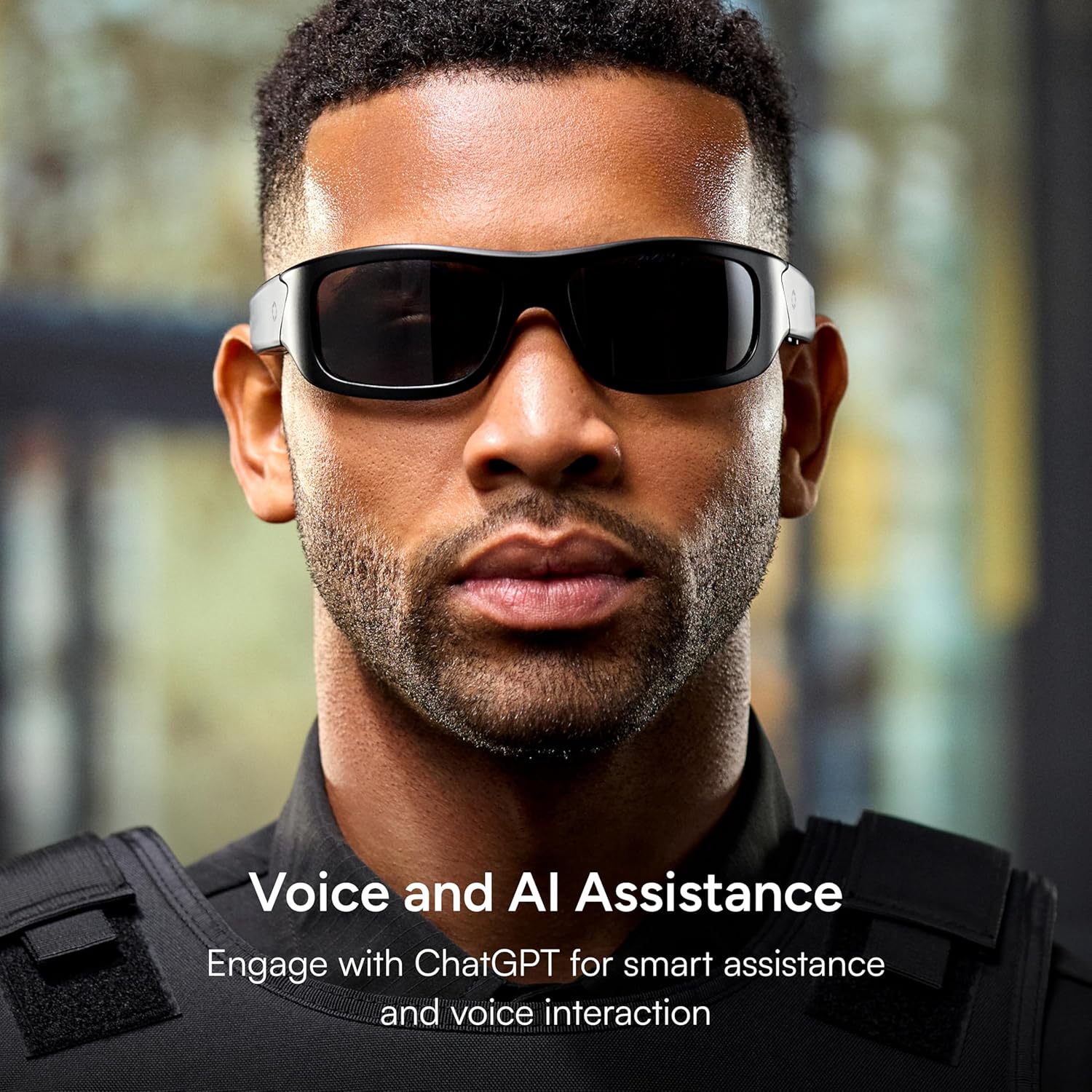
Figure 5: Voice and AI Assistance
4. Udskiftning af objektiv
The lenses of your Lucyd Armor Smart Safety Glasses are replaceable. To replace lenses, carefully detach the current lenses from the frame and snap the new lenses into place. Ensure they are securely fitted before use.
Video 1: Demonstration of lens installation for Bluetooth audio sunglasses. This video illustrates the process of removing and installing lenses, which is applicable to the Lucyd Armor Smart Safety Glasses.
Opretholdelse
1. Rensning
Clean lenses with the provided microfiber cloth. For stubborn smudges, use a lens cleaning solution specifically designed for eyewear. Avoid using abrasive materials or harsh chemicals, as these can damage the lens coatings.
2. Opbevaring
When not in use, store your glasses in the provided zipper case to protect them from scratches and impacts. Avoid exposing the glasses to extreme temperatures or direct sunlight for prolonged periods.
Fejlfinding
- Ingen strøm: Ensure the glasses are fully charged. Connect to the USB charger and check the LED indicator.
- Kan ikke parre Bluetooth: Ensure the glasses are in pairing mode (blinking LED). Turn off and on your device's Bluetooth, then try re-pairing. Move closer to your device.
- Ingen lyd/dårlig lydkvalitet: Check the volume levels on both the glasses and your connected device. Ensure the glasses are properly paired.
- Stemmeassistent svarer ikke: Confirm the glasses are connected to your device and the Lucyd AI app is running and configured correctly.
Specifikationer
- Model: Rustning
- Rammemateriale: TR90
- Lens Certification: ANSI Z87.1-2020
- Linsetyper: Light Adaptive (Photochromic), Black Polarized, Green Mirror (depending on variant)
- Forbindelse: Bluetooth 5.2
- Batterilevetid: Up to 8 hours (music/talk per charge)
- Opladningstid: Cirka 2 timer
- Fabrikant: Lucyd
- Oprindelse: Importeret

Figure 6: Dimensions and Black Mirror Lens specifications
Garanti og support
For detailed warranty information and customer support, please refer to the "Safety & Warranty Information" document included in your product packaging or visit the official Lucyd webwebsted. Gem din købsbevis til garantikrav.
Video 2: A video demonstrating the durability of the lenses, showcasing their impact resistance. This highlights a key safety feature covered by warranty.


