1. Produktet er slutview
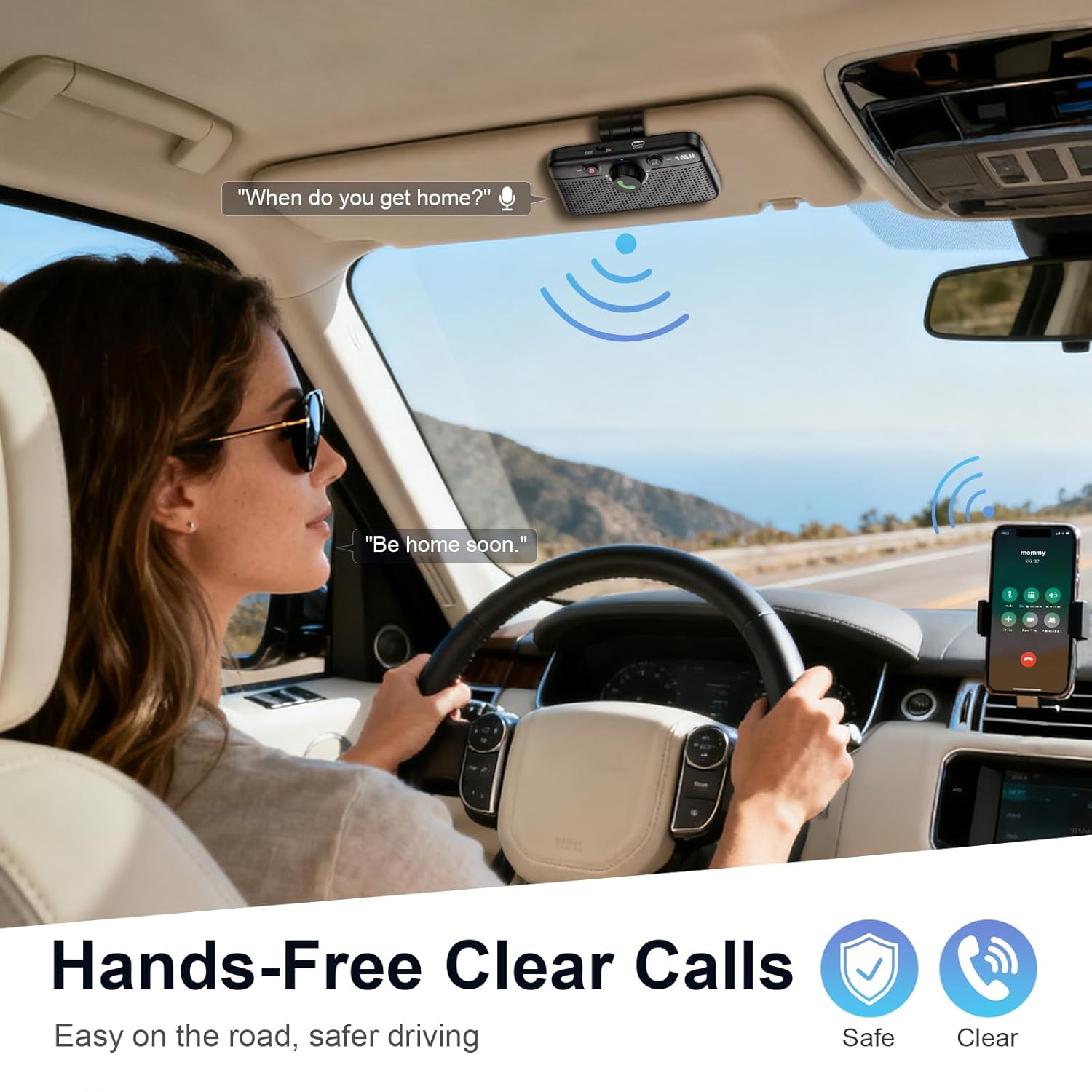
The 1Mii MK02 Bluetooth 6.0 Car Speaker is designed to provide hands-free communication and audio streaming in vehicles. It offers a practical solution for cars without integrated Bluetooth systems, enhancing safety and convenience during driving.
Nøglefunktioner:
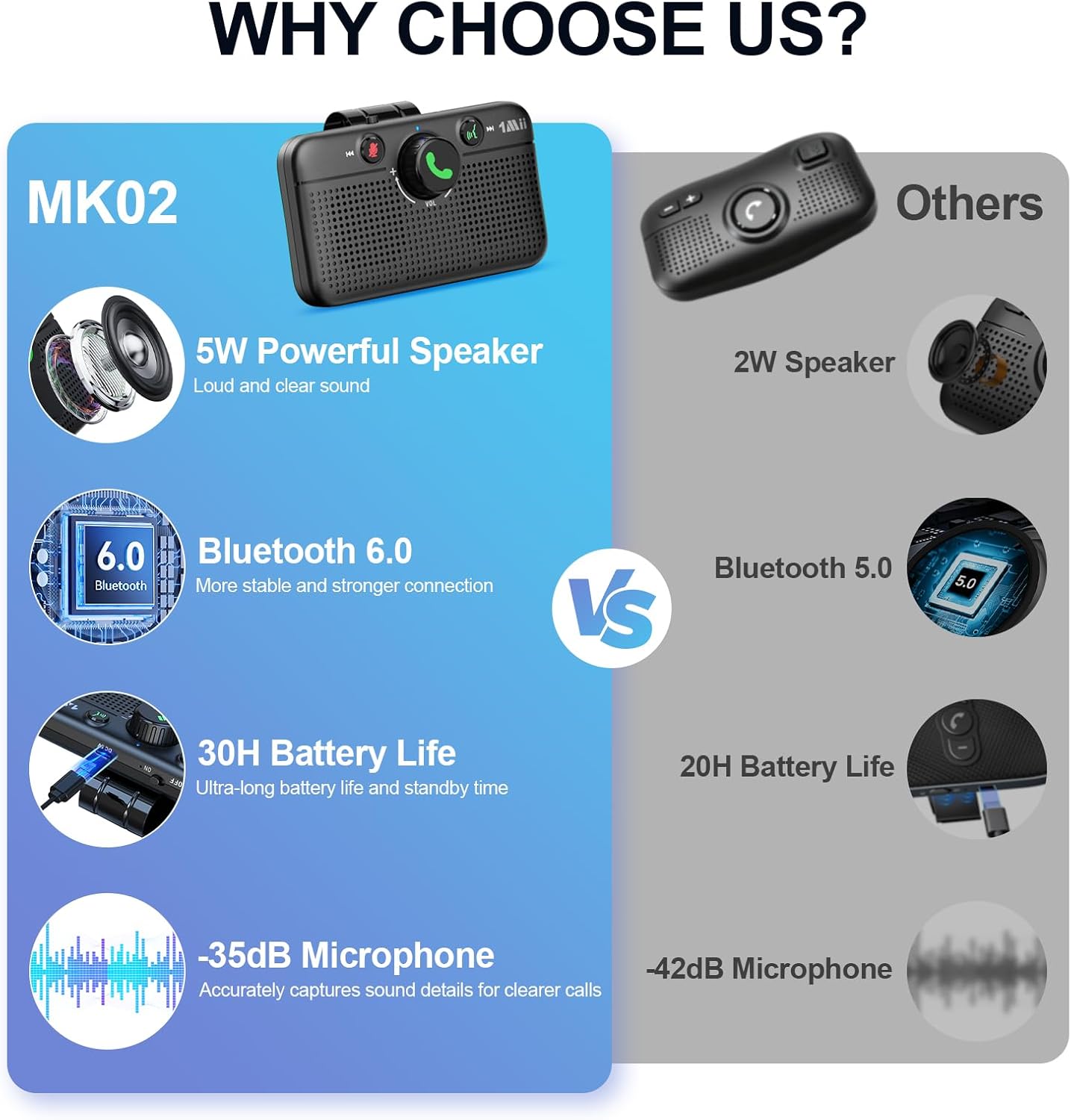
- Kraftig 5W højttaler: Delivers clear audio for calls, music, and GPS directions.
- Håndfri opkald: Ensures crystal-clear calls even in noisy environments.
- Stemmeassistent support: Compatible with Siri and Google Assistant for voice control.
- Smart Auto Power On/Off: Automatically powers on and reconnects when entering the car, and powers off when leaving.
- Bluetooth 6.0: Provides faster and more stable connections with lower power consumption.
- Dobbelt forbindelse: Allows pairing with two phones simultaneously for seamless switching.
- Forlænget batterilevetid: Offers up to 30 hours of talk time and 27 hours of music playback.
2. Hvad er der i æsken
Upon unboxing your 1Mii MK02 Bluetooth Car Speaker, please verify that all the following components are included:
- MK02 Bluetooth Speaker for Car (1 unit)
- Type-C opladningskabel (1 enhed)
- Brugervejledning (1 enhed)
3. Produktdiagram
Familiarize yourself with the various parts and controls of your 1Mii MK02 Bluetooth Car Speaker:

4. Opsætning
4.1 Montering af højttaleren
The 1Mii MK02 is designed for easy installation using its integrated visor clip. Simply attach the speaker to your car's sun visor for optimal sound and microphone placement.
4.2 Opladning af enheden
Before initial use, ensure the device is fully charged. Connect the provided Type-C charging cable to the speaker's charging port and a compatible 5V power source. The charging indicator light will provide status updates.
5. Bluetooth-parring
Follow these steps to pair your 1Mii MK02 with your mobile phone:
- Tænd: Slide the power switch to the "ON" position. The MK02 will automatically enter pairing mode, indicated by the light flashing red and blue.
- Aktiver Bluetooth: On your mobile phone, go to the Bluetooth settings and ensure Bluetooth is turned on.
- Forbinde: In the list of available devices on your phone, tap on "MK02" to connect. Once connected, the light on the speaker will turn off, and you will hear a "Connected" voice prompt.

6. Betjeningsvejledning
6.1 Opkaldshåndtering
- Besvar opkald: Press the Call/Volume knob once.
- Afvis opkald: Press and hold the Call/Volume knob for 2 seconds.
- Afslut opkald: Press the Call/Volume knob once during a call.
- Slå lyden fra/til: Press the Mute button once during a call.
6.2 Musikafspilning
- Afspil/pause: Press the Call/Volume knob once.
- Forøg lydstyrke: Turn the Call/Volume knob to the left.
- Skru ned for lydstyrken: Turn the Call/Volume knob to the right.
- Forrige nummer: Press and hold the Previous Track button for 2 seconds.
- Næste nummer: Press and hold the Next Track button for 2 seconds.
6.3 Aktivering af stemmeassistent
Press the Voice Assistant button once to activate your phone's voice assistant (Siri or Google Assistant).


7. Pairing a Second Phone
The 1Mii MK02 supports dual Bluetooth connections, allowing two phones to be paired simultaneously. To pair a second phone:
- Disconnect First Phone: On the first paired phone, turn off its Bluetooth connection to the MK02. The MK02 will re-enter pairing mode (light flashes red and blue).
- Pair Second Phone: On the second phone, turn on Bluetooth and select "MK02" from the available devices to connect.
- Reconnect First Phone: Turn on Bluetooth on the first phone again. It should automatically reconnect to the MK02.
Both phones are now connected. The speaker will prioritize incoming calls from either device and allow audio streaming from the last connected device.
8. Fejlfinding
If you encounter issues with pairing or abnormal sound, follow these steps:
- Nulstil enheden: Press and hold both the "Mute" button and the "Voice Assistant" button simultaneously for 5 seconds. The light will flash purple once, then flash red and blue, indicating a successful reset and re-entry into pairing mode.
- Forget Device on Phone: On your phone, go to Bluetooth settings, find "MK02" in the device list, and select "Forget This Device" or "Unpair."
- Toggle Phone Bluetooth: Turn off your phone's Bluetooth, wait a few seconds, then turn it back on.
- Reparation: Follow the standard Bluetooth pairing steps outlined in Section 5.
9. Specifikationer
| Feature | Specifikation |
|---|---|
| Modelnavn | RT6202J1 |
| Varemodelnummer | MK02 |
| Mærke | 1 Mii |
| Monteringstype | Visor Clip |
| Materiale | Acrylonitril Butadien Styren (ABS) |
| Højttaler type | Bærbar højttaler |
| Højttaler Maksimal udgangseffekt | 5 watt |
| Forbindelsesteknologi | Bluetooth 6.0 |
| Kompatible enheder | Android, iOS |
| Strømkilde | Batteridrevet |
| Antal batterier | 1 ikke-standard batteri (inkluderet) |
| Taletid | Op til 30 timer |
| Musik Tid | Op til 27 timer |
| Standby tid | Op til 5 måneder |
| Produktdimensioner | 2.17" D x 4.49" B x 2.6" H |
| Varens vægt | 7.8 ounce |
| Farve | Sort |

10. Garanti og support
The 1Mii MK02 Bluetooth Car Speaker comes with a limited warranty. For detailed warranty information, product support, or technical assistance, please refer to the official 1Mii webhjemmeside eller kontakt deres kundeservice direkte.


