1. Introduktion
The AOC ACW2212 Wireless Headset is designed for clear communication and comfortable use across various platforms. It offers versatile connectivity options including Bluetooth 5.4, a USB dongle, and a wired connection, making it suitable for professional use, gaming, and entertainment. This manual provides detailed instructions to help you get the most out of your headset.
2. Hvad er der i æsken
Bekræft at alle komponenter er til stede i din pakke:
- 1 x trådløst headset
- 1 x USB Dongle
- 1 x Type-C til 3.5 mm lydkabel
- 1 x Type-C ladekabel
- 1 x Brugermanual (dette dokument)

Image: The AOC ACW2212 Wireless Headset shown with its USB dongle and 3.5mm audio jack cable.
3. Produktet er slutview
Familiarize yourself with the key features and controls of your AOC ACW2212 headset.
3.1. Ergonomic Design and Comfort
The headset features a lightweight build, an adjustable headband, and plush memory-foam ear cushions for extended comfort during long periods of use.

Billede: Et nærbillede view highlighting the soft protein leather earcups, emphasizing comfort and breathability.
3.2. Noise-Cancelling Microphone
The integrated microphone is designed to effectively block out background noise, ensuring crystal-clear voice transmission. It is rotatable up to 270 degrees for optimal positioning.

Image: A visual representation of the headset's noise-cancelling microphone in action, ensuring clear communication.

Image: A diagram illustrating the microphone's 270-degree rotatable design for flexible positioning.
3.3. Styringer
The headset features intuitive button controls for power, volume adjustment, and microphone mute.

Image: A close-up of the microphone boom, highlighting the one-touch mute button for instant privacy control.
4. Opsætning
4.1. Opladning af headsettet
Before first use, fully charge the headset using the provided Type-C charging cable. Connect the Type-C end to the headset's charging port and the USB-A end to a compatible power source (e.g., computer USB port, wall adapter). The LED indicator will show charging status.
4.2. Tilslutning via Bluetooth
- Sørg for, at headsettet er slukket.
- Tryk på tænd/sluk-knappen, og hold den nede, indtil LED-indikatoren blinker blåt og rødt, hvilket angiver parringstilstand.
- Aktiver Bluetooth på din enhed (smartphone, bærbar computer osv.) og søg efter tilgængelige enheder.
- Select "AOC ACW2212" from the list to pair. The LED will turn solid blue once connected.
4.3. Connecting via USB Dongle
- Sæt USB-donglen i en ledig USB-port på din computer.
- Power on the headset. It should automatically connect to the dongle. The LED on the dongle and headset will indicate a successful connection.
- If necessary, select the headset as the audio input/output device in your computer's sound settings.
4.4. Connecting via Wired Connection
- Connect the Type-C end of the provided audio cable to the headset.
- Connect the 3.5mm end to the audio jack of your device.
- The headset will function as a wired headset, bypassing Bluetooth or USB dongle connections.

Image: A graphic demonstrating the headset's triple connectivity options for various devices.
5. Betjeningsvejledning
5.1. Tænd/sluk
To power on, slide the power switch to the 'On' position. To power off, slide the switch to the 'Off' position.
5.2. Lydstyrkekontrol
Use the volume buttons located on the earcup to increase or decrease the audio volume.
5.3. Microphone Mute Function
Press the dedicated mute button on the microphone boom to instantly mute or unmute your microphone during calls or recordings.
5.4. Opkaldsstyring
When connected via Bluetooth or USB dongle, use the multi-function button (if available) to answer, end, or reject calls. Refer to your device's specific instructions for advanced call features.
6. Vedligeholdelse
To ensure the longevity and optimal performance of your AOC ACW2212 headset, follow these maintenance guidelines:
- Rensning: Brug en blød, tør klud til at rengøre headsettet. Undgå at bruge skrappe kemikalier eller slibende materialer.
- Opbevaring: Opbevar headsettet et køligt, tørt sted væk fra direkte sollys og ekstreme temperaturer.
- Batteripleje: For optimal battery life, avoid fully discharging the battery frequently. Charge the headset regularly, even if not in use for extended periods.
- Vandtæthed: Dette headset er ikke vandafvisende. Avoid exposure to liquids.
7. Fejlfinding
Hvis du støder på problemer med dit headset, kan du se følgende almindelige problemer og løsninger:
- Ingen strøm: Sørg for, at headsettet er fuldt opladet.
- Kan ikke parre Bluetooth: Make sure the headset is in pairing mode (flashing blue and red LED) and within range of your device. Try restarting both the headset and your device.
- Ingen lyd/dårlig lydkvalitet: Check volume levels on both the headset and your connected device. Ensure the correct audio output device is selected in your computer's sound settings. For wired connection, ensure the cable is securely plugged in.
- Mikrofonen virker ikke: Ensure the microphone is not muted. Check microphone settings on your connected device and select the headset as the input device.
- Intermitterende forbindelse: Move closer to your connected device to reduce interference. Ensure no other devices are causing Bluetooth interference.
Hvis problemerne fortsætter, kontakt kundesupport for yderligere hjælp.
8. Specifikationer
| Feature | Detalje |
|---|---|
| Modelnavn | ACW2212 |
| Mærke | AOC |
| Forbindelsesteknologi | Wired, Wireless (Bluetooth, USB Dongle) |
| Trådløs kommunikationsteknologi | Bluetooth 5.4 |
| Bluetooth rækkevidde | 32.8 fod (10 meter) |
| Støjkontrol | Passiv støjreduktion |
| Frekvensrespons | 20 Hz - 20 kHz |
| Hovedtelefonstik | 3.5 mm Jack |
| Audio driver størrelse | 40 millimeter |
| Impedans | 32 Ohm |
| Batterilevetid | Up to 30 hours (Talking Time) |
| Opladningstid | Approx. 2.5 hours (Fast Charge) |
| Materiale | Acrylonitril Butadien Styren (ABS) |
| Varens vægt | 11.7 ounce |
| Kompatible enheder | Mobiltelefoner, stationære computere, bærbare computere |
9. Garanti og support
The AOC ACW2212 Wireless Headset comes with a worry-free guarantee and dedicated customer support. For any product-related inquiries, technical assistance, or warranty claims, please refer to the contact information provided on the product packaging or the official AOC webwebsted.
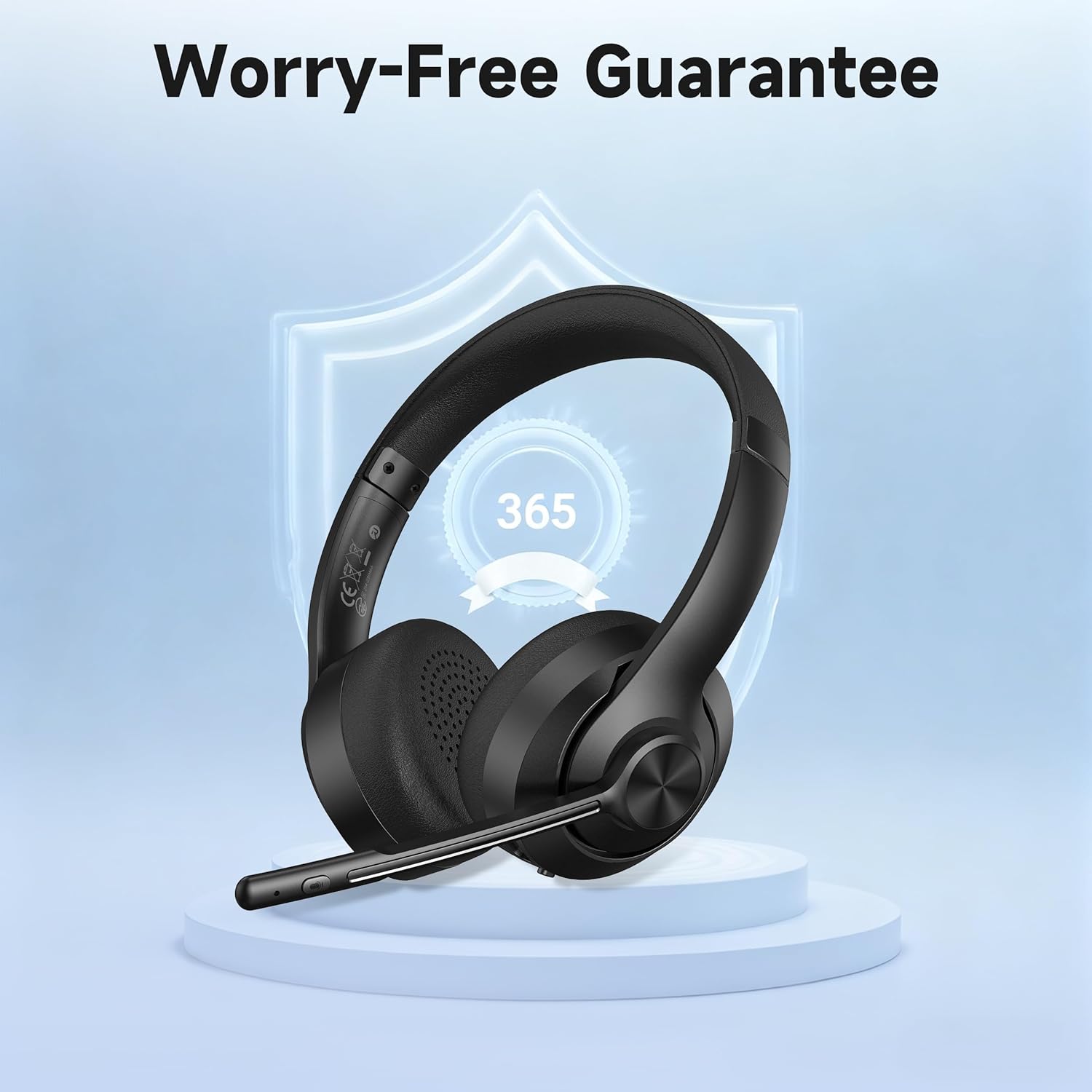
Image: A visual representation of the product's 365-day worry-free guarantee, symbolizing reliable support.


