Indledning
This manual provides essential information for the NIMO 15.6-inch Light Gaming Laptop N15A. It covers setup, operation, maintenance, troubleshooting, and product specifications. Please read this manual thoroughly before using your new laptop to ensure proper function and longevity.

Image: NIMO 15.6-inch Light Gaming Laptop N15A, showcasing dens fulde skærm og tastatur.
Pakkens indhold
Verify that all items listed below are present in your product packaging. If any items are missing or damaged, please contact NIMO customer support.
- 1 x NIMO N15A bærbar computer
- 1 x Type-C 100W PD hurtigoplader
- 1 x brugermanual
- Windows 11 Home Operating System (pre-installed)
Produkt overview
The NIMO N15A laptop is designed for balanced performance, featuring an AMD Ryzen 7 Pro 6850U processor, 32GB LPDDR5 RAM, and a 1TB PCIe 4.0 SSD. It includes a 15.6-inch Full HD IPS display, a backlit keyboard, and an integrated fingerprint reader for secure access.
Nøglefunktioner:
- Processor: AMD Ryzen 7 Pro 6850U with 8 Cores and 16 Threads, up to 4.7GHz.
- Grafik: Integrated AMD Radeon 680M GPU.
- Hukommelse: 32GB LPDDR5 RAM for efficient multitasking.
- Opbevaring: 1TB PCIe 4.0 SSD for fast boot times and data access.
- Vise: 15.6-inch Full HD (1920x1080) IPS Anti-Glare Display.
- Opladning: 100W USB-C Power Delivery fast charging.
- Sikkerhed: Integrated fingerprint reader for secure login.
- Tastatur: Backlit keyboard for use in various lighting conditions.

Image: Visual representation of the AMD Ryzen 7 Pro 6850U processor's core and thread count, and turbo boost speed.
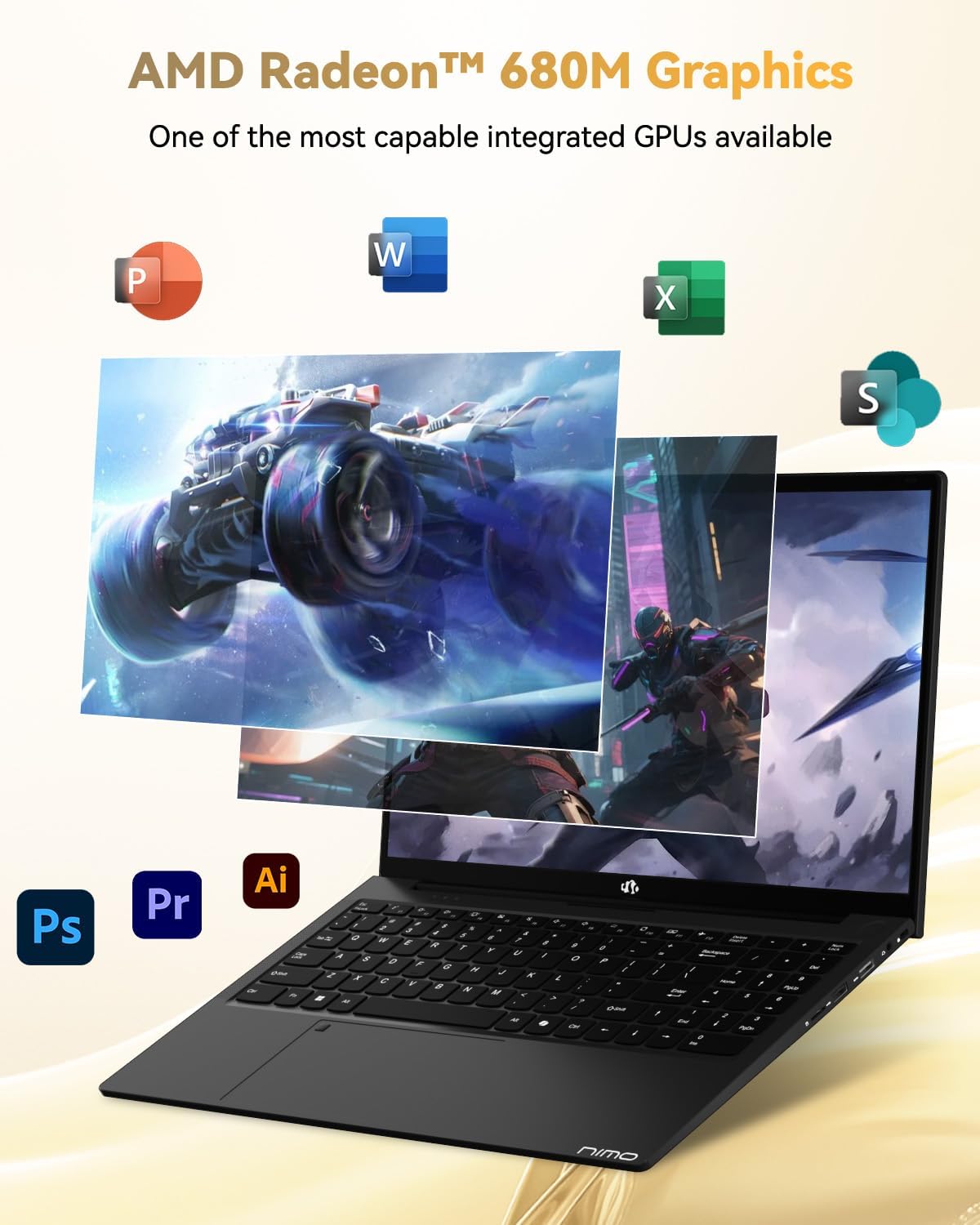
Image: Illustration highlighting the capabilities of the AMD Radeon 680M integrated graphics for various applications.

Image: Diagram showing the 32GB LPDDR5 RAM and 1TB PCIe 4.0 SSD for seamless multitasking and ample opbevaring.
Image: The NIMO N15A laptop displaying a vibrant image on its 15.6-inch Full HD IPS screen.
Porte og tilslutningsmuligheder:

Image: Diagram illustrating the various ports on the NIMO N15A laptop, including USB, HDMI, and Type-C.
- Micro SD-læser
- USB 2.0 port
- USB 3.2-porte (flere)
- Hovedtelefonstik
- Kensington Lock-slot
- Type-C (Multifunction) Ports (supporting charging and data transfer)
- HDMI port
Opsætning
1. Initial Charging and Power On:
- Connect the provided 100W Type-C PD Fast Charger to the laptop's Type-C charging port and a power outlet.
- Allow the laptop to charge for at least 30 minutes before initial use, or until the charging indicator shows sufficient battery.
- Tryk på tænd/sluk-knappen på tastaturet for at tænde den bærbare computer.

Image: Illustration of the NIMO N15A laptop being charged with the 100W Type-C PD Fast Charger.
2. Windows 11 Initial Setup:
Følg vejledningen på skærmen for at fuldføre installationsprocessen for Windows 11. Dette omfatter typisk:
- Valg af region og tastaturlayout.
- Opretter forbindelse til et Wi-Fi-netværk.
- Log ind med en Microsoft-konto eller opret en lokal konto.
- Opsætning af en pinkode eller adgangskode.
- Konfiguration af privatlivsindstillinger.
Betjeningsvejledning
Strømstyring:
- Tænd: Tryk på tænd/sluk-knappen.
- Sove mode: Luk låget, eller tryk kort på tænd/sluk-knappen.
- Luk ned: Klik på Start-knappen, derefter på Tænd/sluk og derefter på Luk.
- Genstart: Klik på Start-knappen, derefter på tænd/sluk-knappen og derefter på Genstart.
Tastatur og touchpad:

Billede: Nærbillede view of the NIMO N15A laptop's backlit keyboard and the integrated fingerprint reader on the touchpad.
- Baggrundsbelyst tastatur: Use the dedicated function key (usually Fn + Fx) to toggle the keyboard backlight on/off and adjust brightness levels.
- Fingeraftrykslæser: The fingerprint reader is integrated into the touchpad. During Windows setup, you can configure your fingerprint for secure, quick login.
- Præcisions-touchpad: Understøtter multi-touch-bevægelser til navigation. Se Windows-indstillinger for tilpasning.
Tilslutning af eksterne enheder:
Utilize the various ports to connect external devices such as monitors, printers, external storage, and audio devices.
- USB-enheder: Plug USB devices into the available USB 2.0 or USB 3.2 ports.
- Eksternt display: Connect an external monitor or TV using the HDMI port or a compatible Type-C adapter.
- Lyd: Use the 3.5mm headphone jack for headphones or external speakers.
Kamerabeskyttelse:

Image: Illustration of the NIMO N15A laptop's built-in privacy camera switch, allowing users to easily disable the webcam.
The NIMO N15A laptop features a built-in privacy camera switch. This allows you to physically disable the 2.0MP webcam when not in use, ensuring your privacy.
Opretholdelse
Cleaning the Laptop:
- Power off the laptop and disconnect the charger before cleaning.
- Brug en blød, fnugfri klud lidt damprengøres med vand eller en skærmrens til skærmen.
- Brug en blød klud til tastatur og kabinet. Undgå skrappe kemikalier eller slibende materialer.
- Brug trykluft til at fjerne støv fra tastaturtaster og ventilationsåbninger.
Batteripleje:
- Undgå at aflade batteriet helt ofte.
- Store the laptop in a cool, dry place if not used for extended periods, with the battery charged to around 50-70%.
- Use only the original NIMO 100W Type-C PD Fast Charger.
Softwareopdateringer:
- Søg regelmæssigt efter og installer Windows-opdateringer for at sikre systemstabilitet og sikkerhed.
- Keep device drivers updated, especially for graphics and chipset, by checking the NIMO support website or Windows Update.
Fejlfinding
| Problem | Mulig løsning |
|---|---|
| Den bærbare computer tænder ikke. | Ensure the charger is properly connected and the power outlet is functional. Allow the battery to charge for at least 30 minutes. If the issue persists, contact support. |
| Skærmen er tom eller flimrer. | Try connecting an external monitor to check if the issue is with the laptop's display. Adjust display brightness. Restart the laptop. |
| Langsom ydeevne. | Luk unødvendige programmer. Kontroller for baggrundsprocesser, der bruger mange ressourcer. Sørg for tilstrækkelig ledig lagerplads. Kør en systemscanning for malware. |
| Tastaturets baggrundsbelysning virker ikke | Press the dedicated function key combination (e.g., Fn + Fx) to toggle or adjust the backlight. Check keyboard settings in Windows. |
| Fingerprint reader not responding. | Ensure your finger is clean and dry. Re-register your fingerprint in Windows settings. Restart the laptop. |
Hvis der er problemer, der ikke er nævnt her, eller hvis løsningerne ikke løser problemet, henvises der til afsnittet om garanti og support for at få hjælp.
Specifikationer
| Feature | Detalje |
|---|---|
| Mærke | NIMO |
| Modelnavn | NIMO N15AL (N15A) |
| Skærmstørrelse | 15.6 tommer |
| Skærmopløsning | 1920 x 1080 pixels (Fuld HD) |
| Processor | AMD Ryzen 7 Pro 6850U (8 Cores, up to 4.7 GHz) |
| VÆDDER | 32 GB LPDDR5 (6400 MHz) |
| Harddisk | 1024 GB SSD (PCIe 4.0, Solid State) |
| Grafik coprocessor | AMD Radeon 680M (Integreret) |
| Operativsystem | Windows 11 |
| Trådløs type | 802.11a/b/g/n/ac |
| USB 2.0 porte | 1 |
| USB 3.0/3.2 Ports | 4 |
| Gennemsnitlig batterilevetid | 9 timer |
| Varens vægt | 3.75 pund |
| Produktdimensioner | 14.07 x 8.98 x 0.76 tommer |
| Farve | Sort |
| Bag Webcam opløsning | 2 MP |
| Særlige funktioner | Backlit Keyboard, Fingerprint Reader, HD Audio, Numeric Keypad |
Garanti og support
NIMO provides comprehensive support for your laptop.
- Garanti: Your NIMO N15A laptop comes with a 2-year manufacturer's warranty.
- Returpolitik: A 90-day hassle-free return policy is offered from the date of purchase.
- Kundesupport: For technical assistance, warranty claims, or product-related inquiries, please contact NIMO customer support.
Contact information for support is typically available on the official NIMO website or through the product's packaging.
Sikkerhedsoplysninger
Vigtig: Read and follow these safety guidelines to prevent damage to your device or personal injury.
- Use only original chargers and regularly inspect cables for damage.
- Handle the laptop by its base and consider using a protective case. Avoid placing heavy objects on it.
- Place the laptop on a hard, flat surface to ensure proper ventilation and prevent overheating. Keep it away from extreme temperatures and moisture.
- Do not overcharge the battery. Discontinue use if the battery shows signs of swelling or damage.
- Set strong passwords, keep software updated, use antivirus software, and regularly back up your data.
- In case of liquid spills, immediately unplug the laptop and allow it to dry completely before attempting to power it on.
- For any issues, consult qualified professionals. Do not attempt to disassemble or repair the device yourself.
Juridisk ansvarsfraskrivelse
This NIMO laptop is provided "as is," without express or implied warranties, except for any applicable manufacturer's limited warranty. Implied warranties of merchantability or fitness for a specific purpose are disclaimed. NIMO is not liable for damages resulting from misuse (e.g., non-approved chargers, unauthorized repairs), physical damage, or failure to adhere to safety guidelines, including data loss or business interruption. Users are responsible for regularly backing up their data. This disclaimer does not exclude liability for manufacturing defects or violations of mandatory local laws. By using this laptop, you accept these terms, which are governed by the laws of the applicable jurisdiction.


