1. Introduktion
This manual provides essential information for the proper setup, operation, and maintenance of your KTC 27M1 27-inch QHD 210Hz Fast IPS Gaming Monitor. This monitor features a native 2560 x 1440 QHD resolution, a 210Hz refresh rate, 1ms (MPRT) response time, built-in dual 2W speakers, and a detachable shielding hood for an optimized viewoplevelse.

Figure 1: KTC 27M1 27-inch QHD 210Hz Fast IPS Gaming Monitor with Shielding Hood.
2. Hvad er der i æsken
Bekræft at alle komponenter er til stede i pakken:
- Skærm x1
- Base x1
- Monitor Shielding Hood x2
- Lynstartguide (QSG) x1
- DisplayPort (DP) Cable x1
- Adapter x1
- Strømkabel x1

Figure 2: Package contents for the KTC 27M1 monitor.
3. Opsætning
3.1. Samling af skærm
- Carefully remove the monitor and base from the packaging.
- Attach the base to the monitor stand. Ensure it clicks securely into place.
- Attach the monitor shielding hoods to the sides of the monitor. These are designed to absorb light and reduce reflections, enhancing visual immersion.
3.2. Tilslutning af skærmen
The KTC 27M1 monitor offers versatile connectivity options:
- DisplayPort 1.4 (DP): Supports up to 200Hz (overclocked to 210Hz) QHD resolution. Use the included DP cable for optimal performance.
- HDMI 2.0: Supports up to 144Hz QHD resolution.
- USB 2.0: For firmware upgrades only.
- Stik til øretelefoner: Til lydudgang.
Connect the appropriate cable(s) from your computer or device to the monitor. Then, connect the power adapter and power cord to the monitor and a power outlet.
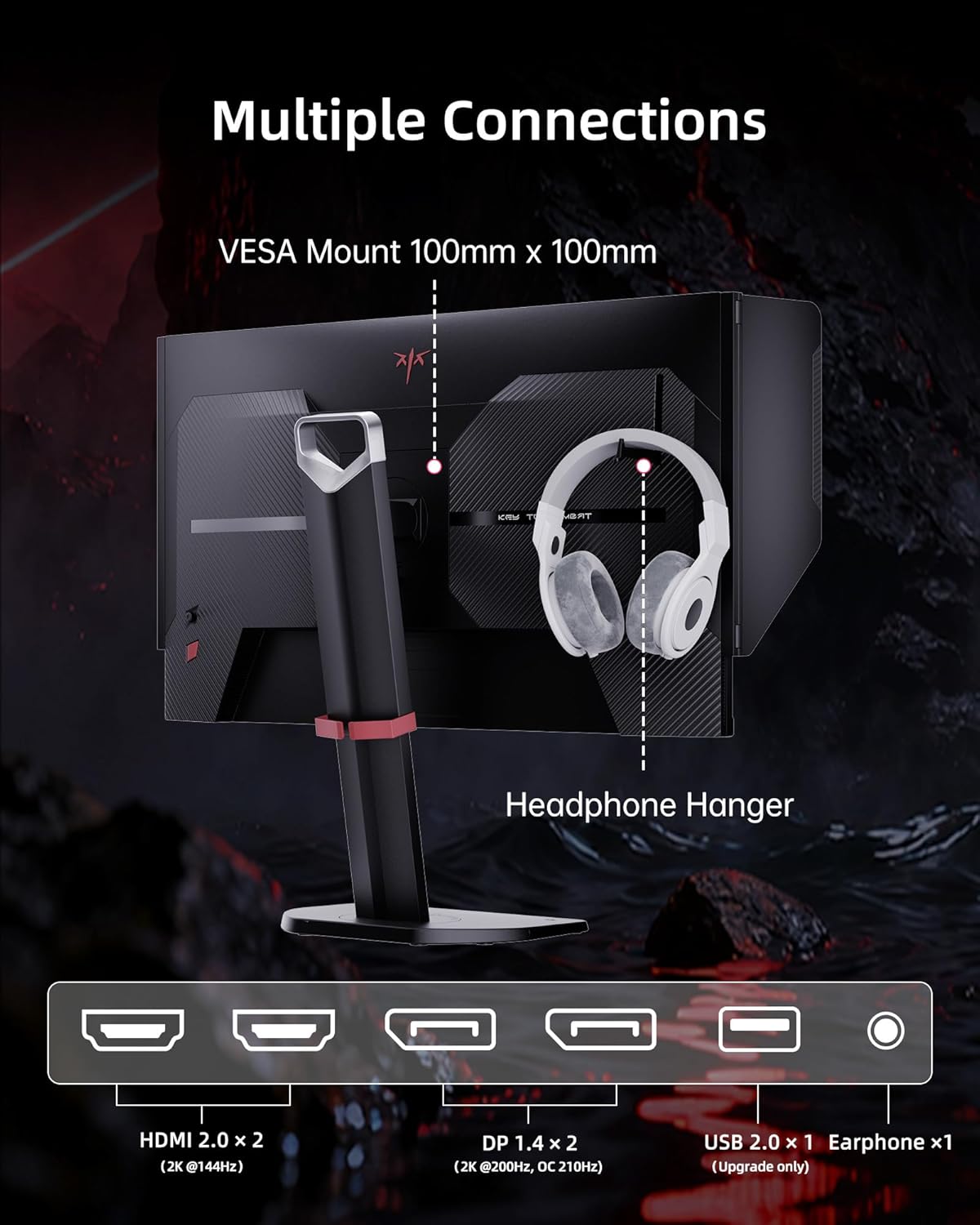
Figure 3: Multiple connection options and features on the KTC 27M1 monitor.
4. Betjening af monitoren
4.1. Tænd/sluk
Tryk på tænd/sluk-knappen på skærmen for at tænde eller slukke den.
4.2. Navigation i OSD-menuen (On-Screen Display)
The monitor features a 5-way navigation joystick for easy access and control of the OSD menu. Push the joystick in to open the menu, then move it up, down, left, or right to navigate and select options.
4.3. Skærmindstillinger
- Opløsning: The monitor supports a native 2560 x 1440 QHD resolution for sharp and clear visuals.
- Opdateringshastighed: Enjoy a smooth experience with a 210Hz refresh rate (when overclocked via DisplayPort 1.4).
- Svartid: A 1ms (MPRT) response time minimizes motion blur and ghosting.
- Farvenøjagtighed: Features 130% sRGB color gamut area, 1.07 billion colors, 1000:1 contrast ratio, and 450cd/m² brightness with HDR support for professional, true-to-life colors.

Figure 4: QHD 2K Resolution for clear visual detail.
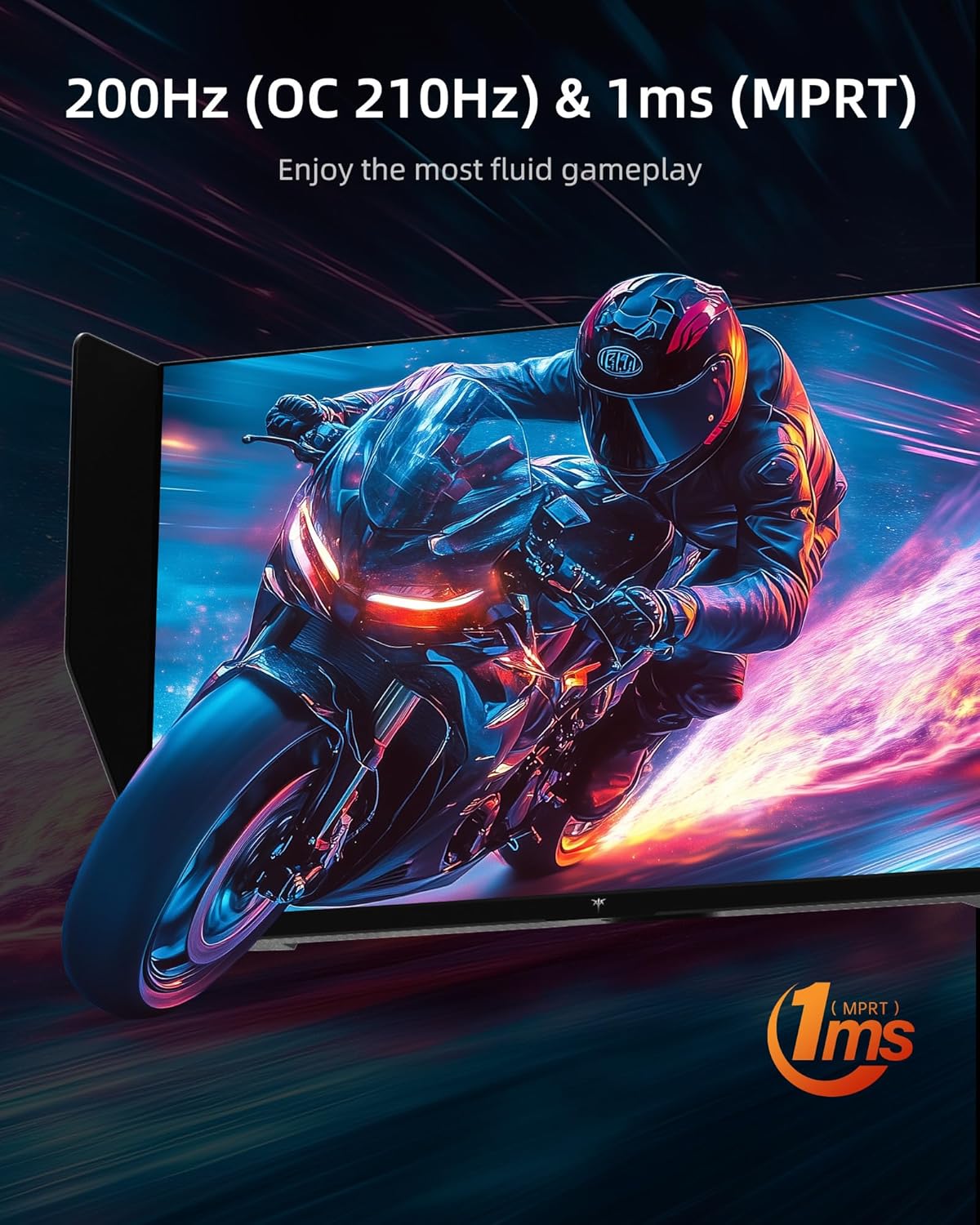
Figure 5: High refresh rate and fast response time for fluid gameplay.
4.4. Spilfunktioner
- Adaptiv synkronisering: Supports Adaptive Sync technology for tear-free and stutter-free gaming.
- Overdrive: Adjust the overdrive setting for faster pixel response times.
- MPRT: Motion Picture Response Time can be enabled for reduced motion blur.
- Spilassistance: Access various in-game enhancements like crosshairs or timers.
- Sort equalizer: Adjust dark areas in games for better visibility.
- Game Mode/FPS Mode: Pre-set display modes optimized for different game genres.
4.5. Lyd
The monitor includes built-in dual 2W speakers, providing convenient audio without external speakers. An earphone jack is also available for private listening.
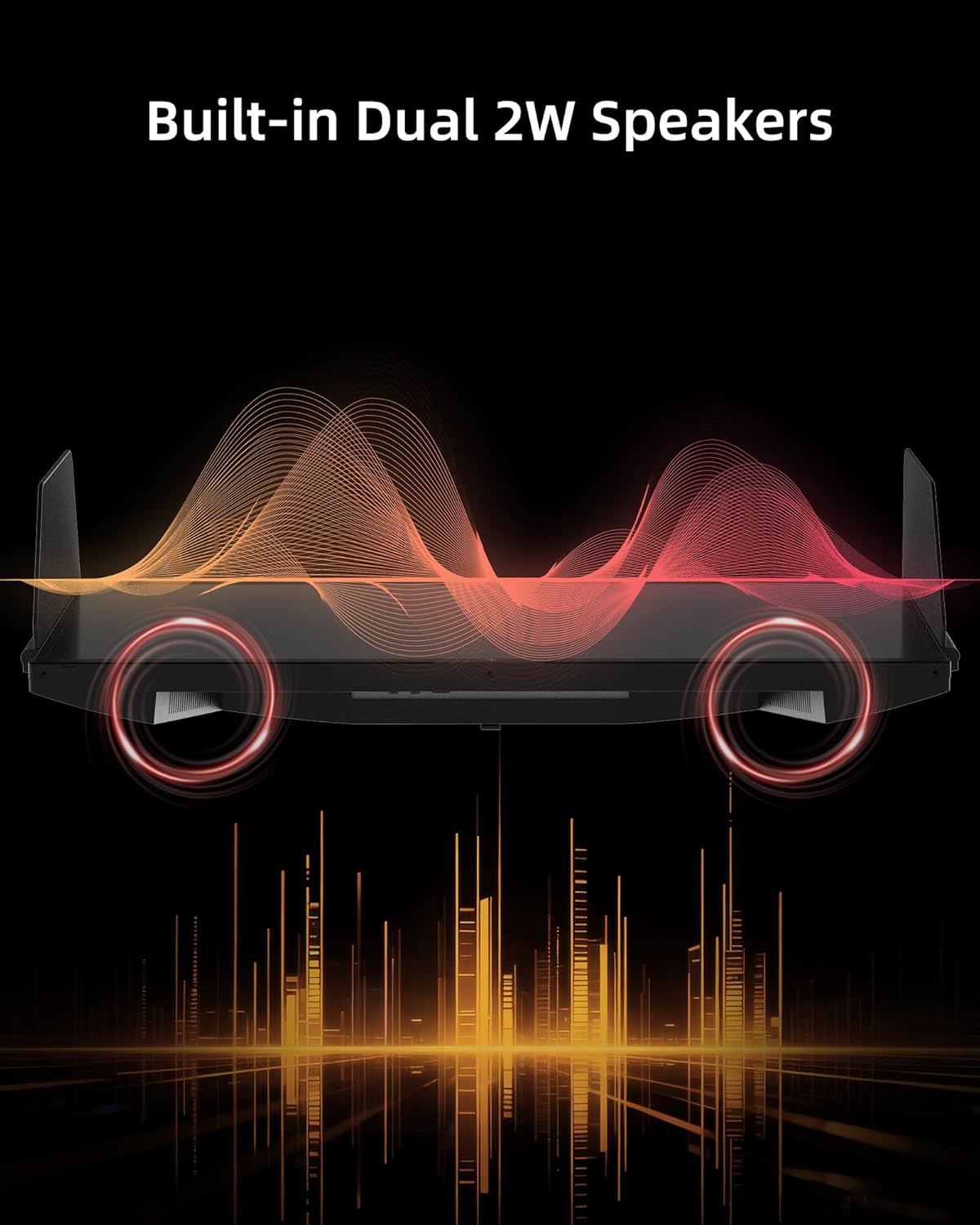
Figure 6: Built-in Dual 2W Speakers.
4.6. Shielding Hood
The detachable monitor hood, made of flocking material, helps eliminate frame reflections by absorbing ambient light. This enhances visual immersion and image contrast, and also provides a soft texture with sound-absorbing effects.

Figure 7: Detachable Monitor Hood to eliminate ambient light and reflection.
4.7. Ergonomiske justeringer
The monitor stand supports a range of adjustments for optimal viewkomfort:
- Højdejustering: 150±5 mm
- Vip: -5° til 35°
- Drejelig: -60° til 60°
- Pivot: -5° to 90° (for vertical orientation)
The monitor also supports VESA 100 x 100 mm mounting for alternative mounting solutions.

Figure 8: Flexible angle adjustments for personalized viewing.
4.8. Eye Comfort Features
The monitor incorporates low blue light and flicker-free technologies to reduce eye strain and enhance comfort during prolonged use.
4.9. Officiel produktvideo
Video 1: Overståetview of the KTC 27 Inch 210Hz 2K Gaming Monitor with Shielding Hood, showcasindens funktioner og design.
5. Vedligeholdelse
For at sikre din skærms levetid og optimale ydeevne skal du følge disse vedligeholdelsesretningslinjer:
- Rengøring af skærmen: Tør forsigtigt skærmen af med en blød, fnugfri klud. Fjern genstridige mærker ved atampen the cloth slightly with water or a mild, non-abrasive screen cleaner. Avoid using harsh chemicals or abrasive materials.
- Rengøring af Casing: Brug en blød, tør klud til at rengøre skærmens casing.
- Opbevaring: If storing the monitor for an extended period, place it in its original packaging or a protective cover in a cool, dry place.
6. Fejlfinding
If you encounter any issues with your KTC 27M1 monitor, refer to the following common problems and solutions:
- Ingen visning:
- Sørg for, at strømkablet er korrekt tilsluttet til både skærmen og stikkontakten.
- Verify that the video cable (DP or HDMI) is correctly connected to both the monitor and your computer/device.
- Kontroller, om den korrekte inputkilde er valgt i OSD-menuen.
- Test the monitor with another device or cable if possible.
- Flimrende skærm:
- Sørg for, at videokablet er korrekt tilsluttet.
- Check your graphics card drivers and update them if necessary.
- Disable any overclocking settings if enabled.
- Verify that the refresh rate is set correctly in your operating system's display settings.
- Farveproblemer:
- Juster farveindstillingerne (lysstyrke, kontrast, farvetemperatur) i OSD-menuen.
- Ensure HDR is enabled or disabled as desired in both the monitor's OSD and your device's settings.
- Nulstil skærmen til fabriksindstillingerne via OSD-menuen.
- Ingen lyd fra højttalerne:
- Check the volume level on the monitor and your connected device.
- Ensure the audio output is correctly routed to the monitor in your device's sound settings.
- If using the earphone jack, ensure headphones are properly plugged in.
7. Specifikationer
| Feature | Specifikation |
|---|---|
| Modelnummer | 27M1 |
| Skærmstørrelse | 27 tommer |
| Opløsning | 2560 x 1440 pixels (QHD bred 1440p) |
| Opdateringshastighed | 210Hz (OC) via DisplayPort 1.4, 144Hz via HDMI 2.0 |
| Svartid | 1 ms (MPRT) |
| Paneltype | Næsten IPS |
| Aspektforhold | 21:9 |
| Farveskala | 130 % sRGB |
| Farver understøttet | 1.07 milliarder |
| Kontrastforhold | 1000:1 |
| Lysstyrke | 450 cd/m² |
| HDR-understøttelse | Ja |
| Højttalere | Indbyggede dobbelte 2W højttalere |
| Forbindelse | DisplayPort 1.4 x2, HDMI 2.0 x2, USB 2.0 x1 (Upgrade only), Earphone x1 |
| VESA Mount | 100 x 100 mm |
| Ergonomi | Height Adjustment (150±5mm), Tilt (-5°~35°), Swivel (-60°~60°), Pivot (-5°~90°) |
| Øjenplejefunktioner | Low Blue Light, Flicker-Free |
| Produktdimensioner | 8.03 x 24.09 x 21.18 tommer |
| Varens vægt | 12.54 pund |
8. Garanti og support
KTC provides a three-year warranty for the 27M1 monitor. For any issues or inquiries, please contact Ktcmonitor-Official customer support. They aim to respond within 12 hours.
Du kan typisk finde kontaktoplysninger på sælgers side eller via din købsplatform.


