1. Introduktion
This manual provides essential instructions for setting up, operating, and maintaining your KOORUI G2511P 24.5-inch Gaming Monitor. Designed for an optimal gaming and viewing experience, this monitor features a 200Hz refresh rate, 1ms GTG response time, Full HD IPS panel with 90% DCI-P3 color gamut, HDR400 support, and Adaptive Sync technology. Please read this manual thoroughly before use to ensure proper functionality and longevity of your device.
2. Pakkens indhold
Bekræft, at alle nedenstående varer er til stede i din pakke:
- 24.5 tommer skærm
- HDMI kabel
- Strømadapter
- Brugervejledning (dette dokument)
3. Opsætning
3.1 Montering af stativ
The monitor stand consists of two parts: the base and the upright arm. These parts slide together. Once assembled, the stand then slips into a dedicated slot at the back of the monitor. Ensure the stand is securely locked into place before placing the monitor on a surface to prevent accidental detachment.

Figur 3.1: Forside view of the KOORUI G2511P monitor with its stand.

Figur 3.2: Bagside view highlighting the stand attachment and control joystick.
3.2 Tilslutning til enheder
The KOORUI G2511P monitor offers multiple connectivity options for various devices:
- HDMI: Connect your PC, gaming console, or other HDMI-enabled devices using the provided HDMI cable. The monitor features two HDMI 2.0 ports.
- DisplayPort (DP): For optimal gaming performance, connect your PC's graphics card to the monitor's DisplayPort 1.4 input.
- Lydudgang: Use the 3.5mm audio jack to connect external headphones or speakers, as the monitor does not have built-in speakers.
- Magt: Tilslut strømadapteren til skærmens DC-indgang og derefter til en stikkontakt.

Figur 3.3: Skærmforbindelsesporte.
3.3 VESA-montering
The monitor is VESA 75x75mm compatible, allowing it to be mounted on a wall or an adjustable monitor arm (sold separately). This provides flexibility for optimizing your workspace and viewing vinkler.

Figure 3.4: VESA mounting points on the monitor's rear.
4. Betjeningsvejledning
4.1 Tænd/sluk
Press the power button/joystick located on the back of the monitor to turn it on or off. A brief press typically powers it on, while a longer press will power it off.
4.2 Navigation i OSD-menuen (On-Screen Display)
The monitor's settings are adjusted using a single joystick control located on the back. Push the joystick in to confirm selections, and move it up, down, left, or right to navigate through the menu options and adjust values.
- Tryk ind: Select item / Confirm setting
- Op ned: Navigate menu / Adjust value
- Venstre/højre: Select item / Adjust value
4.3 Display Settings and Features
Optimer din viewoplevelse via OSD-menuen:
- Opdateringshastighed (200Hz): Ensures ultra-smooth motion, reducing blur in fast-paced content.
- Svartid (1ms GTG): Minimizes ghosting and input lag for competitive gaming.
- Resolution (FHD 1080p): Provides crisp and clear Full High Definition visuals.
- IPS panel: Tilbyder bredt viewing angles (178°) and vibrant, accurate colors (90% DCI-P3).
- HDR400: Enhances contrast and color depth for a more immersive visual experience in compatible content.
- Adaptiv synkronisering: Synkroniserer skærmens opdateringshastighed med dit grafikkorts billedhastighed for at eliminere skærmrivning og hakken.
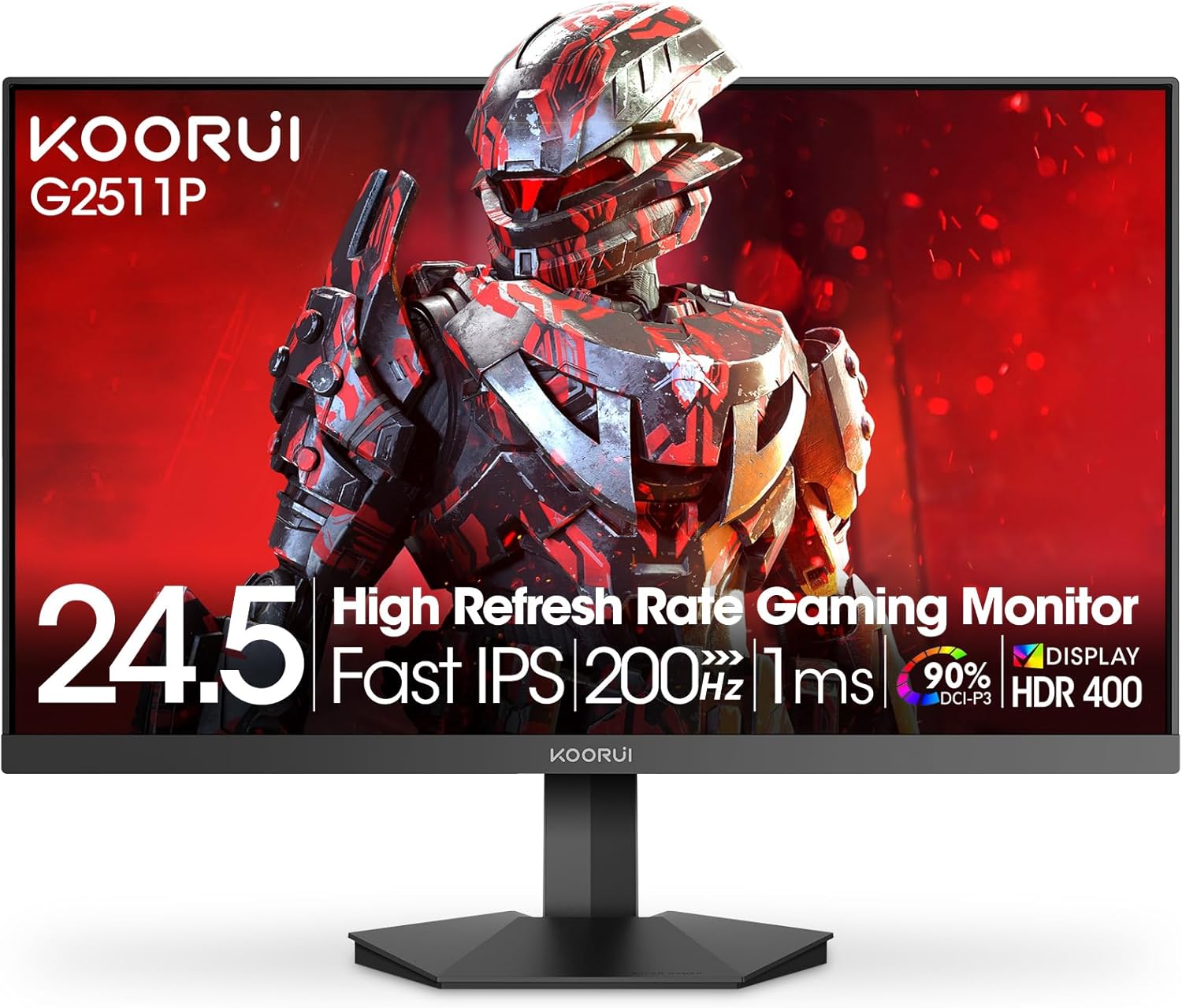
Figure 4.1: Key features of the KOORUI G2511P monitor.

Figure 4.2: Visual representation of high refresh rate benefits.
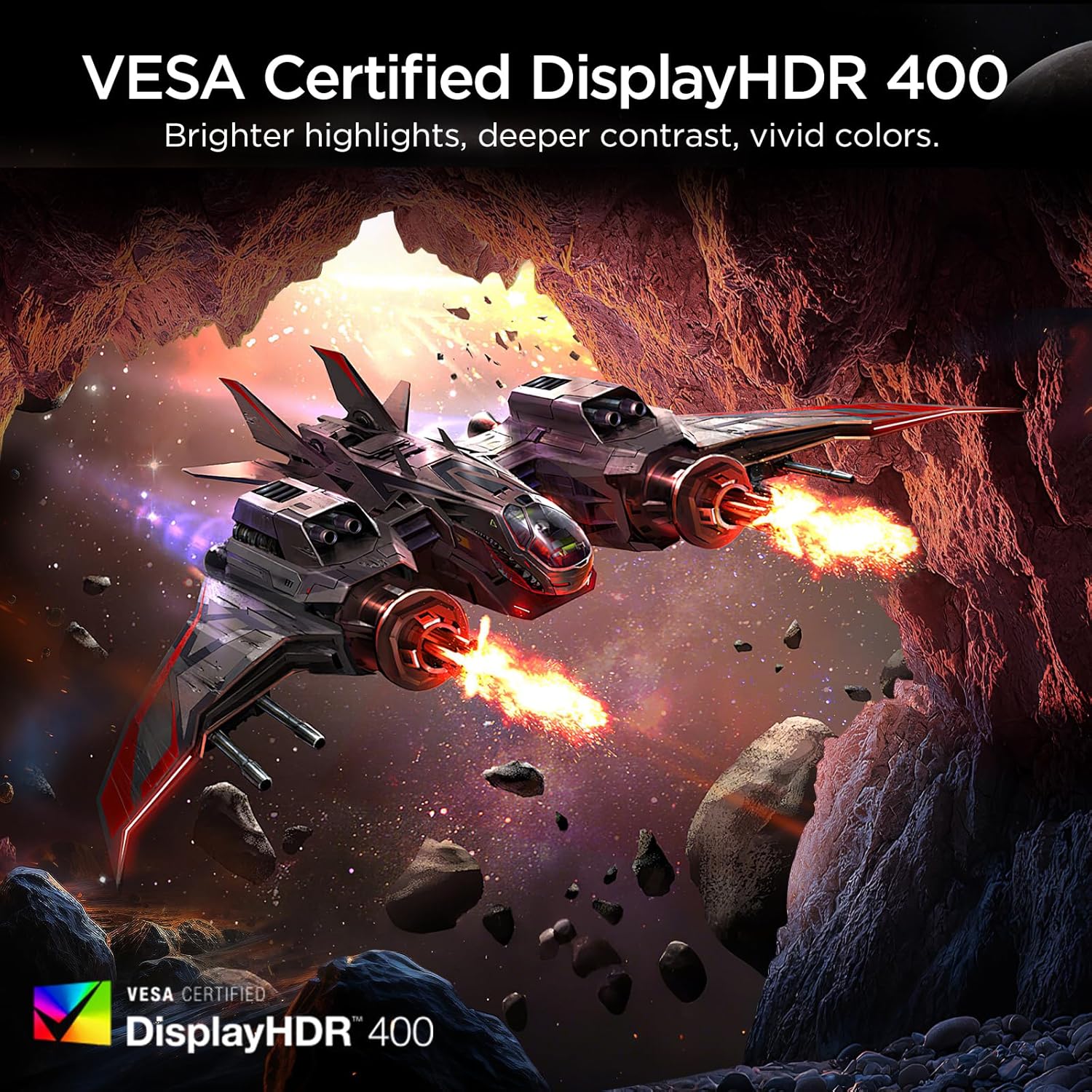
Figure 4.3: HDR400 for enhanced visual quality.
Figure 4.4: Adaptive Sync in action.
4.4 Pro-Gaming Enhancements
Access specialized gaming tools via the OSD menu:
- FPS Display Modes: Optimize visual settings for First-Person Shooter games.
- Adjustable On-Screen Timer: Track in-game events or personal bests.
- Customizable Crosshair Overlay: Improve aiming precision.

Figure 4.5: Pro-gaming enhancements for competitive play.
4.5 Øjenplejefunktioner
The KOORUI G2511P monitor incorporates features designed to reduce eye strain during extended use:
- Flimmerfri teknologi: Reduces screen flickering that can cause eye fatigue.
- Lavt blåt lys tilstand: Filters out harmful blue light emissions to protect your eyes.
5. Vedligeholdelse
For at sikre din skærms levetid og optimale ydeevne skal du følge disse vedligeholdelsesretningslinjer:
- Rengøring af skærmen: Tør forsigtigt skærmen af med en blød, fnugfri klud. Tør forsigtigt genstridige mærker afampRengør kluden med vand eller en skærmrens uden ammoniak og uden alkohol. Spray ikke rengøringsmiddel direkte på skærmen.
- Rengøring af Casing: Brug en blød, tør klud til at rengøre skærmens casing. Undgå slibende rengøringsmidler eller opløsningsmidler.
- Ventilation: Sørg for, at ventilationsåbningerne på skærmen ikke er blokerede for at forhindre overophedning.
- Opbevaring: Når skærmen ikke er i brug i længere perioder, skal den opbevares køligt og tørt, væk fra direkte sollys og ekstreme temperaturer.
6. Fejlfinding
Hvis du støder på problemer med din skærm, kan du se følgende almindelige fejlfindingstrin:
| Problem | Mulig løsning |
|---|---|
| Ingen strøm | Check if the power cable is securely connected to both the monitor and the power outlet. Ensure the power adapter is functioning. |
| Intet signal | Verify that the HDMI or DisplayPort cable is correctly connected to both the monitor and your device. Ensure the correct input source is selected in the OSD menu. |
| Flimrende skærm | Check the cable connections. Ensure your graphics card drivers are up to date. Adjust the refresh rate in your device's display settings. |
| Dårlig billedkvalitet | Adjust brightness, contrast, and color settings in the OSD menu. Ensure the display resolution on your device matches the monitor's native resolution (1920x1080). |
| Adaptive Sync Not Working | Ensure Adaptive Sync is enabled in the monitor's OSD menu and in your graphics card's control panel. Use a DisplayPort cable for optimal performance. |
7. Specifikationer
| Feature | Specifikation |
|---|---|
| Modelnummer | G2511P |
| Skærmstørrelse | 24.5 tommer |
| Paneltype | IPS |
| Opløsning | 1920 x 1080 (FHD 1080p) |
| Opdateringshastighed | 200 Hz |
| Svartid | 1 ms (GTG) |
| HDR-understøttelse | HDR400 |
| Farveskala | 90 % DCI-P3 |
| Billedlysstyrke | 350 Candela pr. kvadratmeter |
| Billedkontrastforhold | 1200:1 |
| Forbindelse | 2x HDMI 2.0, 1x DisplayPort 1.4, lydudgang |
| VESA-kompatibilitet | 75x75 mm |
| Produktdimensioner | 8.84 x 22.05 x 17.52 tommer |
| Varens vægt | 9.63 pund |
8. Garanti og support
KOORUI monitors are manufactured with a focus on quality and reliable performance. This product comes with a 3 års begrænset garanti. For any questions, technical assistance, or warranty claims, please contact KOORUI's dedicated support team. Refer to the contact information provided on the KOORUI official webwebstedet eller din købsdokumentation.
9. Officiel produktvideo
Se den officielle produktvideo for et visuelt overblikview of the KOORUI G2511P Gaming Monitor's features and capabilities.
Video 9.1: Officiel produktvideovisningasing the KOORUI G2511P Gaming Monitor's features, including its 200Hz refresh rate, 1ms response time, HDR400, and Adaptive Sync technology.


