1. Introduktion
Velkommen til den sorteview Link 8 Android 15 Tablet user manual. This guide provides essential information for setting up, operating, and maintaining your device. Please read it carefully to ensure optimal performance and longevity of your tablet.
1.1 Pakkens indhold
Bekræft at alle varer er til stede i din pakke:
- Sortview Link 8 Tablet
- Bluetooth tastatur
- Stylus pen
- Tablet etui
- Skærmbeskytter
- Trådløs mus
- Charger & Type-C Cable
- Kablede ørepropper

Billede: Den Sorteview Link 8 tablet and its included accessories: Bluetooth keyboard, stylus, tablet case, screen protector, wireless mouse, charger, Type-C cable, and wired earbuds.
2. Indledende opsætning
2.1 Tænd/sluk
- For at tænde: Tryk og hold tænd/sluk-knappen nede, indtil den sorteview logoet vises.
- For at slukke: Tryk på tænd/sluk-knappen og hold den nede, og vælg derefter 'Sluk' fra indstillingerne på skærmen.
- For at genstarte: Tryk og hold tænd/sluk-knappen nede, og vælg derefter 'Genstart' fra valgmulighederne.
2.2 Opladning af tabletten
Connect the provided Type-C cable to the tablet's charging port and the other end to the charger. Plug the charger into a power outlet. The tablet supports 18W fast charging. A full charge provides approximately 24 hours of average use.
2.3 Indledende konfiguration
Når du tænder den første gang, skal du følge instruktionerne på skærmen for at:
- Vælg dit sprog.
- Connect to a Wi-Fi network (2.4G/5G WiFi supported).
- Log ind med din Google-konto, eller opret en ny.
- Set up security features like PIN, pattern, or password.
3. Grundlæggende betjening
3.1 Touchscreen Gestures
Den sorteview Link 8 tablet responds to standard Android gestures:
- Tryk på: Vælg et element, eller åbn et program.
- Langt tryk: Få adgang til kontekstmenuer eller flyt ikoner.
- Stryg: Naviger gennem skærme, rul i lister eller afvis notifikationer.
- Knib-for-at-zoome: Zoom ind eller ud på billeder og web sider.
3.2 Connecting Accessories (Keyboard, Mouse, Pen)
Tabletten leveres med et Bluetooth-tastatur, trådløs mus og styluspen for forbedret produktivitet.
- Bluetooth-tastatur/mus: Turn on the accessory and enable Bluetooth on your tablet (Settings > Connected devices > Bluetooth). Select the accessory from the list to pair.
- Stylus pen: The stylus pen is typically ready for use upon activation or may require a simple pairing process via Bluetooth if it's an active stylus. Refer to the pen's specific instructions if pairing is needed.

Billede: Den Sorteview Link 8 tablet shown with its accompanying Bluetooth keyboard, wireless mouse, and stylus pen, illustrating its versatility as a 2-in-1 device.
3.3 Brug af kameraerne
The tablet features a 16MP rear camera, a 2MP depth sensor, and a 13MP front camera. Open the Camera application to capture photos and videos.
- Bagkamera: Ideal for high-resolution photos and document scanning.
- Forreste kamera: Optimized for video calls and selfies.
- Dybdesensor: Enhances portrait mode effects.
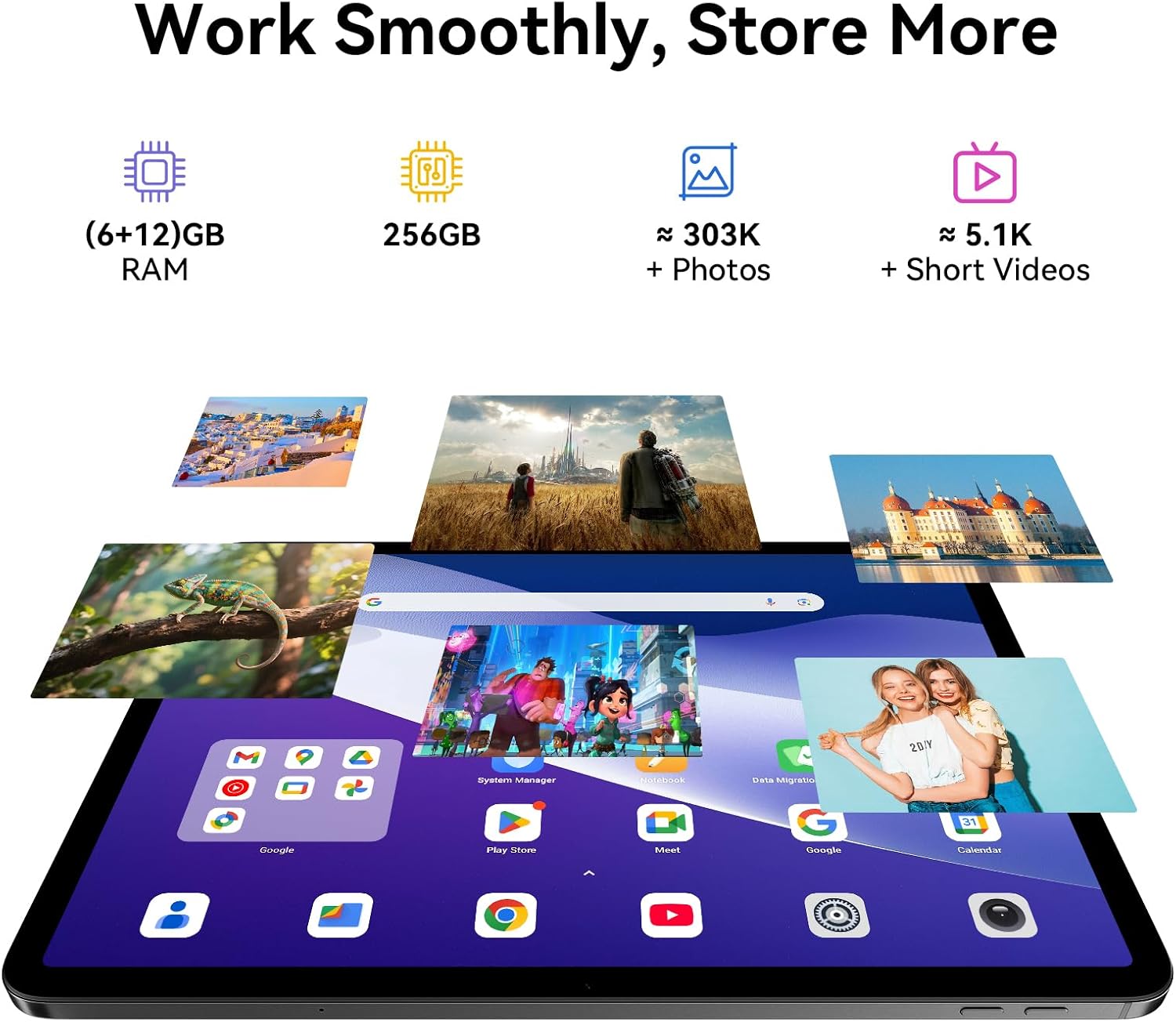
Image: A split image demonstrating the Blackview Link 8 tablet's camera capabilities, showing a person on a video call using the 13MP front camera and an illustration of the 16MP rear and 2MP depth cameras.
3.4 Produktivitetsfunktioner
- Split-Screen 2.0: Allows you to run two applications side-by-side for multitasking. Activate by long-pressing the recent apps button or dragging an app to the side of the screen.
- WPS-kontor: Preloaded for document creation, editing, and viewing.
4. Nøglefunktioner
4.1 Fordybende visning
Den sorteview Link 8 features a 12.7-inch 2K+ (2160×1600) IPS display with a 90Hz refresh rate and 300 nits brightness. It supports Widevine L1 for high-definition streaming content. Four Smart-PA speakers provide cinematic surround sound.

Image: A family watching a movie on the Blackview Link 8 tablet, illustrating its 2K+ display, Widevine L1 support, 90Hz refresh rate, and 4-speaker audio for an immersive experience.
4.2 Ydelse
Powered by the 6nm Helio G100 octa-core processor (2.2GHz), the tablet offers smooth multitasking and enhanced gaming performance. An intelligent cooling system helps maintain stable operation during intensive tasks.

Image: Hands holding the Blackview Link 8 tablet while playing a racing game, demonstrating the smooth gaming performance powered by the Helio G100 processor.
4.3 Hukommelse og lagring
The tablet is equipped with 6GB physical RAM, expandable with 12GB virtual RAM (total 18GB), and 256GB of internal storage (ROM). This provides ampplads til applikationer, fotos og videoer.
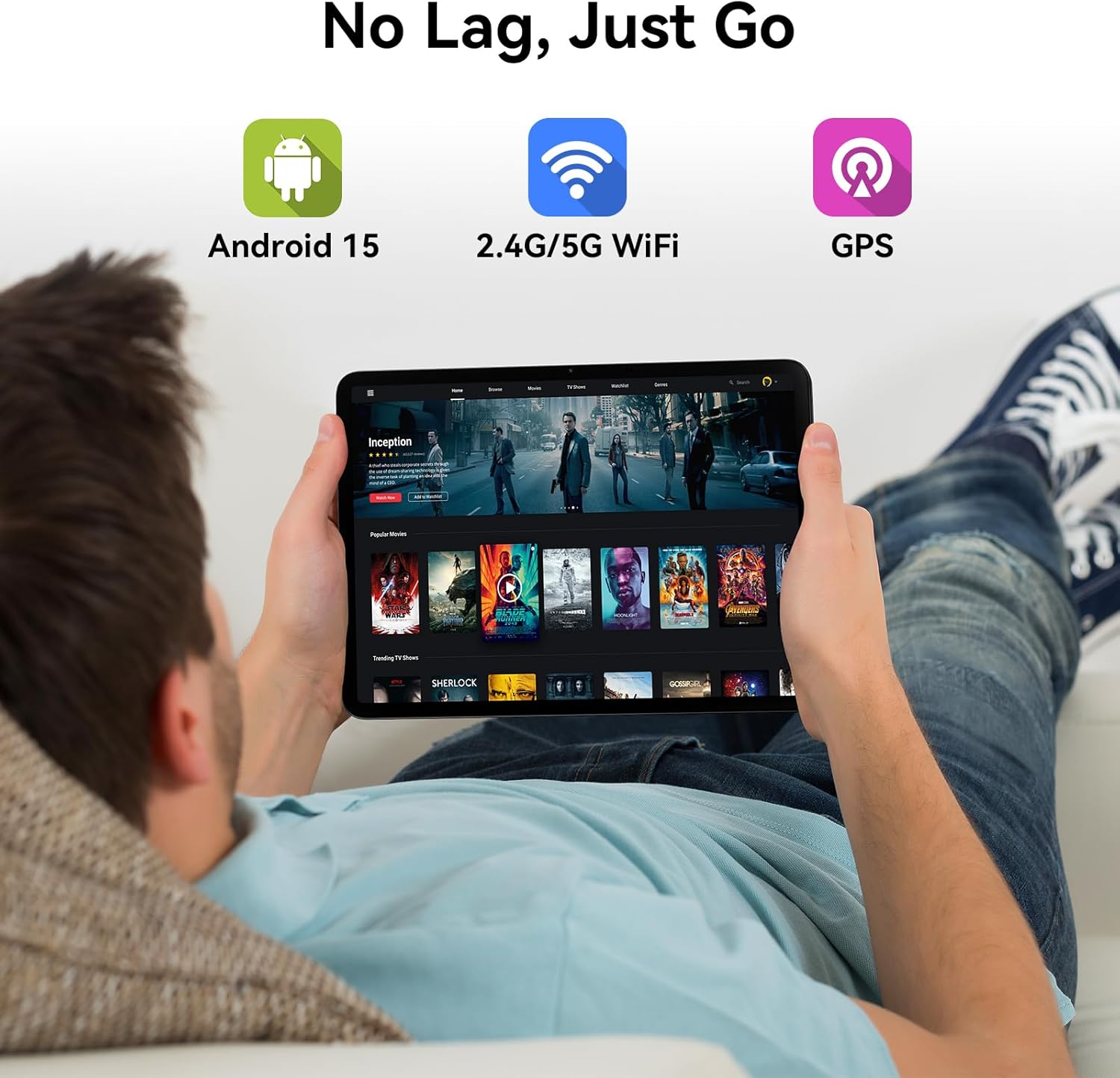
Image: Various apps and images displayed on the Blackview Link 8 tablet screen, representing smooth operation with 18GB RAM and ample 256GB storage for photos and videos.
4.4 Operativsystem og tilslutningsmuligheder
The tablet runs on Android 15 with DokeOS_P 4.2, offering a refined user interface, enhanced privacy tools, and AI optimization. Connectivity options include dual-band 2.4G/5G WiFi, Bluetooth 5.0, and comprehensive GPS support (GPS/GLONASS/Beidou/Galileo).

Image: A person relaxing on a couch, holding the Blackview Link 8 tablet displaying streaming content, emphasizing Android 15, 5G WiFi, and GPS capabilities.
4.5 Eye-Friendly Modes
Den sorteview Link 8 is TÜV Rheinland certified for low blue light emission. It includes dedicated modes to reduce eye strain:
- Læsetilstand: Adjusts the screen to a paper-like clarity.
- Natlys -tilstand: Reducerer blåt lys for komfort viewi svagt lys.
- Øjenkomforttilstand: Optimizes screen settings to minimize eye fatigue.

Image: Three panels showing the Blackview Link 8 tablet in Reading Mode, Night Light Mode, and Dark Mode, with a TÜV Rheinland certified logo, highlighting its eye-friendly features.
5. Vedligeholdelse
5.1 Rengøring af din tablet
Brug en blød, fnugfri klud til at rengøre skærmen og tablettens kabinet. Tør let ved genstridige pletter.ampRengør kluden med vand eller en skærmrengøringsopløsning. Undgå skrappe kemikalier eller slibende materialer.
5.2 Pleje af batterier
- Undgå ekstreme temperaturer, da disse kan forringe batteriets levetid.
- Do not leave the tablet fully discharged for extended periods.
- Ved langtidsopbevaring skal batteriet oplades til omkring 50% og enheden slukkes.
5.3 Softwareopdateringer
Regularly check for system updates (Settings > System > System update) to ensure your tablet has the latest features, security patches, and performance improvements.
6. Fejlfinding
Hvis du støder på problemer med din Blackview Link 8 tablet, refer to the following common solutions:
| Problem | Løsning |
|---|---|
| Tabletten tænder ikke | Ensure the battery is charged. Connect the charger and wait a few minutes before attempting to power on again. If unresponsive, perform a force restart by holding the Power button for 10-15 seconds. |
| Problemer med Wi-Fi-forbindelse | Genstart din Wi-Fi-router og tabletten. Glem netværket i tabletindstillingerne, og genopret forbindelsen. Sørg for, at du er inden for Wi-Fi-signalets rækkevidde. |
| Slow performance or app crashes | Close unnecessary background apps. Clear cache for problematic apps (Settings > Apps > [App Name] > Storage > Clear cache). Restart the tablet. Ensure sufficient free storage space. |
| Skærmen reagerer ikke | Restart the tablet. If the issue persists, ensure the screen is clean and free of debris. Remove any screen protectors that might be interfering. |
7. Tekniske specifikationer
| Feature | Specifikation |
|---|---|
| Modelnavn | Link 8 |
| Operativsystem | Android 15 (DokeOS_P 4.2) |
| Skærmstørrelse | 12.7 tommer |
| Skærmopløsning | 2160x1600 Pixels (2K+) |
| Processor | MediaTek Helio G100 Octa-core (2.2 GHz, 6nm) |
| VÆDDER | 6GB + 12GB Virtual RAM (18GB Total) |
| Opbevaring | 256 GB |
| Bagkamera | 16MP Main + 2MP Depth |
| Forreste kamera | 13 MP |
| Batterikapacitet | 8400mAh |
| Opladning | 18W Fast Charge, OTG Support |
| Trådløs forbindelse | 802.11ac (2.4G/5G WiFi), Bluetooth 5.0 |
| Navigation | GPS/GLONASS/Beidou/Galileo |
| Dimensioner (LxBxH) | 8 x 11.1 x 0.33 tommer |
| Varens vægt | 4.77 pund |
8. Garanti og support
8.1 Garantioplysninger
Den sorteview Link 8 tablet comes with a 2 års garanti. This warranty covers manufacturing defects and ensures high-quality performance. Please retain your proof of purchase for warranty claims.
8.2 Kundesupport
For technical assistance, troubleshooting beyond this manual, or warranty inquiries, please contact Blackview customer service. Refer to the official Blackview webwebstedet eller din købsdokumentation for at få de seneste kontaktoplysninger til support.


