1. Introduktion
This manual provides comprehensive instructions for the installation, setup, operation, and maintenance of your NGTeco D2310 Fingerprint Keyless Entry Smart Deadbolt Lock. Please read this manual thoroughly before installation and use to ensure proper function and security.
2. Produktet er slutview
The NGTeco D2310 is a smart deadbolt lock designed for enhanced home security and convenience. It offers multiple access methods including fingerprint recognition, keypad codes, traditional keys, and control via the NGTeco Home mobile application using Bluetooth 5.0 connectivity. Key features include rapid fingerprint unlocking, auto-lock functionality, and emergency power options.

Figure 1: NGTeco D2310 Smart Deadbolt Lock components.
3. Pakkens indhold
Kontroller, at alle komponenter er til stede, før installationen påbegyndes:
- Exterior Keypad Assembly with Fingerprint Sensor
- Interior Unit Assembly
- Dødbolt lås
- Monteringsplade
- Slagplade
- Skruer (forskellige størrelser til installation)
- Traditional Keys (backup)
- Brugervejledning (dette dokument)
4. Installationsvejledning
The NGTeco D2310 lock is designed for easy installation on standard doors with a thickness between 35mm and 60mm. A Phillips head screwdriver is typically the only tool required.
- Forbered døren: Ensure your door meets the specified thickness requirements (35-60mm). Remove any existing deadbolt hardware.
- Installer deadbolt-låsen: Insert the deadbolt latch into the door edge. Ensure the "UP" arrow on the latch is facing upwards. Secure it with screws.
- Installer det udvendige tastatur: Feed the cable from the exterior keypad through the door hole and position the keypad flush against the door.
- Monter monteringspladen: Secure the mounting plate to the interior side of the door, aligning it with the deadbolt latch and the exterior keypad. Connect the cable from the exterior keypad to the interior unit's connector.
- Installer den indvendige enhed: Attach the interior unit to the mounting plate, ensuring the thumb turn spindle engages correctly with the deadbolt mechanism. Secure with screws.
- Indsæt batterier: Open the battery cover on the interior unit and insert four AA batteries (not included), observing polarity.
- Test drift: Manually operate the deadbolt using the thumb turn to ensure smooth movement.

Figure 2: Door thickness and lock dimensions for installation.
5. Opsætning og programmering
5.1. NGTeco Home App Setup
The NGTeco Home app provides remote control and management features for your smart lock via Bluetooth 5.0.
- Download appen: Søg efter "NGTeco Home" in your smartphone's app store (iOS or Android) and install it.
- Opret en konto: Følg instruktionerne i appen for at registrere en ny brugerkonto.
- Tilføj enhed: Open the app, enable Bluetooth on your phone, and select "Add Device." Choose your D2310 lock from the list of discoverable devices.
- Parring: Follow the on-screen prompts to pair the lock with your smartphone. This typically involves pressing a button on the interior unit or entering a default administrator code.

Figure 3: Remote control via Bluetooth 5.0 using the NGTeco Home App.
5.2. Registrering af fingeraftryk
The lock features a capacitive fingerprint sensor for quick access.
- Access Enrollment Mode: Refer to your app or the lock's audio prompts for entering fingerprint enrollment mode. This usually involves entering the administrator code followed by a specific command.
- Scan Fingerprint: Place your finger on the sensor. The lock will prompt you to lift and place your finger multiple times from different angles to capture a complete scan.
- Bekræftelse: The lock will provide an audio or visual confirmation once the fingerprint is successfully enrolled.
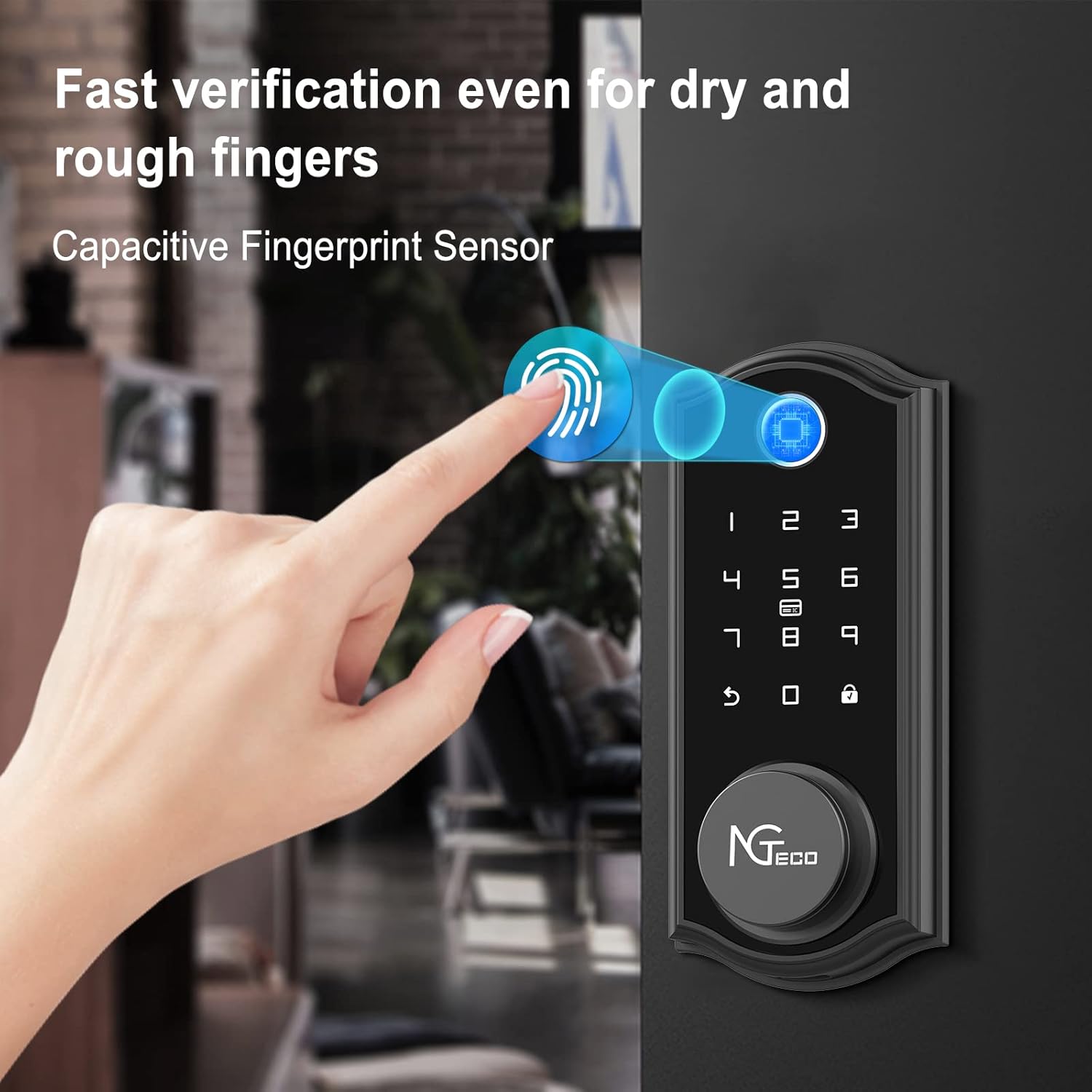
Figure 4: Fast fingerprint verification process.
5.3. Passcode Management
You can create various types of passcodes for different users.
- Adgangskode for administrator: Used for programming and managing the lock.
- User Passcodes: For regular access.
- Midlertidige adgangskoder: Valid for a limited time or number of uses.
- One-Time Passcodes: Valid for a single entry.
All passcode management is performed through the NGTeco Home app. Refer to the app's instructions for detailed steps on creating and modifying passcodes.
5.4. Audio Prompts
The lock provides English audio prompts for operational feedback. The volume can be adjusted (high, low, or silent) via the NGTeco Home app settings.
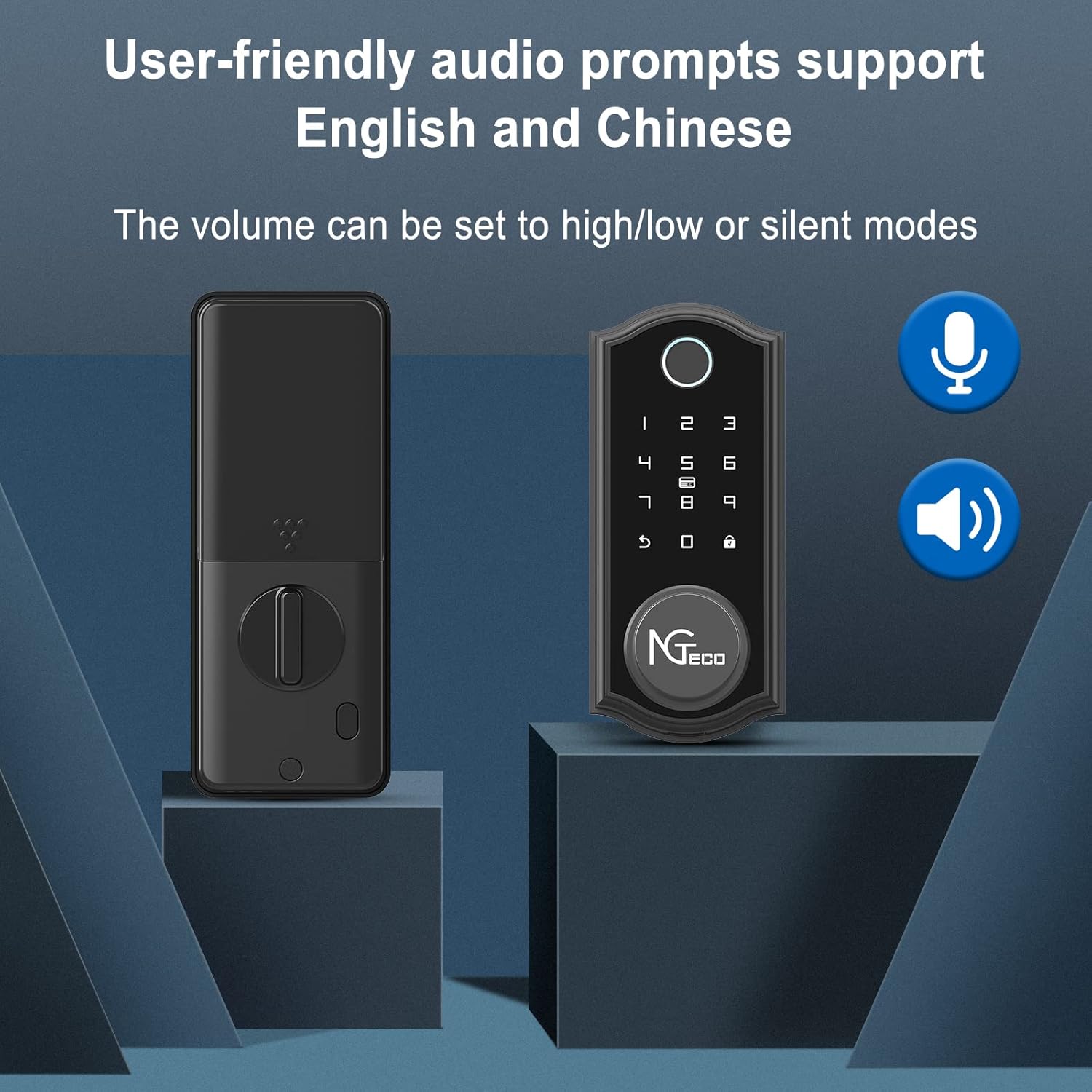
Figure 5: Adjustable audio prompts for clear operation feedback.
6. Betjening
6.1. Oplåsning af døren
The NGTeco D2310 offers multiple ways to unlock:
- Fingeraftryk: Place your enrolled finger on the sensor. The lock will unlock in approximately 1 second upon successful recognition.
- Tastatur: Enter your valid passcode on the illuminated keypad, then press the unlock button (usually a checkmark or lock icon).
- Traditionel nøgle: Sæt den fysiske nøgle i nøglehullet og drej for at låse op.
- NGTeco Home App: Open the app, ensure Bluetooth is connected, and tap the "Unlock" button.

Figure 6: Multiple ways to unlock the NGTeco D2310.
6.2. Låsning af døren
- Automatisk genlås: The lock features an auto re-lock mode that automatically locks the door after a set period (configurable via the app) once it has been opened and closed. This ensures your property is secure even if you forget to manually lock it.
- Manuel lås: Press and hold the lock button on the keypad for a few seconds to manually engage the deadbolt.
- NGTeco Home App: Open the app and tap the "Lock" button.
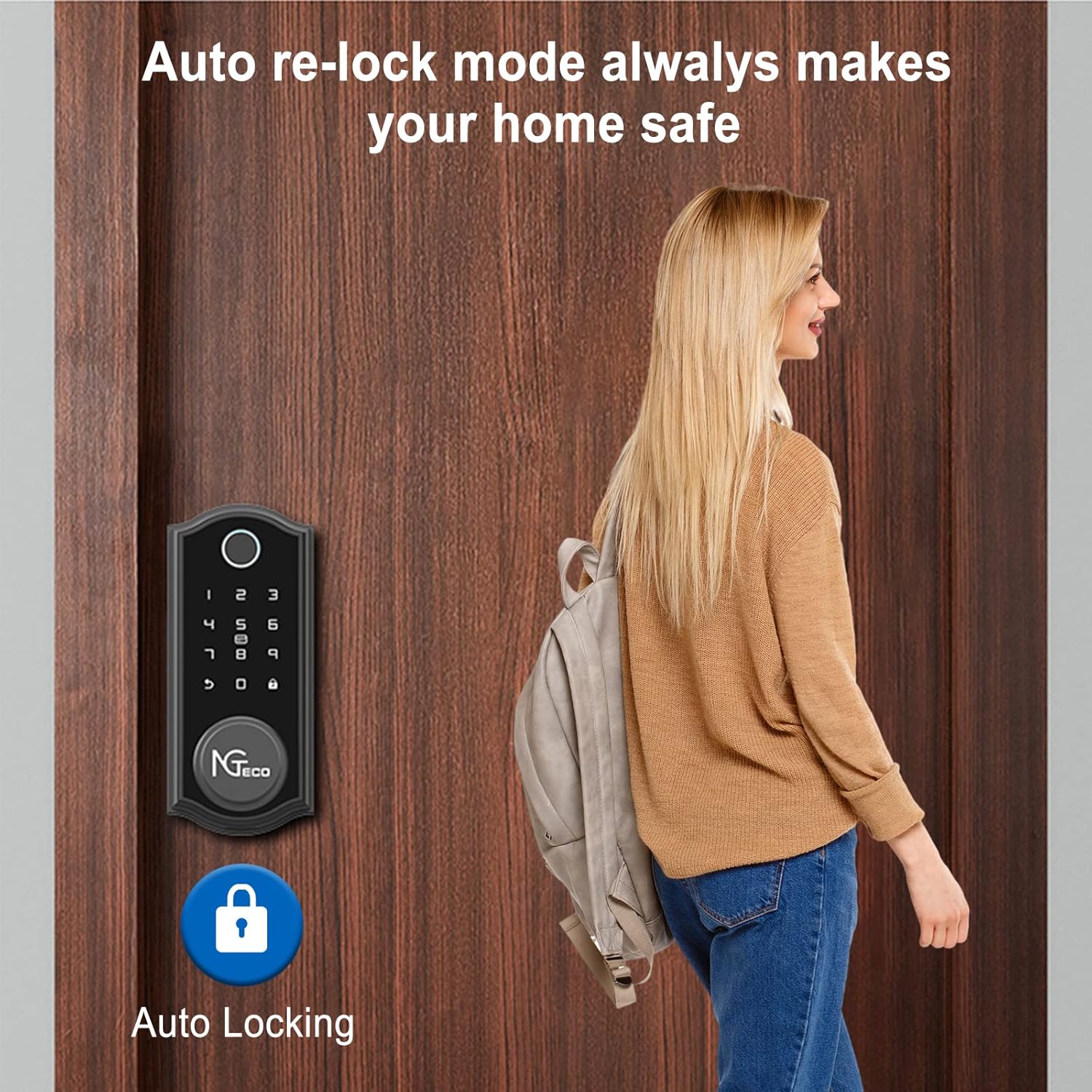
Figure 7: Auto re-lock mode for enhanced security.
6.3. Passagetilstand
For situations where the door needs to remain unlocked (e.g., during gatherings), the lock can be set to Passage Mode via the NGTeco Home app. In this mode, the auto-lock feature is temporarily disabled, allowing free entry and exit without requiring credentials.

Figure 8: Passage mode for temporary unrestricted access.
7. Vedligeholdelse
7.1. Batteristyring
The NGTeco D2310 lock is powered by four AA batteries. It features a low battery warning system:
- Advarsel om lavt batteri: The lock will provide an audible alert and/or a notification via the NGTeco Home app when battery levels are low. Replace batteries promptly to avoid lockout.
- Nødopladning: If batteries completely deplete, a Micro-USB port is available on the exterior unit for emergency power. Connect a power bank or USB charger to temporarily power the lock and gain access.

Figure 9: Low battery warning and emergency Micro-USB charging.
7.2. Almen pleje
Clean the lock's exterior with a soft, dry cloth. Avoid abrasive cleaners or solvents. Ensure the fingerprint sensor and keypad remain free of dirt and debris for optimal performance.
8. Fejlfinding
| Problem | Mulig årsag | Løsning |
|---|---|---|
| Lås reagerer ikke. | Døde batterier. | Replace batteries or use emergency Micro-USB power. |
| Fingeraftryk ikke genkendt. | Finger not properly placed; fingerprint not enrolled; sensor dirty. | Ensure finger covers the sensor completely; re-enroll fingerprint; clean sensor. |
| Keypad unresponsive or incorrect code. | Incorrect code entered; lock is in lockout mode (after 5+ incorrect attempts). | Verify passcode; wait 3 minutes if in lockout mode. |
| Problemer med Bluetooth-forbindelse. | Bluetooth disabled on phone; lock too far from phone; app not running. | Enable Bluetooth; move closer to lock; restart NGTeco Home app. |
| Automatisk låsning virker ikke. | Passage mode is active; auto-lock feature disabled in app. | Deactivate Passage mode; enable auto-lock in NGTeco Home app settings. |
9. Specifikationer
| Feature | Detalje |
|---|---|
| Mærke | NGteco |
| Modelnavn | D2310 |
| Låsetype | Biometrisk, Deadbolt, Tastatur |
| Særlige funktioner | Auto-Lock, Battery Indicator, Fingerprint, Keyless Entry, Touchscreen |
| Materiale | Housing (Zinc Alloy) |
| Farve | Sølv |
| Finish Type | Satin nikkel |
| Varedimensioner (L x B x H) | 2.72 x 0.65 x 6.14 tommer |
| Varens vægt | 2.5 pund |
| Anbefalet dørtykkelse | 35-60 mm |
| Kontrolmetode | App, Remote, Keypad, Fingerprint, Key |
| Forbindelsesprotokol | Bluetooth 5.0 |
| Strømkilde | 4 x AA batterier (medfølger ikke) |
| Nødstrøm | Mikro-USB port |
| Driftstemperatur | -22°F til 122°F (-30°C til 50°C) |
10. Garanti og support
For warranty information and technical support, please refer to the official NGTeco webwebstedet eller kontakt deres kundeservice direkte. Gem din købskvittering til garantikrav.
NGTeco Customer Service: Please visit the NGTeco official webhjemmeside for de seneste kontaktoplysninger.


