Brugervejledning til Fachixy FC-200 trådløst spilleheadset
Model: FC-200
Indledning
This manual provides detailed instructions for the proper use and maintenance of your Fachixy FC-200 Wireless Gaming Headset. Please read this manual thoroughly before using the product to ensure optimal performance and longevity. The FC-200 headset offers versatile connectivity via 2.4GHz wireless and Bluetooth 5.4, designed for a wide range of gaming and multimedia devices.
Vigtige sikkerhedsoplysninger
Undgå langvarig lytning ved høj lydstyrke for at forhindre høreskader.
Udsæt ikke headsettet for ekstreme temperaturer, fugtighed eller væsker.
Keep the headset away from strong magnetic fields.
Forsøg ikke at skille headsettet ad eller ændre det. Dette vil ugyldiggøre garantien.
Use only the provided charging cable for charging.
Pakkens indhold
Bekræft at alle varer er til stede i din pakke:
Fachixy FC-200 trådløst gaming headset
2.4G USB-dongle
USB opladningskabel
Brugervejledning (dette dokument)
Produkt overview og kontroller
Familiarize yourself with the headset's components and control buttons.
Billede: Diagram showing the control buttons on the left earcup of the Fachixy FC-200 headset. Labels indicate buttons for RGB control, microphone mute/mode switch, power/play/pause/call, and volume control.
RGB/Re-pair Button (1): Press for 3 seconds to turn RGB lighting on/off. In Bluetooth mode, press for 3 seconds to re-pair.
Microphone/Mode Switch Button (2): Press for 3 seconds to turn the microphone on/off. Press for 2 seconds to switch between Bluetooth and 2.4G modes.
Power/Play/Pause/Call Button (3): Press for 3 seconds to turn the headset on/off. Press to play/pause audio or answer/end calls.
Volume Control (4): Scroll forward or backward to adjust volume.
Mikrofon: Aftagelig eller udtrækkelig mikrofon til stemmekommunikation.
USB-C opladningsport: Til opladning af headsettet.
Opsætningsvejledning
1. Opladning af headsettet
Before first use, fully charge the headset. Connect the provided USB charging cable to the headset's USB-C port and the other end to a USB power source (e.g., computer, wall adapter). A full charge takes approximately 2.5 hours and provides up to 50 hours of battery life (with RGB off). A voice alert will notify you when the battery charge drops below 10%.
Insert the 2.4G USB dongle into an available USB port on your PC, PS4, PS5, or laptop.
Power on the headset by pressing and holding the Power button (3) for 3 seconds.
The headset should automatically connect to the dongle. A successful connection is indicated by a stable light on the headset or a voice prompt.
On your device, ensure the Fachixy FC-200 is selected as the audio input and output device in your sound settings.
Billede: The Fachixy FC-200 wireless gaming headset shown alongside its 2.4G USB dongle, illustrating the wireless connectivity method.
3. Bluetooth 5.4 Connection (for PC, Tablets, Mobile Phones, Switch)
Sørg for, at headsettet er tændt.
Press and hold the Microphone/Mode Switch button (2) for 2 seconds to switch to Bluetooth mode. The headset will enter pairing mode, indicated by a flashing light or voice prompt.
On your device (PC, tablet, mobile phone, Switch), enable Bluetooth and search for "FC-200" in the list of available devices.
Select "FC-200" to pair. Once connected, the headset's indicator light will become stable.
Vigtige kompatibilitetsnoter:
Neither 2.4G nor Bluetooth modes are compatible with Xbox consoles (all Series).
The microphone is not supported when using the headset with Nintendo Switch.
Bluetooth mode is not compatible with PS4 or PS5 consoles.
Betjeningsvejledning
Tænd/sluk
To power on: Press and hold the Power button (3) for 3 seconds.
To power off: Press and hold the Power button (3) for 3 seconds.
Mode Switching (Bluetooth / 2.4G)
To switch between 2.4G and Bluetooth modes: Press and hold the Microphone/Mode Switch button (2) for 2 seconds.
Lydstyrkekontrol
Adjust volume: Use the Volume Control wheel (4) by scrolling it forward to increase volume or backward to decrease volume.
Mikrofon kontrol
To turn microphone on/off: Press and hold the Microphone/Mode Switch button (2) for 3 seconds.
RGB lysstyring
To turn RGB lighting on/off: Press and hold the RGB/Re-pair button (1) for 3 seconds.
Lydafspilning og opkaldshåndtering
Play/Pause: Press the Power button (3) once.
Answer/End Call: Press the Power button (3) once during an incoming call or an active call.
Opretholdelse
Rensning: Brug en blød, tør klud til at rengøre headsettet. Brug ikke slibende rengøringsmidler eller opløsningsmidler.
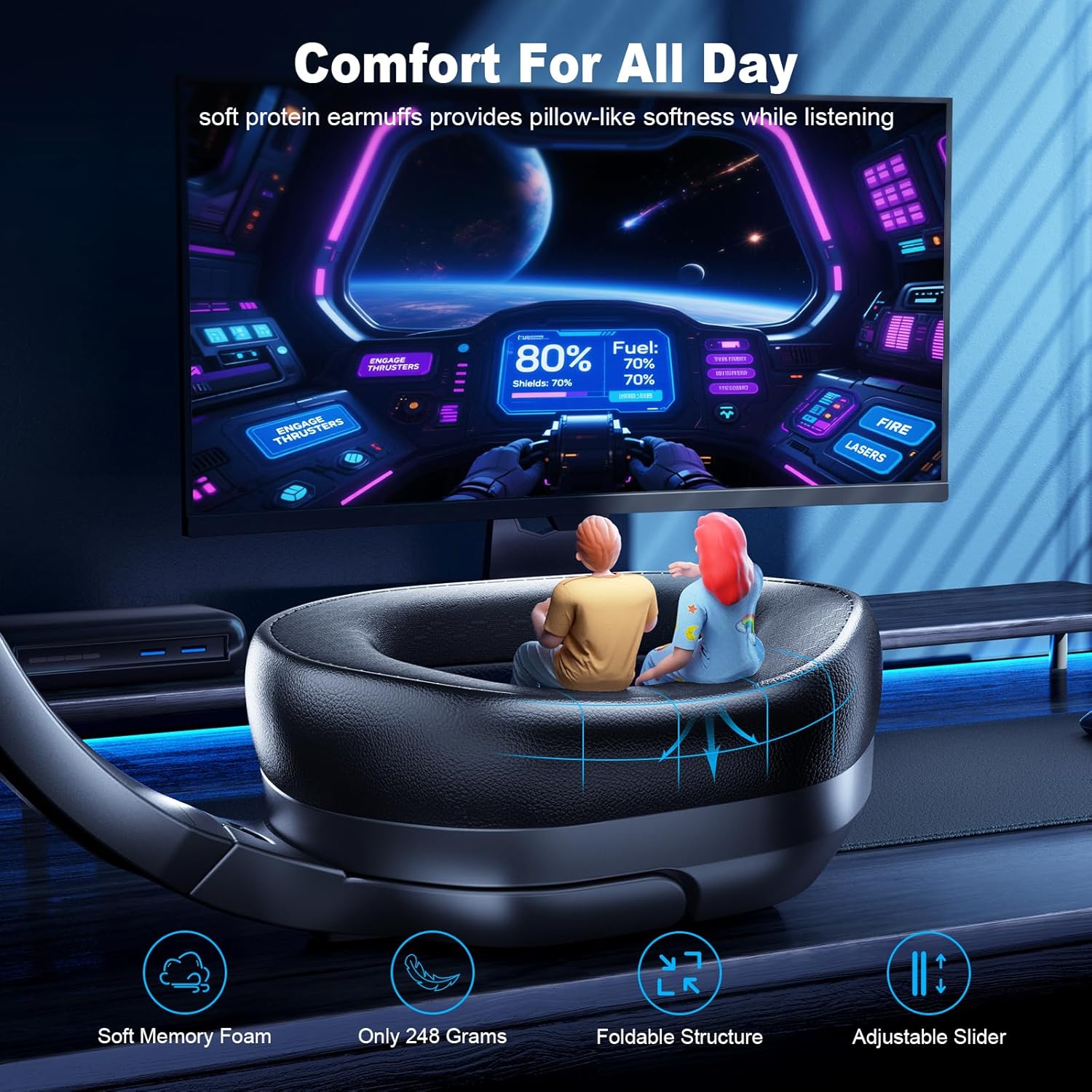
Opbevaring: Opbevar headsettet et køligt og tørt sted, væk fra direkte sollys og ekstreme temperaturer. Det foldbare design muliggør kompakt opbevaring.
Batteripleje: To preserve battery life, charge the headset regularly, even if not in frequent use. Avoid fully discharging the battery for extended periods.
Fejlfinding
Problem
Mulig løsning
Headsettet tænder ikke.
Ensure the headset is charged. Connect it to a power source using the USB charging cable.
Ingen lyd eller dårlig lydkvalitet.
Kontrollér lydstyrken på både headsettet og din tilsluttede enhed.
Ensure the headset is correctly paired/connected (2.4G dongle inserted, Bluetooth paired).
Verify that "FC-200" is selected as the audio output device in your device's sound settings.
Prøv at parre headsettet igen.
Mikrofon virker ikke.
Ensure the microphone is not muted (press and hold button 2 for 3 seconds).
Verify that "FC-200" is selected as the audio input device in your device's sound settings.
Remember the microphone is not supported on Nintendo Switch.
Cannot connect via 2.4GHz.
Ensure the USB dongle is fully inserted into a working USB port.
Confirm the headset is in 2.4G mode (press and hold button 2 for 2 seconds to switch modes).
Prøv at bruge en anden USB-port.
Kan ikke oprette forbindelse via Bluetooth.
Ensure the headset is in Bluetooth pairing mode (flashing light, press and hold button 2 for 2 seconds to switch).
Make sure Bluetooth is enabled on your device and it's searching for new devices.
Try "forgetting" the device on your phone/PC and re-pairing.
Remember Bluetooth mode is not compatible with PS4/PS5.
Fachixy products are covered by a limited warranty from the date of purchase. This warranty covers manufacturing defects in materials and workmanship. It does not cover damage caused by misuse, accidents, unauthorized modifications, or normal wear and tear. Please retain your proof of purchase for warranty claims.
Kundesupport
For technical assistance, warranty claims, or general inquiries, please contact Fachixy customer support. Refer to the official Fachixy webwebstedet eller din købsdokumentation for at få de seneste kontaktoplysninger.
Online support: Besøg Fachixy Store on Amazon for ofte stillede spørgsmål og produktinformation.
Relaterede dokumenter - FC-200
Fachixy FC-100 Gaming Headset Brugermanual Omfattende brugermanual til Fachixy FC-100 Gaming Headset, der dækker opsætning, funktioner og fejlfinding til forskellige platforme, herunder PS4, PS5, Xbox, Nintendo Switch, PC og Mac. Indeholder produktspecifikationer, sikkerhedsadvarsler og kontaktoplysninger.
Brugervejledning til Fachixy FC200 Gaming Headset Omfattende guide til Fachixy FC200 gamingheadsettet, der dækker opsætning til PlayStation-, Xbox- og Nintendo-konsoller, tekniske specifikationer, fejlfinding og sikkerhedsoplysninger.