Vigtige sikkerhedsoplysninger
Please read all safety instructions carefully before using the device. Failure to follow these instructions may result in electric shock, fire, or other hazards. Keep this manual for future reference.
- Udsæt ikke enheden for ekstreme temperaturer, direkte sollys eller høj luftfugtighed.
- Undgå at tabe enheden eller udsætte den for kraftige stød.
- Use only the specified charging adapter (5V-1A or 5V-2A). Do not use fast charging heads.
- Hold enheden væk fra vand og andre væsker.
- Forsøg ikke selv at skille enheden ad eller reparere den. Kontakt autoriseret servicepersonale.
- Bortskaf enheden og dens batteri på en ansvarlig måde i henhold til lokale regler.
1. Kom godt i gang
1.1 Pakkens indhold
Bekræft at alle varer er til stede i pakken:
- SWOFY D08 160GB Bluetooth MP3 Player
- USB Type-C-kabel
- Kablede ørepropper
- Brugervejledning (dette dokument)
1.2 Enhed overview
The SWOFY D08 is a portable media player featuring a 4-inch touchscreen, Android 13 OS, Bluetooth 5.0, and Wi-Fi connectivity. It supports various audio and video formats and offers expandable storage.

Billede 1.2.1: Front view of the SWOFY D08 MP3 Player, displaying its 4-inch touchscreen interface with pre-installed and downloadable application icons.

Billede 1.2.2: Multiple color variants of the SWOFY D08 player, emphasizing its portability and high-resolution lossless music playback capabilities.
1.3 Opladning af enheden
Before first use, fully charge the device. The player has a built-in 2000mAh Li-ion battery.
- Connect the provided USB Type-C cable to the charging port on the player.
- Connect the other end of the USB cable to a 5V-1A or 5V-2A USB power adapter (not included) or a computer's USB port.
- Opladningsindikatoren lyser. Når den er fuldt opladet, kan indikatoren skifte farve eller slukke.
Note: Avoid using fast charging adapters as they may damage the device battery.
1.4 Tænd/sluk
- For at tænde: Tryk og hold tænd/sluk-knappen nede (normalt på siden), indtil skærmen lyser.
- For at slukke: Tryk på tænd/sluk-knappen og hold den nede, indtil der vises en sluk-menu på skærmen. Vælg 'Sluk' og bekræft.
- For at genstarte: Vælg 'Genstart' i sluk-menuen.
1.5 Indledende opsætning
Når du tænder for strømmen første gang, vil du blive guidet gennem en indledende opsætningsproces:
- Sprogvalg: Vælg dit foretrukne sprog.
- Wi-Fi-forbindelse: Connect to a Wi-Fi network to enable internet access for app downloads and streaming services. Select your network and enter the password.
- Dato og tid: Set the correct date and time, or allow network synchronization.
- Google-konto: Log ind med din Google-konto for at få adgang til Google Play Butik og andre Google-tjenester.
2. Betjening af enheden
2.1 Navigation med berøringsskærm
The SWOFY D08 features a 4-inch high-resolution (400*800) full touchscreen for intuitive control.
- Tryk på: Vælg et element, eller åbn en app.
- Stryg: Navigate between screens or scroll through lists.
- Knib-for-at-zoome: Zoom ind eller ud på billeder eller web sider.
2.2 Musikafspilning
The player supports HiFi lossless sound quality and is compatible with MP3, FLAC, WAV, AAC, OGG, WMA, APE, and M4A audio formats.
- Overfør musik: Connect the player to a computer using the USB Type-C cable. The player will appear as a removable storage device. Drag and drop your music files into the designated music folder.
- Adgang til musik: Open the 'Music' app or your preferred streaming app (e.g., Spotify, Amazon Music, Pandora, Audible) from the home screen.
- Afspil/pause: Tryk på afspil/pause-ikonet.
- Spring spor over: Tap the next/previous track icons.
- Lydstyrkekontrol: Use the physical volume buttons on the side of the device or the on-screen controls.

Billede 2.2.1: Visual representation of the SWOFY D08's extensive audio format compatibility, ensuring seamless playback of various high-quality music files.
2.3 Bluetooth-forbindelse
The device features Bluetooth 5.0 with bi-directional transmitting and receiving functions for stable connections.
- Aktiver Bluetooth: Go to 'Settings' > 'Connected devices' > 'Bluetooth' and toggle it On.
- Parring: Put your Bluetooth headphones, speakers, or car stereo into pairing mode.
- Forbinde: On the SWOFY D08, tap 'Pair new device' and select your device from the list of available devices.

Billede 2.3.1: Illustration of the Bluetooth 5.0 technology integrated into the SWOFY D08, highlighting its wireless audio capabilities for headphones and speakers.

Billede 2.3.2: Depiction of the SWOFY D08's stable duplex Bluetooth feature, allowing connection to various audio output devices such as headphones, home speakers, and car systems.
2.4 Wi-Fi Functionality
The player supports dual-band Wi-Fi (2.4GHz and 5GHz) for stable internet access.
- Go to 'Settings' > 'Network & internet' > 'Wi-Fi'.
- Toggle Wi-Fi On.
- Vælg dit ønskede Wi-Fi-netværk fra listen, og indtast adgangskoden, hvis du bliver bedt om det.
2.5 Appinstallation og brug
The SWOFY D08 runs on Android 13 OS, allowing access to the Google Play Store.
- Google Play Butik: Tap the 'Play Store' icon on the home screen. Søg efter and download apps like Spotify, Pandora, Audible, Amazon Music, and more.
- Forudinstallerede apps: Utilize pre-installed apps such as FM Radio, Chrome, and others.
2.6 Videoafspilning
The player supports 1080P HD video playback and is compatible with AVI, MKV, RMVB, MP4, MPG, and MOV formats.
- Overfør video files to the device's storage.
- Open a video player app (e.g., 'Files' or a downloaded video player).
- Vælg videoen file for at starte afspilning.
2.7 Lagerstyring
The device comes with 32GB ROM and a 128GB SD card, totaling 160GB. It supports memory expansion up to 1TB via a microSD card.
- Intern opbevaring: View og styre files in the 'Files' app.
- SD-kort: Insert a microSD card into the designated slot to expand storage. Files can be moved between internal storage and the SD card.

Billede 2.7.1: Illustration of the SWOFY D08's internal hardware, including the Android 13 OS, 8-core MTK processor, 3GB RAM, 32GB ROM, and the included 128GB SD card, contributing to a 35% increase in running speed.
3. Vedligeholdelse
3.1 Rengøring af enheden
For at bevare enhedens udseende og funktionalitet:
- Brug en blød, fnugfri klud til at tørre skærmen og kabinettet af.
- Brug ikke slibende rengøringsmidler, alkohol eller kemiske opløsningsmidler.
- Ensure no moisture enters ports or openings.
3.2 Pleje af batterier
Korrekt batteripleje forlænger din enheds levetid:
- Undgå at aflade batteriet helt ofte.
- Do not leave the device charging for extended periods after it's full.
- Opbevar enheden et køligt og tørt sted, når den ikke er i brug i længere perioder.
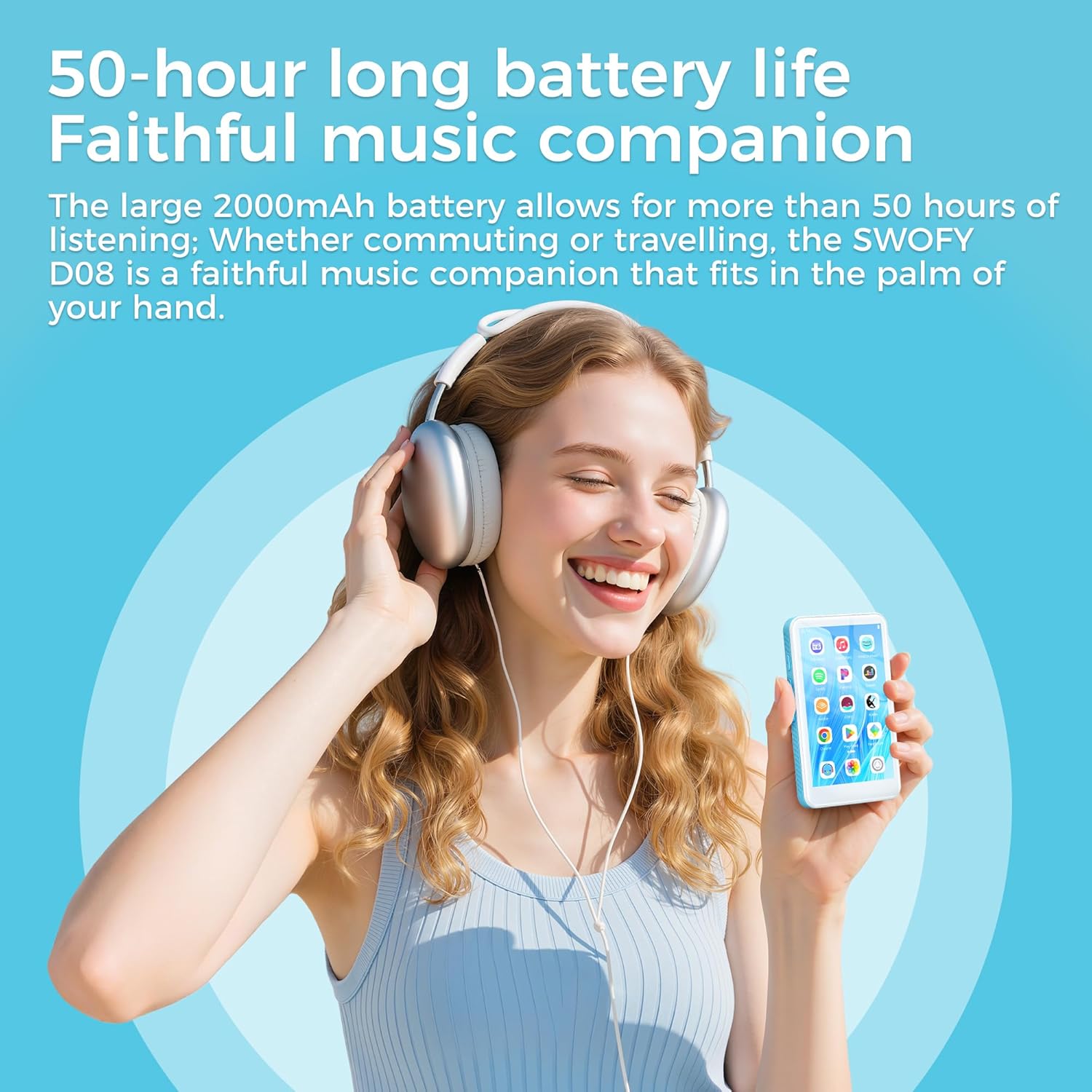
Billede 3.2.1: A user enjoying music with the SWOFY D08, illustrating its extended battery life of up to 50 hours for continuous music playback.
3.3 Softwareopdateringer
The SWOFY D08 runs on Android 13 OS. Periodically check for software updates to ensure optimal performance and security.
- Opret forbindelse til et stabilt Wi-Fi-netværk.
- Gå til 'Indstillinger' > 'System' > 'Systemopdatering'.
- Følg instruktionerne på skærmen for at downloade og installere alle tilgængelige opdateringer.
4. Fejlfinding
This section addresses common issues you might encounter with your SWOFY D08 player.
| Problem | Mulig løsning |
|---|---|
| Enheden tænder ikke. | Ensure the battery is charged. Connect to a charger for at least 30 minutes. If still unresponsive, perform a hard reset (refer to manufacturer's support for specific instructions if available). |
| Kan ikke oprette forbindelse til Wi-Fi. | Check if Wi-Fi is enabled in settings. Verify the Wi-Fi password. Restart your router and the player. Try connecting to a different Wi-Fi network. |
| Bluetooth-enhed parres ikke. | Ensure Bluetooth is enabled on both devices. Put the accessory in pairing mode. Make sure both devices are within range. Restart both devices. |
| Apps er langsomme eller går ned. | Close background apps. Clear app cache (Settings > Apps > [App Name] > Storage > Clear cache). Restart the device. If the issue persists, consider a factory reset. |
| Storage full. | Slet unødvendigt files or apps. Move files to the external SD card. Consider upgrading to a larger microSD card (up to 1TB supported). |
| Skærmen reagerer ikke. | Genstart enheden. Hvis problemet fortsætter, skal du kontakte kundesupport. |
4.1 Fabriksindstilling
A factory reset will erase all data on your device and restore it to its original factory settings. Back up important data before proceeding.
- Gå til 'Indstillinger' > 'System' > 'Nulstillingsindstillinger'.
- Vælg 'Slet alle data (fabriksindstilling)'.
- Bekræft dit valg, og følg instruktionerne på skærmen.
5. Specifikationer
Detailed technical specifications for the SWOFY D08 MP3 Player.
| Feature | Specifikation |
|---|---|
| Mærke | SWOFY |
| Model | D08-160GB |
| Operativsystem | Android 13 OS |
| Processor | MTK6762 Octa-core |
| VÆDDER | 3 GB |
| Internt lager (ROM) | 32 GB |
| Inkluderet SD-kort | 128 GB |
| Total Storage (Internal + SD) | 160 GB |
| Udvidelig opbevaring | Op til 1 TB via Micro SD-kort |
| Vise | 4-inch LCD Touchscreen (400*800 resolution) |
| Bluetooth | Bluetooth 5.0 (tovejs) |
| Wi-Fi | Dual-band (2.4 GHz og 5 GHz) |
| Batteri | 2000mAh Lithium Polymer |
| Understøttede lydformater | MP3, WAV, FLAC, APE, OGG, M4A, AAC, WMA |
| Understøttede videoformater | AVI, MKV, RMVB, MP4, MPG, MOV (1080P HD) |
| Særlige funktioner | Built-In Speaker, Equalizer, FM Radio, Touch Screen, Video Playback, Voice Recorder |
| Opladningsport | USB Type-C |
| Varens vægt | 222 g |
6. Garanti og support
6.1 Garantioplysninger
Specific warranty details for your SWOFY D08 player may vary by region and retailer. Please refer to the warranty card included in your product packaging or visit the official SWOFY webwebstedet for den mest opdaterede garantipolitik.
6.2 Kundesupport
If you encounter any issues not covered in this manual or require further assistance, please contact SWOFY customer support through their official webwebstedet eller de kontaktoplysninger, der er angivet med dit køb.
Note: No official product videos were provided in the source data for embedding in this manual.


