1. Sikkerhedsoplysninger
Please read all safety information before using your device to ensure safe and proper use. Failure to follow these instructions may result in injury or damage to the device.
- Batterisikkerhed: Do not disassemble, puncture, or modify the battery. Avoid exposing the battery to high temperatures or direct sunlight.
- Vand- og støvmodstand: The OUKITEL G3 is IP68/IP69K rated for water and dust resistance. Ensure all ports are securely closed before exposing the device to water or dust. Avoid prolonged submersion or exposure to high-pressure water jets.
- Temperatur: Operate the device within a temperature range of 0°C to 35°C (32°F to 95°F). Extreme temperatures can damage the device and reduce battery life.
- Service: Only authorized service personnel should repair this product. Unauthorized repairs may void your warranty.
2. Pakkens indhold
Verify that all items are present in your OUKITEL G3 package:
- 1x OUKITEL G3 Robust Telefon
- 1x 10W oplader
- 1x Data Cable (USB-C)
- 1x manual

Image: The OUKITEL G3 smartphone, charger, data cable, and user manual as found in the product packaging.
Video: An unboxing demonstration of the OUKITEL G3 Rugged Smartphone, showcasing the phone and its included accessories.
3. Opsætning
3.1 Indledende opsætning
- Tænd: Press and hold the Power button located on the right side of the device until the OUKITEL logo appears.
- Følg instruktionerne på skærmen: The device will guide you through selecting your language, connecting to Wi-Fi, and setting up your Google account.
3.2 Indsættelse af SIM-/TF-kort
The OUKITEL G3 supports Dual SIM (Nano + Nano) or Nano + TF card for flexible network and storage options.
- Find SIM-kortbakken på siden af telefonen.
- Brug det medfølgende SIM-kortudløserværktøj til at åbne bakken.
- Carefully place your Nano-SIM card(s) and/or TF card into the designated slots.
- Skub forsigtigt bakken tilbage i enheden, indtil den klikker på plads.

Image: The SIM card tray of the OUKITEL G3, showing the correct placement for Nano-SIM cards and a TF (microSD) card.
3.3 Opladning af enheden
The OUKITEL G3 is equipped with a 6300mAh battery and supports 10W fast charging.
- Connect the USB-C end of the data cable to the phone's charging port.
- Connect the USB-A end of the data cable to the 10W charger.
- Sæt opladeren i en stikkontakt.
- Opladningsindikatoren vises på skærmen.
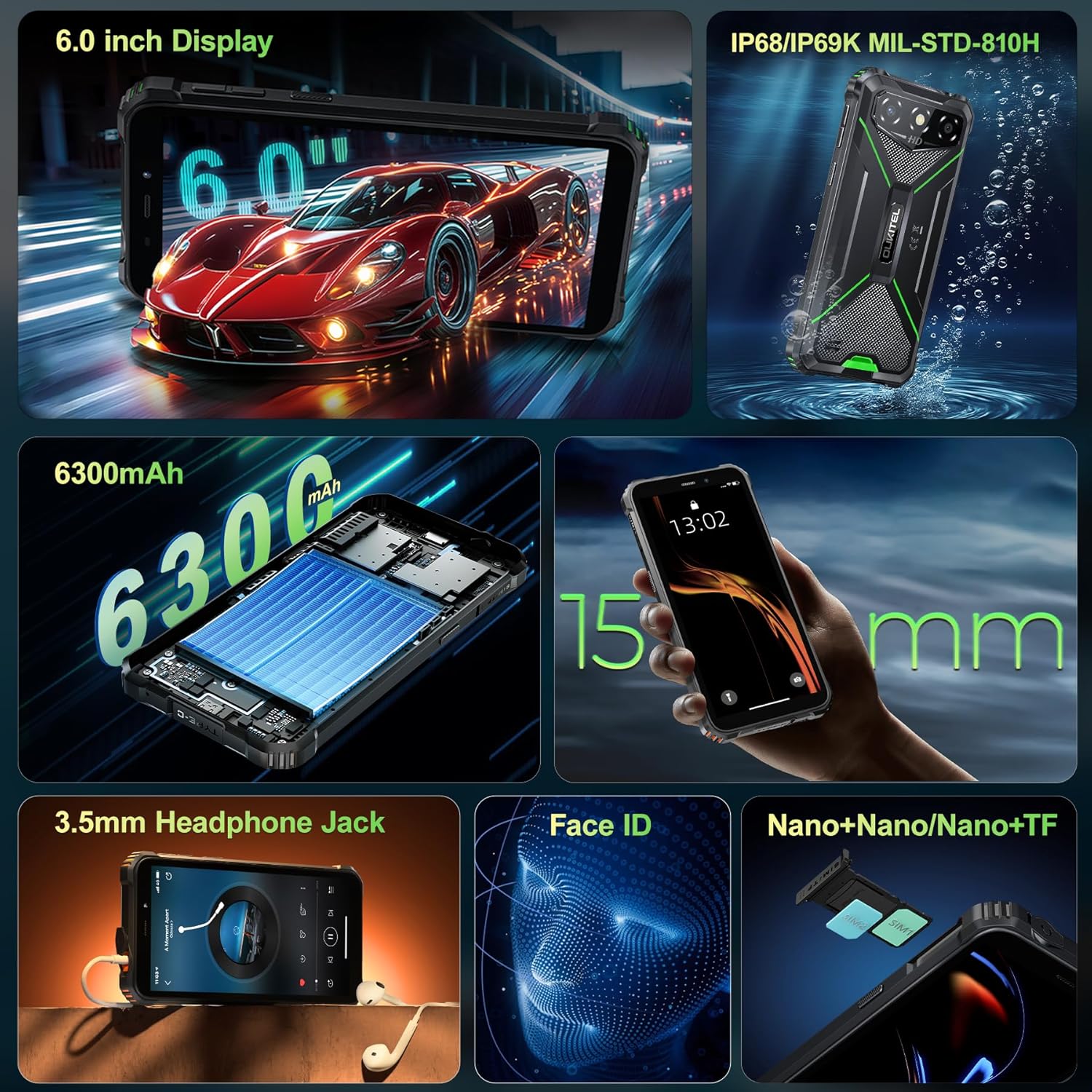
Image: The OUKITEL G3 phone being charged with its included 10W charger and USB-C cable.
4. Operating Your OUKITEL G3
4.1 Grundlæggende navigation
Your OUKITEL G3 runs on the latest Android 14, offering a clean and responsive user interface.
- Startskærm: Stryg til venstre eller højre for at få adgang til forskellige paneler på startskærmen.
- App Skuffe: Swipe up from the bottom of the screen to open the app drawer and view alle installerede applikationer.
- Notifikationer og hurtige indstillinger: Stryg ned fra toppen af skærmen for at få adgang til notifikationer og knapper til hurtigindstillinger.
4.2 Skærmfunktioner
The 6-inch HD display provides a bright and clear viewoplevelse.
- Justering af lysstyrke: Adjust screen brightness manually or enable adaptive brightness in Settings > Display.
- Opdateringshastighed: The display operates at a 60Hz refresh rate for smooth visuals.
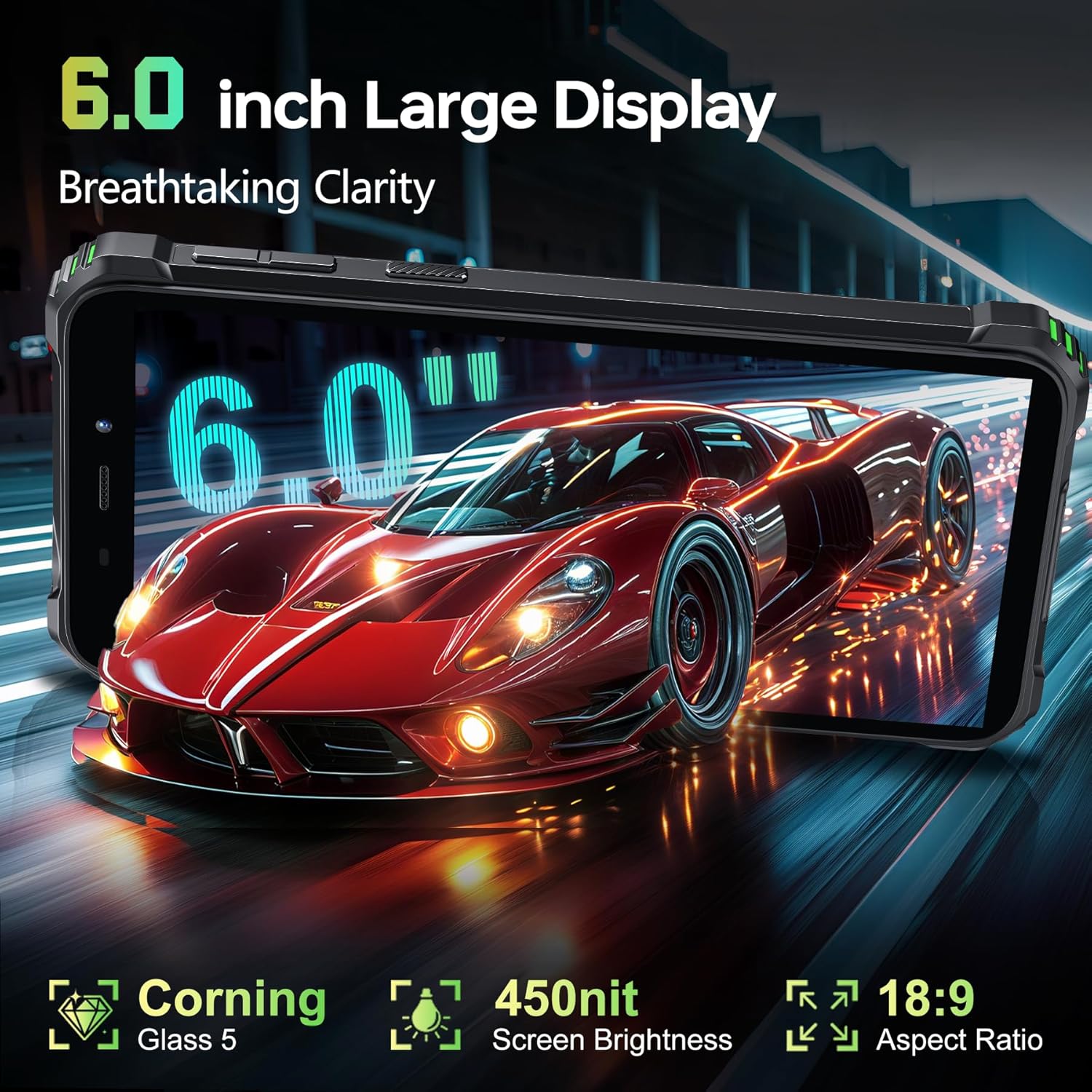
Image: The OUKITEL G3's 6-inch HD display showcasing a dynamic image, highlighting its clarity and color reproduction.
4.3 Kamerabrug
Capture moments with the 13MP main camera and 5MP front camera.
- Åbn Kamera-appen: Tryk på kameraikonet på din startskærm eller i appskuffen.
- Skift kameraer: Tryk på ikonet for kameraskift for at skifte mellem bag- og forkameraet.
- Capture Photo/Video: Tryk på udløserknappen for at tage et billede eller starte/stoppe videooptagelse.
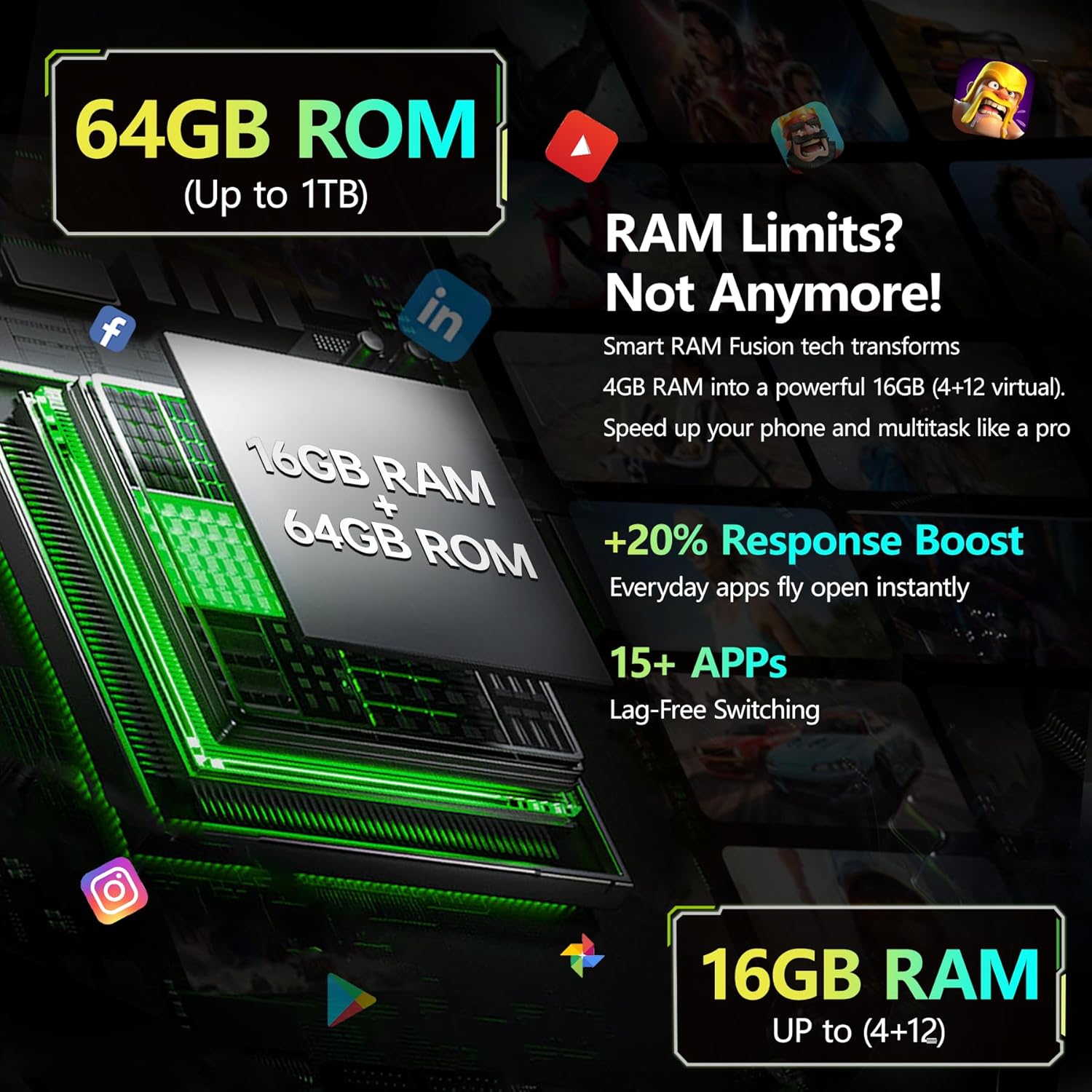
Billede: En detaljeret view of the OUKITEL G3's rear camera setup, featuring the 13MP main camera lens and LED flash.
4.4 Forbindelse
Stay connected with various connectivity options.
- 4G dobbelt SIM-kort: Supports two Nano-SIM cards for separate mobile networks.
- Wi-Fi: Connect to 2.4G and 5G Wi-Fi networks for internet access.
- Bluetooth: Par med Bluetooth-enheder som hovedtelefoner eller højttalere.
- GPS: Brug GPS, GLONASS, Beidou og Galileo til præcis navigation.
4.5 Særlige funktioner
- Face ID: Unlock your phone securely using facial recognition.
- USB OTG: Connect USB devices such as flash drives or keyboards using an OTG adapter (sold separately).
- 3.5 mm lydstik: Tilslut kablede hovedtelefoner til lydafspilning.
Video: A promotional video highlighting various features of the OUKITEL G3 Rugged Phone, including its durability and performance.
5. Vedligeholdelse
5.1 Vandtæt og støvtæt pleje
The OUKITEL G3 is designed to withstand harsh environments with IP68, IP69K, and MIL-STD-810H certifications.
- Ensure all port covers are tightly sealed before exposing the phone to water or dust.
- Efter udsættelse for vand skal enheden tørres grundigt, før den oplades eller åbnes for porte.
- Avoid using the phone in extreme underwater conditions or high-pressure water.
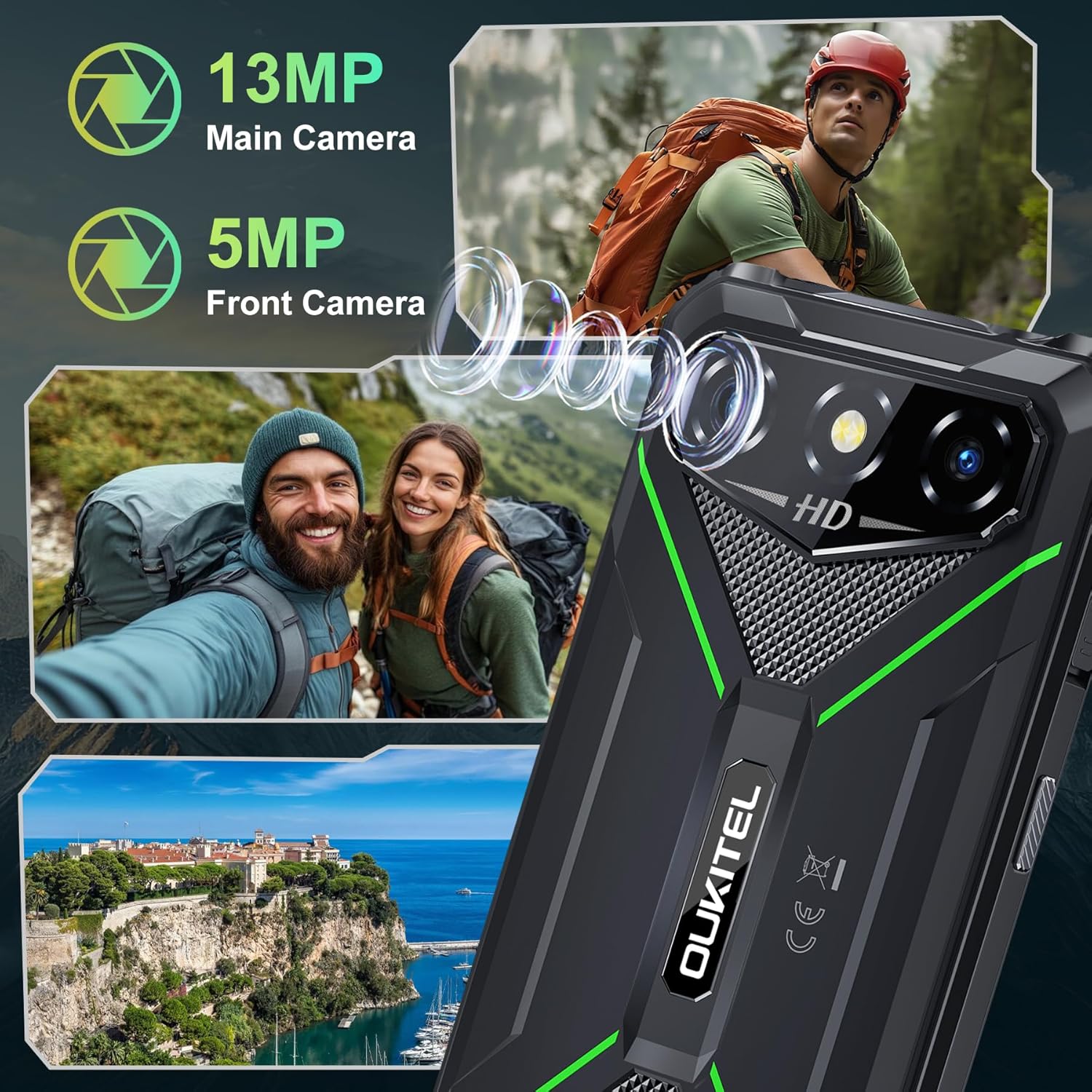
Image: The OUKITEL G3 rugged smartphone shown with water splashing on it, illustrating its waterproof capabilities.
5.2 Batterioptimering
Sådan maksimerer du levetiden på dit 6300mAh batteri:
- Undgå at aflade batteriet helt ofte.
- Reduce screen brightness and disable unnecessary features like Bluetooth or Wi-Fi when not in use.
- Luk baggrundsprogrammer, der bruger for meget strøm.
- The phone supports reverse charging, allowing it to act as a power bank for other devices.
6. Fejlfinding
If you encounter issues with your OUKITEL G3, try the following steps:
- Enheden reagerer ikke: Tryk og hold tænd/sluk-knappen nede i cirka 10 sekunder for at fremtvinge en genstart.
- Opladningsproblemer: Ensure the charger and cable are properly connected and undamaged. Try a different outlet.
- Network Problems: Check if your SIM card is correctly inserted. Verify your mobile data or Wi-Fi connection settings.
- App-nedbrud: Ryd cachen og dataene for den problematiske app i Indstillinger > Apps. Hvis problemet fortsætter, skal du afinstallere og geninstallere appen.
- Gendan fabriksindstillinger: Som en sidste udvej kan du udføre en fabriksnulstilling (Indstillinger > System > Nulstillingsindstillinger > Slet alle data). Advarsel: Dette vil slette alle data på din telefon. Sikkerhedskopier først vigtige oplysninger.
7. Specifikationer
| Feature | Detalje |
|---|---|
| Modelnavn | OUKITEL G3 |
| Operativsystem | Android 14 |
| Skærmstørrelse | 6 tommer |
| Installeret RAM-hukommelsesstørrelse | 16 GB |
| Hukommelseslagringskapacitet | 64 GB (kan udvides op til 1 TB) |
| Batteristyrke | 6300 mAh |
| Telefonens taletid | 45 timer |
| Bagkamera | 13 MP |
| Forreste kamera | 5 MP |
| Cellulær teknologi | 4G |
| Support til trådløse udbydere | T-Mobile (ikke AT&T eller Verizon) |
| Forbindelsesteknologier | Bluetooth, USB, Wi-Fi (2.4G+5G) |
| Særlige funktioner | Built-In GPS, Dual SIM, Rugged Body, Supports USB OTG, Face ID, 3.5mm Audio Jack |
| IP-vurdering | IP68, IP69K |
| Militær standard | MIL-STD-810H |
| Varens vægt | 1.22 pund |
| Pakkedimensioner | 8.11 x 4.5 x 2.16 tommer |
8. Garanti og support
Your OUKITEL G3 Rugged Smartphone comes with a manufacturer's warranty. Please refer to the warranty certificate included in your package for specific terms and conditions.
For teknisk support, hjælp til fejlfinding eller garantikrav, kontakt venligst OUKITELs kundeservice via deres officielle webwebstedet eller kontaktoplysningerne i din garantidokumentation.


