Indledning
Thank you for choosing the pTron Bassbuds Senz Open Ear Wireless Earbuds. These earbuds are designed to provide a comfortable and pressure-free listening experience while keeping you aware of your surroundings. Featuring 13mm dynamic drivers, dual HD microphones with AI-ENC for clear calls, Bluetooth v6.0 connectivity, and IPX5 water resistance, the Bassbuds Senz are ideal for various activities. This manual provides detailed instructions for setup, operation, maintenance, and troubleshooting to ensure optimal performance.
Hvad er der i æsken
- pTron Bassbuds Senz Wireless Earbuds
- Opladningsetui
- USB Type-C opladerkabel
- Brugermanual
Produkt overview
The pTron Bassbuds Senz feature an open-ear design for comfort and situational awareness, along with a compact charging case.

Image: pTron Bassbuds Senz Open Ear Wireless Earbuds and Charging Case. This image displays the two earbuds and their oval-shaped charging case.

Image: Key features of pTron Bassbuds Senz. This collage highlights SafeBeats Design, Dual HD Mics, 50 Hours Playtime, 13mm Dynamic Drivers, Bluetooth 6.0, LED Battery Indicator, Type-C Charging, and IPX5 Water & Sweat Resistant.

Image: Diagram showing the 13mm dynamic drivers of pTron Bassbuds Senz. This close-up view illustrates the internal components of the earbud's audio driver.

Image: User wearing pTron Bassbuds Senz, highlighting Dual HD Mics for clear calls. A person is shown wearing one earbud, emphasizing its ergonomic fit and microphone placement.

Image: Close-up of pTron Bassbuds Senz charging case with digital LED display and Type-C charging port. This image shows the charging case with its lid open, revealing the earbuds inside and the battery percentage display.
Opsætningsinstruktioner
1. Opladning af øretelefoner og etuiet
Before first use, fully charge the earbuds and charging case. Use the provided USB Type-C cable to connect the charging case to a power source.
- The digital LED display on the charging case will show the battery percentage.
- Ørepropperne oplades automatisk, når de placeres i etuiet.
- En fuld opladning tager typisk cirka 1.5-2 timer.
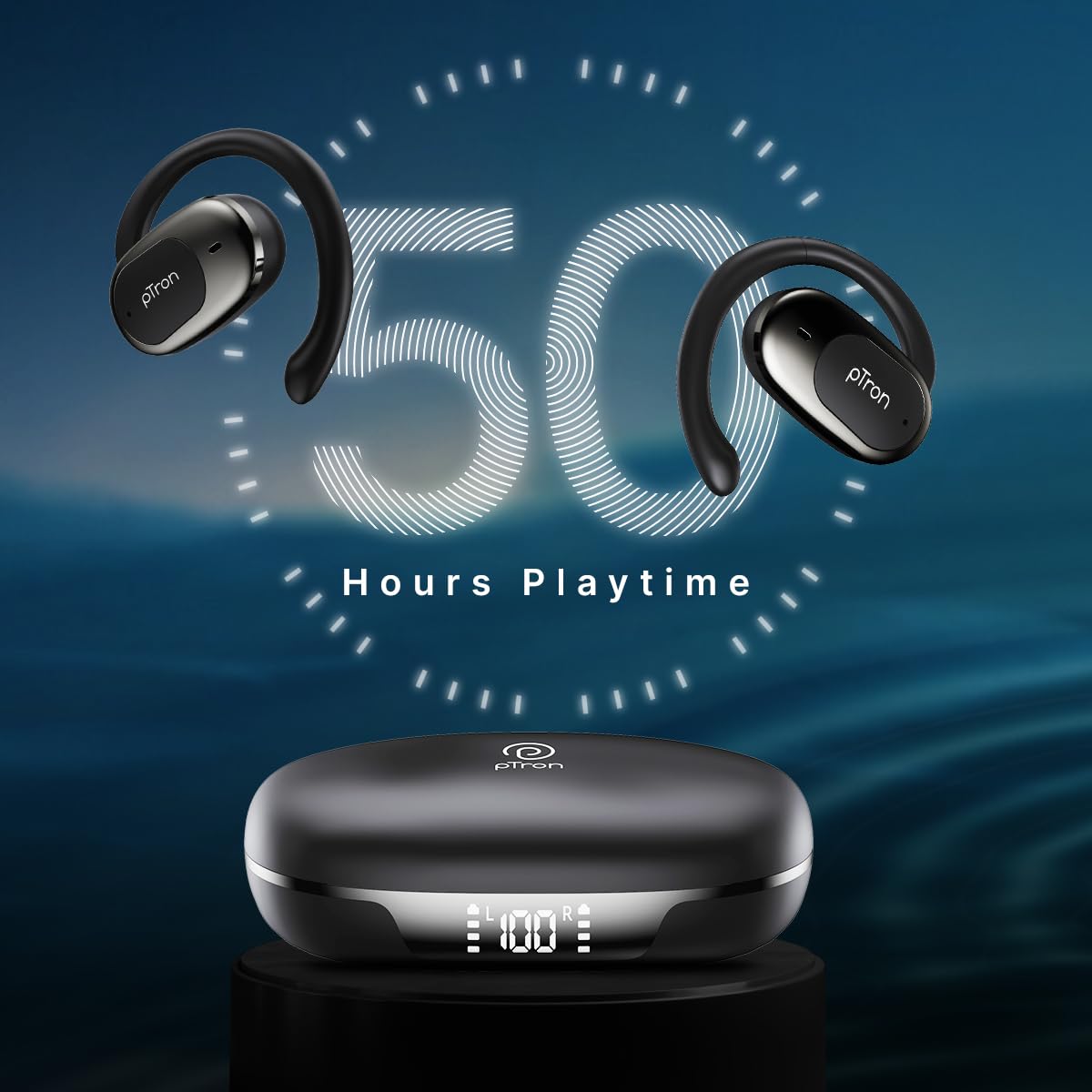
Image: pTron Bassbuds Senz earbuds and charging case, illustrating 50 hours combined playtime. This image visually represents the extended battery life of the product.
2. Bluetooth-parring
- Tænd: Open the charging case. The earbuds will automatically power on and enter pairing mode. You may hear a voice prompt indicating they are ready to pair.
- Aktiver Bluetooth: On your smartphone or device, go to the Bluetooth settings and turn Bluetooth on.
- Vælg enhed: Look for "pTron OWS" (or similar name) in the list of available devices and select it to connect.
- Bekræftelse: Når du er tilsluttet, vil du høre en stemmemeddelelse, der bekræfter den vellykkede parring.
- Automatisk genforbindelse: After initial pairing, the earbuds will automatically connect to the last paired device when taken out of the case, provided Bluetooth is enabled on the device.

Image: Smartphone screen showing Bluetooth pairing with pTron OWS, next to the earbuds and charging case. This image demonstrates the process of connecting the earbuds to a mobile device via Bluetooth.
Betjeningsvejledning
The pTron Bassbuds Senz feature touch controls for easy management of music and calls.
Tryk på kontrolelementer
| Fungere | Handling |
|---|---|
| Tænd | Åben opladningsetui |
| Sluk | Place earbuds back into charging case and close lid |
| Afspil/pause musik | Et enkelt tryk på begge øretelefoner |
| Næste spor | Dobbelttryk på den højre øreprop |
| Forrige spor | Dobbelttryk på den venstre øreprop |
| Besvar/afslut opkald | Single tap on either earbud during an incoming call |
| Afvis opkald | Long press on either earbud during an incoming call |
| Aktiver Voice Assistant | Tryk tre gange på begge øretelefoner |
| Lydstyrke op | Long press on the Right earbud |
| Lydstyrke ned | Long press on the Left earbud |
Opretholdelse
Rensning
- Rengør regelmæssigt ørepropperne og opladningsetuiet med en blød, tør og fnugfri klud.
- Brug ikke skrappe kemikalier, rengøringsopløsningsmidler eller stærke rengøringsmidler.
- Sørg for, at opladningskontakterne på både ørepropper og etuiet er rene og fri for snavs.
Opbevaring
- Opbevar øretelefonerne i deres opladningsetui, når de ikke er i brug for at beskytte dem og holde dem opladet.
- Avoid storing in extreme temperatures (hot or cold) or in dusty/humid environments.
Batteripleje
- For at forlænge batterilevetiden bør du undgå at aflade ørepropperne og opladningsetuiet helt ofte.
- Charge the device regularly, even if not in frequent use.

Image: User exercising with pTron Bassbuds Senz, demonstrating IPX5 water and sweat resistance. This image shows the earbuds being used during a workout, highlighting their durability against sweat and splashes.
Fejlfinding
If you encounter issues with your pTron Bassbuds Senz, refer to the following common solutions:
- Øretelefoner parrer ikke med enheden:
Ensure both earbuds are charged. Turn off Bluetooth on your device, then turn it back on. Forget "pTron OWS" from your device's Bluetooth list and try pairing again. Make sure the earbuds are in pairing mode (out of the case). - Kun én øreprop virker:
Place both earbuds back into the charging case, close the lid, wait a few seconds, then open the lid and take them out. This often resets the connection between the two earbuds. If the issue persists, try re-pairing them with your device. - Øretelefoner oplader ikke:
Check if the charging cable is securely connected to both the case and the power source. Ensure the charging contacts on the earbuds and inside the case are clean and free of obstructions. Verify the charging case has sufficient battery. - Lav lydstyrke eller dårlig lydkvalitet:
Adjust the volume on both your device and the earbuds. Ensure the earbuds are properly seated in your ears. Clean any debris from the earbud speakers. - Connectivity issues (disconnections):
Ensure your device is within the 10-meter Bluetooth range. Avoid obstacles between your device and the earbuds. Minimize interference from other wireless devices.
Specifikationer
| Feature | Detalje |
|---|---|
| Modelnavn | Bassbuds Senz |
| Forbindelsesteknologi | Trådløs (Bluetooth v6.0) |
| Bluetooth rækkevidde | 10 meter |
| Audio driver type | 13 mm dynamisk driver |
| Battery Life (Combined) | Op til 50 timer |
| Opladningsport | USB Type-C |
| Vandmodstand | IPX5 (vandtæt) |
| Mikrofoner | Dual HD Mics with AI-ENC |
| Kontrolmetode | Røre |
| Øreplacering | Åbent øre |
| Materiale | Acrylonitril Butadien Styren (ABS) |
| Varens vægt | 67 gram |
| Produktdimensioner | 9.1 x 5.9 x 3.1 cm |
Garanti og support
The pTron Bassbuds Senz comes with a 1-year manufacturer warranty from the date of purchase, covering manufacturing defects only.
Kundesupport
For any queries, support, or warranty claims, please contact pTron customer care:
- Telefon: 040-67138888
- E-mail: support@ptron.in
- Fabrikant: Palred Electronics Pvt. Ltd., SY.NO. 56, 1ST FLOOR, GUNDLAPOCHAMPALLY VILLAGE, TECH PARK MTP, TSIIC-IALA NACHARAM, HYDERABAD - 500076, TELANGANA, INDIA


