1. Introduktion
This manual provides essential information for the safe and efficient use of your DOOGEE Fire 3 rugged smartphone. Please read it thoroughly before operating your device.
The DOOGEE Fire 3 is designed for durability and performance, featuring a robust build, long-lasting battery, and the latest Android 15 operating system. It is engineered to withstand challenging environments while providing a smooth and personalized mobile experience.

Figur 1: Forside og bagside view of the DOOGEE Fire 3 rugged smartphone.
Unboxing the DOOGEE Fire 3
Watch this video for a detailed unboxing experience of your new DOOGEE Fire 3 smartphone, showcasing all included accessories and initial presentation.
Video 1: DOOGEE Fire 3 Unboxing.
2. Indledende opsætning
2.1 Installation af SIM-kort og MicroSD-kort
To install your SIM card(s) and an optional MicroSD card:
- Find SIM-kortbakken på siden af telefonen.
- Sæt det medfølgende SIM-kortudløserværktøj i det lille hul ved siden af bakken, og skub forsigtigt, indtil bakken springer ud.
- Placer dit/dine Nano-SIM-kort og/eller MicroSD-kort i de dertil beregnede pladser på bakken. Sørg for, at de gyldne kontakter vender nedad.
- Skub forsigtigt bakken tilbage i telefonen, indtil den flugter med enhedens kabinet.
Note: Please check compatibility with your local frequency band before purchasing and inserting SIM cards. The phone supports GSM T-Mobile, but may not work with AT&T, new Cricket, or Verizon.
2.2 Tænding og indledende konfiguration
To power on your device, press and hold the Power button located on the side of the phone until the DOOGEE logo appears. Follow the on-screen prompts to complete the initial setup, which includes:
- Valg af sprog.
- Opretter forbindelse til et Wi-Fi-netværk.
- Setting up your Google account.
- Configuring screen lock (PIN, pattern, password).
2.3 Opsætning af ansigtslåsning
For enhanced security and convenience, you can set up Face Unlock:
- Gå til Indstillinger > Sikkerhed og privatliv > Ansigtslås.
- Følg instruktionerne på skærmen for at registrere dit ansigt. Sørg for, at du er i et godt oplyst område.
- Når du er registreret, kan du låse din telefon op ved blot at kigge på frontkameraet.
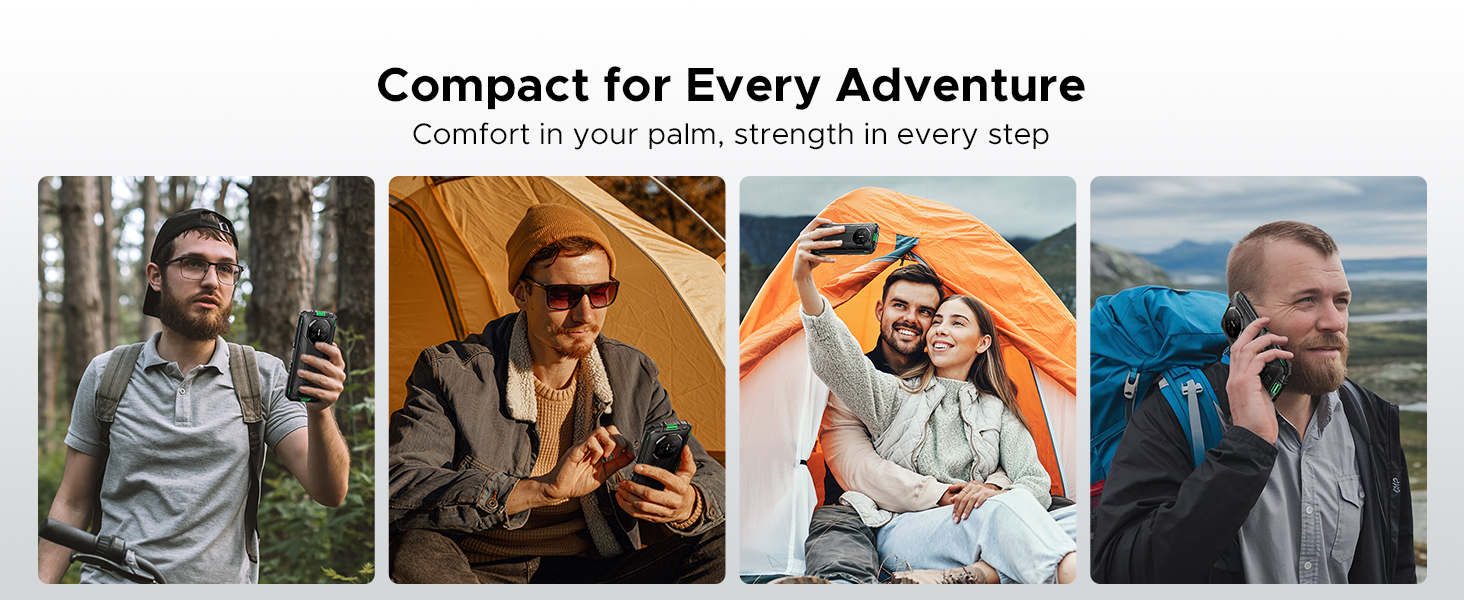
Figure 2: Key features including Face Unlock.
3. Betjening af din enhed
3.1 Android 15-funktioner
Your DOOGEE Fire 3 runs on Android 15, offering a range of features for improved usability and privacy:
- App-kloning: Kør flere instanser af den samme app for forskellige konti.
- Smart bevægelsesregistrering: Utilize gestures for quick actions.
- Super Udklipsholder: Enhanced clipboard functionality for managing copied content.
- Opdelt skærm: Brug to apps samtidigt på skærmen.
- Enhanced Privacy Protection: Granular control over app permissions and data access.
- Handsketilstand: Improve touch sensitivity for use with gloves.
- Skærmbevidsthed: Keeps the screen on while you are looking at it.
- Live billedtekst: Automatically captions media playing on your device (English only).
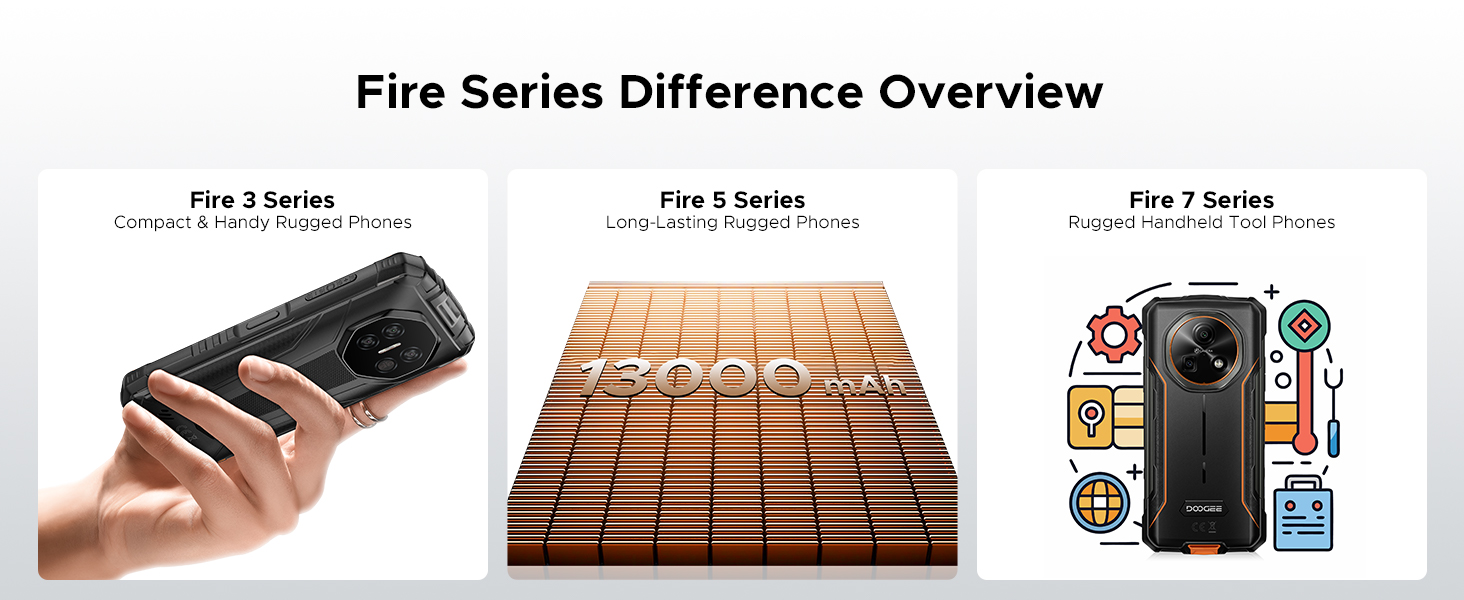
Figure 3: Android 15 operating system features.
3.2 Kamerabrug
The DOOGEE Fire 3 features a 13MP AI triple rear camera and an 8MP front camera.
- Tager billeder: Åbn Kamera-appen, kompromis dit billede, og tryk på udløserknappen.
- AI Scene Recognition: The camera automatically detects scenes (e.g., greenery, sunrise) and optimizes settings for the best photo quality.
- Forreste kamera: Switch to the front camera for selfies and video calls.

Figure 4: Capturing photos with the 13MP main camera.
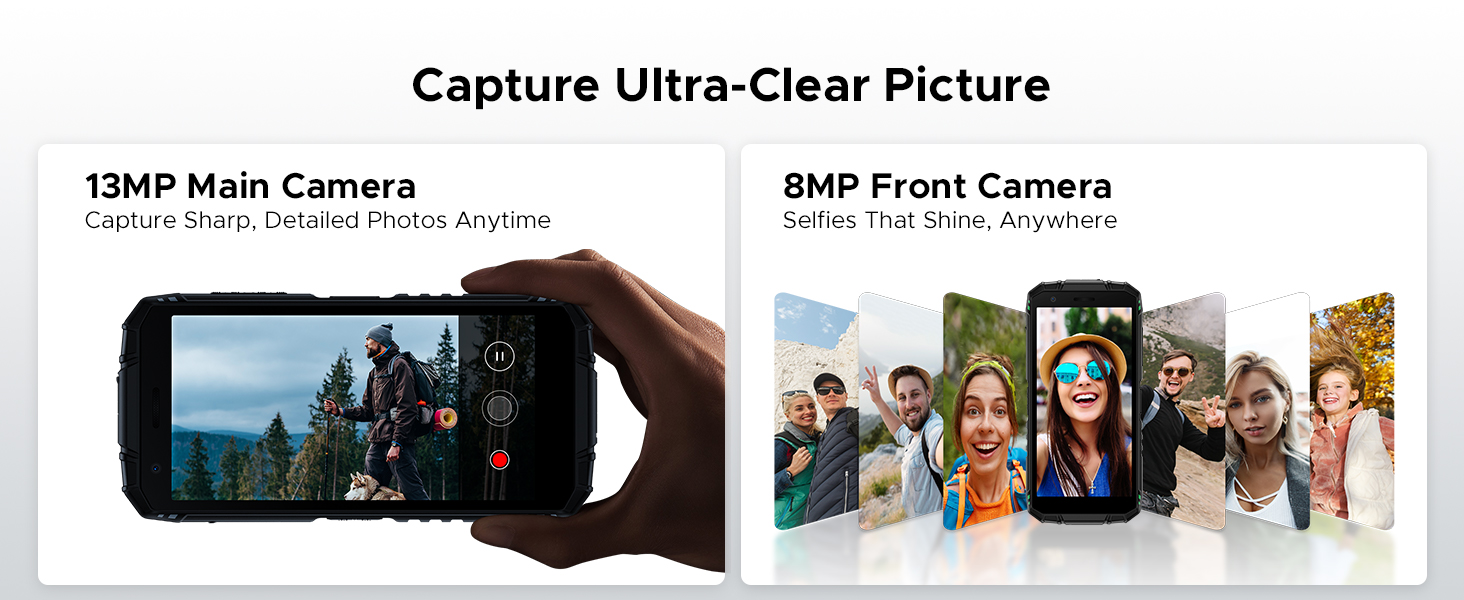
Figure 5: AI Scene Recognition in the camera app.
3.3 Digitalt værktøjssæt
The DOOGEE Fire 3 includes a suite of useful tools for outdoor and daily activities:
- Kompas
- Lydmåler
- Billedophængning
- Forstørrelsesglas
- Vinkelmåler
- Plumb Bob
- Alarmklokke
- Gradienter
- Højdemål
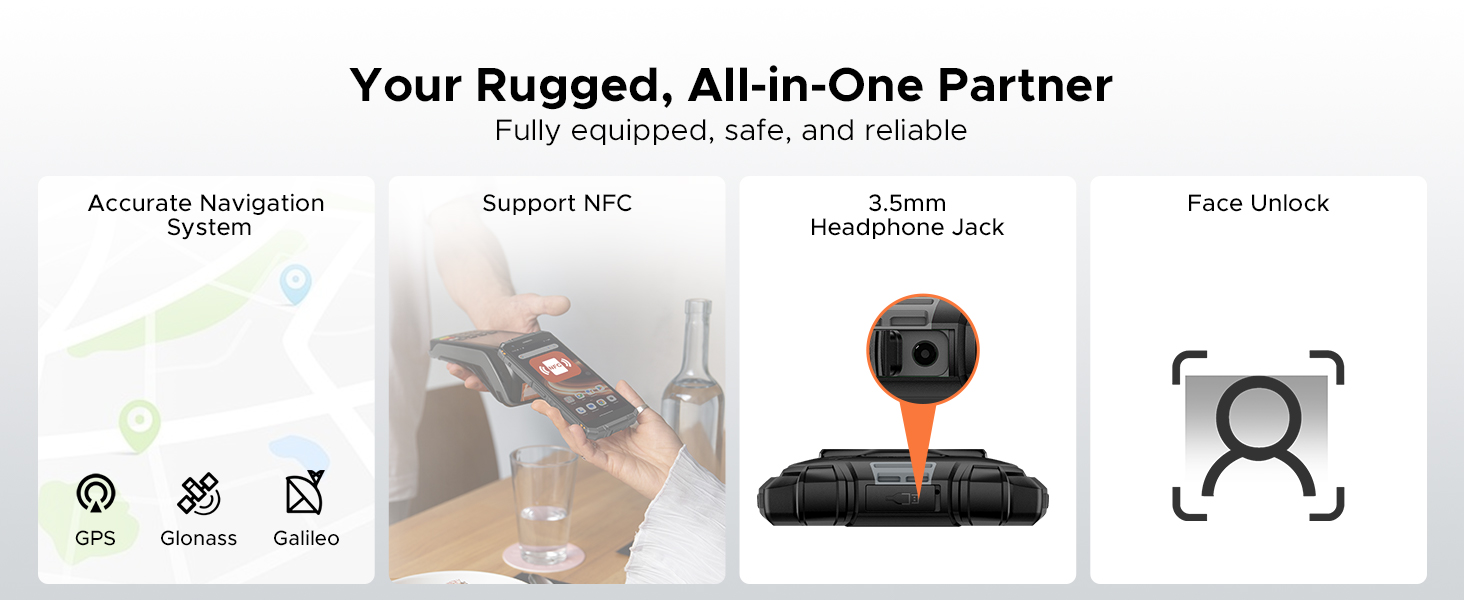
Figure 6: Digital Toolkit applications.
3.4 Navigation og tilslutningsmuligheder
The device supports multiple navigation systems and essential connectivity features:
- Navigation: Accurate positioning with GPS, Glonass, and Galileo.
- NFC: Supports Near Field Communication for contactless payments and data exchange.
- 3.5 mm hovedtelefonstik: Til kablet lydtilbehør.
3.5 General Usage Overview
Denne video giver et generelt overblikview of the DOOGEE Fire 3's compact size and powerful features in various usage scenarios.
Video 2: DOOGEE Fire 3 Small Body, Big Power.
4. Batteristyring
The DOOGEE Fire 3 is equipped with a massive 8350mAh battery, designed for extended use.
4.1 Batterilevetid og opladning
- Standby tid: Op til 47 dage.
- Musikafspilning: Op til 87 timer.
- Videovisning: Op til 28 timer.
- Ringer: Op til 44 timer.
- Opladning: Understøtter 10W opladning.
- Omvendt opladning: The phone can act as a power bank to charge other devices like earbuds or smartwatches.
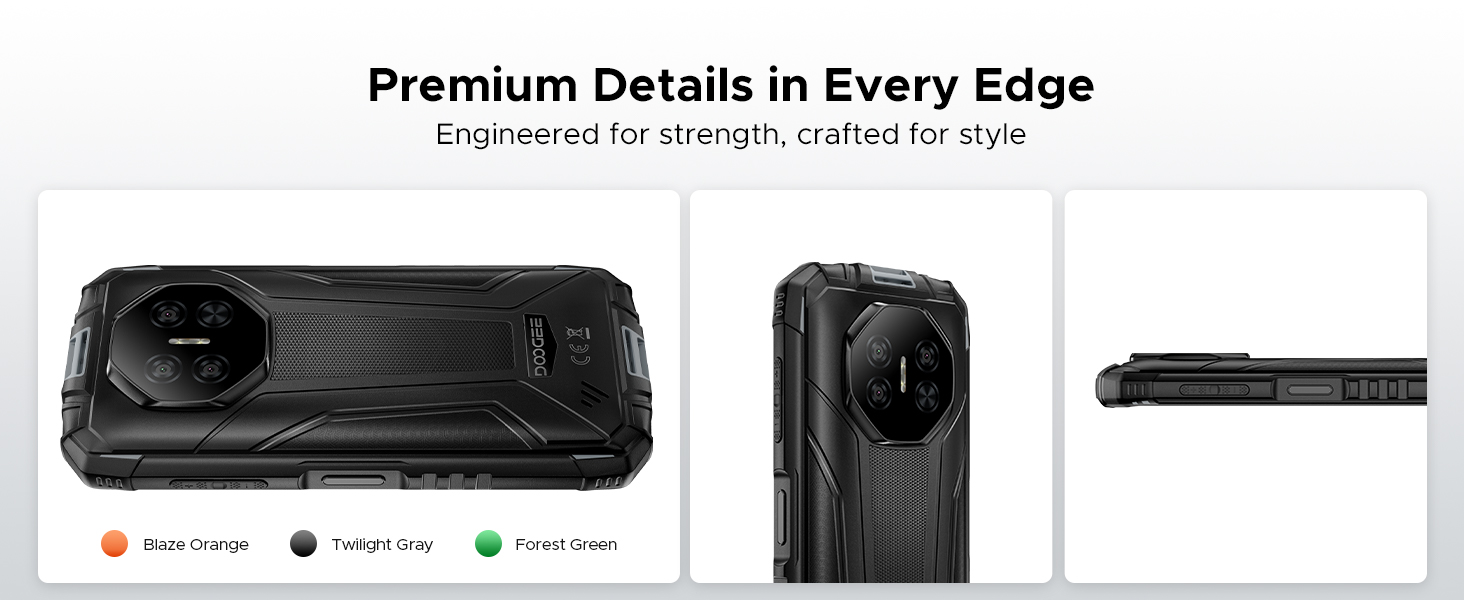
Figure 7: 8350mAh large battery features.
4.2 Battery Performance Overview
This video demonstrates the impressive battery life and charging capabilities of the DOOGEE Fire 3 rugged phone.
Video 3: DOOGEE Fire 3 Rugged Phone - Big Battery.
5. Holdbarhed og design
The DOOGEE Fire 3 is built to endure harsh conditions, certified with industry-leading ruggedness standards.
5.1 Ruggedness Certifications
- IP68: Vand- og støvafvisende.
- IP69K: Modstandsdygtig over for vandstråler med højt tryk og høje temperaturer.
- MIL-STD-810H: Military-grade standard for drops, shocks, and extreme temperatures.
The phone can withstand drops from up to 5 feet, survive 30 minutes underwater at 4 feet depth, and is fully protected against dust, sand, and dirt.
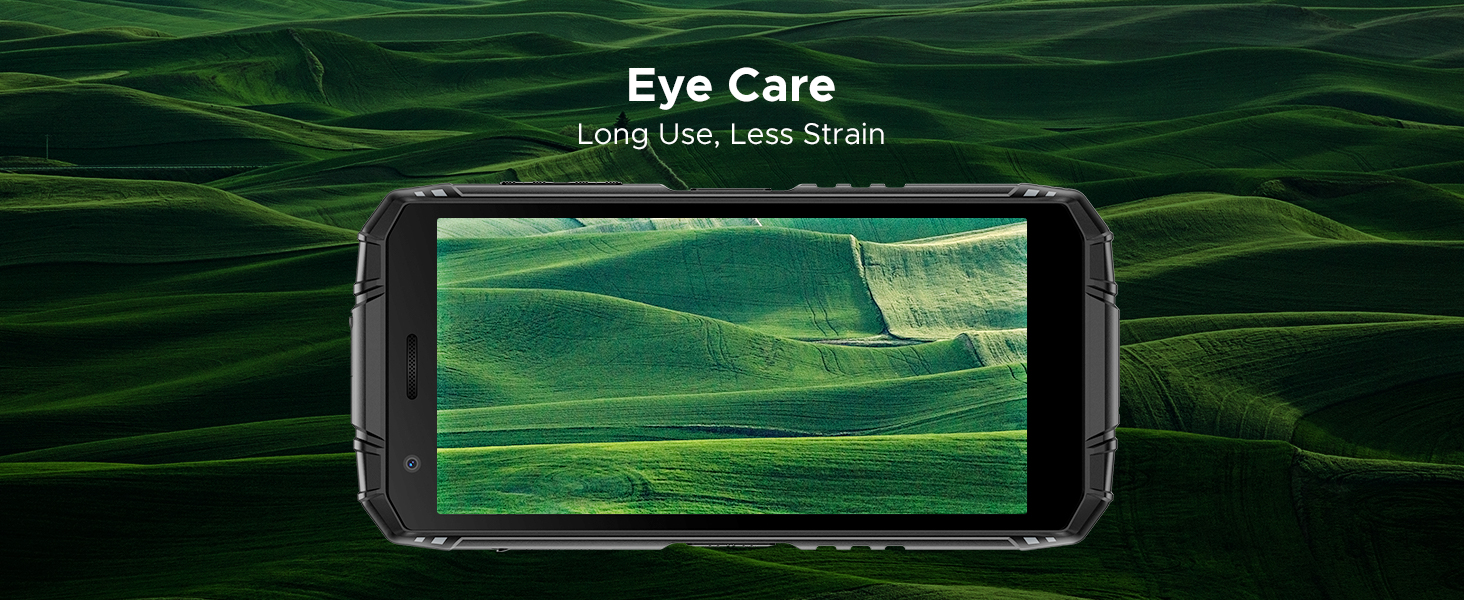
Figure 8: IP68/IP69K/MIL-STD-810H certifications for water, drop, and dust resistance.
5.2 Fysiske egenskaber
- Dimensioner: 162.5 x 77.4 x 17.8 mm
- Vægt: 291 g (9.2 ounce)
- Vise: 5.5" HD+ IPS Display with 400 nits (TYP) brightness, 16.7M screen color, and 720*1440 resolution. Features Eye Care mode for reduced strain.
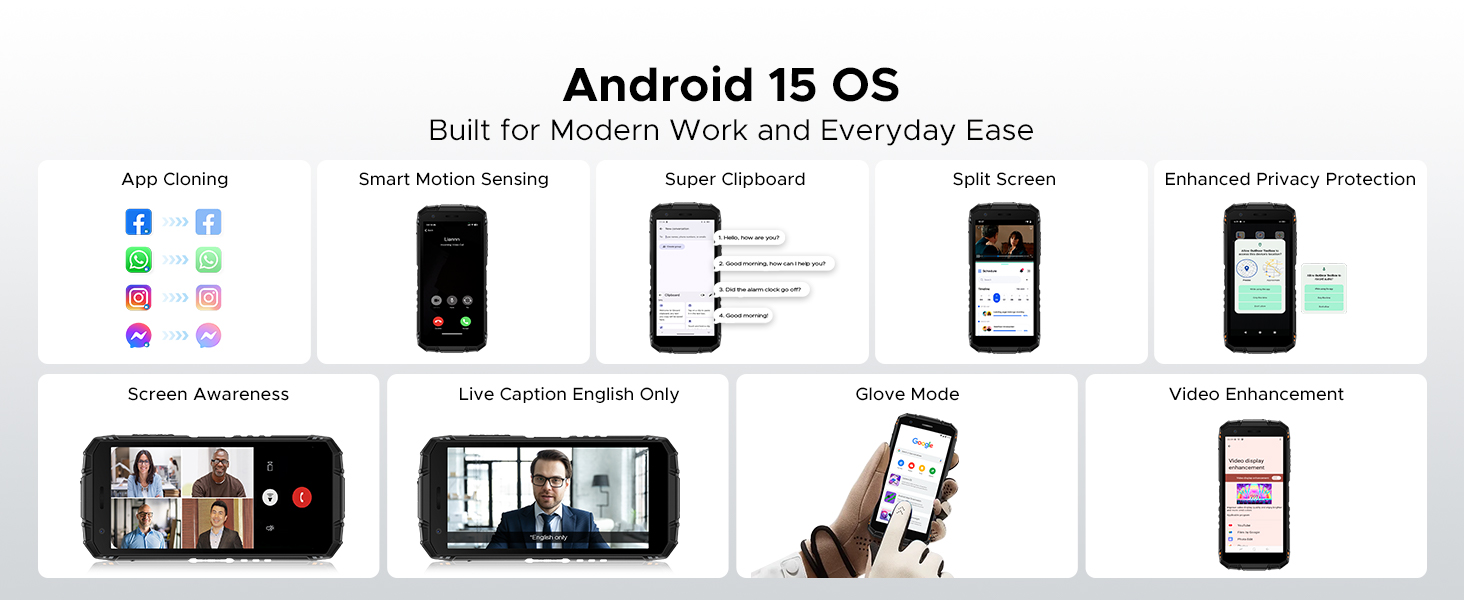
Figure 9: Compact design for comfortable grip.
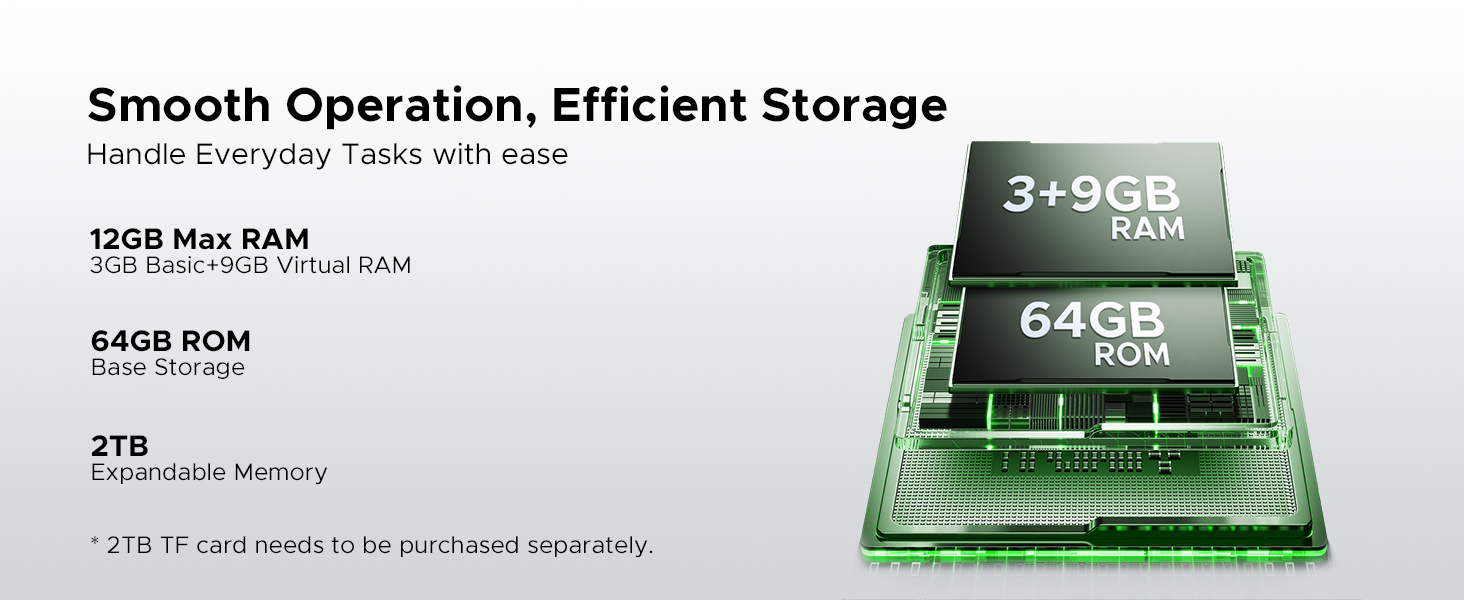
Figure 10: 5.5" HD+ IPS Display details.
6. Specifikationer
| Feature | Detalje |
|---|---|
| Mærke | DOOGEE |
| Modelnavn | Fire3 |
| Operativsystem | Android 15 |
| Processor | Unisoc SC9863A Octa-Core (1.6GHz) |
| VÆDDER | 12GB (3GB Basic + 9GB Virtual) |
| Intern opbevaring | 64 GB |
| Udvidelig opbevaring | Up to 2TB via MicroSD card (not included) |
| Skærmstørrelse | 5.45 tommer |
| Display Type | HD+ IPS Display |
| Opløsning | 720*1440 |
| Lysstyrke | 400 nits (TYP) |
| Bagkamera | 13MP AI Triple Camera |
| Forreste kamera | 8 MP |
| Batterikapacitet | 8350mAh |
| Opladning | 10W, Reverse Charging supported |
| Holdbarhed | IP68, IP69K, MIL-STD-810H (Waterproof, Drop-proof, Dust-proof) |
| Forbindelse | 4G Cellular Technology, Wireless, NFC |
| Navigation | GPS, Glonass, Galileo |
| Dimensioner | 162.5 x 77.4 x 17.8 mm |
| Varens vægt | 262 gram (9.2 ounce) |
| Særlige funktioner | Face Unlock, Digital Toolkit, 3.5mm Headphone Jack |
| Kompatibilitet med trådløse udbydere | GSM T-Mobile (Not compatible with AT&T, new Cricket, Verizon) |
7. Fejlfinding
If you encounter issues with your DOOGEE Fire 3, refer to the following common solutions:
7.1 Problemer med strøm og opladning
- Phone won't turn on: Sørg for, at batteriet er opladet. Tilslut telefonen til opladeren, og vent et par minutter, før du forsøger at tænde den igen.
- Phone not charging: Kontrollér opladningskablet og adapteren for skader. Prøv en anden stikkontakt. Sørg for, at opladningsporten er ren og fri for snavs.
7.2 Netværk og tilslutningsmuligheder
- No signal/Network issues: Verify your SIM card is correctly inserted. Check if your carrier is supported by the device (GSM T-Mobile compatible). Restart the phone.
- Problemer med Wi-Fi-forbindelse: Genstart din Wi-Fi-router. Glem netværket på din telefon, og genopret forbindelsen.
7.3 Ydeevne og software
- Apps crashing/Freezing: Close background apps. Clear the cache of the problematic app (Settings > Apps > [App Name] > Storage > Clear cache). Update the app or the phone's software.
- Langsom ydeevne: Frigør lagerplads ved at slette unødvendigt files eller apps. Genstart din enhed regelmæssigt.
7.4 Displayproblemer
- Skærmen reagerer ikke: Perform a forced restart (usually by holding the Power button for 10-15 seconds).
- Display flickering: Check for software updates. If the issue persists, contact support.
7.5 Water/Dust Exposure
While the DOOGEE Fire 3 is rugged, prolonged exposure or extreme conditions beyond its ratings (IP68/IP69K/MIL-STD-810H) can cause damage. If the phone has been exposed to water or dust, ensure all ports are dry and clean before charging or using accessories.
8. Garanti og support
DOOGEE er forpligtet til at levere produkter af høj kvalitet og fremragende kundeservice.
8.1 Garantioplysninger
- Garantiperiode: Your DOOGEE Fire 3 comes with a 2-year free warranty.
- Penge-tilbage-garanti: Enjoy 30 days of money back without reason from the date of purchase.
Gem venligst dit købsbevis for garantikrav.
8.2 Kundesupport
For any problems or inquiries, our professional support team is available 24/7 to assist you.
- Online support: Visit the official DOOGEE website for FAQs, support resources, and contact options.
- E-mail support: Se din produktemballage eller den officielle website for specific email contact details.
We recommend checking the official DOOGEE website for the most up-to-date support information and warranty terms.


