Indledning
The Google Pixel Buds 2a are designed to provide a comfortable and immersive audio experience. Featuring Active Noise Cancellation (ANC) with Silent Seal 1.5 and a Transparency mode, these earbuds allow you to control your listening environment. They offer crisp audio, a long-lasting battery, and integration with Google Gemini for hands-free assistance. The lightweight design and twist-to-adjust stabilizer ensure a secure and comfortable fit for various activities.

Image: Google Pixel Buds 2a in their charging case, showcasing the Iris color variant.
Hvad er der i æsken
Your Google Pixel Buds 2a package includes the following components:
- Google Pixel Buds 2a Earbuds
- Opladningsetui
- Ear Cushions (multiple sizes for optimal fit)
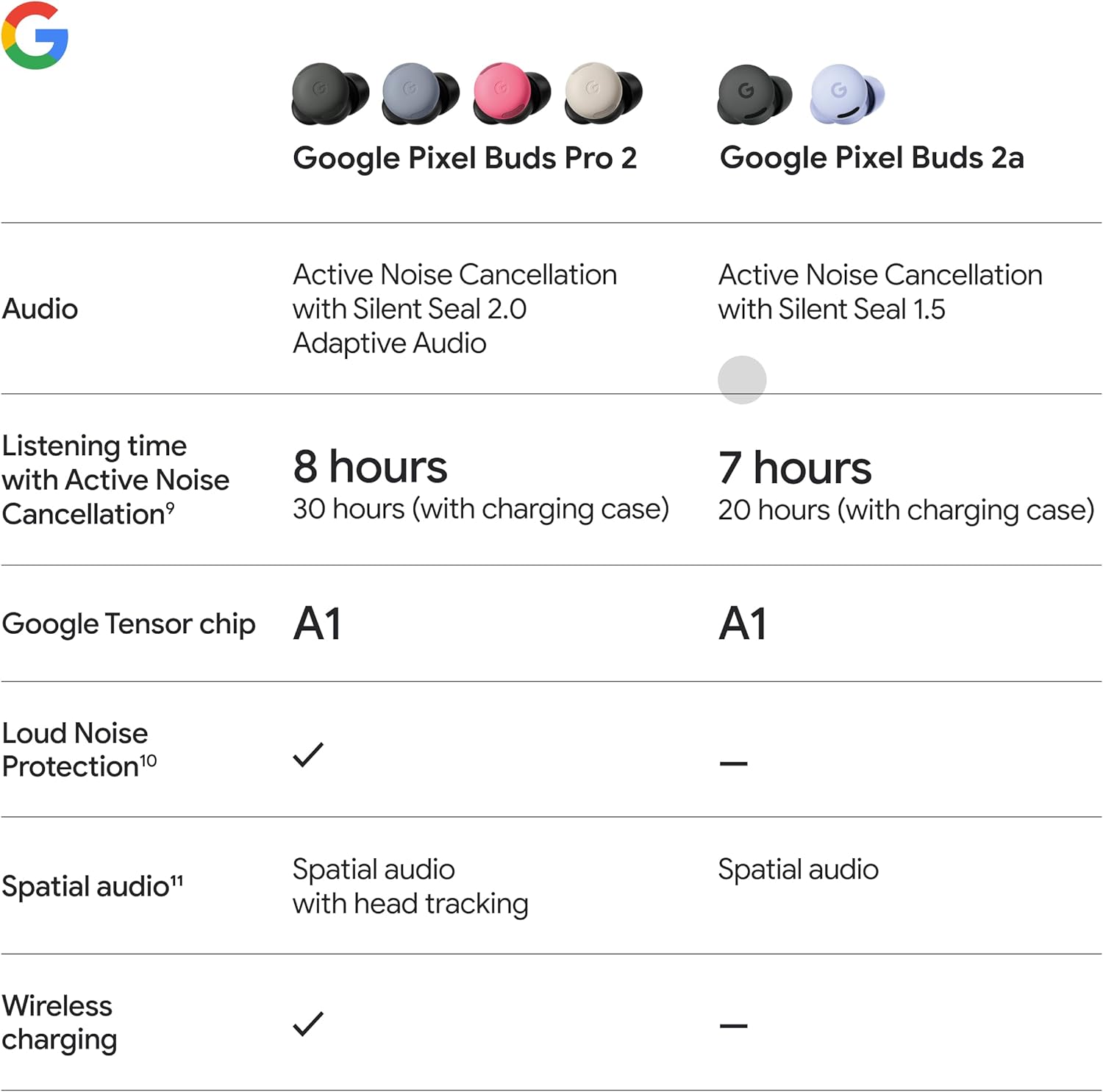
Image: A visual representation of the Google Pixel Buds 2a package contents, including the earbuds, charging case, and various eartip sizes.
Opsætning
Indledende opladning
Before first use, place the Pixel Buds 2a into their charging case and connect the case to a power source using a USB-C cable. Ensure the earbuds and case are fully charged for optimal performance and battery life.
Parring med en enhed
- Ensure Bluetooth is enabled on your device (smartphone, tablet, laptop).
- Open the Pixel Buds 2a charging case with the earbuds inside.
- Press and hold the pairing button on the back of the charging case until the indicator light begins to pulse white.
- On your device, search for available Bluetooth devices and select "Pixel Buds 2a" from the list.
- Følg eventuelle anvisninger på skærmen for at fuldføre parringsprocessen.
For Pixel phones, Fast Pair simplifies the setup process, automatically detecting your Pixel Buds 2a when the case is opened near your device.
Betjeningsvejledning
Aktiv støjreduktion (ANC) og transparenstilstand
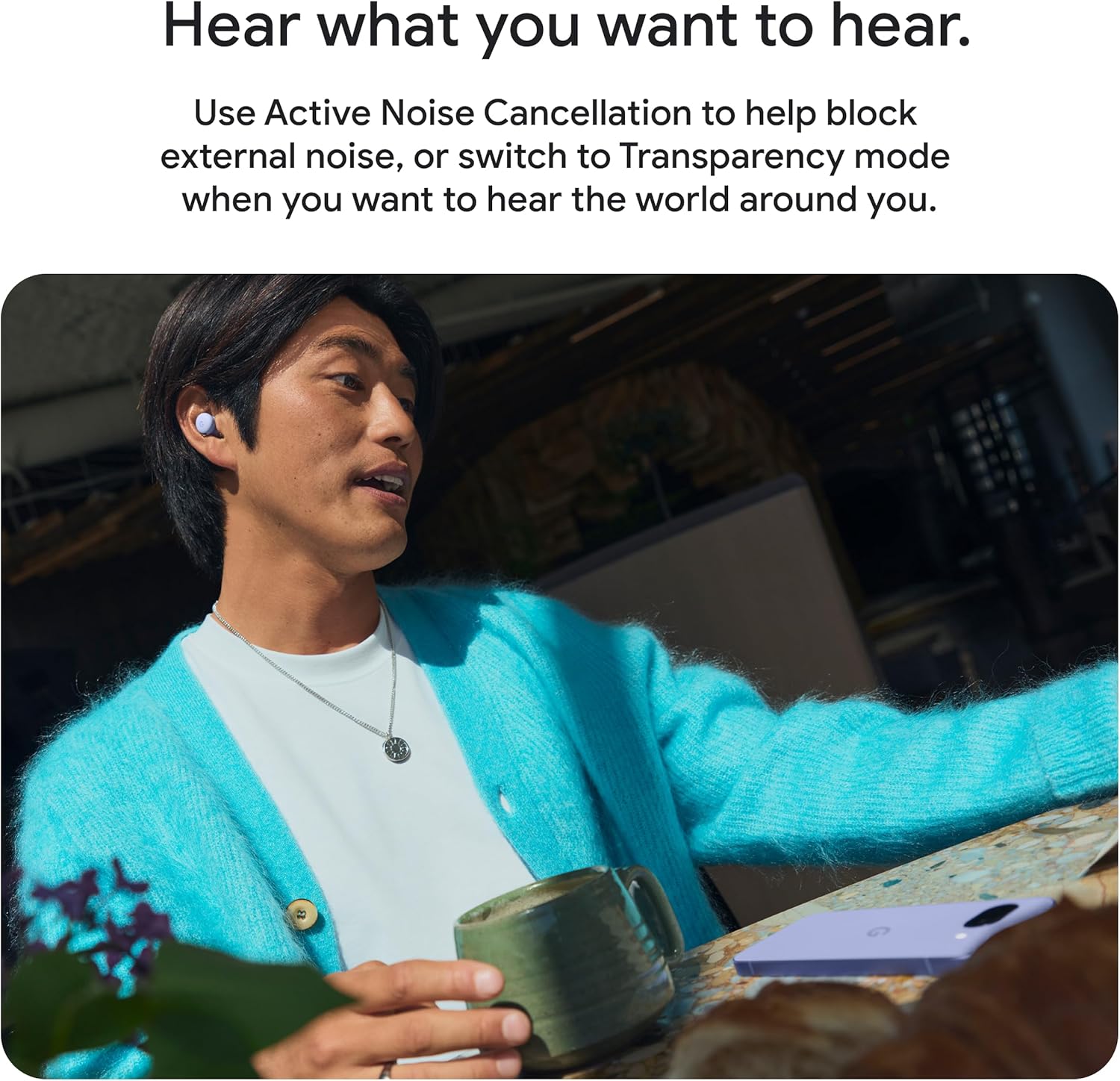
The Pixel Buds 2a feature Active Noise Cancellation with Silent Seal 1.5 to block external noise, and a Transparency mode to allow ambient sounds to pass through. These modes can be toggled via the touch controls on the earbuds or through the Pixel Buds app on your connected device.
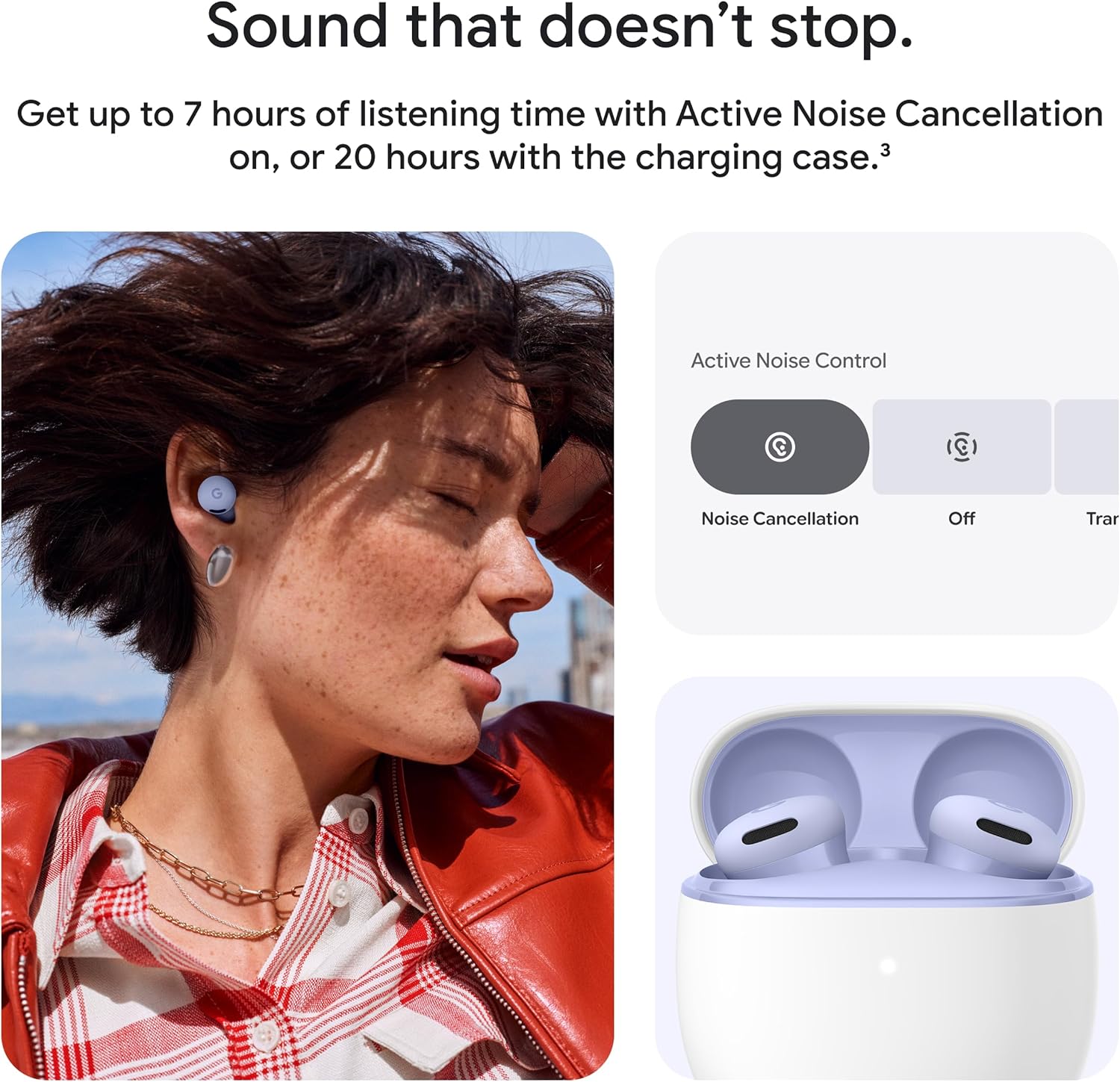
Image: A user wearing Pixel Buds 2a, illustrating the use of noise control features like Active Noise Cancellation.
Audio Quality and Customization
Experience clear and crisp audio with the 11 mm dynamic speaker drivers. You can customize bass, treble, and other audio levels using the 5-band equalizer available in the Pixel Buds app.
Billede: En detaljeret view of a Google Pixel Buds 2a earbud, emphasizing its speaker components for clear audio.
Ryd opkald
The Clear Calling feature helps to minimize background noise during calls, ensuring your voice is heard clearly even in noisy environments. This feature automatically adjusts to reduce distractions like wind or chatter.
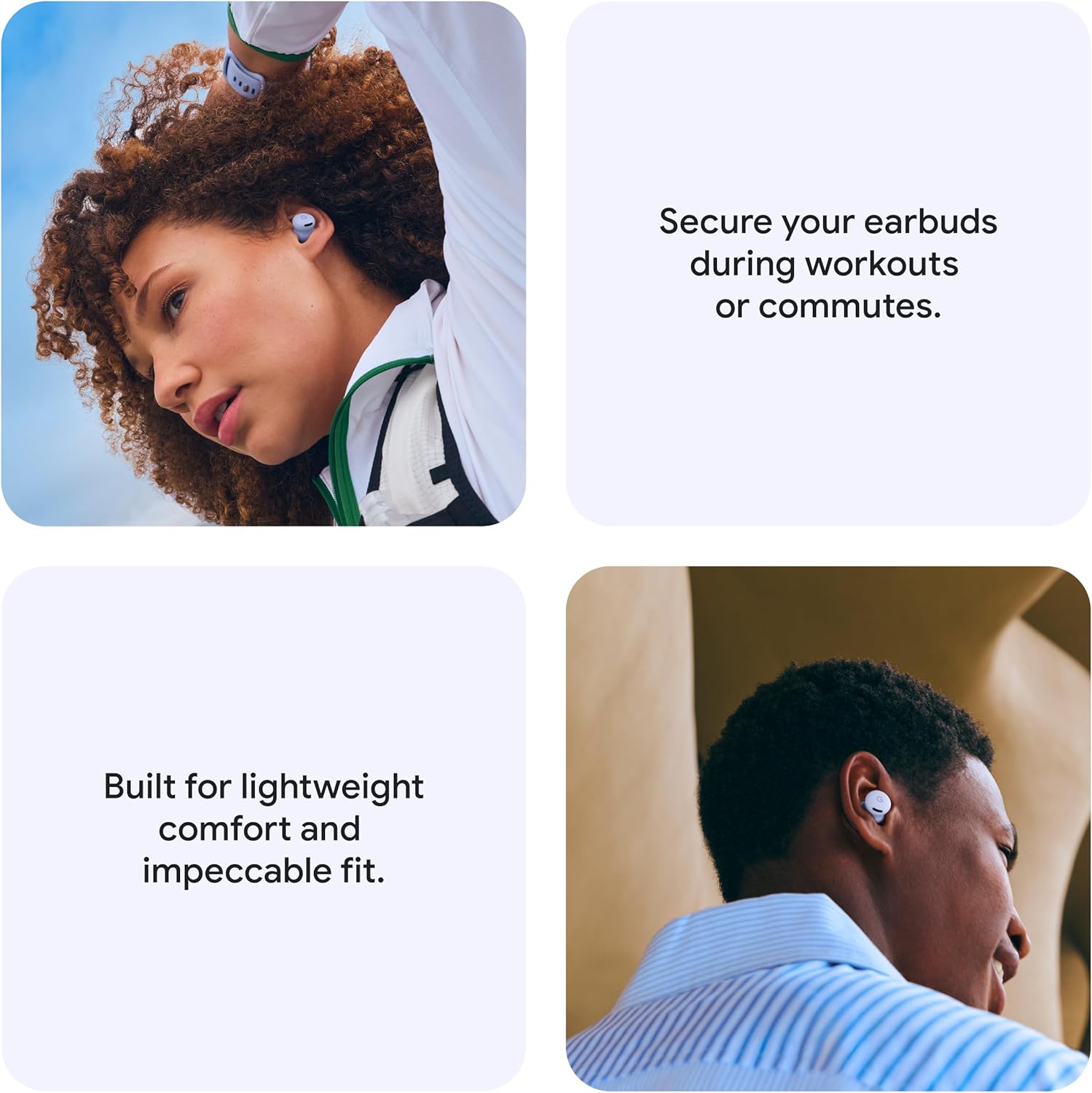
Image: A person engaged in a phone conversation while wearing Google Pixel Buds 2a, illustrating the Clear Calling feature.
Gemini Integration
Access Gemini, your AI assistant, hands-free. Simply start talking to ask questions, get directions, summarize messages, or brainstorm ideas without needing to take out your phone.
Pasform og komfort
The Pixel Buds 2a are designed for lightweight comfort and a secure fit. Utilize the twist-to-adjust stabilizer by gently twisting the earbuds in your ear to achieve a more secure fit, ideal for workouts or active use. Twist in the opposite direction for a more relaxed fit.
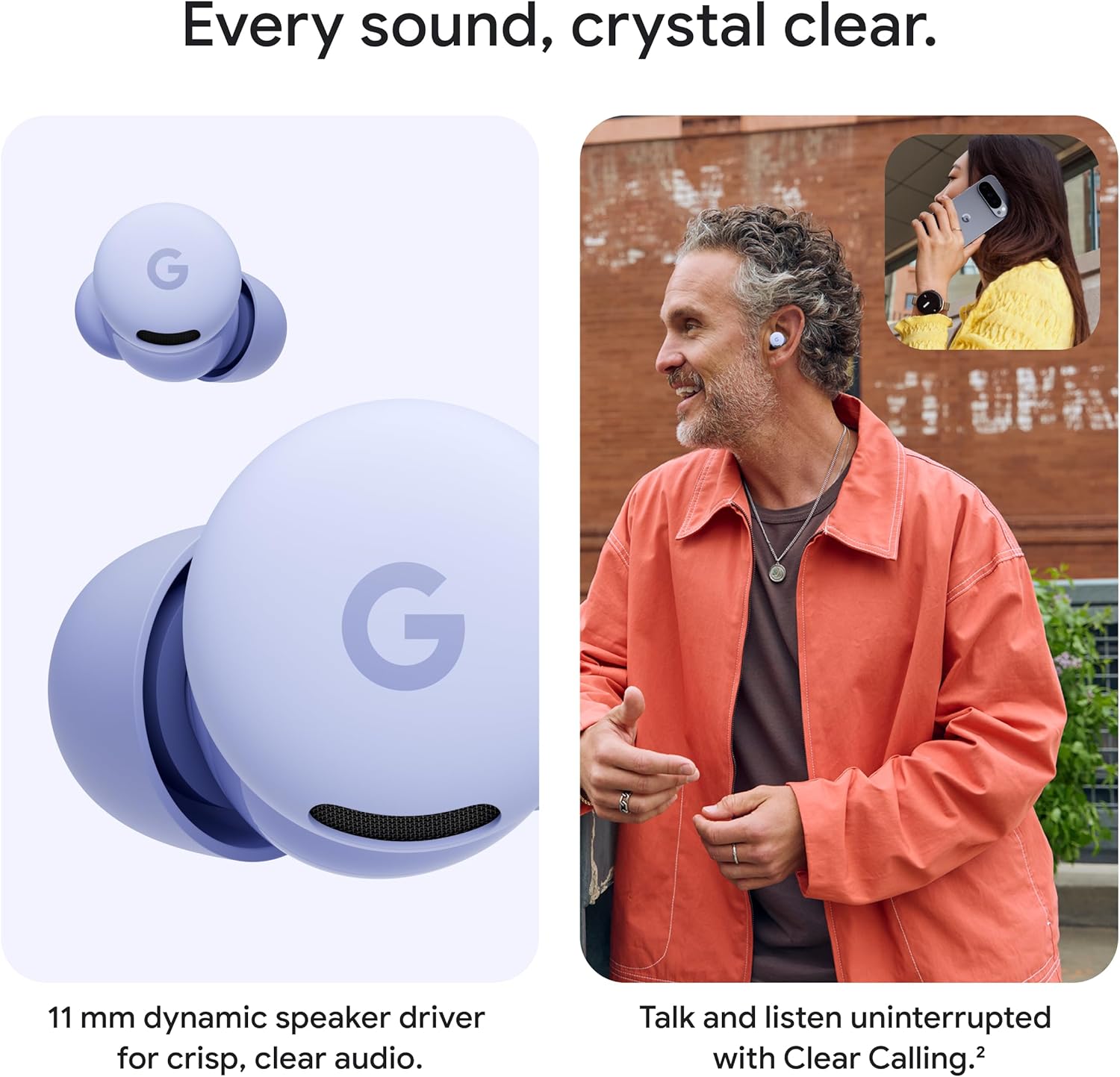
Image: A person wearing Google Pixel Buds 2a, highlighting the comfortable and secure fit of the earbuds.
Batterilevetid
The Pixel Buds 2a offer up to 7 hours of listening time with Active Noise Cancellation enabled. With the included charging case, the total listening time extends to approximately 20 hours. A quick 5-minute charge in the case can provide up to 1 hour of additional listening time.
Vandmodstand
The Pixel Buds 2a are built with IP54 sweat and water resistance. This rating means they are protected against sweat and light drizzles, making them suitable for workouts and outdoor activities. Please note that water resistance is not a permanent condition and may decrease over time with normal wear and tear.
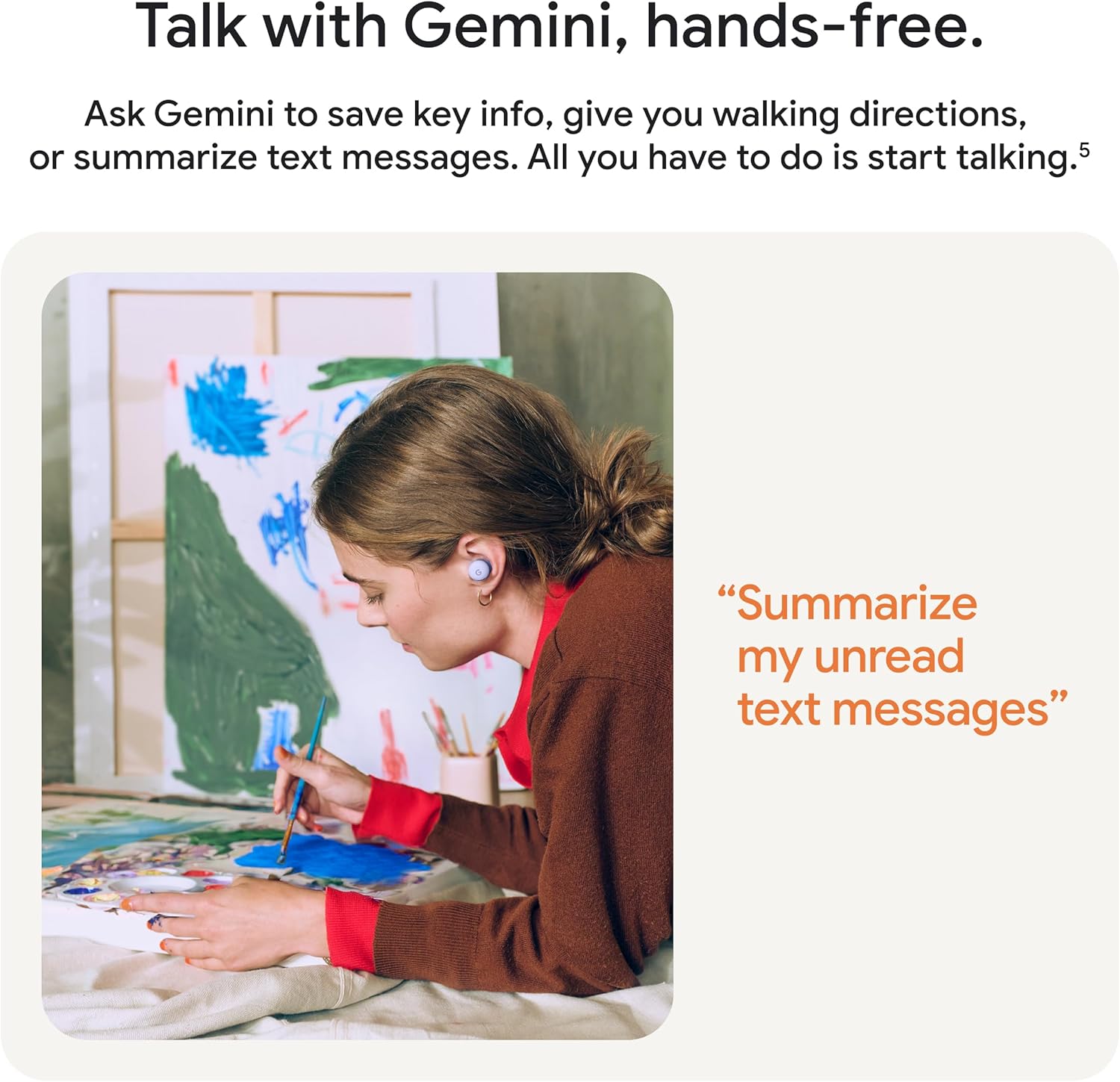
Image: A person engaged in physical activity while wearing Google Pixel Buds 2a, illustrating their sweat and water resistance.
Kompatibilitet
Pixel Buds 2a are designed to work seamlessly with Pixel phones, watches, and tablets. They are also compatible with any Bluetooth 4.0+ device, including Android, iOS, tablets, and laptops, ensuring broad connectivity.

Image: Google Pixel Buds 2a displayed with a Pixel phone and a Pixel Watch, demonstrating their seamless compatibility across Google devices.
Finding Your Buds
If you misplace your earbuds, the Find Hub feature can help pinpoint their precise location on a map. When you are close to the earbuds, you can make them ring to find them faster.

Image: A map interface displaying the location of Google Pixel Buds 2a, illustrating the Find Hub feature for locating lost earbuds.
Specifikationer
| Feature | Detalje |
|---|---|
| Modelnavn | Pixel Buds 2a |
| Forbindelsesteknologi | Trådløs (Bluetooth) |
| Trådløs kommunikationsteknologi | Bluetooth |
| Kontrolmetode | Voice, Touch |
| Støjkontrol | Aktiv støjreduktion |
| Varens vægt | 1.68 ounce |
| Produktdimensioner | 0.97 x 1.97 x 2.25 tommer |
| Vandmodstand | IP54 (sved- og vandafvisende) |
| Batterilevetid (ANC tændt) | Op til 7 timer |
| Samlet batterilevetid (med etui) | Op til 20 timer |
| Højttalerdriver | 11 mm dynamisk |
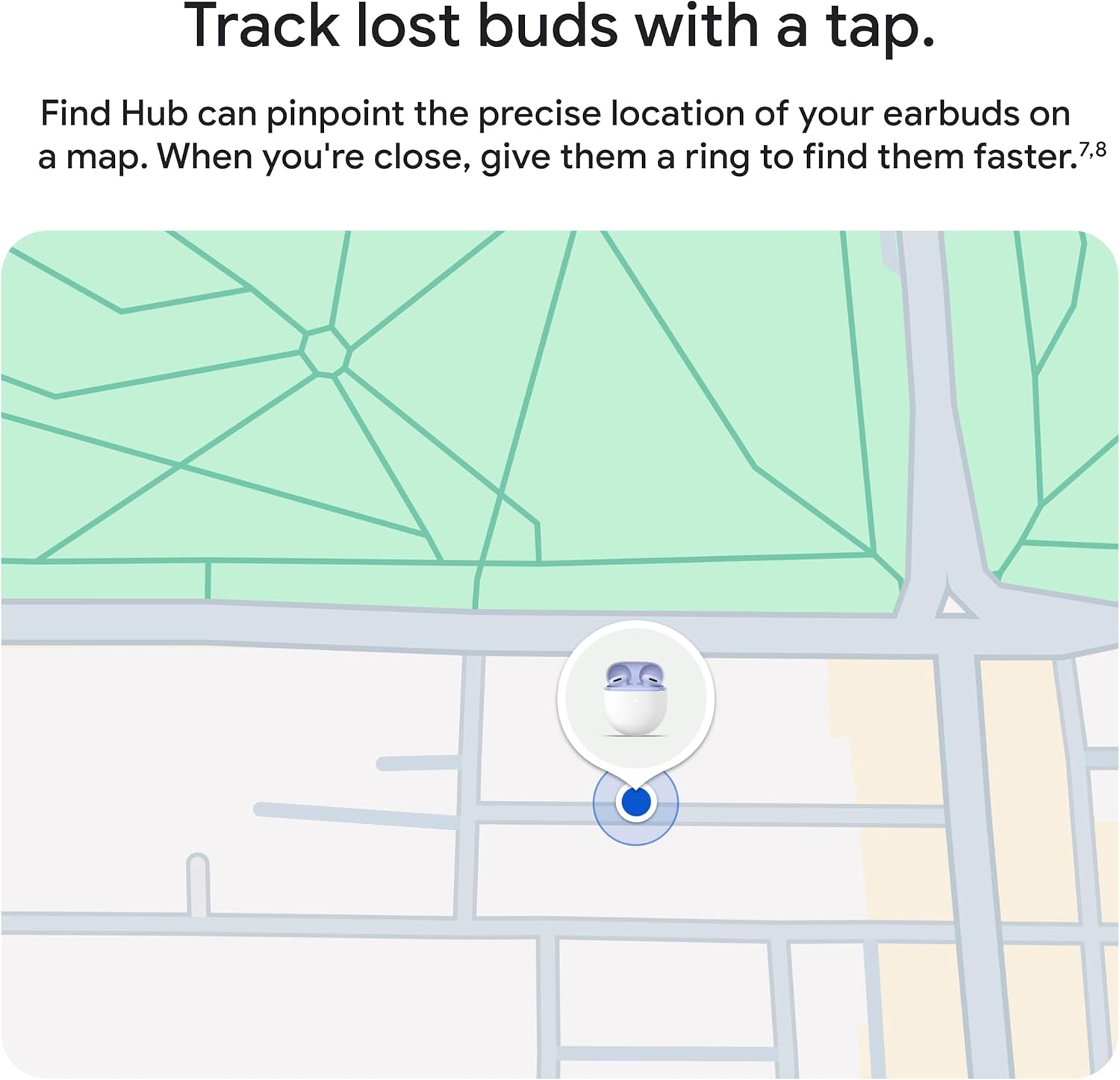
Image: A comparative table highlighting key features and differences between Google Pixel Buds Pro 2 and Pixel Buds 2a.
Fejlfinding
If you encounter issues with your Pixel Buds 2a, try the following common solutions:
- Ingen lyd eller intermitterende lyd: Ensure earbuds are charged. Check Bluetooth connection and try re-pairing. Verify volume levels on both earbuds and connected device.
- Øretelefoner oplader ikke: Ensure the charging case is charged. Clean the charging contacts on both the earbuds and inside the case. Try a different USB-C cable and power adapter.
- Dårlig opkaldskvalitet: Ensure earbuds are properly seated in your ears. Check for obstructions around the microphones. Move closer to your connected device.
- Parringsproblemer: Ensure earbuds are in pairing mode (pulsing white light). Turn Bluetooth off and on again on your device. Try restarting both your device and the earbuds (by placing them in the case and closing it for a few seconds).
- ANC fungerer ikke effektivt: Ensure earbuds are properly sealed in your ear. Try different eartip sizes to achieve a better seal.
For more detailed troubleshooting or persistent issues, refer to the official Google Pixel Buds support webwebsted.
Garanti og support
Your Google Pixel Buds 2a are covered by a limited manufacturer's warranty. For specific warranty terms, conditions, and duration, please refer to the warranty information included with your product packaging or visit the official Google support website. For technical assistance, FAQs, and additional resources, please visit support.google.com/pixelbuds.


