1. Introduktion
Thank you for choosing the Medcursor MD-EM03 Eye Massager. This device is designed to provide relief from eye fatigue, promote relaxation, and improve sleep quality through a combination of air pressure massage, targeted heating, and optional music. Please read this manual thoroughly before use to ensure proper operation and to maximize your experience.
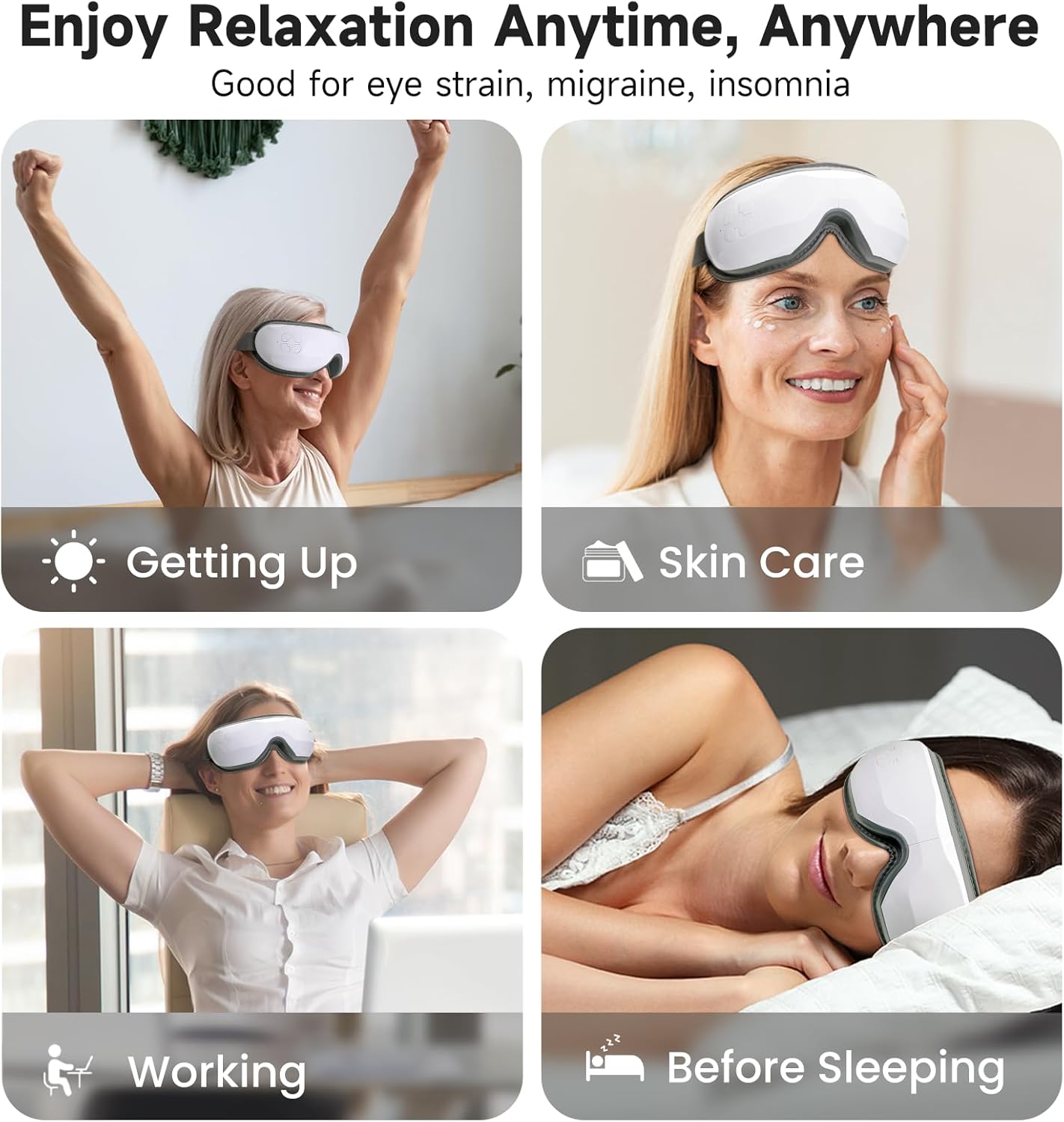
Image: The Medcursor Eye Massager provides relaxation for various situations, including waking up, during skincare routines, while working, and before sleeping.
2. Sikkerhedsoplysninger
- Do not use this product if you have eye injuries, inflammation, or have undergone eye surgery recently. Consult a physician before use if you have any pre-existing eye conditions.
- Hold enheden væk fra vand og høj luftfugtighed.
- Du må ikke skille enheden ad eller forsøge at reparere den selv. Kontakt kundesupport for at få hjælp.
- Opbevares utilgængeligt for børn.
- Brug kun det medfølgende ladekabel.
- Hvis du oplever ubehag under brugen, skal du straks stoppe.
- The heating function should be used with caution by individuals sensitive to heat.
3. Pakkens indhold
Kontroller venligst pakken for at sikre, at alle varer er til stede:
- 1 x Medcursor Eye Massager
- 1 x USB Type-C opladningskabel
- 1 x brugermanual

Image: The package includes one eye massager, one USB cable, and one user manual.
4. Produktfunktioner
- 4 massagetilstande: Soft, Strong, Relax, and Sleep modes for varied massage experiences.
- Intelligent Heating Function: Adjustable heat settings (off, low, medium, high) to relieve eye fatigue and improve circulation.
- Justerbart lufttryk: Customizable intensity with a dual-layer massage pad for comfort.
- Bluetooth-forbindelse: Connect to your smartphone to play personal music or use built-in light music.
- Betjening med én knap: Simple control for mode selection and power.
- Type-C opladning: Fast charging in approximately 1.5 hours.
- Justerbart pandebånd: Ensures a comfortable fit for most users.
5. Opsætning
- Oplad enheden: Before first use, fully charge the eye massager using the provided Type-C USB cable and a compatible adapter or power bank. The charging indicator light will show charging status.
- Juster pandebånd: Place the massager over your eyes and adjust the elastic headband for a snug yet comfortable fit. Ensure the device is centered over your eyes.
6. Betjening
6.1 Tænd/sluk
- Tænd: Press and hold the power button for 2-3 seconds. The device will start in the default mode.
- Sluk: Press and hold the power button for 2-3 seconds again.
6.2 Valg af tilstand
The device features 4 massage modes, cycling automatically every 15 minutes. Press the power button briefly to cycle through the modes manually:
- Blød tilstand: Air Pressure + Heating + Music (Gentle relaxation)
- Stærk tilstand: Enhanced Air Pressure + Heating + Music (Deep pressure relief)
- Afslapningstilstand: Air Pressure + Music (Soothes tension)
- Sove mode: Heating + Music (Pre-bed calm)
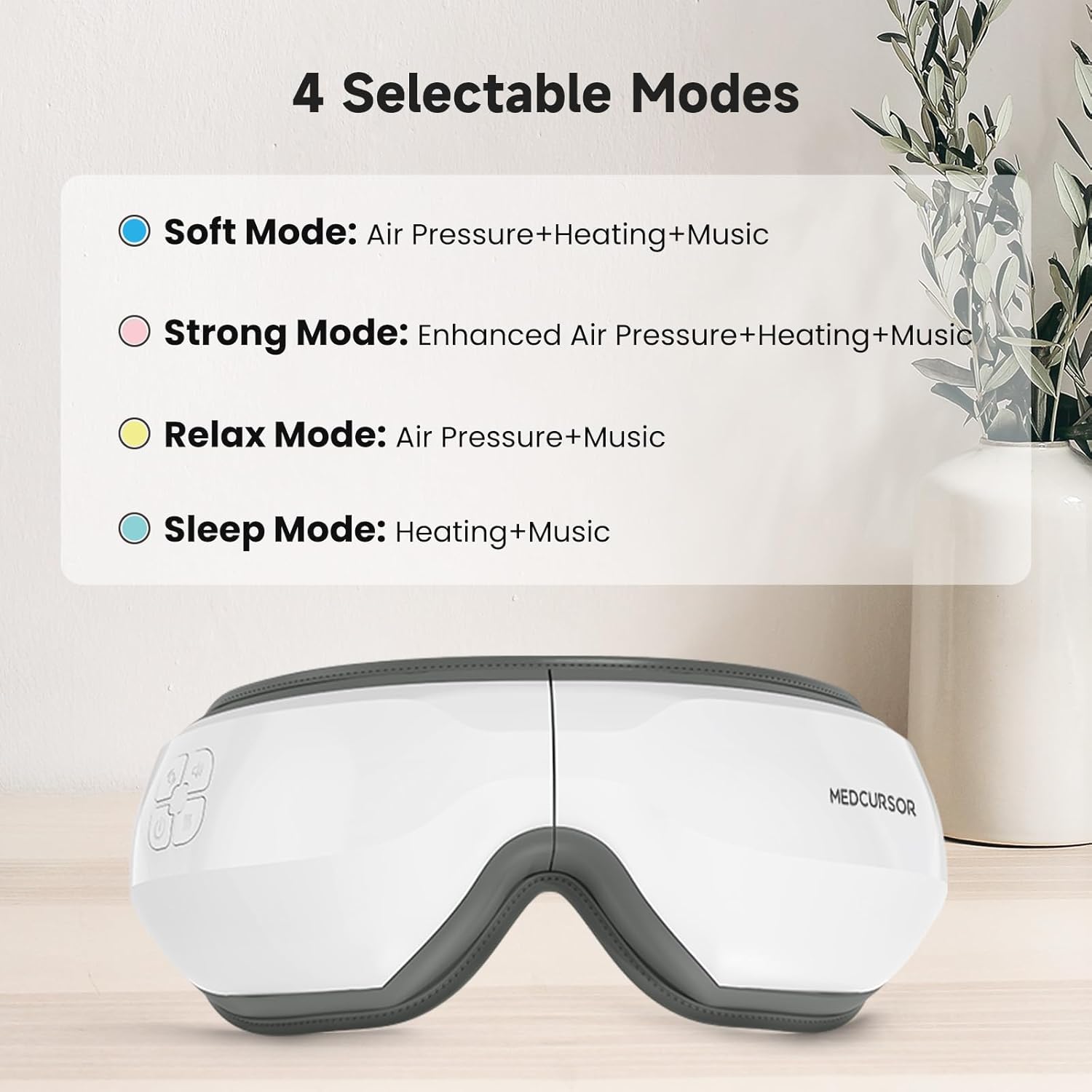
Image: The four selectable modes and their features.
6.3 Varmefunktion
The heating function is integrated into some modes. The device offers four heating settings (off, low, medium, high). The constant temperature range is 38°C - 45°C.

Image: The heating function provides a comfortable and warm experience for the eyes, covering a large area.
6.4 Bluetooth Connection and Music
The massager supports Bluetooth connectivity to play your own music or utilize the built-in light music.
- Sørg for, at Bluetooth er aktiveret på din smartphone.
- Turn on the eye massager.
- Søg efter "Medcursor" or a similar device name in your phone's Bluetooth settings and pair.
- Once connected, you can play music from your phone through the massager's speakers.

Image: The eye massager connects to your phone via Bluetooth for a personalized music experience.
6.5 Mute-funktion
To mute the device's sounds (including built-in music and operational prompts), press the standby button three times quickly.

Image: Pressing the standby button three times mutes the device, creating an immersive eye massage experience.
7. Opladning
- The device uses a Type-C charging interface.
- En fuld opladning tager cirka 1.5 timer.
- The battery supports approximately 4-5 applications on a single charge.
- The charging indicator light will illuminate during charging and turn off or change color when fully charged (refer to specific product indicator behavior).
8. Vedligeholdelse
- Rensning: Tør massageapparatets overflade af med en blød, let fugtig klud.amp klæde. Brug ikke slibende rengøringsmidler eller nedsænk enheden i vand.
- Opbevaring: Opbevar enheden på et køligt, tørt sted væk fra direkte sollys, når det ikke er i brug.
9. Fejlfinding
| Problem | Mulig årsag | Løsning |
|---|---|---|
| Enheden tændes ikke. | Lavt batteri eller ingen opladning. | Oplad enheden helt. |
| Intet lufttryk eller svag massage. | Incorrect mode selected or low battery. | Switch to a stronger mode (e.g., Strong Mode). Ensure the device is fully charged. |
| Ingen varme eller utilstrækkelig varme. | Heating function is off or low setting. | Ensure a mode with heating is selected. Check heat settings. |
| Problemer med Bluetooth-forbindelse. | Device not in pairing mode or phone's Bluetooth is off. | Ensure the massager is on. Turn off and on your phone's Bluetooth and try pairing again. |
| Loud motor sound. | Normal operation sound or potential internal issue. | Some motor sound is normal during air pressure operation. If excessively loud or unusual, contact customer support. |
10. Specifikationer
| Feature | Detalje |
|---|---|
| Modelnummer | MD-EM03 |
| Produktdimensioner | 7.87 x 5.51 x 4.17 tommer |
| Vægt | 1.41 pund |
| Batteri | 1 ikke-standard batteri (genopladeligt) |
| Opladningsgrænseflade | Type-C USB |
| Opladningstid | Ca. 1.5 timer |
| Materiale | Plast |
| Farve | Hvid |
| Særlige funktioner | Rechargeable, Timer, Bluetooth, Heat, Air Pressure |
11. Garanti og support
Medcursor products are designed for quality and reliability. For warranty information, technical support, or any questions regarding your MD-EM03 Eye Massager, please contact Medcursor customer service. Refer to the contact information provided on the product packaging or the official Medcursor webwebsted.


