1. Introduktion
This manual provides detailed instructions for the installation, operation, and maintenance of your PWAY W3101 Wireless HDMI Transmitter and Receiver system. This device enables wireless transmission of high-definition video and audio signals, supporting 4K decoding and 1080P @ 60Hz output, for various applications including presentations, home entertainment, and monitoring.
2. Pakkens indhold
Kontroller venligst, at alle varer er til stede i din pakke:
- 1 x PWAY W3101 Wireless HDMI Transmitter (marked 'T')
- 1 x PWAY W3101 Wireless HDMI Receiver (marked 'R')
- 2 x USB Power Cables
- 2 x HDMI to USB-C Adapters (for devices without direct HDMI output, e.g., smartphones/tablets)
- 1 x brugermanual

Image: The PWAY W3101 Wireless HDMI Transmitter (left, with two antennas) and Receiver (right, compact) units, along with two HDMI to USB-C adapters.
3. Produktet er slutview
The PWAY W3101 system provides a reliable and high-performance wireless solution for transmitting HDMI signals. It features dual antennas for stable connections and supports a wide range of devices.
Nøglefunktioner:
- Plug & Play: No driver or software installation required.
- Udvidet rækkevidde: Wireless transmission up to 150 meters (500 feet) in open environments.
- High Definition-output: Supports 4K decoding and 1080P @ 60Hz Full HD video output.
- Stabil forbindelse: Dual antennas ensure reliable transmission with low latency.
- Bred kompatibilitet: Works with PCs, laptops, MacBooks, cameras, TVs, projectors, and monitors.
- Flere visningstilstande: Supports both Mirror and Extended display modes.
- WiFi 6-teknologi: Enhanced signal for faster and more stable transmission.
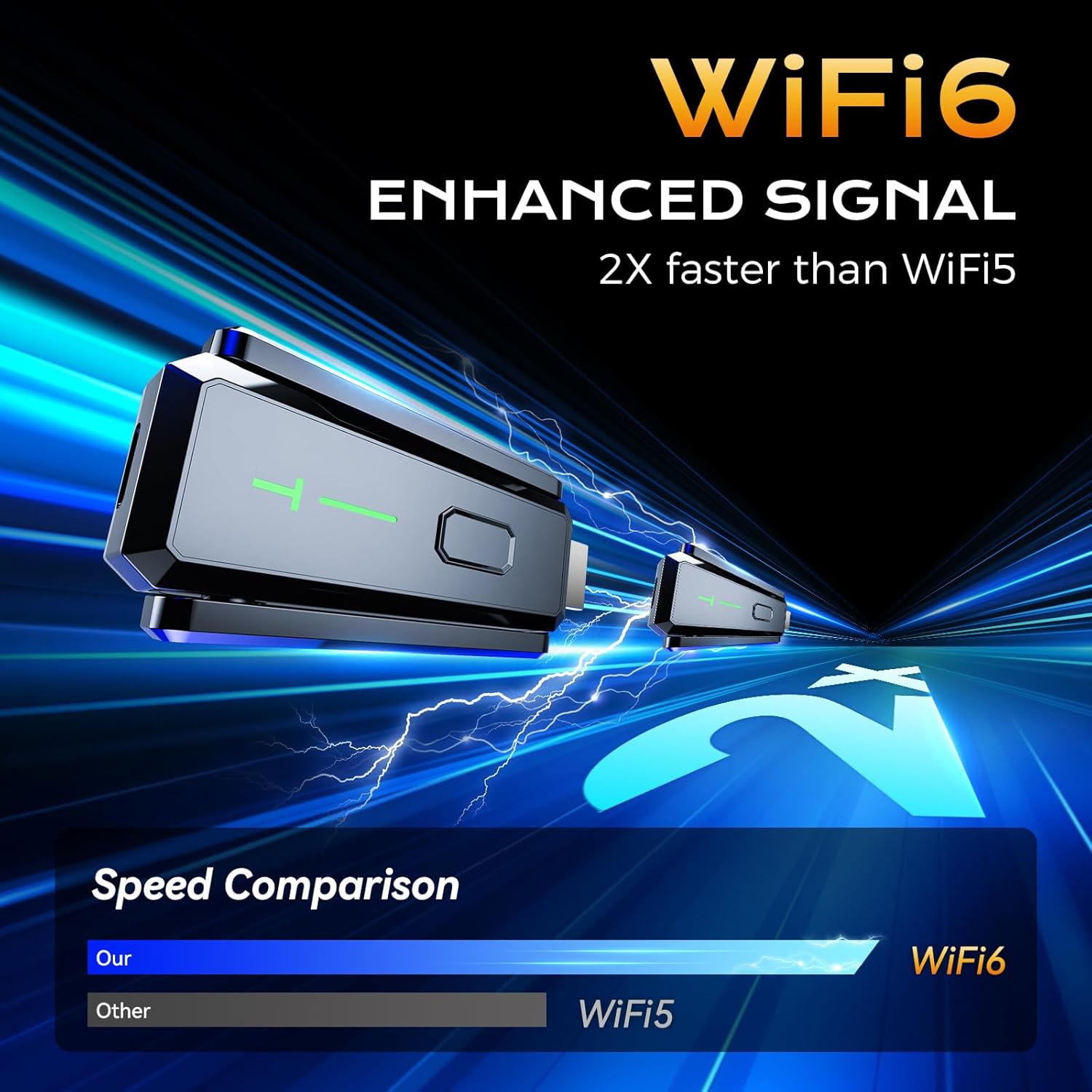
Image: A graphic highlighting the WiFi6 enhanced signal, indicating it is 2 times faster than WiFi5 for improved performance.

Image: The PWAY W3101 device shown with icons representing its wide compatibility with various HDMI sources such as PCs, laptops, cameras, phones/iPads, and TV boxes.
4. Opsætningsvejledning
Følg disse trin for en hurtig og nem opsætning:
- Connect the Transmitter (T): Plug the HDMI end of the Transmitter (marked 'T') into the HDMI output port of your source device (e.g., PC, laptop, camera, TV box).
- Tænd senderen: Connect a USB power cable from the Transmitter to a USB power source (e.g., a USB port on your source device, a USB wall adapter). Ensure the Transmitter receives stable power.
- Connect the Receiver (R): Plug the HDMI end of the Receiver (marked 'R') into the HDMI input port of your display device (e.g., TV, monitor, projector).
- Tænd for modtageren: Connect a USB power cable from the Receiver to a USB power source (e.g., a USB port on your display device, a USB wall adapter). Ensure the Receiver receives stable power.
- Automatisk parring: The Transmitter and Receiver will automatically pair within a few seconds. The indicator lights on both units will show a stable connection once paired.
- Vælg input: On your display device, select the correct HDMI input source to view the transmitted content.
Note: For devices without a direct HDMI output (e.g., some smartphones or tablets), use the provided HDMI to USB-C adapters. Connect the adapter to your source device, then connect the Transmitter to the adapter.
5. Betjeningsvejledning
Once the system is set up and paired, you can begin transmitting video and audio wirelessly.
Skærmtilstande:
The PWAY W3101 supports two primary display modes, configurable from your source device's display settings:
- MirrorMode: Duplicates the content from your source device's screen onto the connected display. This is ideal for presentations or sharing content directly.
- Udvidet tilstand: Extends your desktop across both your source device's screen and the connected display, allowing for a larger workspace or multitasking.

Image: An illustration demonstrating the two compatible display modes: Mirror Mode, where the laptop screen is duplicated on a larger display, and Extended Mode, where the laptop screen is expanded to include the larger display.
Optimal ydeevne:
- For best signal quality and range, ensure a clear line of sight between the Transmitter and Receiver.
- While the system can transmit through walls, obstructions may reduce the effective range and signal stability.
- The system supports 4K decoding and outputs 1080P @ 60Hz. Ensure your display device is capable of receiving these resolutions for optimal viewing.
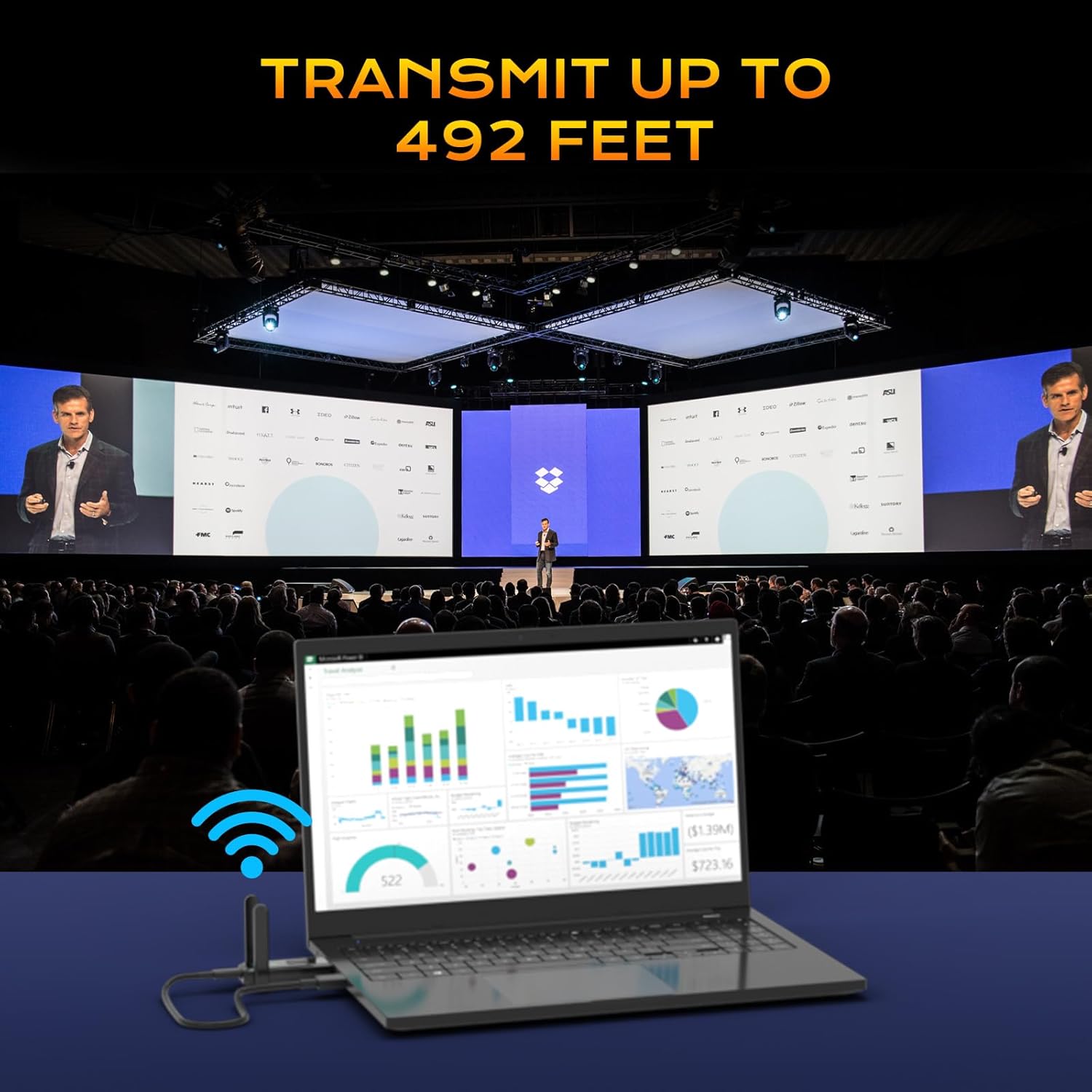
Image: A visual representation of the PWAY W3101 system transmitting content from a laptop to a large display in a conference room, emphasizing its transmission range of up to 492 feet (150 meters).

Image: A split-screen image demonstrating the 4K Decode 1080P Output, with one side showing a clear, high-quality image (labeled 5G) and the other side showing a less clear image with a loading icon (labeled 2.4G), highlighting the performance difference.
6. Vedligeholdelse
To ensure the longevity and optimal performance of your PWAY W3101 system, follow these maintenance guidelines:
- Rensning: Use a soft, dry cloth to clean the exterior of the Transmitter and Receiver. Do not use liquid cleaners or aerosols.
- Opbevaring: Når enhederne ikke er i brug, skal de opbevares køligt og tørt, væk fra direkte sollys og ekstreme temperaturer.
- Håndtering: Håndter enhederne forsigtigt. Undgå at tabe dem eller udsætte dem for kraftige stød.
- Magt: Always use the provided USB power cables and ensure a stable power supply.
- Ventilation: Ensure the devices have adequate ventilation to prevent overheating, especially during prolonged use.
7. Fejlfinding
If you encounter issues with your PWAY W3101, refer to the following common problems and solutions:
| Problem | Mulig årsag/løsning |
|---|---|
| Intet signal på displayet. |
|
| Dårlig videokvalitet eller flimmer. |
|
| Ingen lyd. |
|
| Units not pairing. |
|
8. Specifikationer
| Feature | Detalje |
|---|---|
| Model | W3101 |
| Mærke | PWAY |
| Forbindelsesteknologi | Trådløs, HDMI |
| Video Output Resolution | 4K Decode, 1080P @ 60Hz Output |
| Transmission Range | Up to 150m (500ft) in open field |
| Kompatible enheder | TV, monitor, projector, personal computer, laptop, camera, smartphone, tablet |
| Formfaktor | TV Stick |
| Varens vægt | 0.14 kilo (140 g) |
| Produktdimensioner | 3.4 x 1.23 x 7.4 cm (Transmitter/Receiver unit) |
| Strømkilde | USB-drevet |
9. Garantioplysninger
PWAY products are designed and manufactured to the highest quality standards. For specific warranty details, please refer to the warranty card included in your product packaging or visit the official PWAY website. This warranty typically covers defects in materials and workmanship under normal use for a specified period from the date of purchase.
Gem venligst dit købsbevis for garantikrav.
10. Kundesupport
For technical assistance, troubleshooting not covered in this manual, or general inquiries, please contact PWAY customer support through the following channels:
- Webwebsted: Visit the official PWAY webwebsted med ofte stillede spørgsmål, supportressourcer og kontaktformularer.
- E-mail: Refer to your product packaging or warranty card for specific support email addresses.
- Telefon: Check the PWAY webhjemmeside for regionale kundeservicetelefonnumre.
When contacting support, please have your product model (W3101) and purchase information ready.
