1. Introduktion
The EWEADN TK100 is a 104-key wired mechanical keyboard designed with a retro typewriter aesthetic. It features durable double-shot injection round keycaps, responsive blue mechanical switches, and a white LED backlight with multiple effects. This manual provides detailed instructions for setting up, operating, maintaining, and troubleshooting your TK100 keyboard.
2. Pakkens indhold
Kontroller venligst, at alle varer er til stede i din pakke:
- EWEADN TK100 Wired Mechanical Keyboard
3. Opsætning
Setting up your EWEADN TK100 keyboard is a simple plug-and-play process.
- Pak tastaturet ud: Tag forsigtigt tastaturet ud af emballagen.
- Opret forbindelse til din enhed: Locate an available USB-A port on your computer (PC, Mac, laptop, desktop) or compatible device. Insert the USB cable from the keyboard firmly into the USB port.
- Automatisk installation: Your operating system will automatically detect and install the necessary drivers. No additional software installation is required.
- Klar til brug: Once the installation is complete, the keyboard is ready for immediate use.
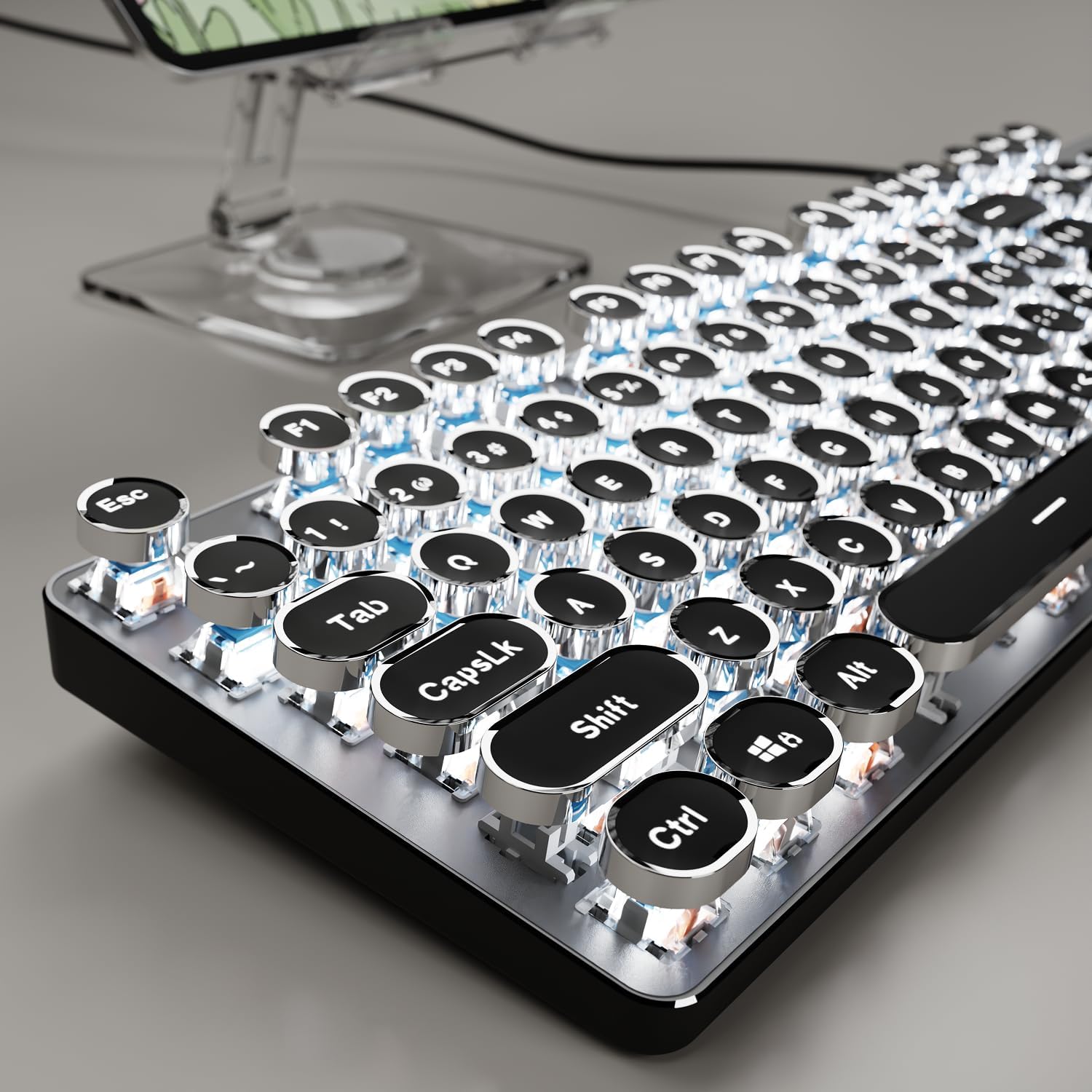
Image: The EWEADN TK100 keyboard connected and ready for use, highlighting its aesthetic design.
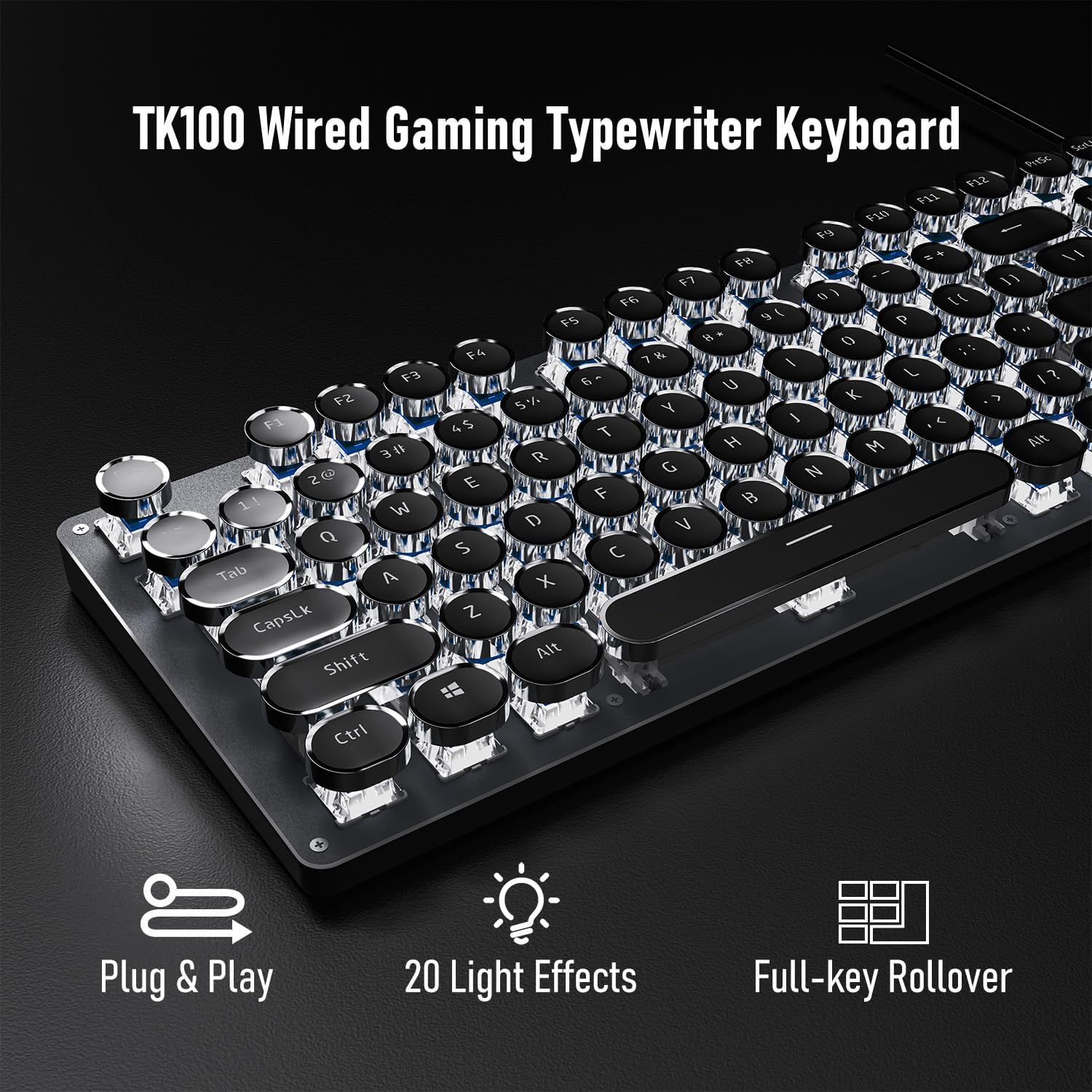
Image: Visual representation of the keyboard's plug-and-play functionality and full-key rollover capability.
4. Betjeningsvejledning
4.1 Backlight Control
The TK100 keyboard features a white LED backlight with various effects and brightness levels.
- Skift lyseffekter: Trykke FN + INS to cycle through 20 preset basic lighting effects.
- Game Lighting Effects: Trykke FN + 6, 7, 8, 9, eller 0 to activate 4 specific game lighting effects.
- Juster lysstyrke/hastighed: Trykke FN + Pil op (↑) to increase brightness or breathing speed. Press FN + Pil ned (↓) to decrease brightness or breathing speed (5 levels available).
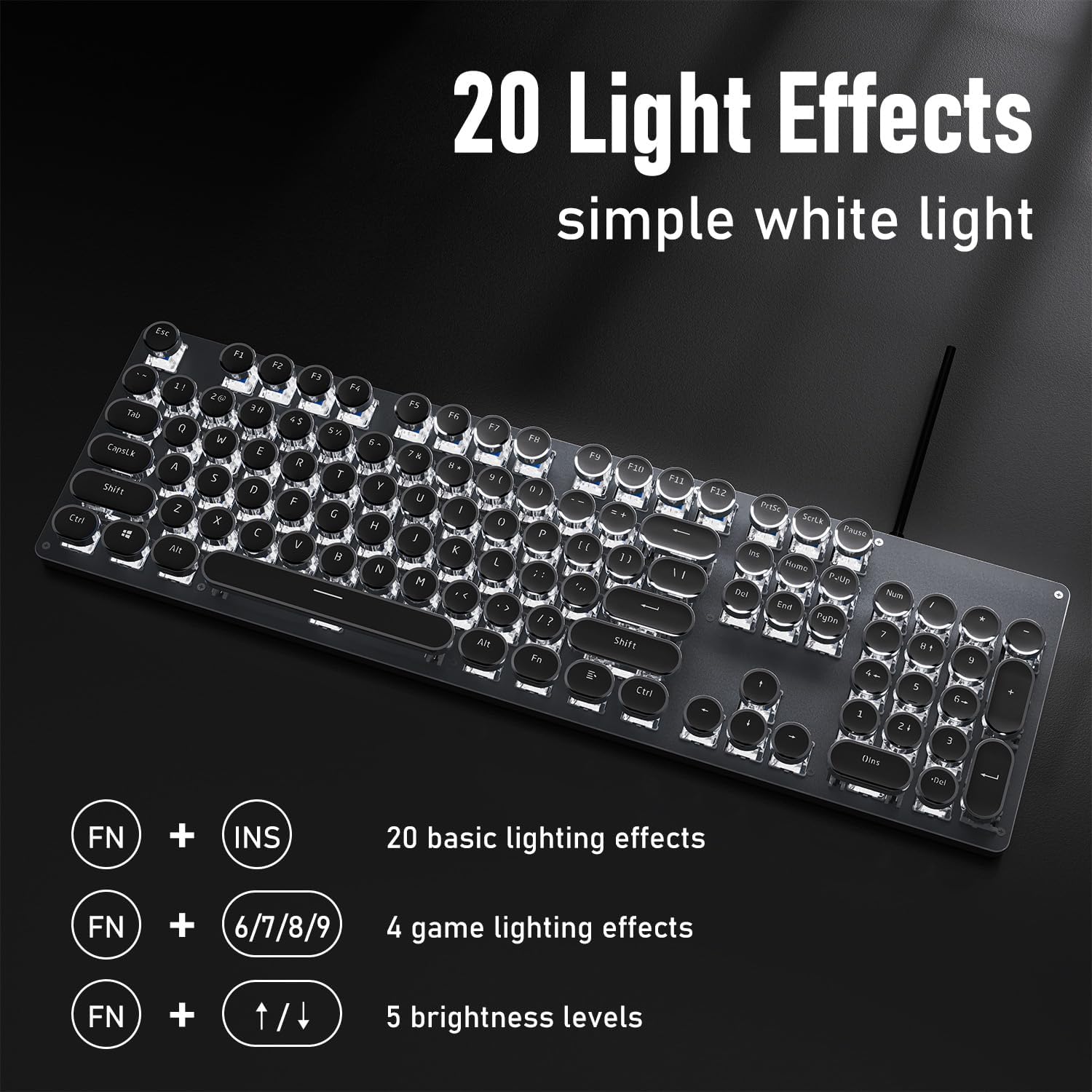
Image: The keyboard showcasing its 20 light effects and the FN key combinations for adjusting them.
4.2 Nøglefunktioner
- Mekaniske blå kontakter: The TK100 utilizes highly durable mechanical blue switches, known for their tactile feedback and crisp, audible click. This provides a satisfying typing experience and quick response time.
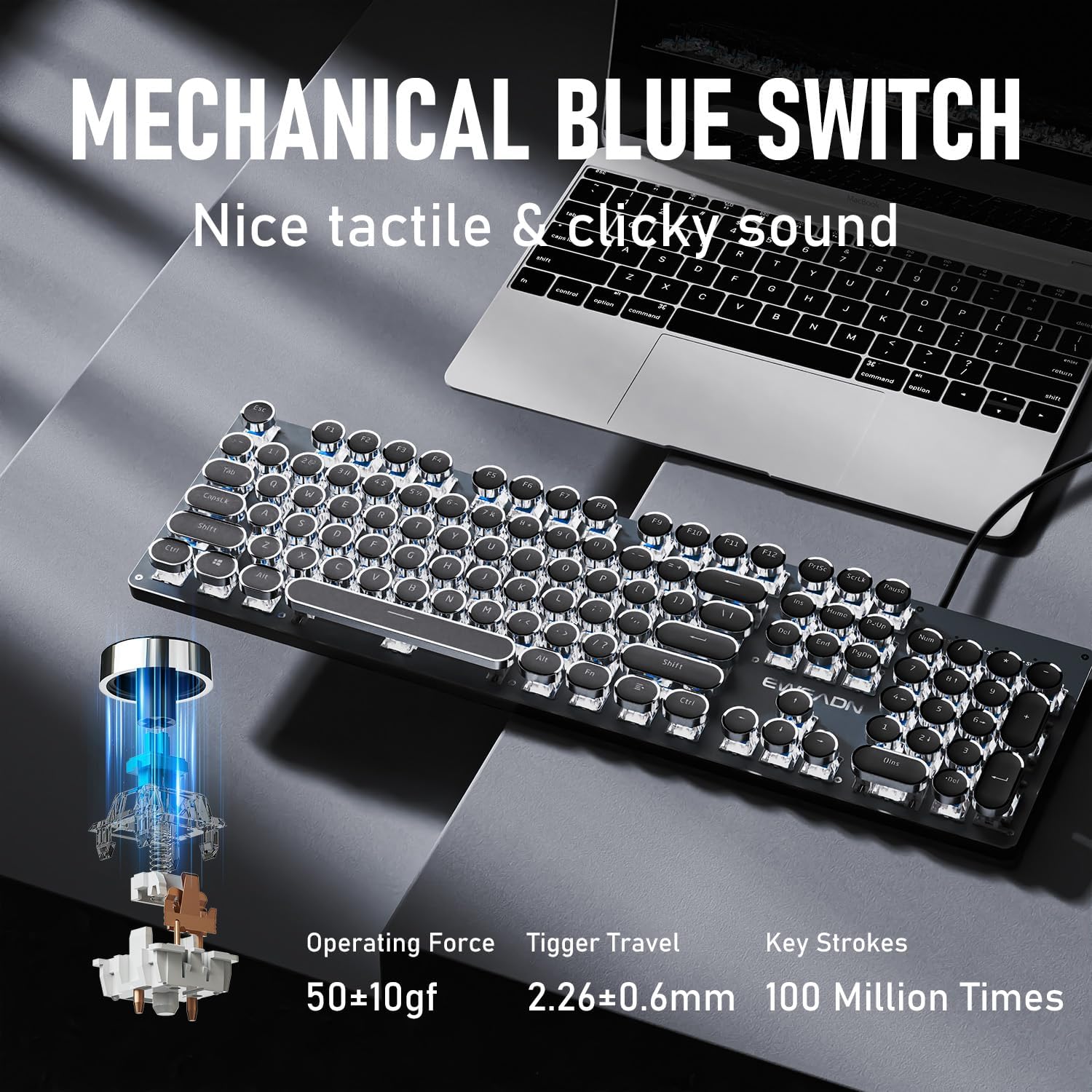
Billede: Detaljeret view of the mechanical blue switch, highlighting its specifications for performance and durability.
- Retro Punk Round Keycaps: The keyboard features double-shot injection retro punk round keycaps. These keycaps are designed for durability, clear character visibility, and a comfortable typing feel.

Image: A close-up of the unique retro punk round keycaps, showcasing their design and clarity.
- Anti-Ghosting & Full Key Rollover: Equipped with anti-ghosting technology, the TK100 ensures that every keystroke is accurately registered, even during rapid, multi-key commands. This full key rollover capability is essential for gaming and fast typing, preventing missed inputs.
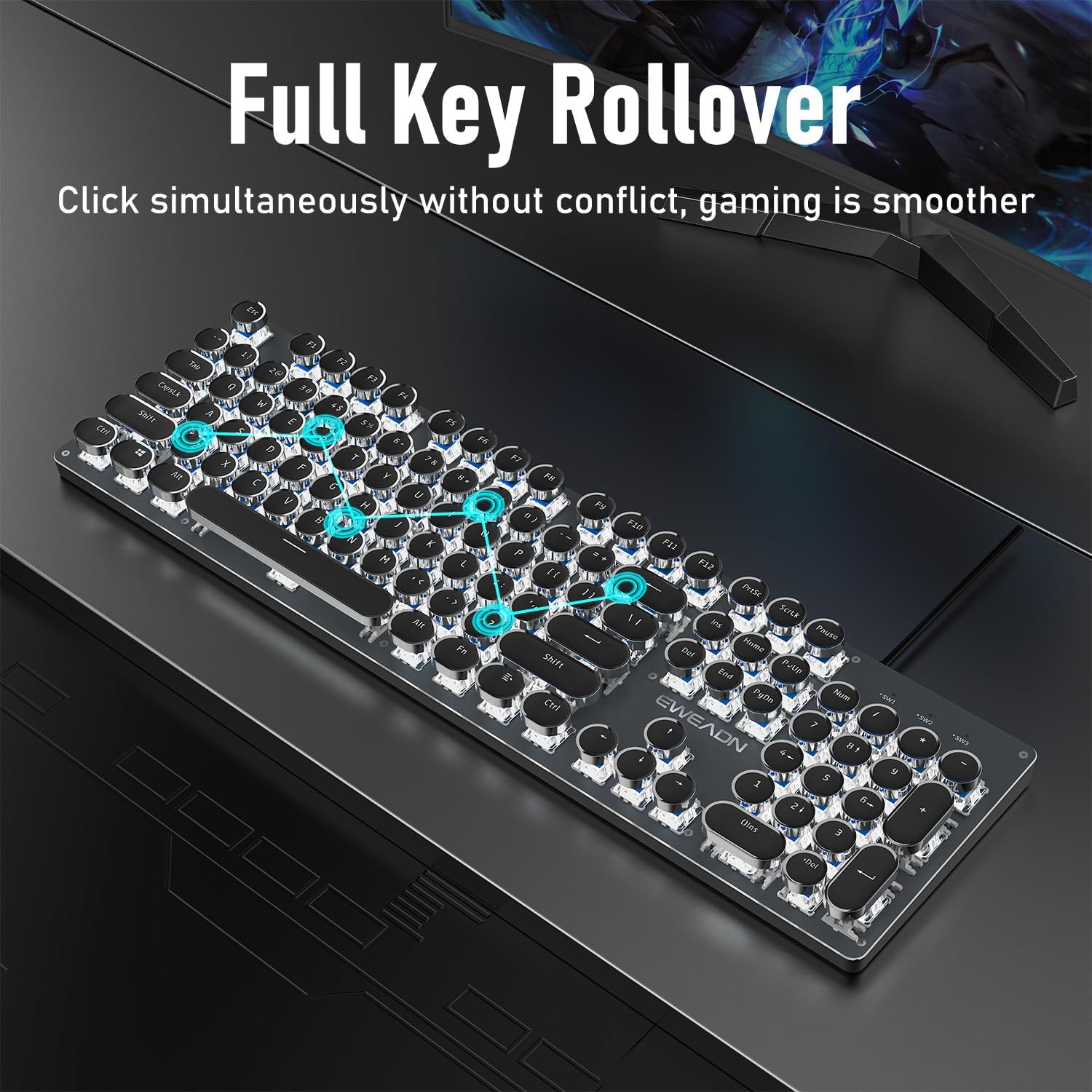
Image: The keyboard demonstrating its full key rollover feature, ensuring smooth and accurate input during simultaneous key presses.
- Ergonomisk design: The keyboard features stepped floating keycaps that conform to your fingertips for comfortable typing. It also includes two-level adjustable foot supports, allowing you to set the keyboard angle for reduced fatigue during extended use.
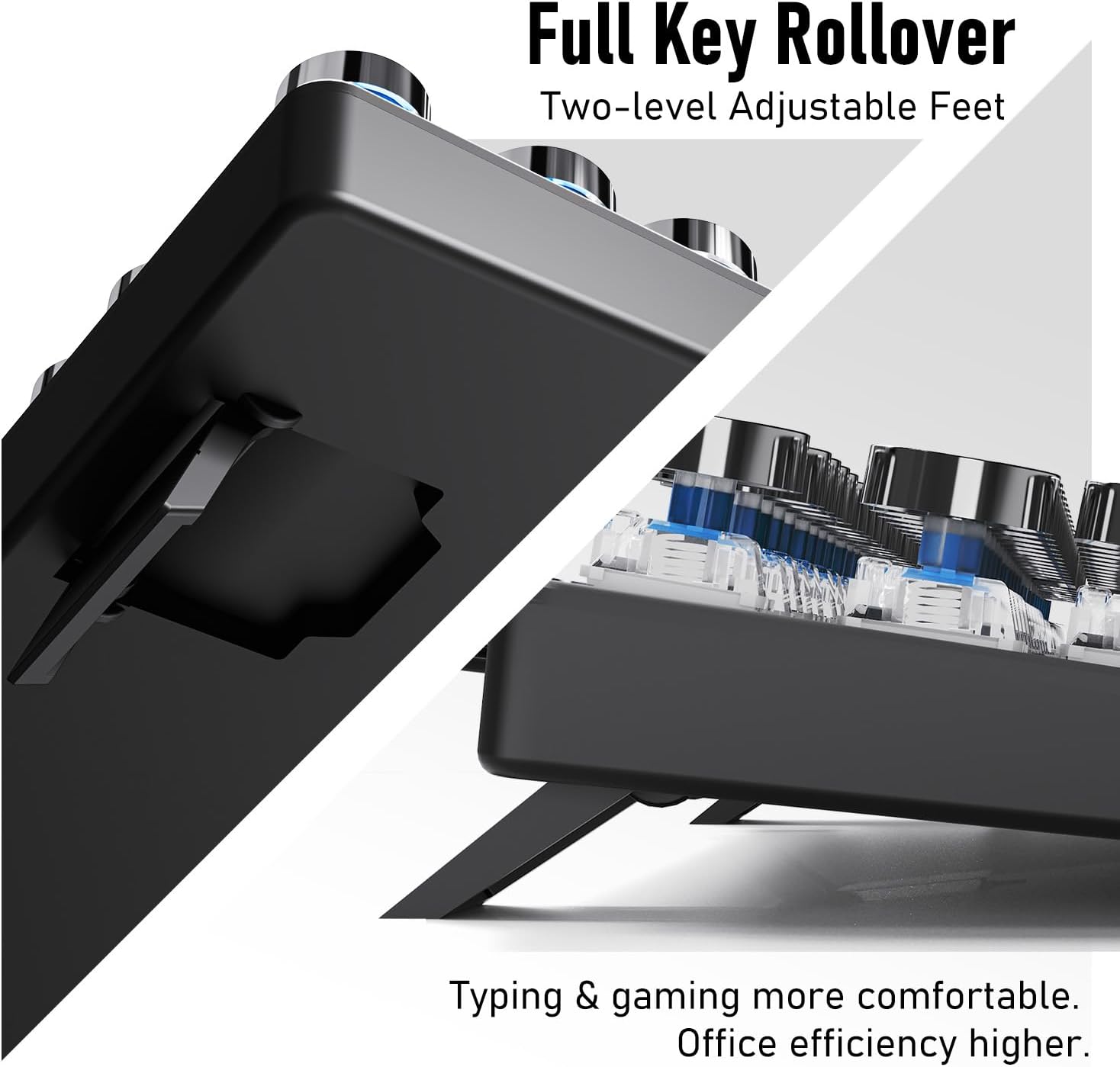
Billede: A view of the keyboard's adjustable feet, designed to enhance typing comfort and efficiency.
4.3 Multimedia & Hotkeys
The TK100 keyboard provides convenient access to multimedia controls:
- Dedicated quick-access buttons for volume control.
- Dedicated quick-access buttons for backlight effects.
- Dedicated quick-access buttons for play/pause and track switching.
5. Vedligeholdelse
To ensure the longevity and optimal performance of your EWEADN TK100 keyboard, follow these maintenance guidelines:
- Regelmæssig rengøring: Brug en blød, fnugfri klud lidt dampened with water or a mild cleaning solution to wipe down the keycaps and keyboard surface. Avoid harsh chemicals or abrasive materials.
- Fjernelse af støv: Use compressed air to remove dust and debris from between the keycaps and under the switches.
- Forebyggelse af spild: Avoid spilling liquids on the keyboard. If a spill occurs, immediately disconnect the keyboard from your computer and allow it to dry completely before reconnecting.
- Opbevaring: Når tastaturet ikke er i brug i længere perioder, skal det opbevares et rent, tørt sted væk fra direkte sollys og ekstreme temperaturer.
6. Fejlfinding
If you encounter issues with your EWEADN TK100 keyboard, please refer to the following common solutions:
- Tastaturet reagerer ikke:
- Sørg for, at USB-kablet er korrekt tilsluttet til både tastaturet og computerens USB-port.
- Prøv at tilslutte tastaturet til en anden USB-port på din computer.
- Test tastaturet på en anden computer for at afgøre, om problemet er med tastaturet eller den originale computer.
- Genstart din computer.
- Baggrundsbelysning virker ikke eller flimrer:
- Sørg for, at tastaturet er korrekt tilsluttet og modtager strøm.
- Trykke FN + Pil op (↑) to increase brightness.
- Skift mellem forskellige baggrundsbelysningstilstande ved hjælp af FN + INS to see if the issue persists across all modes.
- Taster registreres ikke eller dobbelttastning:
- Ensure the keyboard is clean and free of debris that might be obstructing key presses.
- If specific keys are problematic, gently remove the keycap (if possible) and clean around the switch.
- Verify that no software or operating system settings are interfering with key input.
If these steps do not resolve your issue, please contact EWEADN customer support.
7. Specifikationer
| Feature | Detalje |
|---|---|
| Modelnummer | TK100 |
| Forbindelsesteknologi | USB-A kablet |
| Tastaturbeskrivelse | Typewriter Style Mechanical Keyboard Wired |
| Antal nøgler | 104 |
| Key Switch Type | Blå mekanisk afbryder |
| Baggrundsbelysning | White LED, Single Color |
| Særlige funktioner | Backlit, Ergonomic, Hotkeys and Media Keys, Round Key, Anti-Ghosting, Full Key Rollover |
| Kompatible enheder | Bærbar computer, pc, spillekonsol, tablet, smartphone |
| Varens vægt | 1.9 pund |
| Pakkedimensioner | 19 x 7 x 2 tommer |
8. Garanti og support
EWEADN stands by the quality of its products. The TK100 keyboard comes with a 48-month brand support period, ensuring assistance for any manufacturing defects or operational issues.
Kundesupport
For any inquiries, technical assistance, or warranty claims, please contact our expert support team:
E-mail support: eweadnkeyboard@outlook.com
Our team is dedicated to providing prompt and helpful responses to ensure your satisfaction.


