1. Introduktion
The AUTO-VOX WF2 Wireless RV Side Camera System is designed to enhance safety and visibility for recreational vehicles. This system provides clear side views, assisting with lane changes, merging, and navigating tight spaces. It operates wirelessly and integrates with the AUTO-VOX WF1 monitor for a comprehensive multi-camera viewing experience. This manual provides detailed instructions for installation, operation, and maintenance of your WF2 camera system.

Billede: Overview of the AUTO-VOX RV SafeDrive Solution, highlighting the WF2 cameras and their integration.
2. Produktet er slutview
The WF2 system includes two wireless side cameras designed to replace existing marker lights on your RV. These cameras offer advanced features for improved road awareness.
Nøglefunktioner:
- Side View Forbedring: Provides clear visibility of adjacent lanes and areas behind your RV, crucial for safe maneuvers.
- Hurtig installation: Designed for a straightforward installation process, connecting to existing marker light wiring.
- High Definition with Night Vision: Features a 1080P HD lens and infrared (IR) LEDs for detailed viewing in both daylight and low-light conditions.
- WF1 Compatibility: Exclusively pairs with the AUTO-VOX WF1 monitor to enable a triple-view split-screen display, offering comprehensive coverage.
- Robust Wireless Signal: Ensures stable video transmission over distances up to 500 feet, suitable for various RV types.
- IP69K Waterproof Rating: Constructed to withstand harsh weather conditions, including heavy rain, snow, and road spray.
- Justerbar kameravinkel: The camera lens can be adjusted by 40 degrees to optimize the viewing område.
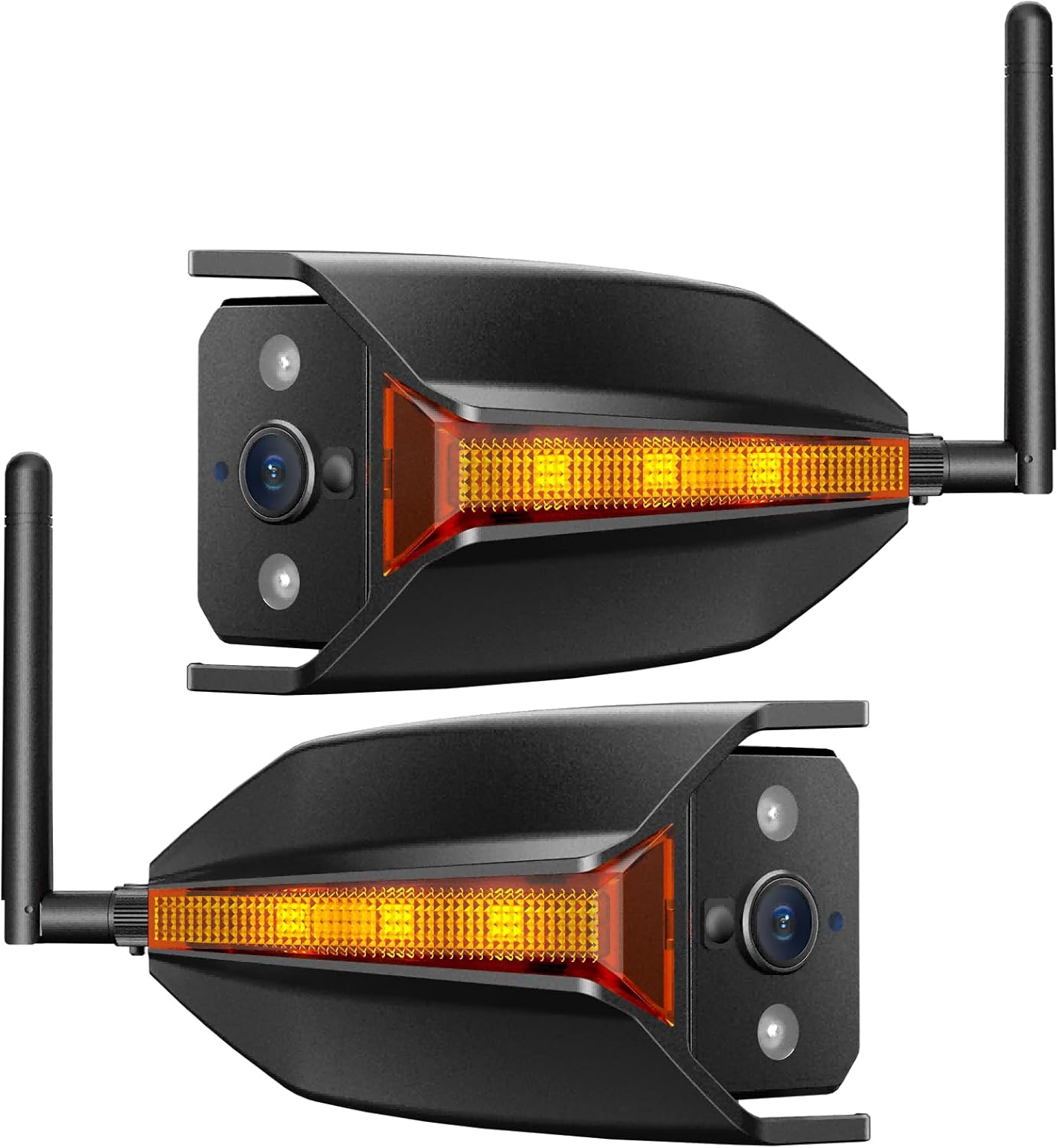
Image: The AUTO-VOX WF2 Wireless RV Side Camera units.

Image: Demonstration of clear day and IR night vision capabilities.

Image: Illustration of the triple-view functionality when paired with the WF1 monitor.

Image: Compatibility chart for WF1 and WF2 components within the AUTO-VOX SafeDrive Solution.
3. Installationsvejledning
The WF2 camera system is designed for quick and easy installation, typically within 30 minutes, by utilizing your RV's existing marker light wiring. No drilling is required.
Installationstrin:
- Remove Existing Side Light: Carefully remove the existing marker light from your RV's side. Use a screwdriver to unscrew and detach the light fixture. Ensure the vehicle's power is off before handling electrical components.

Image: Step 1 - Removing the existing RV side marker light.
- Monter beslaget: Secure the WF2 camera's mounting bracket in the location where the old marker light was removed. Use the provided screws to firmly attach the bracket to the RV's surface.

Image: Step 2 - Mounting the camera bracket.
- Tilslutning af kameraet: Connect the camera's wiring to the RV's marker light power supply. The red wire connects to the positive (+) 12V running light wire, and the black wire connects to ground (-). Ensure connections are secure and insulated.

Image: Step 3 - Wiring the camera to the RV's power source.
- Snap In Camera and Lock: Carefully snap the WF2 camera unit into the mounted bracket. Once in place, secure it by tightening the locking screws. Ensure the antenna is properly attached and oriented for optimal signal.

Image: Step 4 - Securing the camera unit into the bracket.
After installation, power on your RV and the WF1 monitor to confirm the camera is transmitting video. Adjust the camera lens angle as needed for optimal viewing.
4. Betjeningsvejledning
The WF2 camera operates in conjunction with the AUTO-VOX WF1 monitor (sold separately) to provide enhanced visibility.
Pairing with WF1 Monitor:
The WF2 cameras are designed to automatically pair with the WF1 monitor. If pairing does not occur automatically, refer to your WF1 monitor's instruction manual for manual pairing procedures. The WF1 monitor supports a 3-way split-screen view, allowing you to monitor front, rear, and side cameras simultaneously.
Justering af kameravinkel:
The WF2 camera lens offers a 40-degree adjustable angle. This allows you to fine-tune the viewing perspective to best cover blind spots or focus on specific areas, such as traffic in an adjacent lane or obstacles during parking.

Image: Illustration of the adjustable camera angle and its effectiveness in covering blind spots.
Night Vision Functionality:
Equipped with IR night vision, the WF2 cameras provide clear images even in complete darkness. This feature is essential for safe driving and parking at night or in dimly lit environments.

Image: The WF2's integrated marker light improves visibility for other drivers at night.
Signalstabilitet:
The WF2 system maintains a strong and stable wireless connection up to 500 feet, ensuring smooth video transmission without lag or interference, even on larger RVs, fifth wheels, and travel trailers.

Image: Illustration of the stable wireless signal range for various RV types.
5. Vedligeholdelse
The AUTO-VOX WF2 camera is designed for durability and minimal maintenance.
Rensning:
Due to its IP69K waterproof rating, the camera is resistant to high-pressure water jets and dust. You can clean the camera lens and housing with a soft, damp cloth to remove dirt and debris. Avoid using abrasive cleaners or solvents that could damage the lens or finish.
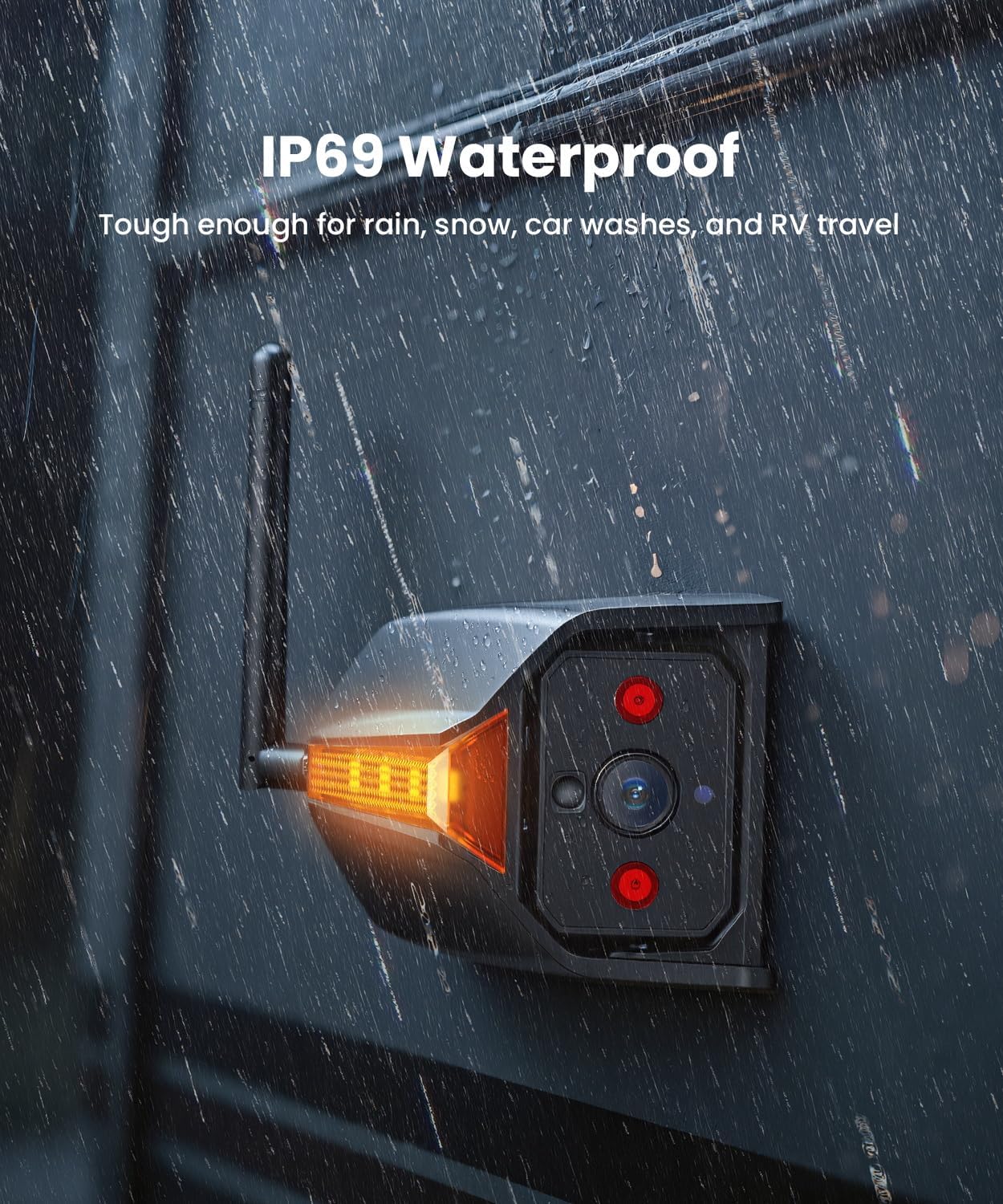
Image: The WF2 camera demonstrating its IP69K waterproof capability in rainy conditions.
Regelmæssig kontrol:
- Periodically check the mounting screws to ensure they remain tight.
- Undersøg ledningsforbindelserne for tegn på slid eller beskadigelse.
- Ensure the camera lens is clear and free from obstructions for optimal image quality.
6. Fejlfinding
If you encounter issues with your WF2 camera system, consider the following common solutions:
- Intet billede på skærmen:
- Ensure the camera is receiving power from the RV's marker light circuit.
- Verify the WF1 monitor is powered on and correctly paired with the WF2 camera.
- Check for any loose or damaged wiring connections.
- Poor Image Quality or Signal Loss:
- Ensure the camera lens is clean and free from dirt or condensation.
- Check that the camera's antenna is securely attached and oriented correctly.
- Minimize obstructions between the camera and the WF1 monitor. While the system has a strong signal, extreme interference can affect performance.
- Confirm the WF1 monitor's firmware is up to date, as this can improve signal stability.
- Marker Light Not Functioning:
- Verify the wiring connections for the marker light are correct and secure.
- Check the RV's marker light fuse.
For further assistance or issues not covered here, please contact AUTO-VOX customer support.
7. Specifikationer
| Feature | Specifikation |
|---|---|
| Modelnummer | WF2 |
| Produktdimensioner | 8.1 cm L x 11.9 cm B x 11.9 cm H (3.2" L x 4.7" B x 4.7" H) |
| Varens vægt | 1.32 pund (0.6 kg) |
| Kompatible enheder | AUTO-VOX WF1 Monitor |
| Installationstype | Surface Mount (replaces marker light) |
| Optisk sensorteknologi | CMOS infrarød |
| Linsetype | Vidvinkel |
| Virkelig vinkel på View | 120 grader |
| Justerbar kameravinkel | 40 grader |
| Forbindelse | Trådløs |
| Vandtæt vurdering | IP69K |
| Fabrikant | AUTO-VOX |
8. Garanti og support
AUTO-VOX is committed to providing reliable products and excellent customer service.
Kundesupport:
If you have any questions, concerns, or require assistance with your AUTO-VOX WF2 Wireless RV Side Camera System, please do not hesitate to contact our support team. We are available to provide prompt assistance and ensure your satisfaction.
Kontaktoplysninger til support kan typisk findes på AUTO-VOX' officielle hjemmeside. webwebsted eller via din købsplatform.
Garantioplysninger:
Specific warranty details for the WF2 system are provided with your product packaging or can be found on the official AUTO-VOX webwebsted. Gem venligst din købsbevis til garantikrav.


