1. Introduktion
This manual provides essential information for setting up, operating, and maintaining your Thunderobot Storm 17 5060 Gaming Laptop. Please read this guide thoroughly to ensure proper usage and to maximize your product's performance and longevity. Keep this manual for future reference.
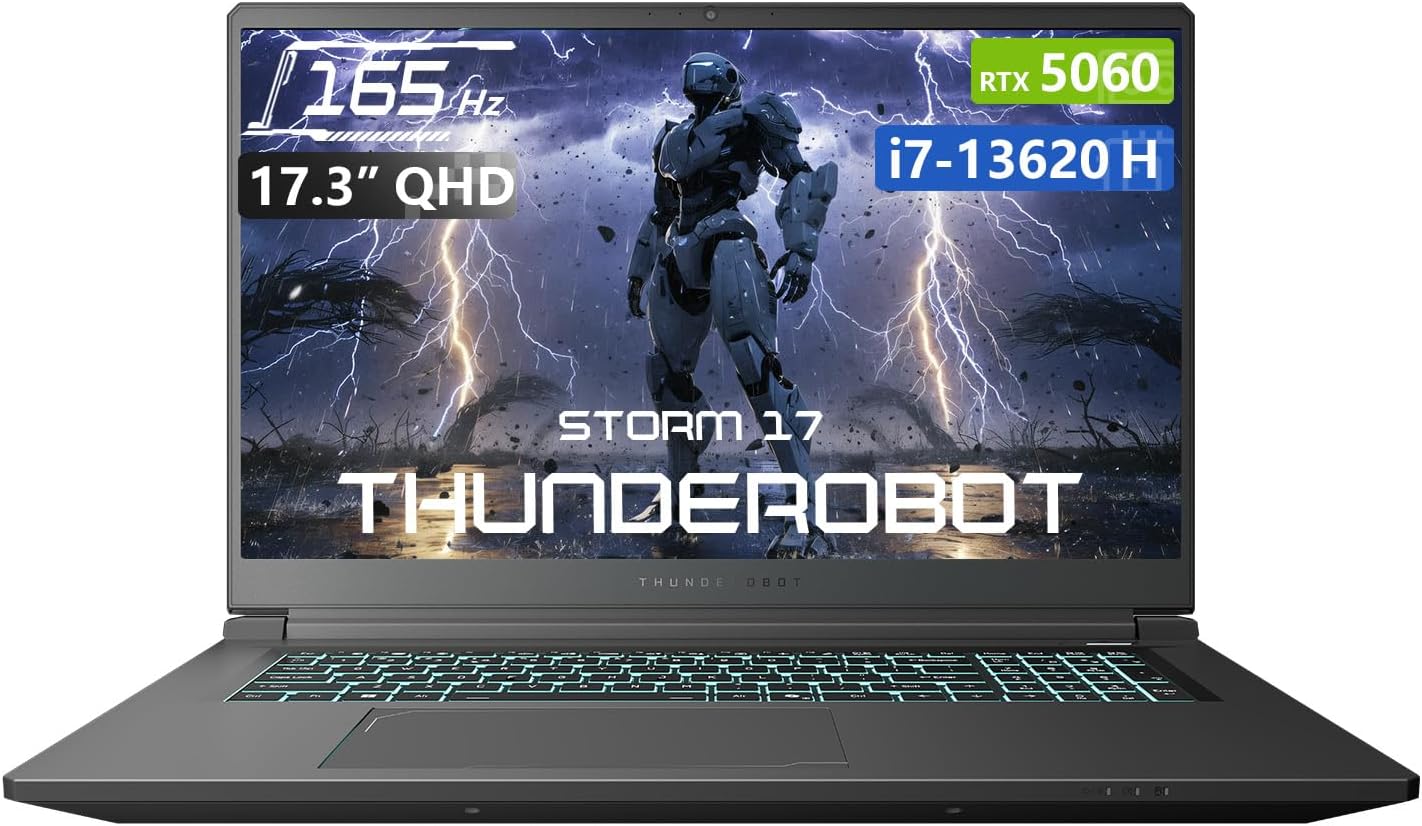
Figur 1.1: Forside view of the Thunderobot Storm 17 5060 Gaming Laptop.
2. Produktet er slutview
The Thunderobot Storm 17 5060 is a high-performance gaming laptop designed for immersive experiences. It features advanced components and a robust cooling system.
2.1 Nøglefunktioner
- Vise: 17.3-inch QHD (2560x1440) display with a 165Hz refresh rate, 100% sRGB color accuracy, and 1000:1 contrast ratio for crisp visuals.
- Processor: Intel Core i7-13620H processor, featuring 10 cores and 16 threads, with a base frequency of 1.80GHz and a max turbo frequency of up to 4.9GHz.
- Grafik: NVIDIA GeForce RTX 5060 dedicated graphics card for high-fidelity gaming and creative tasks.
- Hukommelse: 16GB DDR5 RAM, providing fast multitasking capabilities.
- Opbevaring: 1TB PCIe M.2 SSD for rapid boot times and ample lagerplads.
- Kølesystem: Advanced thermal design with ultra-thin 0.2mm copper fins (245pcs) and dual 12V turbofans (60mm, 164 LCP blades, 19.8CFM) for efficient heat dissipation. Features four omnidirectional outlets and a dual-zone air duct.
- Forbindelse: Multiple ports including 3x USB 3.0 Type-A, 1x USB Type-C, 1x HDMI, 1x RJ-45 Ethernet, and 1x Audio Port. Supports Wi-Fi 6 and Bluetooth.
- Tastatur: RGB Backlit Keyboard with a full-size numeric keypad.
- Batteri: 53Wh battery with support for 100W PD fast charging.
2.2 Visuelle komponenter

Figure 2.1: Performance overview highlighting the RTX 5060 graphics and Intel Core i7-13620H processor capabilities.

Figur 2.2: Detaljeret view of the 17.3-inch QHD 165Hz display specifications.
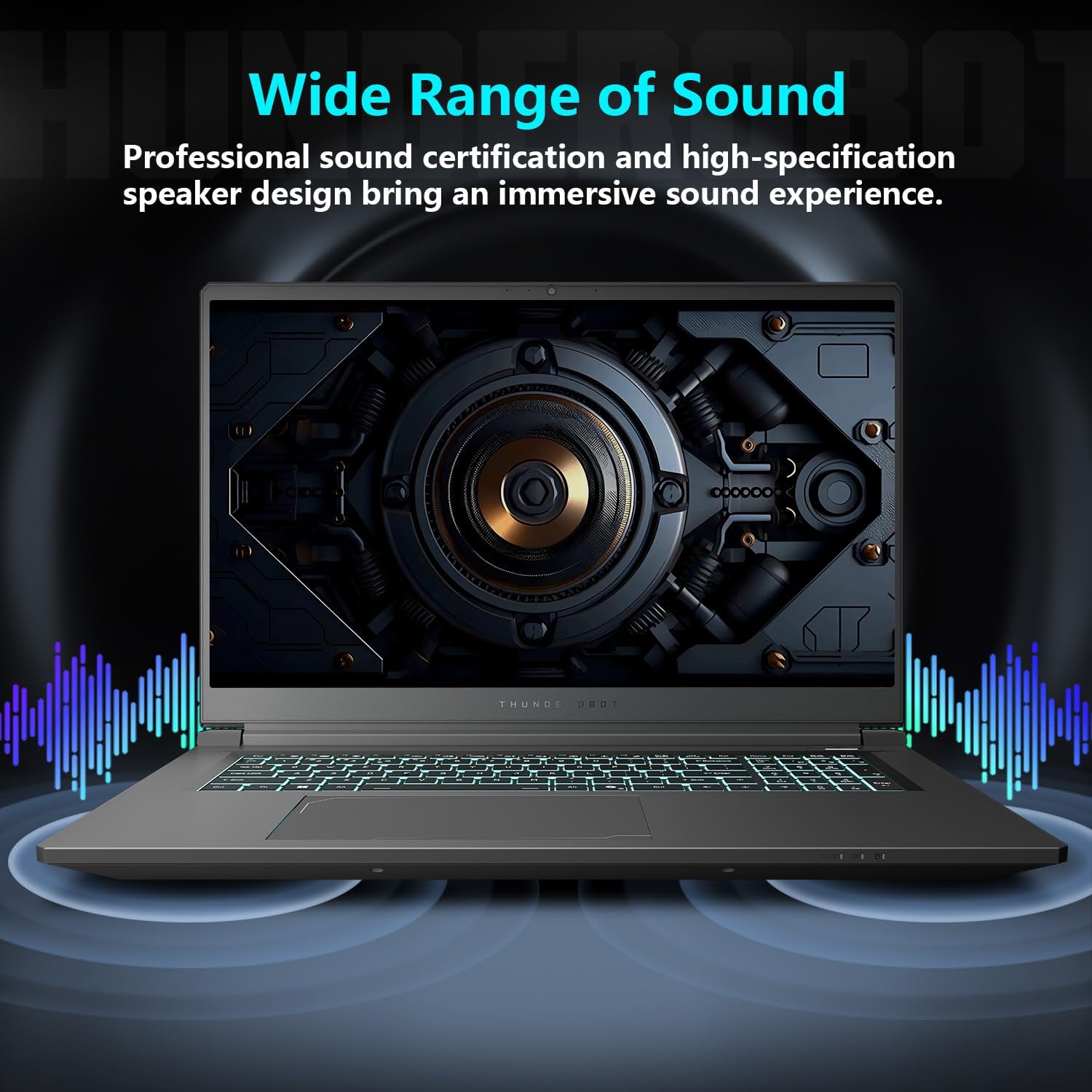
Figure 2.3: Diagram illustrating the various ports and slots on the Thunderobot Storm 17 laptop.

Figure 2.4: Illustration of the Direct-Flow Cooling Technology with pure copper heat pipes, high-speed fans, and four air outlets.
Video 2.1: Overståetview of the THUNDEROBOT Series Display, showcasing visual features and design.
Video 2.2: THUNDEROBOT Gaming Gear showcase, featuring various peripherals and laptops in a gaming setup.
Video 2.3: THUNDEROBOT Storm 17 product highlights, demonstrating key features and design elements.
3. Opsætning
3.1 Udpakning og første inspektion
Carefully remove the laptop and its accessories from the packaging. Verify that all components listed in the "What's in the Box" section are present and undamaged. The box should contain:
- THUNDEROBOT Storm 17 Laptop
- Strømadapter og kabel
- Brugervejledning (dette dokument)
If any items are missing or damaged, contact customer support immediately.
3.2 Tilslutning af strømadapteren
- Tilslut strømkablet til strømadapteren.
- Sæt strømadapteren i en jordet stikkontakt.
- Connect the DC-in plug from the adapter to the DC-in port on the laptop. The DC-in port is typically located on the side or rear of the laptop.
It is recommended to fully charge the laptop before its first use.
3.3 Første opstart og Windows-opsætning
- Åbn den bærbare computers låg.
- Press the power button, usually located on the keyboard deck.
- Follow the on-screen instructions to complete the Windows 11 Home setup. This includes selecting your region, language, connecting to a Wi-Fi network, and creating a user account.
4. Betjeningsvejledning
4.1 Strømstyring
- Tænd: Tryk på tænd/sluk-knappen.
- Sove mode: Close the lid or press the power button briefly. You can also select "Sleep" from the Windows Start menu.
- Luk ned: Vælg "Luk ned" i Windows Start-menuen.
- Genstart: Vælg "Genstart" fra Windows Start-menuen.
4.2 Tastatur og touchpad
The laptop features an RGB backlit keyboard and a precision touchpad.
- Baggrundslys kontrol: Brug Fn + mellemrumstasten combination to cycle through different backlight modes or turn it off.
- Numerisk tastatur: The full-size numeric keypad is integrated for convenient data entry.
- Touchpad: Understøtter multi-touch-bevægelser til navigation. Se Windows-indstillinger for tilpasning.

Figure 4.1: The RGB backlit keyboard of the Storm 17 laptop.
4.3 Eksterne forbindelser
Tilslut eksterne enheder ved hjælp af de tilgængelige porte:
- USB Type-A-porte: For connecting USB devices like mice, keyboards, and external drives.
- USB Type-C-port: Til tilslutning af kompatible USB-C-enheder.
- HDMI-port: Tilslut til en ekstern skærm eller et tv for udvidet visning.
- RJ-45 Ethernet-port: Til kablede netværksforbindelser.
- Lydport: Til tilslutning af hovedtelefoner eller eksterne højttalere.
4.4 Trådløs forbindelse
- Wi-Fi 6: Connect to wireless networks for internet access. Manage Wi-Fi settings through Windows.
- Bluetooth: Pair with Bluetooth-enabled devices such as headphones, speakers, or game controllers. Manage Bluetooth settings through Windows.
4.5 Control Center Software
The Thunderobot Control Center software allows you to customize various laptop settings for optimal performance and user experience. This includes:
- System Performance Modes: Switch between performance, entertainment, and low-noise modes based on your usage. Note: System mode switching requires the device to be connected to a power source.
- LED Keyboard Customization: Adjust RGB lighting effects and colors.
- FlexiCharger: Manage battery charging settings to extend battery lifespan.
- Flexikey: Customize key and mouse functions.

Figure 4.2: Interface of the Thunderobot Control Center software.
5. Vedligeholdelse
5.1 Rengøring af din bærbare computer
- Brug en blød, fnugfri klud damprengøres med vand eller en specialiseret skærmrenser til at rengøre skærmen.
- Brug en blød klud til tastaturet og kabinettet. En dåse trykluft kan hjælpe med at fjerne støv mellem tasterne og ventilationsåbningerne.
- Undgå at bruge skrappe kemikalier, opløsningsmidler eller slibende materialer.
5.2 Pleje af batterier
- Undgå at aflade batteriet helt ofte.
- If storing the laptop for an extended period, charge the battery to about 50-60% and store it in a cool, dry place.
- Utilize the FlexiCharger feature in the Control Center to optimize battery health.
5.3 Software- og driveropdateringer
Opdater dit operativsystem og dine drivere regelmæssigt for at sikre optimal ydeevne og sikkerhed.
- Windows-opdateringer: Gå til Indstillinger > Windows-opdatering for at søge efter og installere opdateringer.
- Driver opdateringer: Visit the official Thunderobot support website for the latest drivers for your Storm 17 model. NVIDIA graphics drivers can also be updated via the GeForce Experience application.
5.4 Termisk styring
To maintain optimal cooling performance:
- Ensure the laptop's vents are unobstructed. Avoid placing the laptop on soft surfaces like beds or carpets during heavy use.
- Rengør regelmæssigt støv fra ventilationsåbningerne med trykluft.
- Use the "One-click forced cooling" feature in the Control Center during intensive tasks if needed.
6. Fejlfinding
This section addresses common issues you might encounter with your Thunderobot Storm 17 laptop.
6.1 Ingen strøm eller den bærbare computer tænder ikke
- Sørg for, at strømadapteren er korrekt tilsluttet både den bærbare computer og en fungerende stikkontakt.
- Kontroller, at stikkontakten fungerer ved at tilslutte en anden enhed.
- If the battery is completely drained, allow the laptop to charge for at least 30 minutes before attempting to power it on.
6.2 Displayproblemer
- Intet billede på skærmen: Tilslut en ekstern skærm til HDMI-porten for at kontrollere, om problemet er med den bærbare computers interne skærm.
- Flimrende eller forvrænget billede: Opdater dine grafikdrivere. Kontroller skærmkabelforbindelserne, hvis du bruger en ekstern skærm.
- Incorrect resolution or refresh rate: Adjust display settings in Windows (Indstillinger > System > Skærm).
6.3 Performance Problems
- Langsom ydeevne: Close unnecessary applications. Check for background processes consuming high CPU/RAM in Task Manager. Ensure the laptop is in a high-performance mode via the Control Center (when plugged in).
- Overophedning: Ensure vents are clear. Use the forced cooling feature. Consider using a laptop cooling pad.
- Game stuttering: Update graphics drivers. Lower in-game graphics settings. Ensure the laptop is using the dedicated RTX 5060 GPU for games.
6.4 Connectivity Issues (Wi-Fi, Bluetooth, USB)
- Wi-Fi opretter ikke forbindelse: Restart your router and modem. Check Wi-Fi settings in Windows. Ensure Wi-Fi is enabled.
- Bluetooth-enhed parres ikke: Ensure the Bluetooth device is in pairing mode. Check Bluetooth settings in Windows. Restart the laptop.
- USB-enhed ikke genkendt: Prøv en anden USB-port. Sørg for, at enhedsdriverne er installeret.
For persistent issues, refer to the Thunderobot support webwebsted eller kontakt kundeservice.
7. Specifikationer
The following table outlines the key technical specifications for the Thunderobot Storm 17 5060 Gaming Laptop:
| Feature | Detalje |
|---|---|
| Modelnavn | Storm 17 |
| Skærmstørrelse | 17.3 tommer |
| Skærmopløsning | 2560 x 1600 pixels (QHD) |
| Max skærmopløsning | 2560x1440 |
| Processor | Intel Core i7-13620H (op til 4.9 GHz) |
| VÆDDER | 16 GB DDR5 (4800 MHz) |
| Harddisk | 1 TB SSD (PCIE x 4) |
| Grafik coprocessor | GeForce RTX 5060 (Dedicated) |
| Operativsystem | Windows 11 Home |
| Trådløs type | 802.11ax (Wi-Fi 6) |
| USB 3.0 porte | 4 (3x Type-A, 1x Type-C) |
| Varens vægt | 11 pund |
| Produktdimensioner | 15.59 x 10.86 x 1.05 tommer |
| Farve | Grå |
| Speciel funktion | Numerisk tastatur |
8. Garanti og support
8.1 Produktgaranti
Hver Thunderobot bærbar computer inkluderer en 12 måneders garanti from the date of purchase. This warranty covers manufacturing defects and provides expert support, thorough diagnostics, and genuine parts for necessary repairs. Additionally, a 90 dages garanti is provided on all warranty replacement parts, ensuring hassle-free repairs. Your complete satisfaction is our commitment.
8.2 Kundesupport
For technical assistance, warranty claims, or general inquiries, please visit the official Thunderobot support webwebstedet eller kontakt deres kundeserviceafdeling. Hav din købskvittering og produktets serienummer klar, når du søger support.
Du kan finde mere information og supportressourcer på Thunderobot-butik på Amazon.

Figur 8.1: Overview of Thunderobot's warranty and service commitment.


