Produkt overview
The Nillkin MagSafe Case for Samsung Galaxy Z Fold 7 offers comprehensive protection and enhanced functionality. This case is specifically designed for the Samsung Galaxy Z Fold 7, providing a matte texture for a comfortable grip and 360-degree protection. It features a built-in magnetic ring compatible with MagSafe accessories for seamless wireless charging and secure attachment. The innovative design includes an upgraded magnetic hinge for robust protection and an upgraded front frame with an H+ high-transparency tempered glass screen protector to guard against scratches, cracks, grease, and UV rays. Constructed from premium TPU and PC materials, the case is dust-proof, sweat-proof, and fingerprint-proof, with airbags at all four corners to absorb shocks from accidental drops.
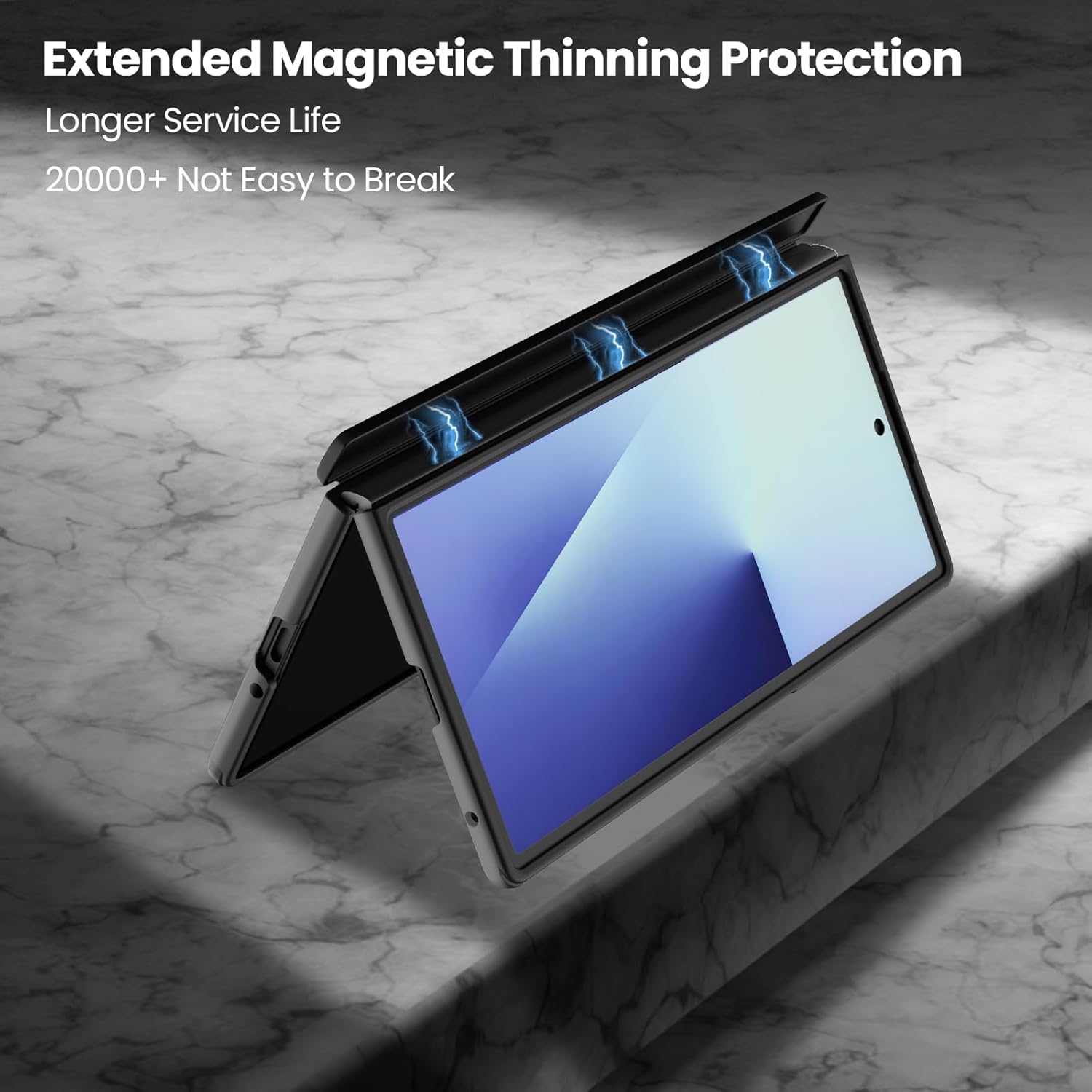
Figure 1: Nillkin MagSafe Case installed on the Samsung Galaxy Z Fold 7, highlighting the textured back and camera protection.
Opsætning og installation
Follow these steps to properly install your Nillkin MagSafe Case and screen protector on your Samsung Galaxy Z Fold 7:
- Forbered din enhed: Ensure your Samsung Galaxy Z Fold 7 is clean and free of dust or smudges. Use the provided alcohol wipe and microfiber cloth to thoroughly clean the outer screen.
- Install the Front Frame: Carefully align the front frame piece of the case with the outer screen of your phone. Ensure all cutouts for speakers, microphone, and camera are correctly positioned. Gently press along the edges to secure it.
- Apply the H+ Screen Protector: Once the front frame is securely in place, peel off the protective film from the H+ tempered glass screen protector. Carefully align it with the outer screen, ensuring it fits within the front frame. Gently press from the center outwards to remove any air bubbles.
- Install the Back Case: Align the back case piece with the rear of your Samsung Galaxy Z Fold 7. Ensure the camera module aligns perfectly with the case's cutout. Snap the case onto the phone, making sure the magnetic hinge protection aligns and functions correctly.
- Secure Hinge Protection: The upgraded magnetic hinge design should automatically secure itself around the phone's hinge, providing robust protection.
Video 1: Watch this installation guide for a visual walkthrough of setting up your Nillkin Samsung Galaxy Z Fold 7 MagSafe Case and screen protector.
Video 2: This video demonstrates the installation process for a tempered glass screen protector, applicable to the Samsung Galaxy Z Fold series.

Figure 2: The H+ screen protector provides robust defense against daily wear and tear, ensuring your screen remains pristine.
Betjeningsvejledning
Your Nillkin MagSafe Case is designed for seamless daily use with your Samsung Galaxy Z Fold 7:
- MagSafe-kompatibilitet: The built-in magnetic ring ensures a strong connection with MagSafe accessories such as chargers and stands. Simply align your MagSafe accessory with the back of the case for secure attachment and efficient wireless charging. Note: Due to the lens design of the Z Fold 7, square wireless magnetic chargers and magnetic wallets may not be fully compatible.
- Hinge Protection: The upgraded magnetic hinge protection automatically covers the phone's hinge when folded, safeguarding it from impacts and scratches. When unfolding the phone, the hinge cover smoothly retracts.
- Skærmbeskytter: The H+ tempered glass screen protector on the front display maintains touch sensitivity and visual clarity while offering protection against scratches and minor impacts.
- Ergonomisk greb: The case features an innovative dotted texture on the back, providing a fine frosted feel that enhances grip and resists slips, fingerprints, and scratches.
Video 3: A general user manual video demonstrating the features and usage of the Nillkin Samsung Galaxy Z Fold 7 MagSafe Case.

Figure 3: The case's MagSafe compatibility allows for convenient charging and mounting with various MagSafe accessories.
Vedligeholdelse & Pleje
To ensure the longevity and optimal performance of your Nillkin MagSafe Case, follow these maintenance guidelines:
- Rensning: The TPU back panel and PC hard front bezel are designed to be dust-proof, sweat-proof, and fingerprint-proof. To clean, gently wipe the case with a soft, damp cloth. Avoid using harsh chemicals or abrasive materials, as these may damage the case's finish or the screen protector.
- Screen Protector Care: The H+ tempered glass screen protector is durable but can be damaged by extreme impacts. Avoid placing sharp objects directly on the screen. If the screen protector becomes scratched or cracked, it can be replaced.
- Hinge Mechanism: The magnetic hinge mechanism is designed for durability, having passed over 30,000 fold tests. Avoid applying excessive force or attempting to manually adjust the hinge mechanism, as this could compromise its integrity.
- MagSafe Ring: Ensure the MagSafe magnetic ring area is kept clean for optimal magnetic connection. Do not attach the case directly to metal surfaces without a MagSafe charger, as this could potentially affect the magnetic properties.
Fejlfinding
If you encounter any issues with your Nillkin MagSafe Case, consider the following:
- Problemer med MagSafe-opladning: If your MagSafe charger is not connecting or charging effectively, ensure the charger is Qi2-compatible. Also, verify that the magnetic ring area on the case is clean and free from obstructions. Remember that some square wireless magnetic chargers may have limited compatibility due to the Z Fold 7's lens design.
- Etuiets pasform: If the case feels loose or does not fit properly, ensure it is correctly aligned and snapped into place on both the front and back sections of your phone. The adhesive strips on the front frame are designed for a secure fit.
- Screen Protector Bubbles: Small bubbles under the screen protector can often be smoothed out by gently pushing them towards the edges with a soft cloth or a squeegee card. If large bubbles persist, re-application might be necessary after ensuring the screen is completely clean.
- Hængselsfejl: If the hinge protection mechanism is not operating smoothly, check for any debris or foreign objects obstructing its movement. Avoid forcing the hinge.
Specifikationer
| Produktdimensioner | 6.18 x 3.26 x 1 tommer |
| Varens vægt | 8.4 ounce |
| Materiale | Polycarbonat, termoplastisk polyurethan |
| Kompatible telefonmodeller | Samsung Galaxy Z Fold 7 |
| Særlige funktioner | Built-in Screen Protector, Dual Protection, Magnetic, Upgraded Front Frame, Upgraded Magnetic Hinge Design |
| Farve | Sort |
Garanti & Support
Nillkin is committed to providing high-quality products and excellent customer service. For any inquiries or support needs, please refer to the following:
- Kundeservice: We offer 7x24 customer service. If you have any questions, you are welcome to contact us through the listing or the order page. We are dedicated to providing you with satisfactory customer service.
- Garanti: A 1-Year Warranty is provided. Within one year after purchase, even if the return window has passed, we will still provide you with a replacement service for manufacturing defects.
- Livsvarig support: We provide lifetime technical support for our products, ensuring that you will have a great product usage experience as well as after-sales service experience.


