Indledning
This manual provides detailed instructions for the Redragon M718-AIR Wired Gaming Mouse. It covers setup, operation, customization, maintenance, and troubleshooting to ensure optimal performance and user experience. The M718-AIR is designed for precision and customization, featuring a high-DPI optical sensor, programmable buttons, and dynamic RGB lighting.
Produkt overview
The Redragon M718-AIR is a wired gaming mouse equipped with advanced features for enhanced gaming and productivity. It includes a high-precision sensor, multiple programmable buttons, and customizable RGB lighting.

Billede: Top view of the Redragon M718-AIR Wired Gaming Mouse, showcasing dens ergonomiske design og centrale scrollhjul.
Nøglefunktioner:
- High-precision 12800 DPI Optical Sensor
- 7 programmerbare makroknapper
- 1000Hz polling rate
- 7 Dynamic RGB Lighting Effects with 16.8 Million Colors
- Ergonomic Design for Comfort
- Durable Switches with 20 Million+ Keystroke Life
- Plug-and-Play USB-forbindelse
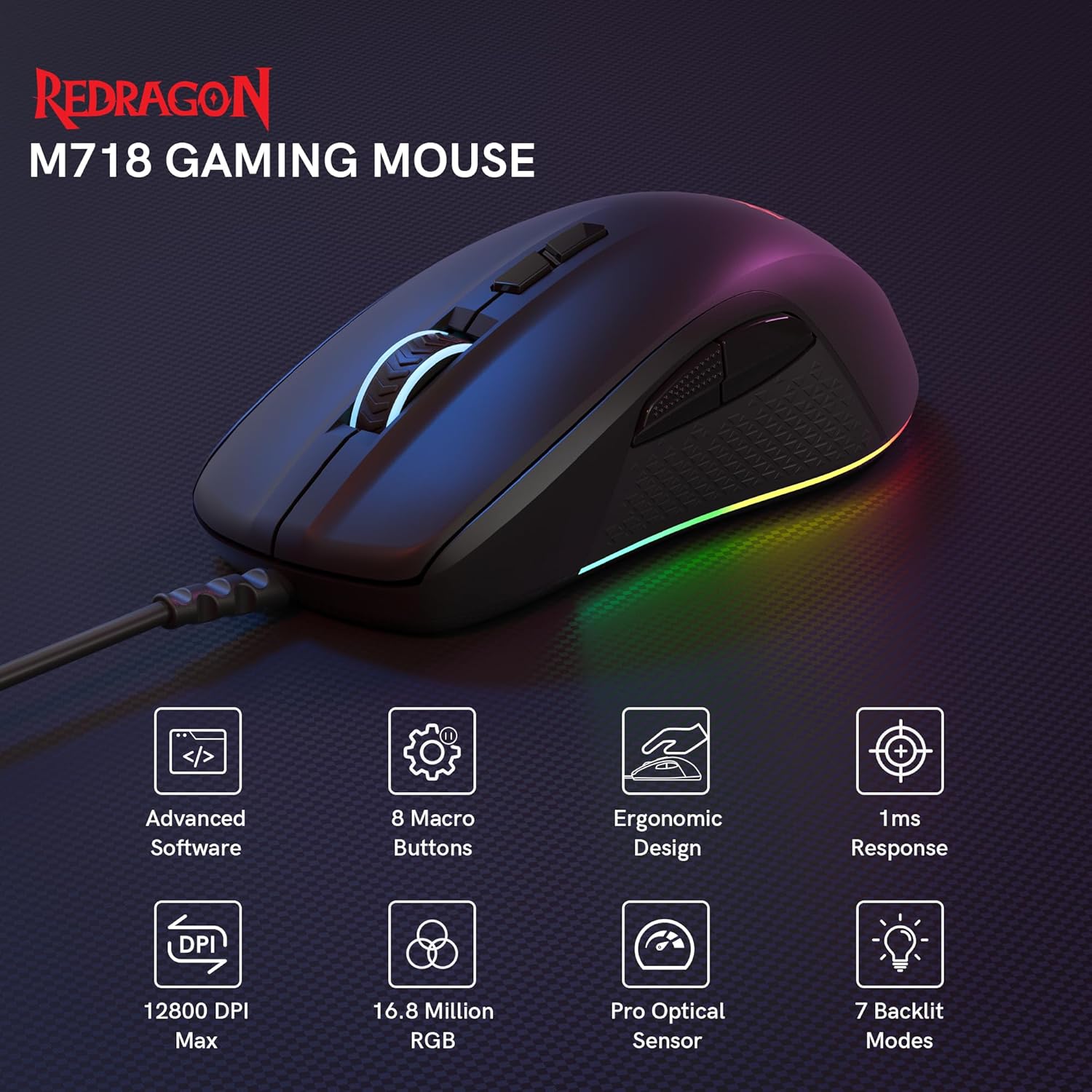
Image: Infographic highlighting key features of the Redragon M718 Gaming Mouse, including advanced software, 8 macro buttons, ergonomic design, 1ms response, 12800 DPI Max, 16.8 Million RGB, Pro Optical Sensor, and 7 backlit modes.

Billede: Bund view of the Redragon M718-AIR mouse, illustrating its high-performance optical sensor for stable and accurate tracking.
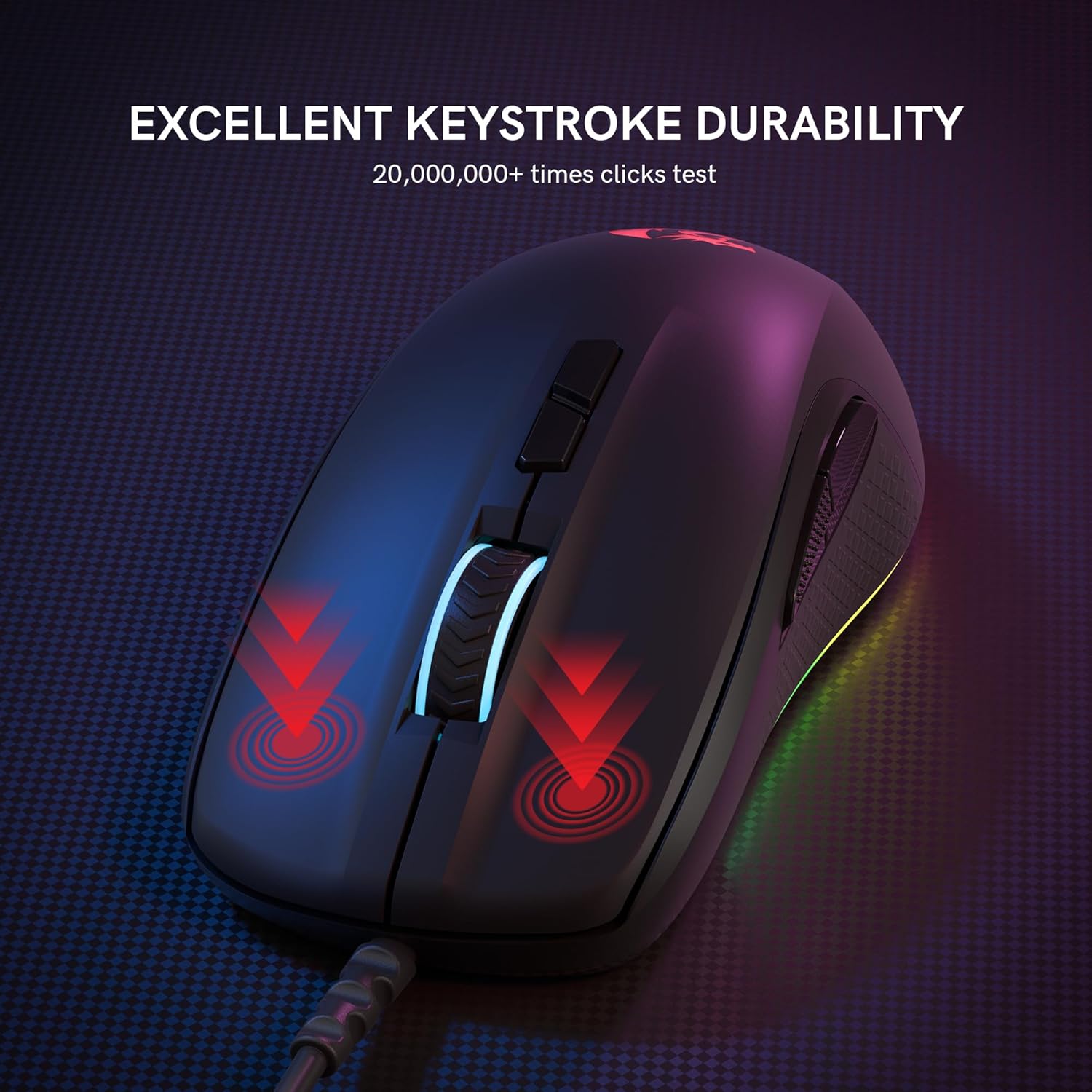
Image: The Redragon M718-AIR mouse with visual indicators for its excellent keystroke durability, tested for over 20,000,000 clicks.
Opsætningsinstruktioner
- Tilslut musen: Insert the USB connector of the Redragon M718-AIR mouse into an available USB port on your computer. The mouse is plug-and-play, meaning it should be recognized automatically by most operating systems (Windows XP to Win10).
- Driverinstallation (valgfrit): For advanced customization, including macro programming, DPI fine-tuning, and RGB lighting effects, download and install the official Redragon software for the M718-AIR model from the Redragon webwebsted.
- Initial Functionality Check: Once connected, move the mouse and click the left and right buttons to ensure basic functionality. The RGB lighting should illuminate.

Image: The Redragon M718 Gaming Mouse connected to a computer setup, demonstrating its plug-and-play nature.
Betjeningsvejledning
1. DPI-justering
The M718-AIR mouse features a high-precision sensor with adjustable DPI settings. You can cycle through 5 customizable DPI presets (400/800/1600/2400/3200) directly on the mouse. The maximum DPI can reach 12,800 via software customization.

Image: The Redragon M718-AIR mouse illustrating its 5-level adjustable DPI settings, ranging from 400 DPI (Min) to 12800 DPI (Max).
2. Tilpasning af RGB-belysning
Personalize your mouse with vibrant 16.8 million RGB lighting. The mouse offers 7 dynamic lighting effects: breathing, wave, reactive, rainbow, full lighted, flash, and go without trace. Brightness and speed are adjustable through the software.
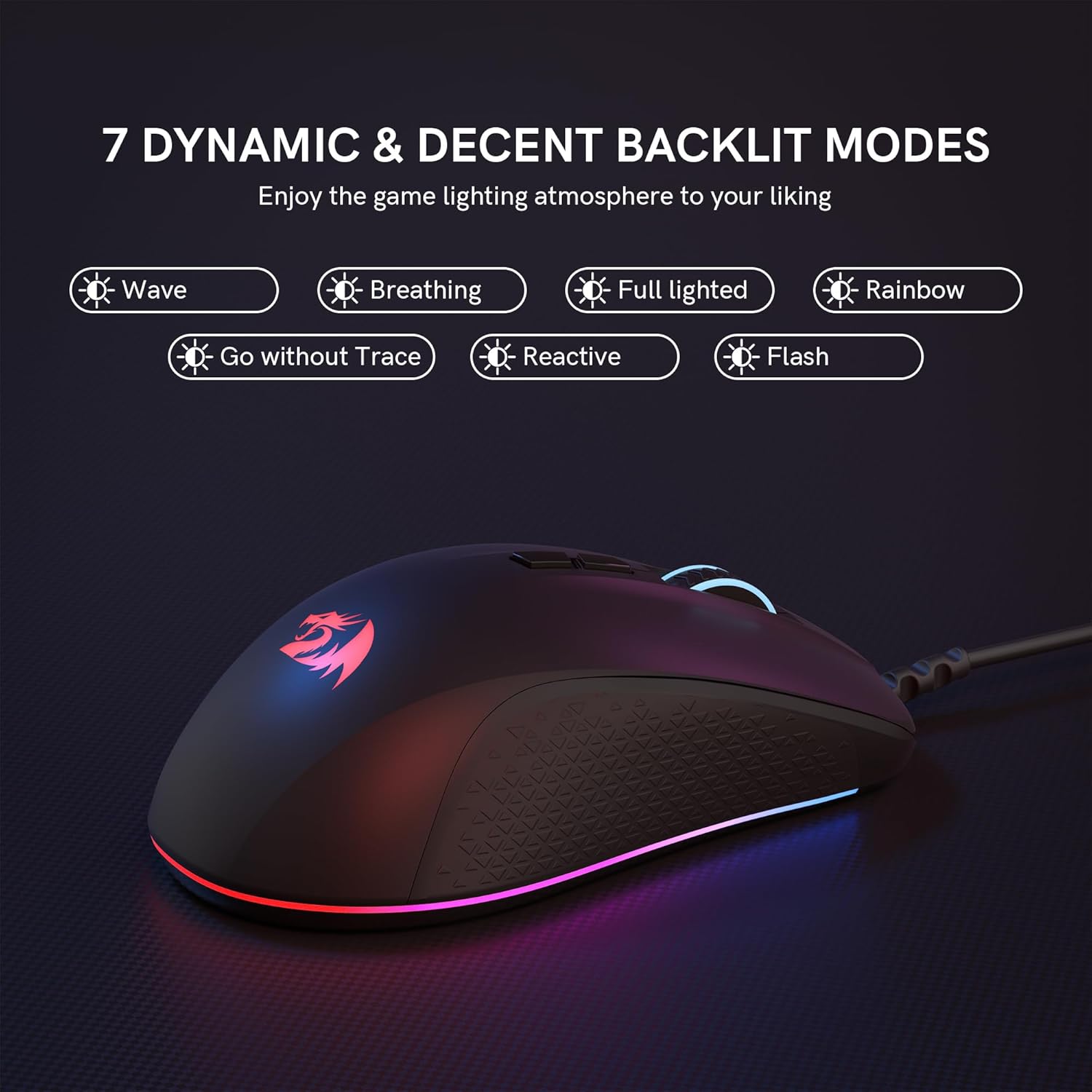
Image: The Redragon M718-AIR mouse showcasing its 7 dynamic backlit modes, including Wave, Breathing, Full lighted, Rainbow, Go without Trace, Reactive, and Flash.
3. Programmable Buttons and Macro Customization
The M718-AIR features 7 programmable buttons. Utilize the user-friendly software to program macros, remap button functions, and fine-tune settings like scroll speed and polling rate (up to 1000Hz). This allows for customized setups for various applications or games.

Image: Screenshot of the Redragon M718-AIR mouse software interface, demonstrating options for key assignment, macro programming, custom RGB, DPI adjustment, report rate, and profile indlæsning.
4. Afstemningsrate
The mouse offers a 1,000Hz polling rate, ensuring ultra-responsive tracking. This setting can be adjusted via the software.
Opretholdelse
- Rensning: Brug en blød, tør klud til at rengøre musens overflade. Ved genstridigt snavs, brug en let tør klud.amp klud kan bruges, så der ikke kommer væske ind i musen. Undgå barske kemikalier eller slibende materialer.
- Sensorpleje: Keep the optical sensor on the bottom of the mouse clean and free from dust or debris to maintain tracking accuracy.
- Kabelstyring: Undgå skarpe bøjninger eller for meget træk i USB-kablet for at forhindre skader.
Fejlfinding
- Issue: Mouse is not responding.
- Løsning:
- Sørg for, at USB-kablet er tilsluttet korrekt til din computer.
- Prøv at tilslutte musen til en anden USB-port.
- Genstart din computer.
- Test the mouse on another computer to rule out a system-specific issue.
- Issue: Software does not detect the mouse or function correctly.
- Løsning:
- Ensure you have downloaded the correct software version for the M718-AIR model from the official Redragon webwebsted.
- Kør softwaren som administrator.
- Try uninstalling and reinstalling the software.
- Ensure no other mouse software is conflicting with the Redragon software.
- Issue: Inconsistent tracking or cursor movement.
- Løsning:
- Rengør den optiske sensor på undersiden af musen.
- Sørg for at bruge musen på en passende overflade (f.eks. en musemåtte). Undgå meget reflekterende eller ujævne overflader.
- Check DPI settings; a very high DPI might feel erratic if not accustomed to it.
- Issue: RGB lighting is not working or displaying correctly.
- Løsning:
- Kontroller lysindstillingerne i Redragon-softwaren.
- Sørg for, at musen er korrekt tilsluttet og modtager strøm.
Specifikationer
| Mærke | Redragon |
| Model | M718-AIR |
| Forbindelsesteknologi | USB kablet |
| Bevægelsesdetekteringsteknologi | Optisk |
| DPI rækkevidde | 400-12800 DPI (5 presets: 400/800/1600/2400/3200) |
| Afstemningsfrekvens | Op til 1000Hz |
| Antal knapper | 7 Programmerbare knapper |
| RGB belysning | 16.8 Million Colors, 7 Dynamic Effects |
| Tastetryk liv | 20 Million+ Clicks |
| Ergonomi | Ergonomic Design with Anti-slip Sides |
| Varens vægt | 5.9 ounces (ca. 167 g) |
| Kompatibilitet | Windows PCs/Laptops (XP to Win10) |
Garanti og support
The Redragon M718-AIR Wired Gaming Mouse comes with a 24 måneders garanti covering any quality-related issues. For technical assistance, product inquiries, or warranty claims, please contact Redragon customer support. Support is available 7 days a week, 24 hours a day.
For the most up-to-date support information and contact methods, please visit the official Redragon webwebstedet eller se produktemballagen.
Officielle produktvideoer
Redragon M718 Wired Gaming Mouse Overview
Video: En officiel overview of the Redragon M718 Wired Gaming Mouse, demonstrating its features and design. This video is provided by COSVE Direct, a seller of the product.


