Indledning
This manual provides essential information for the proper setup, operation, and maintenance of your Auusda 16-inch FHD Laptop, Model T161N. Please read this manual thoroughly before using your device to ensure optimal performance and longevity. Keep this manual for future reference.
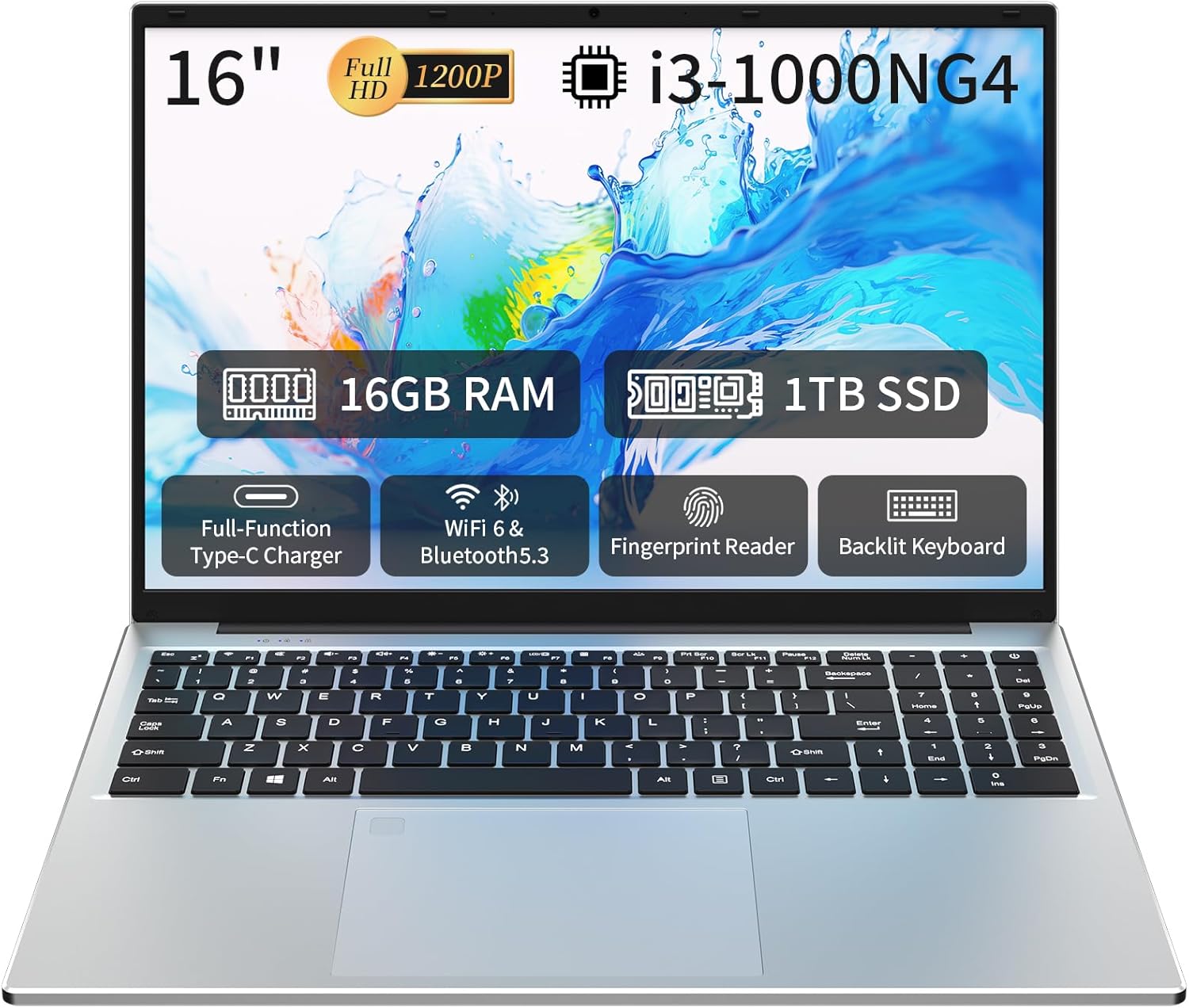
Image: The Auusda 16-inch FHD Laptop, showcasing its 16-inch Full HD display, 16GB RAM, 1TB SSD, i3-1000NG4 processor, Full-Function Type-C port, Wi-Fi 6 & Bluetooth 5.3, Fingerprint Reader, and Backlit Keyboard.
Hvad er der i æsken
Kontroller, at alle varer er til stede i emballagen:
- 1 x Auusda 16-inch FHD Laptop
- 1 x oplader
- 1 x Keyboard Cover
- 1 x brugsanvisning

Image: A visual representation of the items included in the product packaging, alongside the laptop's physical dimensions (14.17 x 9.76 x 0.71 inches).
Produkt overview
Nøglefunktioner
- Processor: Intel Core i3-1000NG4, up to 3.2 GHz
- Hukommelse: 16 GB DDR4 RAM
- Opbevaring: 1TB SSD
- Vise: 16-inch Full HD (1920x1200) IPS display with 180° viewing vinkel
- Operativsystem: Windows 11 Pro
- Forbindelse: Wi-Fi 6, Bluetooth 5.3
- Porte: Full-Function Type-C (charging, data, 4K video), 2x USB 3.0, 1x USB 2.0, Mini HDMI, 3.5mm Standard Headphone Jack, DC 3.5 power input
- Sikkerhed: Fingeraftrykslæser
- Tastatur: Baggrundsbelyst tastatur med numerisk tastatur
- Batteri: 5000mAh litiumbatteri (11.4V)
Processor og ydeevne
The laptop is equipped with an Intel Core i3-1000NG4 processor, providing efficient performance for multitasking and everyday computing tasks. The 16GB DDR4 RAM ensures smooth operation, while the 1TB SSD offers fast boot-up times and amplagerkapacitet.
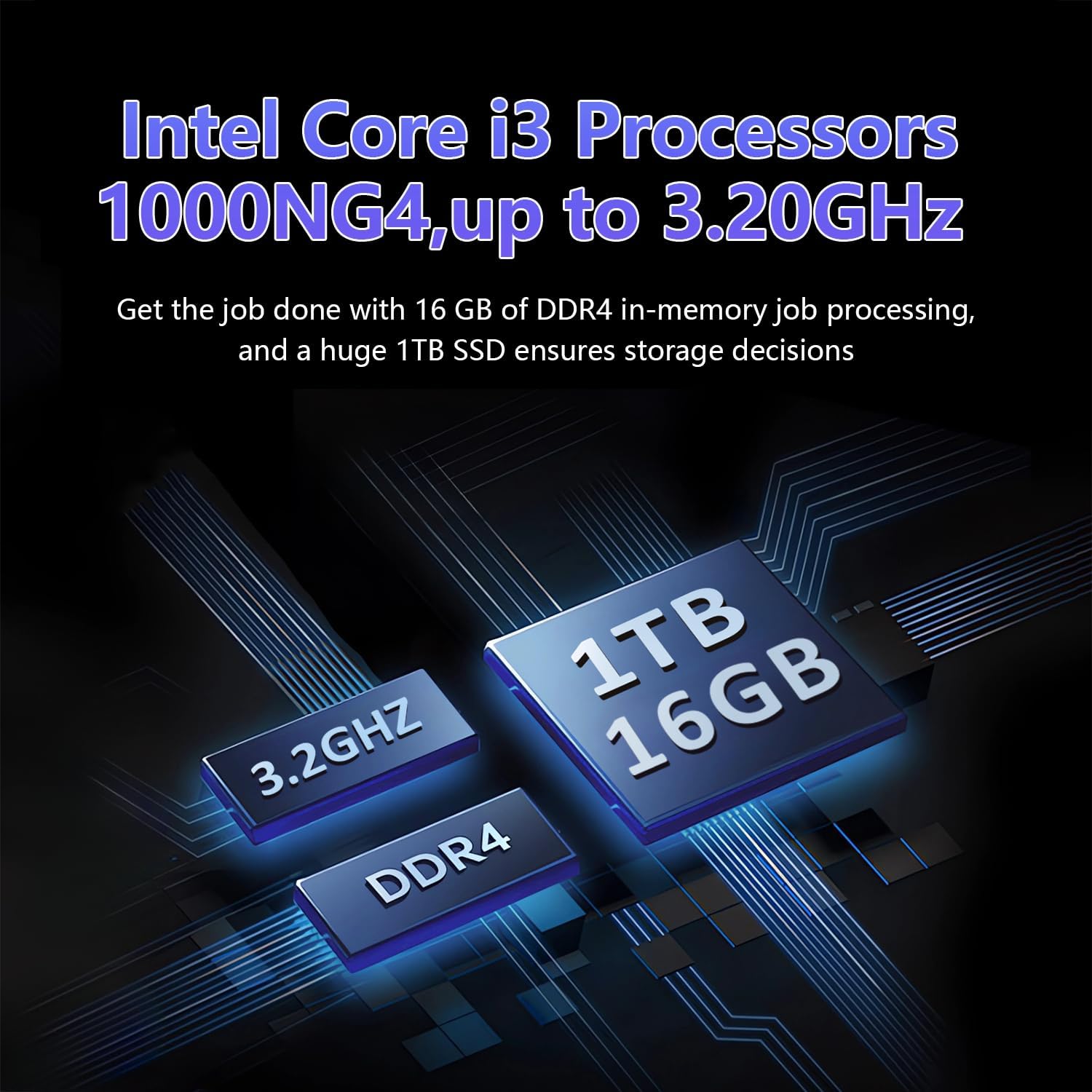
Image: A visual representation of the Intel Core i3-1000NG4 processor, 16GB DDR4 RAM, and 1TB SSD, highlighting their roles in the laptop's performance.
Vise
The 16-inch Full HD (1920x1200) IPS display offers clear and vibrant visuals. Its 180° viewing angle allows for flexible positioning and comfortable collaboration.
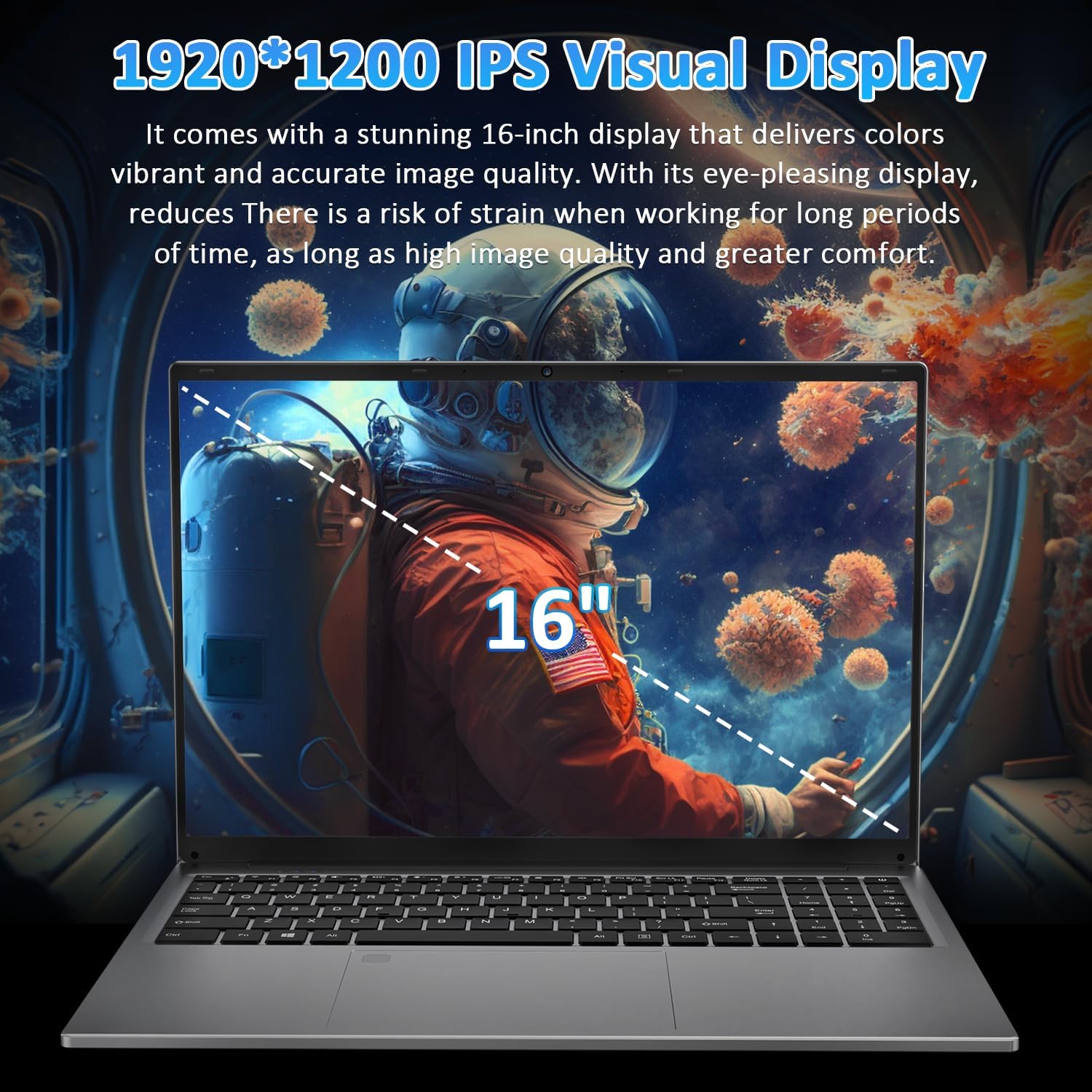
Image: The laptop's 16-inch 1920x1200 IPS display, illustrating its visual quality and size.
Porte og tilslutningsmuligheder
The laptop features a variety of ports for versatile connectivity, including a Full-Function Type-C port for charging, data transfer, and 4K video output. Dual USB 3.0 ports, a USB 2.0 port, a Mini HDMI port, and a 3.5mm headphone jack are also available.
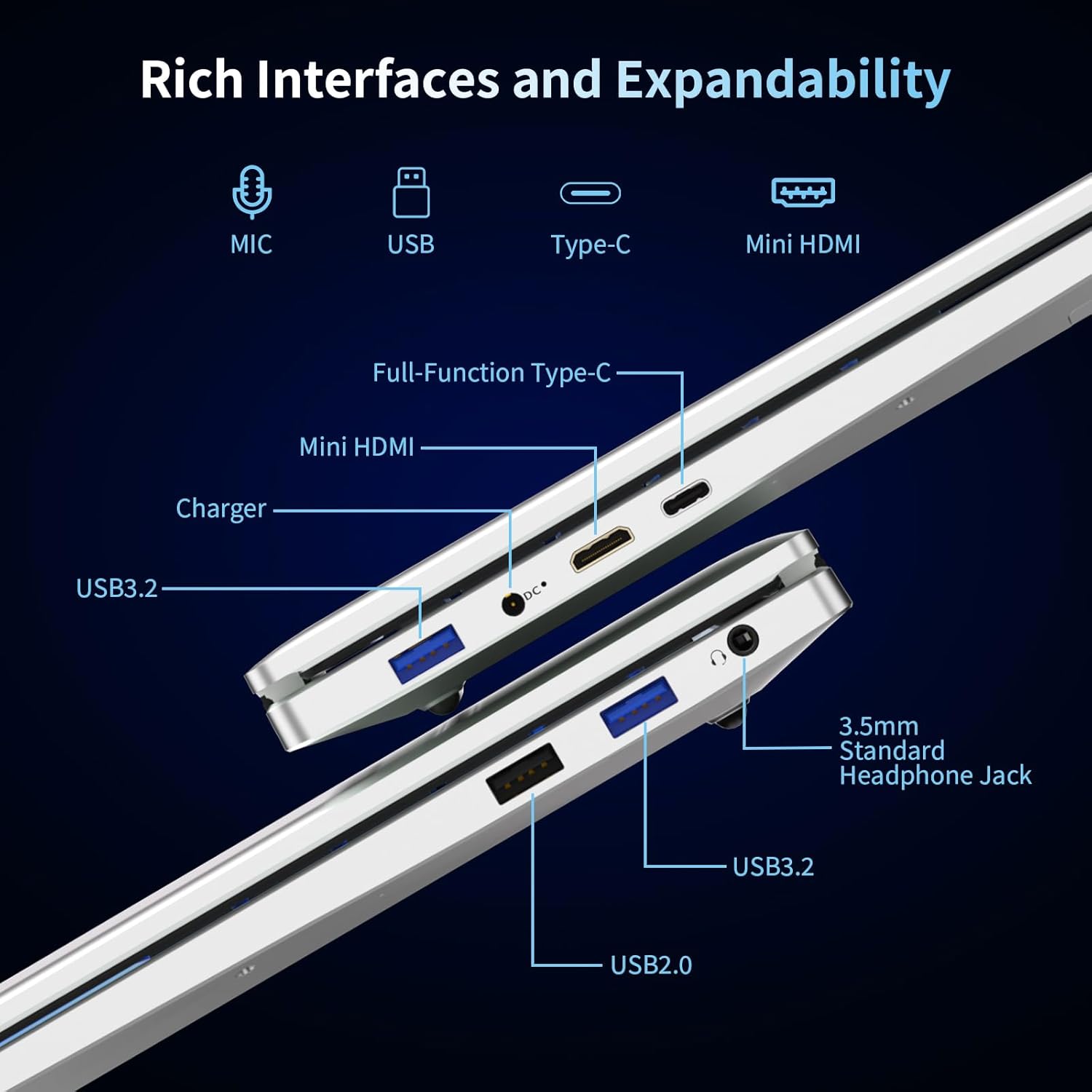
Billede: En detaljeret view of the laptop's left and right sides, showing the arrangement and types of available ports for external connections.
Keyboard and Security
The integrated backlit keyboard enhances typing in low-light conditions. A dedicated numeric keypad is included for data entry. For enhanced security, the laptop features a fingerprint reader for quick and secure access.

Image: The laptop's keyboard area, illustrating the backlit keys, integrated numeric keypad, and the fingerprint unlock sensor.
Batteri
The laptop is powered by a 5000mAh Lithium battery, designed to provide extended usage time.

Image: The laptop with an overlay indicating its 5000mAh battery capacity and 11.4V rating.
Opsætning
1. Første opladning
- Connect the provided charger to the laptop's DC 3.5 power input port.
- Sæt opladeren i en stikkontakt.
- Allow the laptop to charge for at least 30 minutes before initial use, or until the battery indicator shows a sufficient charge.
2. Tænder
- Åbn den bærbare computers låg.
- Tryk på tænd/sluk-knappen på tastaturet.
- Følg instruktionerne på skærmen for at fuldføre den indledende opsætning af Windows 11 Pro, herunder valg af sprog, netværksforbindelse og oprettelse af brugerkonto.
Betjeningsvejledning
Brug af Windows 11 Pro
Your laptop comes pre-installed with Windows 11 Pro. Familiarize yourself with the operating system's interface and features. Microsoft provides extensive online documentation and tutorials for Windows 11.
Opretter forbindelse til Wi-Fi
- Klik på Wi-Fi-ikonet i proceslinjen.
- Vælg det ønskede netværk fra listen.
- Indtast netværksadgangskoden, hvis du bliver bedt om det, og klik på 'Opret forbindelse'.
Brug af Bluetooth-enheder
- Gå til 'Indstillinger' > 'Bluetooth og enheder'.
- Sørg for, at Bluetooth er slået til.
- Select 'Add device' and follow the instructions to pair your Bluetooth device.
Fingeraftrykslæser
To set up fingerprint login:
- Go to 'Settings' > 'Accounts' > 'Sign-in options'.
- Under 'Windows Hello Fingerprint', click 'Set up' and follow the on-screen prompts to register your fingerprint.
Baggrundsbelyst tastatur
The backlit keyboard can be toggled on or off, and its brightness adjusted, using specific function keys (refer to your keyboard layout for the exact key combination, often Fn + F key).
Tilslutning af eksterne skærme
Use the Mini HDMI port or the Full-Function Type-C port to connect an external monitor or projector. Press Windows-tasten + P for at vælge visningstilstande (Kun Kopiér, Udvid, Anden skærm).

Billede: Eksamples of the laptop's versatility in various usage scenarios, including office tasks, daily browsing, online education, and gaming.
Opretholdelse
Rensning
- Brug en blød, fnugfri klud til at rengøre skærmen og de udvendige overflader.
- For genstridige mærker, let dampRengør kluden med vand eller et skærmrensemiddel. Undgå skrappe kemikalier.
- Sørg for, at den bærbare computer er slukket og frakoblet stikket, inden rengøring.
Batteripleje
- Undgå at aflade batteriet helt ofte.
- Opbevar den bærbare computer et køligt og tørt sted, hvis den ikke bruges i længere perioder, med batteriet opladet til ca. 50%.
- Brug kun den medfølgende oplader.
Softwareopdateringer
Regularly check for and install Windows updates to ensure system stability, security, and performance.
Fejlfinding
Den bærbare computer tænder ikke
- Sørg for, at opladeren er korrekt tilsluttet både den bærbare computer og en fungerende stikkontakt.
- Kontroller, at stikkontakten fungerer ved at tilslutte en anden enhed.
- Lad den bærbare computer oplade et stykke tid, før du forsøger at tænde den igen.
Ingen Wi-Fi-forbindelse
- Kontroller, om Wi-Fi er aktiveret i Windows-indstillingerne.
- Genstart din router og dit modem.
- Ensure you are selecting the correct network and entering the correct password.
Screen is Blank or Flickering
- Genstart den bærbare computer.
- If an external display is connected, try disconnecting it.
- Update your display drivers through Windows Update or the manufacturer's webwebsted.
Langsom ydeevne
- Luk unødvendige programmer, der kører i baggrunden.
- Søg efter og installer eventuelle ventende Windows-opdateringer.
- Kør en diskoprydning og defragmentering (for harddisk, ikke nødvendigt for SSD).
- Scan for malware eller virus.
Specifikationer
| Feature | Specifikation |
|---|---|
| Modelnavn | T161N |
| Processor | Intel Core i3-1000NG4 (up to 3.2 GHz) |
| VÆDDER | 16 GB DDR4 SDRAM |
| Harddisk | 1TB SSD |
| Skærmstørrelse | 16 tommer |
| Skærmopløsning | Full HD (1920x1200) IPS |
| Grafik coprocessor | Iris Plus Graphics G4 48EUs |
| Operativsystem | Windows 11 Pro |
| Trådløs forbindelse | Wi-Fi 6, Bluetooth 5.3 |
| Havne | Full-Function Type-C, 2x USB 3.0, 1x USB 2.0, Mini HDMI, 3.5mm Headphone Jack, DC 3.5 |
| Batteri | 5000mAh litiumbatteri (11.4V) |
| Varens vægt | 5.26 pund |
| Produktdimensioner | 14.17 x 9.76 x 0.71 tommer |
| Farve | Sølv |
Garanti og support
Producentens garanti
Your Auusda laptop comes with a 2-årig producentgaranti. This warranty covers defects in materials and workmanship under normal use. Additionally, a 90-dages problemfri returpolitik is provided for your peace of mind.
Udvidet support
Nyde 3-month extended support and access to 24-timers kundeservice to assist you with any inquiries or issues.
Kontakt support
For support, please provide your order number and a video demonstrating the problem to the following email address:
E-mail: Auusda.ltd@gmail.com
Alternatively, you can log in to your Amazon account, navigate to 'Your Orders', and select 'Ask questions' for assistance.


