1. Introduktion
Tak for købetasing the 4DRC Y2 Spider Stunt Remote Control Car. This manual provides essential information for the safe operation, setup, and maintenance of your new RC stunt car. Please read it thoroughly before use and retain it for future reference.
2. Sikkerhedsforanstaltninger
- Aldersanbefaling: This product is recommended for users aged 8 years and above. Adult supervision is advised for younger children.
- Batterisikkerhed: Use only the specified rechargeable batteries. Do not mix old and new batteries, or different types of batteries. Do not short-circuit, disassemble, or expose batteries to extreme temperatures.
- Driftsmiljø: Operate the car in open areas, away from people, pets, and obstacles. Avoid operating near water or in wet conditions.
- Undgå kontakt: Do not touch the moving wheels or other parts during operation to prevent injury.
- Rensning: Disconnect power and remove batteries before cleaning. Use a dry cloth; do not immerse in water.
3. Pakkens indhold
Bekræft at alle varer er til stede i pakken:
- 4DRC Y2 Spider Stunt Remote Control Car x 1
- Fjernbetjening x 1
- Gesture Sensor Transmitter x 1
- Rechargeable Battery (1200mAh-3.7V) x 2
- USB-opladerkabel x 1
- Skruetrækker x 1
- Brugsanvisning x 1

4. Opsætning
4.1 Batteriinstallation
- Bilbatteri:
- Use the provided screwdriver to open the battery compartment on the underside of the car.
- Connect the rechargeable battery to the car's power connector.
- Placer batteriet i batterirummet, og luk dækslet sikkert med skruetrækkeren.
- Batterier til fjernbetjening:
- Åbn batterirummet på bagsiden af fjernbetjeningen.
- Insert 2x AA batteries (not included) according to the polarity markings.
- Luk batterirummet.
- Gesture Sensor Transmitter Battery:
- The gesture sensor transmitter has a built-in rechargeable battery. Ensure it is charged before use.
4.2 Opladning af bilbatteriet
- Connect the USB charging cable to the car battery.
- Plug the other end of the USB cable into a standard USB power adapter (e.g., phone charger, computer USB port).
- The indicator light on the USB cable will show charging status (refer to cable instructions for specific light behavior).
- Charging typically takes 60-90 minutes for a full charge, providing approximately 40 minutes of playtime per battery.
4.3 Pairing the Remote Control / Gesture Transmitter
- Ensure the car battery is installed and fully charged.
- Turn on the car by pressing the power button. The car's lights will flash.
- Turn on the remote control or the gesture sensor transmitter.
- The remote/transmitter will automatically pair with the car. Once paired, the car's lights will stop flashing and remain solid.
- If pairing fails, turn off both the car and the controller, then repeat the steps.
5. Betjeningsvejledning
The 4DRC Y2 Spider Stunt Car offers versatile control and dynamic features for an engaging play experience.
5.1 kontroltilstande
You can operate the car using either the traditional remote control or the innovative gesture sensor transmitter.

5.1.1 Betjening af fjernbetjening
Use the joysticks and buttons on the remote control for precise movements:
- Venstre joystick: Forward/Backward movement.
- Højre joystick: Left/Right steering.
- Special Buttons: Activate 360° rotation, drift mode, or switch between road/off-road modes. Refer to the remote's specific button layout for functions.
5.1.2 Gesture Control Operation
Wear the gesture sensor transmitter on your hand and control the car with intuitive hand movements:
- Frem: Tilt your hand forward.
- Baglæns: Tilt your hand backward.
- Drej til venstre/højre: Tilt your hand left/right.
- 360° rotation: Specific hand gestures (e.g., twisting wrist) can activate this feature. Practice to master the movements.

5.2 Nøglefunktioner
5.2.1 4WD and Mecanum Wheels
The car features 4-wheel drive and Mecanum wheels, allowing for omnidirectional movement, including sideways drifts and diagonal driving, enhancing maneuverability.

5.2.2 360° Rotation and Two-Sided Driving
Perform impressive 360-degree spins and continue driving even if the car flips over, thanks to its two-sided driving capability.

5.2.3 Lights and Music
The car is equipped with colorful LED lights and plays dynamic music during operation, enhancing the play experience.
5.2.4 Mist Spray Function
Add water to the designated inlet to activate a cool mist spray effect from the rear of the car.


5.2.5 All-Terrain Performance
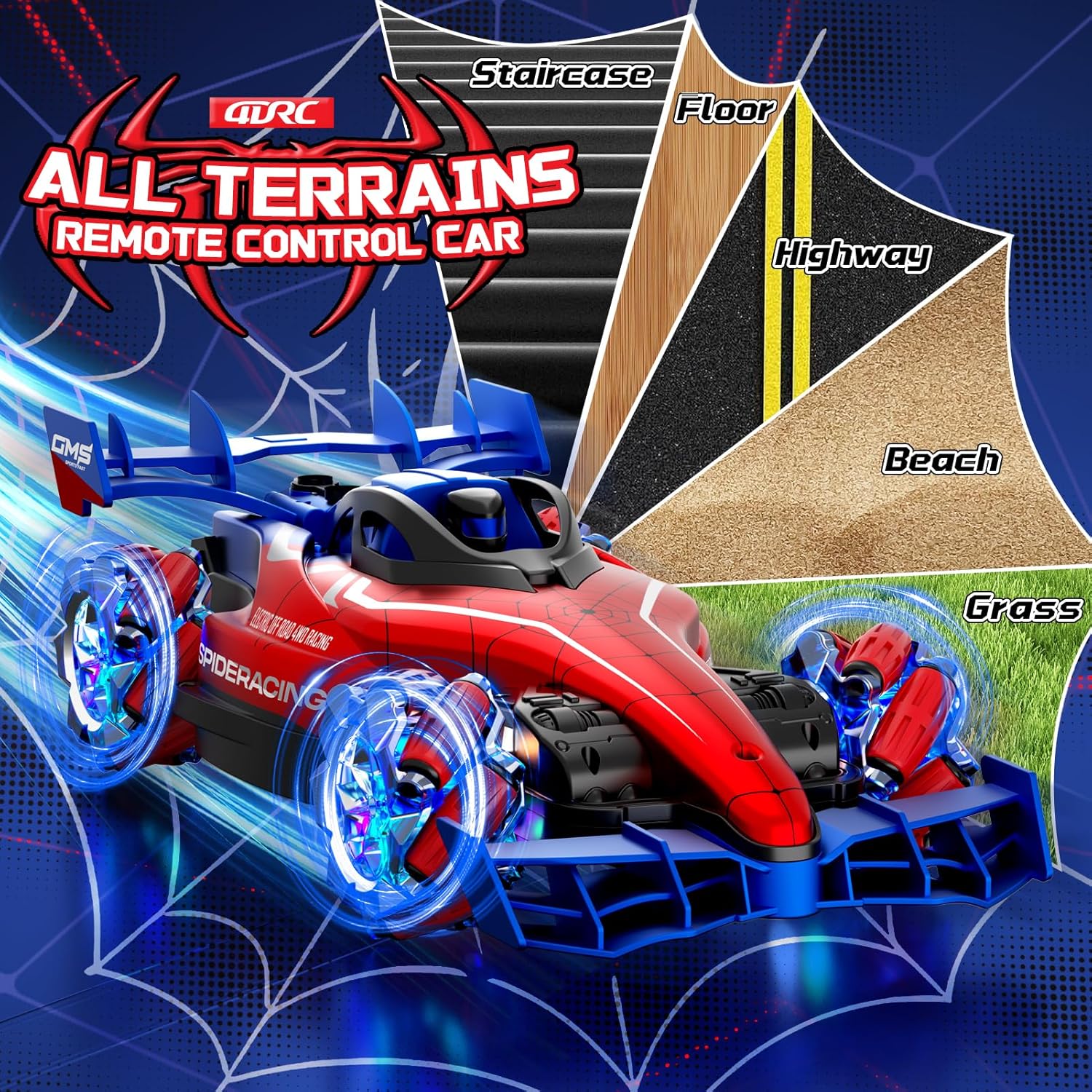
Constructed from durable ABS plastic with anti-slip and shock-absorbing tires, the car is designed for various surfaces, including indoor floors, stairs, grass, and sandy beaches.

6. Vedligeholdelse
- Rensning: Wipe the car and controllers with a soft, dry cloth. Do not use chemical cleaners or water directly on electronic components.
- Opbevaring: When not in use for extended periods, remove all batteries from the car and remote control. Store the product in a cool, dry place away from direct sunlight.
- Batteripleje: Recharge batteries only when necessary and avoid overcharging. If the car is stored for a long time, charge the batteries every 3 months to maintain their lifespan.
- Undgå påvirkning: While durable, excessive impacts can damage the car. Avoid crashing into hard surfaces at high speeds.
7. Fejlfinding
| Problem | Mulig årsag | Løsning |
|---|---|---|
| Car does not respond to control. | Low battery in car or controller. Not paired. Out of range. | Charge car battery. Replace controller batteries. Re-pair car and controller. Operate within range. |
| Bilen bevæger sig langsomt eller ujævnt. | Low car battery. Obstruction in wheels. | Recharge car battery. Check and clear any debris from wheels. |
| Mist spray not working. | No water in reservoir. Blocked nozzle. | Fill water reservoir. Gently clean the nozzle if blocked. |
| Lys eller musik virker ikke. | Car battery low. Feature not activated. | Recharge car battery. Ensure the feature is turned on via the controller. |
| Difficulty with gesture control. | Incorrect gestures. Transmitter not paired. | Review gesture instructions. Ensure transmitter is paired and worn correctly. |
8. Specifikationer
| Feature | Detalje |
|---|---|
| Produktmål (L x B x H) | 36 x 17 x 10 cm |
| Vægt | 1.03 kg |
| Producent anbefalet alder | 8 år |
| Modelnummer | HF-DE-Y2 |
| Hovedmateriale | Plast (ABS) |
| Farve | Rød |
| Strømkilde | Batteridrevet |
| Særlige funktioner | Gesture Control, Lights, Music, 360° Rotation, Mist Spray |
| Driftstilstand | Remote Control and Gesture Control |
| Batterier medfølger | Yes (2 rechargeable car batteries) |
9. Garanti og support
This product comes with a standard manufacturer's warranty. For warranty claims, technical support, or replacement parts, please contact the retailer where you purchased the product or visit the official 4DRC webhjemmeside for kundeserviceinformation.
Gem venligst din købsbevis af garantihensyn.


