Indledning
This manual provides detailed instructions for the setup, operation, maintenance, and troubleshooting of your EvoFox Elite X2 Pro Gaming Controller. Please read this manual thoroughly before using the product to ensure proper functionality and to maximize your gaming experience.
Pakkens indhold
- EvoFox Elite X2 Pro Gaming Controller
- USB-C lade-/datakabel
- 2.4 GHz trådløs dongle
- Additional Replaceable Joysticks (2 heights)
- Brugervejledning (dette dokument)
Controller layout
Familiarize yourself with the buttons and features of your EvoFox Elite X2 Pro Gaming Controller.

Billede: Forside view of the EvoFox Elite X2 Pro Gaming Controller, showing the joysticks, D-pad, action buttons (A, B, X, Y), Home, Back, Start buttons, and 2.4G/BT mode buttons. The controller features dynamic RGB lighting around the joysticks and along the grips.
- Venstre analoge pind: Til bevægelse og kamerastyring.
- Højre analoge pind: Til kamerastyring og sigtning.
- D-Pad: Retningsbestemt input.
- Handlingsknapper (A, B, X, Y): Primære spilhandlinger.
- Hjemknappen: Adgang til systemmenuer.
- Back/Select Button: Spilspecifikke funktioner.
- Start knap: Pause or start games.
- 2.4G/BT Buttons: Mode selection for wireless connectivity.
- Skulderknapper (L1, R1): Topmonterede knapper.
- Udløserknapper (L2, R2): Analoge triggere til præcis input.
- M1/M2 knapper: Programmable back paddles.
- USB-C-port: Til kabelforbindelse og opladning.
- Audio Jack Port: For wired mode only.
Opsætning
Opladning af controlleren
Before first use, fully charge the controller. Connect the supplied USB-C cable to the controller's USB-C port and the other end to a USB power source (e.g., PC, wall adapter).
- The LED indicators will show charging status.
- En fuld opladning tager typisk cirka 2-3 timer.
- The 800 mAh battery provides up to 16 hours of gameplay.
Tilslutning af controlleren
The EvoFox Elite X2 Pro supports three connection modes: 2.4 GHz Wireless, Bluetooth 5.0, and Wired USB-C.
2.4 GHz Wireless Mode (PC, Nintendo Switch via adapter)
- Insert the 2.4 GHz wireless dongle into an available USB port on your PC or Nintendo Switch dock.
- Press the "2.4G" button on the controller. The controller will automatically connect to the dongle.
- The LED indicators will stabilize once connected.
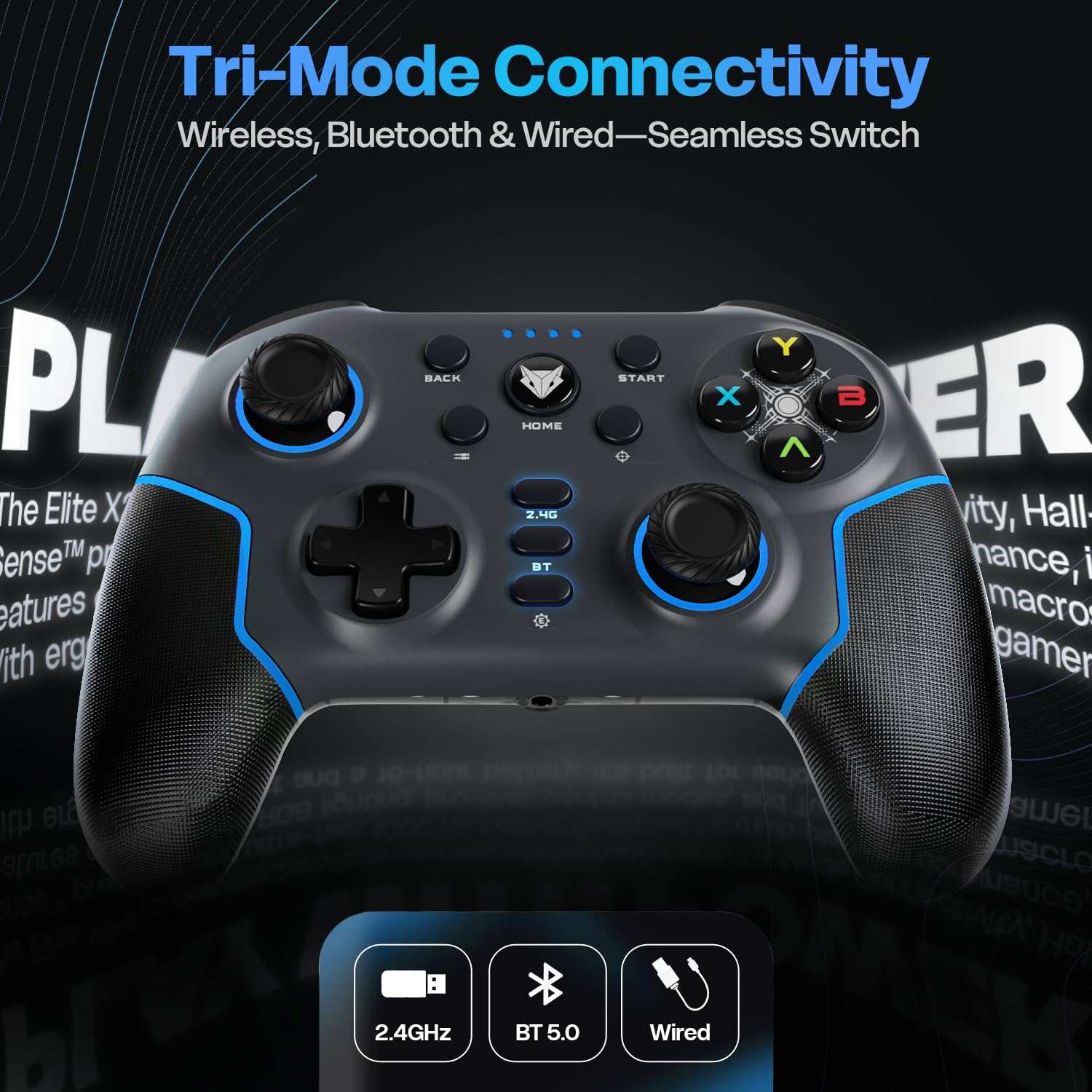
Image: Diagram illustrating the three connectivity modes: 2.4GHz wireless, Bluetooth 5.0, and wired USB-C, highlighting the seamless switching capability of the controller.
Bluetooth 5.0 Mode (PC, Android, iOS, Nintendo Switch)
- Press and hold the "BT" button on the controller until the LED indicators start flashing rapidly, indicating pairing mode.
- Gå til Bluetooth-indstillinger på din enhed (pc, Android, iOS, Nintendo Switch) og søg efter nye enheder.
- Select "EvoFox Elite X2 Pro" from the list of available devices to pair.
- The LED indicators will stabilize once successfully paired.
Wired USB-C Mode (PC)
- Tilslut USB-C-kablet til controlleren og den anden ende til en USB-port på din pc.
- Controlleren vil automatisk blive genkendt af din pc.
- In wired mode, the audio jack port on the controller becomes active.
Betjening af controlleren
HallSense Magnetic Triggers & 3D Joysticks
The controller features magnetic HallSense triggers and 3D joysticks for drift-free precision and instantaneous input feedback.

Billede: Nærbillede view of the transparent back of the EvoFox Elite X2 Pro controller, highlighting the internal magnetic HallSense triggers and 3D joysticks, emphasizing their drift-free precision.
1000 Hz Polling Rate
Experience ultra-fast response times with the 1000 Hz polling rate, ensuring minimal latency for competitive gaming.

Image: The EvoFox Elite X2 Pro controller with an overlay indicating a 1000 Hz polling rate, signifying lightning-quick response and zero latency during gameplay.
Precision & Accuracy Modes
The controller offers specialized modes for enhanced control:
- Præcisionstilstand: Halves joystick sensitivity (0.5x) for pinpoint targeting and micro-adjustments. Activate via a dedicated button (refer to controller layout).
- Accuracy Mode: Activates square movements on the X and Y axes to eliminate diagonal drift, providing clean, linear inputs. Activate via a dedicated button (refer to controller layout).
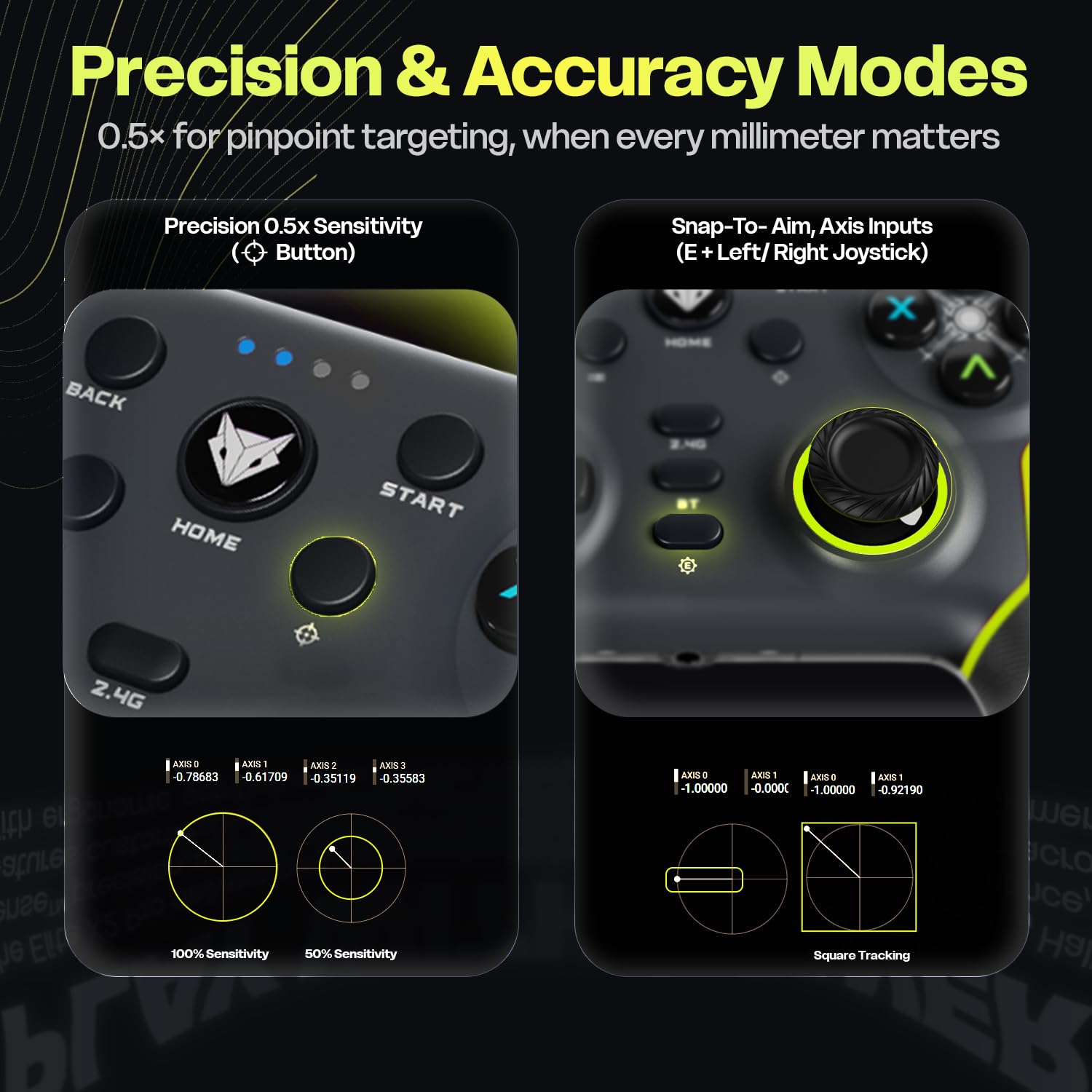
Image: Two panels demonstrating the Precision Mode (0.5x sensitivity) and Accuracy Mode (Snap-to-Aim, Axis Inputs) of the EvoFox Elite X2 Pro controller, showing how these modes affect joystick input for enhanced control.
Customizable Controls & Turbo Mode
Program macros and utilize the Turbo function for optimized gameplay.
- 16-Button Macros: Program complex button combinations to the M1/M2 back paddles. Refer to the controller's software (if applicable) or specific button combinations for programming instructions.
- Turbo tilstand: Activate rapid-fire for selected buttons. Press the Turbo button and the desired action button simultaneously to enable/disable.
- Analog-to-Digital Switch: Flip between analog and digital inputs for different game genres (FPS, racing, fighting).

Billede: Detaljeret views of the EvoFox Elite X2 Pro controller, showcasing the Analog-to-Digital switch, the M1/M2 programmable back paddles for 16-button macros, and the Turbo button for rapid-fire functionality.
Dynamisk RGB-belysning
Customize the vibrant RGB lighting to match your setup or mood. Lighting can be adjusted on-the-fly using dedicated controls (refer to controller layout or quick start guide for specific button combinations).
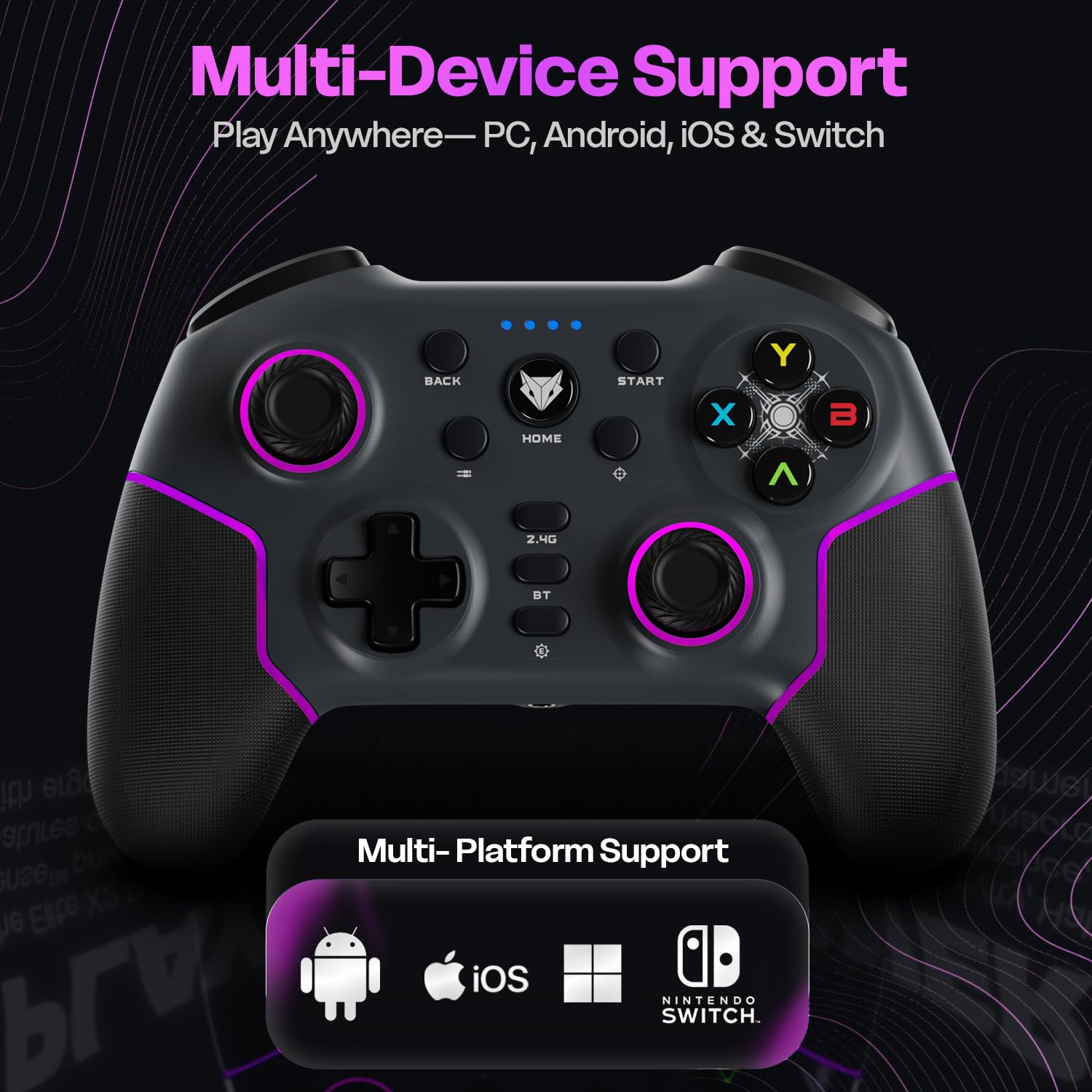
Image: The EvoFox Elite X2 Pro controller displaying its dynamic RGB lighting, with customizable strips and joystick glow, enhancing the aesthetic appeal.
Udskiftelige joysticks
The controller comes with replaceable, textured joysticks of two different heights, allowing for personalized grip profiles.
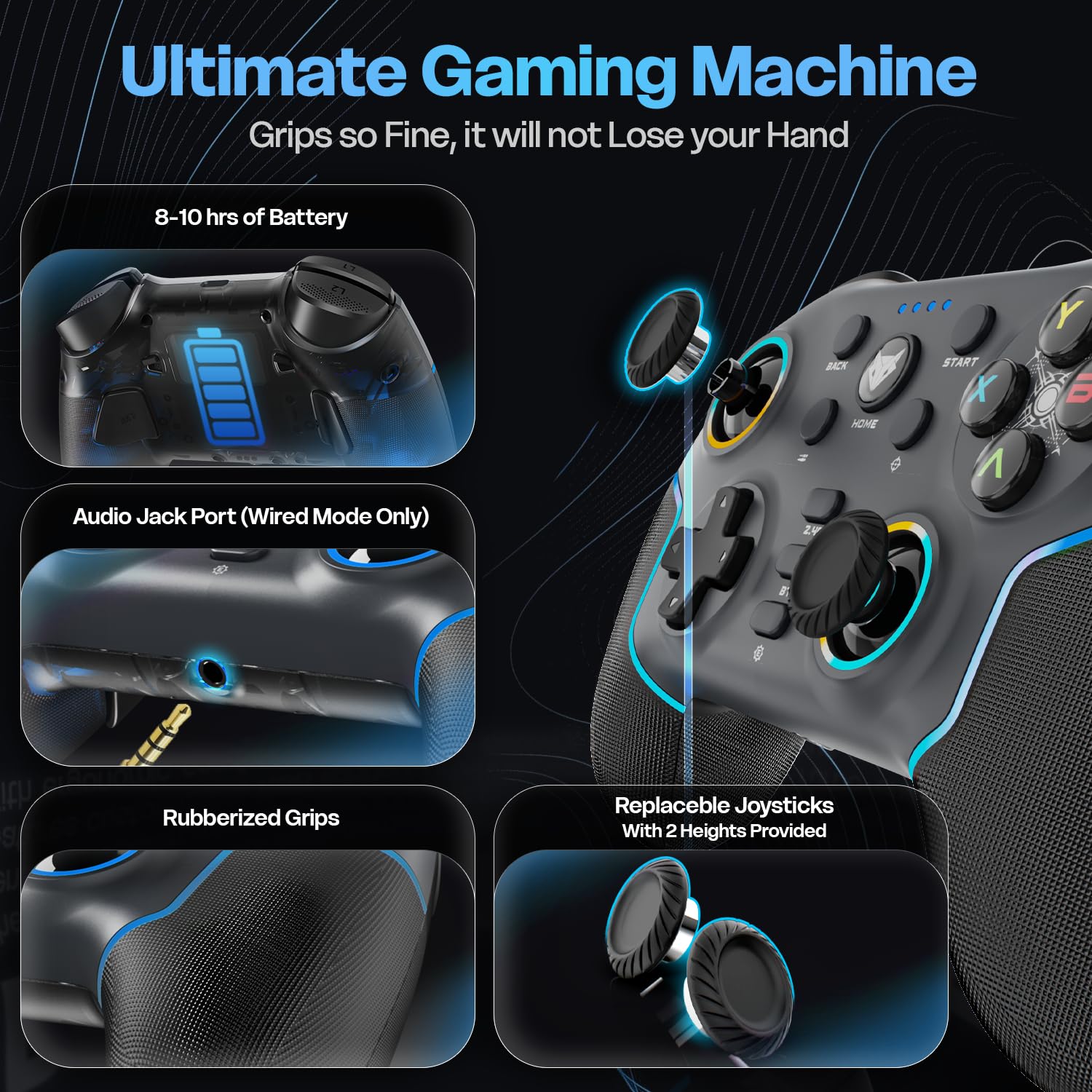
Billede: En detaljeret view of the EvoFox Elite X2 Pro controller, highlighting the replaceable joysticks and showing the two different heights provided for customization.
Opretholdelse
- Rensning: Brug en blød, tør klud til at rengøre controlleren. Brug ikke slibende rengøringsmidler eller opløsningsmidler.
- Opbevaring: Opbevar controlleren et køligt, tørt sted væk fra direkte sollys og ekstreme temperaturer.
- Batteripleje: For at forlænge batteriets levetid bør du undgå at aflade controlleren helt ofte. Oplad den regelmæssigt, selvom den ikke er i brug i længere perioder.
- Joystick Replacement: To replace joysticks, gently pull the existing joystick straight up to remove it. Align the new joystick with the base and push down firmly until it clicks into place.
Fejlfinding
| Problem | Mulig årsag | Løsning |
|---|---|---|
| Controlleren tænder ikke. | Lavt batteri. | Charge the controller fully using the supplied USB-C cable. |
| Controlleren opretter ikke trådløs forbindelse. | Incorrect mode selected; out of range; pairing issue. | Ensure correct mode (2.4G/BT) is selected. Move closer to the receiver. Re-initiate pairing process. Check if dongle is properly inserted for 2.4G. |
| Inputforsinkelse eller knapper/joysticks, der ikke reagerer. | Interference; low battery; driver issue. | Ensure no strong wireless interference. Charge the controller. Update controller drivers on PC if necessary. Try wired connection. |
| Vibration not working or too strong/weak. | Vibration level setting. | Adjust the four-level vibration intensity using the dedicated button or software (if available). |
| Controller not recognized by PC in wired mode. | Faulty cable; USB port issue; driver issue. | Try a different USB-C cable. Use a different USB port on your PC. Update PC USB drivers. |
If you encounter issues not listed here, please refer to the official EvoFox support webwebsted eller kontakt kundeservice.
Specifikationer
- Modelnummer: 387
- Forbindelse: 2.4 GHz trådløs, Bluetooth 5.0, USB-C kablet
- Kompatibilitet: PC, Android, iOS, Nintendo Switch (Xbox not supported)
- Afstemningsfrekvens: 1000 Hz
- Triggers & Joysticks: Magnetic HallSense
- Batteri: 800 mAh Lithium-ion
- Batterilevetid: Op til 16 timer
- Opladningsport: USB-C
- Dimensioner: 15.5 x 11 x 5.7 cm
- Vægt: 222 g
- Oprindelsesland: Kina
Garanti og support
EvoFox products are designed for durability and performance. For warranty information and technical support, please visit the official EvoFox webwebstedet eller kontakt deres kundeservice. Gem din købskvittering til garantikrav.
Fabrikant: Allied Electronics & Magnetics Private Limited C-64/4, Okhla Phase - 2, New Delhi - 110020, Allied Electronics & Magnetics Pvt. Ltd.
Importør: Allied Electronics & Magnetics Private Limited C-64/4, Okhla Phase - 2, New Delhi - 110020
For yderligere hjælp kan du besøge EvoFox-butikken på Amazon.
Vigtige sikkerhedsoplysninger
- Udsæt ikke controlleren for ekstreme temperaturer, fugtighed eller direkte sollys.
- Du må ikke selv skille controlleren ad eller forsøge at reparere den. Dette vil ugyldiggøre garantien.
- Opbevares utilgængeligt for små børn.
- Dispose of the battery and controller according to local regulations.


