Indledning
This manual provides essential instructions for the safe and efficient use of your GT POWER AC/DC Power Adapter, designed for compatibility with the Paxcess Rockman 200W Portable Power Station. Please read this manual thoroughly before use and retain it for future reference.

Billede 1: The GT POWER AC/DC Power Adapter. This image displays the main unit with its label, indicating input voltage (AC 100-240V), output (DC), and safety certifications. The attached power cable is also visible.
Sikkerhedsinstruktioner
To prevent injury or damage to the product, always observe the following safety precautions:
- Kun indendørs brug: This adapter is designed for indoor use. Do not expose it to rain, moisture, or extreme temperatures.
- Proper Voltage: Sørg for, at input voltage of the power outlet matches the adapter's specifications (AC 100-240V).
- Undgå overbelastning: Do not connect devices that exceed the adapter's output capacity.
- Beskyttelsesfunktioner: The adapter includes Over Voltage Protection (OVP), Over Current Protection (OCP), and Short Circuit Protection (SCP). However, always use it responsibly.
- Håndteres med forsigtighed: Tab ikke adapteren, skil den ikke ad og forsøg ikke at reparere den. Overlad service til kvalificeret personale.
- Hold dig væk fra børn: Opbevar adapteren utilgængeligt for børn.
- Tag stikket ud, når det ikke er i brug: Tag adapteren ud af stikkontakten, når den ikke er i brug i længere perioder.
Opsætning
Follow these steps to set up your GT POWER AC/DC Power Adapter:
- Undersøg adapteren: Before first use, visually inspect the adapter and its cable for any signs of damage. Do not use if damaged.
- Connect to Power Station: Locate the charging input port on your Paxcess Rockman 200W Portable Power Station. Insert the barrel connector of the GT POWER adapter firmly into this port.
- Tilslut til stikkontakt: Plug the AC prongs of the adapter into a standard AC 100-240V wall outlet. Ensure the connection is secure.


Image 2 & 3: Side views of the GT POWER AC/DC Power Adapter. These images show the compact design of the adapter, including the AC prongs and the ribbed surface for heat dissipation.
Betjeningsvejledning
Once connected, the adapter will begin charging the Paxcess Rockman 200W Portable Power Station. Refer to your power station's manual for specific charging indicators and times.
- Opladningsindikation: The power station will typically display a charging icon or indicator light when receiving power.
- Opladningstid: Charging duration depends on the power station's battery level and capacity.
- Afbryder forbindelsen: Once charging is complete, first unplug the adapter from the wall outlet, then disconnect the barrel connector from the power station.
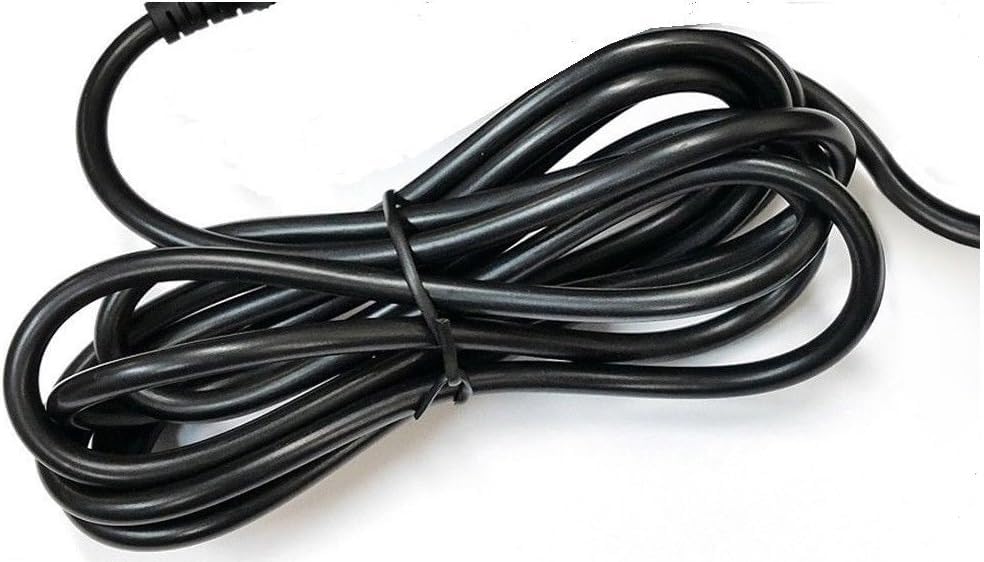
Billede 4: The heavy-duty power cable of the GT POWER AC/DC Power Adapter. This image highlights the robust construction of the cable, designed for durability.
Opretholdelse
Korrekt vedligeholdelse sikrer din adapters levetid og sikre drift:
- Rensning: Use a dry, soft cloth to clean the adapter. Do not use liquid cleaners or solvents.
- Opbevaring: Opbevar adapteren et køligt, tørt sted væk fra direkte sollys og fugt, når den ikke er i brug.
- Kabelpleje: Undgå at bøje eller klemme strømkablet for meget. Placer ikke tunge genstande på kablet.
Fejlfinding
If you encounter issues with your GT POWER AC/DC Power Adapter, refer to the following common solutions:
| Problem | Mulig årsag | Løsning |
|---|---|---|
| Power station not charging. |
|
|
| Adapter feels unusually hot. |
|
|
Specifikationer
| Feature | Detalje |
|---|---|
| Mærke | GT POWER |
| Kompatible enheder | Paxcess Rockman 200W Portable Power Station |
| Connector Type | Tønde |
| Input bindtage | 110 Volts (AC) / AC 100-240V (from image label) |
| Udgang Voltage | 15 volt (DC) Note: Product specifications listed "15 Volts (AC)", but the adapter label indicates "Output: DC", which is standard for charging portable power stations. |
| Udgangsstrøm | 3 Amps |
| Speciel funktion | Short Circuit Protection (SCP), Over Voltage Protection (OVP), Over Current Protection (OCP) |
| Varens vægt | 6 ounce |
| Fabrikant | GTPOWER |
Garanti og support
Your GT POWER AC/DC Power Adapter comes with the following:
- Garanti: One Year Warranty.
- Returpolitik: 30 Days Money Back Guarantee.
For technical support or warranty claims, please contact your retailer or the manufacturer directly. Refer to your purchase documentation for contact information.


