1. Introduktion
This manual provides essential information for setting up, operating, and maintaining your KOOSMILE Mini Laptop P8. The P8 is an 8-inch 2-in-1 convertible laptop featuring Windows 11 Pro, an Intel N150 processor, 12GB LPDDR5 RAM, and a 512GB SSD. Its compact design and versatile modes make it suitable for various tasks and environments.
2. Pakkens indhold
Tjek venligst pakken for følgende varer:
- KOOSMILE Mini Laptop P8 x1
- PD Adapter x1
- Active Stylus x1
- HDMI-kabel x1
- USB Hub x1
- Brugervejledning x1
3. Produktet er slutview
Familiarize yourself with the physical components and ports of your KOOSMILE Mini Laptop P8.
3.1. Nøglefunktioner
Billede: Overview of the KOOSMILE P8 Mini Laptop highlighting its key features including Intel N150 CPU, 12GB LPDDR5 RAM, SSD storage, 0.78kg weight, 2MP camera, and 8-inch HD IPS screen.
3.2. Porte og knapper
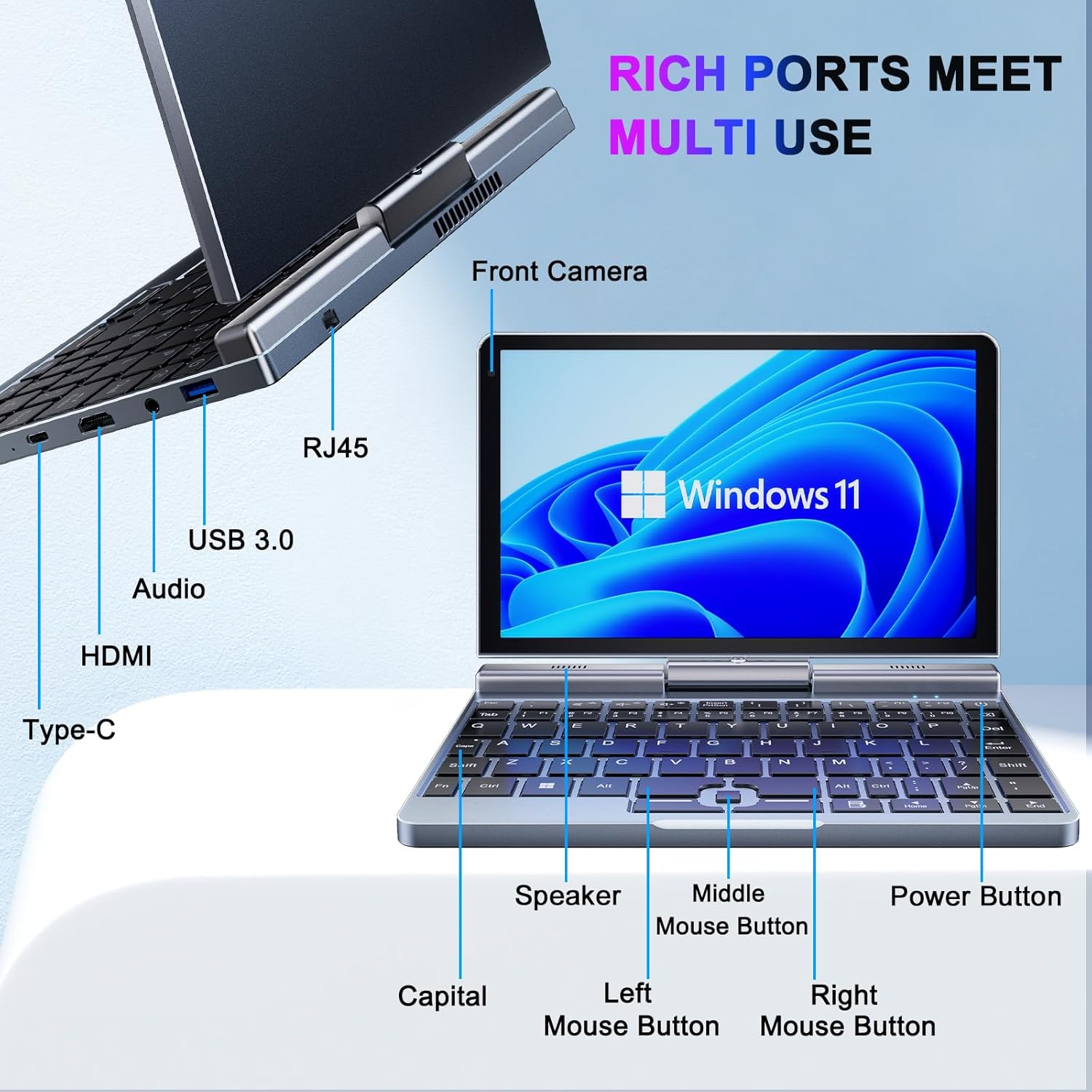
Billede: Detaljeret view of the KOOSMILE P8 Mini Laptop's side ports and keyboard layout, labeling the RJ45 Ethernet port, USB 3.0, Audio jack, HDMI, Type-C port, Front Camera, Speaker, Middle Mouse Button, Left Mouse Button, Right Mouse Button, Power Button, and Capital key.
- USB 3.0-port: Til tilslutning af USB-enheder.
- USB Type-C-port: For data transfer, charging, and DisplayPort (DP) video output.
- HDMI-port: Til tilslutning til eksterne skærme.
- Lydstik: Til hovedtelefoner eller eksterne højttalere.
- RJ45 Ethernet-port: Til kabelbaseret netværksforbindelse.
- Power knap: For at tænde/slukke enheden eller sætte den i dvaletilstand.
- Forreste kamera: 2MP camera for video calls and conferencing.
4. Opsætning
Follow these steps for initial setup of your KOOSMILE Mini Laptop P8.
- Oplad enheden: Connect the PD Adapter to the USB Type-C port on the laptop and plug it into a power outlet. Allow the device to charge fully before first use.
- Tænd: Tryk og hold tænd/sluk-knappen nede, indtil skærmen lyser.
- Windows 11 Pro-opsætning: Følg instruktionerne på skærmen for at fuldføre den indledende Windows 11 Pro-opsætning, herunder sprogvalg, netværksforbindelse og oprettelse af brugerkonto.
- Tilslut ydre enheder: If desired, connect the included USB Hub, external mouse, or other peripherals to the available USB ports.
5. Betjeningsvejledning
This section covers basic operation and usage modes of your device.
5.1. Tænd/sluk og dvaletilstand
- Tænd: Tryk på Power-knappen.
- Sove mode: Briefly press the Power Button while the device is on. Press again to wake.
- Luk ned: From the Windows desktop, click the Start button, then Power, and select 'Shut down'.
- Genstart: From the Windows desktop, click the Start button, then Power, and select 'Restart'.
5.2. 2-i-1 Konvertible Tilstande
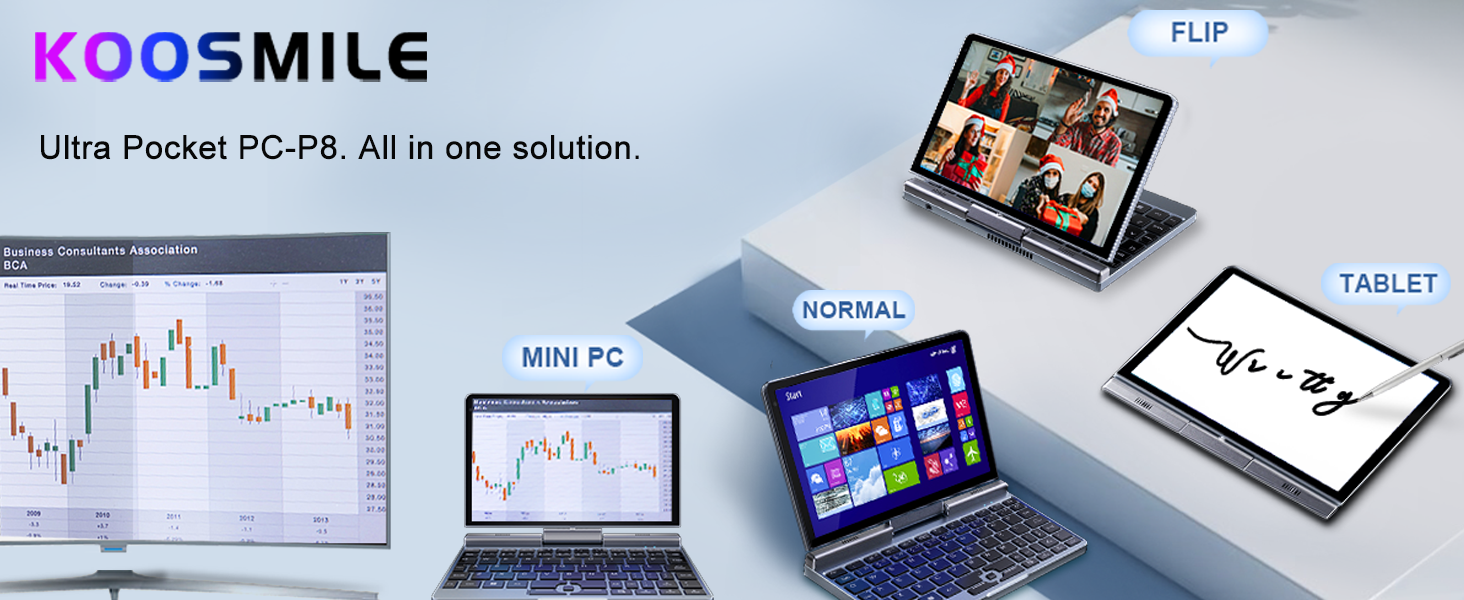
The KOOSMILE P8 features a 180° rotating screen, allowing it to transform into multiple modes:
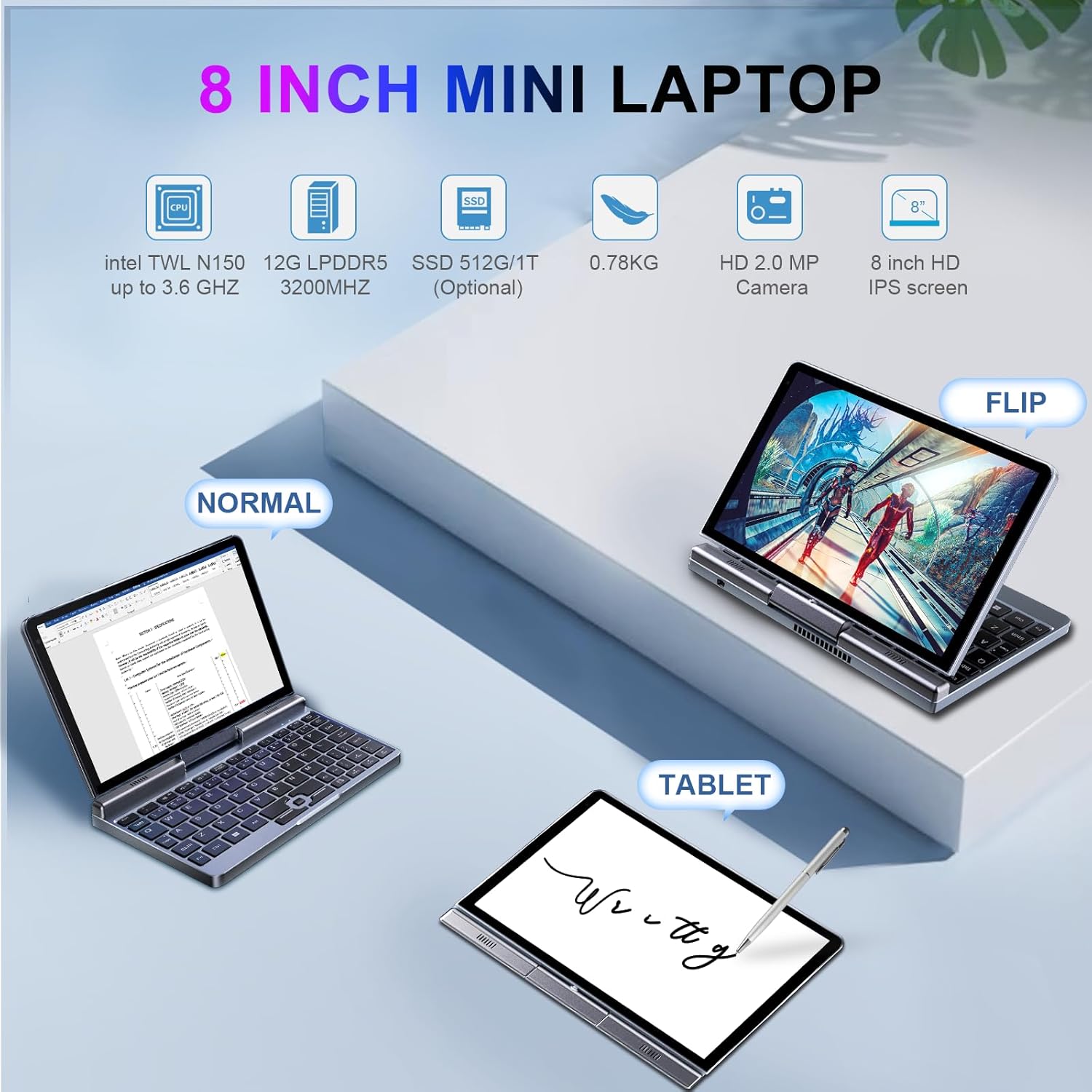
Image: The KOOSMILE P8 Mini Laptop shown in three different modes: Normal (laptop), Flip (tent/stand), and Tablet mode, demonstrating its 180-degree screen rotation capability.
- Laptop-tilstand: Standard configuration for typing and traditional computing.
- Tablettilstand: Rotate the screen 180° and fold it back against the keyboard for a full touchscreen experience. Windows will automatically switch to tablet interface.
- Tent/Stand Mode: Position the device in an inverted 'V' shape or with the keyboard facing down for media consumption or presentations.
5.3. Touchscreen and Stylus Use
The 8-inch HD touch screen supports multi-touch gestures and input from the included active stylus.
- Berøringsbevægelser: Brug standard Windows-berøringsbevægelser til navigation, zoom og rulning.
- Aktiv stylus: The stylus allows for precise input, drawing, and note-taking. Ensure the stylus is charged if it requires power.
5.4. External Display Connection
Connect your laptop to an external monitor or TV using the HDMI or USB Type-C (DisplayPort Alt Mode) ports.

Image: The KOOSMILE P8 Mini Laptop connected to an external monitor via HDMI, illustrating its Type-C DisplayPort (DP) out and HDMI DisplayPort (DP) out capabilities for extended display.
- HDMI: Use the included HDMI cable to connect to an HDMI-compatible display.
- USB Type-C: If your external display supports DisplayPort over USB-C, you can use a compatible USB-C to DisplayPort cable.
- Skærmindstillinger: After connecting, press Windows-tast + P to select your preferred display mode (Duplicate, Extend, Second screen only).
6. Forbindelse
The KOOSMILE P8 offers various connectivity options.
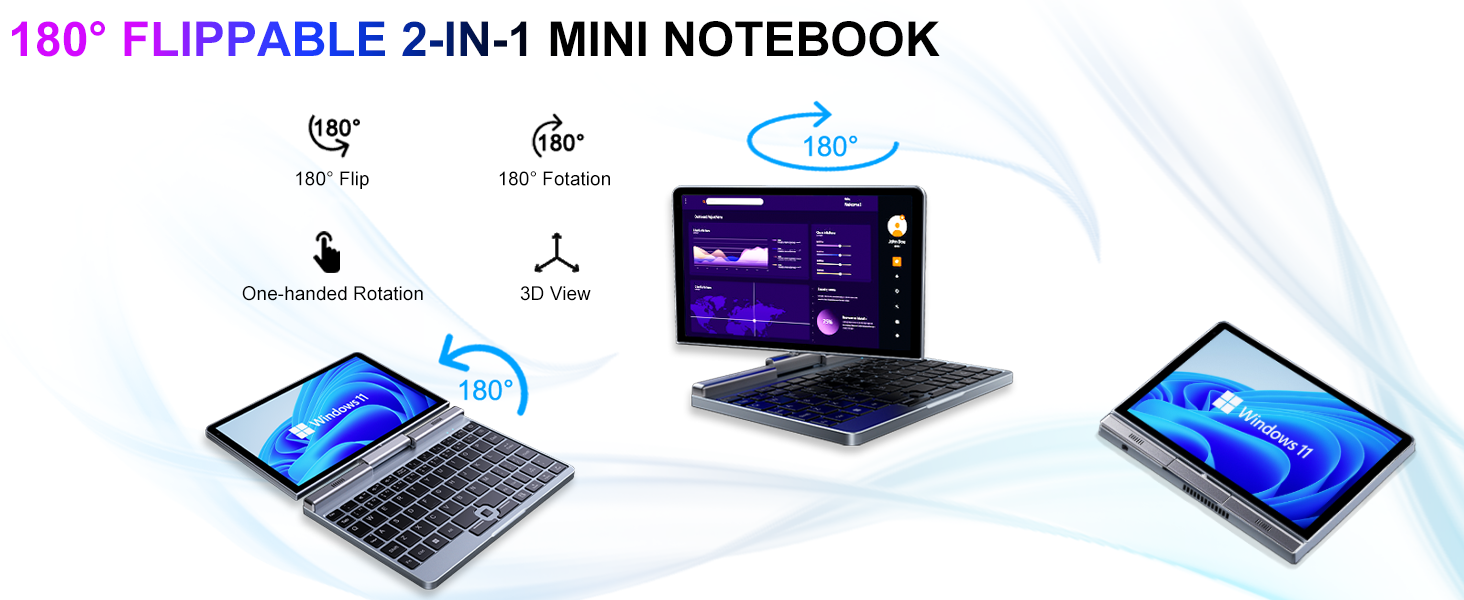
Image: Graphic illustrating the high-speed connectivity of the KOOSMILE P8 Mini Laptop, featuring Wi-Fi 6 and Bluetooth 5.2, with comparison bars showing improved speed, capacity, and reduced delay compared to Wi-Fi 5.
6.1. Wi-Fi-forbindelse
- Klik på Wi-Fi-ikonet i proceslinjen.
- Vælg det ønskede netværk, og indtast adgangskoden, hvis du bliver bedt om det.
- The device supports Wi-Fi 6 for faster and more stable wireless connections.
6.2. Bluetooth-parring
- Gå til Settings > Bluetooth & devices > Bluetooth.
- Turn on Bluetooth and select 'Add device'.
- Choose the device you wish to pair and follow the on-screen instructions.
- The device supports Bluetooth 5.2 for efficient wireless accessory connections.
6.3. Wired Ethernet
- Connect an Ethernet cable to the RJ45 port on the laptop for a stable wired network connection.
7. Vedligeholdelse
Korrekt pleje sikrer din enheds levetid og ydeevne.
- Rensning: Brug en blød, fnugfri klud til at rengøre skærmen og kabinettet. Ved genstridige mærker, dampRengør kluden let med vand eller et skærmsikkert rengøringsmiddel. Undgå skrappe kemikalier.
- Ventilation: Sørg for, at ventilationsåbningerne ikke er blokeret for at forhindre overophedning.
- Batteripleje: For optimal battery life, avoid fully discharging the battery frequently. Store the device in a cool, dry place if not used for extended periods.
- Softwareopdateringer: Opdater Windows og drivere regelmæssigt for at sikre systemstabilitet og sikkerhed.
8. Fejlfinding
Dette afsnit omhandler almindelige problemer, du kan støde på.
8.1. Screen Orientation Issues
- Automatisk rotation: When switching between laptop and tablet modes, the screen should automatically adjust its orientation.
- Manuel rotation: If the screen does not rotate automatically or is stuck in an incorrect orientation, press Windows Key + A to open the Quick Settings panel. Look for the 'Rotation lock' tile and ensure it is off. You can also go to Indstillinger > System > Skærm and manually change the 'Display orientation'.
8.2. Enheden tændes ikke
- Tjek strøm: Ensure the PD adapter is securely connected to the laptop and a working power outlet.
- Batteriniveau: If the battery is completely drained, it may take a few minutes of charging before the device can power on.
- Hård nulstilling: Disconnect the charger, then press and hold the Power Button for 15-20 seconds. Reconnect the charger and attempt to power on again.
8.3. Problemer med Wi-Fi-forbindelse
- Slå Wi-Fi til/fra: Turn Wi-Fi off and on again from the Quick Settings or Windows Settings.
- Genstart routeren: Genstart din Wi-Fi-router og dit modem.
- Glem netværk: In Windows Settings, forget the problematic Wi-Fi network and reconnect.
9. Specifikationer
Detailed technical specifications for the KOOSMILE Mini Laptop P8.
| Feature | Specifikation |
|---|---|
| Processor | Intel N150 (4 Cores/4 Threads, up to 3.6 GHz) |
| VÆDDER | 12 GB LPDDR5 3200 MHz |
| Opbevaring | 512GB SSD (Expandable up to 2TB) |
| Vise | 8-inch HD Touch Screen, 1280x800 pixels |
| Operativsystem | Windows 11 Pro |
| Grafik | Intel UHD-grafik (integreret) |
| Trådløs forbindelse | Wi-Fi 6, Bluetooth 5.2 |
| Havne | 1x USB 3.0, 1x USB Type-C (DP Out), 1x HDMI (DP Out), 1x Headphone Jack, 1x RJ45 Ethernet |
| Kamera | 2 MP frontkamera |
| Vægt | 0.78 kg (1.72 pund) |
| Dimensioner (LxBxH) | 7.87 x 5.51 x 0.79 tommer |
| Batteri | 36.5 WH, PD 30W Charging |
9.1. Ydeevne overview
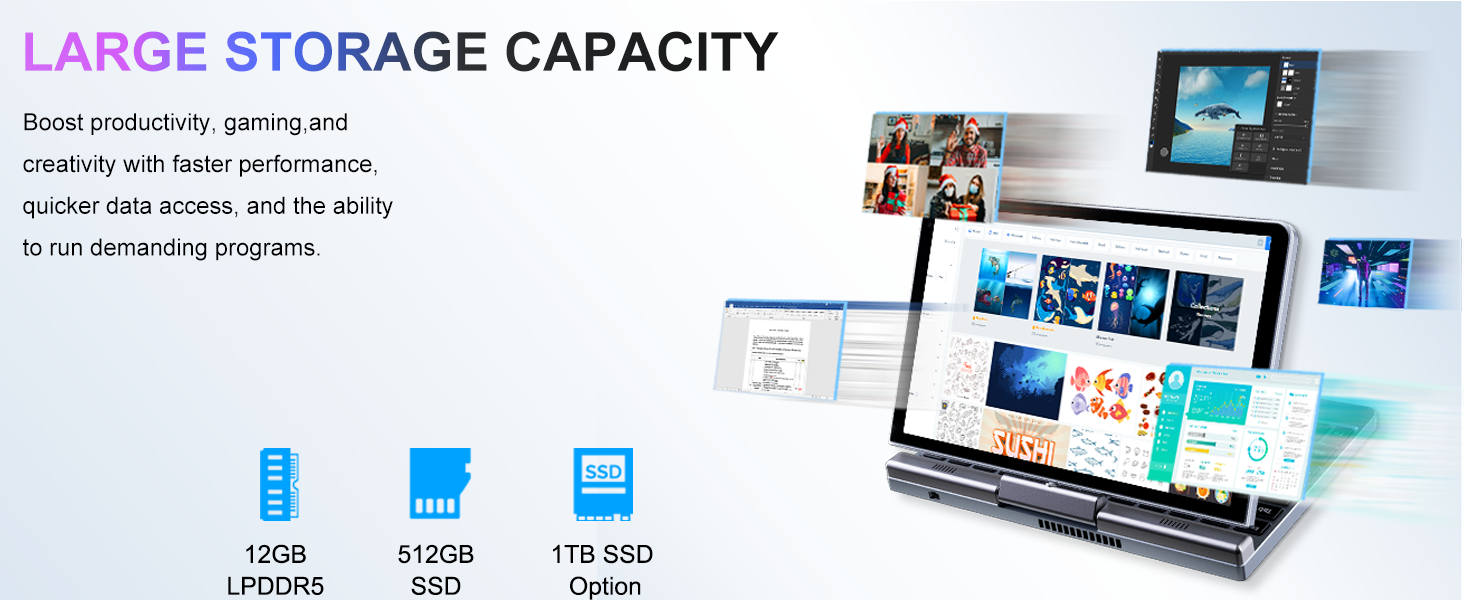
Image: Graphic detailing the performance aspects of the KOOSMILE P8 Mini Laptop, highlighting the Intel TwinLake N150 processor (4 cores, 4 threads, 3.6GHz turbo frequency, 10nm process) and Intel UHD Graphics for smooth content streaming and immersive experiences.
9.2. Lagerkapacitet
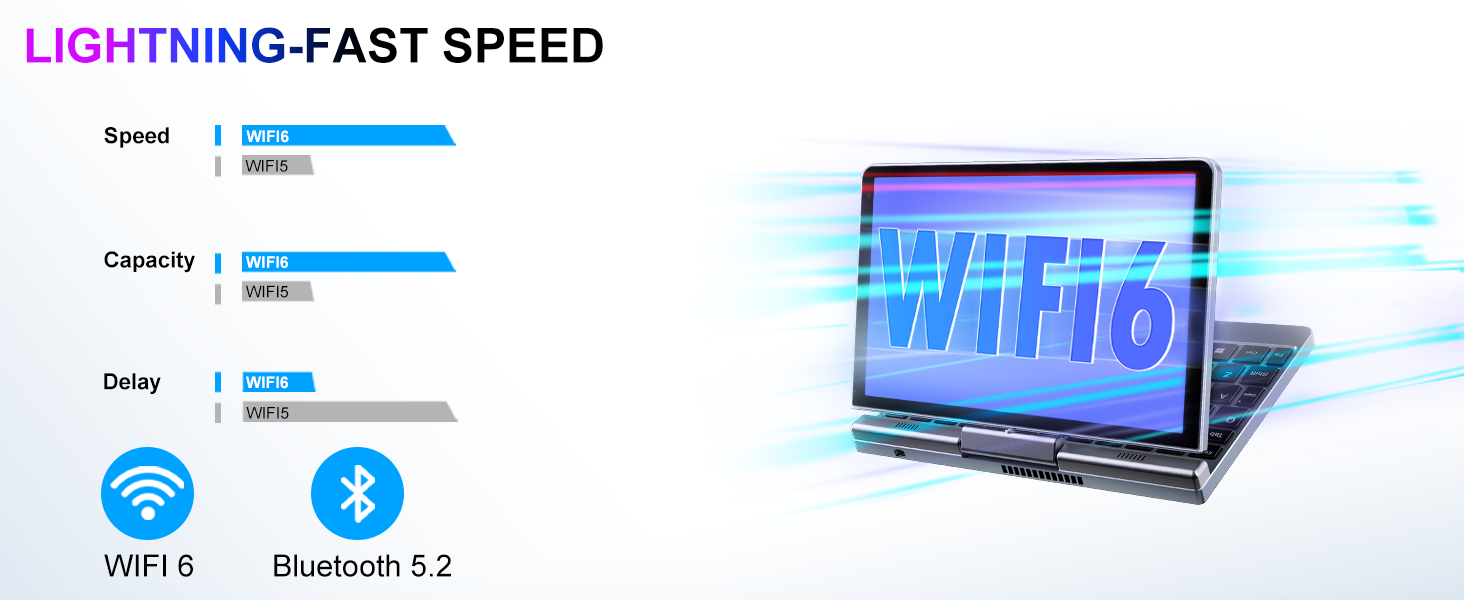
Image: Graphic illustrating the large storage capacity of the KOOSMILE P8 Mini Laptop, featuring 12GB LPDDR5 RAM, 512GB SSD, and an option for 1TB SSD, designed to boost productivity and handle demanding programs.
9.3. Compact Size and Weight
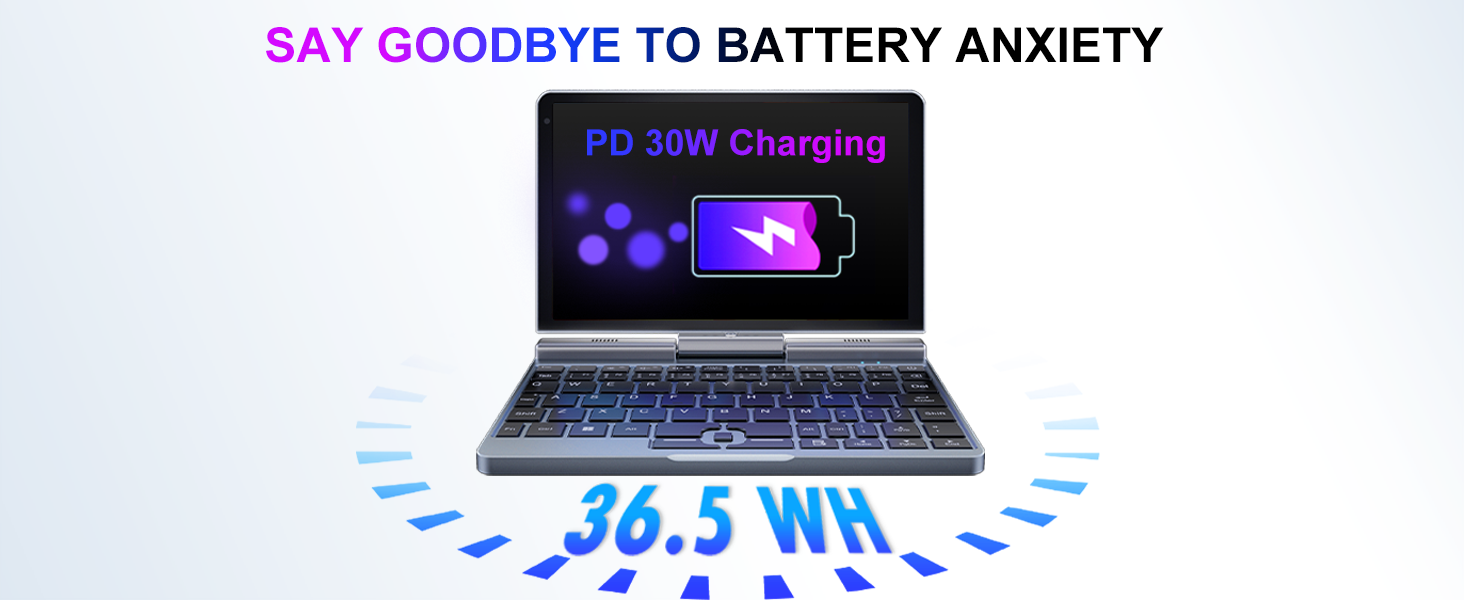
Image: Graphic demonstrating the ultra-compact size and light weight of the KOOSMILE P8 Mini Laptop, showing its 8.0-inch portable screen, 0.78-inch thin profile, and 0.78kg weight, compared to a smartphone for scale.
9.4. Batterioplysninger
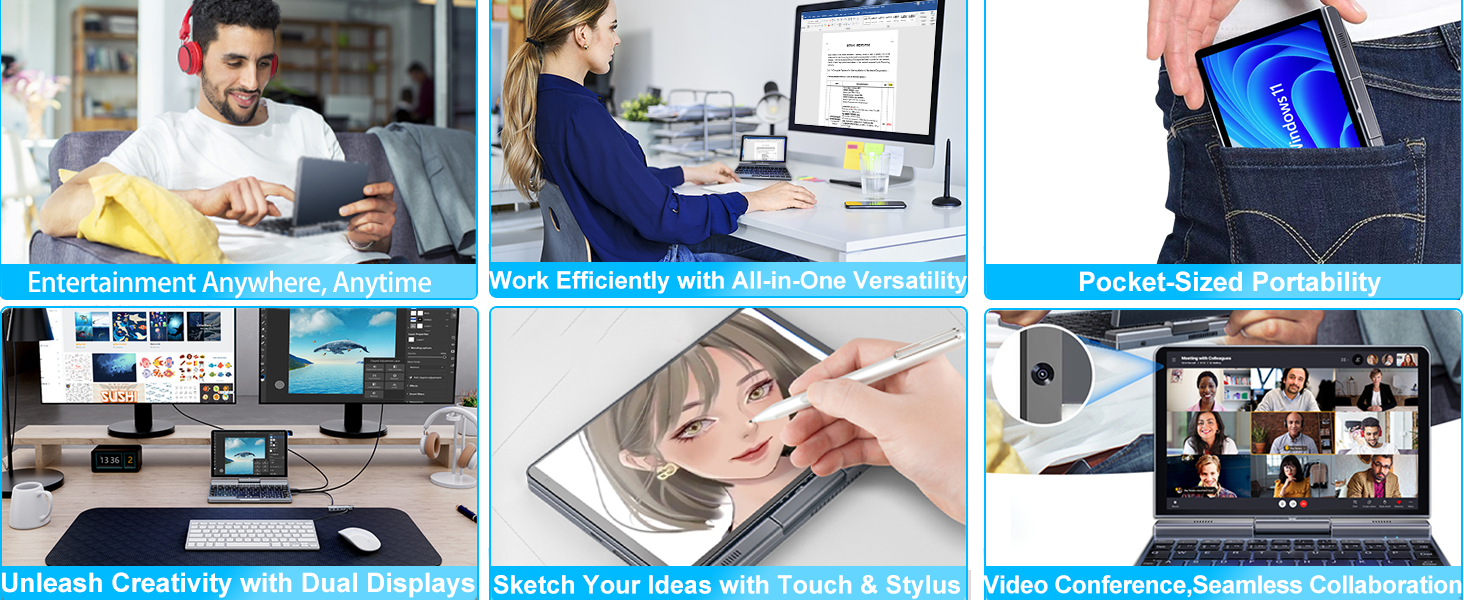
Image: Graphic highlighting the battery features of the KOOSMILE P8 Mini Laptop, indicating 36.5 WH battery capacity and PD 30W charging support to alleviate battery anxiety.
10. Garanti og support
Your KOOSMILE Mini Laptop P8 comes with a 1-year warranty. For technical assistance, troubleshooting, or warranty claims, please contact our customer support team. We provide 24-hour customer support to ensure a worry-free experience.
Please refer to the warranty card included in your package for detailed terms and conditions.


