1. Introduktion
This manual provides essential information for the safe and efficient operation of your LG 65-Inch NANO80 4K Smart TV (Model: 65NANO80AUA). Please read this manual thoroughly before using the product and retain it for future reference.

Billede 1.1: Forside view of the LG 65-Inch NANO80 4K Smart TV.
2. Vigtige sikkerhedsoplysninger
Always follow basic safety precautions when using this television to reduce the risk of fire, electric shock, and injury. Keep this manual handy for quick reference.
- Strømkilde: Connect the TV to an AC 120V, 60Hz power outlet. Do not overload power outlets.
- Ventilation: Sørg for tilstrækkelig ventilation omkring tv'et. Bloker ikke ventilationsåbningerne.
- Vand og fugt: Udsæt ikke tv'et for regn eller fugt. Placer ikke genstande fyldt med væsker oven på tv'et.
- Rensning: Tag stikket ud af tv'et før rengøring. Brug en blød, tør klud. Undgå flydende rengøringsmidler.
- Placering: Place the TV on a stable, level surface or mount it securely to a wall. Keep out of reach of children.
- Service: Forsøg ikke selv at servicere dette produkt. Overlad al service til kvalificeret servicepersonale.
3. Opsætningsvejledning
3.1 Udpakning
Carefully remove the TV and all accessories from the packaging. Retain the packaging for future transport or service needs.
3.2 Stand Assembly (Table Mount)
If using the included stand for table mounting:
- Placer tv-skærmen med nedad på en blød, flad overflade for at forhindre skader.
- Attach the stand components to the TV using the provided screws, ensuring they are securely fastened.
- Løft forsigtigt tv'et op, og placer det på en stabil, plan overflade.

Billede 3.1: Side view of the TV illustrating the stand assembly.
3.3 Tilslutning af eksterne enheder
Connect external devices to your TV using the appropriate ports. The LG NANO80AUA features multiple connectivity options:
- HDMI: For high-definition audio and video from devices like gaming consoles, Blu-ray players, or set-top boxes.
- USB: Til tilslutning af USB-lagerenheder for at afspille medier files.
- Ethernet: Til en kablet internetforbindelse.
- Bluetooth: For wireless connection to compatible headphones or speakers.
- Wi-Fi: Til trådløs internetadgang.
Billede 3.2: Bagside view af tv'et, der viser forskellige indgangsporte.
3.4 Første opstart og opsætning
- Sæt strømkablet i tv'et og derefter i en stikkontakt.
- Press the power button on the TV or the Magic Remote.
- Følg instruktionerne på skærmen for at fuldføre den indledende opsætning, herunder valg af sprog, netværksforbindelse og kanalscanning.
4. Betjening af tv'et
4.1 Magic Remote Usage
The LG Magic Remote provides intuitive control over your TV. It features a dedicated AI button for quick access to smart features.
- Pointer: Point and click on the screen like a mouse.
- Stemmestyring: Press the AI icon and speak into the remote to search for content or control TV functions.

Image 4.1: The LG Magic Remote highlighting its AI features.
4.2 Smart TV-funktioner (webOS 25)
Your LG NANO80AUA runs on webOS 25, offering a universe of entertainment and smart functionalities.
- Streaming apps: Access popular streaming services like Netflix, Prime Video, Disney+, and Apple TV. (Internet connection and subscriptions may be required).
- AI-stemme-ID: The TV can recognize individual voice signatures to offer personalized content recommendations.
- AI-søgning: Giver personlige anbefalinger og løsninger, herunder integration med Microsoft Copilot.
- AI-chatbot: Understands your intent and provides immediate solutions for settings configuration and troubleshooting.
- LG kanaler: Access over 100 free channels with an internet connection.
- Skærmspejling: Use Apple AirPlay 2 and Google Cast to display content from your smartphone, tablet, or computer.
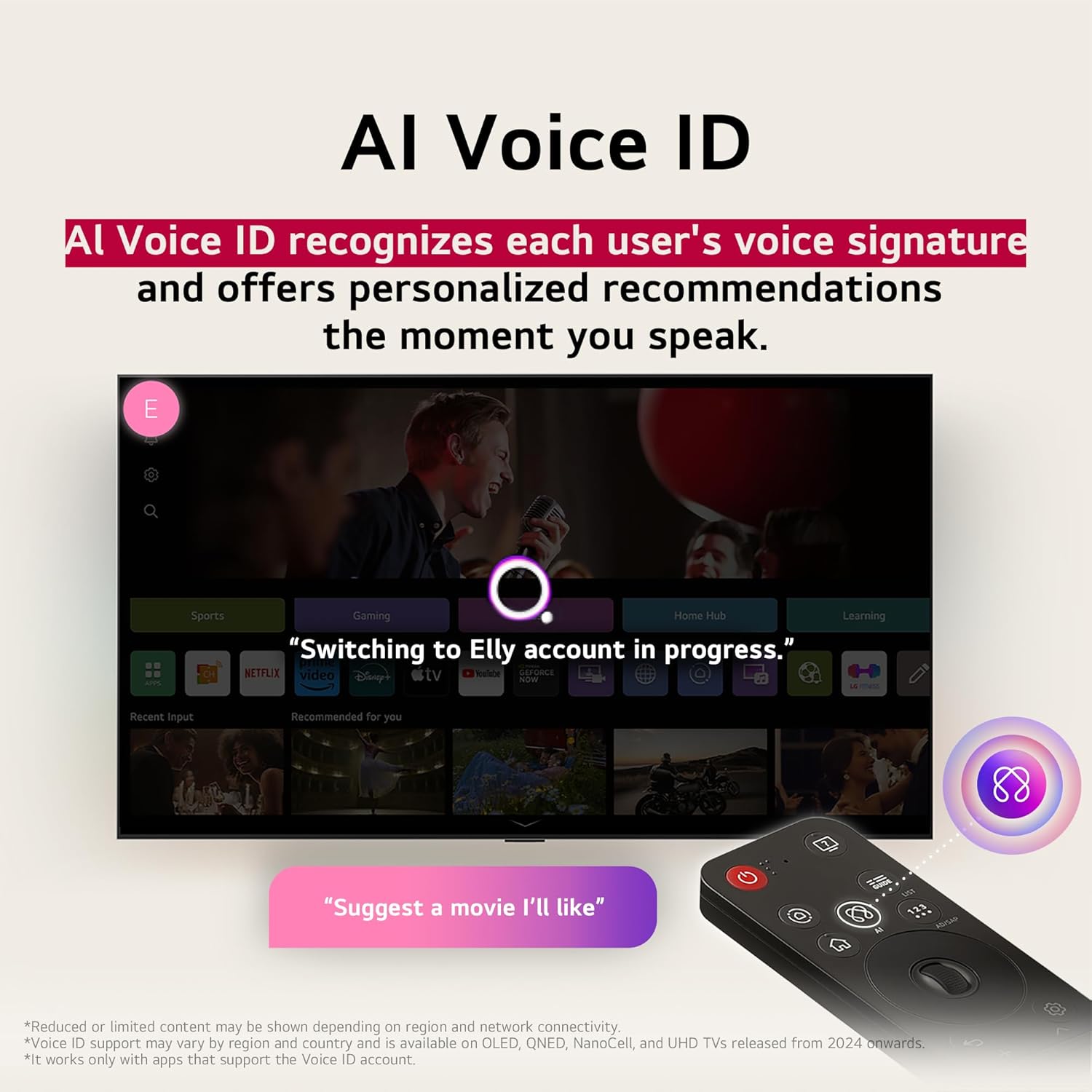
Image 4.2: AI Voice ID in action, providing personalized recommendations.

Image 4.3: AI Search interface on the LG TV.

Image 4.4: AI Chatbot providing assistance on the LG TV.
4.3 Billedindstillinger
Your NANO80AUA TV delivers stunning 4K visuals with advanced picture technologies.
- 4K UHD-skærm: Enjoy content in ultra-high definition.
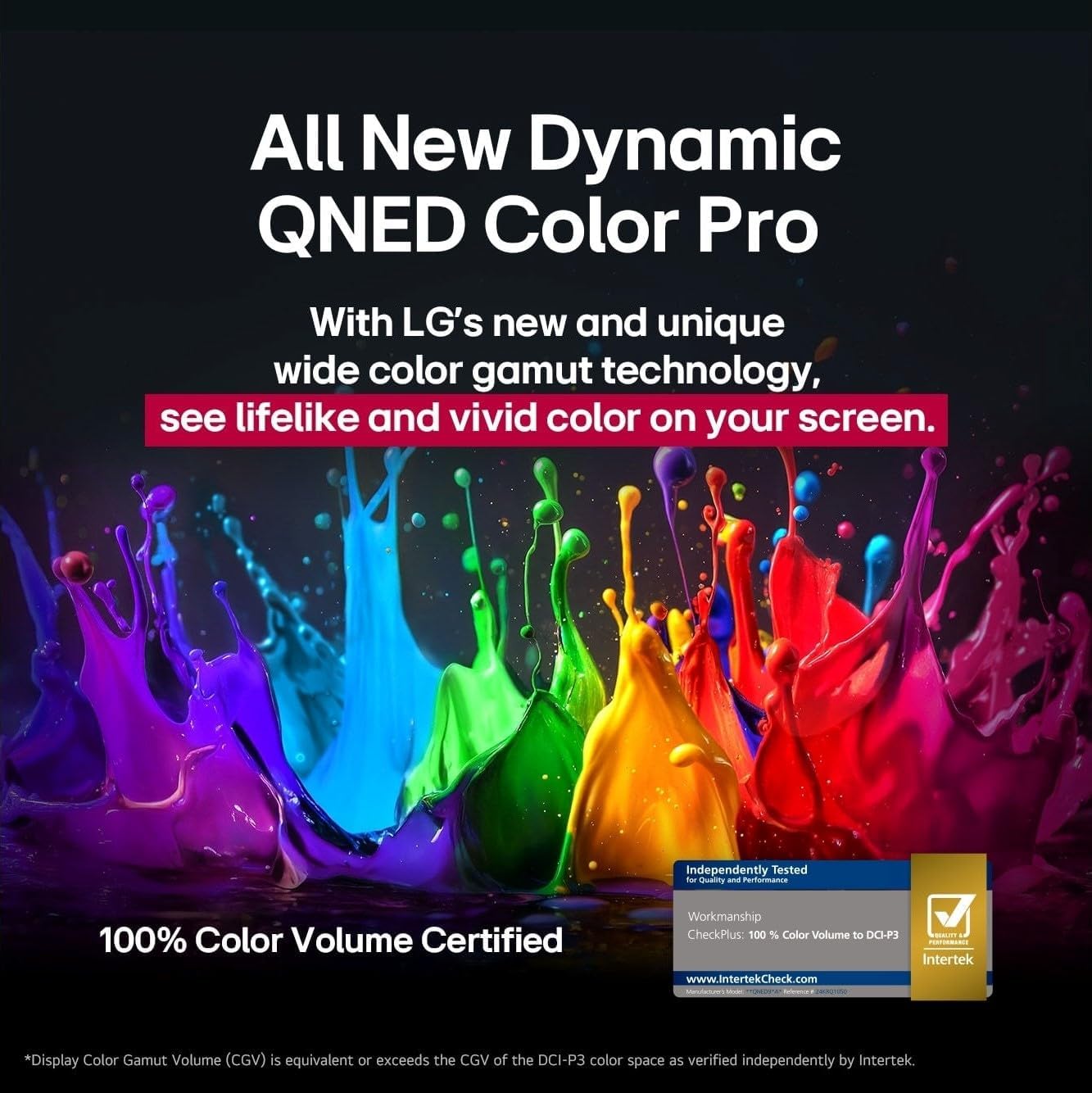
- α7 AI Processor 4K Gen 8: Enhances brightness, sound, and refines picture detail with 4K upscaling and Dynamic Tone Mapping Pro.
- NanoCell-skærm: Experience over a billion vibrant colors.
- HDR10 & HGIG: Supports High Dynamic Range for improved contrast and color in compatible content.
- AI Picture Pro: Analyserer hvert billede for at forbedre opløsning, lysstyrke, dybde og klarhed.
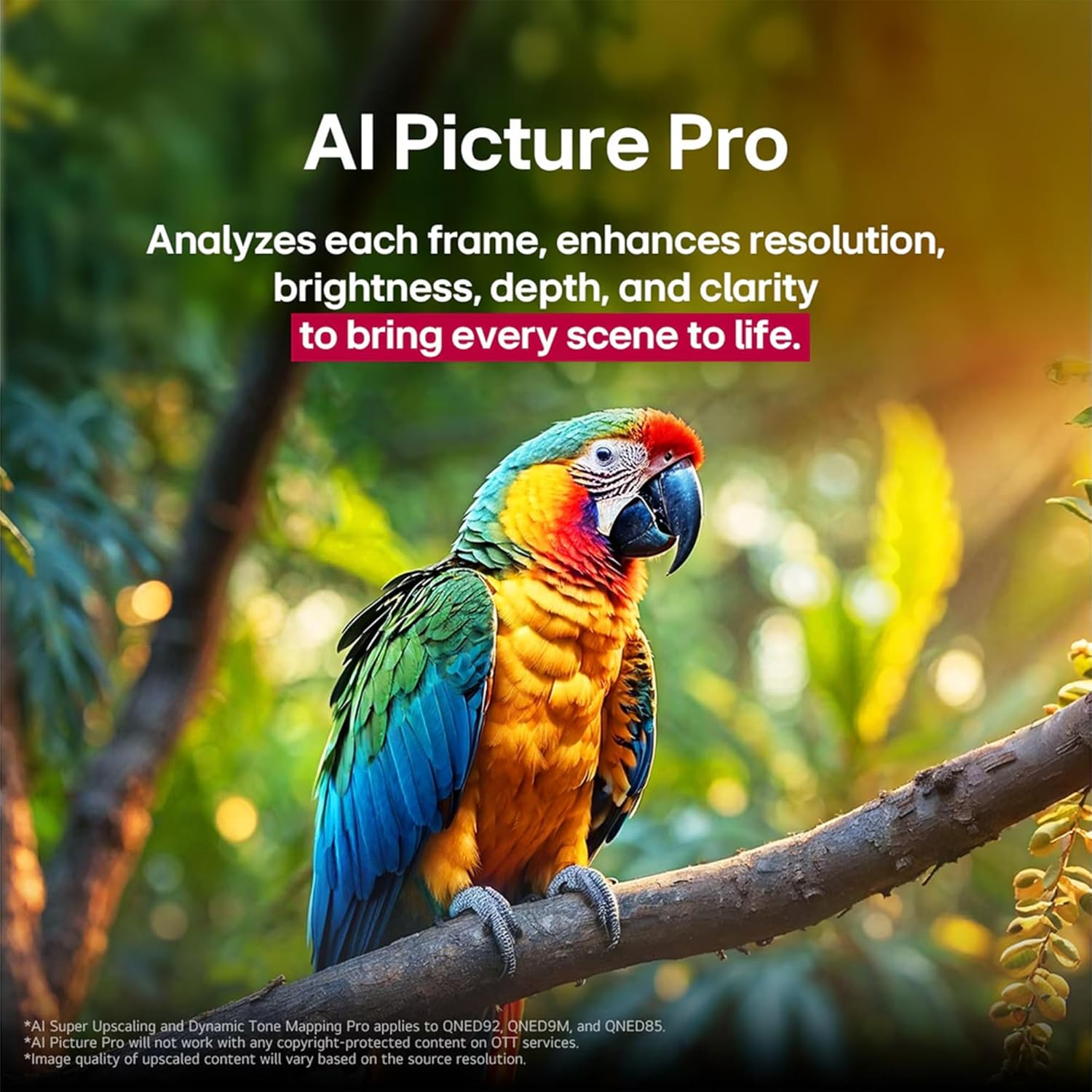
Image 4.5: The α7 AI Processor 4K Gen 8, responsible for picture enhancements.

Image 4.6: AI Picture Pro analyzing and enhancing image quality.
4.4 Lydindstillinger
The TV features integrated sound enhancements for an immersive audio experience.
- AI Sound Pro: Fine-tunes your sound for impact, adapting to the content and environment.
- Højttalerkonfiguration: 2.0 channel with 20 Watts output.
- Lydudgang: Digital audio output mode.
4.5 Spilfunktioner
Optimized for a responsive gaming experience:
- ALLM (Auto Low Latency Mode): Skifter automatisk til en lav-latens-tilstand for mere jævn spiloplevelse.
- HGIG (HDR Gaming Interest Group): Ensures HDR gaming content is displayed as intended by game developers.
- VRR (Variable Refresh Rate): Supported for smoother gameplay, reducing screen tearing and stuttering. (Only works with games or PC inputs that support 60Hz).

Image 4.7: Gaming experience on the LG NANO80AUA with VRR.
5. Vedligeholdelse
5.1 Rengøring af dit TV
- Skærm: Tør forsigtigt skærmen af med en blød, fnugfri klud. Tør forsigtigt genstridige mærker afampen the cloth with water or a specialized screen cleaner (ensure it's TV-safe).
- Ramme og stativ: Brug en blød, tør klud til at tørre støv af.
- Vigtig: Never spray cleaners directly onto the screen or frame. Always unplug the TV before cleaning.
5.2 Softwareopdateringer
Your LG TV supports the webOS Re:New Program, which provides software upgrades over five years. Ensure your TV is connected to the internet to receive the latest updates for optimal performance and new features.
6. Fejlfinding
Hvis du støder på problemer med dit tv, kan du bruge følgende almindelige løsninger:
| Problem | Mulig løsning |
|---|---|
| Ingen strøm | Kontroller, om netledningen er korrekt tilsluttet tv'et og stikkontakten. Test stikkontakten med en anden enhed. |
| Intet billede, men der er lyd | Sørg for, at den korrekte inputkilde er valgt. Kontroller kabelforbindelserne til eksterne enheder. |
| Ingen lyd, men der er billede | Check the volume level and mute settings. Verify audio cable connections. If using external speakers, ensure they are powered on and correctly configured. |
| Fjernbetjening virker ikke | Replace the batteries in the Magic Remote. Ensure there are no obstructions between the remote and the TV. Re-pair the remote if necessary. |
| Kan ikke oprette forbindelse til Wi-Fi | Restart your router and modem. Check Wi-Fi settings on the TV and ensure the password is correct. Move the TV closer to the router if possible. |
For mere detaljeret fejlfinding, se hjælpevejledningen på skærmen eller besøg LG support. webwebsted.
7. Specifikationer
Key technical specifications for the LG 65-Inch NANO80 4K Smart TV (Model: 65NANO80AUA):
- Mærke: LG
- Model: 65NANO80AUA
- Model år: 2025
- Skærmstørrelse: 65 tommer
- Displayteknologi: 4K UHD NanoCell
- Opløsning: 3840 x 2160 pixels (4K)
- Opdateringshastighed: 60 Hz
- Processor: α7 AI-processor 4K Gen 8
- Operativsystem: webOS 25
- HDR-understøttelse: HDR10, HGIG
- Lydudgangseffekt: 20 Watts (2.0 Channel)
- Forbindelse: Bluetooth, Ethernet, HDMI, USB, Wi-Fi
- Spilfunktioner: ALLM (Auto Low Latency Mode), VRR (Variable Refresh Rate)
- Stemmeassistenter: Alexa indbygget
- Dimensioner (med stativ): 145.4 cm (B) x 90.3 cm (H) x 26.9 cm (D)
- Vægt: 27.5 kg
- Inkluderede komponenter: Power Cable, Magic Remote, Stand, Remote Control Batteries
Bemærk: Specifikationerne kan ændres uden varsel.
8. Garanti og support
For warranty information, product registration, and technical support, please visit the official LG webwebstedet eller kontakt LG kundeservice. Gem din købskvittering til garantikrav.
LG kundesupport: Besøg LG supportside