Indledning
This manual provides detailed instructions for the safe and effective use of your PHILIPS SFL1121P Rechargeable LED Flashlight. Please read this manual thoroughly before operating the device and retain it for future reference.

Image: The PHILIPS SFL1121P flashlight shown with its USB-C charging cable.
Opsætning
Indledende opladning
Before first use, fully charge the flashlight. The device features a hidden USB Type-C charging port.
- Locate the hidden USB Type-C charging port on the flashlight.
- Connect the provided USB Type-C cable to the flashlight's charging port.
- Connect the other end of the USB cable to a compatible USB power source (e.g., computer, wall adapter).
- The indicator light will show red during charging and turn green when fully charged.
- Opladningstiden er cirka 2 timer.

Image: Close-up of the PHILIPS SFL1121P showing the USB Type-C charging port.
Betjeningsvejledning
Basic Flashlight Operation
The PHILIPS SFL1121P offers five lighting modes for various situations.
- Tænd/sluk: Press the power button once for a single click to turn on the flashlight. Press again to cycle through brightness modes. Long press to enter continuous dimming mode.
- Tilstandscykling: A single click of the power button will cycle through the following brightness modes: High, Medium, Low.
- Kontinuerlig dæmpning: Press and hold the power button to activate continuous dimming, allowing linear adjustment of brightness. Release the button at your desired brightness level.
- Strobetilstand: Double-click the power button to activate the flashing mode (strobe).
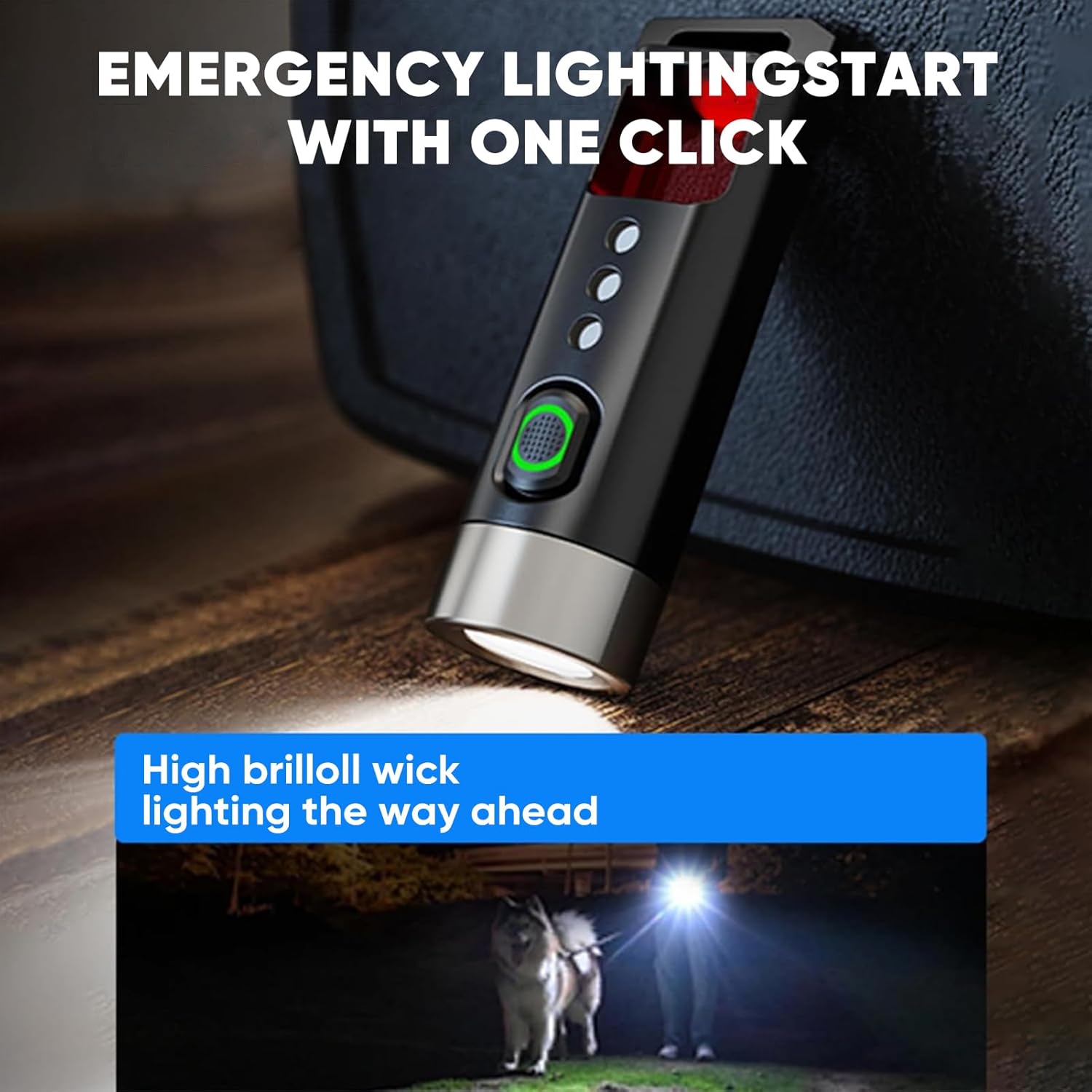
Image: The flashlight demonstrating its high brightness mode, lighting a path.
Anti-Peeping Detection Mode
This feature allows you to detect hidden cameras or surveillance equipment.
- Double-click the power button to activate the flashing mode.
- Hold the product upright at a 90° angle and close to your eyes. Look directly through the tail detection filter window, avoiding oblique angles.
- Scan the surrounding environment. If a reflective red dot is observed, it may indicate a hidden camera.
- For best results, use this mode in a dimly lit environment.
- Ensure the detection distance is less than 5 meters.
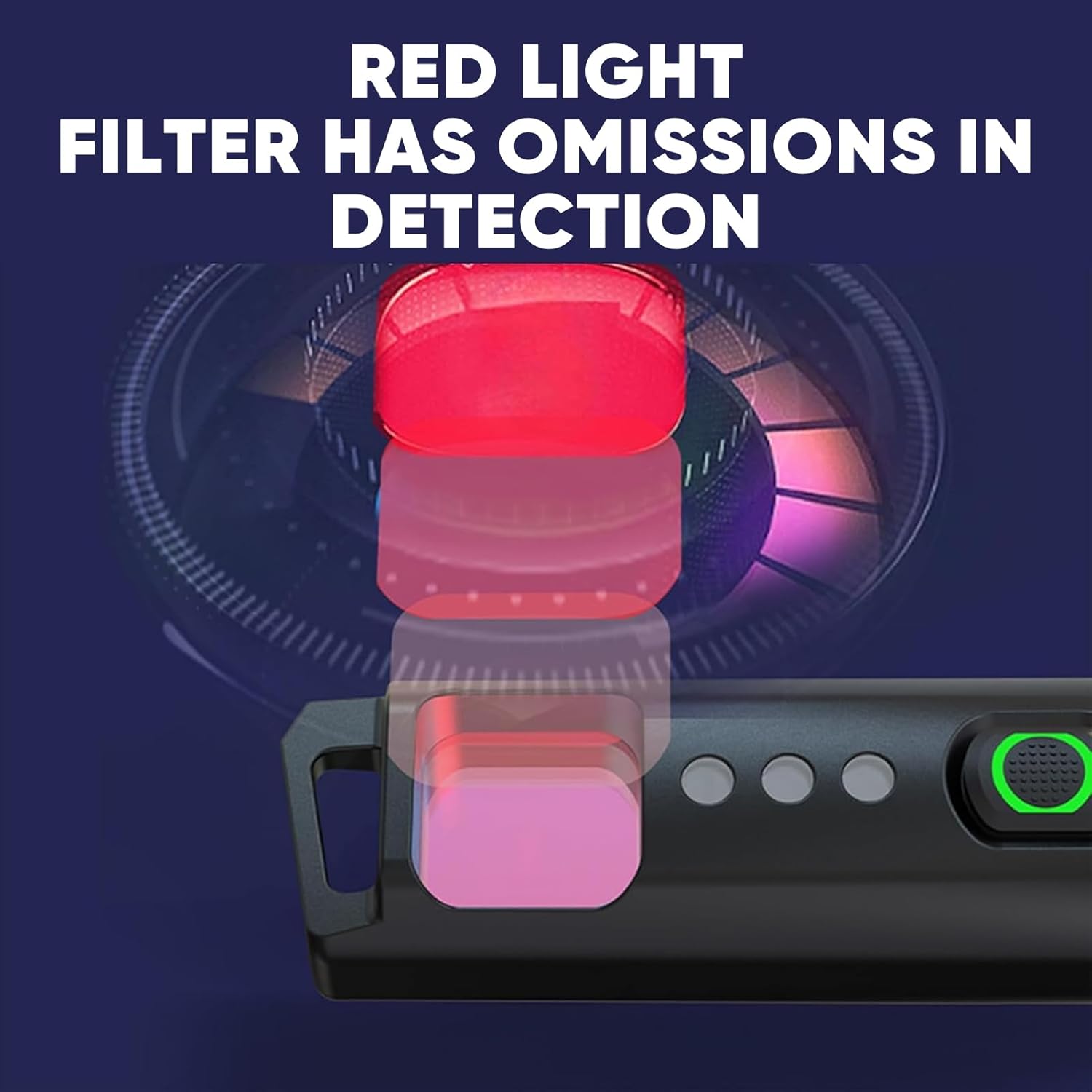
Image: A user demonstrating the anti-peeping detection mode by looking through the filter.
Tail Opener Function
The tail of the flashlight is designed with a blunt head to safely open packages or other items without using sharp tools.
- Use the blunt end of the flashlight's tail to gently pry open package seals or tape.
- This feature is intended for light-duty tasks and should not be used as a pry tool for heavy-duty applications.

Image: The tail opener feature being used to open a package.
Funktioner og specifikationer
Nøglefunktioner
- Multifunctional Anti-Peeping Detection: Equipped with a red light detection mode to scan for hidden cameras.
- Safe and Convenient Tail Opener: Blunt head design for opening packages, replacing traditional knives.
- Fem belysningstilstande: High, Medium, Low, Strobe, and Continuous Dimming for versatile illumination.
- Smart Power Indicator: Green light for >70% battery, red light for <30% battery, preventing sudden power loss.
- Let og bærbar: Weighs only 12.5g, compact design for easy carrying on a keychain, in a pocket, or backpack.
- USB Type-C opladning: Hidden charging port for convenient and long-lasting battery life.

Image: The compact PHILIPS SFL1121P flashlight, highlighting its portability.
Tekniske specifikationer
| Specifikation | Detalje |
|---|---|
| Mærke | PHILIPS |
| Modelnummer | SFL1121P |
| Lysstyrke | 200 lumen (maks.) |
| Lamp Magt | 3W |
| Batteritype | 120 mAh (Lithium Metal) |
| Battery Life (Medium Light) | 25 minutter |
| Bestrålingsafstand | 50 meter |
| Produktets nettovægt | 12.5 g |
| Produktstørrelse | 62.5 x 20 x 16.5 mm |
| Anti-Drop Height | 1 meter |
| Opladningsmetode | USB Type-C |
| Materiale | Aluminum (Note: Customer reviews indicate plastic body, but product specifications state Aluminum. Please verify upon receipt.) |
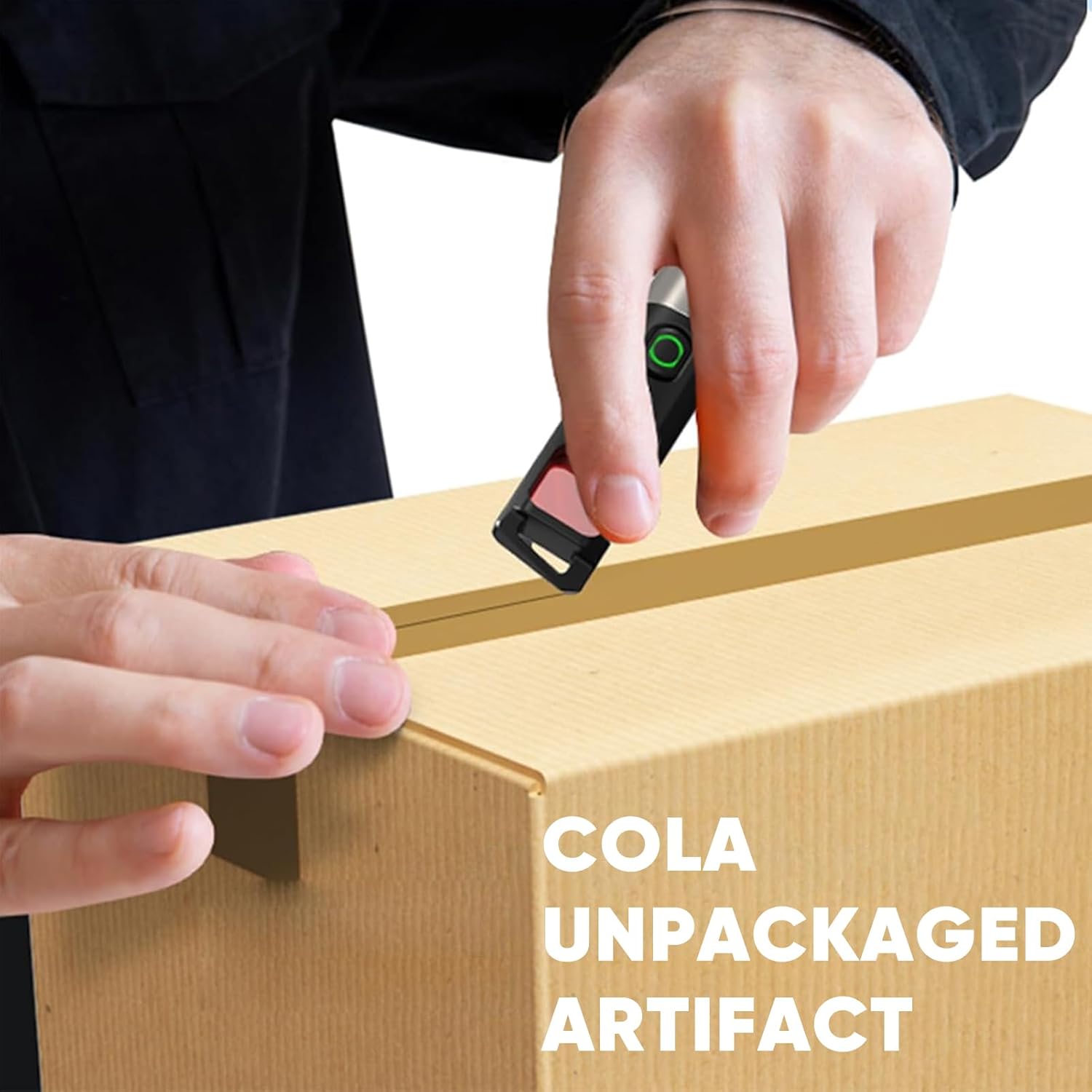
Image: Detailed product parameters including dimensions, weight, and battery life.
Opretholdelse
- Rensning: Tør lommelygten af med en blød, damp klæde. Brug ikke slibende rengøringsmidler eller opløsningsmidler.
- Opbevaring: Opbevar lommelygten på et køligt, tørt sted væk fra direkte sollys og ekstreme temperaturer.
- Batteripleje: To prolong battery life, avoid completely discharging the battery. Recharge promptly when the red indicator light appears.
- Vandtæthed: The flashlight has an IPX4 rating, meaning it is resistant to splashing water from any direction. It is not designed for submersion.
Fejlfinding
- Lommelygten tænder ikke:
- Ensure the battery is charged. Connect to a USB Type-C power source and check the indicator light.
- Verify that the flashlight is not in a locked mode (if applicable, though not specified for this model, it's a common flashlight feature).
- Lyset er svagt eller flimrer:
- Batteriet er muligvis lavt. Genoplad lommelygten.
- Ensure the flashlight head and tail cap are securely tightened.
- Anti-peeping mode not working effectively:
- Ensure you are in a dimly lit environment for optimal detection.
- Maintain a detection distance of less than 5 meters.
- Hold the flashlight at a 90° angle to your eye when looking through the filter.
Garanti og support
For warranty information, technical support, or service inquiries, please refer to the product packaging or contact PHILIPS customer service directly. Keep your purchase receipt as proof of purchase for warranty claims.
Online support may be available through the official PHILIPS webwebsted eller autoriserede forhandlere.


