Indledning
This manual provides comprehensive instructions for the setup, operation, and maintenance of your MUNBYN P01 Thermal Printer. The P01 is designed to integrate seamlessly with MUNBYN money counters, offering efficient printing of transaction details and serial numbers.
Nøglefunktioner:
- Designed for use with MUNBYN IMC01, IMC08, IMC21, and IMC09 mixed denomination money counters.
- Capable of printing serial numbers (SN) of counted bills.
- Compact design integrating a receipt printer and external TFT display.
- 58 mm paper width, 90 mm/sec print speed, with paper out detection.
- Features an imported print head for clear and lasting prints, with over-temperature protection.
- Plug-and-play connectivity via RJ-11 plug, no driver software required.
Produkt overview
The MUNBYN P01 Thermal Printer is a compact device that combines a thermal printer with an external display, providing real-time information and printed records of money counting operations.
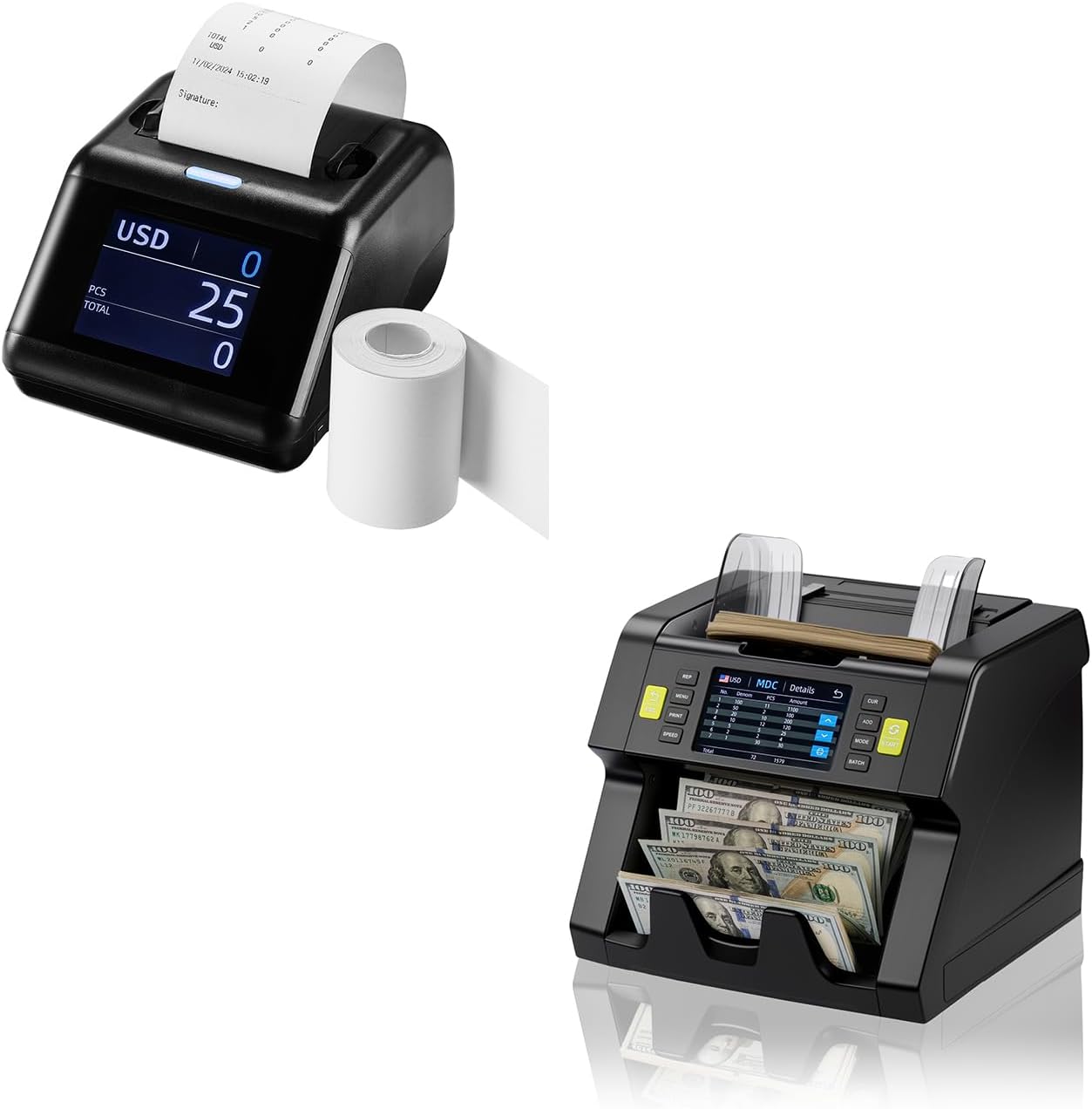
Figure 1: MUNBYN P01 Thermal Printer (left) shown alongside a compatible money counter (right).
Komponenter:
- Thermal Printer Unit: Main body with integrated print head.
- TFT skærm: Shows counting results, denominations, and serial numbers.
- Papirrullerum: Holds the thermal paper roll.
- RJ-11 port: For connection to compatible MUNBYN money counters.
- Strømindgang: Til tilslutning af strømadapteren.

Figure 2: The MUNBYN P01 Thermal Printer is suitable for various professional environments, including offices, cashier desks, churches, and banks.
Opsætning
1. Udpakning og inspektion:
- Tag forsigtigt printeren ud af emballagen.
- Inspect the printer for any signs of damage during transit. If damaged, contact customer support.
- Ensure all components are present: P01 printer, power adapter, and any included cables.
2. Loading Thermal Paper:
- Open the paper roll compartment cover.
- Insert a 58 mm thermal paper roll into the compartment, ensuring the paper feeds from the bottom and the thermal side (usually smoother) faces the print head.
- Træk et lille stykke papir ud forbi skærekanten.
- Close the compartment cover firmly until it clicks into place.

Figure 3: Proper orientation for loading the thermal paper roll.
3. Connecting to a Money Counter:
- Locate the RJ-11 port on the back of the MUNBYN P01 printer.
- Connect one end of the RJ-11 cable (typically supplied with your money counter or printer) to the printer's RJ-11 port.
- Connect the other end of the RJ-11 cable to the designated printer port on your compatible MUNBYN money counter (e.g., IMC01, IMC08, IMC21, IMC09).
- Connect the power adapter to the printer's power input and then to a suitable power outlet.
- Power on both the money counter and the P01 printer. The printer's display should illuminate.
Betjeningsvejledning
Grundlæggende betjening:
Once connected and powered on, the P01 printer will automatically receive data from the money counter. The display will show real-time counting information.

Figure 4: The P01 printer integrates with the money counter for quick printing.
Printing Count Results:
To print the results of a counting session, use the print function on your connected MUNBYN money counter. Refer to your money counter's specific user manual for detailed instructions on initiating a print job. The P01 printer will automatically print the summary, denomination breakdown, and serial numbers (if enabled and detected).
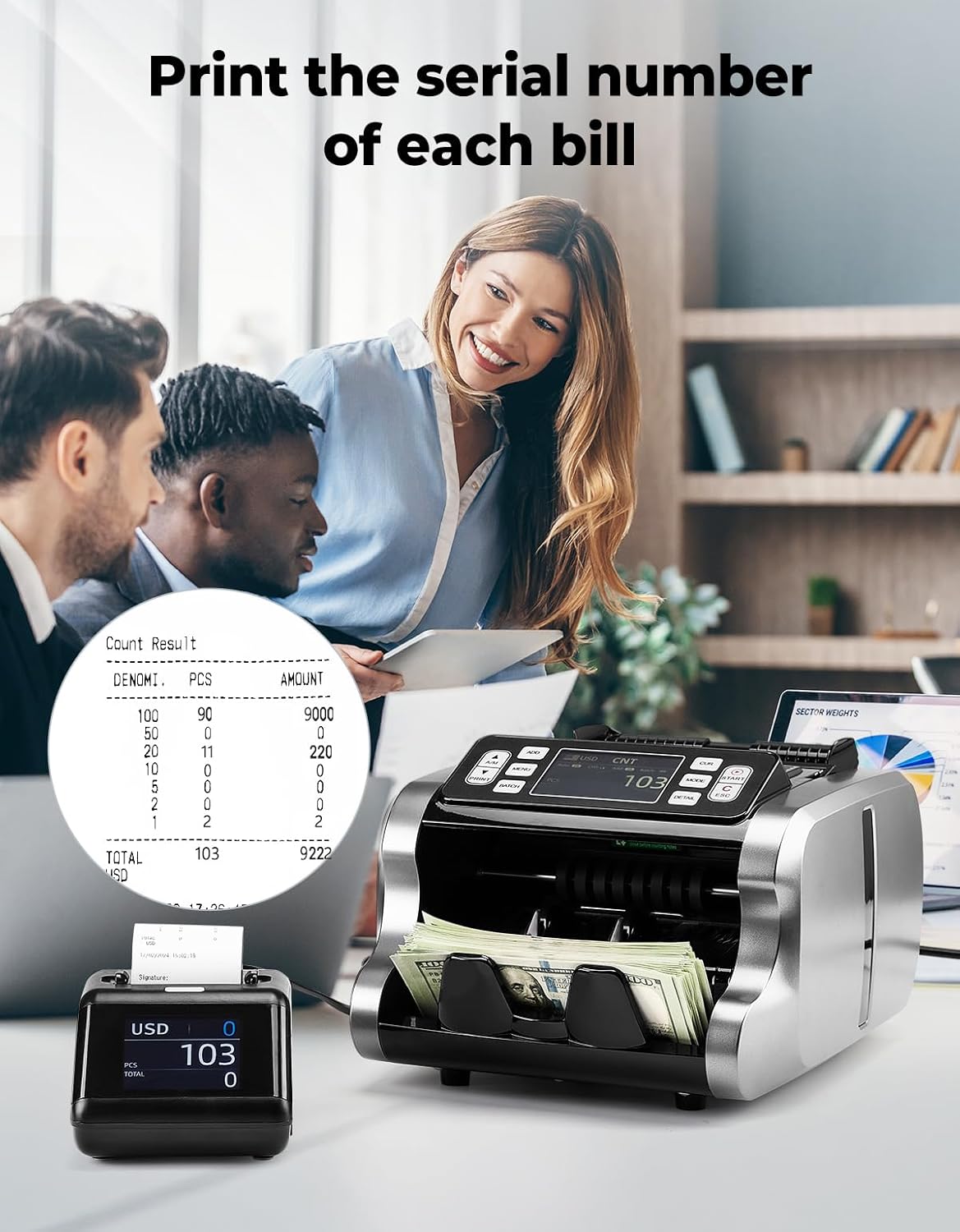
Figure 5: The printer can output detailed reports including serial numbers.
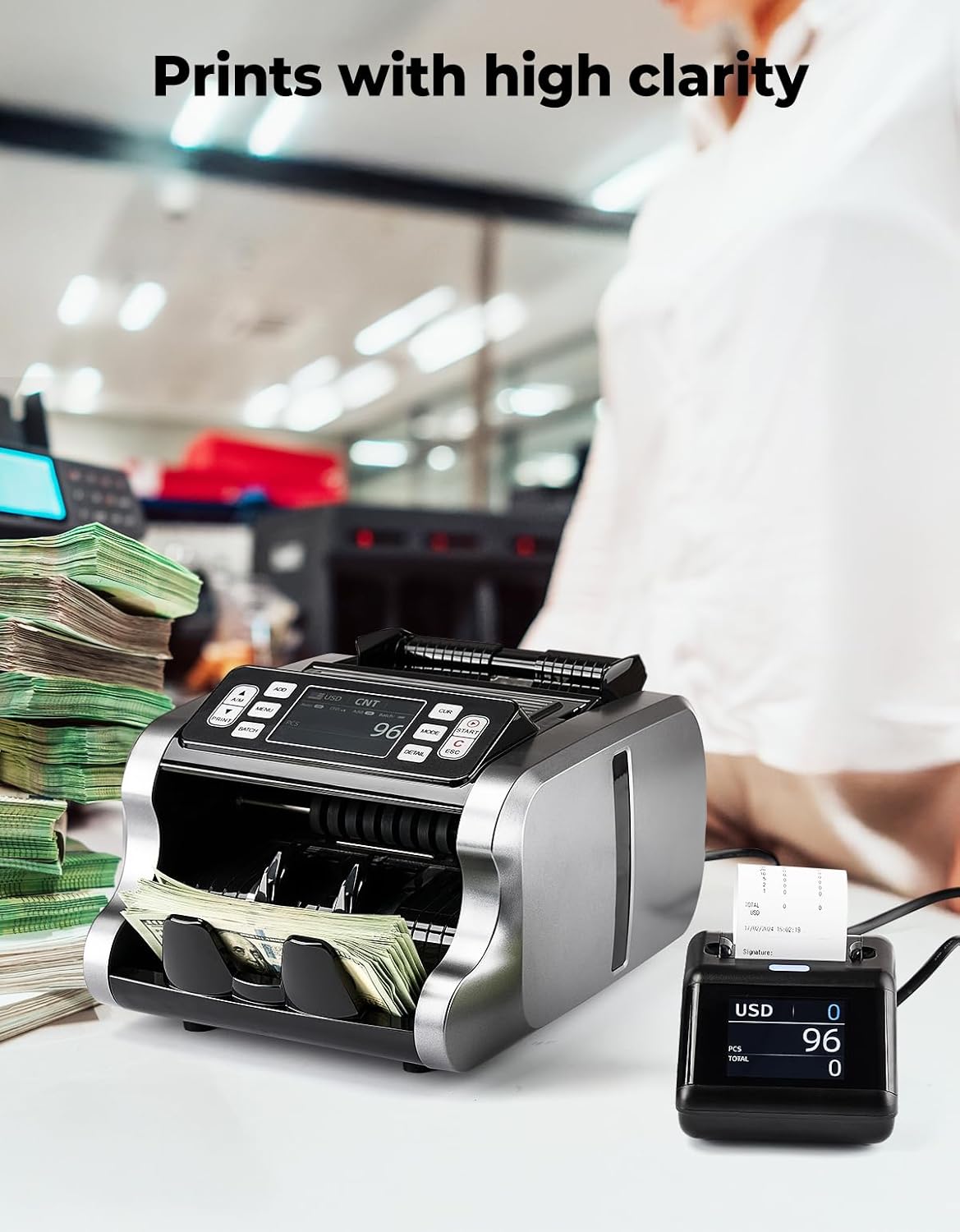
Figure 6: The P01 printer ensures high clarity in printed reports.
Opretholdelse
1. Replacing Thermal Paper:
When the paper roll is depleted or a "paper out" error is indicated, replace the roll following the steps outlined in the "Loading Thermal Paper" section under Setup.
2. Cleaning the Printer:
- Ensure the printer is powered off and disconnected from the power source before cleaning.
- Brug en blød, tør og fnugfri klud til at tørre printerens yderside af.
- For the print head, use a specialized thermal printer cleaning pen or isopropyl alcohol on a cotton swab. Gently wipe the print head surface. Allow it to dry completely before use.
- Brug ikke slibende rengøringsmidler eller opløsningsmidler.
Fejlfinding
| Problem | Mulig årsag | Løsning |
|---|---|---|
| Printeren tænder ikke. | No power, faulty adapter, loose connection. | Check power cable connection to printer and outlet. Ensure outlet is functional. Try a different power adapter if available. |
| Ingen udskrift. | Paper out, paper loaded incorrectly, loose RJ-11 cable, money counter not sending print command. | Check paper roll and ensure it's loaded correctly. Verify RJ-11 cable is securely connected to both printer and money counter. Confirm print command is sent from money counter. |
| Faint or blank prints. | Paper loaded upside down, print head dirty, low quality thermal paper. | Ensure thermal paper is loaded with the thermal side facing the print head. Clean the print head. Use high-quality thermal paper. |
| Printer not recognized by money counter. | Loose RJ-11 cable, incompatible money counter model. | Check RJ-11 cable connection. Ensure your money counter model (IMC01, IMC08, IMC21, IMC09) is compatible with the P01 printer. |
Specifikationer
| Feature | Detalje |
|---|---|
| Mærke | MUNBYN |
| Model | P01 |
| Printer Type | Thermal Printer with External Display |
| Papirbredde | 58 mm |
| Udskrivningshastighed | 90 mm/sek |
| Forbindelse | RJ-11 stik |
| Baud Rate (Default) | 9600 |
| Kompatibilitet | MUNBYN IMC01, IMC08, IMC21, IMC09 Money Counters |
Garanti og support
For warranty information and technical support, please contact MUNBYN customer service. Refer to the contact details provided with your product packaging or visit the official MUNBYN webwebsted.
Online support: www.munbyn.com/support (Eksamplinket, det faktiske link kan variere)


