1. Introduktion
This manual provides essential information for setting up, operating, and maintaining your Xiaomi X Series 4K Ultra HD Smart Google TV. Please read this manual thoroughly before using your television to ensure proper and safe operation.
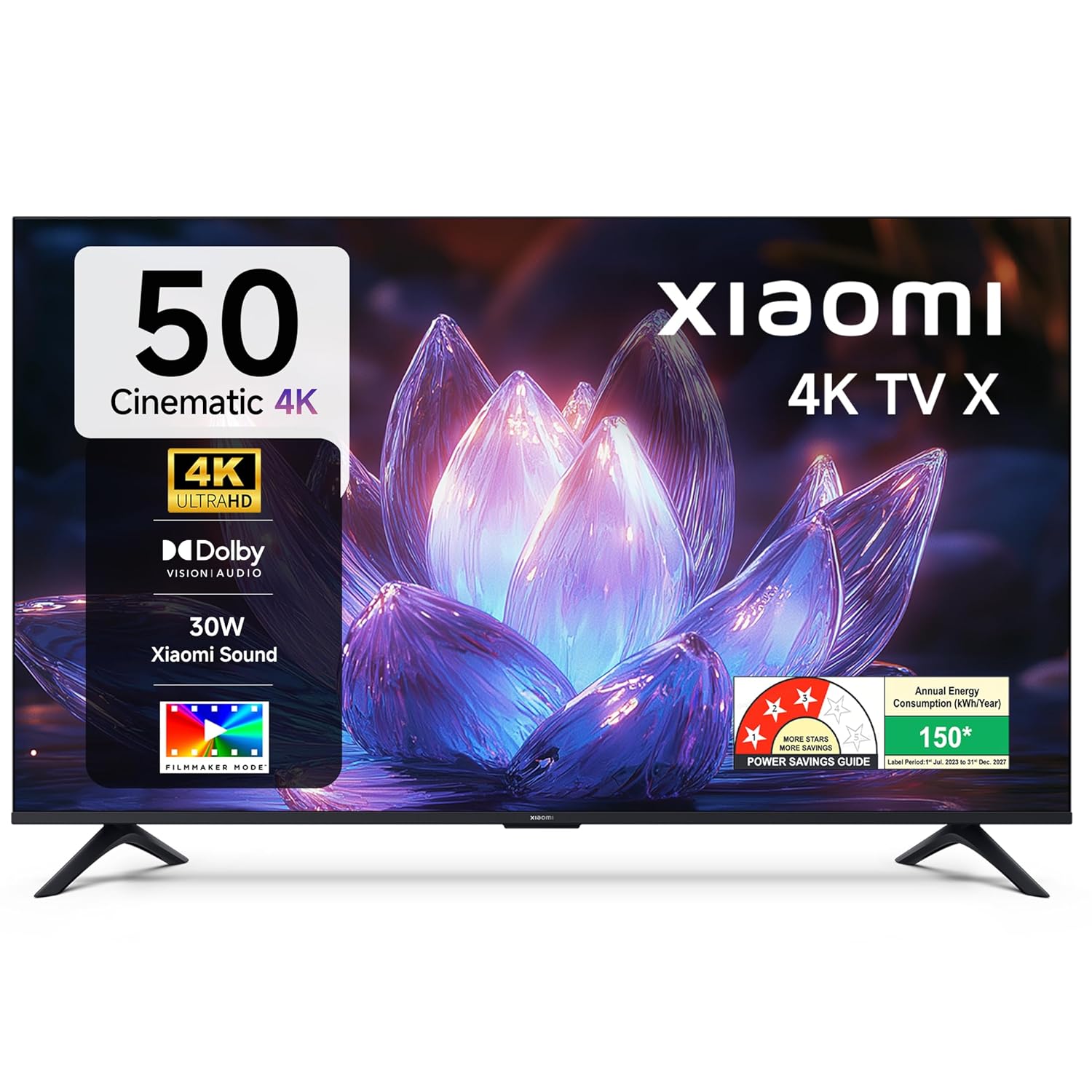
Billede 1.1: Forside view of the Xiaomi X Series 50-inch 4K Ultra HD Smart Google TV.
The Xiaomi X Series TV offers a cinematic 4K viewing experience with advanced features including Dolby Vision, HDR10, Filmmaker Mode, and a 120Hz Game Booster. It runs on Google TV, providing a smart and intuitive user interface with access to various streaming services and Google Assistant.
2. Opsætning
2.1. Udpakning og pakkeindhold
Carefully unpack your television and check for all included components. Ensure the packaging is handled responsibly.

Image 2.1: Included accessories with your Xiaomi TV.
Pakken skal indeholde:
- 1 LED-TV-enhed
- 1 Fjernbetjening
- 1 Brugermanual (dette dokument)
- 2 Stand Units
- 4 Screws for stand assembly
- 2 x AAA batteries for the remote control
- 1 netledning
2.2. Fysisk installation
You can install your TV using the included stands for table mounting or a compatible wall mount (sold separately).
Table Mount Installation:
- Placer tv-skærmen med nedad på en blød, flad overflade for at forhindre skader.
- Attach the two stand units to the designated slots at the bottom of the TV.
- Fastgør hver stativ med de medfølgende skruer.
- Løft forsigtigt tv'et op, og placer det på en stabil, plan overflade.
Vægmontering:
For wall mounting, it is recommended to use a professional installation service. Refer to the wall mount kit instructions for specific details. Ensure the wall mount is compatible with the TV's VESA mounting pattern.
2.3. Initial Power On and Connectivity
- Tilslut netledningen til tv'et og derefter til en stikkontakt.
- Indsæt AAA-batterierne i fjernbetjeningen.
- Tryk på tænd/sluk-knappen på fjernbetjeningen eller tv'et for at tænde det.
- Følg instruktionerne på skærmen for den første opsætning, herunder valg af sprog, netværksforbindelse (Wi-Fi eller Ethernet) og login til Google-konto.

Billede 2.2: Overview of connectivity ports on the Xiaomi TV.
Forbindelsesporte:
- HDMI-porte (x3): Connect gaming consoles, set-top boxes, Blu-ray players. One port supports eARC for enhanced audio return.
- USB-porte (x2): Connect hard drives, USB flash drives, or other USB devices.
- Ethernet-port: Til kablet internetforbindelse.
- 3.5 mm lydstik: Til tilslutning af hovedtelefoner eller eksterne lydenheder.
- Optisk lydudgang: Til tilslutning til soundbars eller hjemmebiografsystemer.
- Antenna Inputs (x2): Til tilslutning af jordbaserede eller kabel-tv-antenner.
- AV-indgang: Til tilslutning af ældre enheder med kompositvideo og stereolyd.
3. Betjeningsvejledning
3.1. Fjernbetjening
The included remote control provides easy access to all TV functions. It features dedicated buttons for popular streaming services and Google Assistant.

Image 3.1: The all-new remote control for your Xiaomi TV.
- Power knap: Tænder eller slukker for tv'et.
- Google Assistent-knap: Aktiverer stemmekommandoer.
- Navigationsplade: Til menu navigation.
- Tilbage knap: Vender tilbage til den forrige skærm.
- Hjemknappen: Åbner Google TV-startskærmen.
- Lydstyrke op/ned: Justerer lydstyrken.
- Kanal op/ned: Skifter tv-kanaler.
- Dedikerede app-knapper: Hurtig adgang til Netflix, Prime Video, YouTube og andre tjenester.
- Mute-knap: Slår lyden fra på tv'et.
3.2. Google TV Interface and Navigation
Your Xiaomi TV runs on Google TV, offering a personalized and intuitive user experience. The home screen provides content recommendations, quick access to apps, and personal profiles.

Image 3.2: Google TV interface with key features.
- Content First-brugergrænsefladen: Prioritizes content discovery.
- Personlig Profiles: Skab individuel profiles for skræddersyede anbefalinger.
- Google Assistant: Brug stemmekommandoer til søgning, kontrol og information.
- Google Cast Built-In: Stream content directly from your phone or tablet.
- Overvågningsliste: Keep track of movies and shows you want to watch.
- Ambient tilstand: Vis fotos eller nyttige oplysninger, når tv'et er inaktivt.
- Kids Profile: Curated content and parental controls for children.
The TV also features PatchWall, which provides customized recommendations and content curation, enhancing your viewoplevelse.
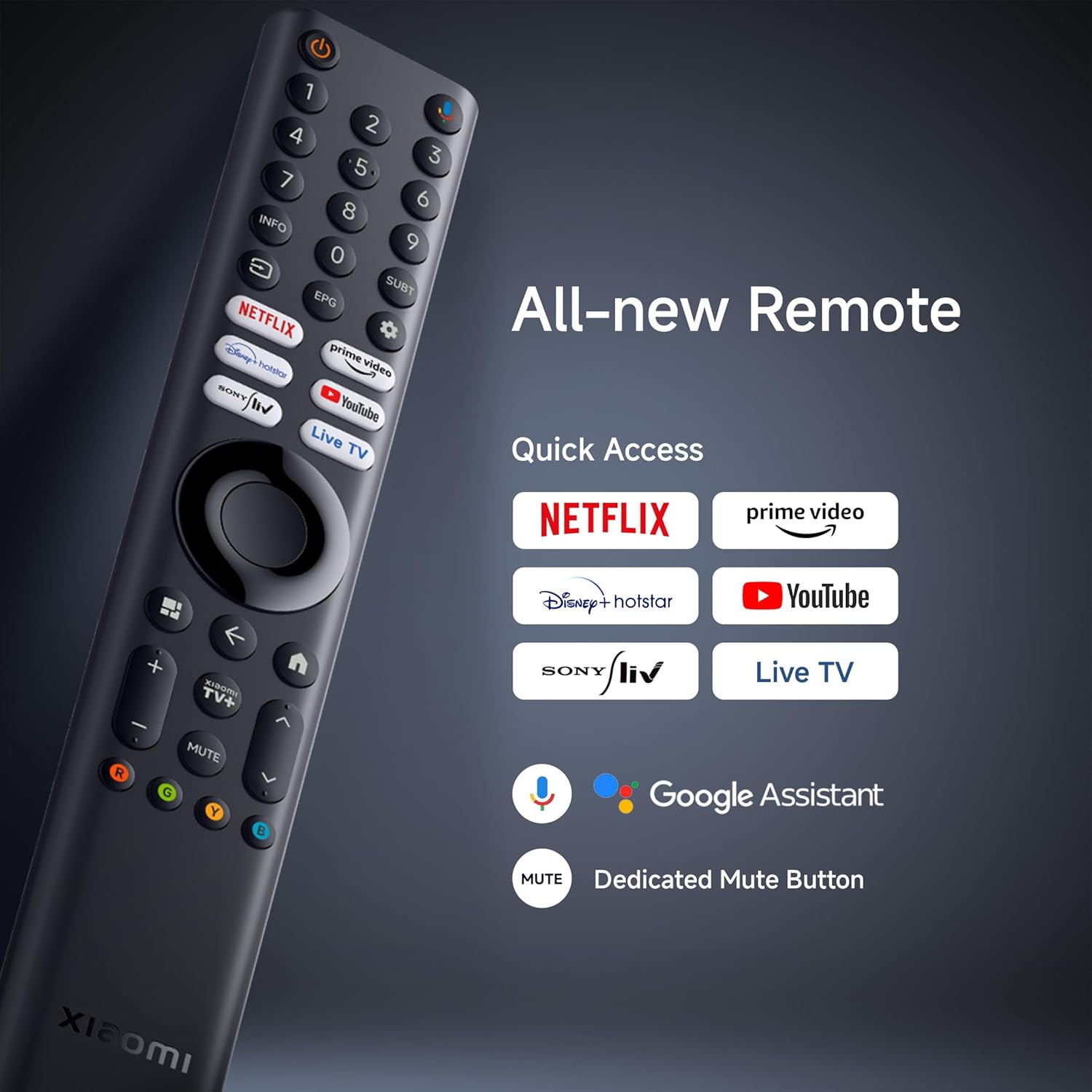
Image 3.3: PatchWall interface for content discovery.
3.3. Skærmindstillinger
Optimer din viewing experience with various display technologies and settings.
- 4K Ultra HD: Enjoy crisp, detailed images with 3840 x 2160 resolution.
- Dolby Vision: Experience enhanced brightness, contrast, and color with dynamic HDR optimization frame by frame.

Image 3.4: Dolby Vision technology for dynamic image quality.
- HDR10: Delivers high brightness and contrast for realistic visuals.
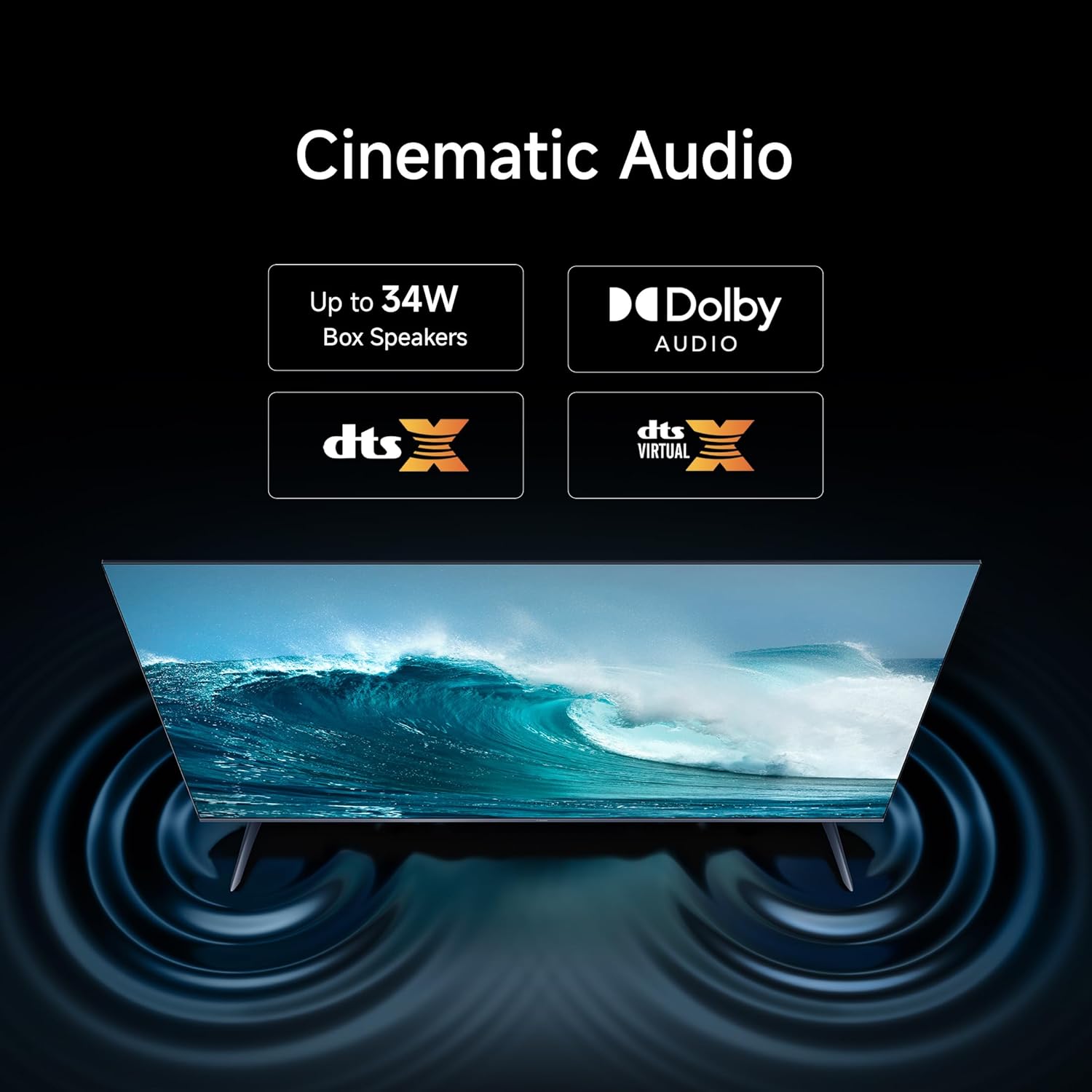
Image 3.5: HDR10 for detailed and realistic visuals.
- Filmskabertilstand: Disables post-processing effects to present content as the director intended.

Image 3.6: Filmmaker Mode for authentic content viewing.
- Vivid Picture Engine 2: Enhances color and clarity, supporting 1.07 billion colors and 94% DCI-P3 color gamut.
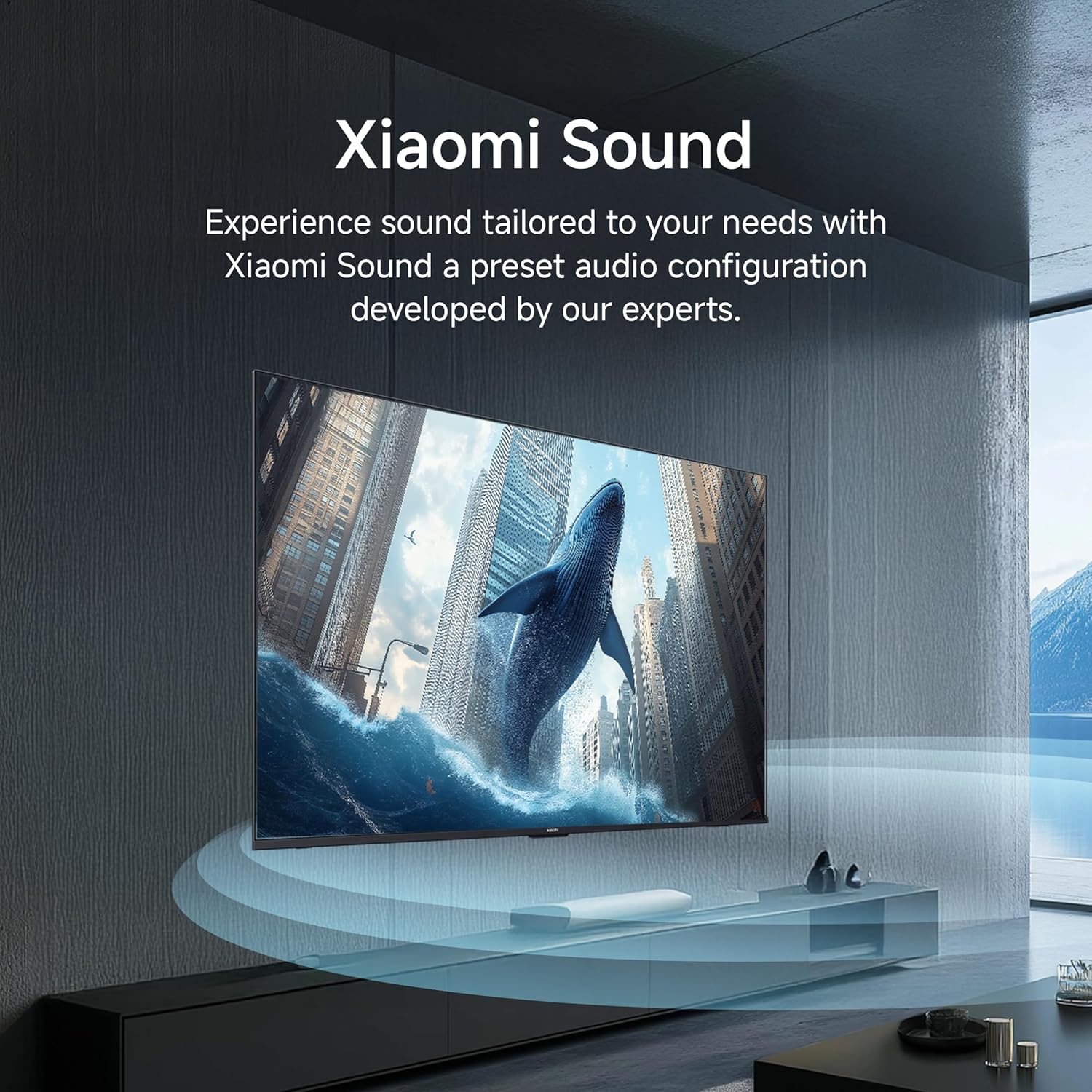
Image 3.7: Vivid Picture Engine 2 for rich and accurate colors.
- Øjenkomforttilstand: Reducerer udledning af blåt lys for komfortabel komfort viewing.
3.4. Lydindstillinger
The TV features 30 watts output with Dolby Audio, DTS-X, and DTS Virtual:X for an immersive sound experience.
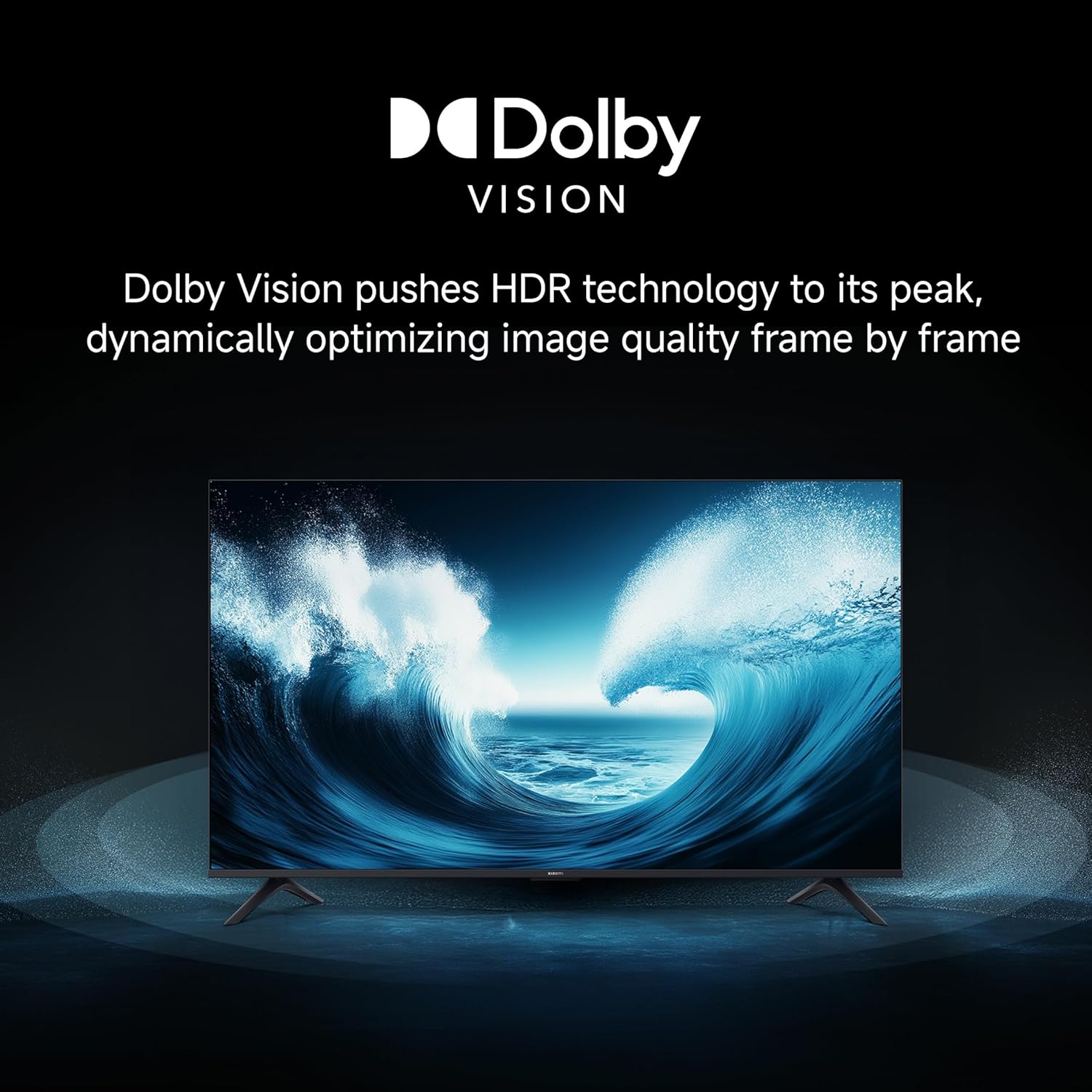
Image 3.8: Cinematic Audio technologies for enhanced sound.
Xiaomi Sound: Experience sound tailored to your needs with a preset audio configuration developed by experts.

Image 3.9: Xiaomi Sound for a customized audio experience.
3.5. Spilfunktioner
Enhance your gaming with dedicated features:
- 120Hz Game Booster: Boosts the refresh rate to 120Hz (DLG) for ultra-low latency and a more responsive gaming experience.

Image 3.10: 120Hz Game Booster for smoother gaming.
- MEMC Engine: Motion Estimation, Motion Compensation for smoother motion in fast-paced content.
3.6. Streaming og casting
Stream content from your phone or tablet directly to your TV using Google Cast or Apple AirPlay 2.

Image 3.11: Stream content from your phone to the TV.
The TV also supports various pre-installed apps like Netflix, Prime Video, YouTube, and Zee5. For additional content, consider the OTTplay subscription offer:

Image 3.12: OTTplay subscription offer for extended content access.
For more details on the OTTplay offer, scan the QR code or visit https://qr-codes.io/sbzPOa.
4. Vedligeholdelse
4.1. Rengøring af dit tv
- Tag altid stikket ud af tv'et inden rengøring.
- Brug en blød, tør og fnugfri klud til forsigtigt at tørre skærmen og kabinettet af.
- For genstridige mærker, gnid letampRengør kluden med vand eller en specialiseret skærmrens. Spray ikke rengøringsmiddel direkte på skærmen.
- Undgå at bruge slibende rengøringsmidler, voks eller opløsningsmidler, da de kan beskadige tv'ets overflade.
4.2. Softwareopdateringer
Your Xiaomi TV will periodically receive software updates to improve performance and add new features. Ensure your TV is connected to the internet to receive these updates. You can check for updates manually through the TV's settings menu.
5. Fejlfinding
Hvis du støder på problemer med dit tv, kan du bruge følgende almindelige løsninger:
| Problem | Mulig løsning |
|---|---|
| Ingen strøm / TV'et tænder ikke | Check if the power cord is securely connected to both the TV and the power outlet. Ensure the power outlet is working. Try a different outlet. |
| Intet billede / Sort skærm | Ensure the correct input source is selected. Check all cable connections (HDMI, AV). Try restarting the TV. |
| Ingen lyd | Check the volume level and ensure the TV is not muted. Verify audio cable connections if using external speakers. Check audio output settings in the TV menu. |
| Fjernbetjening virker ikke | Udskift batterierne. Sørg for, at der ikke er nogen forhindringer mellem fjernbetjeningen og tv'et. Genpar Bluetooth-fjernbetjeningen, hvis det er nødvendigt (se tv-indstillinger). |
| Langsom eller laggy brugerflade | Close unused applications. Clear cache from app settings. Perform a factory reset as a last resort (this will erase all data). Ensure sufficient internal storage is available (8 GB ROM). |
| Problemer med Wi-Fi-forbindelse | Restart your router and modem. Ensure the TV is within range of your Wi-Fi network. Re-enter the Wi-Fi password. Try a wired Ethernet connection if possible. |
Hvis problemet fortsætter efter at have prøvet disse løsninger, bedes du kontakte kundesupport.
6. Specifikationer
Detailed technical specifications for your Xiaomi X Series 4K Ultra HD Smart Google TV (L50MB-AIN).

Image 6.1: Physical dimensions and weight of the TV.
| Feature | Detalje |
|---|---|
| Mærke | XIAOMI |
| Model | L50MB-AIN |
| Model årgang | 2025 |
| Skærmstørrelse | 50 tommer (126 cm) |
| Displayteknologi | LED |
| Opløsning | 4K Ultra HD (3840 x 2160 pixels) |
| Opdateringshastighed | 60 Hz / 120Hz DLG |
| Viewi vinkel | 178 grader |
| Display Type | Dolby Vision | HDR 10 | HLG |
| Billedformatforhold | 16:9 |
| Billedkontrastforhold | 5000:1 |
| Svartid | 7 millisekunder |
| Operativsystem | Android 14 OS | Google TV |
| RAM-hukommelse | 2 GB |
| Intern opbevaring | 8 GB |
| Lydudgangseffekt | 30 watt |
| Højttalerkonfiguration | Dolby Audio | DTS - X | DTS Virtual : X |
| Understøttede lydformater | Dolby, DTS, MP3, FLAC, AAC, OGG, ADPCM, OPUS |
| Forbindelse | Dual Band Wi-Fi, Bluetooth, Ethernet, 3 HDMI ports (1 eARC), 2 USB ports, Optical, 3.5mm Audio, AV |
| Særlige funktioner | Filmmaker Mode, MEMC, Eye Comfort Mode, Google Cast built-in, Google Assistant |
| Produktmål (LxBxH) | 111.1 x 28 x 70 cm |
| Varens vægt | 7.4 kg |
| Tændt strømforbrug | 75 watt |
| Voltage | 240 volt |
7. Garanti og support
7.1. Garantioplysninger
Your Xiaomi X Series 4K Ultra HD Smart Google TV comes with a 2 års omfattende garanti. This warranty covers the cost of parts and labor for the product on an on-site service basis. Local transportation costs are covered if the unit needs to be transported to a service center for repairs that cannot be performed at your location.
To avail warranty services, please retain your purchase invoice.
7.2. Kundesupport
For further assistance, technical support, or warranty claims, please visit the official Xiaomi India website or contact their customer service. The user manual can also be accessed from the brand's official webwebsted for detaljerede oplysninger.
Fabrikant: DIXON TECHNOLOGIES (INDIA) LIMITED


