Cosmic Byte Nexus trådløs controller til pc - brugsanvisning
Model: Nexus
Indledning
This manual provides comprehensive instructions for the setup, operation, maintenance, and troubleshooting of your Cosmic Byte Nexus Wireless Controller. Please read this manual carefully before using the product to ensure optimal performance and longevity.

Billede: Forside view of the Cosmic Byte Nexus Wireless Controller, showcasing dens ergonomiske design og knaplayout.
Pakkens indhold
Sørg for at alle varer er til stede i pakken:
- Cosmic Byte Nexus Wireless Controller
- USB trådløs modtager
- Instruktionsmanual (dette dokument)
Bemærk: 2x AAA-batterier er påkrævet og er ikke inkluderet i pakken.
Opsætningsvejledning
1. Batteriinstallation
- Find batterirummet på bagsiden af controlleren.
- Åbn batteridækslet.
- Isæt to (2) AAA-batterier, og sørg for at polerne vender korrekt (+/-).
- Luk batteridækslet forsvarligt.

Image: Illustration showing the battery compartment and the insertion of 2x AAA batteries into the controller.
2. Tilslutning til pc
- Insert the USB Wireless Receiver into an available USB port on your PC.
- The PC will automatically detect and install the necessary drivers. This process may take a few moments.
- Once the drivers are installed, the controller is ready for use. No additional software is typically required for Windows PCs.
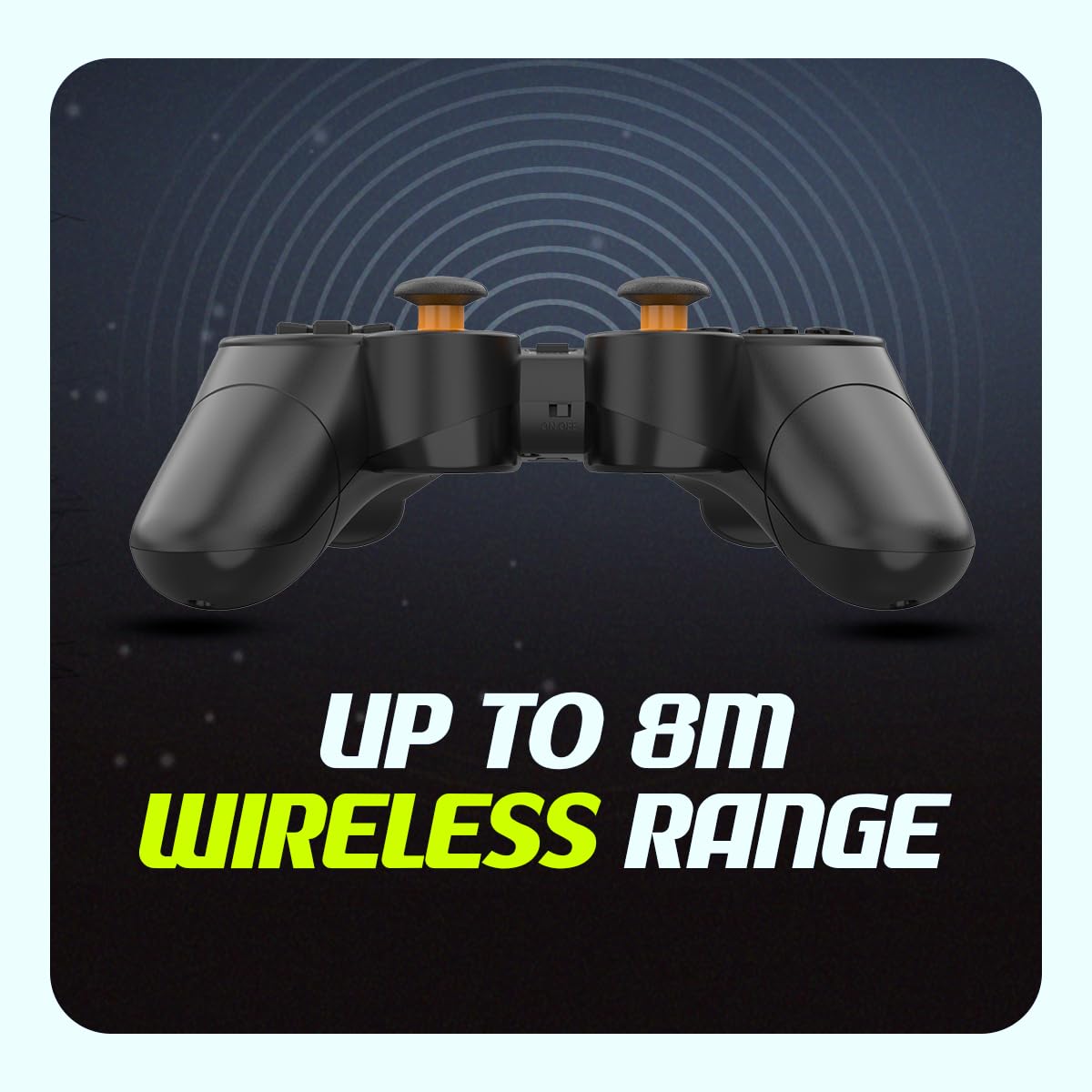
Image: The compact USB wireless receiver, ready to be plugged into a PC.
3. Tænd/sluk
- To power on the controller, ensure batteries are installed and slide the ON/OFF switch located on the top edge of the controller to the "ON" position.
- To power off the controller, slide the ON/OFF switch to the "OFF" position.
Billede: Nærbillede view of the controller's top edge, highlighting the ON/OFF switch for easy power management.
Betjeningsvejledning
Trådløs forbindelse
The Cosmic Byte Nexus controller utilizes 2.4GHz wireless technology, providing a stable connection with a range of up to 8 meters from the USB receiver. Ensure no significant obstructions are between the controller and the receiver for optimal performance.
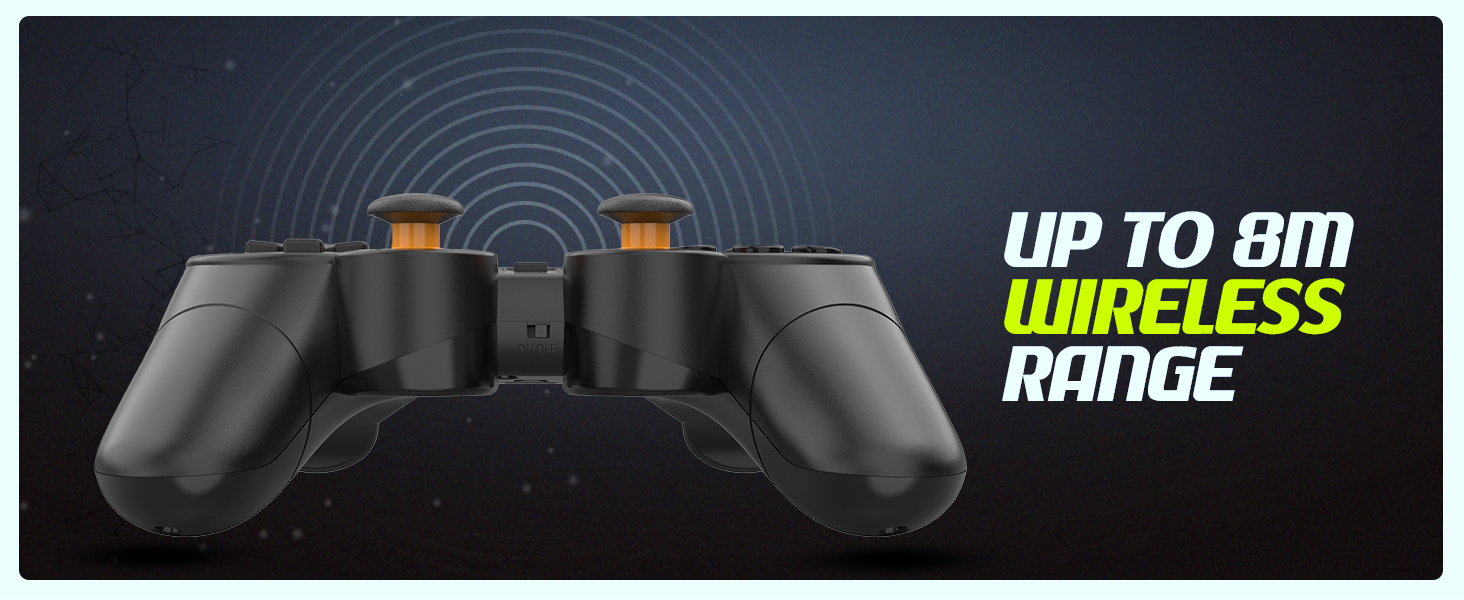
Image: Visual representation of the controller's wireless range, indicating connectivity up to 8 meters.
Controllerens layout og funktioner
The controller features a standard gamepad layout with responsive buttons and sensitive analog triggers for precise control.
- Retningstastatur (D-pad): Til retningsbestemt input.
- Venstre/højre analoge pinde: Til 360-graders bevægelse og kamerakontrol.
- Handlingsknapper (A, B, X, Y): Til handlinger i spillet.
- Skulderknapper (L1, R1) og aftrækkere (L2, R2): For additional in-game functions. The triggers are designed for sensitive input.
- VÆLG/TILBAGE-knap: Bruges typisk til menu-navigation eller specifikke spilfunktioner.
- START-knap: Bruges typisk til at sætte spil på pause eller til at få adgang til menuer.
- MODE knap: May switch between different input modes (e.g., X-Input/D-Input) if supported by the controller.

Billede: Detaljeret view of the controller's front, highlighting the various buttons, D-pad, and analog sticks.
Dobbelte vibrationsmotorer
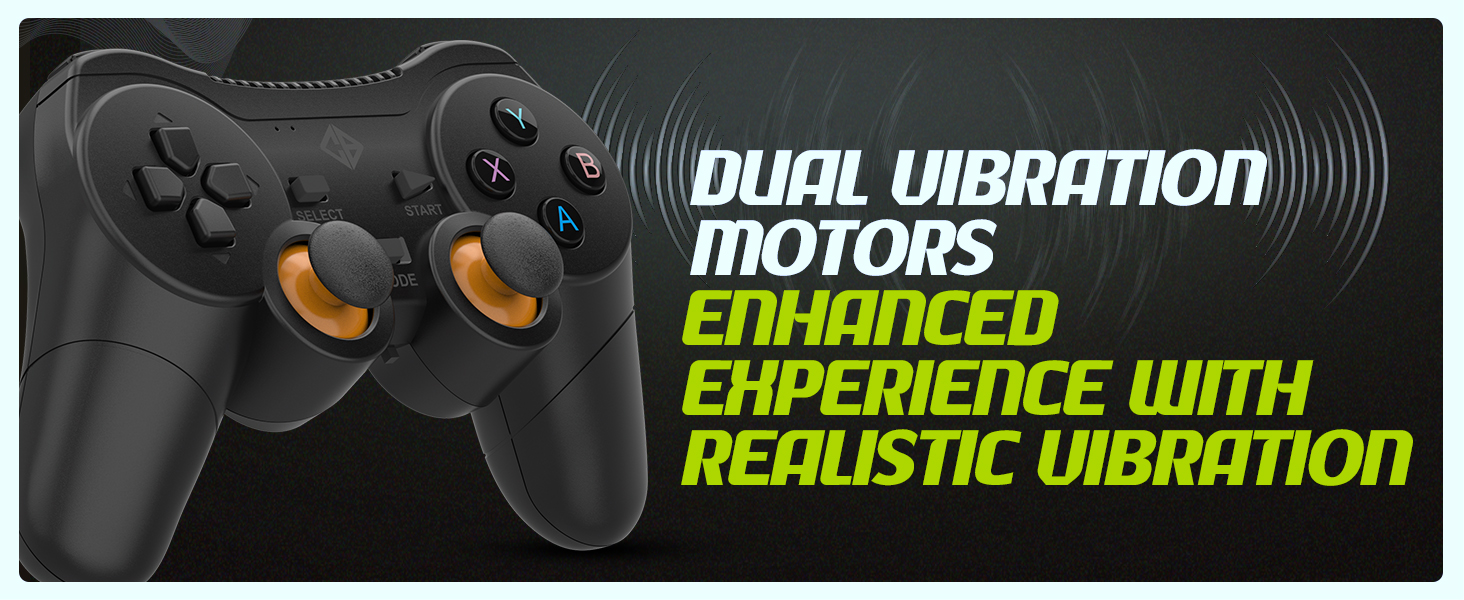
The controller is equipped with dual vibration motors that provide immersive feedback, enhancing your gaming experience by reacting to in-game events such as explosions, crashes, or impacts.
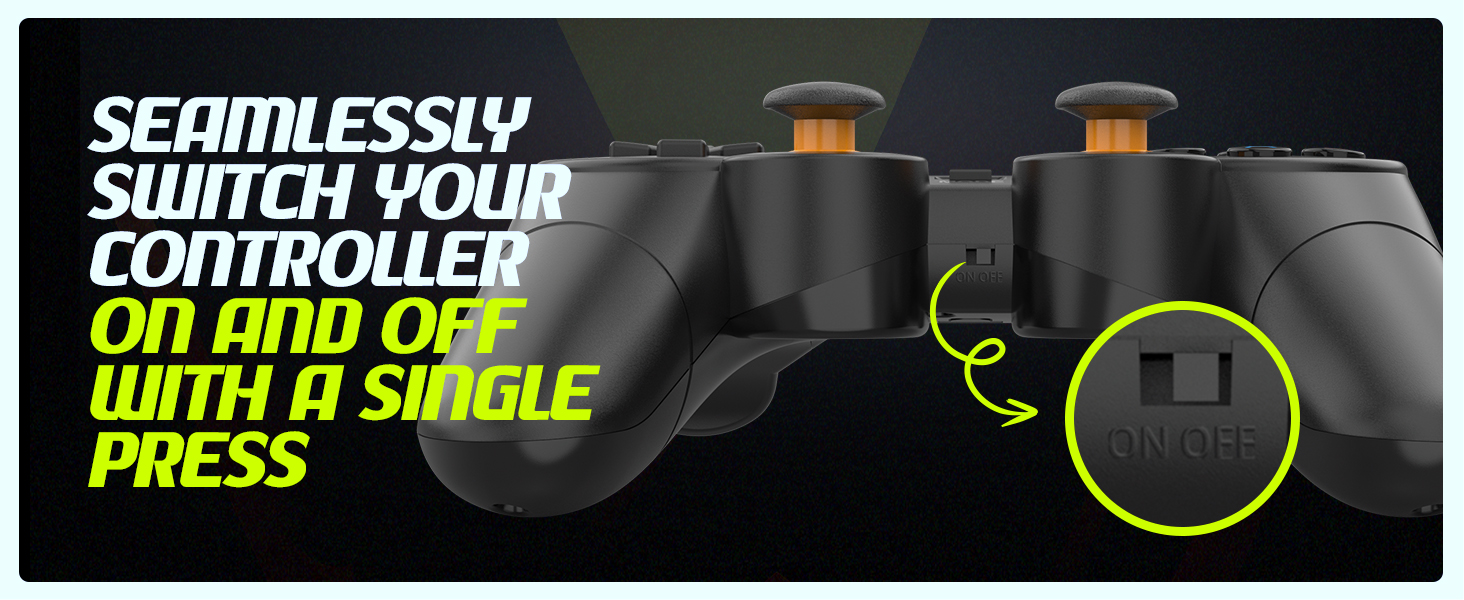
Image: Controller with visual cues indicating the presence and function of dual vibration motors.
X-Input and D-Input Support
The Cosmic Byte Nexus controller supports both X-Input and D-Input modes, ensuring broad compatibility with a wide range of PC games. X-Input is the standard for modern PC games, while D-Input provides compatibility with older titles.
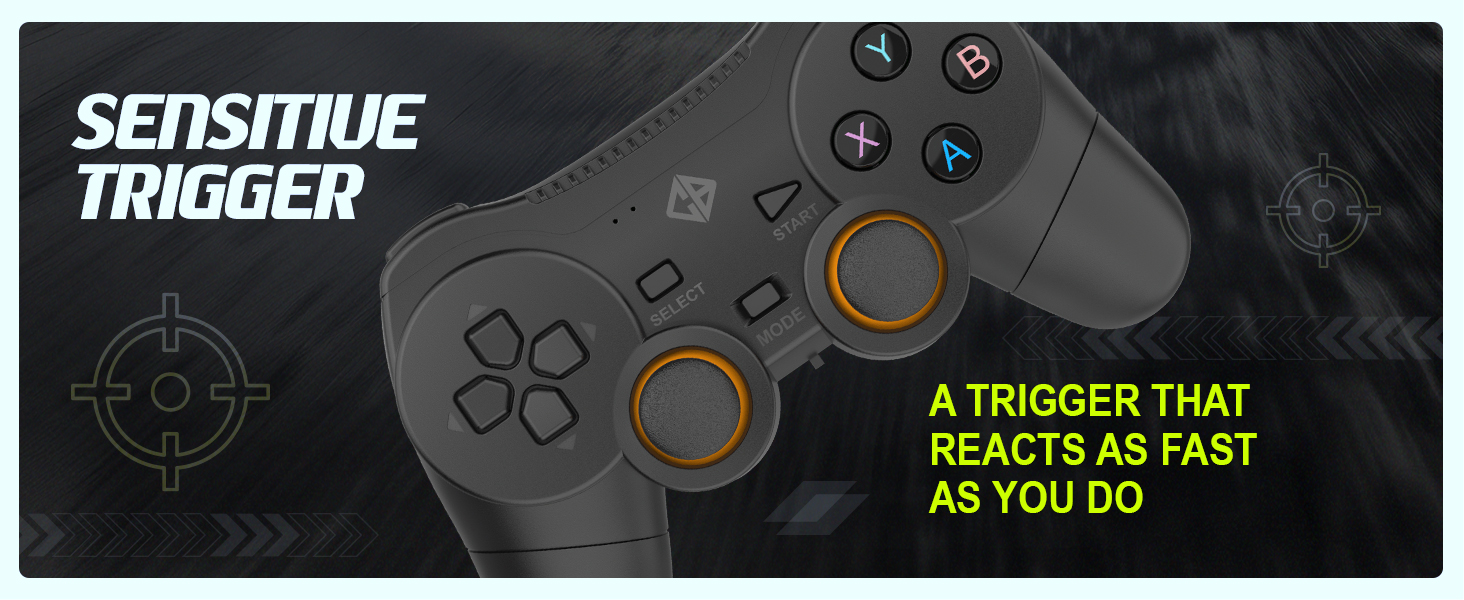
Image: Controller with text indicating support for X-Input and D-Input for seamless compatibility.
Opretholdelse
Udskiftning af batteri
When the controller's performance degrades or it fails to power on, it is time to replace the AAA batteries. Follow the battery installation steps outlined in the "Setup Guide" section.
Tip: Consider using rechargeable AAA batteries for an eco-friendly and cost-effective solution.
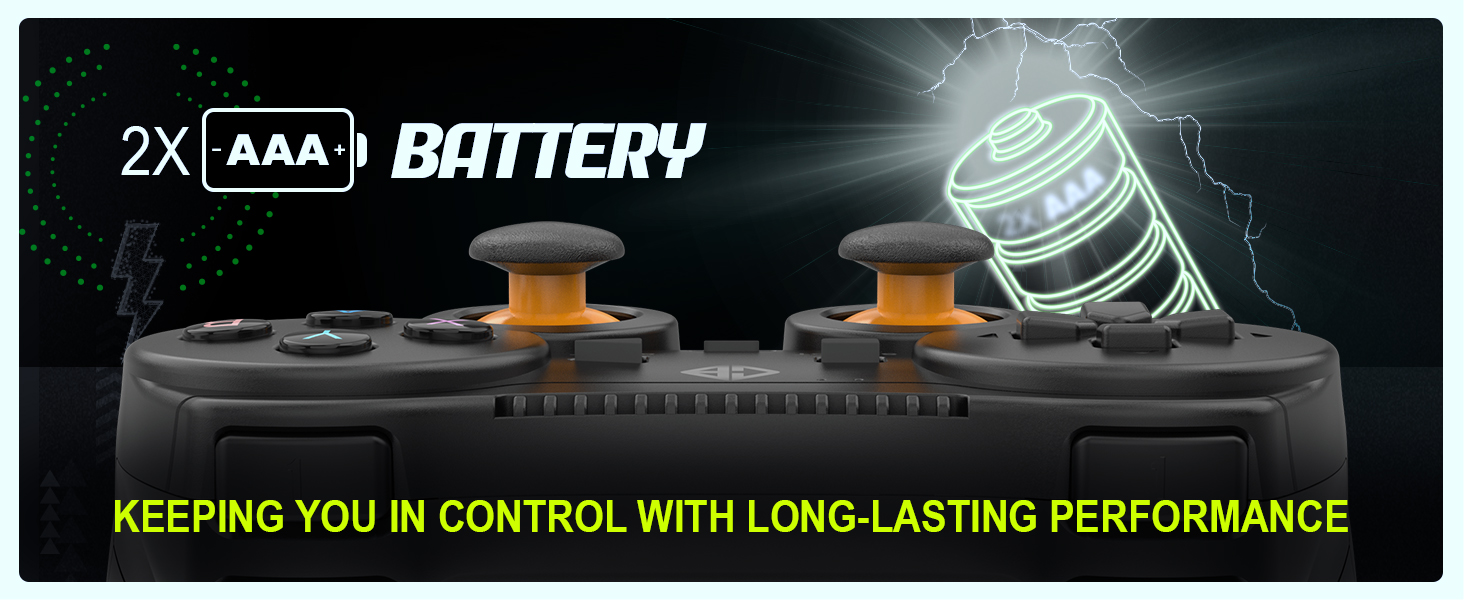
Image: Controller with an illustration of AAA batteries, emphasizing long-lasting performance.
Rensning
Brug en blød, tør klud til at rengøre controlleren. Til genstridigt snavs kan du bruge en let tør klud.amp En klud kan bruges, men sørg for, at der ikke kommer fugt ind i enheden. Undgå at bruge skrappe kemikalier eller slibende rengøringsmidler.
Fejlfinding
| Problem | Mulig årsag | Løsning |
|---|
| Controlleren tænder ikke. | Døde eller forkert installerede batterier. | Replace batteries with fresh AAA batteries, ensuring correct polarity. Check the ON/OFF switch is in the "ON" position. |
| Controlleren opretter ikke forbindelse til pc'en. | USB receiver not properly inserted or driver issue. | Ensure the USB receiver is fully inserted into a working USB port. Try a different USB port. Restart your PC. |
| Inputforsinkelse eller afbrudt forbindelse. | Interferens eller afstand fra modtager. | Reduce distance between controller and receiver. Remove any large metallic objects or other wireless devices that may cause interference. Ensure batteries are not low. |
| Vibrationen virker ikke. | Game does not support vibration or feature is disabled. | Check in-game settings to ensure vibration feedback is enabled. Verify the game supports controller vibration. |
| Buttons or analog sticks unresponsive/inaccurate (e.g., "stick drift"). | Wear and tear, or manufacturing defect. | Ensure the controller is clean. If issues persist, contact customer support for further assistance. |
Specifikationer
| Feature | Detalje |
|---|
| Mærke | Kosmisk byte |
| Modelnavn | Nexus |
| Forbindelsesteknologi | Trådløs (2.4 GHz) |
| Kompatible enheder | PC (Windows) |
| Controller type | Gamepad |
| Strømkilde | 2 x AAA batterier (medfølger ikke) |
| Varens vægt | 100 g |
| Produktmål (LxBxH) | 12 x 8 x 4 cm |
| Oprindelsesland | Kina |
Garanti og support
For warranty information, technical support, or service inquiries, please refer to the contact details provided with your purchase documentation or visit the official Cosmic Byte webwebstedet. Behold din købskvittering som købsbevis.
Producent / importør: Cosmic Byte, Prakash Warehousing, S. No.163, Hissa No 1-2-3-4-5A-5B/2/1, Phursungi, Pune 412308, Maharashtra, India


