Crelander 10.1-tommer Android 13 Tablet brugermanual
Model: T40
Indledning
This user manual provides comprehensive instructions for setting up, operating, and maintaining your Crelander 10.1-inch Android 13 Tablet. Designed for versatility and performance, this tablet comes equipped with a powerful processor, ample storage, and a vibrant display, making it suitable for various tasks from entertainment to productivity.

Image: The Crelander 10.1-inch Android 13 Tablet shown with its accompanying keyboard, mouse, and stylus, highlighting its 12GB RAM and 512GB ROM capabilities.
Hvad er der i æsken
Ved udpakning skal du kontrollere, at alle følgende varer er inkluderet:
- Crelander 10.1-inch Android 13 Tablet
- Beskyttende etui
- Trådløst tastatur
- Trådløs mus
- Stylus pen
- USB-C kabel
- OTG Data Cable
- Brugervejledning (dette dokument)
- Skærmbeskytter
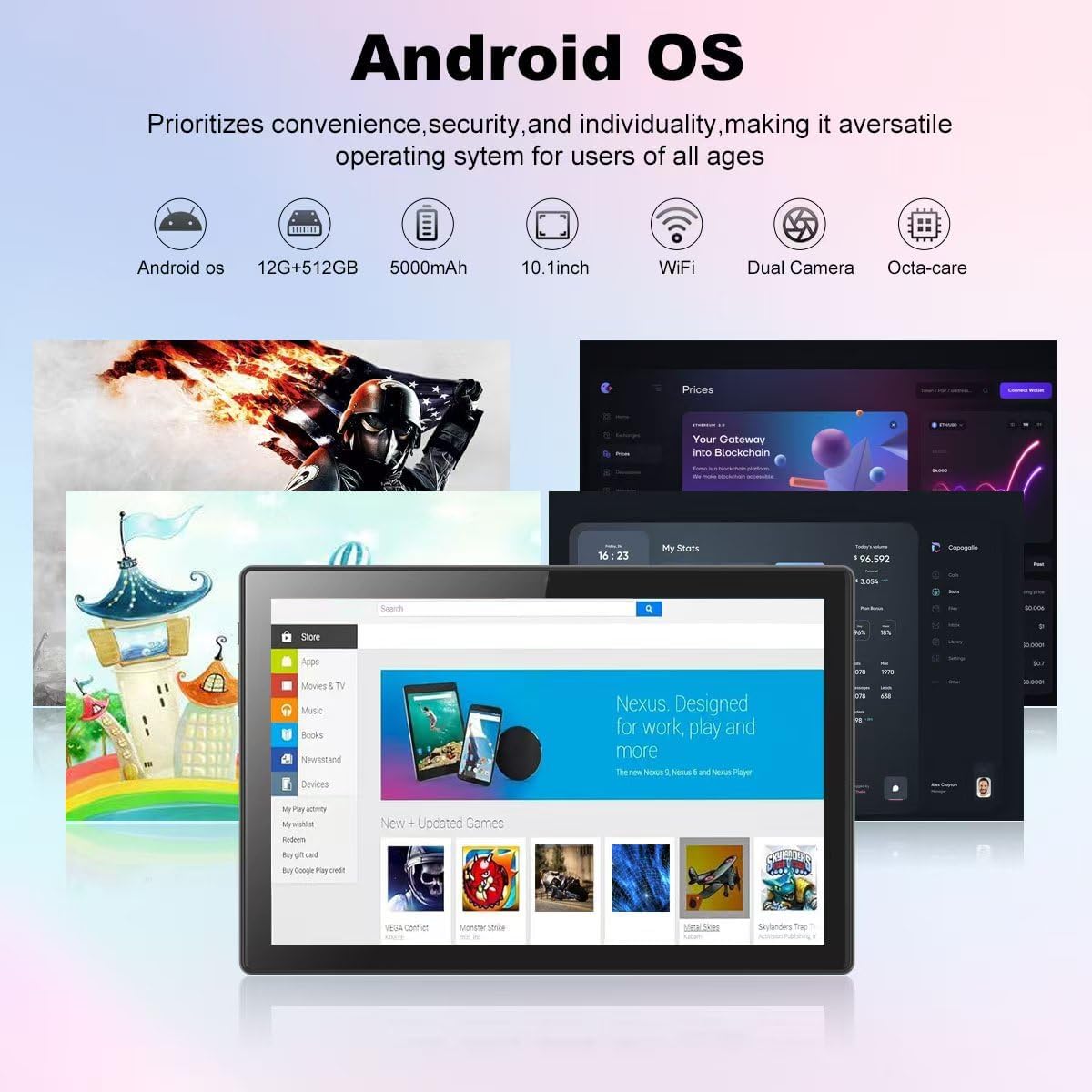
Image: A visual representation of the Crelander tablet package contents, including the tablet, protective case, keyboard, mouse, stylus, and cables.
Produkt overview
Fysiske komponenter

Image: A detailed diagram illustrating the various ports and buttons on the Crelander tablet, including the Type-C port, Reset button, Volume controls, Power button, Headphone Jack, TF-Card/SIM-Card slot, and speakers.
- Type-C port: Til opladning og dataoverførsel.
- Nulstil knap: Small pinhole for system reset if needed.
- Lydstyrkeknapper: Juster lydstyrken.
- Power knap: Tryk og hold nede for at tænde/slukke eller genstarte. Tryk kort for at slumre/vågne.
- Hovedtelefonstik: 3.5 mm lydudgang.
- TF-Card / SIM-Card Slot: Insert a TF (MicroSD) card for expandable storage (up to 1TB) or a SIM card for cellular data (if supported by your model).
- Højttalere: Integreret lydudgang.
Nøglefunktioner
- Vise: 10.1-inch 1280x800 IPS HD Touch Screen for vibrant visuals.
- Præstation: 12GB RAM and 512GB ROM, powered by Android 13 for smooth multitasking.
- Udvidelig lagerplads: Understøtter op til 1 TB via Micro SD-kort.
- Kameraer: Dual cameras (5MP Front, 13MP Rear) for photos and video calls. Features LED Flash and Face Unlock.
- Forbindelse: Built-in WiFi and Bluetooth for seamless wireless connections.
- Batteri: 8000mAh batteri til længere tids brug.

Billede: En overview of the Crelander tablet's features, including its 10-inch HD screen, dual camera system, 8000mAh battery, SIM card slot, and Android OS.

Image: Details on the tablet's camera capabilities, showing 5MP front and 13MP rear cameras, LED flash, and face unlock functionality.
Opsætning
Indledende opladning
Before first use, fully charge the tablet using the provided USB-C cable and a compatible power adapter. The battery indicator on the screen will show charging status.
Tænd/sluk
- For at tænde: Press and hold the Power button until the Crelander logo appears.
- For at slukke: Press and hold the Power button until a power menu appears, then select "Power off".
- For at genstarte: Press and hold the Power button until a power menu appears, then select "Restart".
Tilslutning af tilbehør
The tablet comes with a keyboard, mouse, and stylus for enhanced productivity. These accessories typically connect via Bluetooth.
- Tastatur/mus:
- Sørg for, at tastaturet/musen er opladet og tændt.
- Gå til på tabletten Indstillinger > Forbundne enheder > Bluetooth.
- Slå Bluetooth til, og søg efter tilgængelige enheder.
- Select the keyboard/mouse from the list and follow on-screen pairing instructions.
- Stylus: The provided stylus is a passive capacitive stylus and does not require pairing. Simply use it directly on the screen.
Betjening af tabletten
Grundlæggende navigation
The tablet runs on Android 13, offering an intuitive user interface. Use touch gestures for navigation:
- Tryk på: Vælg et element, eller åbn en app.
- Stryg: Rul gennem sider eller menuer.
- Knib-for-at-zoome: Zoom ind eller ud på billeder og web sider.
- Langt tryk: Få adgang til kontekstmenuer eller flyt ikoner.

Image: A screenshot of the Android OS interface on the Crelander tablet, showcasing various applications and the overall user experience.
Wi-Fi-forbindelse
Sådan opretter du forbindelse til et Wi-Fi-netværk:
- Gå til Indstillinger > Netværk og internet > Wi-Fi.
- Slå Wi-Fi til.
- Vælg det ønskede netværk fra listen.
- Indtast adgangskoden, hvis du bliver bedt om det, og tryk på "Opret forbindelse".
SIM Card Installation (if applicable)
If your model supports cellular data, you can install a SIM card:
- Locate the SIM card slot on the side of the tablet (refer to Product Overview diagram).
- Use the SIM ejector tool (not explicitly listed but implied for SIM slot) or a paperclip to open the tray.
- Place the SIM card correctly into the tray.
- Skub forsigtigt bakken tilbage i åbningen, indtil den klikker på plads.
Brug af kameraerne
The tablet features a 5MP front camera and a 13MP rear camera. Open the "Camera" app to capture photos or record videos.

Image: The tablet's dual camera setup, showing the rear camera module and a user taking a photo with the tablet.
Video Playback Demonstration
Watch this video to see the Crelander tablet in action, demonstrating its display quality and accessory integration.
Video: An official product video from Crelander, showcasing the 10.1-inch Android 13 Tablet, its accessories, and demonstrating video playback and general usage.
Specifikationer
| Feature | Specifikation |
|---|---|
| Mærke | Crelander |
| Modelnavn | T40 |
| Operativsystem | Android 13 |
| Skærmstørrelse | 10.1 tommer |
| Max skærmopløsning | 1280x800 pixels |
| Processor mærke | MT6750 |
| VÆDDER | 12 GB |
| Internt lager (ROM) | 512 GB |
| Udvidelig opbevaring | Up to 1TB via TF (MicroSD) Card |
| Forreste kamera | 5 MP |
| Bagkamera | 13 MP |
| Batterikapacitet | 8000mAh |
| Forbindelse | Wi-Fi, Bluetooth |
| Varens vægt | 3.3 pund |
| Produktmål (LxBxH) | 10 x 0.3 x 7 tommer |
| Farve | Grå Sort |

Image: Diagram showing the physical dimensions of the Crelander 10.1-inch tablet.
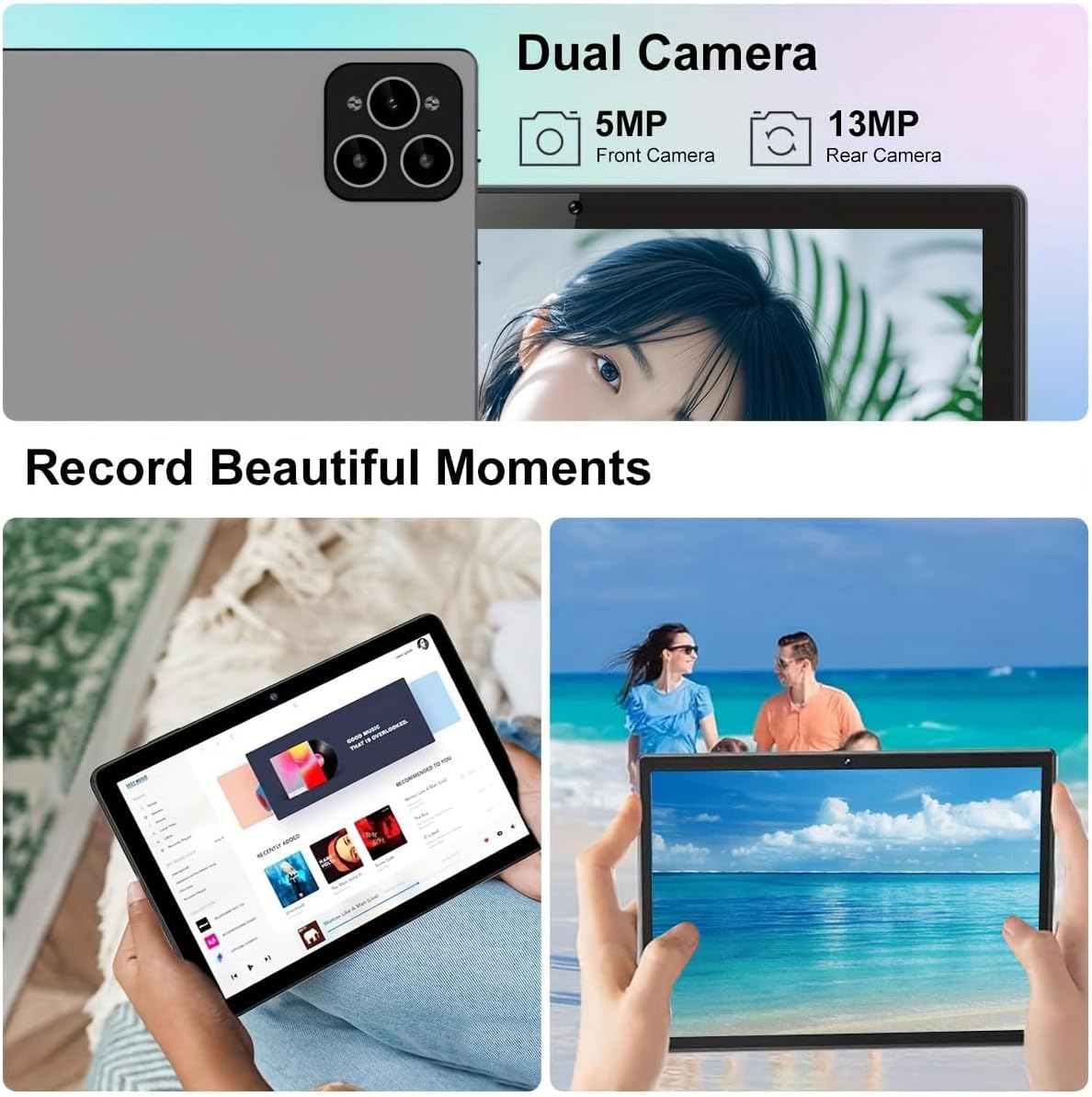
Image: Visual representation of the tablet's storage (12GB RAM, 512GB ROM, 1TB expandable) and processor (MTK 6763) capabilities.
Opretholdelse
- Rensning: Brug en blød, fnugfri klud til at rengøre skærmen og kabinettet. Undgå slibende rengøringsmidler eller opløsningsmidler.
- Batteripleje: To prolong battery life, avoid extreme temperatures and do not let the battery fully drain frequently.
- Softwareopdateringer: Søg regelmæssigt efter og installer systemopdateringer for at sikre optimal ydeevne og sikkerhed. Gå til Indstillinger > System > Systemopdatering.
- Lagerstyring: Ryd periodisk unødvendigt files og apps for at opretholde tilstrækkelig lagerplads og ydeevne.
Fejlfinding
| Problem | Løsning |
|---|---|
| Tabletten tænder ikke. | Sørg for, at tabletten er fuldt opladet. Tryk på tænd/sluk-knappen og hold den nede i mindst 10 sekunder. |
| Kan ikke oprette forbindelse til Wi-Fi. | Tjek om Wi-Fi er aktiveret i indstillingerne. Genstart din router. Sørg for at du indtaster den korrekte adgangskode. |
| Tabletten er langsom eller reagerer ikke. | Close unused applications. Clear cache. Restart the tablet. Consider a factory reset if issues persist (backup data first). |
| Tilbehør (tastatur/mus) forbinder ikke. | Ensure accessories are charged and in pairing mode. Re-pair them via Bluetooth settings. |
Garanti og support
Crelander offers dedicated after-sales support for any inquiries or issues you may encounter with your tablet. Please refer to your purchase documentation for specific warranty terms and contact information. For general support, visit the official Crelander webwebsted eller kontakt deres kundeservice.
Online ressourcer:
- Crelander Store on Amazon: Visit Crelander Store


