Indledning
The Logitech K250 Bluetooth® Keyboard offers effortless wireless connectivity, allowing for quick setup without a dongle and contributing to a clutter-free workspace. Designed for durability, it features a spill-resistant build and is constructed with a minimum of 64% recycled plastic. The keyboard provides a comfortable typing experience with its deep-profile keys and includes a numpad and essential function keys within a compact design, making it suitable for various environments and on-the-go use.
Produkt overview
The Logitech K250 is a compact wireless keyboard designed for efficiency and comfort. Key features include:
- Bluetooth-forbindelse: Connects quickly and easily without a USB dongle.
- Holdbart design: Built with long-lasting keys and a spill-resistant construction.
- Komfortabel skrivning: Features deep-profile keys and adjustable tilt legs for an ergonomic experience.
- Space-Saving Layout: Compact design includes a full numpad and essential F-key shortcuts.
- Bæredygtige materialer: Plastic parts are made with a minimum of 64% recycled plastic.
- Lang batterilevetid: Up to 12 months of daily use on a single set of batteries.

Figur 1: Top-down view of the Logitech K250 Bluetooth Keyboard, showcasing its compact layout and full numpad.

Figure 2: Diagram illustrating key features of the K250 keyboard, including the Bluetooth pair button, power/connect LED, and adjustable tilt legs on the underside.

Figur 3: Nærbillede view of the K250 keyboard alongside recycled plastic pellets, emphasizing its construction from sustainable materials.
Opsætning
1. Batteriinstallation
The Logitech K250 keyboard requires two AAA batteries, which are included in the package. To install the batteries:
- Find batterirummet på undersiden af tastaturet.
- Åbn batterirummets dæksel.
- Isæt to AAA-batterier, og sørg for at polariteten (+/-) vender korrekt.
- Luk batterirummets dæksel forsvarligt.
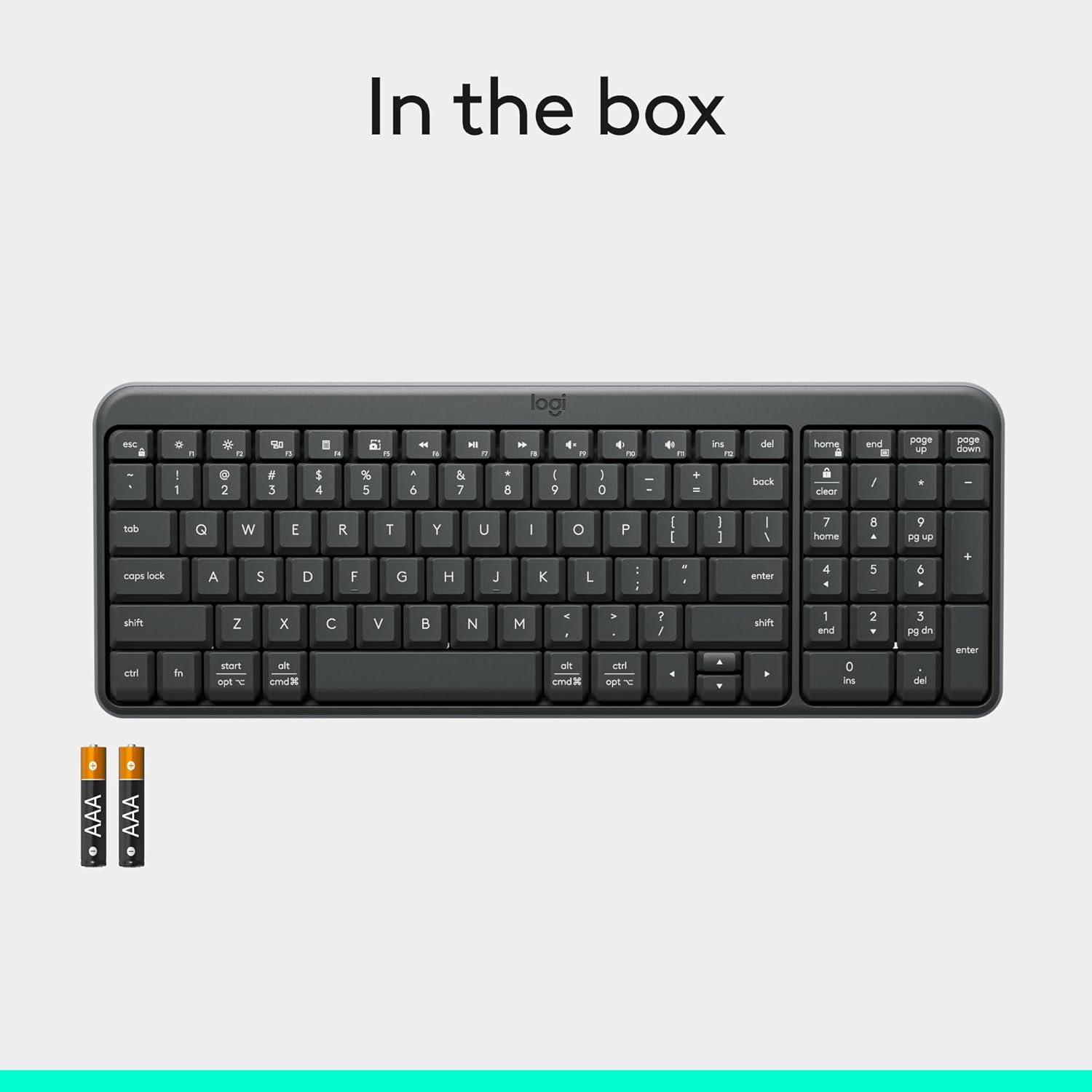
Figure 4: Contents of the K250 package, showing the keyboard and two AAA batteries.
2. Bluetooth-parring
The K250 keyboard connects wirelessly via Bluetooth, eliminating the need for a USB dongle. Follow these steps to pair your keyboard with your device:
- Ensure the keyboard is powered on. The power/connect LED (refer to Figure 2) should be active.
- Press and hold the Bluetooth pair button on the underside of the keyboard (refer to Figure 2) until the LED starts blinking, indicating it's in pairing mode.
- On your computer, tablet, or smartphone (Windows, macOS, etc.), navigate to your Bluetooth settings.
- Søg efter available Bluetooth devices. The Logitech K250 should appear in the list.
- Select "Logitech K250" and follow any on-screen prompts to complete the pairing process. You may be asked to enter a code displayed on your screen using the keyboard.
- Once successfully paired, the power/connect LED on the keyboard will stop blinking and remain solid for a few seconds, then turn off to conserve power.

Figure 5: The Logitech K250 keyboard in a workspace, demonstrating easy Bluetooth pairing with a computer.
Betjeningsvejledning
Grundlæggende brug
The Logitech K250 keyboard provides a familiar typing experience with its standard QWERTY layout and integrated numpad. The deep-profile keys are designed for comfortable and accurate keystrokes.
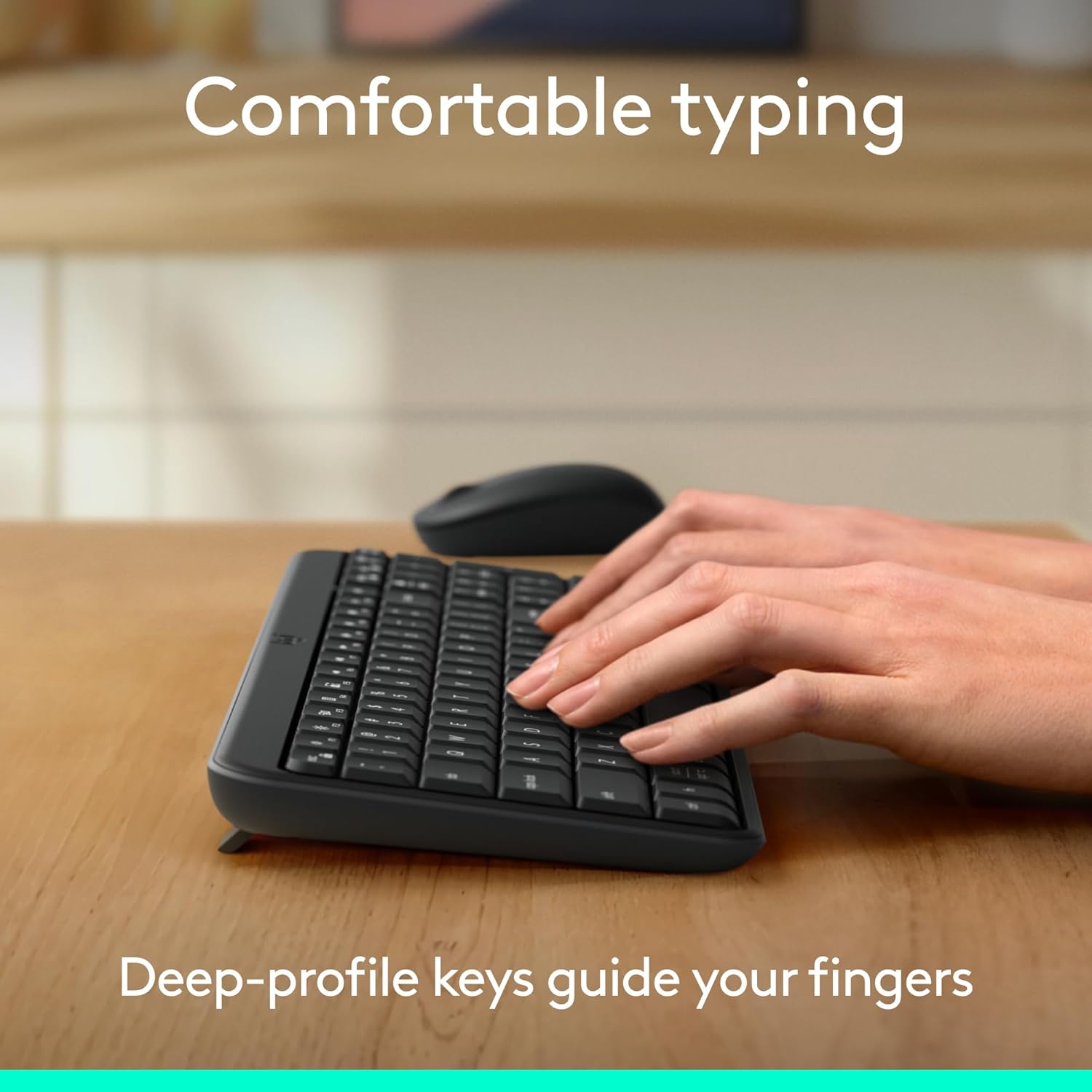
Figure 6: Hands demonstrating comfortable typing on the K250 keyboard, emphasizing the deep-profile nøgler.
Function Keys (F-keys) and Shortcuts
The K250 includes a row of F-keys (F1-F12) that can perform various functions, often in combination with the 'Fn' key. These shortcuts provide quick access to media controls, volume adjustments, and other system functions. Refer to your operating system's documentation for specific F-key functionalities.
Despite its compact size, the keyboard retains full functionality, including a dedicated numpad and arrow keys, making it versatile for both data entry and navigation.

Figure 7: The K250 keyboard integrated into a space-saving desk setup, demonstrating its compact yet functional design.
Opretholdelse
Rengøring af dit tastatur
To maintain the performance and appearance of your Logitech K250 keyboard, regular cleaning is recommended:
- Frakobl tastaturet fra din enhed, før du rengør det.
- Brug let en blød, fnugfri klud dampafsluttes med vand eller en mild rengøringsopløsning.
- Wipe down the keys and surface of the keyboard. Avoid excessive moisture.
- Brug trykluft til at fjerne snavs mellem tasterne.
- Tastaturet må ikke nedsænkes i vand, og der må ikke anvendes skrappe kemikalier.
Spildmodstand
The K250 keyboard features a spill-resistant design, meaning it can withstand minor liquid spills. In case of a spill:
- Immediately disconnect the keyboard from your device.
- Vend tastaturet på hovedet for at dræne eventuel væske.
- Tør overfladen af med en ren klud.
- Lad tastaturet lufttørre helt, før du tilslutter det igen.
Note: Spill resistance is tested under limited conditions. Do not intentionally submerge the keyboard in liquid.

Figure 8: Illustration of the K250 keyboard's spill-resistant design, showing liquid on the keys.
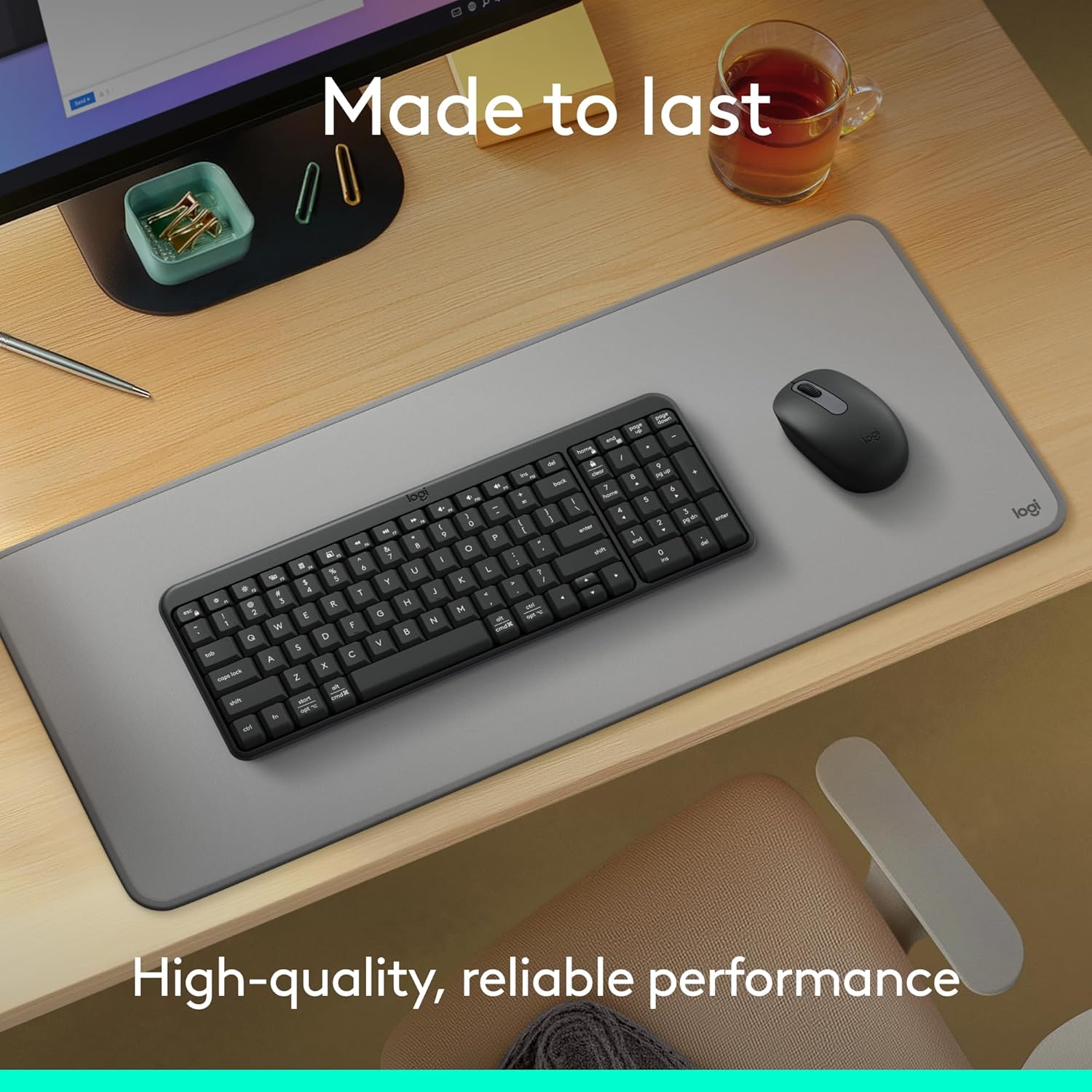
Figure 9: The K250 keyboard and a Logitech mouse on a desk, representing the product's durable construction.
Fejlfinding
Forbindelsesproblemer
- Tastatur forbinder ikke:
- Sørg for, at tastaturets batterier ikke er opbrugt. Udskift dem om nødvendigt.
- Bekræft, at Bluetooth er aktiveret på din enhed.
- Try re-pairing the keyboard by putting it into pairing mode and searching for it on your device's Bluetooth settings.
- Flyt tastaturet tættere på din enhed for at udelukke problemer med rækkevidden.
- Genstart din enhed, og prøv at parre igen.
- Intermitterende forbindelse:
- Tjek for andre trådløse enheder, der muligvis forårsager interferens.
- Ensure the keyboard is within optimal Bluetooth range.
- Opdater din enheds Bluetooth-drivere.
Key Functionality Issues
- Keys sticking or not responding:
- Clean around and under the affected keys using compressed air to remove debris.
- If a key feels physically stuck, gently press it multiple times to dislodge any obstruction.
- Ensure the keyboard is dry if it has recently been exposed to liquids.
- Incorrect character output:
- Check your device's language and keyboard layout settings.
- Genstart tastaturet og din enhed.
Specifikationer
| Feature | Detalje |
|---|---|
| Mærke | Logitech |
| Modelnavn | K250 |
| Varemodelnummer | 920-013442 |
| Forbindelsesteknologi | Bluetooth |
| Farve | Grafit |
| Produktmål (L x B x H) | 36.98 x 13.69 x 2.29 cm |
| Varens vægt | 380 gram |
| Strømkilde | Batteridrevet |
| Batterier påkrævet | 2 AAA batterier (medfølger) |
| Tastaturbeskrivelse | Membran |
| Kompatible enheder | Laptop, personlig computer, tablet |
| Særlige funktioner | Lightweight, Portable, Spill-Resistant, Made with Recycled Plastic |
Garanti og support
For warranty information, technical support, or further assistance with your Logitech K250 keyboard, please visit the official Logitech support website or contact their customer service. You can also find additional resources and product information on the Logitech store page on Amazon.


