1. Introduktion
This manual provides detailed instructions for the RUIZU M45 Android MP3 Player. Please read this guide thoroughly to ensure proper use and optimal performance of your device. The RUIZU M45 is a versatile portable media player featuring Android 13, a 4.5-inch IPS touchscreen, Wi-Fi, Bluetooth 5.0, and expandable storage up to 1TB.

Image: The RUIZU M45 Android MP3 Player displaying its app interface and music playback screen.
2. Pakkens indhold
Bekræft, at alle nedenstående varer er inkluderet i din pakke:
- 1 x RUIZU M45 Android MP3 Player
- 1 x USB-C cable (for charging & file overførsel)
- 1 x 3.5mm Wired Stereo headphones
- 1 x Beskyttelsesetui
- 1 x Screen protector (pre-installed, with an additional spare)
- 1 x 64GB Micro SD card (pre-installed)
- 1 x brugermanual

Image: All components included in the RUIZU M45 product package.
3. Opsætning
3.1 Opladning af enheden
Before first use, fully charge the device. Connect the provided USB-C cable to the player's charging port and the other end to a USB power adapter (not included) or a computer's USB port. The battery indicator will show charging status.

Image: The RUIZU M45 connected for charging, illustrating its 2000mAh battery.
3.2 Tænd/sluk
- Tænd: Tryk og hold tænd/sluk-knappen på siden af enheden nede, indtil skærmen lyser.
- Sluk: Press and hold the power button, then select 'Power off' from the options that appear on the screen.
3.3 Indledende opsætning
Upon first power-on, follow the on-screen prompts to select your language, connect to a Wi-Fi network, and set up your Google account. A Google account is required to access the Google Play Store and download applications.
3.4 Indsættelse af et Micro SD-kort
The device comes with a 64GB Micro SD card pre-installed. If you wish to use a different card or expand storage further (up to 1TB), locate the Micro SD card slot on the side of the device. Gently insert the card until it clicks into place. Ensure the device is powered off before inserting or removing the card.
4. Betjeningsvejledning
4.1 Navigation
The RUIZU M45 features a 4.5-inch IPS touchscreen for intuitive navigation. Swipe left/right to switch between home screens, tap icons to open applications, and swipe down from the top for quick settings and notifications.
4.2 Musikafspilning
The device supports various audio formats including MP3, WAV, FLAC, AAC, APE, OGG, M4A, WMA, and MP2. You can play music through:
- Pre-installed Music App: Use the built-in music player to scan and play local audio files. You can create playlists and manage your music library.
- Streaming apps: Preloaded apps like Spotify, Pandora, Amazon Music, Tidal, and Deezer allow you to stream music over Wi-Fi.

Image: The RUIZU M45's local music player interface with equalizer settings and supported formats.
4.3 Videoafspilning
The RUIZU M45 supports 720p and 1080p HD video playback, compatible with formats such as AVI, MKV, RMVB, MP4, MPG, and MOV. Use the pre-installed video player or download a preferred video player from the Google Play Store.
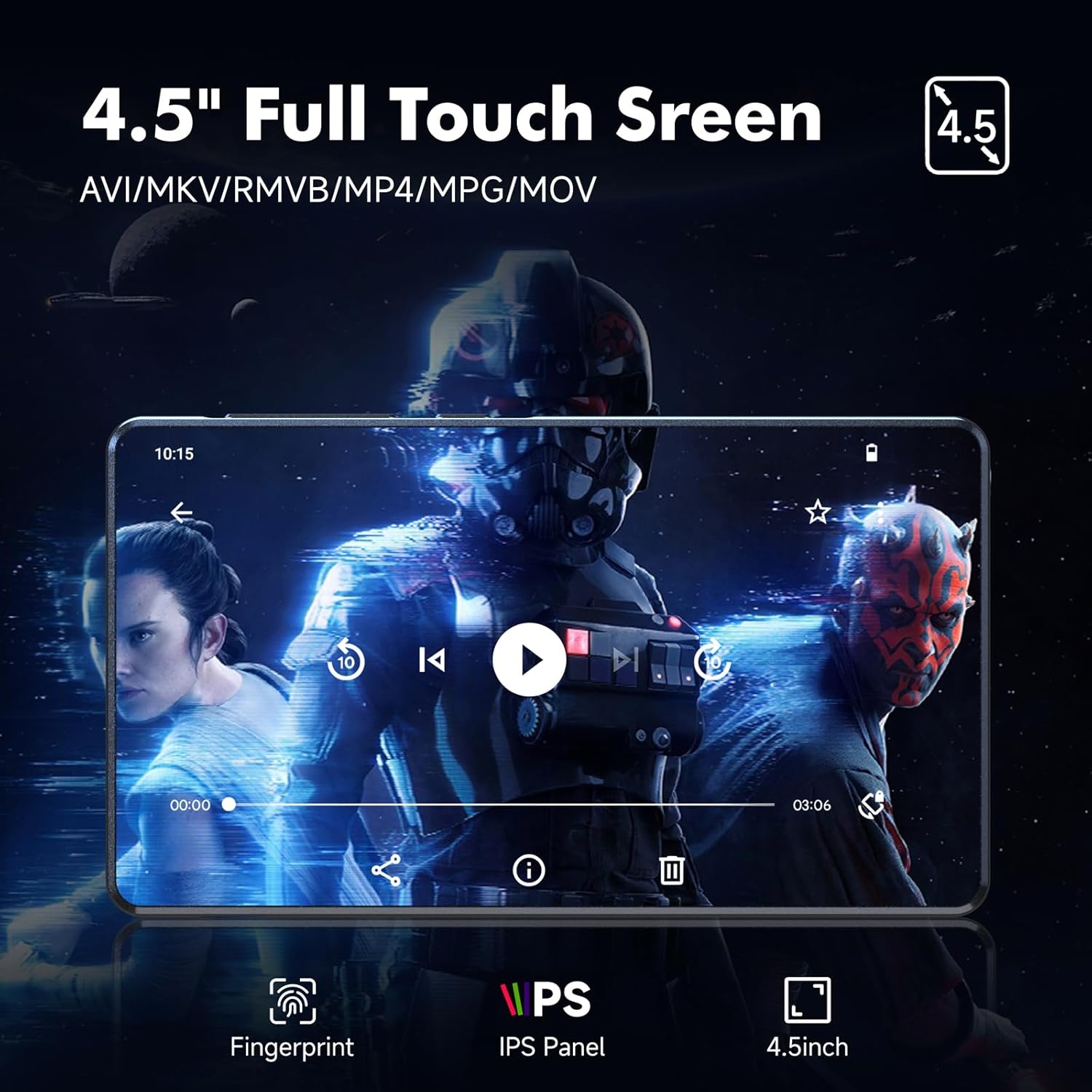
Image: Video playback on the RUIZU M45's 4.5-inch IPS touchscreen.
4.4 Audiobook Playback
Access audiobook content through preloaded applications such as Audible, Libby, LibriVox, and Kindle (via Wi-Fi). These apps allow you to download and listen to audiobooks directly on your device.
4.5 Forældrekontrol
The device utilizes Google's parental control system. To set up parental controls:
- Gå til Indstillinger > Google > Forældrekontrol.
- Follow the on-screen instructions to create a family group and manage app access, content restrictions, and screen time limits.
- You can set a password to prevent unauthorized app downloads or changes.
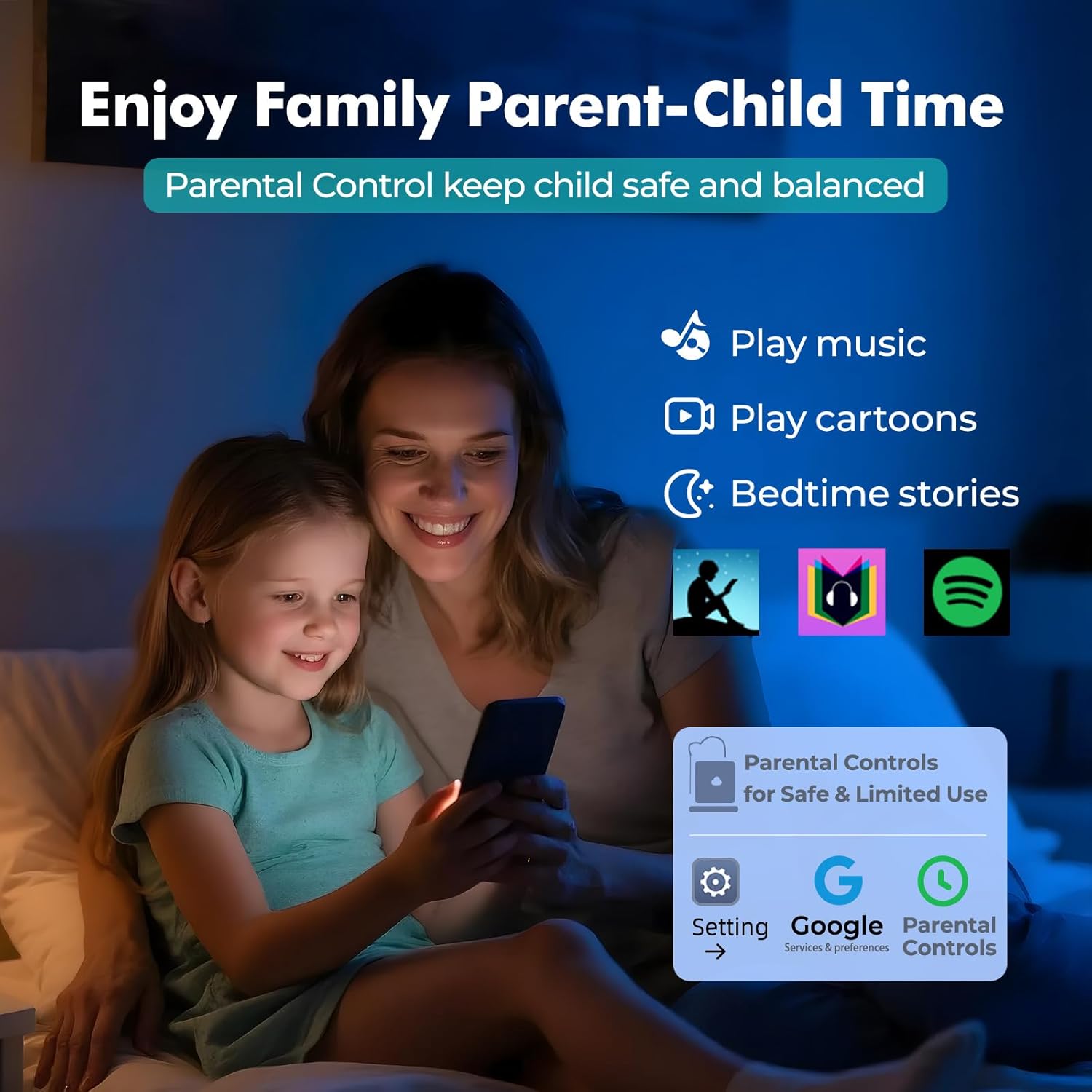
Image: Parental control features for safe and limited use of the RUIZU M45.
4.6 File Ledelse og overførsel
The RUIZU M45 allows for easy file overførsel:
- USB-C: Connect the device to a computer using the provided USB-C cable. The device will appear as a removable storage drive, allowing you to drag and drop files.
- Wi-Fi: Bruge file transfer applications or cloud services to transfer files wirelessly over your Wi-Fi network.
- Bluetooth: Overførsel files to and from Android phones or computers via Bluetooth. Note: iOS file transfer is not supported via Bluetooth.

Image: Methods for transferring files to and from the RUIZU M45.
4.7 FM Radio and Voice Recorder
The device includes a built-in FM radio and voice recorder. Access these features through their respective applications on the home screen. For FM radio, ensure wired headphones are connected as they act as the antenna.
5. Forbindelse
5.1 Wi-Fi-forbindelse
The RUIZU M45 supports dual-band Wi-Fi (2.4GHz & 5GHz) for stable internet access. To connect:
- Gå til Indstillinger > Netværk og internet > Wi-Fi.
- Tænd Wi-Fi, og vælg det ønskede netværk fra listen.
- Indtast adgangskoden, hvis du bliver bedt om det, og tryk på Forbinde.
5.2 Bluetooth -parring
The device features Bluetooth 5.0 for wireless audio and file transfer. To pair with a Bluetooth device (e.g., headphones, speakers, car audio):
- Gå til Indstillinger > Tilsluttede enheder > Bluetooth.
- Slå Bluetooth til.
- Sæt dit Bluetooth-tilbehør i parringstilstand.
- On the RUIZU M45, tap Par ny enhed and select your accessory from the list.
- Bekræft parring, hvis du bliver bedt om det.

Image: Bluetooth 5.0 connectivity for headphones, speakers, and car audio.
6. Vedligeholdelse
6.1 Pleje af batterier
- Undgå at aflade batteriet helt ofte.
- Oplad enheden med det medfølgende USB-C-kabel og en kompatibel strømkilde.
- Opbevar enheden et køligt og tørt sted, når den ikke er i brug i længere perioder.
6.2 Lagerstyring
The device has 16GB of internal storage and supports up to 1TB via Micro SD card. To optimize performance:
- Regularly transfer large files (music, videos, photos) to the Micro SD card.
- Uninstall unused applications to free up internal storage.
- Clear app cache periodically from Indstillinger > Apps > [Appnavn] > Lagring og cache.

Image: Storage and memory specifications of the RUIZU M45.
7. Fejlfinding
- Enheden tænder ikke: Ensure the device is fully charged. If it still doesn't power on, try holding the power button for 10-15 seconds for a forced restart.
- Problemer med Wi-Fi-forbindelse: Check if your Wi-Fi router is working correctly. Ensure you have entered the correct password. Try restarting the device and your router.
- Bluetooth pairing problems: Make sure the accessory is in pairing mode. Ensure the RUIZU M45's Bluetooth is enabled. Try unpairing and re-pairing the device.
- Apps der går ned eller yder langsomt: Close background applications. Clear app cache. Ensure sufficient free storage space. Consider a factory reset if issues persist (backup data first).
- Kan ikke overføre files to iOS devices via Bluetooth: This is a known limitation; Bluetooth file transfer to iOS devices is not supported. Use alternative methods like cloud services or a computer.
8. Specifikationer
| Feature | Specifikation |
|---|---|
| Modelnummer | M45 |
| Operativsystem | Android 13 |
| Processor | 8-core MTK6762 |
| VÆDDER | 3 GB |
| Intern opbevaring | 16 GB |
| Udvidelig opbevaring | Up to 1TB via Micro SD card |
| Skærmstørrelse | 4.5 tommer |
| Display Type | IPS berøringsskærm |
| Forbindelse | Bluetooth 5.0, Wi-Fi (2.4GHz & 5GHz) |
| Batterikapacitet | 2000mAh Lithium Polymer |
| Lydformater | MP3, WAV, FLAC, AAC, APE, OGG, M4A, WMA, MP2, etc. |
| Videoformater | AVI, MKV, RMVB, MP4, MPG, MOV (720p & 1080p HD) |
| Særlige funktioner | Built-In Speaker, Equalizer, FM Radio, Touch Screen, Voice Recorder, Google Play Store access, Parental Controls |
| Dimensioner | 4.59 × 2.55 × 0.39 tommer |
| Vægt | 0.34 lbs (ca. 13.4 ounces) |
9. Garanti og support
For warranty information, technical support, or customer service inquiries, please refer to the contact details provided on the product packaging or the official RUIZU webwebsted. Gem din købskvittering for garantikrav.


