1. Introduktion
Thank you for choosing the Oilsky M501 Pro MP3/MP4 Player. This device is designed to provide a versatile multimedia experience, combining high-fidelity audio playback, 1080P video capabilities, and smart features powered by Android 13.0. This manual will guide you through the setup, operation, and maintenance of your new player. Please read it carefully to ensure optimal performance and longevity of your device.
2. Sikkerhedsoplysninger
- Udsæt ikke enheden for ekstreme temperaturer, direkte sollys eller høj luftfugtighed.
- Undgå at tabe eller udsætte enheden for kraftige stød.
- Brug kun det medfølgende opladningskabel og adapter for at undgå skader.
- Forsøg ikke selv at adskille eller reparere enheden. Kontakt kundesupport for at få hjælp.
- Hold enheden væk fra vand og andre væsker.
- Længerevarende lytning ved høje lydstyrker kan forårsage høreskader.
3. Pakkens indhold
Markér venligst feltet for følgende elementer:
- 1x Oilsky M501 Pro Music Player
- 1x USB Type-C kabel
- 1x Wired Earphones
- 1x beskyttelsesfilm
- 1x beskyttelsesetui
- 1x Brugermanual (dette dokument)
- 1x 64GB TF-kort (forinstalleret eller separat)

Figur 3.1: Contents of the Oilsky M501 Pro retail package. This image displays the music player, USB-C cable, wired earphones, a screen protector, a protective case, the user manual, and a 64GB TF card.
4. Enhed overview
The Oilsky M501 Pro features a sleek design with a 4.7-inch touchscreen display. Familiarize yourself with the device's physical components.

Figur 4.1: For og bag view of the Oilsky M501 Pro player. The front shows the 4.7-inch touchscreen with various app icons, while the rear displays a minimalist black finish.
4.1. Fysiske knapper og porte
- Power knap: Placeret på siden, bruges til at tænde/slukke enheden eller vække/slukke skærmen.
- Lydstyrkeknapper: Juster lydudgangsniveauet.
- USB Type-C-port: Til opladning og dataoverførsel.
- 3.5 mm hovedtelefonstik: For connecting wired earphones or headphones.
- MicroSD -kortplads: Til udvidelse af lagerkapaciteten.
- Indbygget højttaler: Til lydafspilning uden hovedtelefoner.
5. Opsætning
5.1. Opladning af enheden
Oplad enheden helt før første brug.
- Tilslut USB Type-C-kablet til enhedens opladningsport.
- Tilslut den anden ende af kablet til en USB-strømadapter (medfølger ikke) eller en computers USB-port.
- Opladningsindikatoren på skærmen viser opladningsstatus.
5.2. Tænd/sluk
- For at tænde: Tryk og hold tænd/sluk-knappen nede, indtil skærmen lyser.
- For at slukke: Tryk og hold tænd/sluk-knappen nede, og vælg derefter "Sluk" fra mulighederne på skærmen.
- At sove/vågne: Tryk kort på Power-knappen.
5.3. Indsættelse af et MicroSD-kort
The device supports external storage expansion up to 1TB via a MicroSD card. A 64GB TF card is included.
- Find MicroSD-kortstikket på siden af enheden.
- Sæt forsigtigt MicroSD-kortet i kortstikket med de gyldne kontakter nedad, indtil det klikker på plads.
- For at fjerne det skal du forsigtigt skubbe kortet ind, indtil det springer ud.

Figur 5.1: Illustration of the Oilsky M501 Pro's storage capabilities, showing 32GB ROM, an included 64GB SD card, and support for up to 1TB external expansion.
5.4. Tilslutning til Wi-Fi
The M501 Pro supports 2.4GHz and 5GHz Wi-Fi for internet access and app downloads.
- Gå til Indstillinger > Netværk og internet > Wi-Fi.
- Slå Wi-Fi til/fra On.
- Vælg dit ønskede Wi-Fi-netværk fra listen.
- Indtast adgangskoden, hvis du bliver bedt om det, og tryk derefter på Forbinde.
5.5. Bluetooth-parring
Connect to Bluetooth headphones, speakers, or other compatible devices.
- Gå til Indstillinger > Tilsluttede enheder > Bluetooth.
- Slå Bluetooth til/fra On.
- Sørg for, at dit Bluetooth-tilbehør er i parringstilstand.
- Vælg tilbehøret fra listen over tilgængelige enheder, der skal parres.
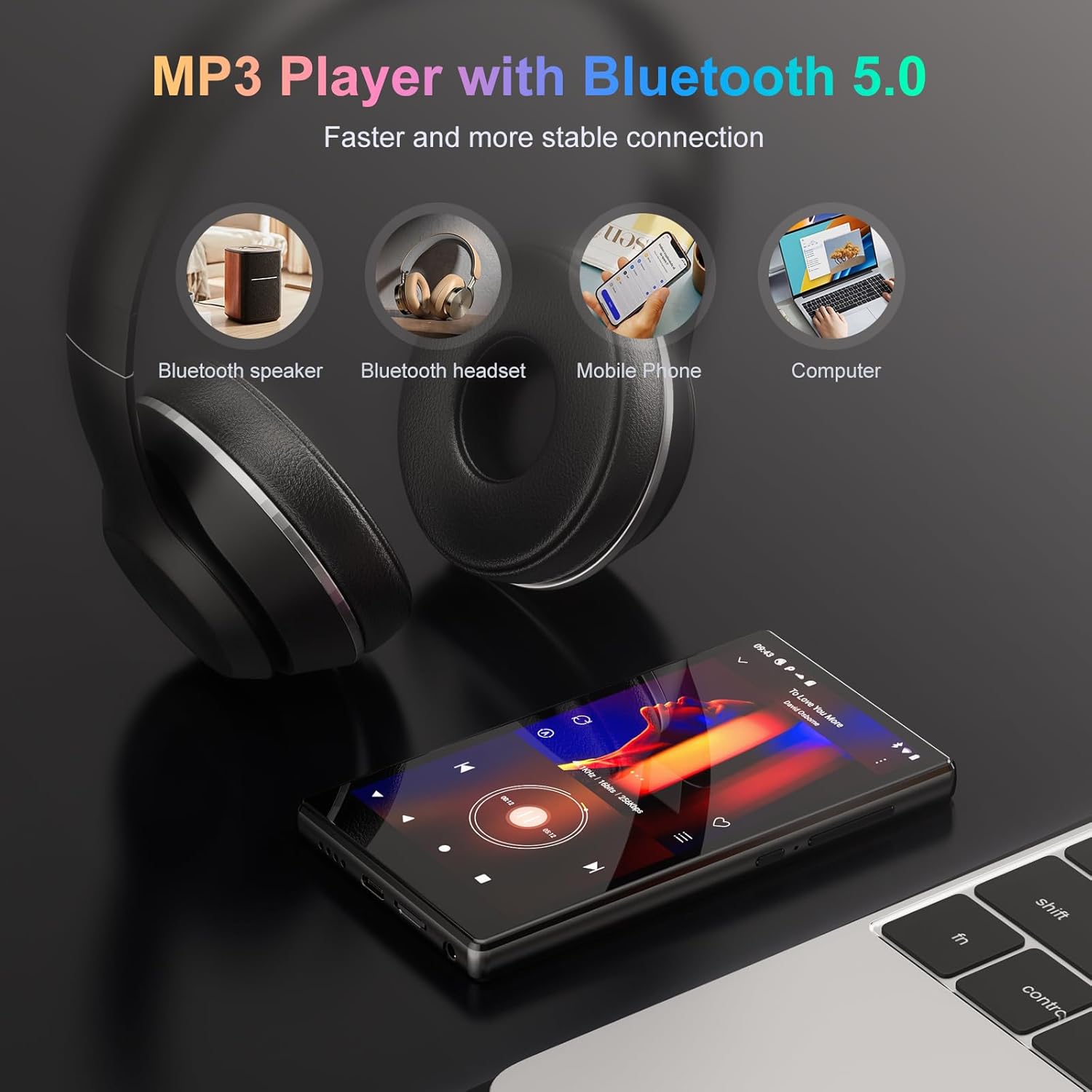
Figur 5.2: The Oilsky M501 Pro demonstrating its Bluetooth 5.0 connectivity, showing connections to a Bluetooth speaker, headphones, mobile phone, and computer.
6. Betjeningsvejledning
6.1. Grundlæggende navigation
The M501 Pro features a 4.7-inch multi-touch screen.
- Tryk på: Vælg et element, eller åbn en app.
- Stryg: Naviger gennem skærme eller lister.
- Knib-for-at-zoome: Zoom ind eller ud på billeder eller web sider.
6.2. Musikafspilning
The device supports various audio formats including MP3, WAV, APE, FLAC, and AAC.
- Open the pre-installed music player app or a streaming app like Spotify.
- Browse your music library or search for tracks.
- Tryk på en sang for at starte afspilningen.
- Use the on-screen controls for play/pause, skip, and volume adjustment.

Figur 6.1: The music playback interface of the Oilsky M501 Pro, displaying song information, playback controls, and supported audio formats (MP3, WAV, APE, AAC, FLAC).
6.3. Videoafspilning
Enjoy 1080P HD videos with support for AVI, MKV, RMVB, MP4, MPG, and MOV formats.
- Open the video player app.
- Vælg en video file fra din lagerplads.
- The video will begin playing. Use the touchscreen for playback controls.

Figur 6.2: The Oilsky M501 Pro displaying 1080P video content on its 4.7-inch screen, highlighting its full format video compatibility and wide viewvinkel.
6.4. App Installation (Android 13.0)
The device runs on Android 13.0, allowing access to the Google Play Store and APK installations.
- Google Play Butik: Connect to Wi-Fi, open the Play Store app, sign in with your Google account, and download apps.
- APK Installation: For apps not available on the Play Store, you can download APK files from trusted sources and install them after enabling "Install unknown apps" in security settings.
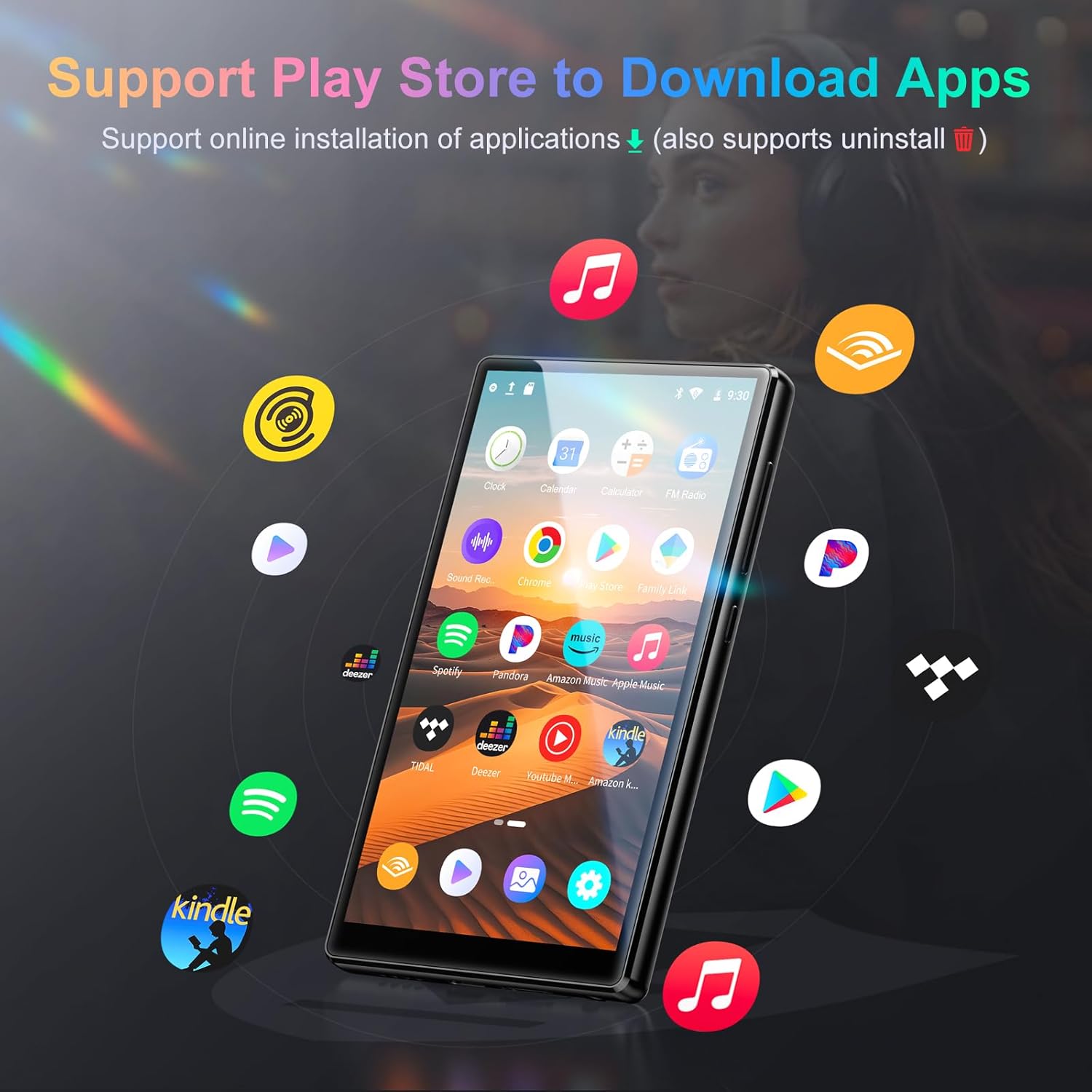
Figur 6.3: The Oilsky M501 Pro showcasing its support for various applications, including Spotify, Pandora, Amazon Music, and YouTube Music, downloadable via the Play Store.
6.5. Forældrekontrol
Utilize parental control features to manage usage for children.
- Indstil daglige tidsgrænser for enhedens brug.
- Schedule downtime periods.
- Manage and restrict access to specific applications.
- Access these settings through the device's Indstillinger menu, typically under "Digital Wellbeing & parental controls" or a similar section.
7. Vedligeholdelse
7.1. Rensning
- Tør skærmen og kabinettet af med en blød, tør og fnugfri klud.
- Brug ikke slibende rengøringsmidler, alkohol eller kemiske opløsningsmidler.
7.2. Batteripleje
- Undgå at aflade batteriet helt ofte.
- Oplad enheden regelmæssigt, selvom den ikke er i brug, for at opretholde batteriets sundhedstilstand.
- Opbevar enheden et køligt og tørt sted, hvis den ikke bruges i længere perioder.
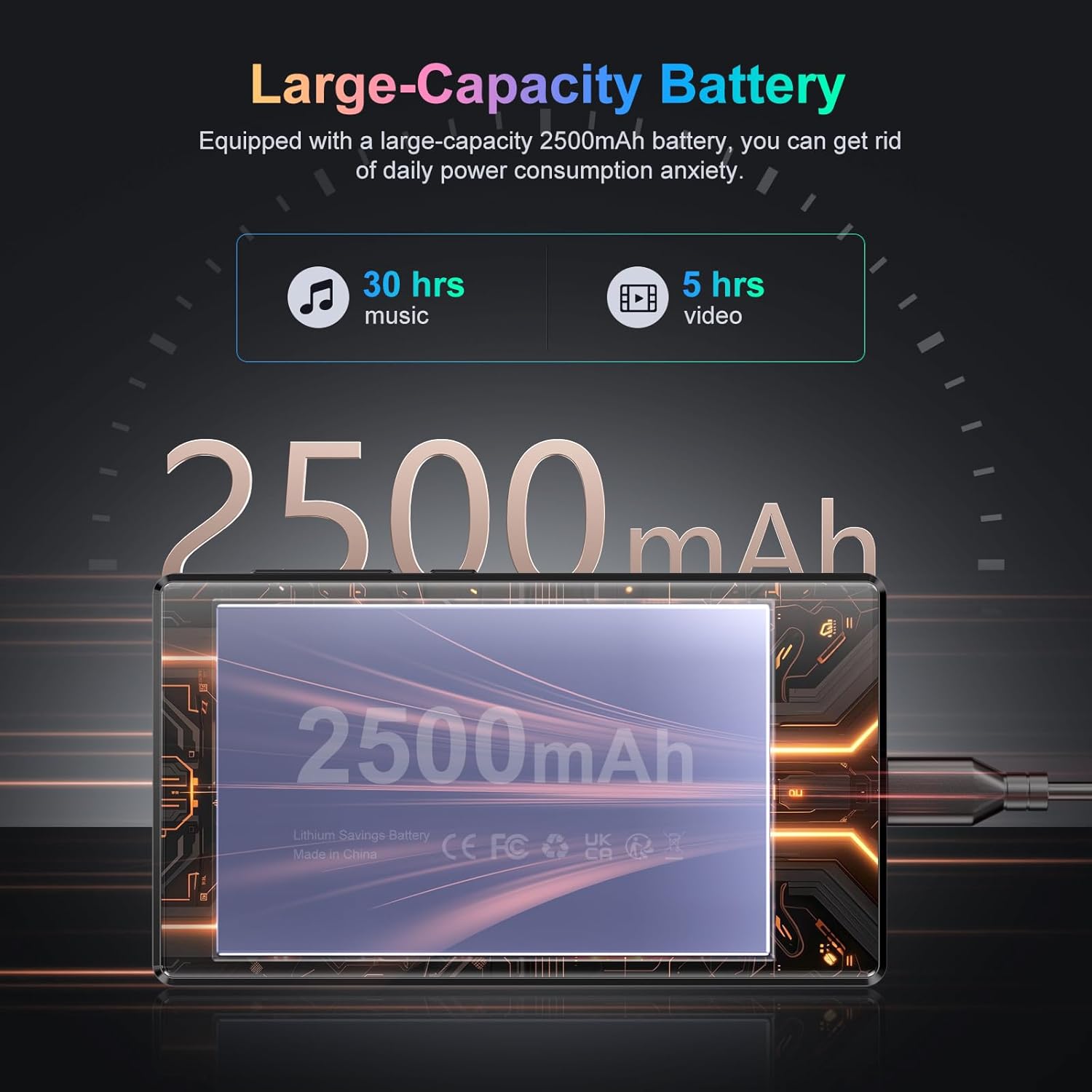
Figur 7.1: An illustration highlighting the Oilsky M501 Pro's 2500mAh battery, indicating approximately 30 hours of music playback or 5 hours of video playback on a full charge.
7.3. Softwareopdateringer
Periodically check for software updates in Indstillinger > System > Systemopdatering for at sikre, at din enhed har de nyeste funktioner og sikkerhedsrettelser.
8. Fejlfinding
| Problem | Mulig løsning |
|---|---|
| Enheden tænder ikke. | Ensure the battery is charged. Connect to a charger for at least 30 minutes. If unresponsive, perform a forced restart by holding the Power button for 10-15 seconds. |
| Kan ikke oprette forbindelse til Wi-Fi. | Check if Wi-Fi is enabled in settings. Verify the Wi-Fi password. Restart your router and the device. Try connecting to a different network. |
| Bluetooth-enhed parres ikke. | Ensure Bluetooth is enabled on both devices. Put the accessory in pairing mode. Move devices closer. Restart both devices. |
| Apps er langsomme eller går ned. | Close background apps. Clear app cache (Settings > Apps > [App Name] > Storage & cache > Clear cache). Restart the device. Ensure sufficient storage space. |
| Ingen lyd fra højttaler/hovedtelefoner. | Check volume levels. Ensure headphones are properly connected. Test with different headphones. If using Bluetooth, ensure it's connected and volume is up. |
9. Specifikationer
Detailed technical specifications for the Oilsky M501 Pro.
| Feature | Detalje |
|---|---|
| Mærke | Oilsky |
| Modelnummer | M501 Pro |
| Operativsystem | Android 13.0 |
| Processor | MTK 8-kerne |
| VÆDDER | 4 GB |
| Internt lager (ROM) | 32 GB |
| Udvidelig opbevaring | Up to 1TB via MicroSD card (64GB TF card included) |
| Skærmstørrelse | 4.7 tommer |
| Skærmopløsning | 1280x720 (HD) |
| Displayteknologi | LCD (G+F+F multi-touch) |
| Bluetooth | Bluetooth 5.0 |
| Wi-Fi | 2.4 GHz og 5 GHz dual-band |
| Lydformater | MP3, WAV, APE, FLAC, AAC, etc. |
| Videoformater | AVI, MKV, RMVB, MP4, MPG, MOV, etc. (1080P Full Format) |
| Batterikapacitet | 2500mAh litiumpolymer |
| Særlige funktioner | High-resolution audio, Built-in speaker, Parental controls |
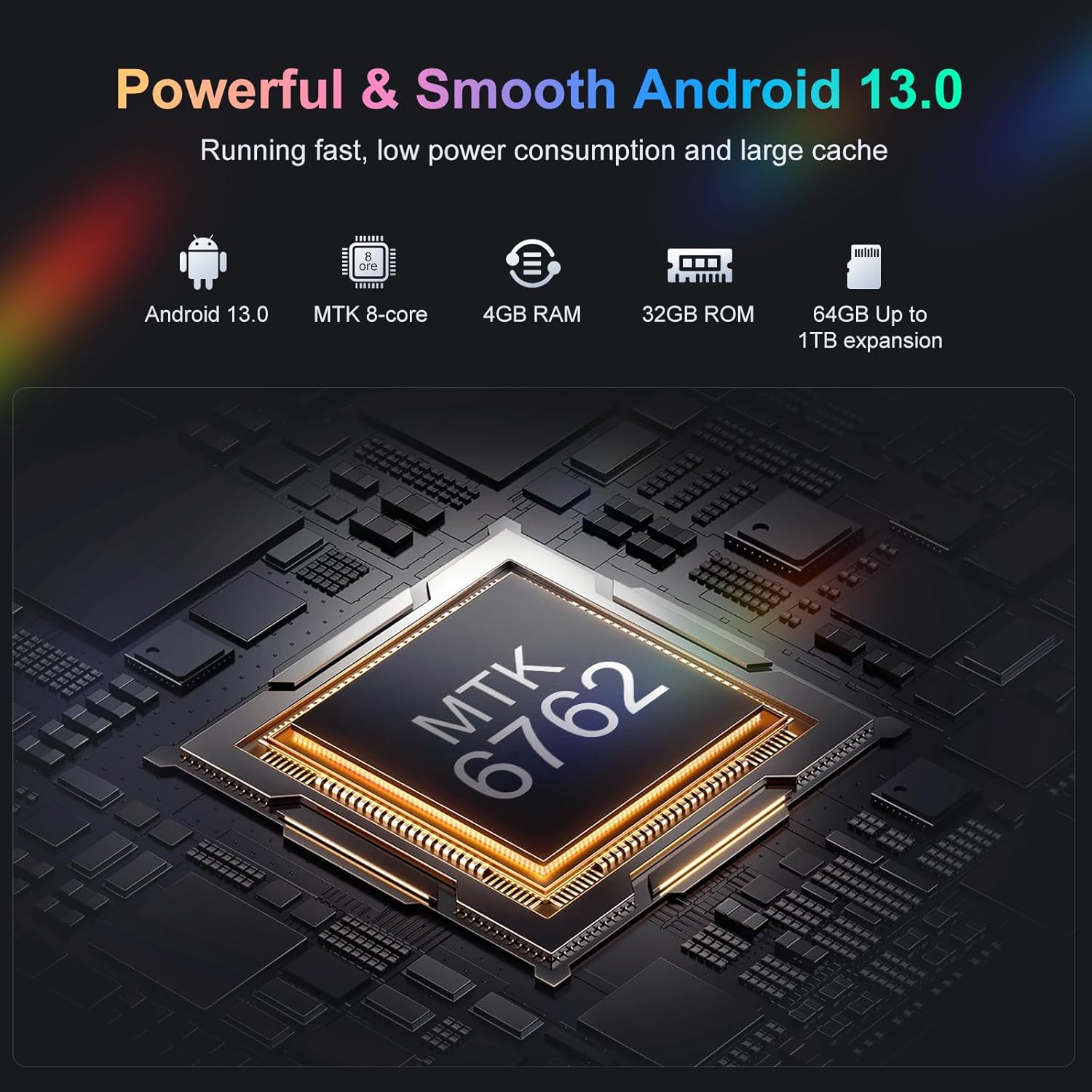
Figur 9.1: En intern view highlighting the MTK 8-core processor, 4GB RAM, 32GB ROM, and 64GB included storage with up to 1TB expansion for the Oilsky M501 Pro.
10. Garanti og support
Oilsky products are designed for reliability and performance. For warranty information, please refer to the warranty card included in your package or visit the official Oilsky webwebsted.
If you encounter any issues or have questions not covered in this manual, please contact Oilsky customer support through the contact information provided on the official webwebsted eller din købsplatform.
- Online support: Besøg Oilsky Brand Store on Amazon for mere information og supportressourcer.


