Indledning
This manual provides essential information for setting up, operating, and maintaining your HP 15.6 inch Laptop. Designed for everyday computing, this laptop features an AMD Ryzen 3 7320U processor, 8 GB of RAM, a 128 GB SSD, and an HD touchscreen display, running on Windows 11 Home in S Mode. Please read this manual thoroughly to ensure optimal performance and longevity of your device.

Figure 1: HP 15.6 inch Laptop, showcasing its display with Windows 11 interface.
Hvad er der i æsken
Upon unboxing your HP 15.6 inch Laptop, verify that all components are present:
- HP Laptop 15-fc0099nr
- 45 W AC strømadapter
- Opsætningsinstruktioner

Figure 2: Contents of the HP 15.6 inch Laptop packaging.
Opsætning
Initial Power-On and Windows Setup
- Tilslut strøm: Plug the 45 W AC power adapter into the laptop's power port and then into a wall outlet.
- Tænd: Open the laptop lid and press the power button, typically located on the top right of the keyboard.
- Følg instruktionerne på skærmen: The laptop will guide you through the initial Windows 11 Home in S Mode setup. This includes selecting your region, language, connecting to a Wi-Fi network, and creating a user account.
- Microsoft-konto: You will be prompted to sign in with or create a Microsoft account. This is required for full functionality of Windows 11 and access to the Microsoft Store.
- Opdateringer: Allow the system to download and install any necessary updates after the initial setup is complete. This ensures your system is secure and up-to-date.

Figure 3: Laptop during initial Windows 11 setup.
Betjening af din bærbare computer
Touchscreen display
The 15.6-inch HD touchscreen display allows for intuitive interaction. Use gestures such as pinch-to-zoom, tap, and swipe directly on the screen for navigation and control. The anti-glare feature reduces reflections for comfortable viewing.
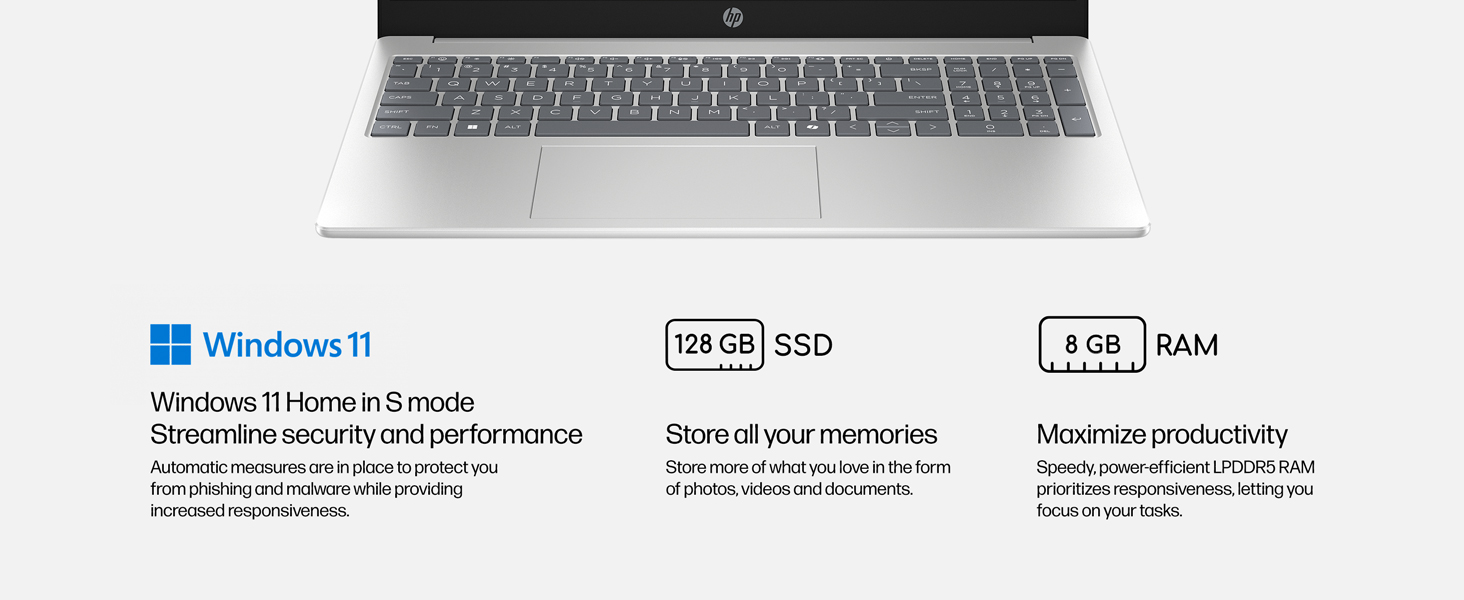
Figure 4: The 15.6-inch HD touchscreen display in use.
Tastatur og touchpad
The full-size keyboard provides a comfortable typing experience. The integrated touchpad supports multi-touch gestures for precise navigation. Some models may feature a backlit keyboard for use in low-light conditions.
Microsoft Copilot Key
Your laptop includes a dedicated Microsoft Copilot button on the keyboard. Pressing this button provides instant access to AI assistance for intelligent answers and enhanced productivity.

Figure 5: Dedicated Microsoft Copilot key on the keyboard.
Forbindelse
- Wi-Fi 6: Connect to wireless networks for fast internet speeds and improved performance.
- Bluetooth 5.4: Pair with compatible wireless accessories such as headphones, mice, and keyboards.
- Porte: The laptop features various ports for connecting external devices. Refer to the diagram below for port locations.
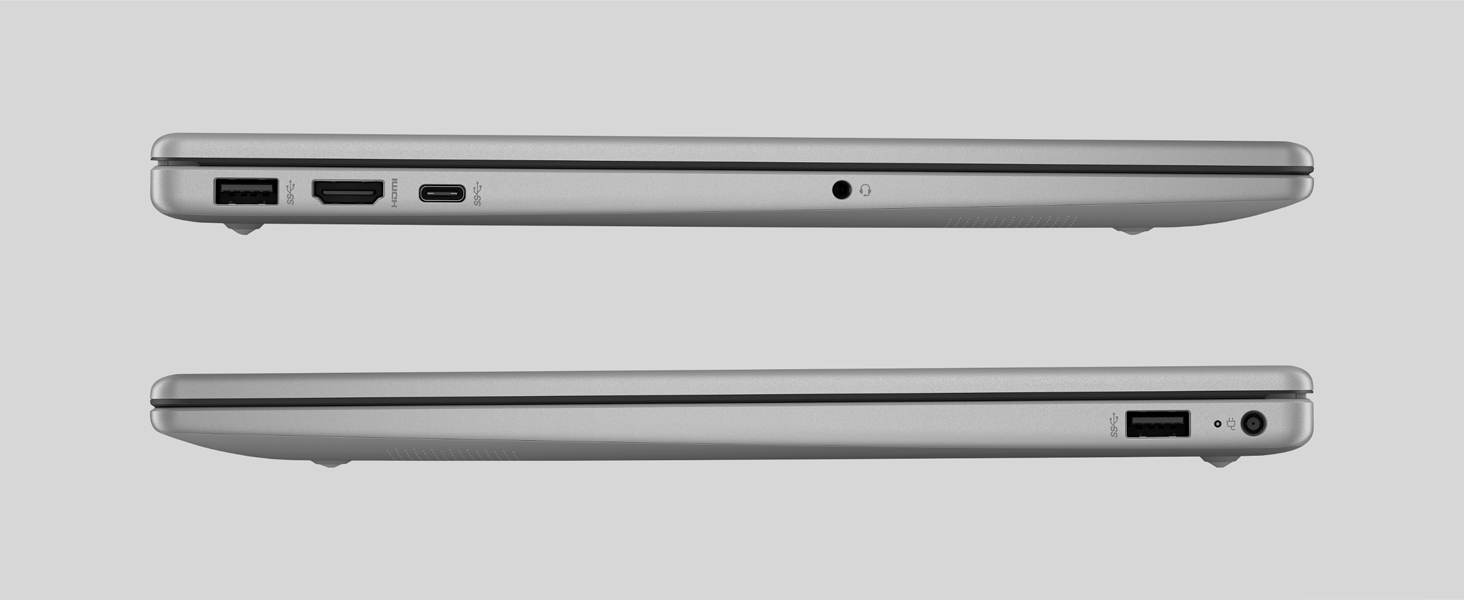
Figure 6: Port layout of the HP 15.6 inch Laptop.
Kamera og lyd
The HP True Vision HD Camera allows for clear video calls, even in low-light conditions, with AI technology for background noise reduction. A physical camera shutter and dedicated microphone mute button ensure your privacy.
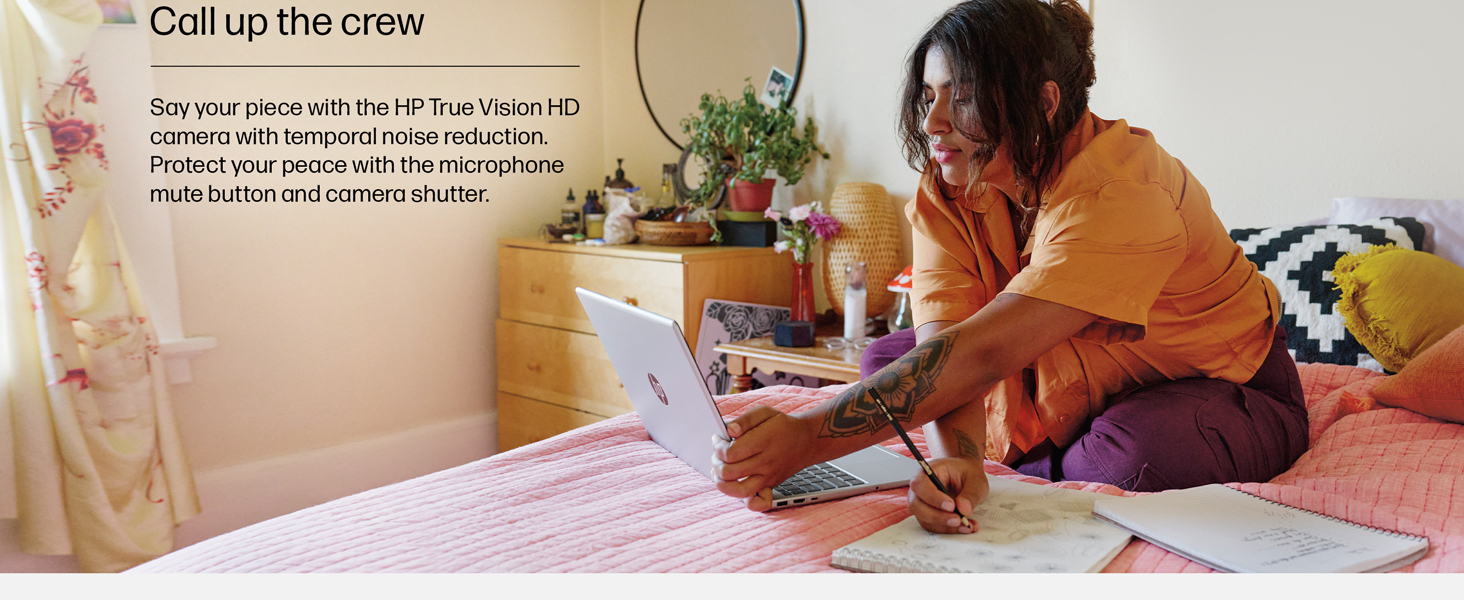
Figure 7: Laptop in use for video conferencing, demonstrating camera and audio capabilities.
Opretholdelse
Batteripleje
The laptop features a long-lasting battery with HP Fast Charge technology, allowing it to charge from 0 to 50% in approximately 45 minutes. To maximize battery lifespan:
- Undgå ekstreme temperaturer.
- Undgå at aflade batteriet helt regelmæssigt.
- Opbevar den bærbare computer delvist opladet (ca. 50%), hvis den ikke bruges i længere perioder.
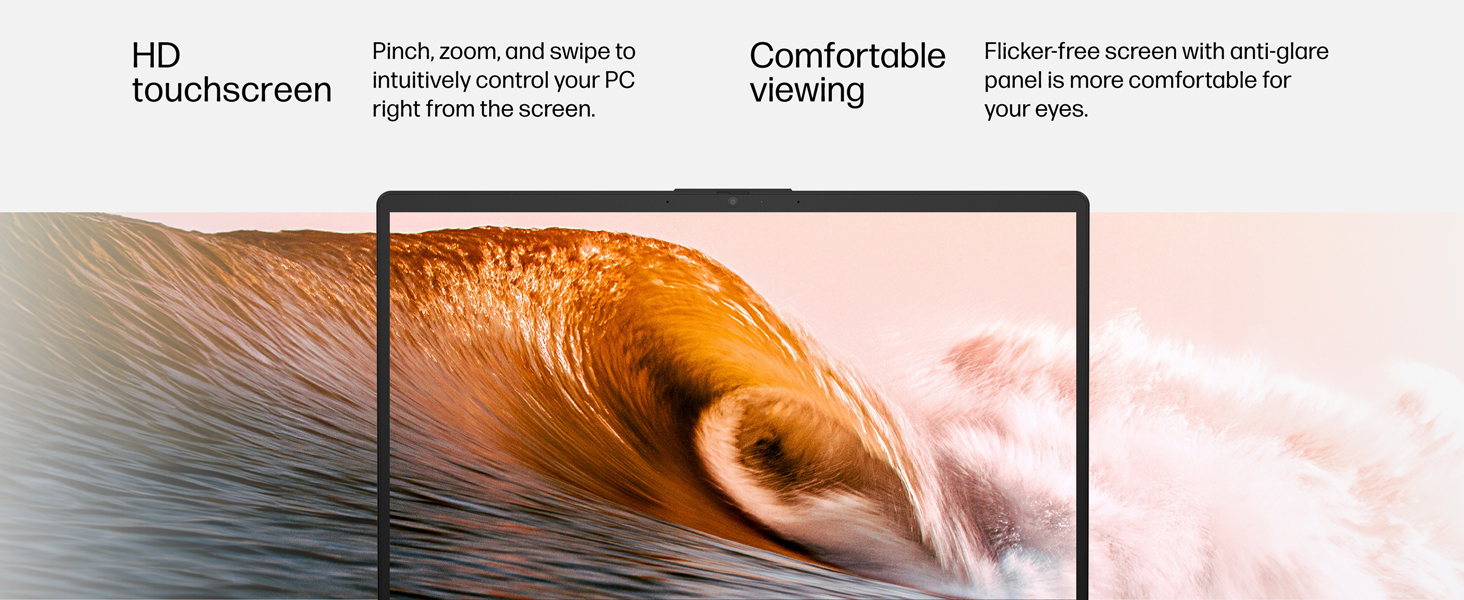
Figure 8: Laptop demonstrating extended usage and fast charging capabilities.
Rensning
- Use a soft, lint-free cloth for cleaning the screen and exterior.
- Dampen the cloth with water or a screen cleaner; do not spray liquids directly onto the laptop.
- Undgå skrappe kemikalier eller slibende materialer.
Fejlfinding
Fælles problemer og løsninger
- Laptop tænder ikke: Sørg for, at strømadapteren er korrekt tilsluttet, og at stikkontakten fungerer. Prøv en anden stikkontakt.
- Langsom ydeevne: Close unnecessary applications, check for Windows updates, or restart the laptop.
- Problemer med Wi-Fi-forbindelse: Restart your router and modem. Ensure Wi-Fi is enabled on the laptop and try reconnecting to the network.
- Berøringsskærmen reagerer ikke: Restart the laptop. If the issue persists, check for driver updates in Device Manager.
Specifikationer
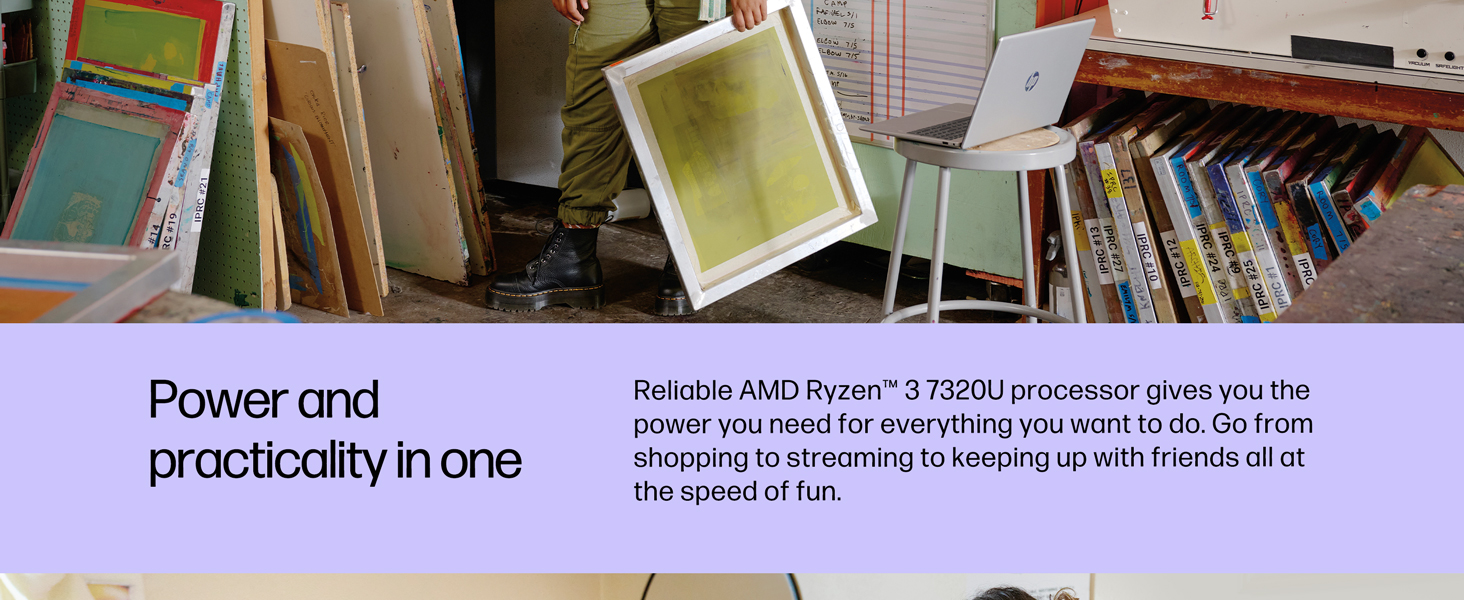
Figure 9: Key specifications at a glance.
| Feature | Beskrivelse |
|---|---|
| Modelnavn | HP Laptop 15-fc0099nr |
| Skærmstørrelse | 15.6 tommer |
| Skærmopløsning | 1366 x 768 pixels (HD Touchscreen, micro-edge, anti-glare, 250 nits, 62.5% sRGB) |
| Processor | AMD Ryzen 3 7320U (up to 4.1 GHz max boost clock, 4 MB L3 cache, 4 cores, 8 threads) |
| VÆDDER | 8 GB LPDDR5-5500 MT/s (onboard) |
| Harddisk | 128 GB PCIe NVMe M.2 SSD |
| Grafik coprocessor | AMD Radeon-grafik (integreret) |
| Operativsystem | Windows 11 Home i S-tilstand |
| Trådløs type | 802.11ax (Wi-Fi 6), Bluetooth 5.4 |
| Havne | 1 USB Type-C 5Gbps signaling rate (data transfer only), 2 USB Type-A 5Gbps signaling rate, 1 AC smart pin, 1 HDMI 1.4b, 1 headphone/microphone combo |
| Gennemsnitlig batterilevetid | 12 timer |
| Varens vægt | 3.52 pund |
| Produktdimensioner | 14.17 x 9.29 x 0.73 tommer |
| Farve | Natursølv |
Garanti og support
This HP computer comes with a 1 års begrænset hardwaregaranti og 90 dages begrænset teknisk support for software and initial setup when shipped from and sold by Amazon.com. 24-hour, 7 days a week web support is available.
For yderligere beskyttelse, overvej at købeasinen udvidet beskyttelsesplan:
- 4-årig beskyttelsesplan: Fås for 99.99 USD
- 2-årig beskyttelsesplan: Fås for 58.99 USD
- Fuld beskyttelse: Månedlig plan for 16.99 USD/måned, der dækker alle berettigede tidligere og fremtidige køb.
For support, visit the official HP support webwebsted eller kontakt deres kundeservice.
Yderligere ressourcer
Produktvideoer
HP Laptop Ryzen 5 Processor - Review
Video description: A review of the HP laptop, highlighting its performance with the Ryzen 5 processor for everyday computing tasks. Note: This video mentions a Ryzen 5 processor, while this specific model has a Ryzen 3. The general features and design are relevant.
HP Touchscreen Laptop Review
Video description: A review focusing on the touchscreen functionality and overall user experience of an HP laptop. This video provides a general overview of HP laptop features.
Modern and Efficient Computer Lasts More Than 7 Hours
Video description: This video highlights the battery life and efficiency of an HP laptop, demonstrating its suitability for extended use.
What You Should Know About This Laptop
Video description: A brief overview of key features and considerations for potential users of this HP laptop.
Need a Laptop? This One is Perfect!
Video description: A general promotional video highlighting the benefits and suitability of this laptop for various users.
What I Wish I Knew and Best Features of This Laptop
Video description: A user review discussing personal insights and favorite features of the HP laptop.