1. Introduktion
This manual provides detailed instructions for the setup, operation, and maintenance of your CANYON HEXAGON 7 True Wireless Earbuds. Please read this manual thoroughly before using the product to ensure proper function and longevity. The HEXAGON 7 earbuds feature Bluetooth 5.4 connectivity, Active Noise Cancellation (ANC), Environmental Noise Cancellation (ENC), and wireless charging capabilities.
2. Pakkens indhold
Bekræft at alle varer er til stede i pakken:
- CANYON HEXAGON 7 True Wireless Earbuds (Left and Right)
- Opladningsetui
- USB Type-C opladerkabel
- Brugermanual
3. Produktet er slutview
The CANYON HEXAGON 7 earbuds are designed for comfort and high-quality audio, featuring a distinctive hexagonal design. The charging case provides extended battery life and supports wireless charging.

Image 3.1: CANYON HEXAGON 7 True Wireless Earbuds and Charging Case. The earbuds are white with beige ear tips, resting inside their matching white and beige charging case.
3.1 Unique Design
The Hexagon 7 series features an elegant and angular design, ensuring a comfortable and secure fit while providing a distinct aesthetic.

Image 3.2: The CANYON HEXAGON 7 earbuds and their open charging case are displayed on a laptop keyboard, highlighting their unique hexagonal design.
3.2 Berør kontrol
The earbuds are equipped with intuitive touch controls for managing playback, calls, and other functions.

Image 3.3: The CANYON HEXAGON 7 earbuds and their charging case are shown on a notebook with design sketches, illustrating their compact form factor and touch-sensitive surfaces.
3.3 Aktiv støjreduktion (ANC)
The Active Noise Cancelling feature reduces ambient noise, allowing for a more immersive audio experience.
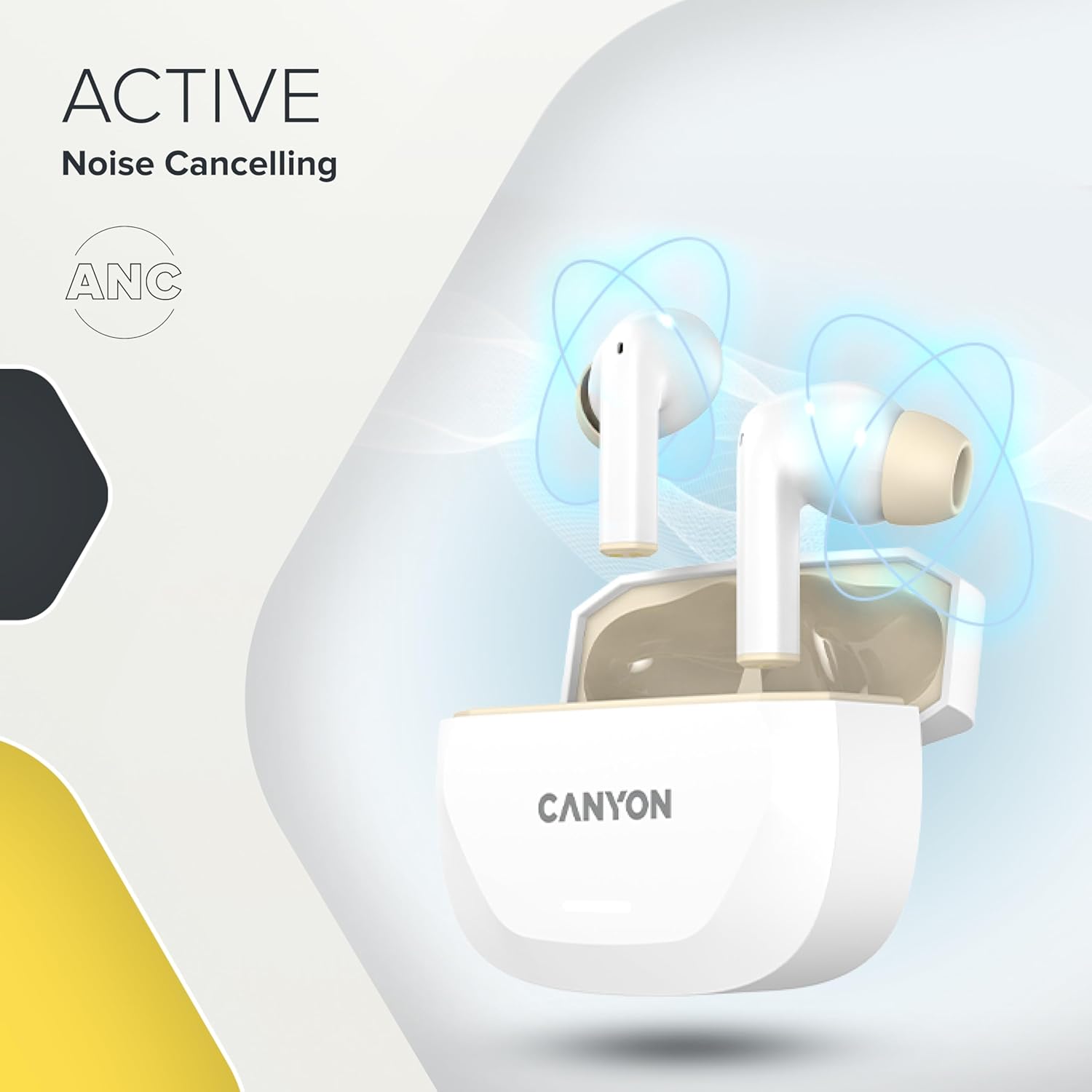
Image 3.4: A visual representation of Active Noise Cancelling (ANC) technology, showing sound waves being canceled around the CANYON HEXAGON 7 earbuds in their open case.
4. Opsætning
4.1 Opladning af øretelefoner og etuiet
Oplad ørepropperne og opladningsetuiet helt inden første brug.
- Brug af USB-C-kabel: Connect the provided USB Type-C cable to the charging port on the case and to a power source. The charging indicator will show the charging status. A full charge takes approximately 1.5 hours for the earbuds and 2 hours for the case.
- Trådløs opladning: Place the charging case on any Qi-compatible wireless charging pad. Ensure the case is properly aligned for efficient charging.

Image 4.1: The CANYON HEXAGON 7 charging case is shown resting on a wireless charging pad, indicating its wireless charging capability.

Image 4.2: A graphic illustrating the quick recharge feature of the CANYON HEXAGON 7 earbuds, with a battery icon showing rapid charging progress.
4.2 Parring med en enhed
- Åbn opladningsetuiet. Ørepropperne går automatisk i parringstilstand.
- Aktiver Bluetooth på din enhed (smartphone, tablet osv.).
- Søg efter available Bluetooth devices and select "CANYON HEXAGON 7".
- Once connected, a confirmation sound will play, and the indicator light on the earbuds will change.
4.3 Multipunktforbindelse
The HEXAGON 7 supports connecting to two devices simultaneously. To use this feature:
- Par ørepropperne med den første enhed som beskrevet ovenfor.
- Disable Bluetooth on the first device. The earbuds will re-enter pairing mode.
- Par ørepropperne med den anden enhed.
- Re-enable Bluetooth on the first device. The earbuds should automatically connect to both devices. You can then switch between them seamlessly.
5. Betjeningsvejledning
5.1 Tryk på kontrolelementer
The touch-sensitive areas on the earbuds allow for various functions:
- Afspil/pause: Et enkelt tryk på begge øretelefoner.
- Næste nummer: Dobbelttryk på den højre øreprop.
- Forrige nummer: Dobbelttryk på den venstre øreprop.
- Lydstyrke op: Tryk tre gange på den højre øreprop.
- Skrue ned for lyden: Tryk tre gange på den venstre øreprop.
- Besvar/afslut opkald: Enkelt tryk på en af øretelefonerne under et indgående opkald eller et aktivt opkald.
- Afvis opkald: Tryk og hold en af øretelefonerne nede i 2 sekunder under et indgående opkald.
- Aktiver stemmeassistent: Tryk og hold en af øretelefonerne nede i 3 sekunder (når du ikke er i gang med et opkald).
5.2 ANC and ENC Functions
The HEXAGON 7 features Active Noise Cancellation (ANC) and Environmental Noise Cancellation (ENC) for calls.
- ANC Activation/Deactivation: Press and hold the touch area on the left earbud for 2 seconds to cycle through ANC On, ANC Off, and Transparency modes.
- ENC for Calls: Environmental Noise Cancellation is automatically active during phone calls, utilizing the 4 built-in microphones to filter out background noise and ensure clear voice transmission.
5.3 Batterilevetid
The earbuds provide up to 6.5 hours of playback with ANC off, and 5.5 hours with ANC on. The charging case extends the total playtime to 27 hours.
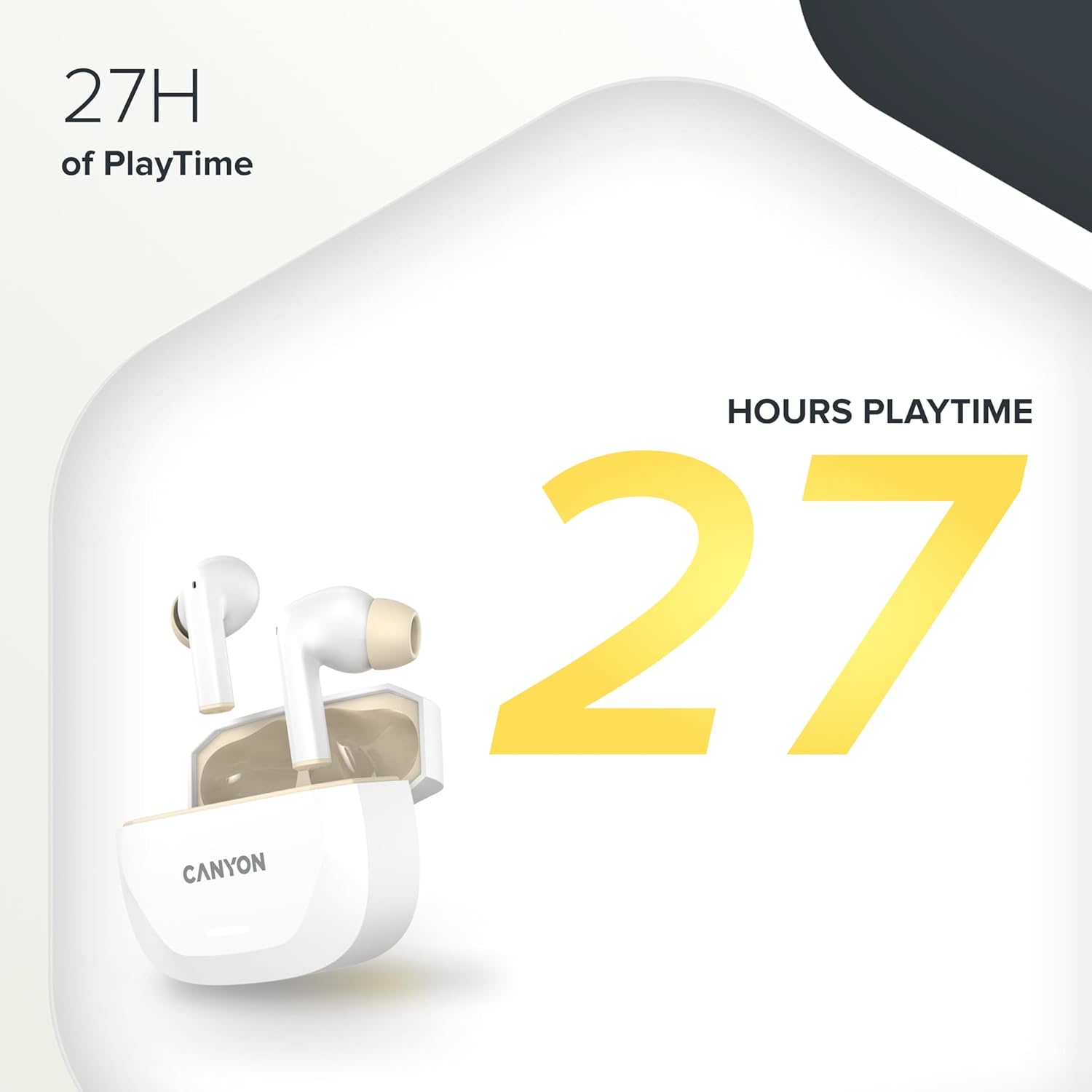
Image 5.1: A graphic highlighting the 27 hours of total playtime offered by the CANYON HEXAGON 7 earbuds with their charging case.
6. Vedligeholdelse
6.1 Rengøring
- Rengør regelmæssigt ørepropperne og opladningsetuiet med en blød, tør og fnugfri klud.
- Brug ikke slibende rengøringsmidler, alkohol eller kemiske opløsningsmidler.
- Fjern forsigtigt ørevoks eller snavs fra ørepropperne og højttalergitrene med en lille, blød børste eller vatpind.
6.2 Opbevaring
- Når ørepropperne ikke er i brug, skal de opbevares i deres opladningsetui for at beskytte dem og holde dem opladede.
- Opbevar enheden et køligt, tørt sted, væk fra direkte sollys og ekstreme temperaturer.
7. Fejlfinding
If you encounter issues with your CANYON HEXAGON 7 earbuds, refer to the following common solutions:
| Problem | Mulig løsning |
|---|---|
| Øretelefoner parrer ikke |
|
| Ingen lyd eller lav lydstyrke |
|
| Opladningsproblemer |
|
| ANC fungerer ikke effektivt |
|
8. Specifikationer
| Feature | Detalje |
|---|---|
| Modelnavn | Hexagon 7 |
| Trådløs teknologi | Bluetooth 5.4 |
| Støjreduktion | Active Noise Cancellation (ANC), Environmental Noise Cancellation (ENC) with 4 microphones |
| Batterilevetid (ørepropper) | Op til 6.5 timer (ANC slukket), 5.5 timer (ANC tændt) |
| Samlet spilletid (med etui) | Op til 27 timer |
| Opladningstid (øretelefoner) | Ca. 1.5 timer |
| Opladningstid (etui) | Ca. 2 timer |
| Opladningsgrænseflade | USB Type-C, trådløs (Qi-kompatibel) |
| Kontrolmetode | Tryk på kontrol |
| Multipoint-forbindelse | Yes, connect to two devices simultaneously |
| Materiale | Plast |
| Vandmodstandsniveau | Waterproof (specific IP rating not provided) |
| Impedans | 32 Ohm |
| Frekvensrespons | 20 Hz (lower limit, upper limit not specified) |
| Kompatible enheder | Mobile phones, tablets, PCs |
9. Garanti og support
CANYON products are designed for reliability and performance. For warranty information, technical support, or service inquiries, please refer to the official CANYON webwebstedet eller kontakt din lokale forhandler. Gem din købsbevis til garantikrav.
Manufacturer: CANYON


