Indledning
Thank you for choosing the Urbanista Valencia Wireless Headphones. This manual provides comprehensive instructions to help you set up, operate, and maintain your headphones, ensuring optimal performance and longevity. Please read this manual carefully before using your device.
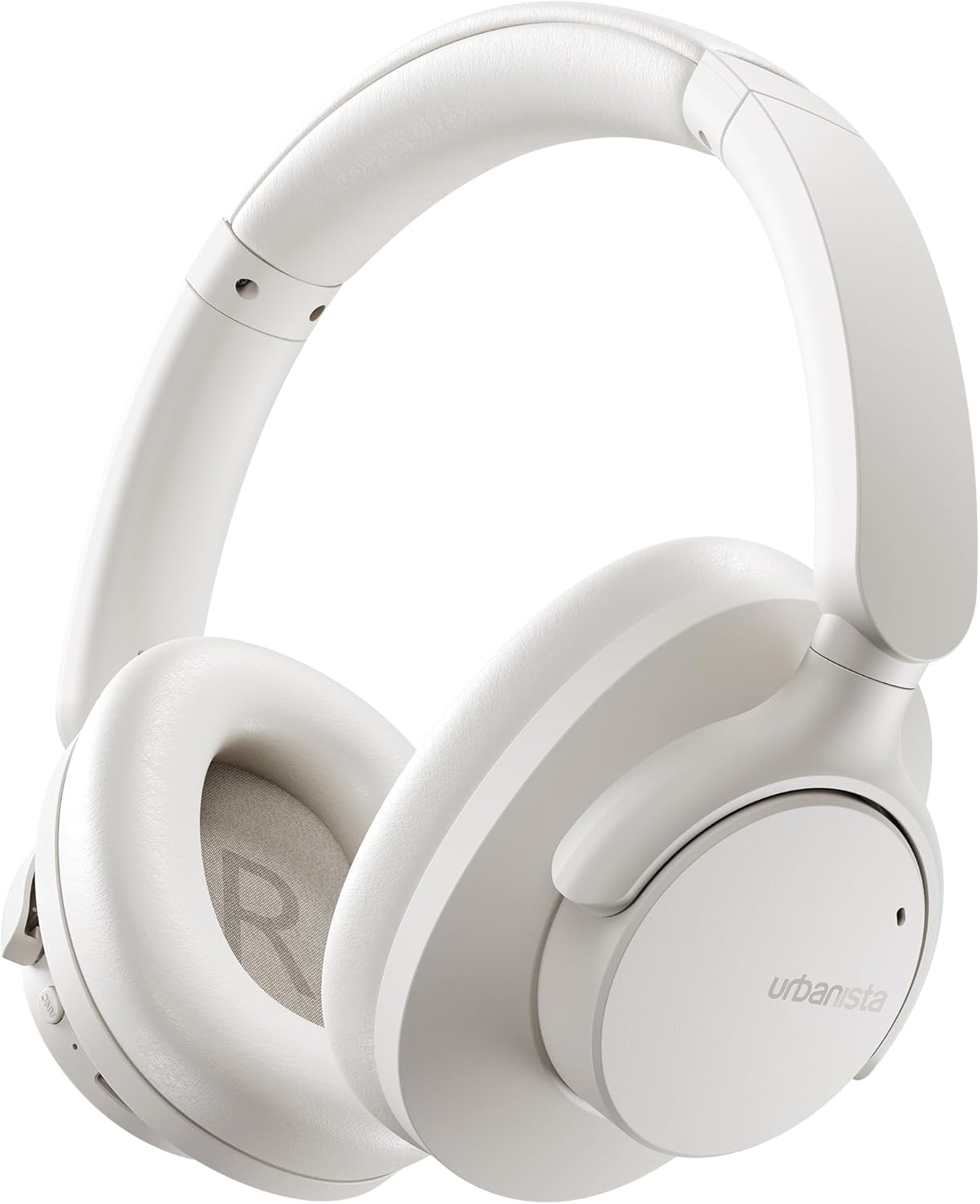
Image: The Urbanista Valencia Wireless Headphones in white, showcasing deres elegante over-ear design.
Hvad er der i æsken
Sørg for, at alle varer er til stede ved udpakning:
- Urbanista Valencia Wireless Headphones
- Opladningsetui
- USB-C Charging Cable (not explicitly listed but implied for USB-C charging)
- Brugervejledning (dette dokument)
Produkt overview
Familiarize yourself with the key features and components of your Urbanista Valencia headphones.

Image: A person wearing the Urbanista Valencia headphones, highlighting the Active Noise Cancellation feature. This feature is designed to reduce up to 95% of low-frequency urban noise, such as traffic, engines, and crowds.
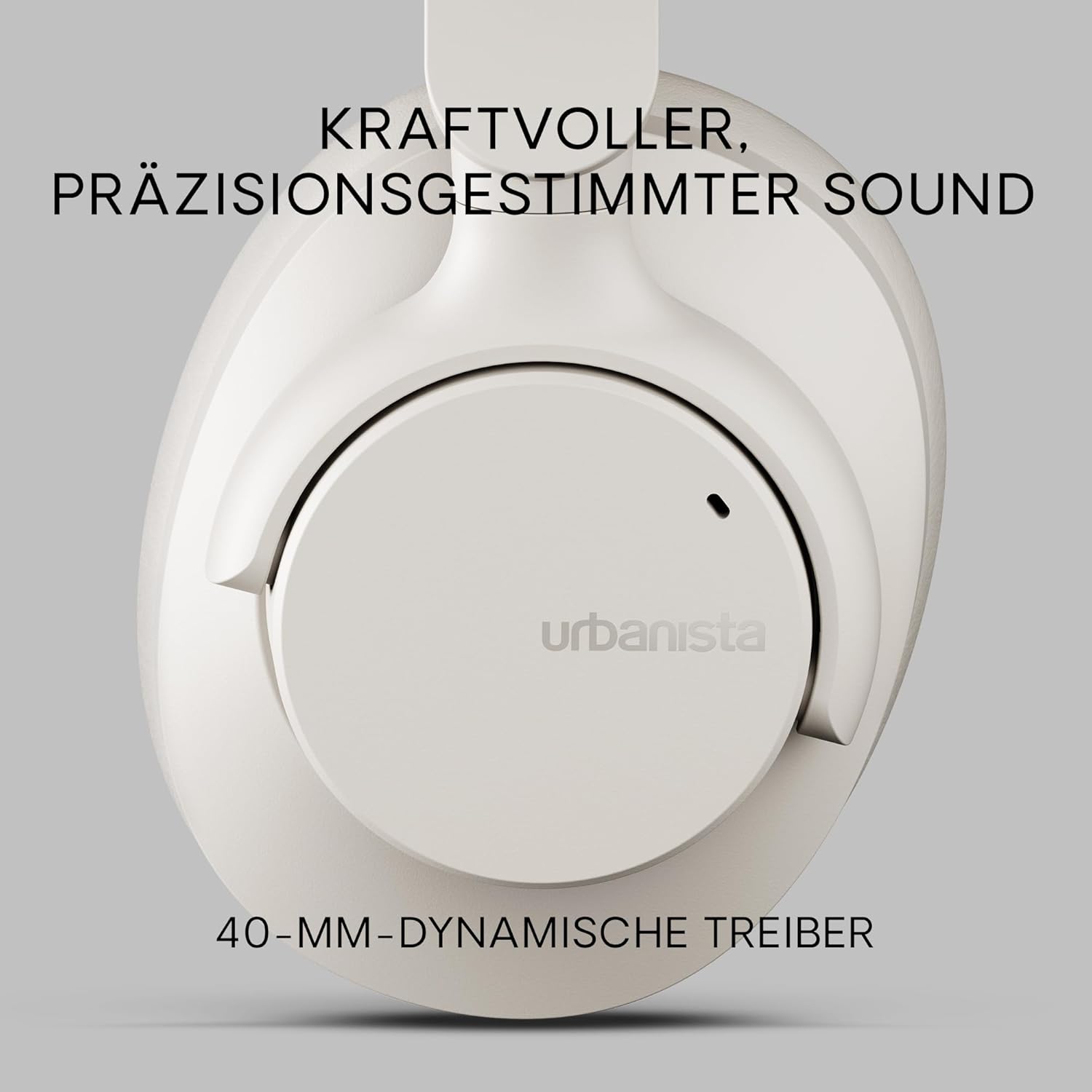
Billede: Et nærbillede view of an Urbanista Valencia earcup, emphasizing the powerful, precision-tuned sound delivered by its 40mm dynamic drivers.

Image: A user wearing the headphones, with icons illustrating key features: noise-cancelling microphones, Bluetooth multipoint connectivity, and crystal-clear call quality.
Opsætning
1. Opladning af hovedtelefonerne
Oplad dine Urbanista Valencia-hovedtelefoner helt før første brug.
- Tilslut USB-C-opladerkablet til opladningsporten på hovedtelefonerne.
- Tilslut den anden ende af kablet til en USB-strømkilde (f.eks. en vægadapter eller en computers USB-port).
- The LED indicator on the headphones will show charging status. It will typically turn off or change color when fully charged.
- En fuld opladning giver cirka 50 timers spilletid.

Image: The Urbanista Valencia headphones, illustrating their impressive 50 hours of playtime and convenient USB-Type-C charging capability.
2. Bluetooth-parring
Pair your headphones with your Bluetooth-enabled device.
- Sørg for, at hovedtelefonerne er opladet og slukket.
- Tryk på tænd/sluk-knappen på hovedtelefonerne, og hold den nede, indtil LED-indikatoren blinker, hvilket angiver parringstilstand.
- Gå til Bluetooth-indstillinger på din enhed (smartphone, tablet, computer), og aktiver Bluetooth.
- Select "Urbanista Valencia" from the list of available devices.
- Once connected, the LED indicator will stop flashing or show a solid light.
- The headphones support Bluetooth Multipoint, allowing connection to two devices simultaneously.
Drift
Kontrolelementer
The Urbanista Valencia headphones feature intuitive controls for managing audio and calls.
- Power knap: Tryk og hold nede for at tænde/slukke. Kort tryk for afspil/pause.
- Lydstyrke op/Næste nummer: Kort tryk for at skrue op for lydstyrken. Langt tryk for at åbne næste nummer.
- Lydstyrke ned/Forrige nummer: Kort tryk for at sænke lydstyrken. Langt tryk for at sænke forrige nummer.
- ANC knap: Slå aktiv støjreduktion til/fra.
- Knap til stemmeassistent: Activate your device's voice assistant (e.g., Google Assistant).
Aktiv støjafbrydelse (ANC)
The ANC feature reduces ambient noise, providing a more immersive listening experience. Press the dedicated ANC button to activate or deactivate this function.
Stemmeassistent
Your Urbanista Valencia headphones are compatible with voice assistants like Google Assistant. Press the Voice Assistant button to activate and issue commands to your connected device.
Opretholdelse
Korrekt pleje sikrer dine hovedtelefoners levetid og ydeevne.
- Rensning: Brug en blød, tør klud til at rengøre hovedtelefonerne. Brug ikke skrappe kemikalier eller slibende materialer.
- Opbevaring: When not in use, store the headphones in their charging case or a protective pouch to prevent damage. The foldable design allows for compact storage.
- Vandtæthed: Hovedtelefonerne er vandafvisende. Undgå at nedsænke dem i vand eller udsætte dem for kraftig regn. Tør dem grundigt, hvis de bliver våde.
- Batteripleje: For optimal battery life, avoid fully discharging the headphones frequently. Charge them regularly.

Image: The Urbanista Valencia headphones folded, emphasizing their 240-gram lightweight construction and foldable design, which contribute to all-day comfort and portability.
Fejlfinding
Hvis du støder på problemer, kan du bruge følgende almindelige løsninger:
| Problem | Løsning |
|---|---|
| Hovedtelefonerne tændes ikke | Sørg for, at hovedtelefonerne er fuldt opladet. Tryk på tænd/sluk-knappen og hold den nede i et par sekunder. |
| Kan ikke parres med enheden | Ensure headphones are in pairing mode (flashing LED). Turn off and on Bluetooth on your device. Move closer to the device. |
| Ingen lyd | Check volume levels on both headphones and connected device. Ensure headphones are correctly paired. Try re-pairing. |
| ANC fungerer ikke effektivt | Ensure ANC is activated. Check that the earcups form a good seal around your ears. |
Specifikationer
Detailed technical specifications for the Urbanista Valencia Wireless Headphones:
- Modelnavn: Valencia
- Varemodelnummer: 1040242
- Mærke: Urbanista
- Farve: Hvid
- Formfaktor: Over Ear
- Forbindelse teknologi: Trådløs (Bluetooth)
- Trådløs kommunikationsteknologi: Bluetooth
- Inkluderede komponenter: Opladningsetui
- Materiale: Plast
- Specifikke anvendelser for produktet: Underholdning, Fitness, Rejser
- Kompatible enheder: Bluetooth-enheder
- Kabelfunktion: Uden kabel
- Varens vægt: 246 gram (8.7 ounce)
- Vandmodstandsniveau: Vandtæt
- Antal varer: 1
- Controller type: Google Assistant
- Særlige funktioner: Lightweight, Microphone Included, Voice Assistant Compatible, Water Resistant, Wireless
- Produktdimensioner: 7.28 x 7.28 x 3.15 tommer
- Batterier: 3 Lithium Ion batterier påkrævet (medfølger)
Sikkerhedsoplysninger
Overhold venligst følgende sikkerhedsretningslinjer:
- Do not expose the headphones to extreme temperatures or direct sunlight for extended periods.
- Avoid listening at high volume levels for prolonged durations to prevent hearing damage.
- Forsøg ikke at skille hovedtelefonerne ad eller ændre dem. Dette vil ugyldiggøre garantien og kan forårsage skade.
- Opbevares utilgængeligt for børn og kæledyr.
Garanti og support
For warranty information or technical support, please visit the official Urbanista webwebstedet eller kontakt deres kundeservice. Gem din købsbevis til eventuelle garantikrav.

Image: Two individuals wearing Urbanista headphones (black and white models), with a 'Certified Plastic Neutral Product' badge visible, highlighting the brand's commitment to sustainability.


