1. Introduktion
This manual provides detailed instructions for the safe and efficient use of your DOOGEE Tab G6 Android 15 Tablet. Please read this manual thoroughly before operating your device to ensure proper functionality and to prevent damage. Keep this manual for future reference.
2. Pakkens indhold
Bekræft, at alle nedenstående varer er inkluderet i din pakke. Hvis der mangler eller er beskadigede varer, bedes du kontakte din forhandler.
- DOOGEE Tab G6 Tablet
- Type-C kabel
- Oplader
- Stylus (VIP Edition)
- Pre-applied Screen Protector Film
- Bluetooth Mouse (VIP Edition)
- Protective Leather Case (VIP Edition)
- Bluetooth Keyboard (VIP Edition)
- SIM Ejector Tool
- Brugermanual

Image: The DOOGEE Tab G6 tablet shown with its full set of accessories, including a Bluetooth keyboard, mouse, stylus, charger, and protective case.

Image: A visual representation of the complete package contents for the DOOGEE Tab G6, detailing each accessory.
3. Enhedslayout
The DOOGEE Tab G6 features a sleek design with a metallic body. It is designed to be thin and lightweight for portability.
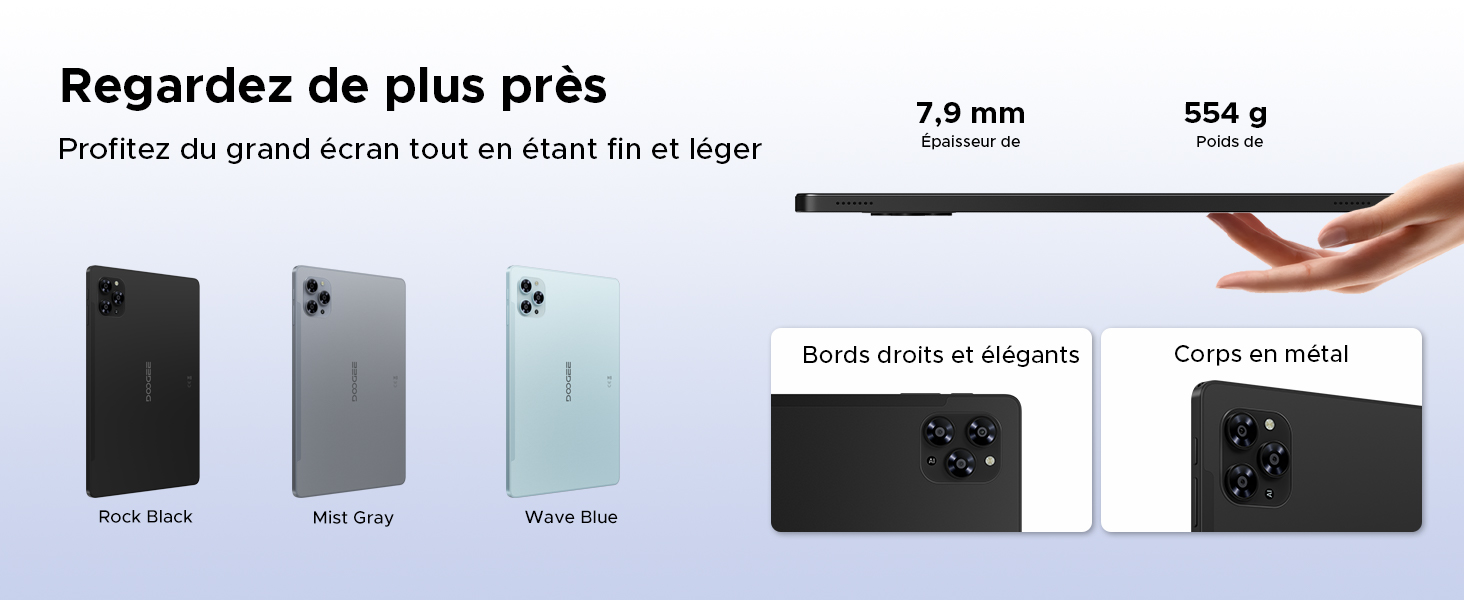
Image: A visual emphasizing the tablet's slim profile (7.9 mm thickness) and light weight (554 g), alongside details of its metal construction and design.
4. Indledende opsætning
4.1 Opladning af tabletten
Before first use, fully charge your DOOGEE Tab G6 using the provided charger and Type-C cable. Connect the Type-C cable to the tablet's charging port and the charger to a power outlet. The battery indicator on the screen will show the charging status.
4.2 Tænd/sluk
- For at tænde: Tryk og hold tænd/sluk-knappen nede, indtil DOOGEE-logoet vises på skærmen.
- For at slukke: Tryk på tænd/sluk-knappen, og hold den nede, indtil strømindstillingerne vises. Vælg 'Sluk', og bekræft.
4.3 Installation af SIM- og MicroSD-kort
The DOOGEE Tab G6 supports dual SIM cards and a MicroSD card for expanded storage.
- Find SIM-kortbakken på siden af tabletten.
- Sæt SIM-kortudkastningsværktøjet i det lille hul ved siden af bakken, og tryk forsigtigt, indtil bakken springer ud.
- Placer dine Nano-SIM-kort og/eller MicroSD-kort i de dertil beregnede pladser på bakken, og sørg for, at de vender korrekt.
- Skub forsigtigt bakken tilbage i tabletten, indtil den klikker på plads.

Billede: En detaljeret view of the tablet's dual SIM and MicroSD card tray, illustrating how to insert the cards.
4.4 Tilslutning af Bluetooth-tilbehør
Your DOOGEE Tab G6 comes with a Bluetooth keyboard and mouse. To connect them:
- Ensure the accessories are charged and in pairing mode (refer to their individual manuals if needed).
- Gå til din tablet på Indstillinger > Forbundne enheder > Bluetooth.
- Tænd Bluetooth, og scan efter tilgængelige enheder.
- Select the keyboard or mouse from the list to pair. Follow any on-screen prompts.
5. Betjening af din tablet
5.1 Android 15-operativsystem
The DOOGEE Tab G6 runs on the latest Android 15 operating system, offering an intuitive interface and enhanced features.
- Multi-User System: Create separate user profiles for different individuals, each with their own apps, settings, and data.
- Forældrekontrol: Manage and restrict content, screen time, and app usage for children's profiles.
- Sengetid-tilstand: Schedule the tablet to automatically switch to grayscale and silence notifications for a better night's sleep.
- Enhanced Security and Privacy: Benefit from improved app permission management, data encryption, and regular security updates.

Image: An illustration of the Android 15 operating system and its key features for user management and well-being.
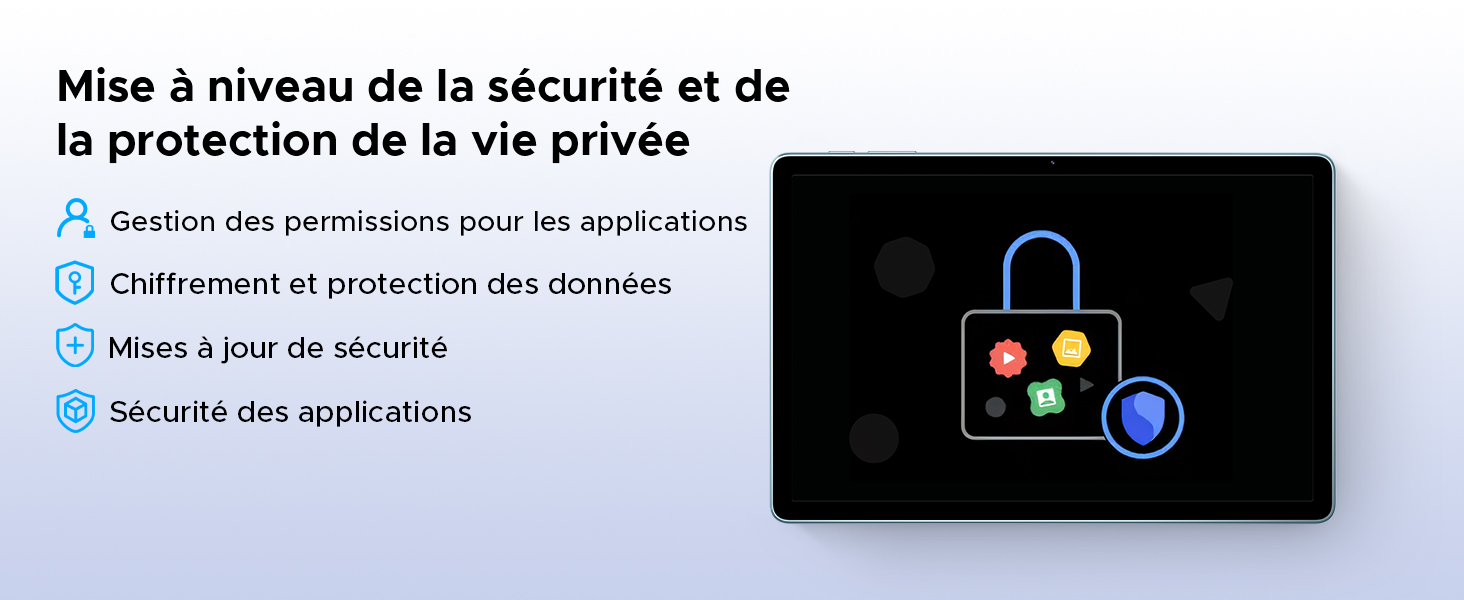
Image: A visual representation of the security and privacy enhancements in Android 15.
5.2 Display og visuelle elementer
The tablet features an 11-inch HD IPS display with a 90Hz refresh rate for smooth visuals.
- 90 Hz opdateringshastighed: Provides a smoother scrolling and gaming experience.
- Øjenkomforttilstand: Reducerer udsendelse af blåt lys for at minimere øjenbelastning, især ved langvarig brug.
- Mørk tilstand: Changes the system's color scheme to a darker palette, which can be more comfortable for eyes in low-light conditions and save battery.
- Widevine L1-understøttelse: Allows for streaming high-definition content from supported platforms like Netflix, Amazon Prime Video, and YouTube.

Image: The tablet's 11-inch HD 90Hz IPS display, showcasing its visual clarity and smooth performance.
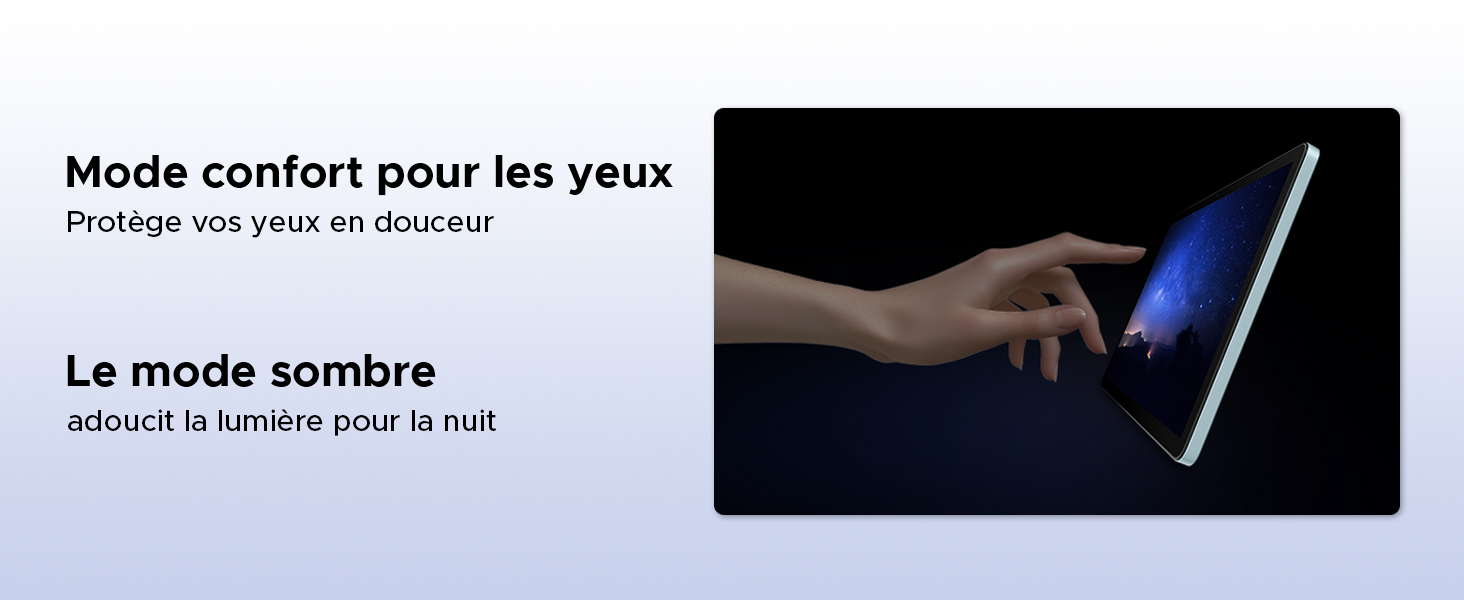
Image: Demonstrating the eye comfort and dark mode features for improved viewoplevelse.
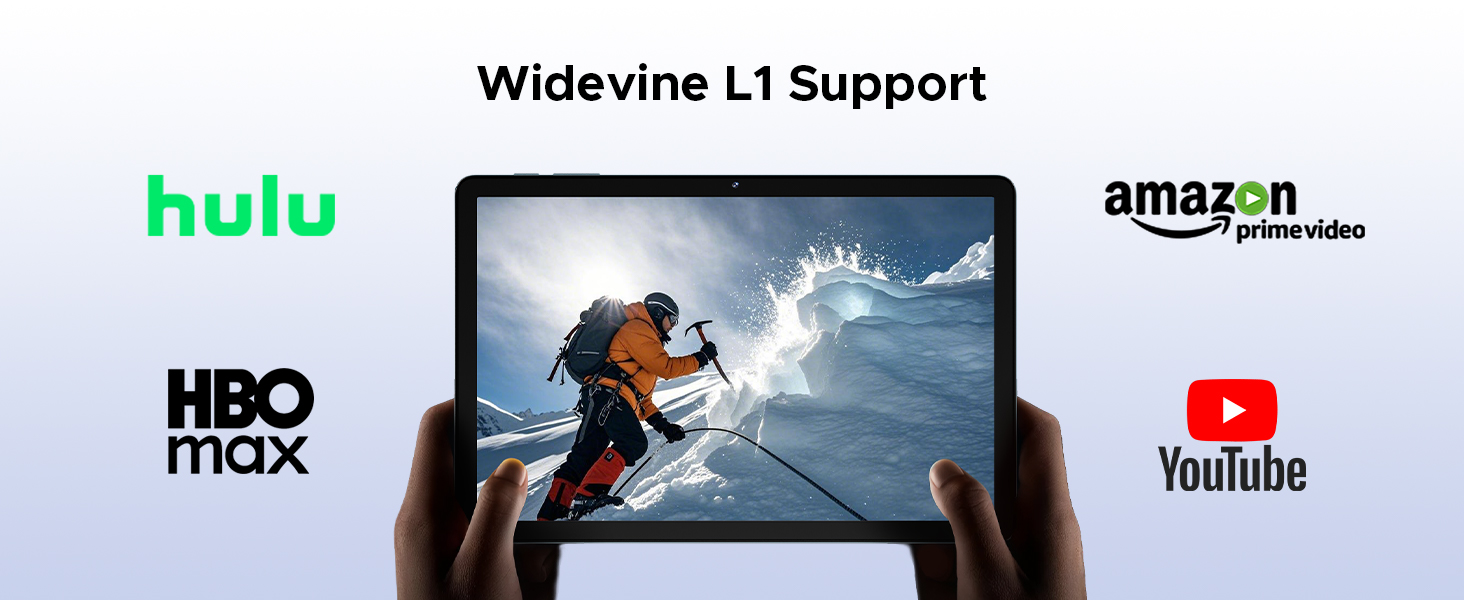
Image: Highlighting the tablet's Widevine L1 support for streaming HD content from popular platforms.
5.3 Ydeevne og lagring
The DOOGEE Tab G6 is powered by an Octa-Core Unisoc T7250 processor and offers ample opbevaring.
- Unisoc T7250 Octa-Core Processor: Provides efficient performance for multitasking, gaming, and media consumption.
- 30GB RAM (6GB Physical + 24GB Virtual): Ensures smooth operation and quick app switching.
- 256GB Internal Storage (ROM): Sufficient space for applications, photos, and videos.
- Expandable Storage up to 2TB (TF Card): Allows for significant expansion of storage capacity for large media libraries.

Billede: En detaljeret view of the Unisoc T7250 octa-core processor, emphasizing its role in the tablet's performance.
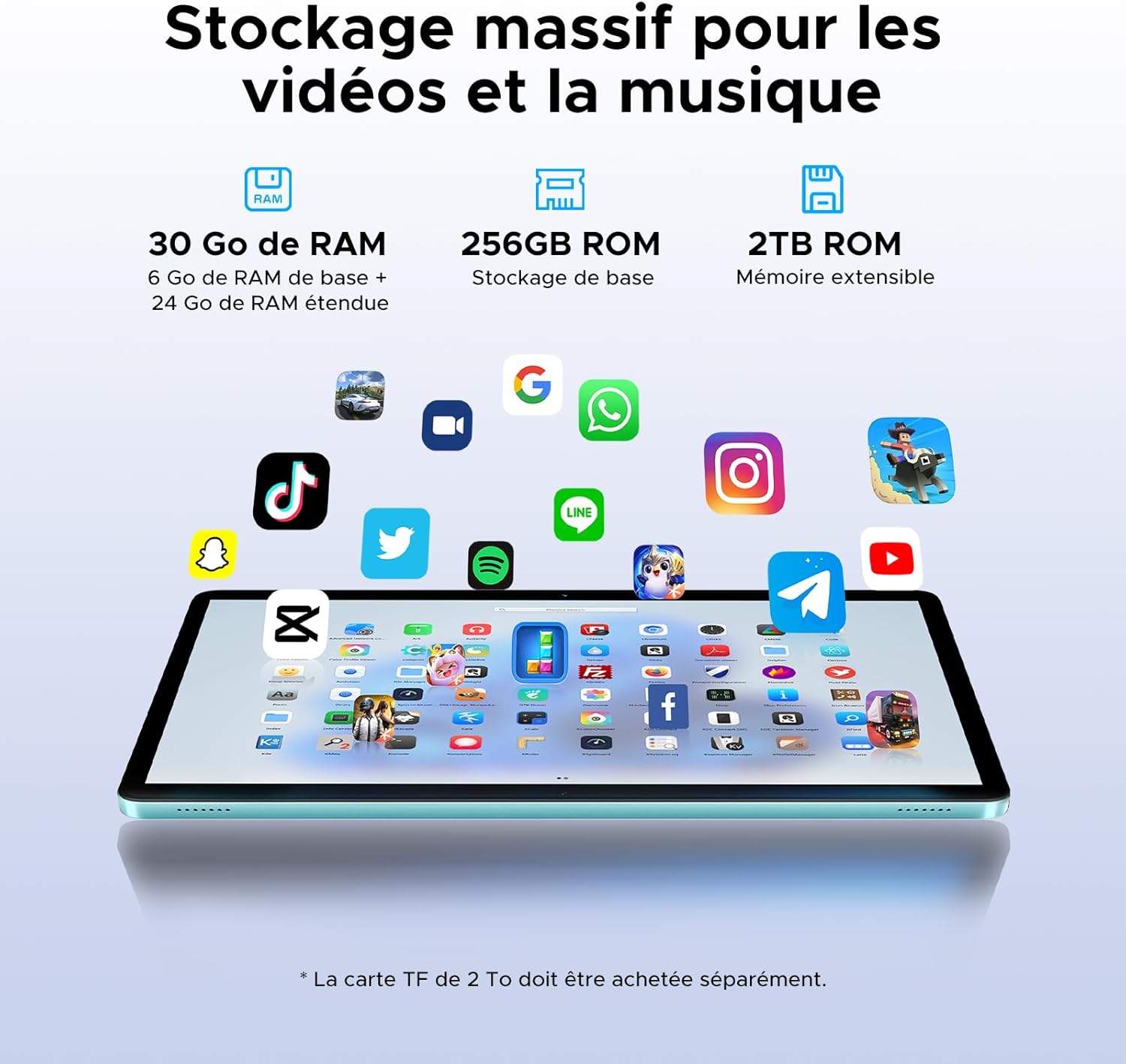
Image: Illustrating the tablet's substantial storage capabilities for apps, videos, and music.
5.4 Forbindelse
Stay connected with versatile network options.
- Dobbelt SIM-kort 4G LTE: Supports mobile data and calls, providing connectivity even without Wi-Fi.
- Wi-Fi 5 (802.11ac): Offers fast and stable wireless internet connection.
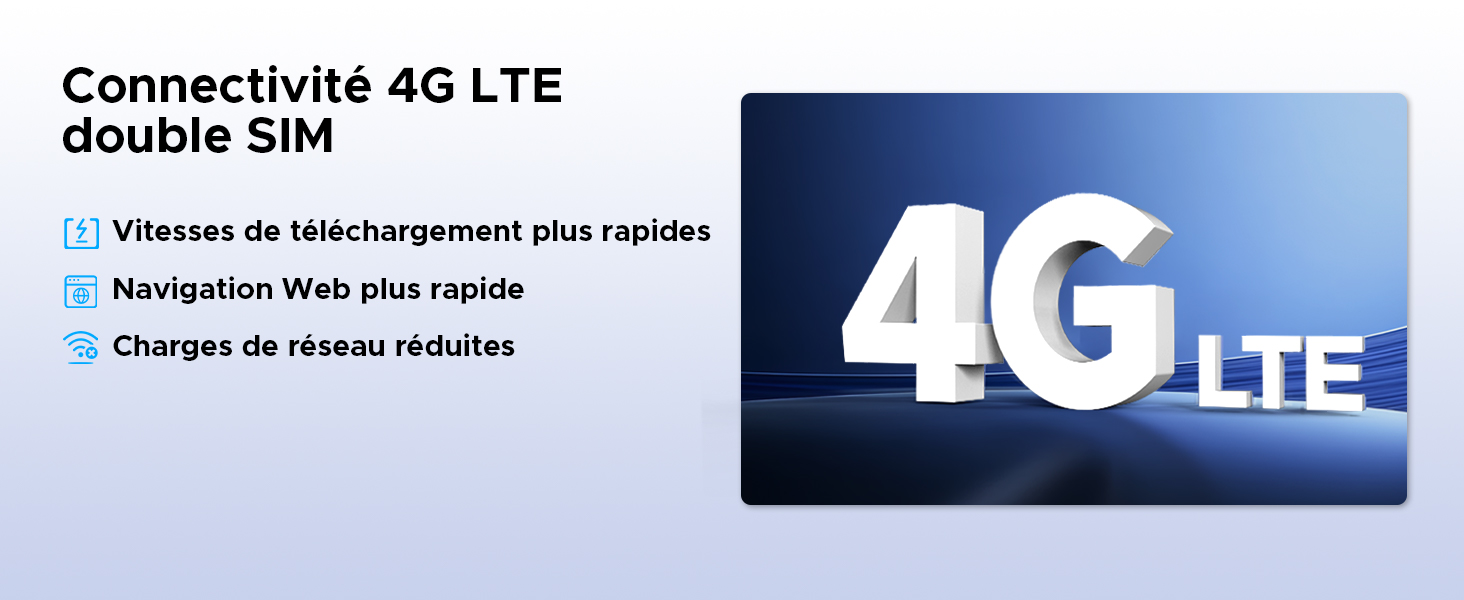
Image: Highlighting the benefits of 4G LTE dual SIM connectivity for mobile internet and calls.
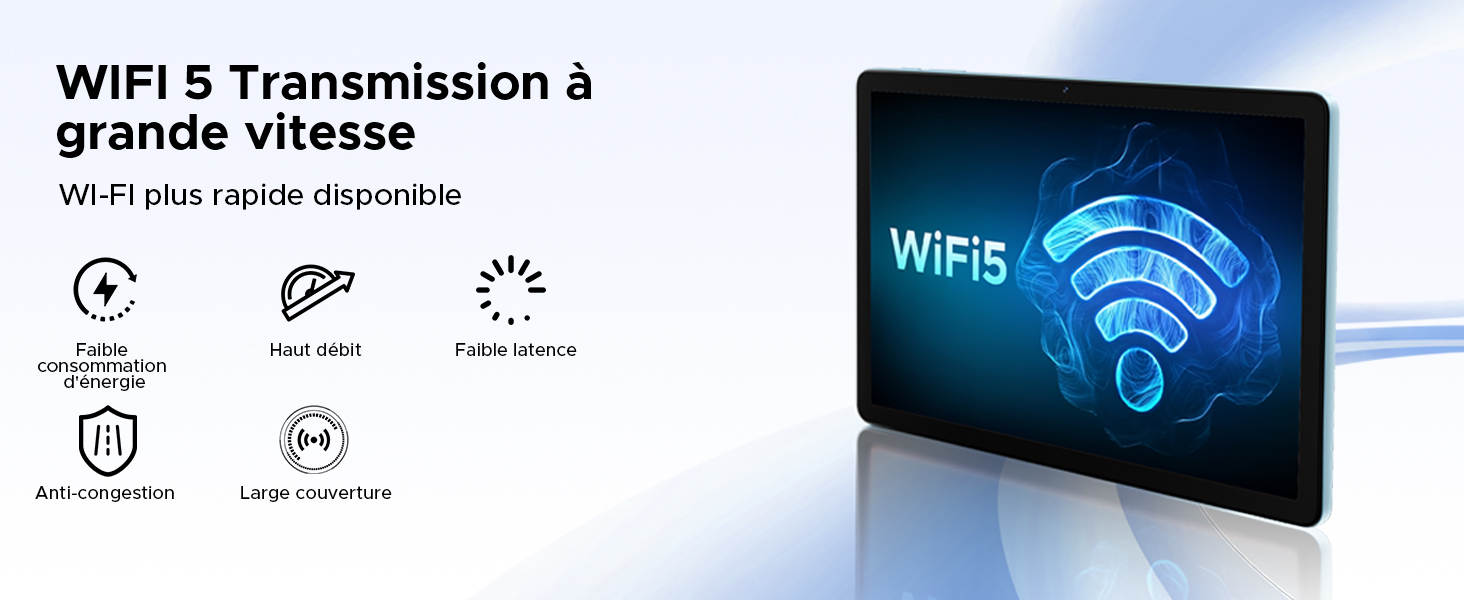
Image: Detailing the advantages of WiFi 5 for fast and reliable internet access.
5.5 Kamerafunktioner
Capture moments and unlock your device with the integrated cameras.
- 13MP hovedkamera: For clear photos and videos.
- 5MP frontkamera: Ideel til videoopkald og selfies.
- Face ID: Lås din tablet sikkert op ved hjælp af ansigtsgenkendelse.
- Kameratilstande: Includes filter and beauty modes for enhanced photography.

Image: Showcasing the tablet's 13MP main and 5MP front cameras, along with sampbilleder.
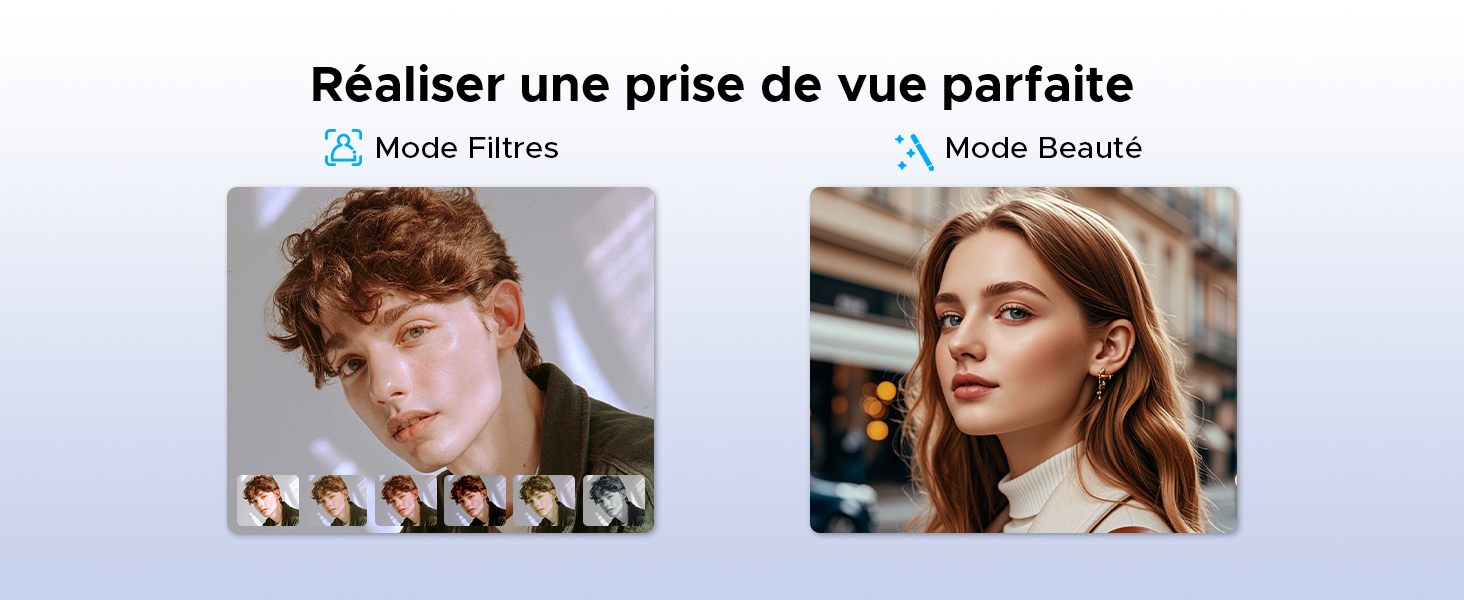
Billede: Eksamples of filter and beauty modes available in the camera application.
5.6 Lyd og underholdning
Enjoy immersive sound and radio on your tablet.
- Premium 1217 BOX Dual Speakers: Delivers clear and immersive stereo sound.
- FM-radio: Connect wired earphones to use the built-in FM radio function.

Image: The tablet's dual speakers providing an immersive audio experience during gaming.
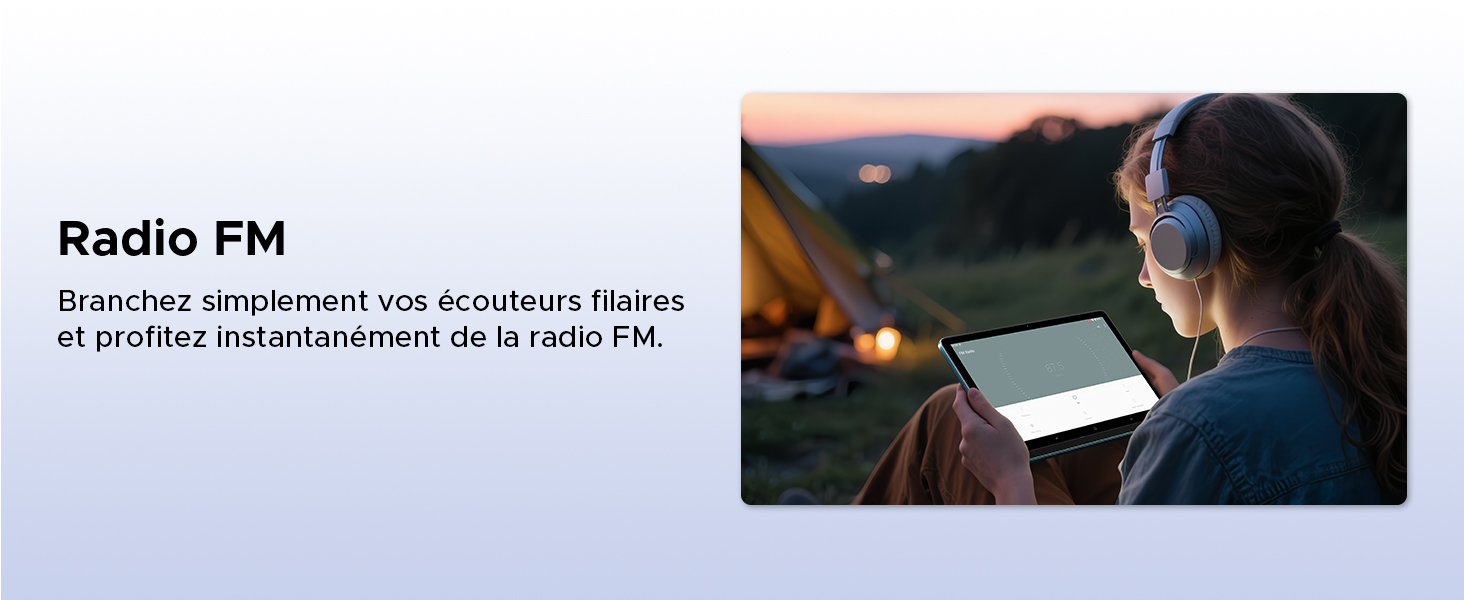
Image: Demonstrating the FM radio functionality, accessible by plugging in wired earphones.
5.7 Productivity
Enhance your work and multitasking capabilities.
- WPS Office Integration: Pre-installed WPS Office allows for easy document editing and file viewing.
- Split Screen Multitasking: Use two applications simultaneously side-by-side for increased productivity.
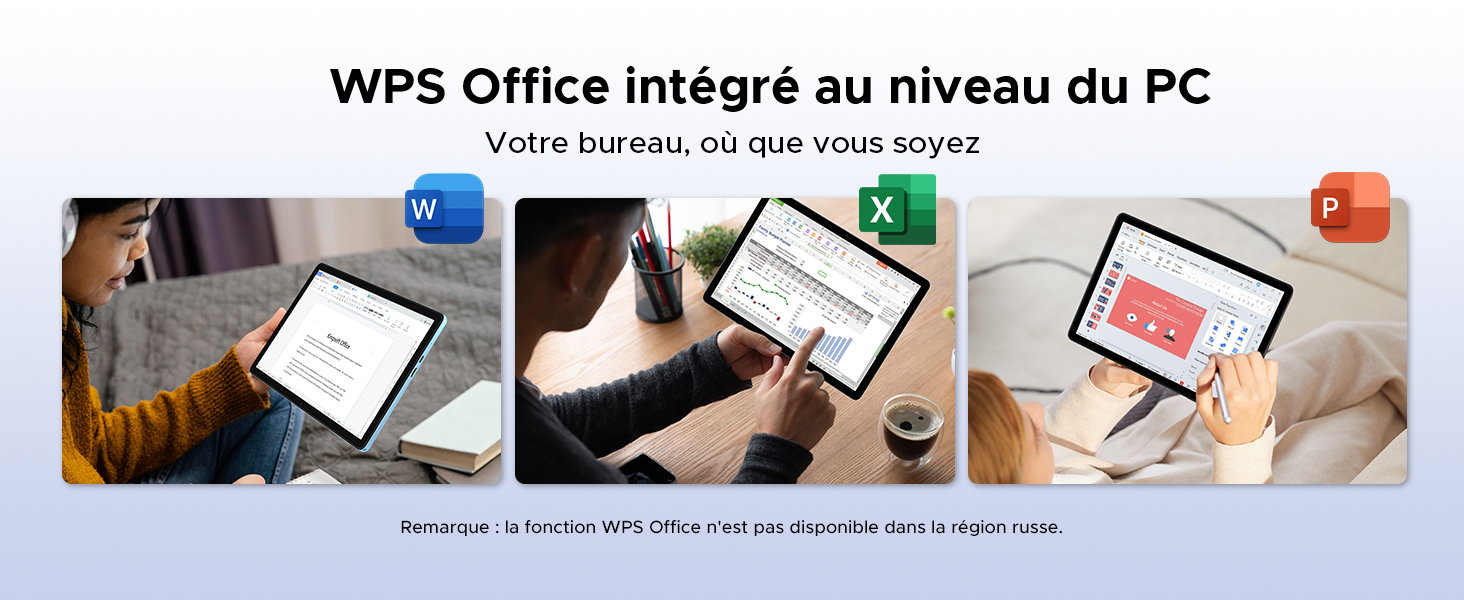
Image: Illustrating the tablet's capability for office tasks using WPS Office, anytime and anywhere.
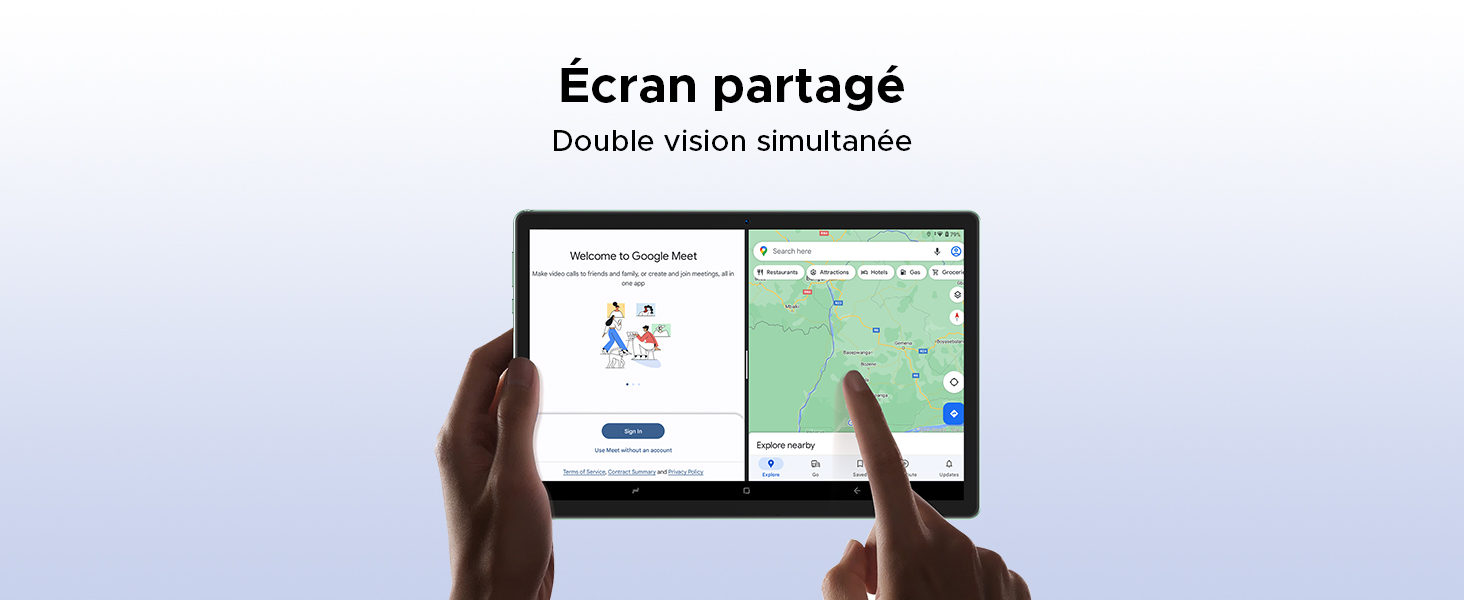
Image: Demonstrating the split-screen feature for simultaneous dual-app viewing.
5.8 Navigation
The DOOGEE Tab G6 supports multiple global navigation satellite systems for precise positioning.
- GPS, Glonass, Galileo, Beidou: Ensures accurate and reliable navigation services.
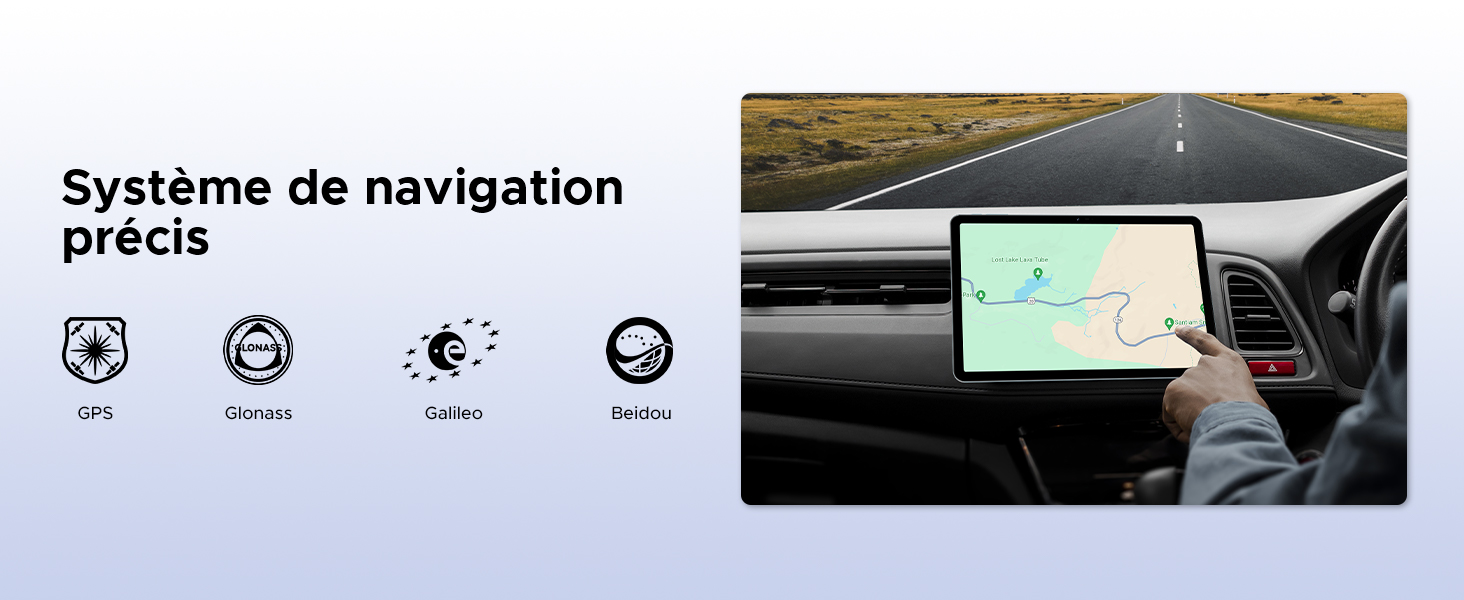
Image: The tablet being used for precise navigation in a vehicle, supported by multiple satellite systems.
6. Vedligeholdelse og pleje
6.1 Rengøring af din tablet
Brug en blød, fnugfri klud til at rengøre din tablet. Tør let ved genstridige pletter.ampen the cloth with water or a screen cleaner designed for electronics. Avoid using harsh chemicals, abrasive materials, or excessive moisture.
6.2 Batterilevetid
The DOOGEE Tab G6 is equipped with an 8000mAh battery. To maximize its lifespan:
- Undgå ekstreme temperaturer.
- Lad ikke batteriet aflades helt for ofte.
- Brug den originale oplader og kabel.
- Ved langtidsopbevaring skal tabletten oplades til ca. 50% og derefter slukkes.

Billede: En intern view of the tablet highlighting its 8000mAh battery, along with its charging capabilities.
6.3 Softwareopdateringer
Regularly check for and install software updates to ensure your tablet has the latest features, security patches, and performance improvements. You can usually find this option in Indstillinger > System > Systemopdatering.
7. Fejlfinding
If you encounter issues with your DOOGEE Tab G6, try the following common solutions:
- Enheden tænder ikke: Sørg for, at batteriet er opladet. Tilslut opladeren, og vent et par minutter, før du forsøger at tænde igen.
- Apps der går ned eller fryser: Close and restart the app. If the issue persists, clear the app's cache (Settings > Apps > [App Name] > Storage > Clear cache) or reinstall the app.
- Forbindelsesproblemer (Wi-Fi/4G): Toggle Wi-Fi or mobile data off and on. Restart your router for Wi-Fi issues. Ensure your SIM card is correctly inserted and active for 4G issues.
- Langsom ydeevne: Luk unødvendige baggrundsapps. Ryd cache og midlertidige files. Overvej at udføre en fabriksnulstilling som en sidste udvej (tag først en sikkerhedskopi af dine data).
- Berøringsskærmen reagerer ikke: Restart the tablet. If the issue continues, contact support.
For more complex issues, refer to the online support resources or contact DOOGEE customer service.
8. Specifikationer
| Feature | Specifikation |
|---|---|
| Mærke | DOOGEE |
| Modelnummer | TAB G6-V |
| Serie | TAB G6 VIP |
| Operativsystem | Android 15 |
| Processor mærke | Unisoc |
| Skærmstørrelse | 11 Inches (10.1 Inches in some specs) |
| Skærmopløsning | 1200 x 1920 pixels (1280x800 in some images) |
| VÆDDER | 30 GB (6 GB fysisk + 24 GB virtuel) |
| Lagerkapacitet | 256 GB |
| Udvidelig opbevaring | Op til 2 TB (TF-kort) |
| Forbindelsestype | Mobil, Wi-Fi |
| Hardware-interface | Bluetooth, USB |
| Kompatible periferiudstyr | Tastatur, mus |
| Batterilevetid (gennemsnitlig) | 24 timer (8000 mAh) |
| Varedimensioner (L x B x H) | 24.5 x 16.3 x 1 centimeter |
| Varens vægt | 514 gram |
| Hovedkamera | 13 MP |
| Forreste kamera | 5 MP |
| Modelår | 2025 |
9. Garanti- og supportoplysninger
For warranty details, please refer to the warranty card included in your product packaging or visit the official DOOGEE website. If you require technical assistance or have questions not covered in this manual, please contact DOOGEE customer support through their official channels.


