1. Introduktion
The TATTMUSE Portable Wireless Thermal Printer is a compact and versatile device designed for on-the-go printing. Utilizing advanced thermal technology, it requires no ink, toner, or ribbons, offering a cost-effective and mess-free printing solution. Its lightweight design and long-lasting rechargeable battery make it ideal for business travel, home office, school, and automotive use.
This printer supports various paper sizes, including 8.5" x 11" US Letter and A4, and connects wirelessly via Bluetooth to smartphones, tablets, and laptops, or via USB to computers.

Image: TATTMUSE Portable Wireless Thermal Printer with accessories and various printed documents.
Video: Overståetview of the TATTMUSE Portable Printer highlighting its wireless capabilities and various use cases for business, travel, home, and school.
2. Hvad er inkluderet
Pakken indeholder følgende komponenter:
- 1x Portable Thermal Printer
- 1x bæretaske
- 1 Roll US Letter Size Thermal Paper (pre-loaded in the printer paper bin)
- 1 Roll 4.33'' Width Thermal Paper
- 1 Roll 3.14'' Width Thermal Paper
- 1 Roll 2.08'' Width Thermal Paper
- USB-C & USB-A Cable
- 1x brugermanual

Image: All components included with the TATTMUSE Portable Printer, including the printer, carrying case, various paper rolls, cables, and user manual.
3. Opsætning
3.1. Opladning af printeren
Before first use, fully charge the printer using the provided USB-C or USB-A cable. Connect the cable to the printer's charging port and a suitable power source. The power indicator light will change color to indicate charging status (e.g., red for charging, green for fully charged).
Video: Demonstration of charging the TATTMUSE Wireless Portable Thermal Printer and highlighting its long-lasting battery life.
3.2. Ilægning af termopapir
To load paper, press the two side buttons on the printer to open the top cover. Insert the thermal paper roll into the designated slot, ensuring the paper feeds smoothly through the output slot. Pull a small length of paper out before closing the cover securely. The printer supports various thermal paper types, including rolls, folded sheets, and single sheets, in sizes such as 8.5" x 11" US Letter, A4, 4.33'', 3.14'', and 2.08'' width.
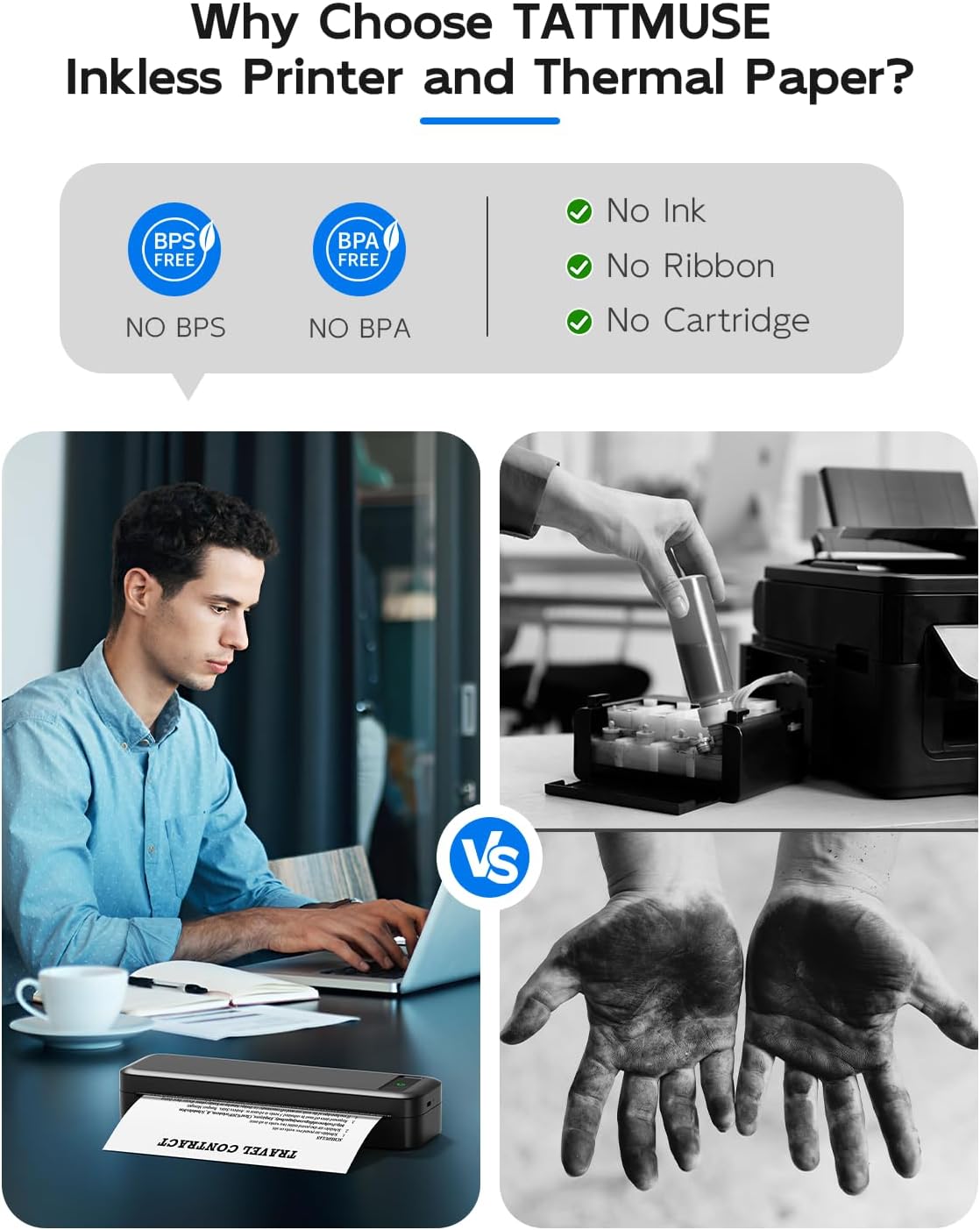
Image: Visual guide demonstrating the process of loading thermal paper into the printer.

Image: Illustration of the various paper types and sizes (US Letter, A4, 4.33'', 3.14'', 2.08'') that the printer can accommodate.
4. Betjeningsvejledning
4.1. Connecting to Mobile Devices (Bluetooth)
Download the official 'Fo Memo' application from your device's app store (available for iOS and Android). Enable Bluetooth on your mobile device and open the Fo Memo app. Select the printer model (A285M) from the list of available devices to pair. Once successfully connected, the printer's indicator light will turn green, signifying it is ready for use.

Image: Visual representation of the printer's compatibility with various devices, including iOS, Android, tablets via Bluetooth, and macOS, Windows, Chrome OS, Linux via USB-C.
Video: Step-by-step guide on connecting the Bluetooth Portable Printer to a mobile device and initiating a print job.
4.2. Connecting to Laptops/PCs (USB)
For laptop or desktop computer use, connect the printer via the provided USB-C or USB-A cable. You will need to download and install the appropriate printer driver from the TATTMUSE official website (refer to the user manual for specific driver download instructions). Once the driver is installed, you can print directly from your computer's applications.
4.3. Udskrivning af dokumenter
Within the Fo Memo app or your computer's print dialogue, select the document or image you wish to print. The printer supports various file formats including Word, TXT, PDF, Excel, and JPG. Adjust print settings such as density or paper size if needed, then initiate the print command. The printer will quickly produce a clear, inkless print.

Image: Highlights the advantages of using the Fo Memo app for document printing, image printing, web page printing, and mobile scanning.
5. Vedligeholdelse
As an inkless thermal printer, maintenance is minimal. Regularly wipe the exterior with a soft, dry cloth. Ensure the thermal print head is kept clean and free of debris to maintain optimal print quality. Avoid using harsh chemicals or abrasive materials.
Store thermal paper in a cool, dry place away from direct sunlight and excessive heat to preserve its quality and longevity. Improper storage can lead to faded or unprintable results.
6. Fejlfinding
6.1. Printer Not Connecting
- Sørg for, at Bluetooth er aktiveret på din enhed, og at printeren er tændt.
- Try restarting both the printer and your mobile device.
- Verify the correct printer model (A285M) is selected in the Fo Memo app.
6.2. Dårlig udskriftskvalitet
- Check if the thermal paper is loaded correctly and is not wrinkled.
- Ensure the paper is suitable for thermal printing and is not expired.
- Clean the print head if smudges or lines appear on the printout.
- Adjust print density settings in the Fo Memo app if available.
6.3. Papirstop
- Carefully open the top cover of the printer.
- Gently pull out any jammed paper in the direction of the paper feed.
- Ensure paper is loaded straight and not wrinkled or torn before closing the cover.
6.4. Printeren svarer ikke
- Kontroller batteriniveauet og genoplad om nødvendigt.
- Perform a power cycle: turn the printer off, wait a few seconds, then turn it back on.
7. Specifikationer
| Feature | Beskrivelse |
|---|---|
| Modelnummer | A285M-BK-SNH |
| Produktdimensioner | 10.39 x 3.07 x 1.77 tommer |
| Varens vægt | 1.5 pund |
| Udskrivningsteknologi | Termisk (blækfri) |
| Udskriftsopløsning | 300 DPI |
| Maksimal udskrivningshastighed (monokrom) | 7 ppm |
| Understøttede papirstørrelser | 8.5" x 11" US Letter, A4, 4.33'' (110mm), 3.14'' (80mm), 2.08'' (53mm) |
| Forbindelse | Bluetooth, USB (USB Type C) |
| Batteri | 2600mAh Lithium Ion (up to 160 sheets per charge, 30 hours standby) |
| Kompatible enheder | Smartphones, pc, tablets, bærbare computere |
8. Garanti og support
For detailed warranty information, technical support, and frequently asked questions, please refer to the official user manual included in your product package. You can also visit the TATTMUSE official webwebsted for yderligere ressourcer og support.
En digital version af brugervejledningen kan downloades: TATTMUSE Portable Printer User Guide (PDF).


