Indledning
This manual provides comprehensive instructions for the setup, operation, and maintenance of your HONOR Choice Watch 2i smartwatch. Please read this manual thoroughly to ensure proper use and to maximize the device's features.
Pakkens indhold
- HONOR Choice Watch 2i Smartwatch
- Ladekabel
- Brugervejledning (dette dokument)
Opsætning
1. Opladning af enheden
Before initial use, fully charge your HONOR Choice Watch 2i. Connect the charging cable to the watch's charging port and a compatible USB power adapter. The watch will display a charging indicator. A full charge typically takes approximately 2 hours.
2. Tænd/sluk
- Tænd: Press and hold the side button until the HONOR logo appears.
- Sluk: Stryg ned på urskiven for at få adgang til hurtigindstillinger, og tryk derefter på tænd/sluk-ikonet, eller gå til Indstillinger > System > Sluk.
3. Parring med din smartphone
- Download og installer HONOR Health App from your smartphone's app store (Google Play Store for Android, Apple App Store for iOS).
- Open the HONOR Health App and follow the on-screen instructions to create an account or log in.
- Sørg for, at Bluetooth er aktiveret på din smartphone.
- In the HONOR Health App, navigate to "Devices" and tap "Add Device" or the "+" icon.
- Select "HONOR Choice Watch 2i" from the list of available devices.
- Bekræft parringsanmodningen på både dit ur og din smartphone.
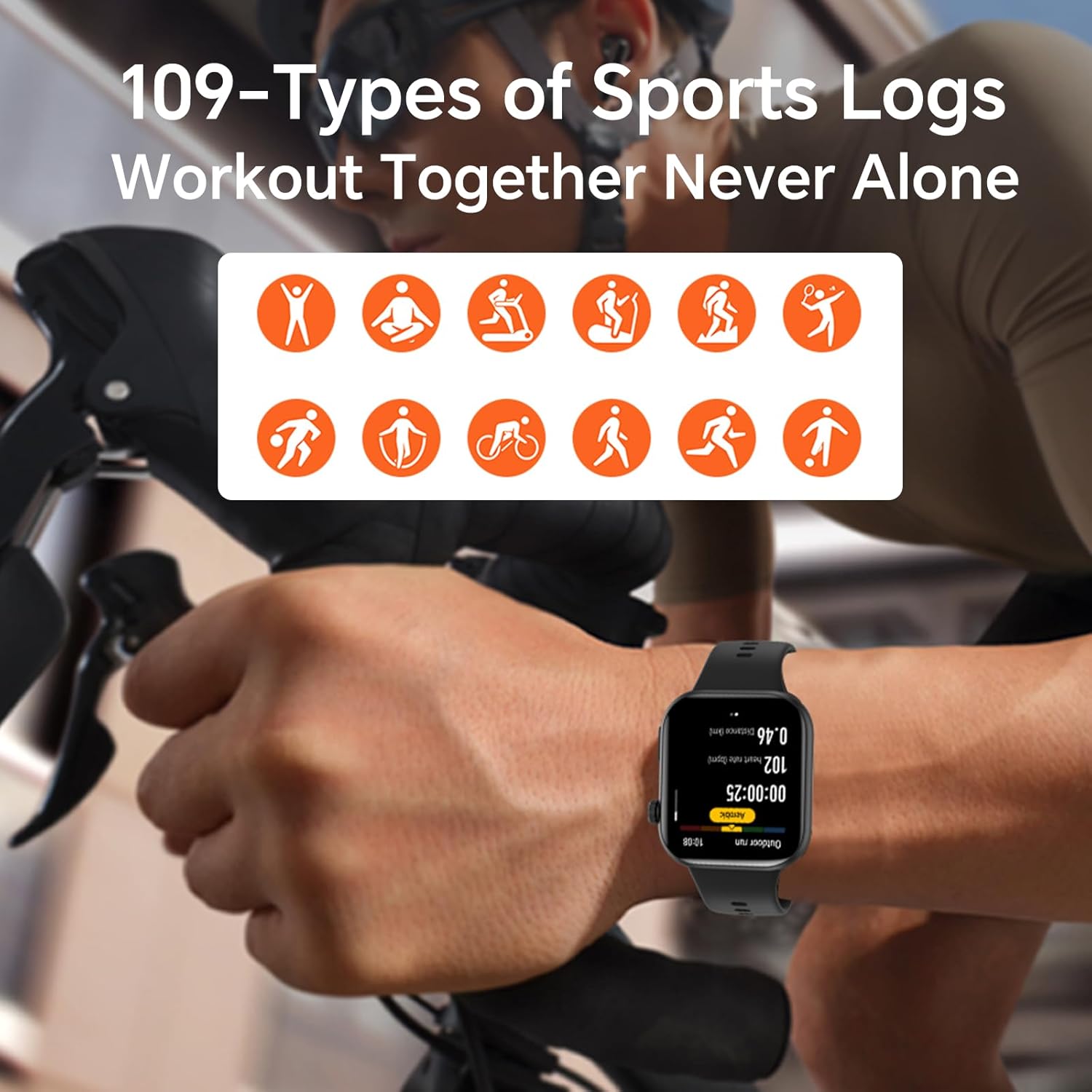
Image: The HONOR Health App interface displaying health data and device management options, essential for pairing and data synchronization.
4. Adjusting the Watch Strap
The HONOR Choice Watch 2i features a quick-release strap mechanism for easy replacement. To remove, slide the spring bar lever inwards and gently pull the strap away from the watch body. To attach, align the spring bar with the lug holes and release the lever.
Billede: En detaljeret view of the watch's quick-release strap, illustrating how to detach and attach the band.
Betjening af uret
1. Watch Navigation
- Touchskærm: Stryg op, ned, til venstre eller højre for at navigere gennem menuer, notifikationer og widgets. Tryk for at vælge elementer.
- Side knap: Press to return to the watch face or access the app list. Press and hold for power options or to activate voice assistant (if configured).

Image: The main watch face of the HONOR Choice Watch 2i, showing typical information displayed during daily use.
2. Bluetooth Calling and Notifications
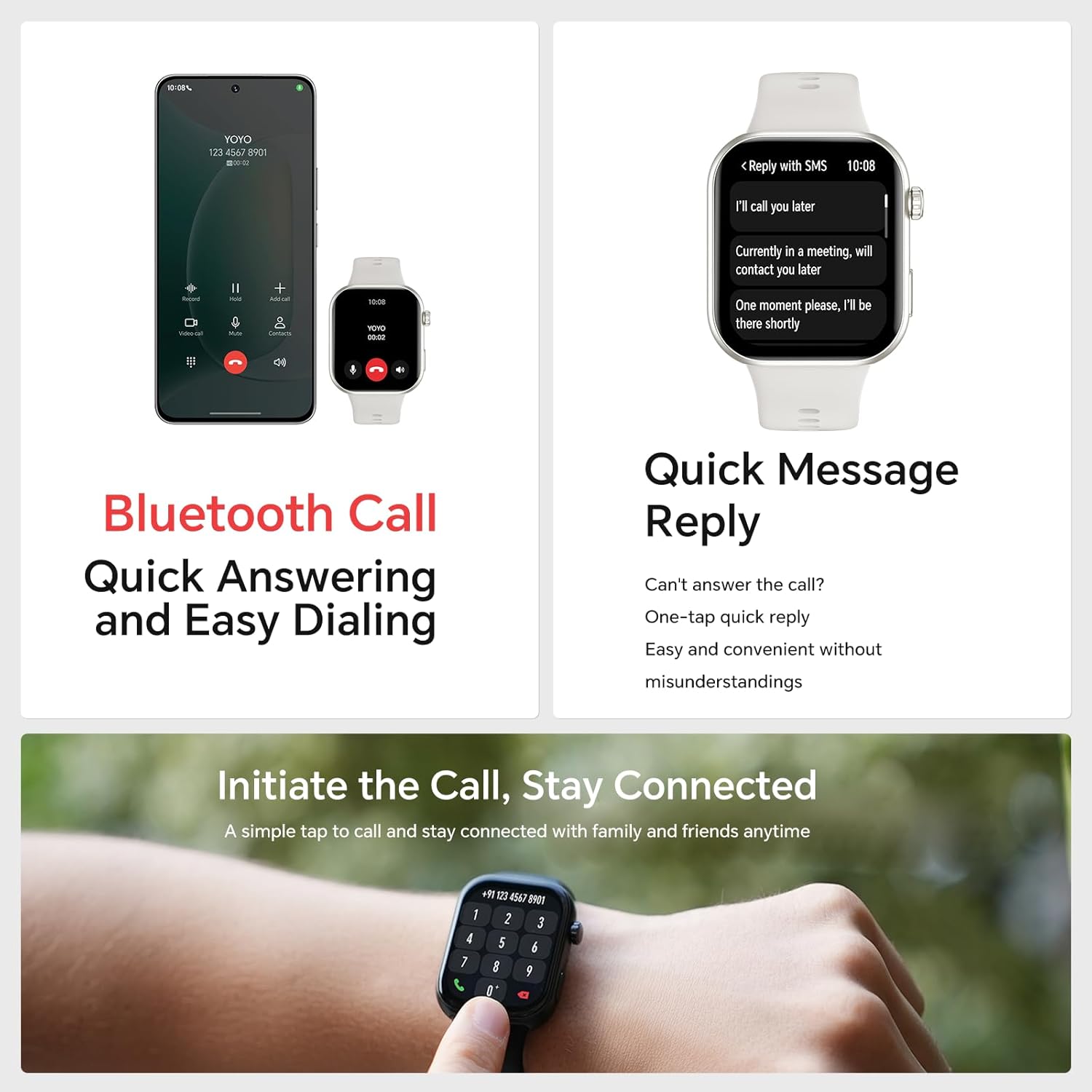
Once paired with your smartphone, the HONOR Choice Watch 2i allows you to make and receive calls directly from your wrist. You can also receive notifications for SMS, emails, and other applications.
- Besvarelse af opkald: Tap the green phone icon on the watch screen when an incoming call is displayed.
- Foretage opkald: Access the dialer from the app list on your watch to initiate calls.
- Hurtigt svar: For incoming messages, use the quick reply feature to send predefined responses.
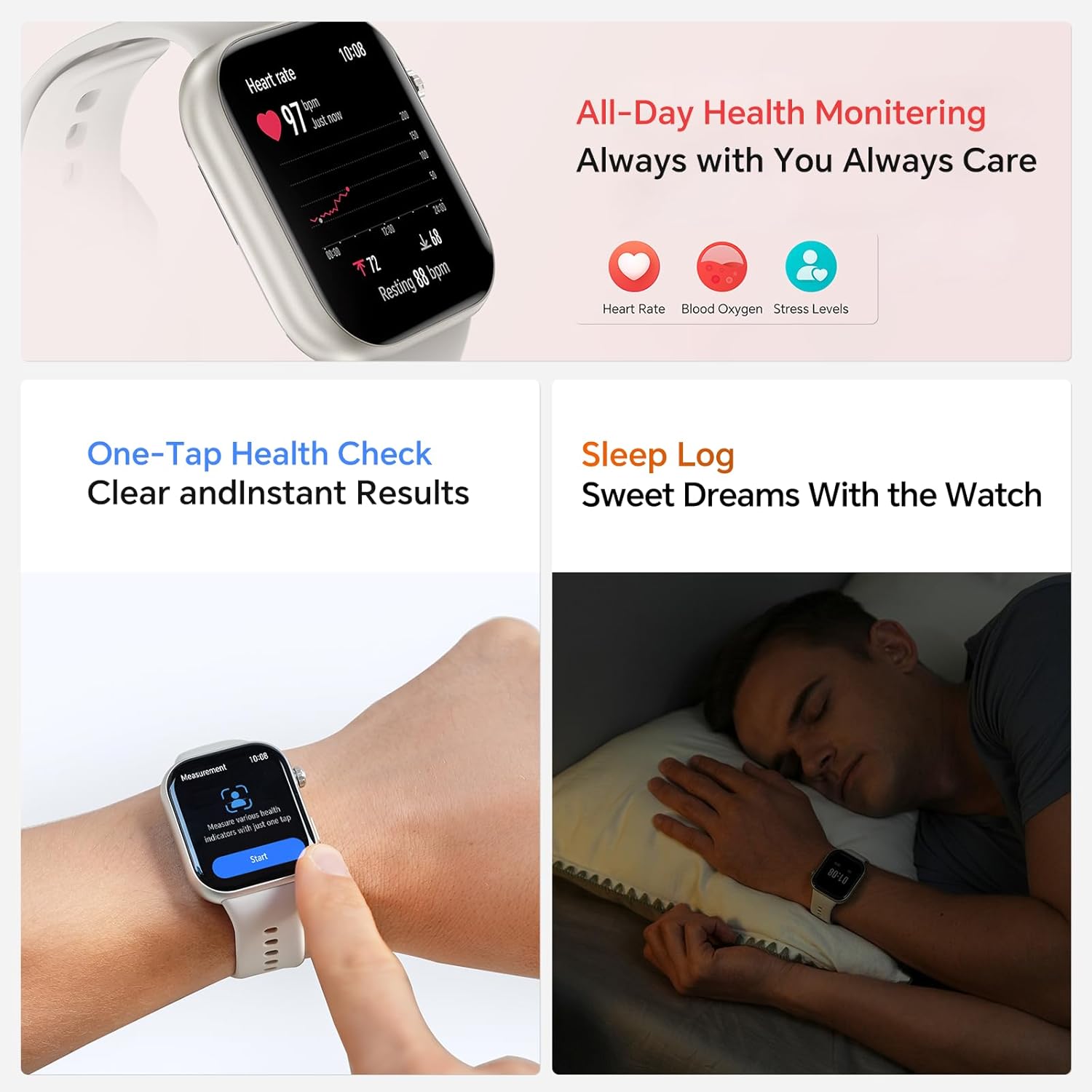
Image: The smartwatch showing both an incoming call interface and options for quick message replies, demonstrating its communication features.
3. Tilpassede urskiver
Personalize your watch by changing the watch face. You can select from various pre-installed faces or download more through the HONOR Health App. To change directly on the watch, press and hold the watch face, then swipe left or right to browse and tap to select.

Image: A collection of HONOR Choice Watch 2i units showcasing various customizable watch faces, highlighting personalization options.
Sundhedsovervågningsfunktioner
The HONOR Choice Watch 2i is equipped with advanced sensors to track various health metrics continuously.
- Heart Rate Monitoring: Provides 24/7 continuous heart rate tracking and alerts for abnormal readings.
- Overvågning af blodilt (SpO2): Måler iltniveauet i blodet.
- Overvågning af stressniveau: Sporer stressniveauer i løbet af dagen.
- Søvnsporing: Analyzes sleep quality by detecting light, deep, and REM sleep stages.
- Sporing af menstruationscyklus: Helps women monitor and manage their menstrual cycles.
- Sundhedstjek med ét tryk: Quickly measure multiple health metrics simultaneously.
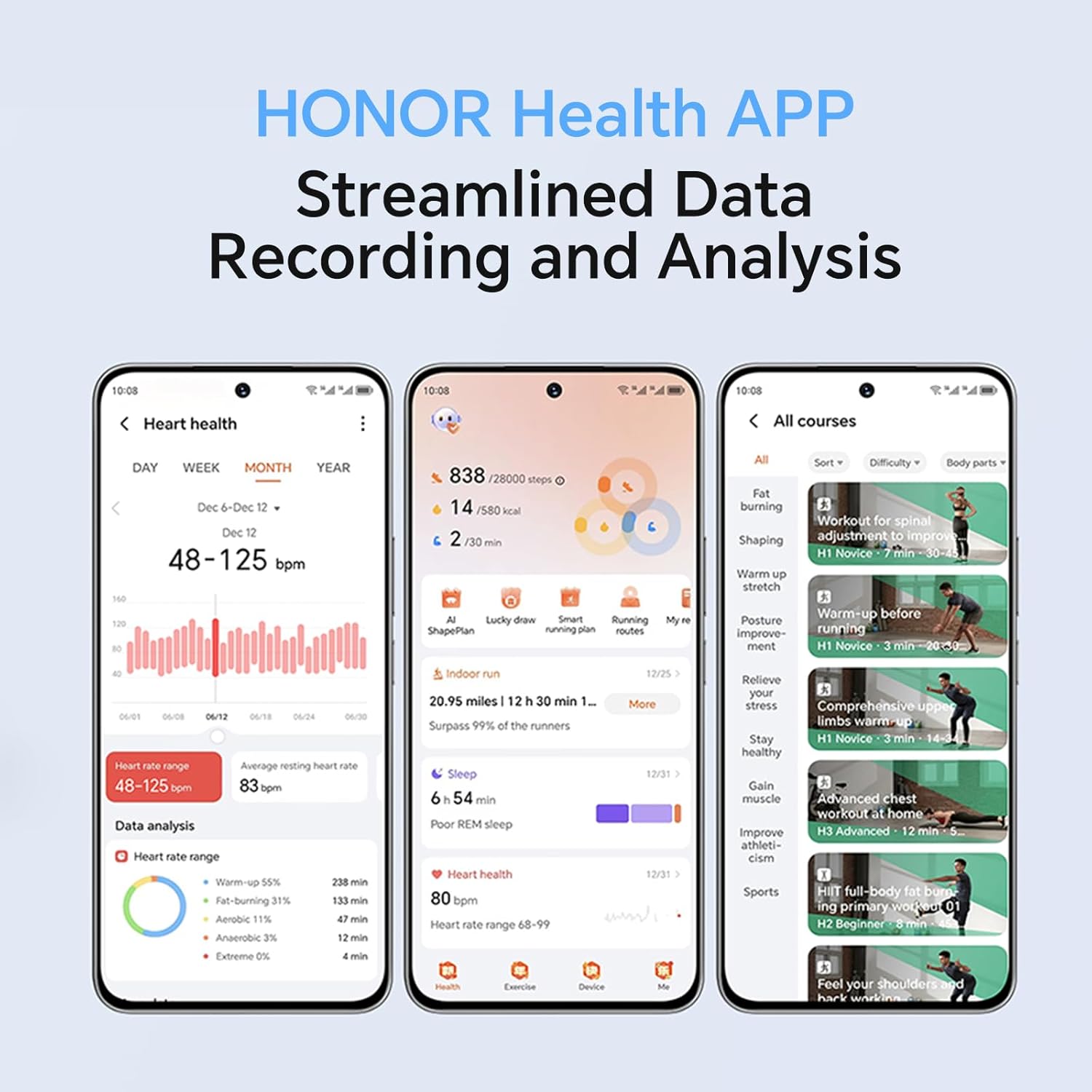
Image: The smartwatch screen showing real-time heart rate data and a user interacting with the "Start" button for a health measurement.
Fitness Tracking and Exercise Modes
The watch supports 109 exercise modes, automatically detecting common activities and providing detailed performance metrics. All data is synchronized with the HONOR Health App for comprehensive analysis.
Image: A user wearing the HONOR Choice Watch 2i while cycling, with the watch screen showing active workout data like duration and distance.
Batterioplysninger
The HONOR Choice Watch 2i is equipped with a 330mAh battery. Under normal usage conditions, it provides up to 14 days of battery life. With heavy use, the battery can last up to 10 days.
Vandmodstand
The watch has a 10-meter water resistance rating (IP68), making it suitable for everyday use, including splashes, rain, and sweat during exercise. It is not recommended for diving or high-pressure water activities.
Vedligeholdelse og pleje
- Rensning: Rengør regelmæssigt uret og remmen med en blød kludamp klæde. Undgå at bruge skrappe kemikalier eller slibende materialer.
- Tørring: Ensure the watch is dry before charging to prevent damage.
- Opbevaring: Opbevar uret et køligt og tørt sted, når det ikke er i brug.
- Undgå ekstreme temperaturer: Do not expose the watch to extreme heat or cold.
Fejlfinding
- Uret tænder ikke: Sørg for, at uret er fuldt opladet. Tilslut det til opladeren i mindst 10 minutter.
- Kan ikke parres med telefon:
- Sørg for, at Bluetooth er aktiveret på din telefon og uret.
- Make sure the HONOR Health App is updated to the latest version.
- Genstart både din telefon og uret.
- Prøv at ophæve parringen og parre enheden igen via appen.
- Unøjagtige sundhedsdata:
- Sørg for, at uret sidder tæt på dit håndled, cirka en fingers bredde over håndledsknoglen.
- Keep the sensor area clean and free from obstructions.
- Kort batterilevetid:
- Reducer skærmens lysstyrke.
- Disable continuous heart rate monitoring or set it to a lower frequency if not needed 24/7.
- Begræns antallet af apps, der sender notifikationer til uret.
- Close unused background applications on the watch.
Produktspecifikationer
| Mærke | ÆRE |
| Modelnummer | 1f15f2d1-dda6-4d72-84f6-3dcbc74fa2bb |
| Skærmstørrelse | 1.85 tommer |
| Operativsystem | Bær OS |
| Forbindelsesteknologi | Bluetooth |
| Batterikapacitet | 330 mioamp Timer |
| Vandmodstand | 10 meters (IP68 rating) |
| Særlige funktioner | Fitness Modes, Battery Life, Oximeter (SpO2), Heart Rate Monitor, Stress Monitor, Sleep Tracking, Menstrual Cycle Tracking, Bluetooth Call |
| Genstands form | Rektangulær |
| Pakkedimensioner | 17.7 x 11.9 x 5.2 cm |
| Varens vægt | 110 g |
Garanti og support
For warranty information and technical support, please refer to the official HONOR webwebstedet eller kontakt deres kundeservice. Behold din købskvittering som købsbevis.


