1. Introduktion
This manual provides essential information for the proper installation, operation, maintenance, and troubleshooting of the JYFORNWC Carrier Air Conditioner Motherboard, models OOPSG000469OOOA, 00PSY111374800, and CEBD430602-07-RA. Please read this manual thoroughly before attempting any procedures to ensure safe and efficient use of the product.
2. Produktet er slutview
The JYFORNWC Carrier Air Conditioner Motherboard is a critical component designed to manage and control the various functions of compatible Carrier air conditioning units. It integrates advanced processing technology and energy management features to optimize the air conditioner's performance, energy efficiency, and temperature control capabilities.
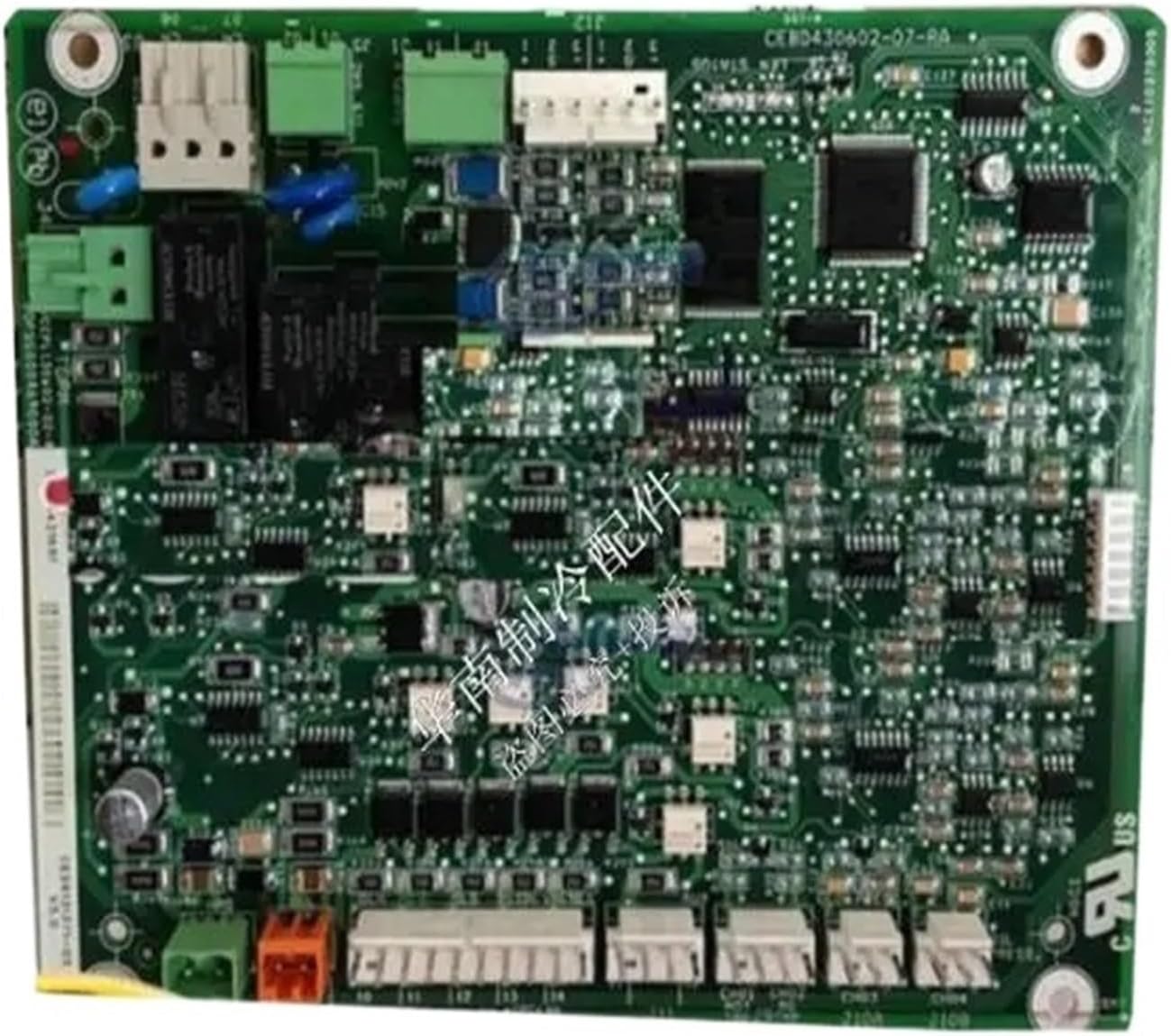
Figur 2.1: Forside view of the JYFORNWC Carrier Air Conditioner Motherboard (Model CEBD430602-07-RA). This image displays the intricate layout of the circuit board, including microchips, capacitors, resistors, and various connection ports for different air conditioner components.
Nøglefunktioner:
- Forbedret energieffektivitet: Utilizes advanced processing and energy management functions for more energy-saving operation.
- Improved Stability and Reliability: Designed to replace aging or damaged mainboards, reducing potential fault risks and preventing larger failures.
- Optimized Temperature Control: Contributes to precise and effective temperature regulation within the air conditioning system.
- Kompatibilitet: Specifically designed for Carrier air conditioning units, ensuring seamless integration.
3. Sikkerhedsoplysninger
WARNING: Risk of Electric Shock. Installation and servicing should only be performed by qualified and experienced technicians.
- Afbryd altid strømmen til klimaanlægget ved hovedafbryderen, før du forsøger at installere, vedligeholde eller reparere det.
- Ensure proper grounding of the air conditioning unit.
- Brug passende personlige værnemidler (PPE), herunder isolerede handsker og sikkerhedsbriller.
- Rør ikke ved strømførende elektriske komponenter.
- Kontroller, at alle forbindelser er sikre og korrekte, før strømmen genoprettes.
- Refer to the air conditioner unit's specific service manual for detailed wiring diagrams and safety procedures.
4. Installation (Opsætning)
The installation of an air conditioner motherboard requires specialized knowledge and tools. It is strongly recommended that this procedure be carried out by a certified HVAC technician.
Generelle installationstrin (for kvalificerede teknikere):
- Strømafbrydelse: Ensure the air conditioning unit is completely powered off at the main electrical panel. Verify with a voltage tester.
- Fjernelse af adgangspanel: Carefully remove the access panel(s) of the indoor or outdoor unit to expose the existing motherboard.
- Dokumentation: Before disconnecting, take clear photographs of all wiring connections to the old motherboard. Label wires if necessary.
- Afbryd ledninger: Systematically disconnect all wires and connectors from the old motherboard.
- Fjern det gamle bundkort: Skru eller klips det gamle bundkort af dets monteringspunkter.
- Installer nyt bundkort: Position the new JYFORNWC motherboard in the same location and secure it using the original screws or clips.
- Tilslut ledningerne igen: Carefully reconnect all wires and connectors to the new motherboard, referring to your photographs and the unit's wiring diagram. Ensure all connections are firm and correctly seated.
- Geninstallation af panel: Replace the access panel(s).
- Power Restoration & Testing: Restore power to the unit. Perform diagnostic checks and test the air conditioner's functions to ensure proper operation.
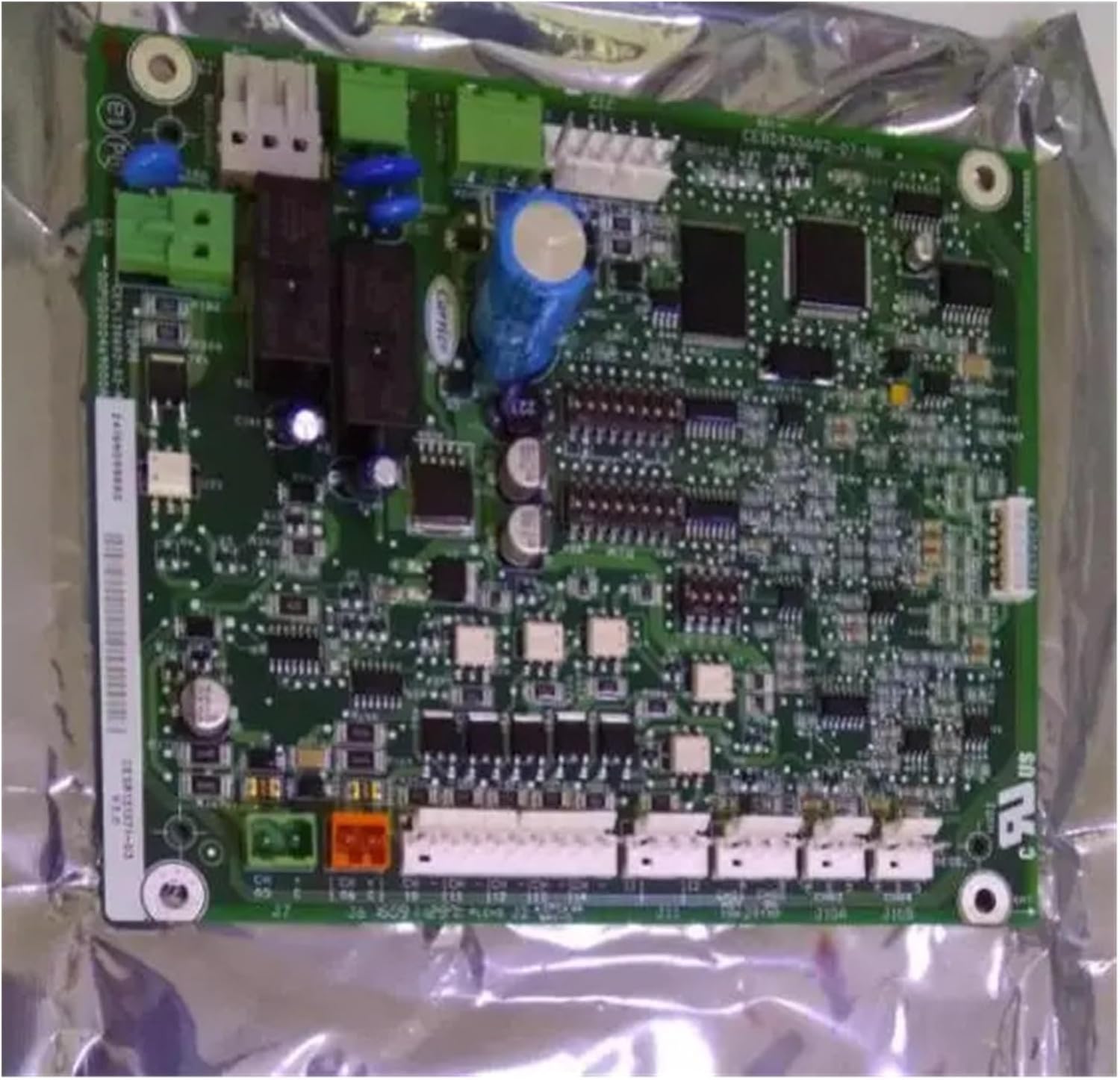
Figure 4.1: The JYFORNWC Carrier Air Conditioner Motherboard, typically shipped in anti-static packaging. This view highlights the various connection points and the overall form factor, crucial for proper alignment during installation.
5. Betjening
As a core control component, the motherboard itself does not have direct user-operable controls. Its function is to process signals and manage the various components of the air conditioning system based on user input from the thermostat or remote control. Once correctly installed, the air conditioner should operate as designed by the manufacturer.
Ensure that the air conditioner's thermostat is set to the desired mode (e.g., Cool, Heat, Fan) and temperature. The motherboard will then interpret these settings and control the compressor, fan motors, and other components to achieve and maintain the set conditions.
6. Vedligeholdelse
The JYFORNWC Carrier Air Conditioner Motherboard is designed for long-term reliability and typically requires no routine user maintenance. However, ensuring the overall cleanliness and proper functioning of the air conditioning unit will contribute to the motherboard's longevity.
- Professionel inspektion: It is recommended to have the entire air conditioning system inspected by a qualified technician annually. They can check for loose connections, dust accumulation, or signs of wear that could affect the motherboard.
- Renhed: Keep the area around the air conditioning unit clean and free from dust and debris, which can accumulate on electronic components and potentially lead to overheating or malfunction.
- Miljøforhold: Ensure the air conditioning unit is operating within its specified environmental conditions to prevent undue stress on electronic components.
7. Fejlfinding
If the air conditioning unit is not functioning correctly after motherboard replacement, or if new issues arise, consider the following general troubleshooting steps. Always prioritize safety and consult a qualified technician for complex issues.
Almindelige problemer og potentielle løsninger:
- Enheden tænder ikke:
- Check the main circuit breaker for the air conditioning unit.
- Kontroller, at alle strømforbindelser til bundkortet er sikre.
- Ensure the thermostat has power and is set correctly.
- Incorrect Operation (e.g., fan runs but no cooling):
- Confirm all sensor connections to the motherboard are correct and secure.
- Check for error codes displayed on the unit or thermostat (refer to the air conditioner's specific manual).
- Verify that the correct motherboard model was installed for your specific Carrier unit.
- Intermitterende funktionalitet:
- Inspect for any loose wiring or corroded connections on the motherboard.
- Ensure the unit's power supply is stable.
For persistent problems or issues beyond basic checks, contact a professional HVAC technician. Attempting advanced repairs without proper training can lead to further damage or personal injury.
8. Specifikationer
| Mærke | JYFORNWC |
| Kompatible modeller | Carrier Air Conditioner Motherboard OOPSG000469OOOA, 00PSY111374800, CEBD430602-07-RA |
| Type | Air Conditioner Motherboard / Control Board |
| ASIN | B0DWKP2DM9 |
| Pakkedimensioner | 1.18 x 0.79 x 0.39 tommer |
| Varens vægt | 1.76 ounce |
9. Garanti og support
Specific warranty information for the JYFORNWC Carrier Air Conditioner Motherboard is not provided in the product details. For warranty claims, technical support, or further assistance, please contact the seller or manufacturer directly through your purchase platform.
It is advisable to retain your proof of purchase for any warranty-related inquiries.


