1. Introduktion
This manual provides detailed instructions for the safe and effective use of your pTron Funk Rap 10W Mini Bluetooth Speaker. Please read this manual thoroughly before operating the device and retain it for future reference.
The pTron Funk Rap is a compact and portable Bluetooth speaker designed to deliver clear audio with a 10W output. It features multiple playback options, including Bluetooth 5.4, TF card, and USB, along with a True Wireless Stereo (TWS) function for enhanced sound. The speaker is equipped with a Type-C port for convenient charging and offers up to 8 hours of playtime.
2. Pakkens indhold
Sørg for at alle varer er til stede i pakken:
- pTron Funk Rap 10W Mini Bluetooth Speaker
- Power Cable (Type-C USB)
- Hurtig startvejledning
3. Produktet er slutview
The pTron Funk Rap speaker features a durable design with a front metal grill and multi-function control buttons for easy operation. Its compact size and lightweight construction make it suitable for various environments.

Image: The pTron Funk Rap 10W Mini Bluetooth Speaker, shown in blue from an angled perspective, highlighting its compact form factor and design.
3.1 Betjeningselementer og porte
Gør dig bekendt med højttalerens betjeningselementer og porte:
- Power knap: Tryk og hold nede for at tænde eller slukke for højttaleren.
- Afspil/pause knap: Tryk for at afspille eller sætte lyd på pause.
- Knap til lydstyrke op/næste nummer: Press to increase volume; press and hold for next track.
- Knap til lydstyrke ned/forrige nummer: Press to decrease volume; press and hold for previous track.
- Mode knap: Press to switch between Bluetooth, TF Card, and USB modes. Long press for TWS pairing.
- Type-C opladningsport: Til opladning af højttaleren.
- TF-kortslot: For inserting a MicroSD/TF card.
- USB-port: For connecting a USB drive.

Image: An infographic illustrating the main features of the pTron Funk Rap speaker, including its 10W sound, portable design, multi-playback modes, Type-C charging, 66mm drivers, 8 hours playtime, Bluetooth 5.4 connectivity, and TWS function.
4. Opsætning
4.1 Opladning af højttaleren
- Connect the provided Type-C USB cable to the charging port on the speaker.
- Tilslut den anden ende af kablet til en USB-strømadapter (medfølger ikke) eller en computers USB-port.
- Opladningsindikatorlampen lyser.
- En fuld opladning tager typisk cirka 2 timer. Indikatorlampen skifter eller slukker, når opladningen er færdig.
4.2 Tænd/sluk
- For at tænde: Press and hold the Power button for a few seconds until you hear an audible prompt or see an indicator light.
- For at slukke: Tryk på tænd/sluk-knappen igen, og hold den nede i et par sekunder, indtil du hører en lydmeddelelse, eller indikatorlampen slukker.
4.3 Bluetooth -parring
Sådan forbinder du højttaleren til din enhed via Bluetooth:
- Ensure the speaker is powered on and in Bluetooth pairing mode (indicated by a flashing LED light and an audible prompt). If not, press the Mode button to switch to Bluetooth mode.
- On your smartphone, tablet, or laptop, enable Bluetooth.
- Søg efter tilgængelige Bluetooth-enheder.
- Select "pTron Funk Rap" from the list of devices.
- Once connected, you will hear a confirmation sound, and the LED indicator will stop flashing.
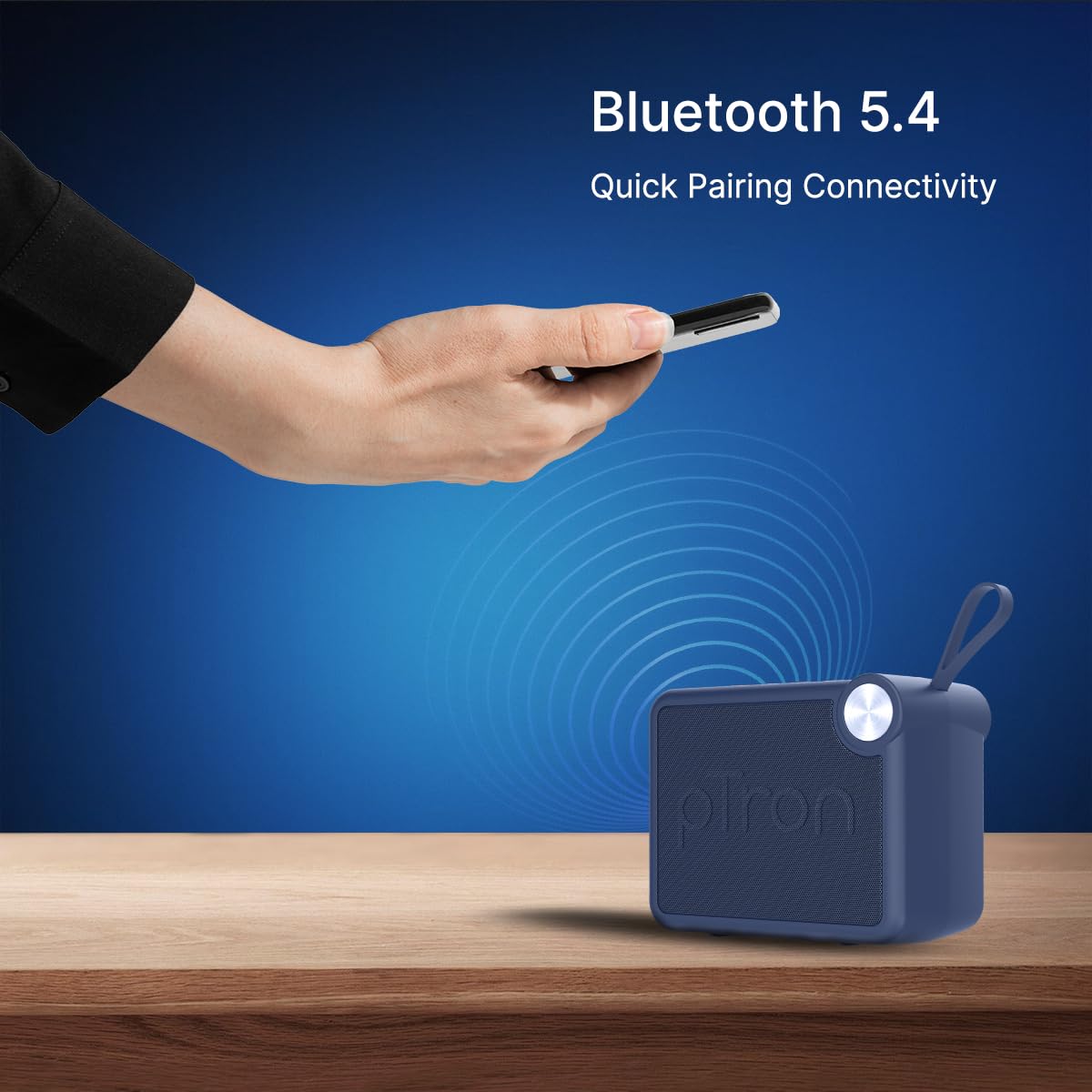
Image: A visual representation of a hand holding a smartphone, indicating the process of connecting to the pTron Funk Rap speaker via Bluetooth 5.4 for quick pairing.
5. Betjeningsvejledning
5.1 Bluetooth-tilstand
- Afspil/pause: Tryk på knappen Afspil/pause.
- Lydstyrkejustering: Tryk på knapperne Lydstyrke op eller Lydstyrke ned.
- Næste nummer: Tryk og hold på lydstyrke op-knappen.
- Forrige nummer: Tryk og hold lydstyrke ned-knappen.
5.2 TF-korttilstand
- Indsæt et TF-kort (MicroSD) med lyd files ind i TF-kortåbningen.
- The speaker will automatically switch to TF Card mode or you may need to press the Mode button.
- Playback controls (Play/Pause, Volume, Next/Previous Track) function as in Bluetooth mode.
5.3 USB-afspilningstilstand
- Indsæt et USB-flashdrev med lyd files i USB-porten.
- The speaker will automatically switch to USB mode or you may need to press the Mode button.
- Playback controls (Play/Pause, Volume, Next/Previous Track) function as in Bluetooth mode.
5.4 Ægte trådløs stereo (TWS) tilstand
To pair two pTron Funk Rap speakers for stereo sound:
- Sørg for, at begge højttalere er tændt og ikke er forbundet til nogen Bluetooth-enhed.
- On both speakers, long press the Mode button for approximately 2 seconds.
- You will hear an audible prompt indicating TWS pairing mode. The speakers will automatically connect to each other.
- Once paired, one speaker will act as the master. Connect your device to this master speaker via Bluetooth as described in section 4.3.
- Lyden afspilles nu i stereo på tværs af begge højttalere.

Image: Two pTron Funk Rap speakers are depicted, illustrating their ability to connect in True Wireless Stereo (TWS) mode to provide a more immersive audio experience.
5.5 Opkaldsfunktioner
Når den er tilsluttet en smartphone via Bluetooth:
- Besvar opkald: Tryk én gang på knappen Afspil/Pause.
- Afslut opkald: Tryk én gang på Afspil/Pause-knappen under et opkald.
- Afvis opkald: Tryk og hold knappen Afspil/Pause nede.
6. Vedligeholdelse
- Rensning: Brug en blød, tør klud til at rengøre højttaleren. Brug ikke slibende rengøringsmidler eller opløsningsmidler.
- Opbevaring: Opbevar højttaleren et køligt, tørt sted væk fra direkte sollys og ekstreme temperaturer.
- Batteripleje: To prolong battery life, charge the speaker fully before first use and at least once every three months if not used regularly. Avoid fully discharging the battery frequently.
- Vandtæthed: This speaker is not waterproof. Avoid exposure to water or excessive moisture.
7. Fejlfinding
Hvis du støder på problemer med din højttaler, kan du se følgende almindelige problemer og løsninger:
- Højttaleren tænder ikke: Sørg for, at batteriet er opladet. Tilslut højttaleren til en strømkilde med Type-C-kablet.
- Kan ikke parres via Bluetooth:
- Sørg for, at højttaleren er i Bluetooth-parringstilstand (blinkende LED).
- Make sure Bluetooth is enabled on your device and it is within 10 meters of the speaker.
- Sluk og tænd både højttaleren og din enheds Bluetooth.
- Ryd Bluetooth-parringslisten på din enhed, og prøv at parre igen.
- Ingen lyd:
- Kontroller lydstyrkeniveauet på både højttaleren og din tilsluttede enhed.
- Ensure the speaker is correctly connected to your device.
- If using TF card or USB, ensure the audio files are in a supported format and the media is inserted correctly.
- Dårlig lydkvalitet:
- Flyt højttaleren tættere på din Bluetooth-enhed for at reducere interferens.
- Sørg for, at der ikke er nogen forhindringer mellem højttaleren og din enhed.
- Kontroller lydkildens kvalitet.
- Problemer med TWS-parring:
- Ensure both speakers are fully charged and not connected to any other Bluetooth device before initiating TWS pairing.
- Gentag TWS-parringstrinnene omhyggeligt.
8. Specifikationer
| Feature | Detalje |
|---|---|
| Modelnavn | Funk Rap |
| Højttaler type | Bærbar højttaler |
| Forbindelsesteknologi | Bluetooth 5.4, USB |
| Lydudgangstilstand | Stereo (med TWS) |
| Højttaler Maksimal udgangseffekt | 10 watt |
| Audio driver størrelse | 66 millimeter |
| Impedans | 4 Ohm |
| Signal-støjforhold | 85 dB |
| Frekvensrespons | 20000 KHz |
| Bluetooth rækkevidde | 10 meter |
| Strømkilde | Batteridrevet |
| Batteritype | Litiumpolymer (1 x 9V inkluderet) |
| Batteriets gennemsnitlige levetid | 8 timer |
| Opladningstid | 2 timer |
| Kontrolmetode | Tryk på knapper |
| Materiale | Acrylonitril Butadien Styren (ABS) |
| Produktdimensioner | 10.4D x 8.6B x 5.8H Centimeter |
| Varens vægt | 271 gram |
| Oprindelsesland | Indien |
9. Garanti og support
9.1 Garantioplysninger
The pTron Funk Rap 10W Mini Bluetooth Speaker comes with a 6 måneders producentgaranti from the date of purchase, covering manufacturing defects. This warranty is limited and does not cover damage caused by misuse, accidents, unauthorized modifications, or normal wear and tear.
9.2 Kundesupport
For any product-related queries, technical assistance, or warranty claims, please contact pTron customer support:
- Telefon: 040-67138888
- E-mail: support@ptron.in
- Producentens adresse: PALRED ELECTRONICS PVT. LTD., SY.NR. 56, 1. SAL, GUNDLAPOCHAMPALLY VILLAGE, TECH PARK MTP, TSIIC-IALA NACHARAM, HYDERABAD - 500076, TELANGANA, INDIEN


