Indledning
This manual provides essential information for the safe and effective use of your Gravity C20 Pro Smartwatch. Please read it thoroughly before operating the device.
The Gravity C20 Pro Smartwatch is designed for durability and advanced functionality, featuring a rugged 1.83-inch TFT display. It is built to withstand various conditions, including dust and water, with an IP68 rating. Key features include Bluetooth calling, AI voice assistant, and comprehensive health monitoring.
Pakkens indhold
Before proceeding with setup, ensure all items are present in the package:
- Gravity C20 Pro Smartwatch
- Ladekabel
- Brugervejledning (dette dokument)
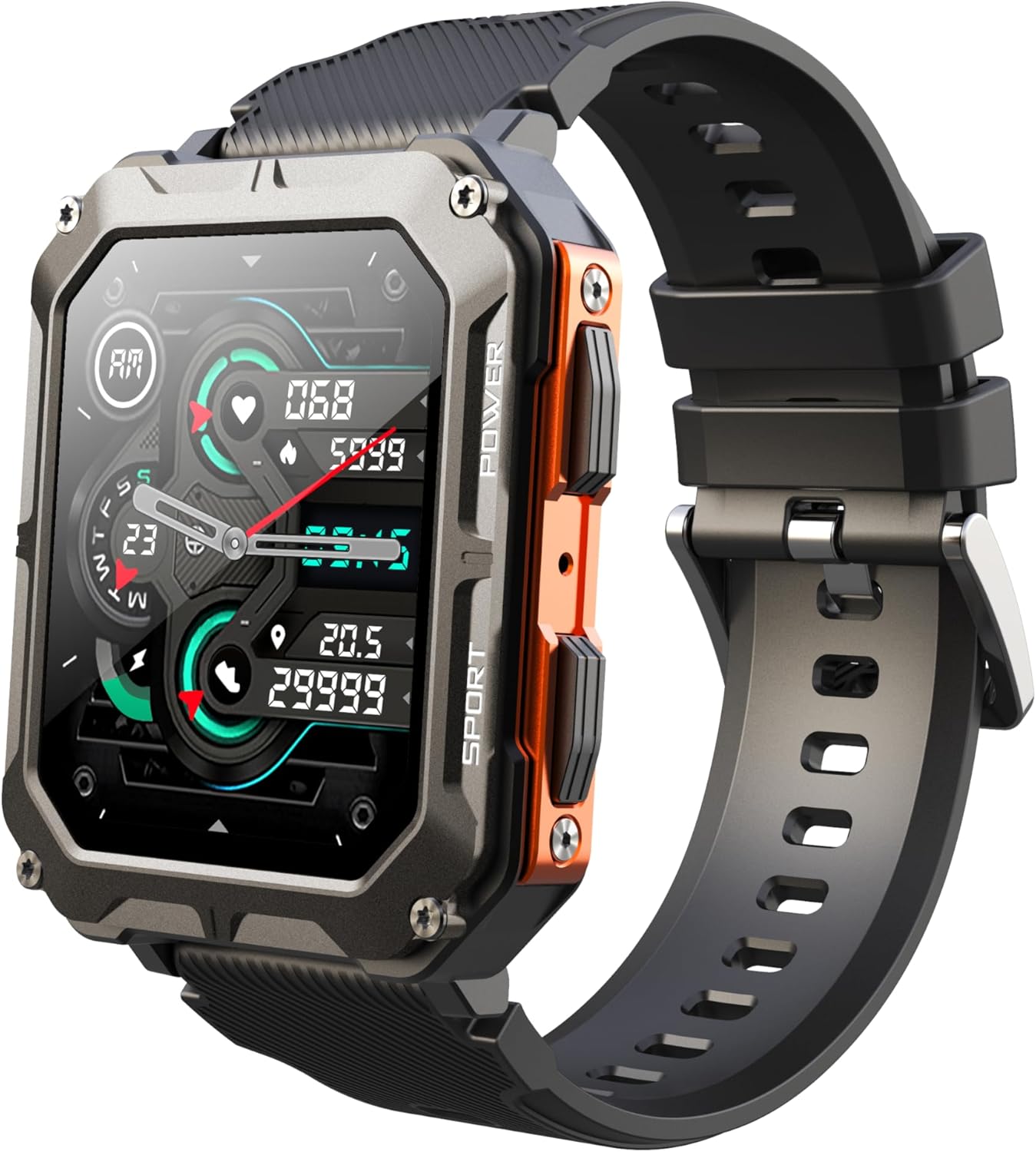
Image: The Gravity C20 Pro Smartwatch, typically accompanied by its charging cable and user manual.
Opsætning
1. Opladning af enheden
Before first use, fully charge your smartwatch. Connect the magnetic charging cable to the charging points on the back of the watch and plug the USB end into a compatible power adapter (not included) or a computer USB port.
- Opladningstid: Cirka 2 timer for en fuld opladning.
- Battery life: Up to 20 days standby time.
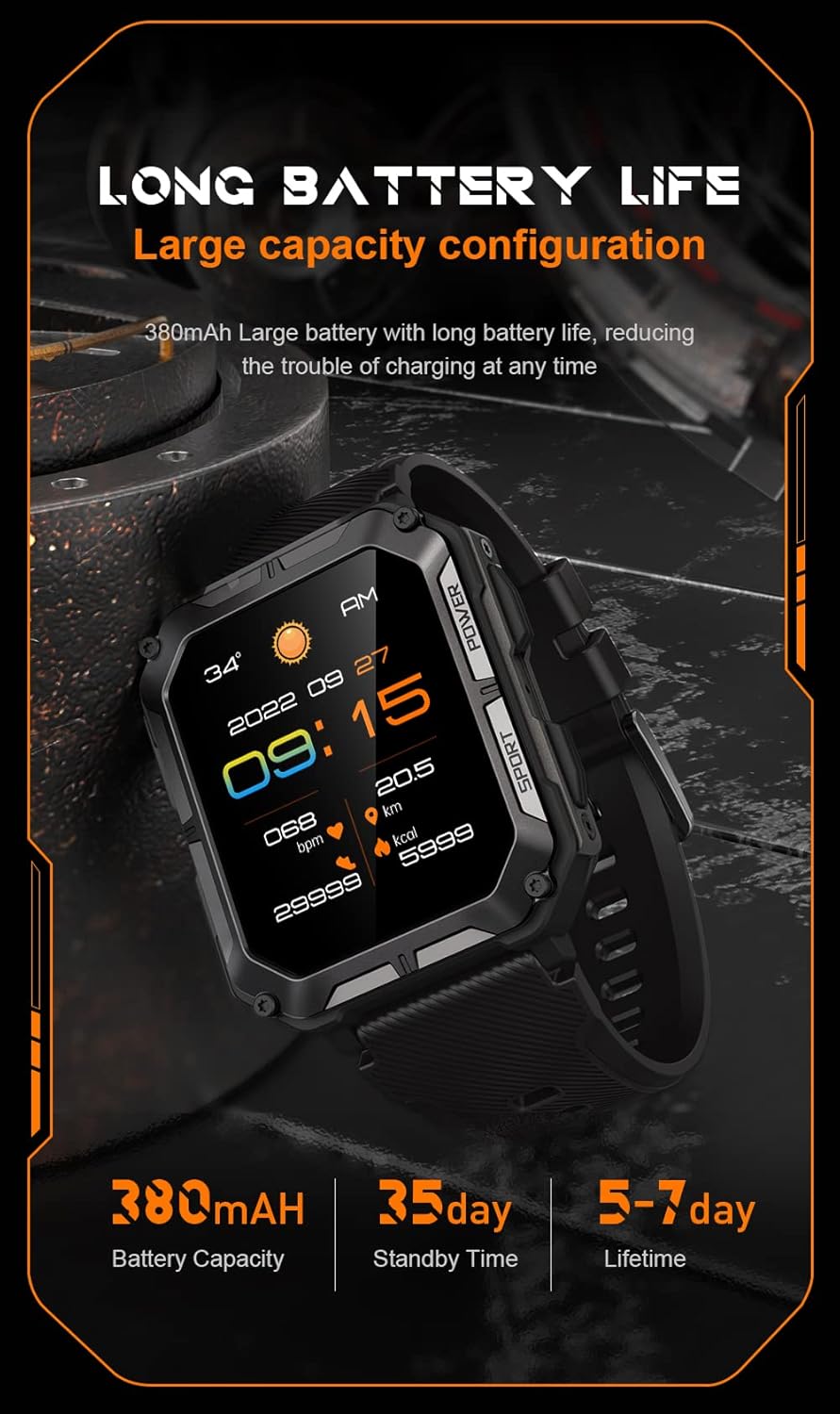
Image: The smartwatch screen showing current time and battery status, indicating long battery life.
2. Download af Companion-appen
To unlock the full functionality of your Gravity C20 Pro Smartwatch, download the official companion application on your smartphone. Refer to the product packaging or quick start guide for the specific app name (e.g., Da Fit, GloryFit) and search for it in your device's app store (iOS App Store or Google Play Store).
3. Parring med din smartphone
- Sørg for, at Bluetooth er aktiveret på din smartphone.
- Åbn den tilhørende app, og følg instruktionerne på skærmen for at tilføje en ny enhed.
- Select "Gravity C20 Pro" from the list of available devices.
- Bekræft parringsanmodningen på både din smartphone og smartwatch.
Betjeningsvejledning
Grundlæggende navigation
- Power knap: Located on the side. Press and hold to power on/off. Short press to return to the watch face or wake the screen.
- Berøringsskærm: Swipe up, down, left, or right to navigate through menus and notifications. Tap to select an option.
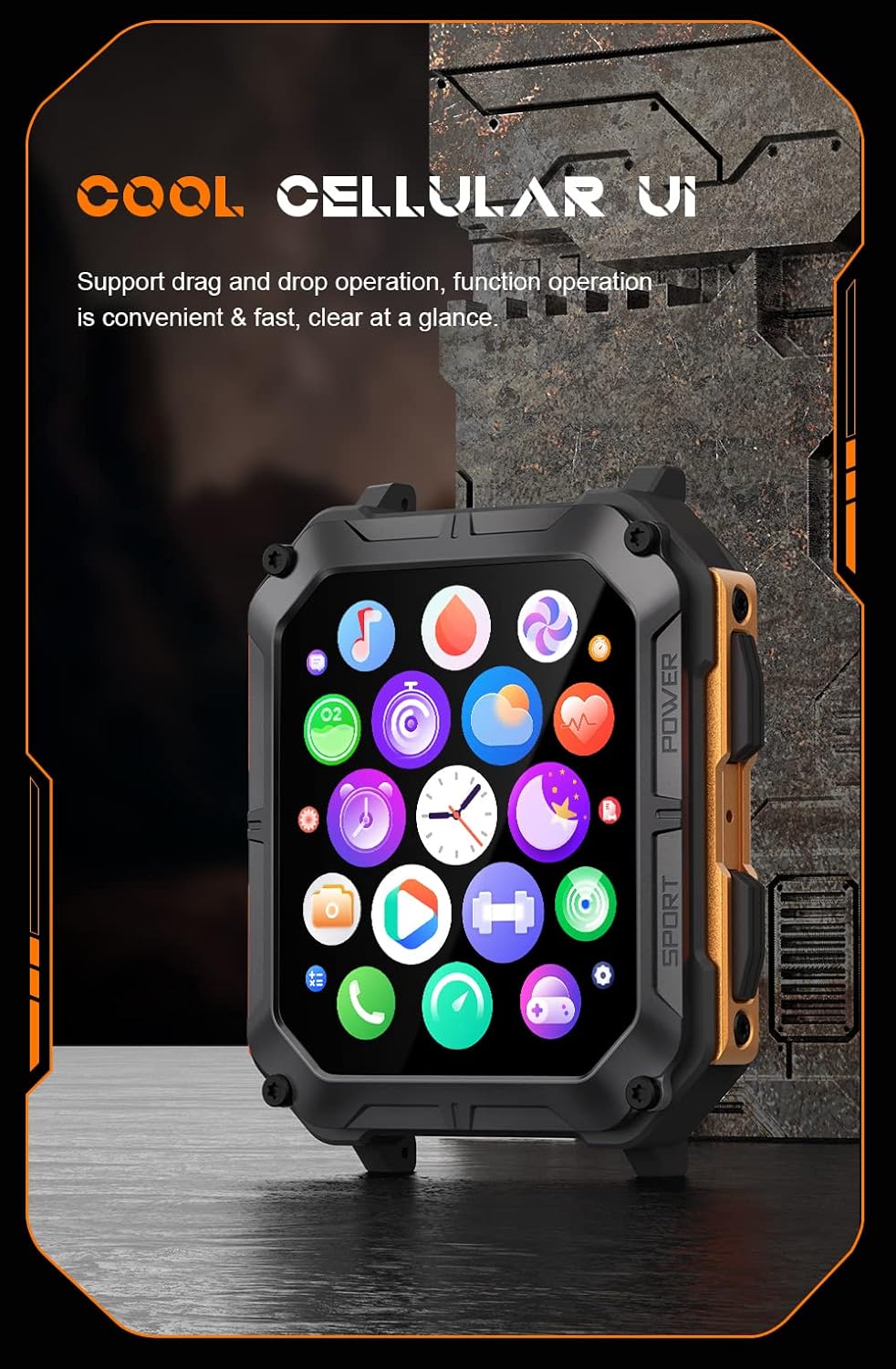
Image: The smartwatch screen showing a grid of application icons, demonstrating the cellular user interface for easy navigation.
Nøglefunktioner
- Bluetooth-opkald: Once paired, you can make and receive calls directly from your wrist. Access the call function via the watch's menu.
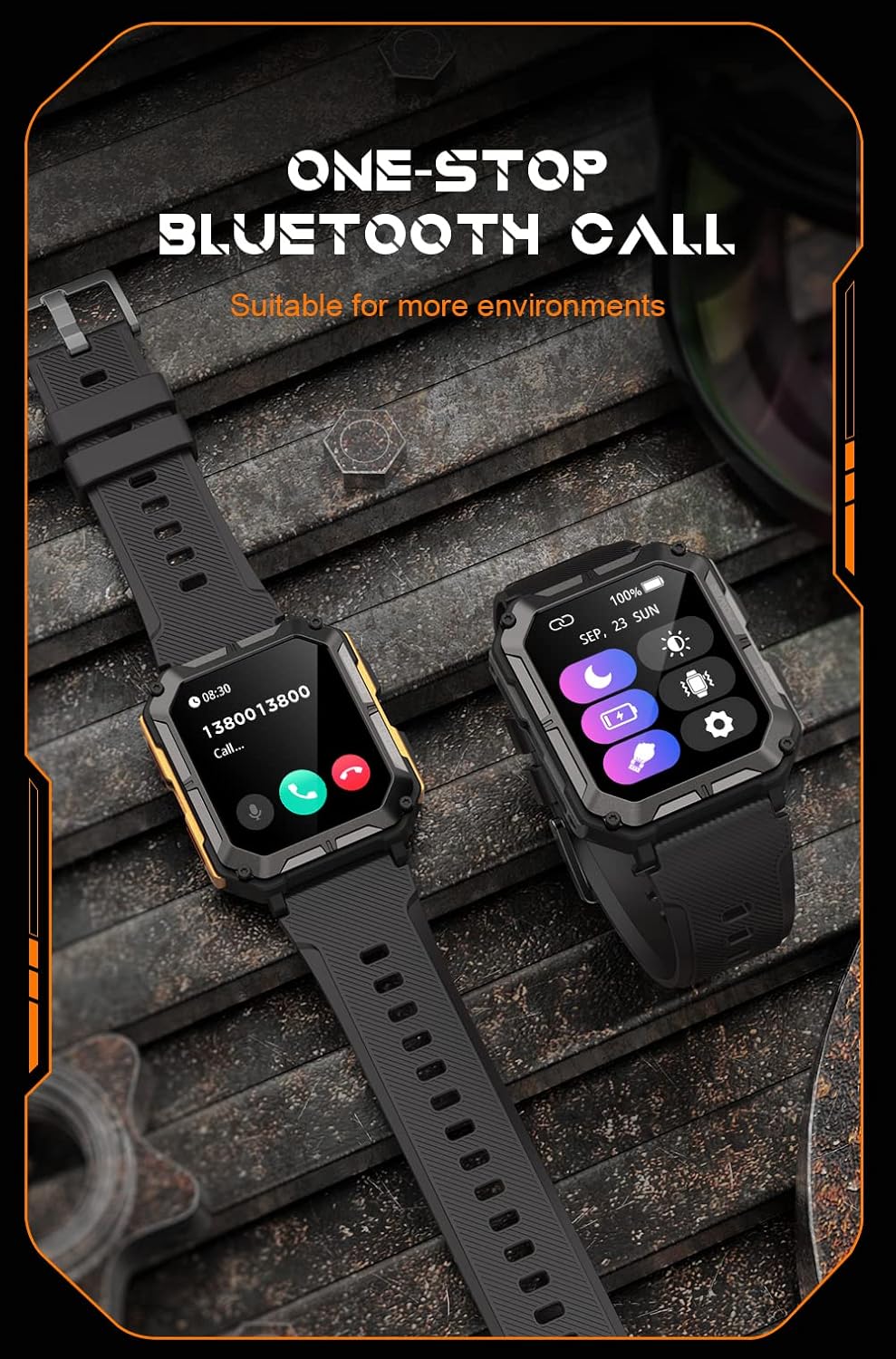
Image: The smartwatch screen showing an incoming call, illustrating the Bluetooth calling feature.
- Sundhedsovervågning:
- Puls: Overvåg din puls i løbet af dagen.
- Blodilt (SpO2): Mål dit iltniveau i blodet.
- Søvnovervågning: Sporer søvnmønstre og -kvalitet.

Image: The smartwatch screen displaying real-time heart rate and blood oxygen saturation (SpO2) data, highlighting its health monitoring capabilities.
- Sportstilstande: The watch supports over 100 sports modes. Select your activity to track performance metrics such as steps, distance, calories burned, and duration.
- Smarte meddelelser: Receive alerts for calls, messages, and app notifications directly on your watch. Ensure notification permissions are enabled in the companion app.
- AI Voice Assistant: Activate the voice assistant for hands-free control and information retrieval.

Image: A graphic displaying various features of the smartwatch, including heart rate, call reminder, pedometer, information reminder, blood pressure monitor, sleep monitor, calories, sedentary reminder, exercise data, IP68 waterproof, stress monitor, voice assistant, blood oxygen monitor, heart rate warning, and calculator.
Opretholdelse
Rensning
Rengør dit smartwatch regelmæssigt for at sikre optimal ydeevne og hygiejne.
- Tør skærmen og kabinettet af med en blød, fnugfri klud.
- For genstridigt snavs, dampRengør kluden let med vand. Undgå at bruge skrappe kemikalier eller slibende materialer.
- Rengør opladningskontakterne med jævne mellemrum for at sikre korrekt opladning.
Vandtæthed (IP68)
The Gravity C20 Pro is IP68 rated, meaning it is protected against dust ingress and can withstand immersion in water up to 1.5 meters for up to 30 minutes. While it is waterproof for daily use (e.g., hand washing, rain), it is not recommended for hot showers, saunas, or diving, as steam and high pressure can compromise the seals.
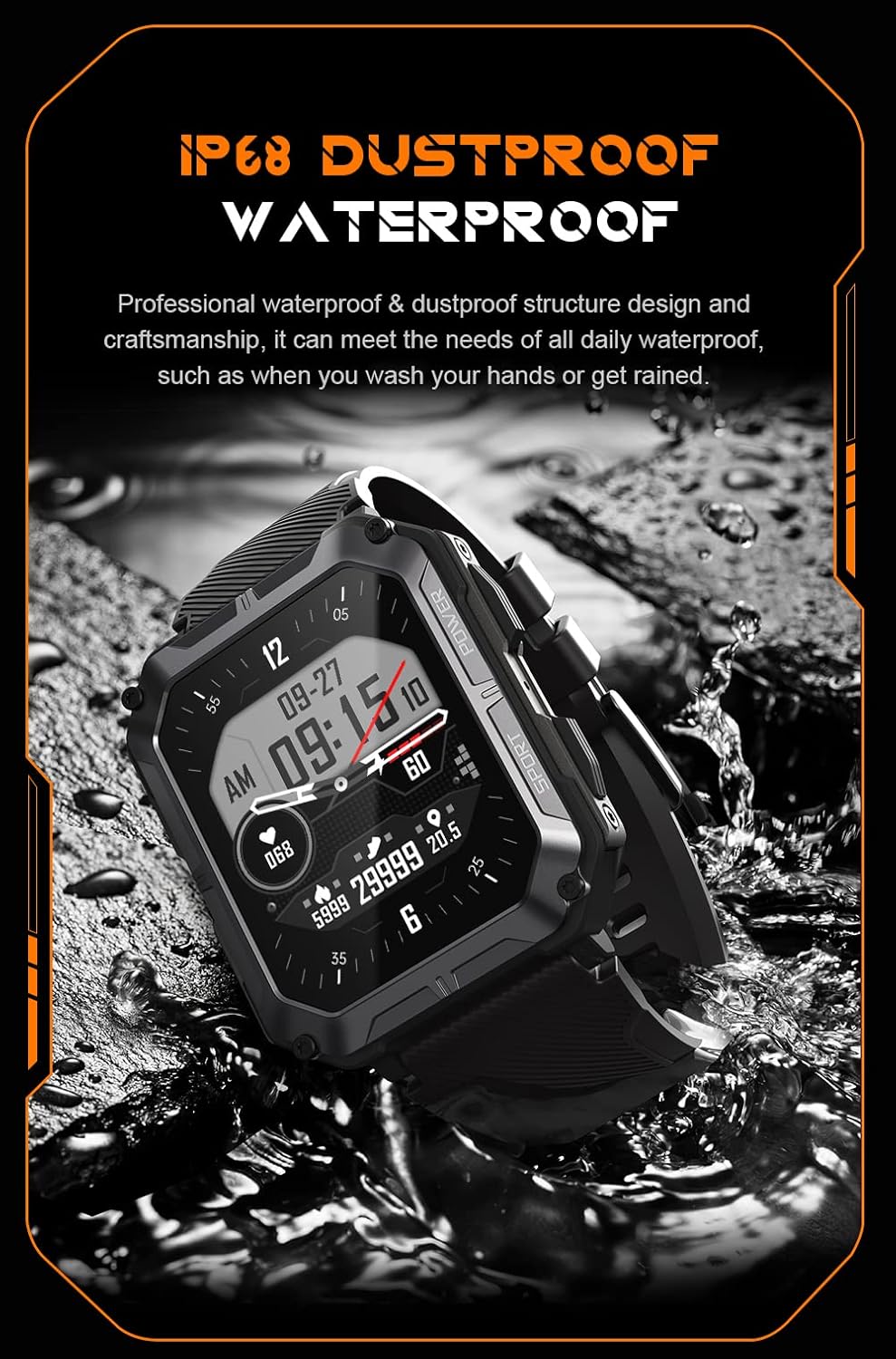
Image: The smartwatch partially submerged in water, demonstrating its IP68 dustproof and waterproof capabilities, suitable for daily exposure to water.
Opbevaring
Når smartwatchet ikke er i brug i længere perioder, skal det opbevares køligt og tørt, væk fra direkte sollys og ekstreme temperaturer.
Fejlfinding
| Problem | Mulig årsag | Løsning |
|---|---|---|
| Uret tænder ikke. | Lavt batteri. | Oplad uret i mindst 30 minutter. |
| Kan ikke parres med smartphone. | Bluetooth is off; app issue; watch not discoverable. | Ensure Bluetooth is on. Restart the app and watch. Try resetting the watch to factory settings if issues persist. |
| Notifikationer ikke modtaget. | App permissions not granted; app not running in background. | Check app notification permissions on your phone. Ensure the app is running and not optimized for battery saving. |
| Unøjagtige sundhedsdata. | Watch fit is too loose; sensor dirty. | Ensure the watch is snug on your wrist. Clean the heart rate sensor on the back of the watch. |
Specifikationer
| Feature | Detalje |
|---|---|
| Modelnummer | W4-C28 |
| Skærmstørrelse | 1.83 tommer TFT |
| Batterikapacitet | 380 mAh |
| Batterilevetid (Standby) | Op til 20 dage |
| Vandmodstand | IP68 |
| Forbindelse | Bluetooth |
| Operativsystem | Android OS (compatible) |
| Temperaturmodstand | -24°C til 60°C |
| Varens vægt | 1 pund |
| Pakkedimensioner | 9 x 4 x 1 tommer |
Garantioplysninger
Gravity products are covered by a limited warranty from the date of purchase. This warranty covers manufacturing defects and workmanship under normal use. It does not cover damage caused by misuse, accidents, unauthorized modifications, or normal wear and tear.
For specific warranty terms and conditions, please refer to the warranty card included with your product or visit the official Gravity webwebsted.
Kundesupport
If you encounter any issues or have questions not covered in this manual, please contact Gravity customer support:
- Webwebsted: www.gravity.com/support (Eksample URL, replace if actual URL is known)
- E-mail: support@gravity.com (Eksampe-mailen)
- Telefon: Henvis til embedsmanden webwebsted for regionale kontaktnumre.
When contacting support, please have your product model number (W4-C28) and purchase details ready.


