Indledning
This manual provides detailed instructions for the setup, operation, and maintenance of your GOBOULT Rover Pro Smartwatch. Please read this manual thoroughly before using your device to ensure proper functionality and to maximize your user experience.

Image: GOBOULT Rover Pro Smartwatch, showcasing its sleek design and digital time display.
Pakkens indhold
Upon opening your GOBOULT Rover Pro Smartwatch package, verify that all items listed below are present:
- GOBOULT Rover Pro Smartwatch
- Ladekabel
- Brugervejledning (dette dokument)
Opsætning
1. Opladning af smartwatchet
Before initial use, fully charge your GOBOULT Rover Pro Smartwatch. Connect the provided charging cable to the charging port on the back of the smartwatch and to a standard USB power adapter (not included). A full charge typically takes approximately 150 minutes (2.5 hours).

Image: Illustration of the smartwatch charging, highlighting battery life and charging duration.
2. Tænd/sluk
- Tænd: Tryk og hold sideknappen nede, indtil skærmen lyser.
- Sluk: Tryk og hold sideknappen nede, og vælg derefter "Sluk" på skærmen.
3. Appinstallation og parring
To unlock the full potential of your smartwatch, download and install the companion application on your smartphone. The application can typically be found by scanning a QR code in the watch's settings or by searching for "GloryFit" in your smartphone's app store. Once installed:
- Aktiver Bluetooth på din smartphone.
- Open the companion app and follow the on-screen instructions to add your device.
- Select "GOBOULT Rover Pro" from the list of available devices to pair.
- Bekræft parringsanmodningen på både din smartphone og dit smartwatch.
For app download, visit: Download af GloryFit-appen
Betjening af smartwatchet
Display og navigation
The GOBOULT Rover Pro features a 1.43-inch AMOLED display with 1000 nits brightness, ensuring clear visibility even in direct sunlight. The display supports an Always-on mode for continuous time display.

Billede: Detaljeret view of the smartwatch's 1.43-inch round AMOLED curved display.

Image: Visual comparison highlighting the superior brightness and clarity of the Rover Pro's AMOLED display.
- Stryg op/ned/venstre/højre: Naviger gennem menuer, notifikationer og hurtigindstillinger.
- Tryk på: Vælg et element, eller åbn et program.
- Side knap: Press to return to the home screen or access the app list.
Sundhedsovervågning
The GOBOULT Rover Pro Smartwatch offers comprehensive health tracking features to help you monitor your well-being:
- 24/7 Pulsovervågning: Sporer kontinuerligt din puls hele dagen.
- SpO2 Blood Oxygen Saturation: Måler iltniveauet i dit blod.
- Søvnovervågning: Analyserer dine søvnmønstre, herunder dyb søvn, let søvn og vågnetider.
- Kvindelig menstruationscyklussporing: Giver indsigt og forudsigelser for menstruationscyklusser.
- Aktivitetssporing: Registrerer skridt, distance og forbrændte kalorier.
- Påmindelser: Includes reminders to drink water and stay active.
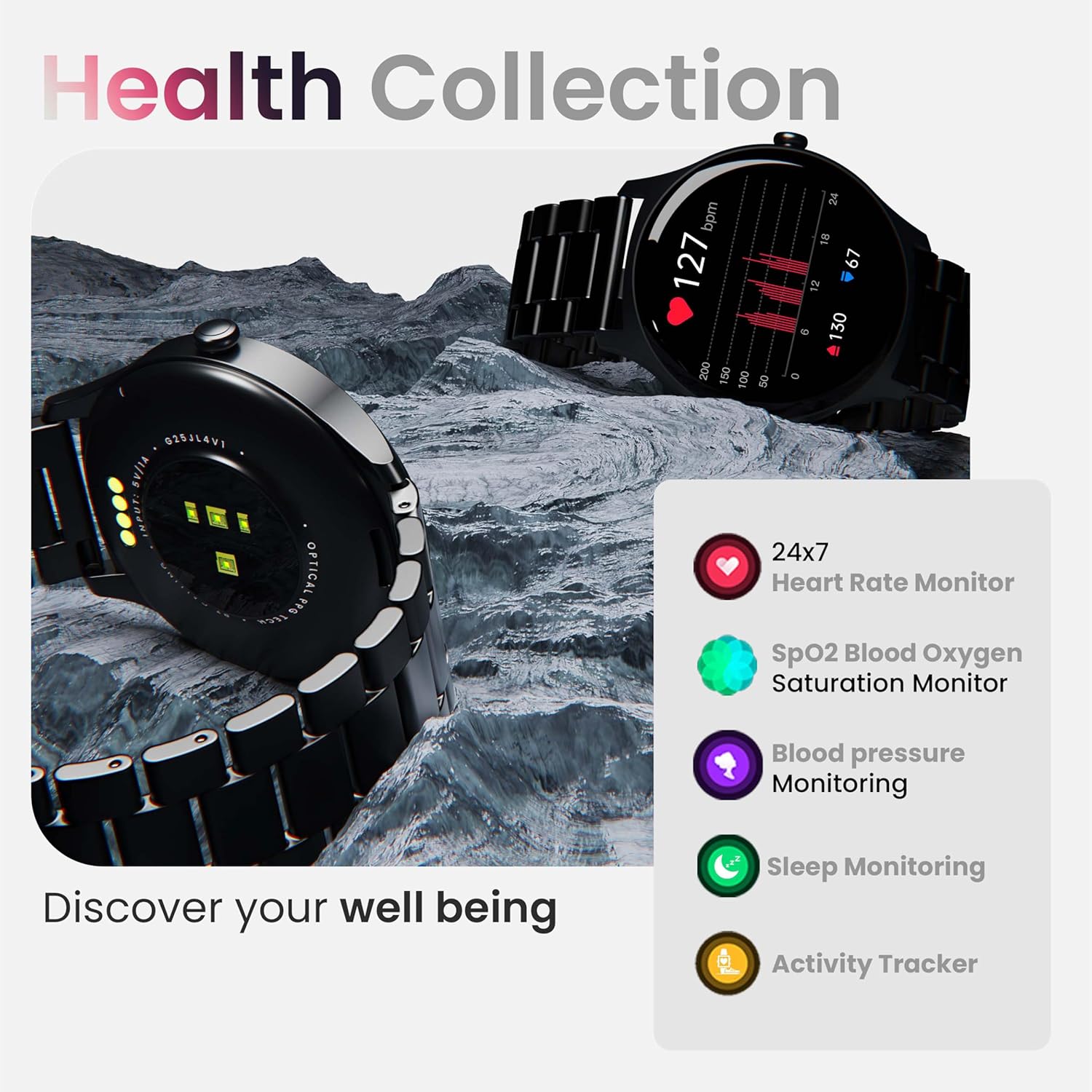
Billede: Overview of the smartwatch's health monitoring capabilities.
Note: Denne enhed er ikke et medicinsk instrument. Sundhedsdata er kun til reference og bør ikke bruges til medicinsk diagnose eller behandling.
Sportstilstande
With over 120 sports modes, the GOBOULT Rover Pro Smartwatch is designed to track a wide range of physical activities. Select your desired sport from the watch's menu to record specific metrics such as duration, calories burned, and heart rate during your workout.

Image: Display of various sports modes available on the smartwatch.
Tilpasning
Watch Faces
Personalize your smartwatch with over 150 cloud-based watch faces available through the companion app. You can also create custom watch faces using your own photos.

Billede: Eksamples of various watch faces and customization options.
Bluetooth-opkald
The GOBOULT Rover Pro Smartwatch features Bluetooth 5.2 single-chip technology, enabling direct calls from your wrist. It includes a dedicated speaker and microphone for clear communication.
- Foretage opkald: Access the dial pad or contact list on your watch to initiate calls.
- Besvarelse/afvisning af opkald: Swipe on the screen to answer or reject incoming calls.
- Kontaktsynkronisering: Sync your phone's contacts to the smartwatch via the companion app.

Image: Visual representation of the smartwatch's Bluetooth calling interface and features.
AI stemmeassistent
Interact with your smartwatch hands-free using the built-in AI voice assistant. Simply activate the assistant and speak your commands to perform various functions, such as setting alarms, checking weather, or initiating calls. Supports popular voice assistants like Siri and Google Assistant when connected to a compatible smartphone.
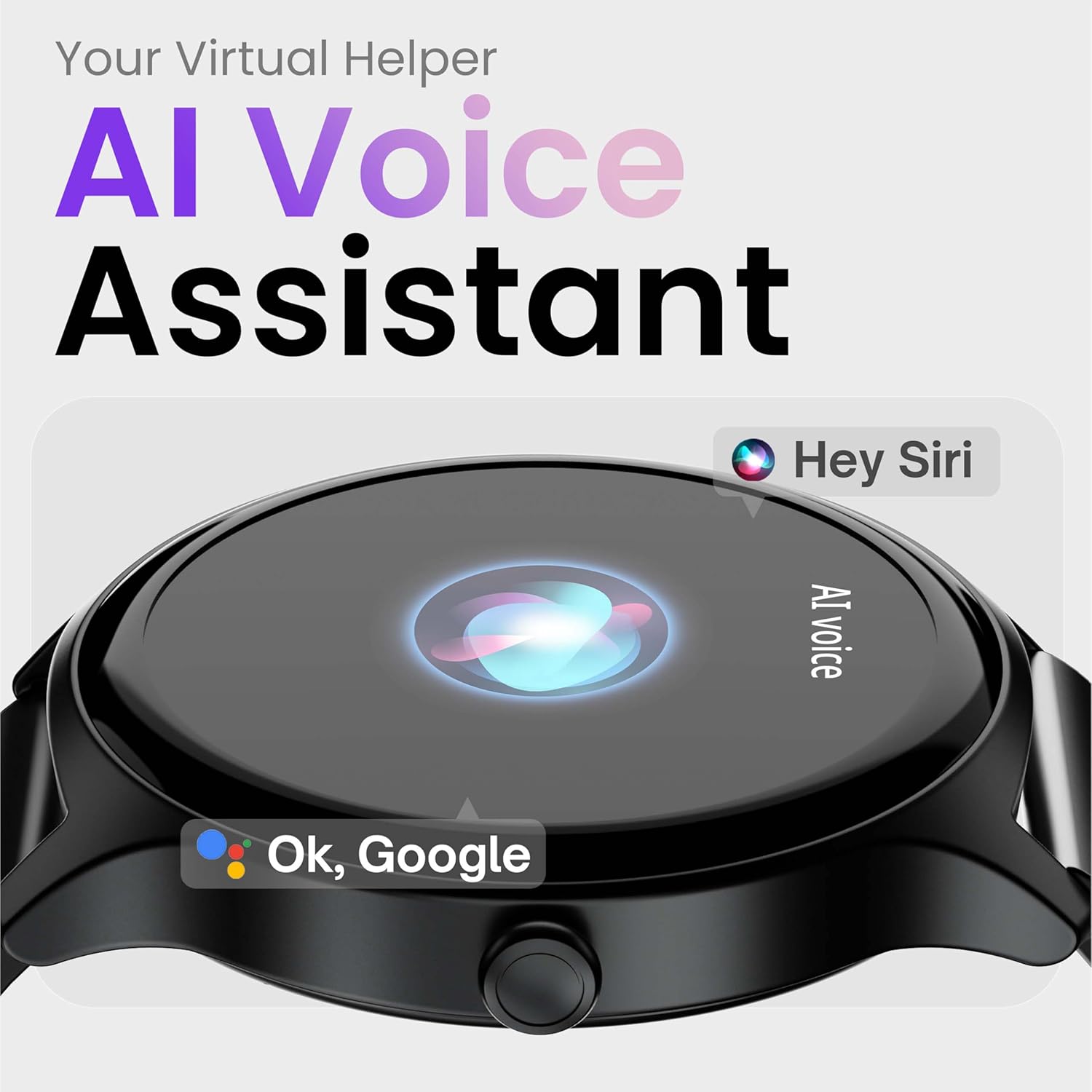
Image: Depiction of the AI Voice Assistant functionality on the smartwatch.
Smart Notifications & Safety Features
Smarte meddelelser
Receive SMS, call, and app notifications directly on your wrist. Manage which notifications appear through the companion app settings.

Image: Smartwatch screen showing notification alerts and the 'Find my phone' function.
Sikkerhedsfunktioner
- 4-cifret pinkode: Secure your smartwatch with a PIN for enhanced privacy.
- One-Tap SOS Alert: In an emergency, activate the SOS feature to notify pre-set emergency contacts.
- Secure Sign-in Methods: Utilize easy and secure methods for accessing your device.
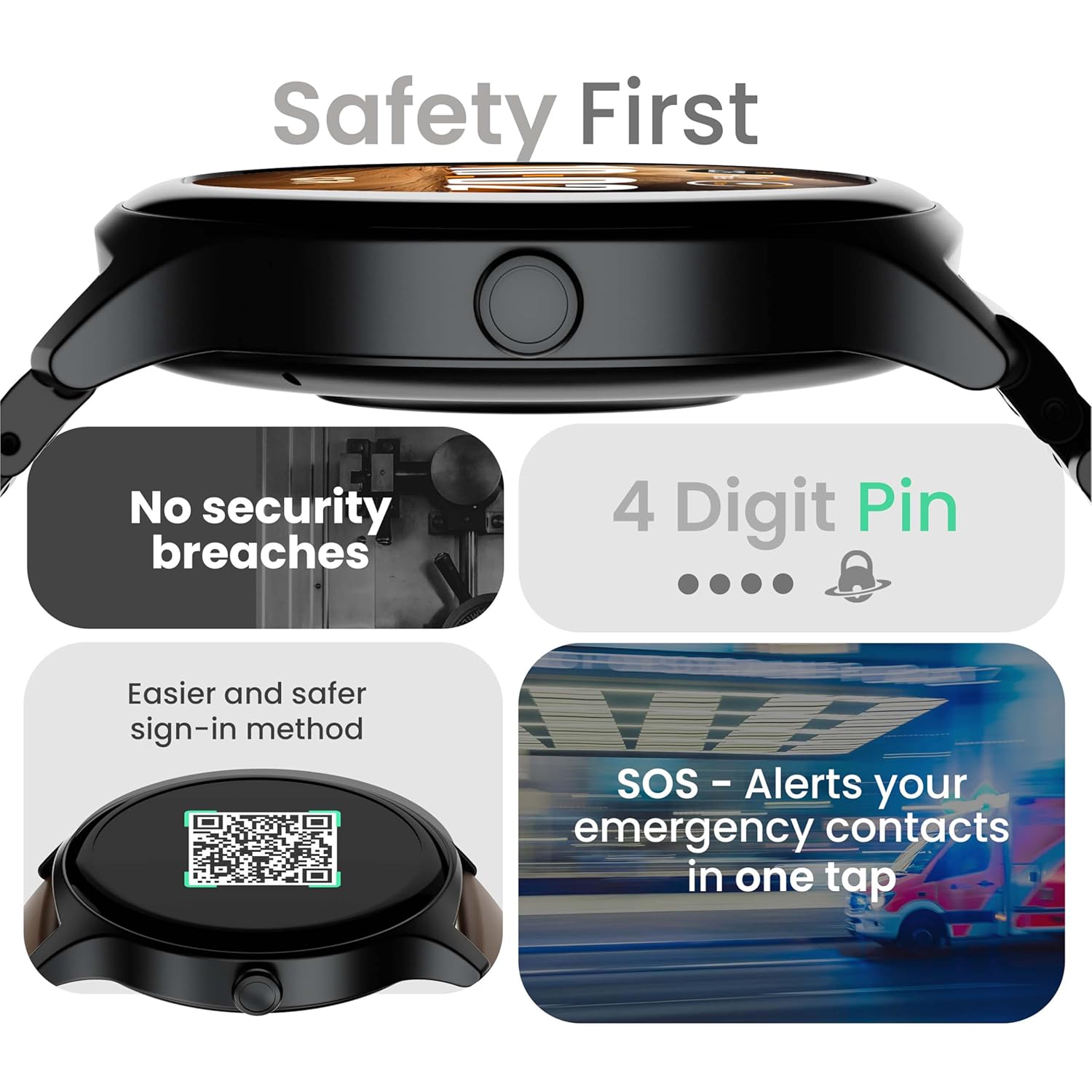
Image: Visuals illustrating the smartwatch's security and emergency features.
Batterilevetid og opladning
The GOBOULT Rover Pro Smartwatch is equipped with a battery designed for extended use:
- Typisk brug: Op til 7 dages batterilevetid.
- Standby tid: Op til 20 dage.
- Hurtig opladning: Approximately 10 minutes of charging provides up to 2 days of battery life.
- Fuld opladningstid: Approximately 90 minutes for a complete charge.
Use only the provided charging cable to ensure optimal charging performance and to prevent damage to the device.
Vandtæthed (IP68)
The GOBOULT Rover Pro Smartwatch has an IP68 rating, meaning it is dustproof and water-resistant. It can withstand immersion in water up to 1.5 meters deep for up to 30 minutes. This makes it suitable for daily use and various outdoor activities, but it is not recommended for diving or high-pressure water activities.

Image: Illustration of the smartwatch's IP68 water and dust resistance.
Opretholdelse
For at sikre dit smartwatches levetid og optimale ydeevne, skal du følge disse retningslinjer for vedligeholdelse:
- Rensning: Tør regelmæssigt urets skærm og rem af med en blød, tør klud. Brug om nødvendigt en let tør klud.amp cloth for the strap, then dry thoroughly.
- Undgå kemikalier: Brug ikke skrappe kemikalier, rengøringsmidler eller stærke vaskemidler, da disse kan beskadige urets finish og forseglinger.
- Opladningsport: Hold opladningskontakterne rene og tørre.
- Opbevaring: Opbevar smartwatchet på et køligt, tørt sted, når det ikke er i brug.
- Undgå ekstreme temperaturer: Do not expose the watch to extreme hot or cold temperatures for prolonged periods.
Fejlfinding
If you encounter issues with your GOBOULT Rover Pro Smartwatch, refer to the following common solutions:
| Problem | Løsning |
|---|---|
| Smartwatchet vil ikke tænde. | Sørg for, at uret er fuldt opladet. Tilslut det til opladeren i mindst 30 minutter. |
| Kan ikke parres med smartphone. |
|
| Unøjagtige sundhedsdata. |
|
| Meddelelser modtages ikke. |
|
| Kort batterilevetid. |
|
Specifikationer
| Feature | Detalje |
|---|---|
| Mærke | GOBOULT |
| Model serie | Rover Pro |
| Skærmstørrelse | 1.43 tommer |
| Display Type | AMOLED |
| Lysstyrke | 1000 nit |
| Forbindelse | Bluetooth 5.2 |
| Operativsystem | Android (kompatibel) |
| Vandmodstand | IP68 |
| Batterilevetid (typisk) | Op til 7 dage |
| Batteriopladningstid | Approx. 150 Minutes (Full Charge) |
| Varens vægt | 43 g |
| Inkluderede komponenter | Ladekabel, Brugervejledning |
Garanti og support
Garantioplysninger
Your GOBOULT Rover Pro Smartwatch comes with a 1-års garanti fra købsdatoen. Denne garanti dækker fabrikationsfejl og funktionsfejl ved normal brug. Den dækker ikke skader forårsaget af misbrug, ulykker, uautoriserede ændringer eller normal slitage.
Kundesupport
For technical assistance, warranty claims, or any other inquiries, please contact GOBOULT customer support through their official website or the contact information provided with your purchase documentation. Please have your product model and purchase details ready when contacting support.


