1. Introduktion
This manual provides detailed instructions for the installation, operation, and maintenance of your Eonon Android 14 Car Stereo Navigation system, model DGRMX7. Please read this manual thoroughly before use to ensure proper functionality and to maximize your user experience. This unit is designed to enhance your vehicle's infotainment capabilities with advanced navigation, multimedia, and connectivity features.

Figure 1.1: Eonon Android 14 Car Stereo Navigation DGRMX7 unit with included accessories.
2. Compatible Vehicles
The Eonon DGRMX7 car stereo is specifically designed for the following vehicle models:
- Dodge RAM 1500/2500/3500 (2013-2018) with Manual AC
- Dodge RAM 1500 Classic (2019-2024) with Manual AC
Important Note: This car stereo is only suitable for installation in vehicles equipped with manual air conditioning. It is not compatible with models that have automatic air conditioning.

Figure 2.1: Compatible vehicle dashboards with manual AC controls.
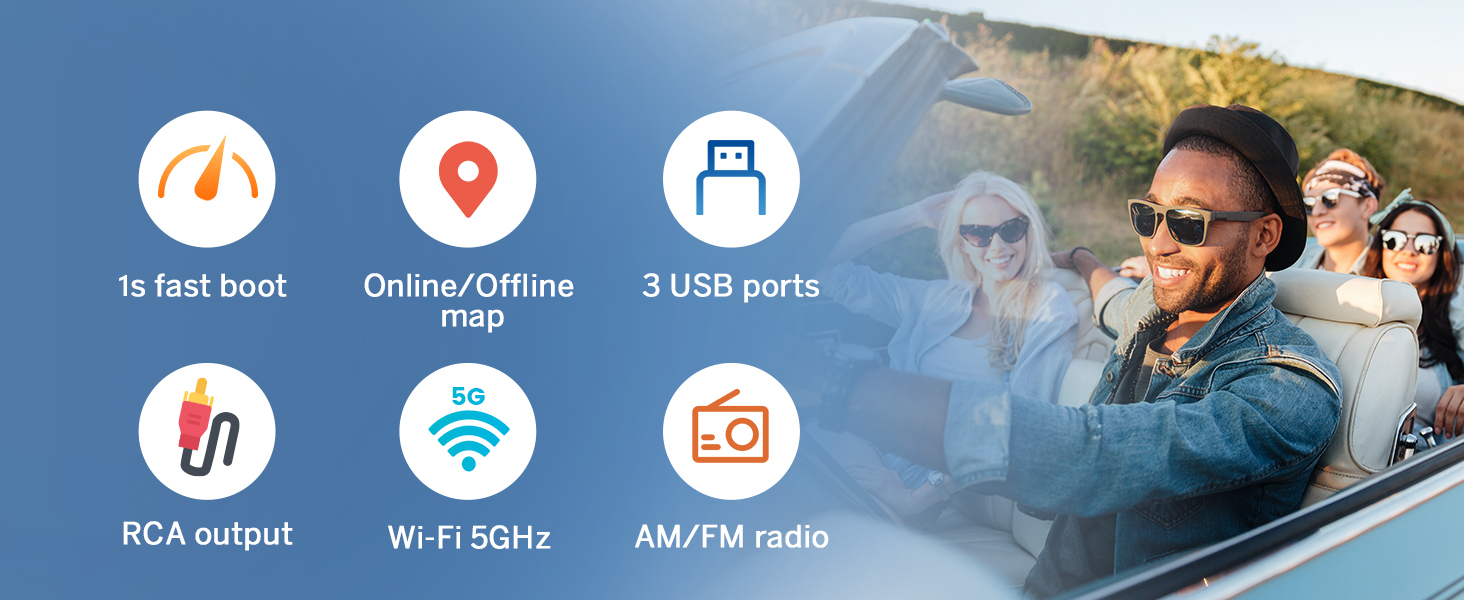
Figure 2.2: Incompatible vehicle dashboards with automatic AC controls.
3. Hvad er der i æsken
The following components are included with your Eonon DGRMX7 unit:

Figure 3.1: Contents of the Eonon DGRMX7 package.
- Eonon DGRMX7 Head Unit
- Audio Video Adapter Cables (x2)
- CarPlay & Android Auto USB Adapter Cable (x1)
- USB-adapterkabel (x1)
- Backup Camera Video Input Cable (x1)
- Radio Antenna Adapter Cable (x1)
- Strømkabel (x1)
- GPS Antenna (x1)
- External Microphone (x1)
- Højttaler (x1)
- USB-adapterkabel (x1)
- CAN Bus (x1)
- Spare Fuse (x1)
- Adhesive Pad (x1)
- Brugervejledning (x1)
- Bakkamera (A0125)
4. Opsætning og installation
Installation of the Eonon DGRMX7 unit requires careful attention to wiring and vehicle disassembly. It is recommended to consult a professional if you are unfamiliar with car stereo installations.
4.1. Generelle installationstrin
- Afbryd batteriet: Before starting, disconnect both positive and negative terminals of your vehicle's battery to prevent electrical shorts.
- Fjern fabriksradio: Carefully remove the dashboard trim and the existing factory radio unit. Refer to your vehicle's service manual for specific instructions on trim removal.
- Tilslut ledningsnet: Connect the provided wiring harness to the vehicle's factory harness. Ensure all connections are secure.
- Installer hovedenhed: Mount the Eonon DGRMX7 head unit into the dashboard opening. Secure it with screws.
- Gentilslut batteri: Once all connections are made and the unit is secured, reconnect the vehicle's battery.
- Test funktionalitet: Power on the unit and test all functions, including audio, navigation, Bluetooth, and steering wheel controls.
4.2. Ledningsdiagram

Figure 4.1: Eonon DGRMX7 Wiring Diagram.
4.3. Installationsvideoguide
For a visual guide on the installation process, please refer to the following video:
Video 4.1: Installation overståetview for the Eonon car stereo in a Dodge RAM 1500. This video demonstrates the removal of the stock radio, installation of the new head unit, wiring connections, and testing of features like the backup camera and audio equalizer.
5. Betjeningsvejledning
5.1. Grundlæggende betjening
- Tænd/sluk: Tryk på tænd/sluk-knappen på enheden, og hold den nede, eller brug bilens tænding.
- Touchscreen interface: The 9-inch IPS HD touchscreen (1280x720 resolution) provides a responsive and clear interface for all functions.
- Lydstyrkekontrol: Use the physical buttons or on-screen controls to adjust volume.

Figure 5.1: 9-inch IPS HD Touchscreen display.
5.2. Smartphone Integration (CarPlay & Android Auto)
The DGRMX7 supports both wireless and wired Apple CarPlay and Android Auto.
5.2.1. Trådløs Apple CarPlay-forbindelse
- Klik på Zlink5-appen på bilstereoen.
- Slå Wi-Fi og Bluetooth til på din iPhone.
- Find 'EONON' på din telefons liste over Bluetooth-enheder, og par den.
- Once connected, tap 'Use CarPlay' and wait a few seconds for the connection to complete.

Figure 5.2: Wireless Apple CarPlay connection steps.
5.2.2. Trådløs Android Auto-forbindelse
- Klik på Zlink5-appen på bilstereoen.
- Slå Wi-Fi og Bluetooth til på din Android-telefon.
- Find 'EONON' på din telefons liste over Bluetooth-enheder, og par den.
- Wait a few seconds for the connection to complete.

Figure 5.3: Wireless Android Auto connection steps.
5.3. Skærmspejling
Project your phone's screen onto the car stereo display.
5.3.1. Skærmspejling til iOS
- Klik på Zlink5-appen på bilstereoen. Indstil bilstereoen til trådløs iPhone-skærmspejlingstilstand.
- Tænd for iPhone-hotspottet, og opret forbindelse til bilstereoen.
- Slå iPhone-skærmspejlingsfunktionen til, og vælg "zj-airplay".
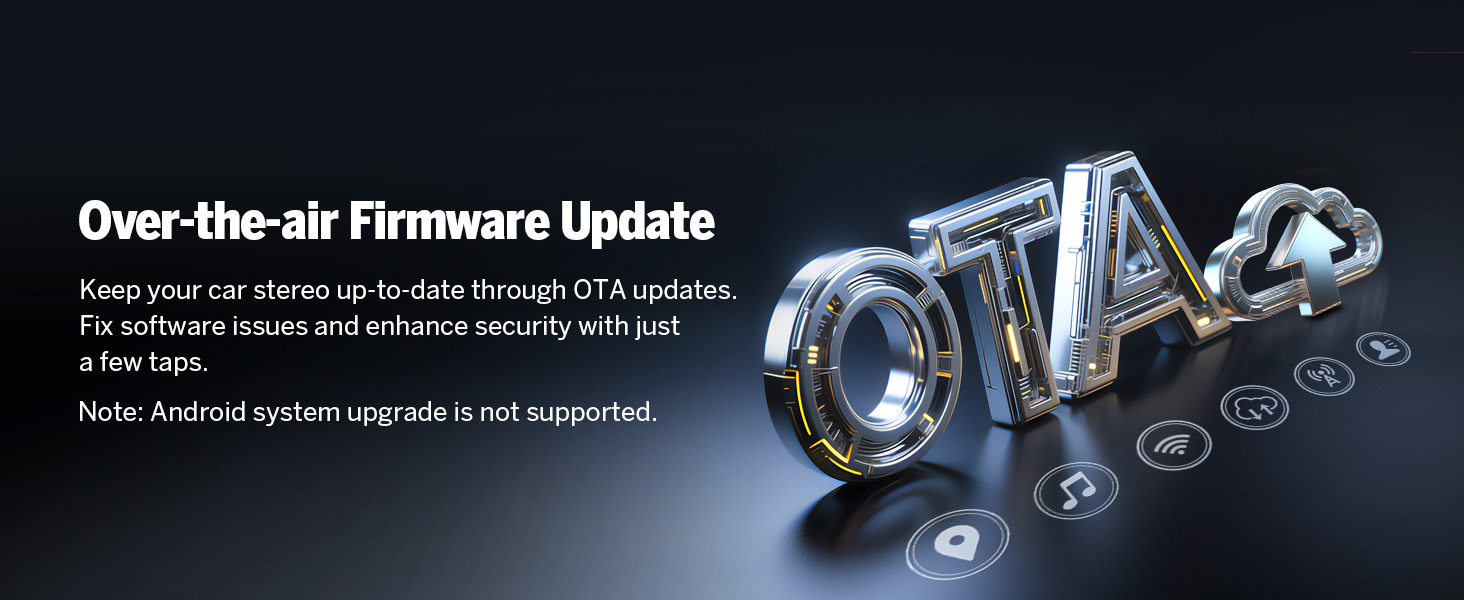
Figure 5.4: iOS Screen Mirroring steps.
5.3.2. Skærmspejling til Android
- Klik på Zlink5-appen på bilstereoen. Indstil bilstereoen til trådløs Android-skærmspejlingstilstand.
- Tænd din telefons hotspot, og opret forbindelse til bilstereoen.
- Installer Zplus-appen på din telefon. Tænd appen, og vælg "trådløs forbindelse".

Figure 5.5: Android Screen Mirroring steps.
5.4. Audio Settings and Equalizer
The unit features a professional 32-bit DSP with FFT Acceleration and a 48-band EQ with 3D Surround & Virtual Bass for optimized sound. You can customize audio profiles to your preference.

Figure 5.6: Audio Equalizer interface with preset modes.
5.5. Navigation
The unit supports both online and offline GPS navigation. You can use pre-installed maps or download your preferred navigation apps from the Google Play Store.
5.6. Bluetooth-forbindelse
Equipped with an independent Bluetooth module and an extra Bluetooth antenna, the DGRMX7 offers quick and stable connections, noise reduction, crystal-clear call quality, and high-quality music streaming via Bluetooth 5.4.
- Håndfri opkald: Make and receive calls directly from the stereo.
- Contact Synchronization: Sync your phone's contacts for easy access.
- Musikafspilning: Stream audio from your Bluetooth-enabled device.

Figure 5.7: Bluetooth connectivity features.
5.7. Radio
The unit includes a high-quality FM/AM radio with RDS support.
5.8. Tilpasning
Personalize your stereo's appearance and functionality:
- UI-temaer: Choose from 3 customizable UI themes.
- Støvlelogo: Customize the startup logo.
- Knapfarve: Adjust the color of the physical buttons.
- Tapet: Set custom wallpapers.

Figure 5.8: Customization options for the user interface.
5.9. Retained OEM Features
The DGRMX7 is designed for plug-and-play installation, retaining several factory features of your Dodge RAM:
- Ratbetjeninger
- Door Information Display
- Driving Data Display
- AC Information Display

Figure 5.9: Retained factory features.
6. Vedligeholdelse
6.1. Softwareopdateringer (OTA)
The Eonon DGRMX7 supports Over-The-Air (OTA) firmware updates. These updates help fix software issues and enhance security, ensuring your head unit remains up-to-date. Updates are for software improvements and do not upgrade the Android system version.

Figure 6.1: Over-The-Air (OTA) Firmware Update process.
7. Fejlfinding
- Ingen strøm: Ensure all power cables are securely connected and the vehicle's battery is properly reconnected. Check the fuse.
- Ingen lyd: Verify speaker connections and audio settings. Check the equalizer settings.
- Backup Camera 'No Signal': If your vehicle has a factory backup camera and you see 'no signal' when in reverse, you may need to sync it with the new unit. While in reverse and the 'no signal' message is displayed, press and hold your finger on the screen until a new smaller screen appears. This interface allows you to pair the rear camera. Remember to save any changes.
- Problemer med Bluetooth-forbindelse: Sørg for, at Bluetooth er aktiveret på både stereoanlægget og din telefon. Prøv at ophæve parringen og parre enhederne igen.
- GPS-signaltab: Sørg for, at GPS-antennen er korrekt installeret og har frit udsyn til himlen.
8. Specifikationer
| Feature | Specifikation |
|---|---|
| Operativsystem | Android 14 |
| Processor | Rockchip (High performance, low power consumption) |
| VÆDDER | 3 GB |
| ROM (intern lagring) | 32 GB |
| Skærmstørrelse | 9 tommer |
| Display Type | IPS HD-berøringsskærm |
| Opløsning | 1280x720 |
| CarPlay og Android Auto | Trådløs/Kablet |
| Bluetooth version | 5.4 |
| Wi-Fi-forbindelse | Yes (5GHz support) |
| GPS | Online/Offline Navigation (Worldwide map type) |
| Radio | FM/AM med RDS |
| Lydudgangseffekt | ST 4 x 45W Amp |
| DSP | Professional 32-bit with FFT Acceleration |
| Equalizer | 48-Band EQ with 3D Surround & Virtual Bass |
| USB-porte | 3 |
| Backup kamera support | 720P AHD (A0125 included) |
| Dashcam Support | Eonon A100 (not included) |
| OBD2-understøttelse | V0056 (not included) |
| Varens vægt | 5.1 pund (2.32 kilo) |
| Pakkedimensioner | 13.62 x 12.52 x 6.65 tommer |
9. Garanti og support
The Eonon DGRMX7 comes with a 2 års producentgaranti. For technical support, troubleshooting assistance, or warranty claims, please contact Eonon customer service through their official webwebstedet eller forhandleren, hvor produktet blev købt.
Yderligere beskyttelsesplaner kan købes:
- 2-årig beskyttelsesplan
- 3-årig beskyttelsesplan
- Komplet beskyttelse (månedligt abonnement)


