1. Introduktion
This manual provides essential information for the safe and efficient operation of your NexiGo PJ40 Ultra Outdoor Netflix Projector. Please read this manual thoroughly before using the projector and retain it for future reference.
2. Sikkerhedsoplysninger
Overhold følgende sikkerhedsforanstaltninger for at forhindre skader på projektoren og sikre brugerens sikkerhed:
- Bloker ikke ventilationsåbningerne. Sørg for tilstrækkelig luftgennemstrømning omkring projektoren.
- Udsæt ikke projektoren for regn, fugt eller ekstreme temperaturer.
- Brug kun den strømadapter, der følger med projektoren.
- Undgå at se direkte ind i projektorlinsen, når lamp er tændt.
- Hold projektoren væk fra varmekilder og direkte sollys.
- Frakobl strømkablet under tordenvejr eller når apparatet ikke bruges i længere perioder.
3. Pakkens indhold
Bekræft at alle varer er til stede i pakken:
- NexiGo PJ40 Ultra Projector
- Fjernbetjening (med 2x AAA-batterier)
- Strømadapter
- HDMI kabel
- AV-kabel
- Linse Rengøringsklud
- Spare Air Filter
- Brugermanual
4. Produktet er slutview
The NexiGo PJ40 Ultra is a high-performance projector designed for versatile entertainment. It features native 1080p resolution, 800 ANSI lumens brightness, and AI image enhancement for clear, vibrant visuals. Integrated 20W speakers provide immersive audio. The projector includes officially licensed streaming apps like Netflix, YouTube, and Prime Video, along with comprehensive connectivity options.

Figure 4.1: NexiGo PJ40 Ultra Projector with projected Netflix screen.
Nøglefunktioner:
- Native 1080p opløsning: Delivers crisp images with incredible detail.
- 800 ANSI Lumen Lysstyrke: Provides clear visuals in various lighting conditions.
- Forbedring af billedkvalitet med AI: Optimizes clarity, detail, and color reproduction with HDR and HLG support.
- Officially Licensed Streaming: Pre-installed Netflix, YouTube, and Prime Video for immediate access to content.
- AI-Enhanced Surround Sound: 20W speakers with DSP decoding for immersive audio.
- Automatisk keystone-korrektion: Automatically adjusts vertical image distortion.
- Trådløs skærmspejling: Supports iOS, Android, and Windows devices via 5 GHz Wi-Fi.
- Flere tilslutningsmuligheder: Includes 2 USB ports, 2 HDMI inputs, AV port, and 3.5mm audio jack.
5. Opsætning
5.1 Indledende tænding
- Connect the power adapter to the projector's power input and then to a power outlet.
- Tryk på tænd/sluk-knappen på projektoren eller fjernbetjeningen for at tænde den.
- Follow the on-screen instructions for initial language and network setup.
5.2 Placement and Screen Size
Position the projector on a stable, flat surface. The projection distance affects the screen size. Refer to the table below for recommended distances.

Figure 5.1: Recommended Projection Distances.
| Screen Diagonal (in.) | Projektionsafstand (ft) |
|---|---|
| 72 | 7.68 |
| 100 | 10.5 |
| 120 | 12.4 |
| 150 | 15.52 |
| 300 | 30.18 |
Note: Sizing measured by NexiGo Laboratory. Test measurements do not include the screen border size.
5.3 Fokus- og Keystone-korrektion
- Fokusjustering: Rotate the focus wheel on the projector until the image is clear.
- Automatisk lodret keystone: The projector features automatic vertical keystone correction. Ensure this setting is enabled in the menu for automatic adjustment.
- Manual 4D Correction: For horizontal or more precise adjustments, navigate to the manual keystone settings in the menu.
- Zoom funktion: Use the zoom function in the settings to shrink the screen size from 100% down to 60% without moving the projector.
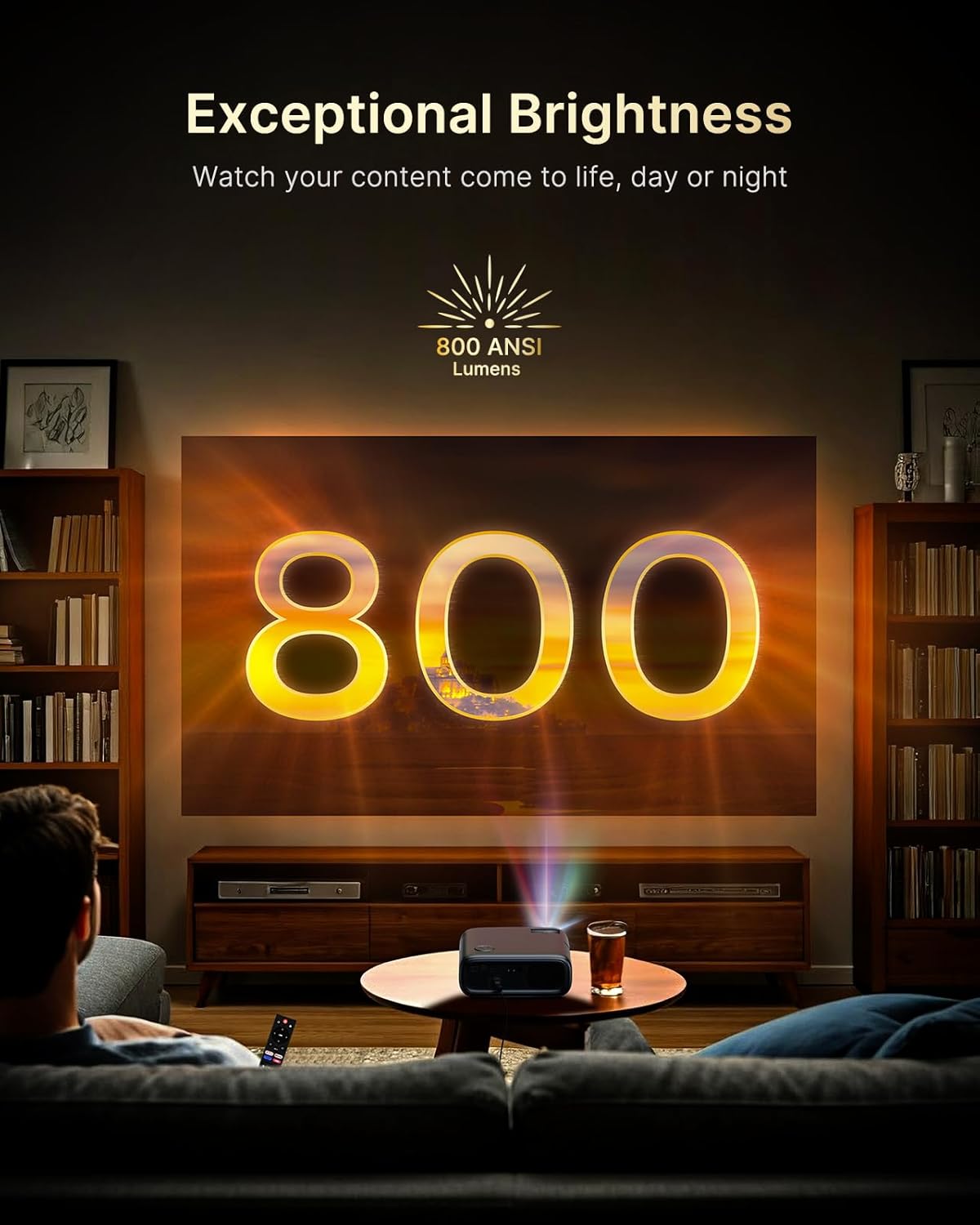
Figure 5.2: Keystone Correction and Zoom Options.
5.4 Netværksforbindelse
To access streaming services and screen mirroring, connect the projector to a Wi-Fi network:
- Naviger til menuen 'Indstillinger'.
- Vælg 'Netværk' eller 'Wi-Fi'.
- Choose your desired Wi-Fi network from the list and enter the password.

Figure 5.3: Dual-Band Wi-Fi Connectivity.
5.5 Tilslutning af eksterne enheder
The PJ40 Ultra offers various ports for connecting external devices:
- HDMI Ports (HDMI 1, HDMI 2): Connect gaming consoles (PS5, Nintendo Switch), TV sticks, laptops, or other HDMI-enabled devices. HDMI 1 supports ARC & CEC, HDMI 2 supports CEC.
- USB-porte: Connect USB flash drives or hard drives for media playback.
- AV-indgangsport: Connect older devices using the included AV cable.
- 3.5 mm lydstik: Tilslut eksterne hovedtelefoner eller højttalere.

Figur 5.4: Forbindelsesporte.
6. Betjeningsvejledning
6.1 Remote Control Navigation
Use the included remote control to navigate the projector's interface. The remote allows you to power on/off, adjust volume, select input sources, and access settings and applications.
6.2 Streamingapplikationer
The projector comes with pre-installed and officially licensed applications:
- Netflix: Access your Netflix library directly.
- YouTube: Browse and watch videos from YouTube.
- Prime Video: Stream content from Amazon Prime Video.
To use these apps, ensure the projector is connected to the internet and log in with your respective account credentials.

Figure 6.1: Officially Licensed Streaming Applications.
6.3 Skærmspejling
The PJ40 Ultra supports wireless screen mirroring for various devices:
- iOS Devices (AirPlay): Connect your iPhone or iPad to the same Wi-Fi network as the projector and use AirPlay to mirror your screen.
- Android Devices (Screen Mirror): Use the Screen Mirroring feature on your Android device to connect wirelessly.
- Windows Devices (Windows Cast): Utilize Windows Cast functionality for screen sharing from compatible Windows computers.
Note: Due to copyright restrictions, some streaming apps (e.g., Netflix, Amazon Prime, Hulu) may not support direct screen mirroring.
6.4 Lydindstillinger
The projector features built-in 20W speakers with DSP decoding for enhanced audio. You can also connect external audio devices:
- Bluetooth-forbindelse: Pair Bluetooth speakers or headphones for a wireless audio experience.
- 3.5 mm lydstik: Tilslut kablede hovedtelefoner eller eksterne højttalere.

Figure 6.2: AI-Enhanced Surround Sound.
7. Vedligeholdelse
7.1 Rengøring af linsen
Use the provided lens cleaning cloth to gently wipe the projector lens. Avoid using abrasive cleaners or materials that could scratch the lens surface.
7.2 Vedligeholdelse af luftfilter
The projector includes an air filter to prevent dust accumulation. Periodically check and clean the air filter to maintain optimal performance and cooling. A spare air filter is included for replacement when necessary.
7.3 Generel pleje
- Keep the projector in a clean, dry environment.
- When not in use, cover the lens with the protective cap.
- Avoid dropping or subjecting the projector to strong impacts.
8. Fejlfinding
Almindelige problemer og løsninger:
- Ingen strøm: Ensure the power adapter is securely connected to both the projector and a working power outlet. Try a different outlet.
- Intet billede:
- Kontroller, om projektoren er tændt.
- Kontroller, at inputkilden er korrekt valgt (f.eks. HDMI 1, HDMI 2).
- Ensure the connected device is powered on and outputting a signal.
- Sløret billede: Adjust the focus wheel on the projector until the image is sharp. Check keystone correction settings.
- Ingen lyd:
- Øg lydstyrken på projektoren og den tilsluttede kildeenhed.
- Check if external speakers or headphones are properly connected or paired via Bluetooth.
- Sørg for, at lydudgangsindstillingen på kildeenheden er korrekt.
- Problemer med Wi-Fi-forbindelse:
- Sørg for, at Wi-Fi-adgangskoden er indtastet korrekt.
- Restart the projector and your Wi-Fi router.
- Move the projector closer to the Wi-Fi router to improve signal strength.
- Projector Randomly Powers On: Some users have reported the projector powering on from standby mode unexpectedly. If this occurs, ensure the projector is fully powered off at the main power switch or unplugged when not in use to prevent unintended operation. Check for any available firmware updates that might address this behavior.
9. Specifikationer
| Feature | Specifikation |
|---|---|
| Mærke | NexiGo |
| Modelnummer | PJ40 Ultra |
| Produktdimensioner | 11.3 x 10.78 x 4.8 tommer |
| Varens vægt | 7.99 pund |
| Skærmopløsning | 1920 x 1080 (Native 1080p) |
| Lysstyrke | 800 ANSI Lumens |
| Forbindelsesteknologi | HDMI, USB, Wi-Fi |
| Særlige funktioner | Official Netflix-Licensed, Built-in 20W Speaker, HDMI CEC Support, Wireless Screen Mirroring, Auto Keystone, 4K Support Input |
| Fabrikant | Næste INC |
| Dato først tilgængelig | 2. januar 2025 |
10. Garanti og support
NexiGo is committed to customer satisfaction and provides comprehensive support for its products.
- Kundesupport: 24-hour customer support is available.
- Return/Exchange Policy: Enjoy a 30-day return or exchange period.
- Teknisk support: Lifetime technical support is provided for your product.

Figure 10.1: NexiGo Customer Support Information.
For further assistance or to contact support, please visit the official NexiGo webwebstedet eller se de kontaktoplysninger, der følger med din produktemballage.


