Produkt overview
The Xtreme LED Bluetooth Speaker is a portable audio device designed to deliver clear sound and dynamic LED light shows. It features multiple connectivity options and a rechargeable battery for extended use.

Image: The Xtreme LED Bluetooth Speaker shown alongside its retail packaging, highlighting its design and branding.
Nøglefunktioner:
- Immersive Audio: Delivers rich, full-range sound with clear highs and deep bass.
- Dynamisk LED-lysshow: Multiple light modes that sync with music, creating a visual atmosphere.
- Udvidet Bluetooth-rækkevidde: Connects wirelessly up to 33 feet (10 meters) from your device.
- Alsidig tilslutning: Supports Bluetooth, Aux-in, USB, and Micro-SD card playback.
- Bærbart design: Lightweight with a convenient carrying loop and rechargeable USB-C battery.
Hvad er der i æsken
- Xtreme LED Bluetooth Speaker
- USB-C ladekabel
- Instruktionsmanual
Kontrol og porte

Billede: En detaljeret view of the speaker's front panel, illustrating the control buttons and highlighting features like multi-color LEDs, loud audio, quality sound, and the portable carrying loop.
- Power knap: Tryk og hold nede for at tænde/slukke højttaleren.
- Lydstyrke op / næste nummer: Kort tryk for at skrue op for lydstyrken, langt tryk for næste nummer.
- Lydstyrke ned / forrige nummer: Kort tryk for at sænke lydstyrken, langt tryk for at sænke forrige nummer.
- Play/Pause / Bluetooth Pairing: Short press to play/pause, long press to enter Bluetooth pairing mode.
- Lystilstandsknap: Press to cycle through different LED light show modes.
- Mode-knap (M): Press to switch between Bluetooth, Aux, USB, and Micro-SD card modes.
- Opladningsport (USB-C): Til tilslutning af ladekablet.
- Aux-indgangsport: Til kablet lydforbindelse.
- USB-port: Til afspilning af lyd fra et USB-drev.
- Micro-SD-kortplads: For playing audio from a Micro-SD card.
Opsætning
1. Opladning af højttaleren
Before first use, fully charge the speaker. Connect the provided USB-C charging cable to the speaker's charging port and the other end to a USB power adapter (not included) or a computer's USB port. The LED indicator will show charging status and turn off when fully charged.
2. Tænd/sluk
Tryk og hold på Power knap i cirka 3 sekunder for at tænde eller slukke for højttaleren. En lydmeddelelse vil angive strømstatus.
Betjeningsvejledning
Bluetooth-tilstand
- Tænd højttaleren. Den vil automatisk gå i Bluetooth-parringstilstand, hvilket indikeres af en blinkende LED-lampe.
- Aktiver Bluetooth på din enhed (smartphone, tablet osv.) og søg efter tilgængelige enheder.
- Select "Xtreme Speaker" from the list of devices.
- Once paired, the LED indicator will stop flashing, and a confirmation sound will play.
- Du kan nu afspille lyd fra din enhed via højttaleren.
- To disconnect or pair with a new device, long press the Play/Pause / Bluetooth Pairing Button.
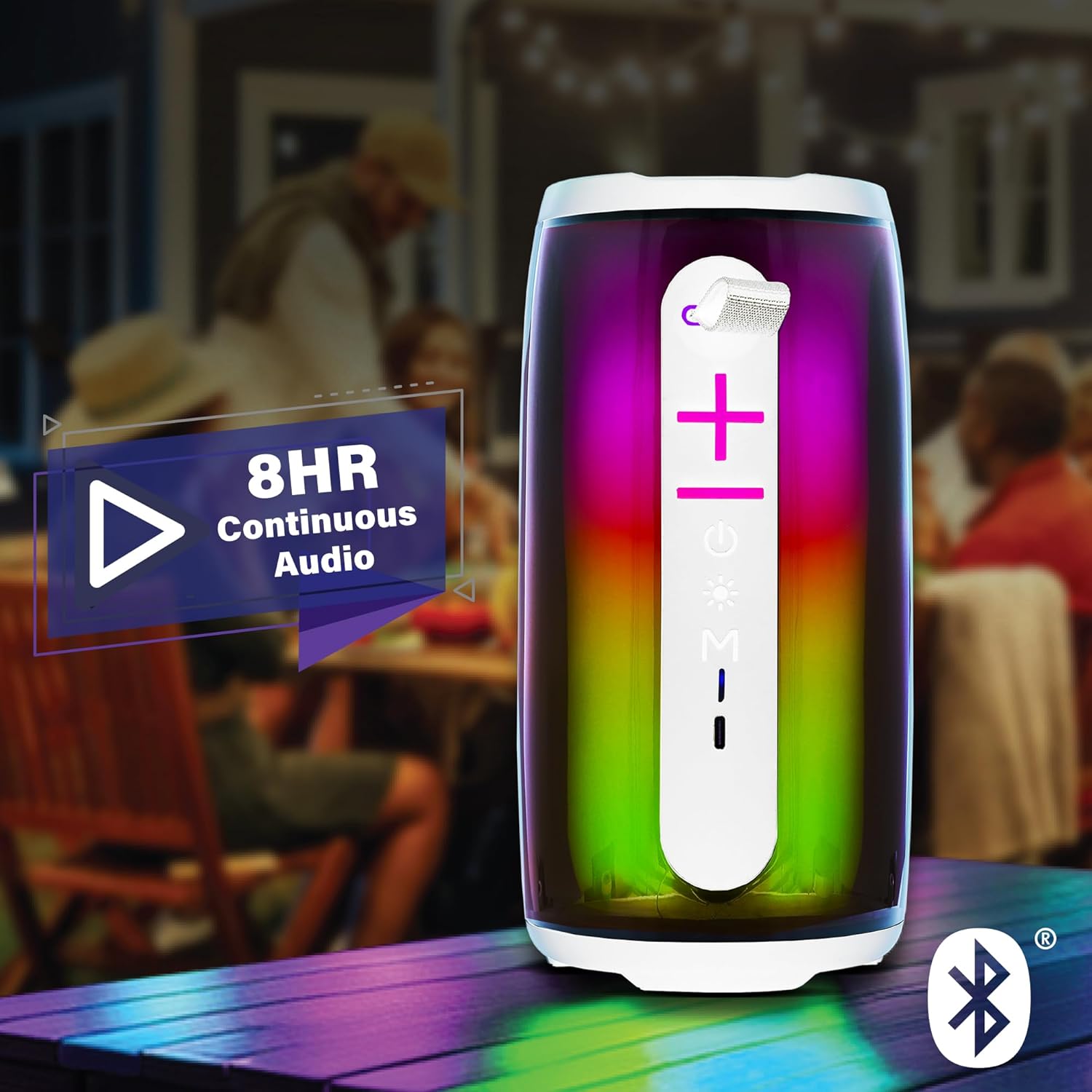
Image: The Xtreme LED Bluetooth Speaker providing music at an outdoor social event, demonstrating its portability and highlighting its 8-hour continuous audio playback capability.
Aux-in-tilstand
- Connect one end of a 3.5mm audio cable (not included) to the speaker's Aux-in port.
- Tilslut den anden ende til lydudgangen på din enhed.
- Tryk på Tilstandsknap (M) for at skifte til Aux-in-tilstand.
- Audio will now play through the wired connection.
USB and Micro-SD Card Playback
- Insert a USB drive into the USB port or a Micro-SD card into the Micro-SD card slot.
- Tryk på Tilstandsknap (M) to switch to USB or Micro-SD card mode. The speaker will automatically detect and play audio files.
Styring af lydafspilning
- Afspil/pause: Tryk kort på Afspil/pause knap.
- Lydstyrke op: Tryk kort på Knappen Lydstyrke op (+).
- Skrue ned for lyden: Tryk kort på Lydstyrke ned (-)-knap.
- Næste nummer: Tryk længe på Knappen Lydstyrke op (+).
- Forrige nummer: Tryk længe på Lydstyrke ned (-)-knap.
LED Light Show Modes
Tryk på Lystilstandsknap to cycle through various LED light show patterns. The lights will pulse and change color, syncing with the music.
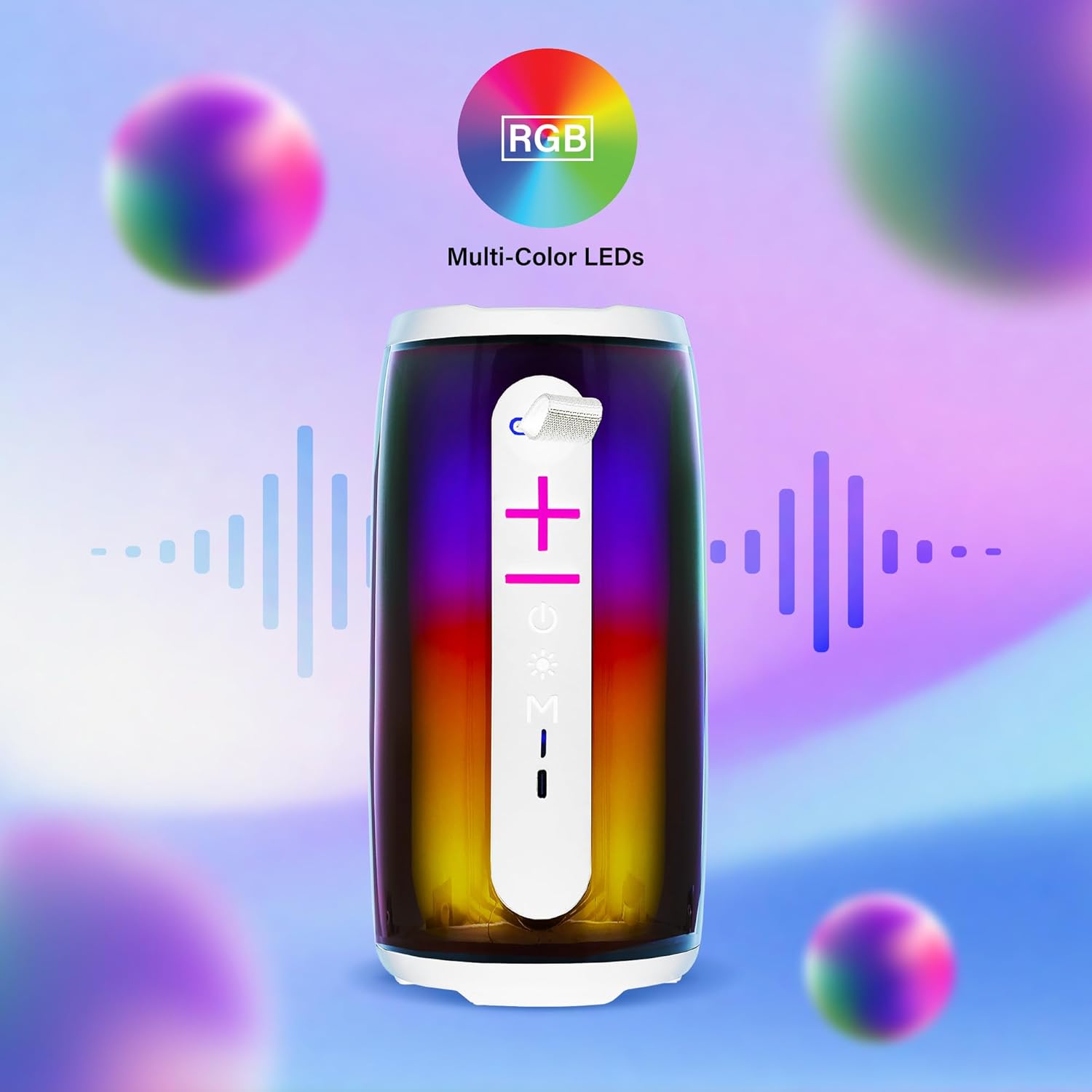
Image: The Xtreme LED Bluetooth Speaker showcasing its vibrant RGB multi-color LED lights, with visual representations of sound waves indicating its audio synchronization feature.
Opretholdelse
- Rensning: Brug en blød, tør klud til at rengøre højttalerens yderside. Brug ikke slibende rengøringsmidler eller opløsningsmidler.
- Opbevaring: Opbevar højttaleren et køligt, tørt sted væk fra direkte sollys og ekstreme temperaturer.
- Batteripleje: To prolong battery life, charge the speaker regularly, even if not in frequent use. Avoid fully depleting the battery for extended periods.
- Vandeksponering: Denne højttaler er ikke vandtæt. Undgå at udsætte den for vand eller overdreven fugt.
Fejlfinding
| Problem | Løsning |
|---|---|
| Højttaleren tænder ikke. | Sørg for, at højttaleren er opladet. Tilslut den til en strømkilde med USB-C-kablet. |
| Kan ikke parres via Bluetooth. |
|
| Ingen lyd. |
|
| LED-lys virker ikke. | Press the Light Mode Button to cycle through the light show modes. Ensure the speaker is powered on. |
Specifikationer
- Model: XBS9-1078
- Mærke: XTREME DIGITALT LIVSSTILTILBEHØR
- Forbindelse: Bluetooth, Aux-in, USB, Micro-SD
- Bluetooth Range: Op til 33 fod (10 meter)
- Højttalerudgangseffekt: 10 Watts (based on product image)
- Batteri: Genopladelig USB-C
- Batterilevetid: Up to 8 hours (continuous audio, varies with usage)
- Dimensioner: 7" (Height) x 3" (Width) x 3" (Depth)
- Vægt: Cirka 0.9 lbs (14.4 ounces)
- Farve: Hvid
Garanti og support
For warranty information or technical support, please refer to the contact details provided on the product packaging or visit the official XTREME DIGITAL LIFESTYLE ACCESSORIES webwebsted. Behold din købskvittering som købsbevis i tilfælde af garantikrav.
Fabrikant: XTREME DIGITALT LIVSSTILTILBEHØR
UPC: 805106238797


