1. Introduktion
This manual provides comprehensive instructions for the installation, operation, maintenance, and troubleshooting of your Sapphire Pulse AMD Radeon RX 9070 Gaming graphics card. Please read this manual thoroughly before installing and using your new graphics card to ensure proper functionality and to maximize its performance and lifespan.
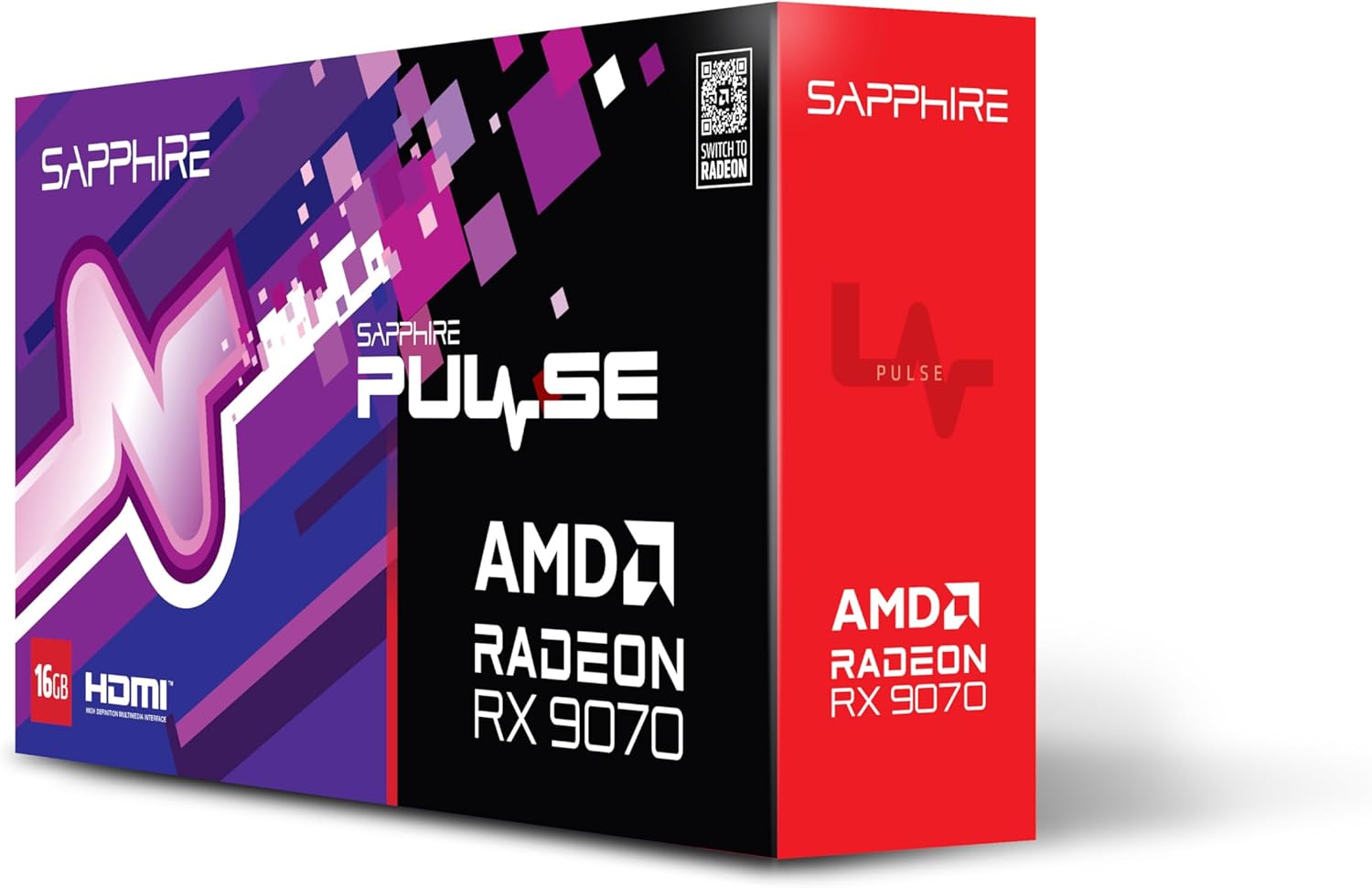
Billede 1.1: Forside view of the Sapphire Pulse AMD Radeon RX 9070 Gaming graphics card packaging, showcasing the product branding and model.
2. Pakkens indhold
Verify that all items are present in your package. If any items are missing or damaged, please contact your retailer or Sapphire support.
- Sapphire Pulse AMD Radeon RX 9070 Gaming Graphics Card
- Quick Installation Guide or Documentation
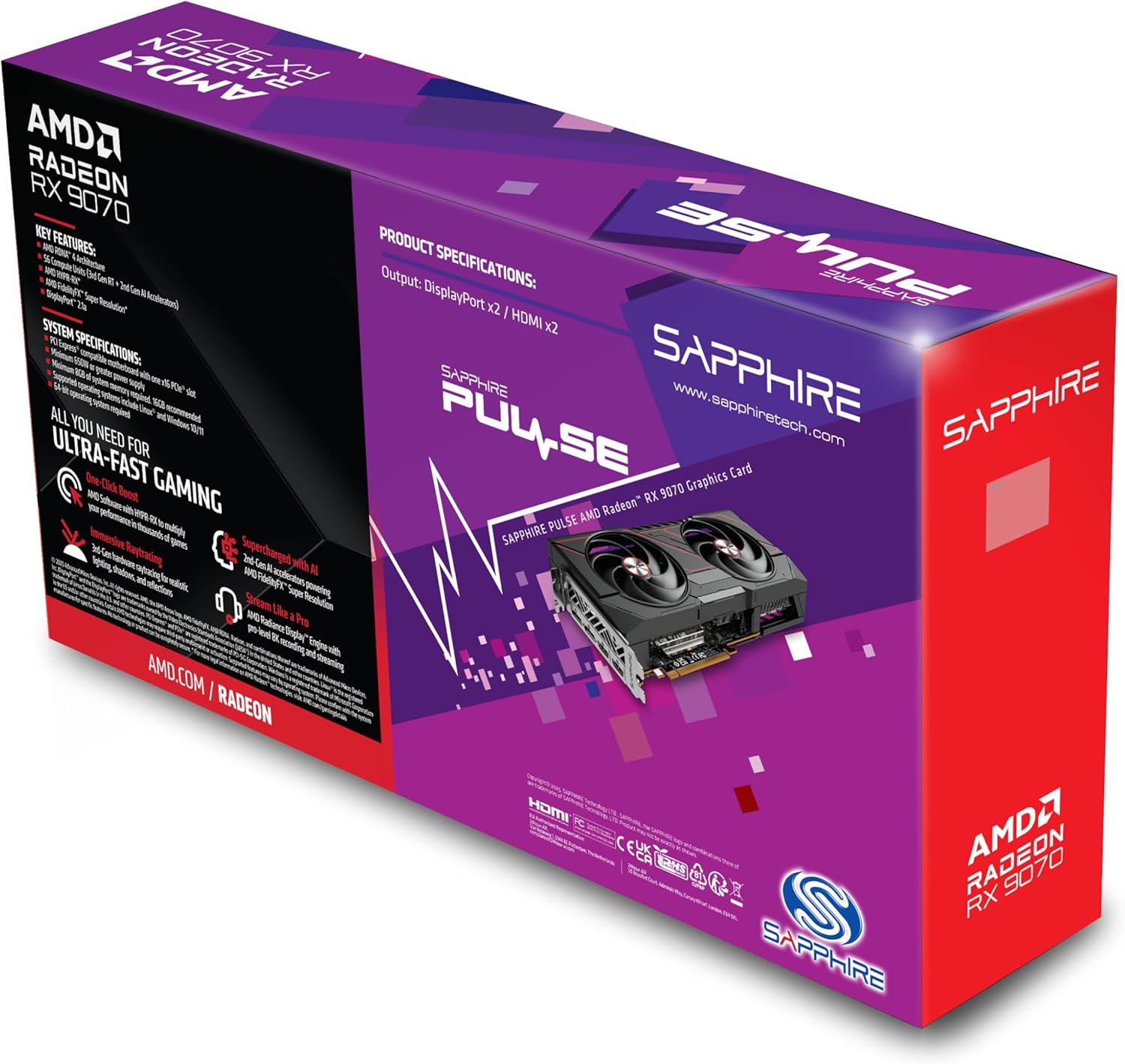
Billede 2.1: Bagside view of the Sapphire Pulse AMD Radeon RX 9070 Gaming graphics card packaging, displaying key features and specifications.
3. Systemkrav
Før du installerer grafikkortet, skal du sørge for, at dit system opfylder følgende minimumskrav:
- PCI Express-compliant motherboard with one X16 graphics slot.
- Minimum 650W Power Supply Unit (PSU) with appropriate PCIe power connectors (e.g., 8-pin + 6-pin or dual 8-pin, depending on specific model). Refer to your PSU manual for details.
- Minimum 8GB System Memory (RAM); 16GB or more recommended for optimal performance.
- Operativsystem: Windows 10/11 64-bit or Linux 64-bit.
- Internetforbindelse for driver installation and updates.
- Display skærm with DisplayPort or HDMI input.
4. Installation
Follow these steps to install your Sapphire Pulse AMD Radeon RX 9070 Gaming graphics card:
- Forbered dit system:
- Turn off your computer and disconnect the power cable from the wall outlet.
- Åbn din computerkasse.
- Ground yourself by touching a metal part of the case to discharge static electricity.
- Remove Existing Graphics Card (if applicable):
- Disconnect any power cables from the old graphics card.
- Unscrew the retaining screw(s) holding the card to the case.
- Carefully unlatch the PCIe slot retention clip and gently pull the old card straight out of the slot.
- Install the New Graphics Card:
- Find et ledigt PCI Express x16-slot på dit bundkort.
- Remove the metal bracket cover(s) from the back of your computer case corresponding to the slot.
- Align the graphics card with the PCIe slot and press it firmly until it is fully seated and the retention clip locks into place.
- Secure the graphics card to the case with the retaining screw(s).
- Vigtig: This graphics card is substantial in weight. It is highly recommended to use a GPU support bracket to prevent sag and potential damage to the PCIe slot over time.
- Tilslut strømkabler:
- Connect the appropriate PCIe power cables from your power supply to the power connectors on the graphics card. Ensure all connectors are securely attached.
- Luk kassen og tilslut eksterne enheder:
- Luk computerens kabinet.
- Connect your monitor(s) to the DisplayPort or HDMI outputs on the graphics card.
- Reconnect the power cable to your computer and turn it on.
5. Driver installation
After physical installation, you need to install the latest drivers for your graphics card:
- Download drivere:
- Besøg den officielle AMD webwebsted (www.amd.com/en/support) or the Sapphire support page (www.sapphiretech.com/en/support).
- Navigate to the driver download section and select your graphics card model (AMD Radeon RX 9070).
- Download the latest recommended drivers for your operating system.
- Installer drivere:
- Run the downloaded driver installer.
- Follow the on-screen prompts to complete the installation. It is generally recommended to perform a "Clean Installation" to remove any previous driver remnants.
- Your screen may flicker or go black temporarily during the installation process. This is normal.
- Genstart systemet:
- Når installationen er færdig, skal du genstarte computeren.
- After restarting, your graphics card should be fully functional.
6. Betjening af grafikkortet
Once installed and drivers are updated, your graphics card will automatically handle graphics processing for your system. You can further optimize its performance and settings using the AMD Radeon Software.
- AMD Radeon-software: This utility allows you to monitor performance, adjust game settings, manage display configurations (including FreeSync), and update drivers. Access it via the system tray icon or by right-clicking on your desktop.
- Skærmforbindelser: The card supports Dual HDMI and Dual DisplayPort outputs. Connect your monitors to the available ports. For multi-monitor setups, configure display arrangements within Windows Display Settings or AMD Radeon Software.
- Opløsning: The card supports a maximum screen resolution of 7680x4320. Ensure your monitor and cables support the desired resolution and refresh rate.
7. Vedligeholdelse
Proper maintenance helps ensure the longevity and optimal performance of your graphics card.
- Fjernelse af støv: Periodically clean dust from the graphics card heatsink and fans using compressed air. Ensure the computer is powered off and unplugged before cleaning. Hold the fan blades gently to prevent over-spinning during cleaning.
- Luftstrøm: Ensure your computer case has adequate airflow to prevent overheating. Keep cables tidy and ensure intake and exhaust fans are clear.
- Driver opdateringer: Regularly check for and install the latest graphics drivers from AMD or Sapphire to benefit from performance improvements, bug fixes, and new features.
8. Fejlfinding
Hvis du støder på problemer med dit grafikkort, kan du se følgende almindelige fejlfindingstrin:
- Ingen skærmoutput:
- Sørg for, at skærmen er tilsluttet grafikkortet, ikke bundkortets integrerede grafikport.
- Verify all power cables are securely connected to the graphics card and power supply.
- Sæt grafikkortet tilbage i dets PCIe-slot.
- Test med et andet skærmkabel eller en anden skærm, hvis det er muligt.
- Systemustabilitet eller nedbrud:
- Sørg for, at din strømforsyning (PSU) opfylder minimumskravene for watttage krav.
- Udfør en ren installation af de nyeste grafikdrivere.
- Overvåg GPU-temperaturer ved hjælp af AMD Radeon-software for at kontrollere for overophedning.
- Check for BIOS/UEFI updates for your motherboard.
- Dårlig ydeevne i spil/applikationer:
- Sørg for, at de nyeste grafikdrivere er installeret.
- Verify that the game/application is using the dedicated graphics card and not integrated graphics (if applicable).
- Tjek indstillingerne i spillet; reducer opløsningen eller grafikkvaliteten om nødvendigt.
- Monitor GPU utilization and temperatures to identify bottlenecks or thermal throttling.
- Ventilatorstøj:
- High fan speeds are normal under heavy load to maintain optimal temperatures.
- If fans are excessively loud at idle, check fan profiles in AMD Radeon Software.
- Ensure no cables or obstructions are interfering with fan rotation.
9. Specifikationer
Key technical specifications for the Sapphire Pulse AMD Radeon RX 9070 Gaming graphics card:
| Feature | Detalje |
|---|---|
| Modelnummer | 11349-03-20G |
| Grafik coprocessor | AMD Radeon RX 9070 |
| Video Memory (RAM) | 16 GB GDDR6 |
| Hukommelseshastighed | 950 MHz |
| Urfrekvens | 2520 MHz (as per card description) |
| Max skærmopløsning | 7680x4320 |
| Video Output Interface | Dual DisplayPort, Dual HDMI |
| Emnedimensioner (LxBxH) | 11.81 x 11.81 x 0.04 tommer |
| Varens vægt | 2.99 pund |
| Fabrikant | Safir |
10. Garanti og support
For warranty information, technical support, or service inquiries, please refer to the official Sapphire webwebstedet eller kontakt deres kundesupport direkte.
- Sapphire Official Webwebsted: www.sapphiretech.com
- Supportside: www.sapphiretech.com/en/support
- Gem dit købsbevis for garantikrav.


