Indledning
This manual provides comprehensive instructions for the setup, operation, and maintenance of your YEELIGHT Monitor Light Bar. Designed to enhance your workspace with optimal lighting, this device features eye-care technology, stepless dimming, and adjustable color temperature. Please read this manual thoroughly before use to ensure proper functionality and safety.
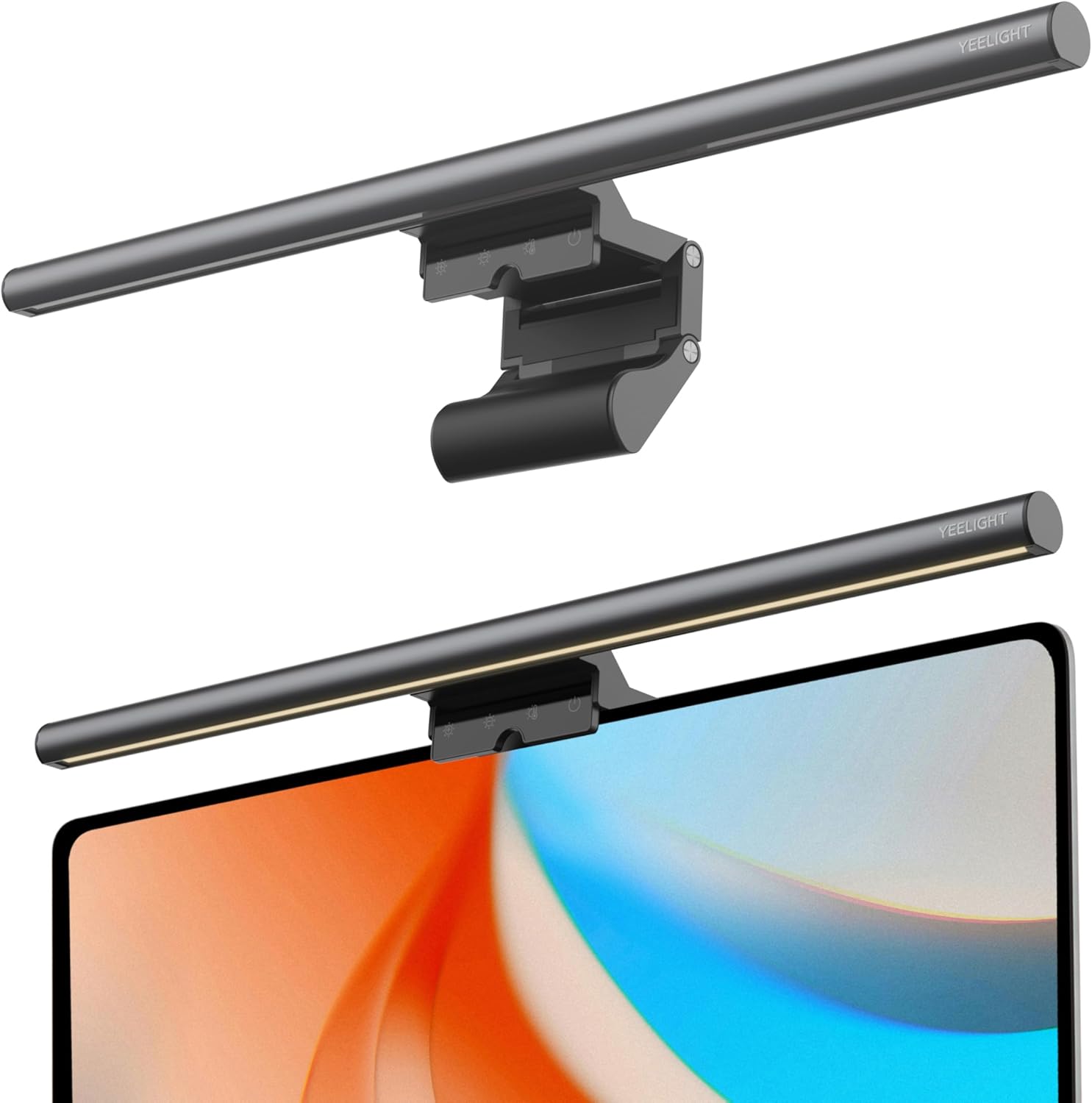
Image: The YEELIGHT Monitor Light Bar, displayed both as a standalone unit and mounted on top of a computer monitor, illustrating its sleek design and placement.
Opsætning og installation
The YEELIGHT Monitor Light Bar is designed for effortless installation, saving valuable desk space.
Pakkens indhold
- YEELIGHT Monitor Light Bar
- USB Type-C-kabel (1.5 m)
- Brugervejledning (dette dokument)
Installationstrin
- Pakker ud: Fjern forsigtigt alle komponenter fra emballagen.
- Attach to Monitor: The retractable clip mechanism is compatible with monitors ranging from 0.3 inches (10mm) to 1.4 inches (28mm) in thickness, including both flat and curved screens.

Billede: En detaljeret view of the light bar's retractable clip, designed for secure attachment to various monitor thicknesses.
Gently place the light bar on top of your monitor, ensuring the clip securely grips the back of the screen. The anti-slip silicone pad on the clip helps maintain stability and prevents scratches.

Image: A close-up of the anti-slip silicone pad integrated into the light bar's mounting clip, ensuring a firm and scratch-free grip on the monitor.
- Tilslut strøm: Connect the provided USB Type-C cable to the light bar's USB port and then to a compatible USB power source (e.g., computer USB port, USB wall adapter).

Billede: En detaljeret view of the USB-C power input port on the light bar, ready for connection to a power source.
- Juster position: Ensure the light bar is positioned to direct light onto your desk area without causing glare on the monitor screen. The innovative asymmetric light source design minimizes reflections.

Image: A diagram showing how the light bar's asymmetric design directs light downwards at a 45-degree angle, illuminating the desk without reflecting on the monitor screen.
Betjeningsvejledning
The YEELIGHT Monitor Light Bar features intuitive touch controls for easy adjustment of brightness and color temperature.
Berøringskontroller overview

Image: An illustration detailing the touch control icons on the light bar: Brightness (+), Brightness (-), Temperature, and On/Off.
- Tænd/sluk: Tryk på Magt ikon (
 ) to turn the light bar on or off.
 - Juster lysstyrke (trinløs dæmpning):
- Øg lysstyrken: Tryk længe på Lysstyrke (+) ikon.
- Formindsk lysstyrke: Tryk længe på Lysstyrke (-) ikon.
This allows for precise, stepless adjustment of light intensity to suit your environment and preference.
- Juster farvetemperatur:
- Stepless Adjustment: Tryk længe på Temperatur icon to smoothly cycle through color temperatures from 2700K (warm white) to 6500K (cool white).
- Fixed Modes: Tryk kort på Temperatur icon to cycle through three preset color temperature modes:
- 2700K: Warm white, ideal for relaxing or dining scenes.
- 4000K: Neutral white, suitable for general reading or work.
- 6500K: Cool white, best for focused work or gaming.
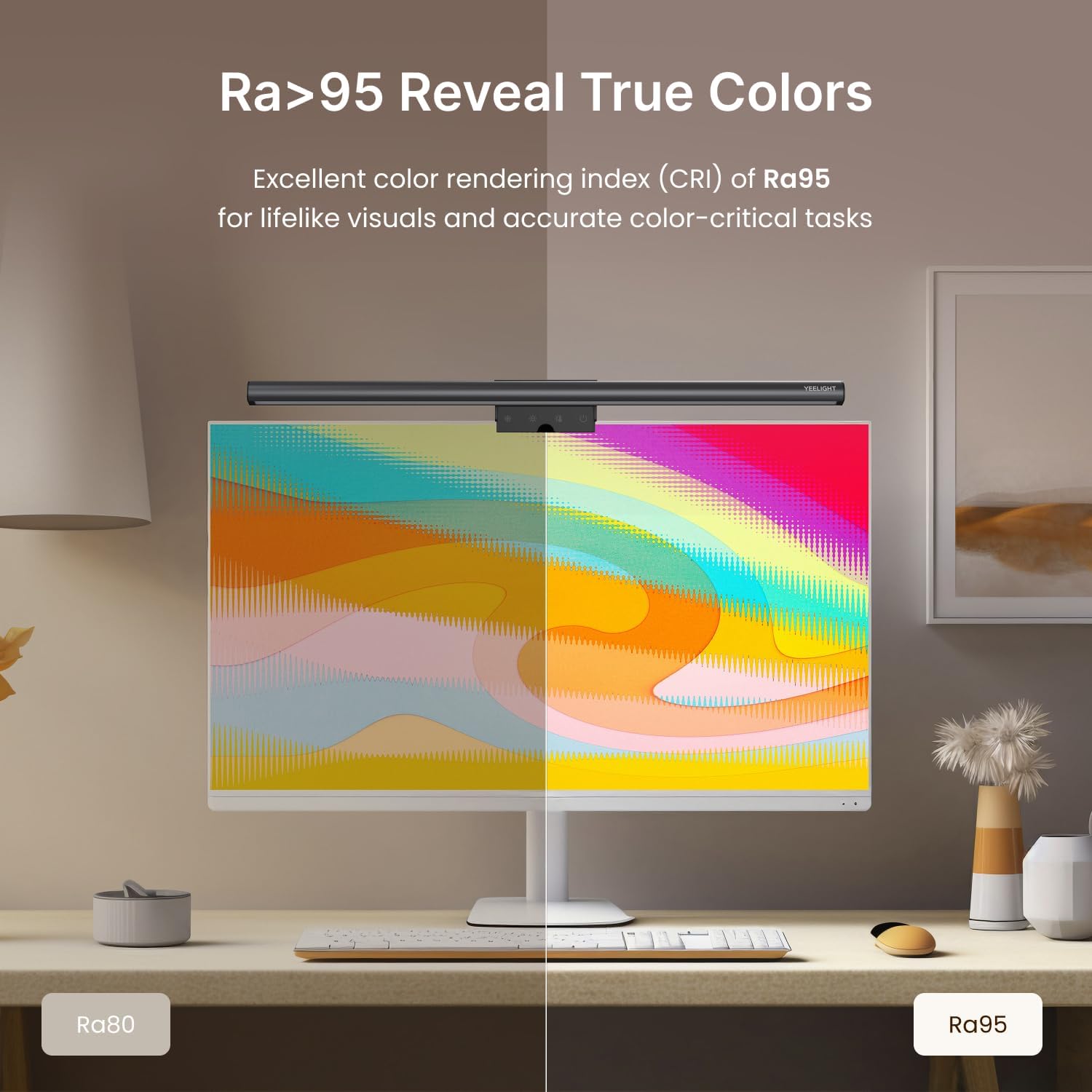
Image: Visual representation of the three fixed color temperature settings (2700K, 4000K, 6500K) and the stepless dimming range, demonstrating versatility for various tasks.
The light bar features a smart memory function that automatically activates your last selected light effect upon powering on.
Øjenplejefunktioner
The YEELIGHT Monitor Light Bar is designed with advanced eye-care features to reduce strain during extended use:
- Blåt lysfiltrering: Effectively filters out harmful blue light and boasts an RG0 rating, the highest standard for blue light safety.
- No Screen Glare: Innovative design minimizes reflections on your screen, providing a clear and unobstructed view.
- Flimmerfri belysning: Provides a stable, stress-free light source, ideal for both work and leisure, confirmed by over 10,000 tests.
- High CRI Ra95: Features an ultra-high Color Rendering Index of Ra95 with 78 high-quality LED beads, ensuring vibrant, true-to-life colors and minimizing shadows.

Image: A side-by-side comparison demonstrating the superior color fidelity and vibrancy achieved with Ra95 (right) compared to Ra80 (left), highlighting the light bar's ability to reveal true colors.
Opretholdelse
To ensure the longevity and optimal performance of your YEELIGHT Monitor Light Bar, follow these simple maintenance guidelines:
- Rensning: Gently wipe the light bar and its metallic body with a soft, dry, or slightly damp klud. Undgå at bruge slibende rengøringsmidler, opløsningsmidler eller barske kemikalier, da disse kan beskadige overfladen eller de elektroniske komponenter.
- Varmeafledning: The premium full-metal body is designed for effective heat conduction. Ensure the light bar is not covered or obstructed during operation to allow for proper heat dissipation.
- Opbevaring: Når lysbjælken ikke er i brug i længere perioder, skal den opbevares køligt og tørt, væk fra direkte sollys og ekstreme temperaturer.
Fejlfinding
If you encounter any issues with your YEELIGHT Monitor Light Bar, please refer to the following common solutions before contacting customer support.
| Problem | Mulig årsag | Løsning |
|---|---|---|
| Lysbjælken tændes ikke. | No power, loose connection, or faulty USB port. |
|
| Light bar flickers or dims unexpectedly. | Insufficient power, unstable power source, or cable issue. |
|
| Berøringsknapper reagerer ikke. | Temporary software glitch or dirty touch surface. |
|
| Light bar does not fit my monitor. | Overvågningstykkelsen er uden for det angivne område. |
|
If the problem persists after trying these solutions, please contact YEELIGHT customer support for further assistance.
Produktspecifikationer
| Feature | Detalje |
|---|---|
| Mærke | YEELIGHT |
| Modelnavn | YLYTD-0037 |
| Produktdimensioner | 2.64" D x 17.6" B x 3.07" H |
| Varens vægt | 1.1 pund |
| Materiale | Aluminium |
| Finish Type | Poleret |
| Farve | Mørkegrå |
| Lyskildetype | LED |
| Wattage | 5 watt |
| Voltage | 5 volt (DC) |
| Kontrolmetode | Røre |
| Speciel funktion | Dimmable, Adjustable Color Temperature (2700K-6500K), Flicker-Free, Blue Light Filtering (RG0), High CRI Ra95, Asymmetric Lighting |
| Overvåg kompatibilitet | 0.3" to 1.4" (10mm to 28mm) thick, flat and curved screens |
| Inkluderede komponenter | USB Port (Type-C cable included) |
| Indendørs/Udendørs brug | Indendørs |
Garantioplysninger
The YEELIGHT Monitor Light Bar comes with a 1 års begrænset garanti from the date of purchase. This warranty covers manufacturing defects and workmanship under normal use. It does not cover damage caused by misuse, accidents, unauthorized modifications, or improper installation.
Gem venligst dit købsbevis for garantikrav.
Kundesupport
For technical assistance, warranty claims, or any questions regarding your YEELIGHT Monitor Light Bar, please contact YEELIGHT customer support.
- Fabrikant: YEELIGHT
- Online support: Visit the official YEELIGHT store on Amazon for product information and support resources: YEELIGHT Amazon Store
When contacting support, please have your product model number (YLYTD-0037) and purchase details ready.


